Creative Studio
API
Resources
Features
About Us
Download

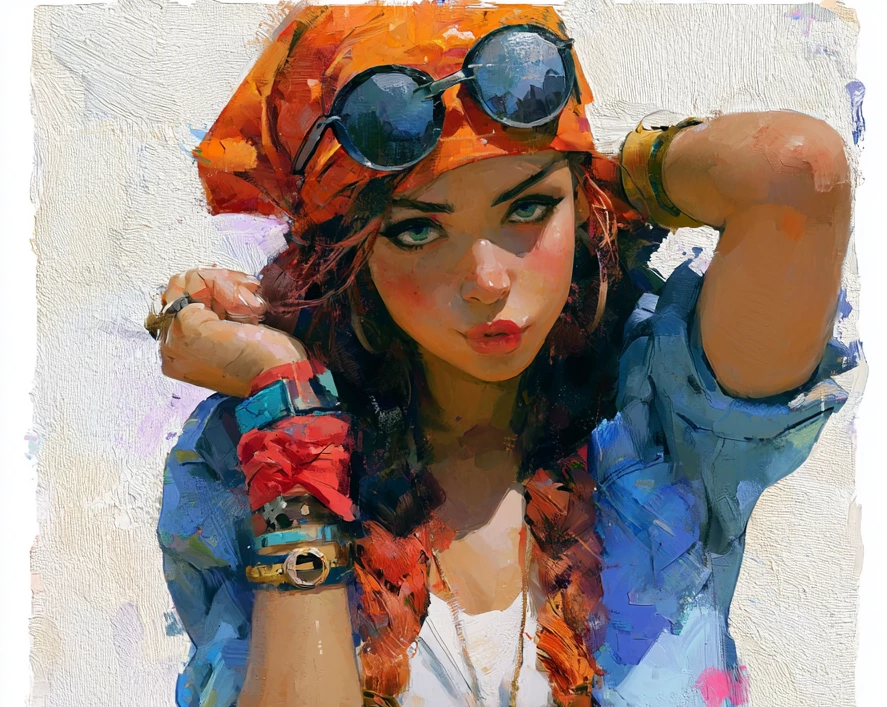
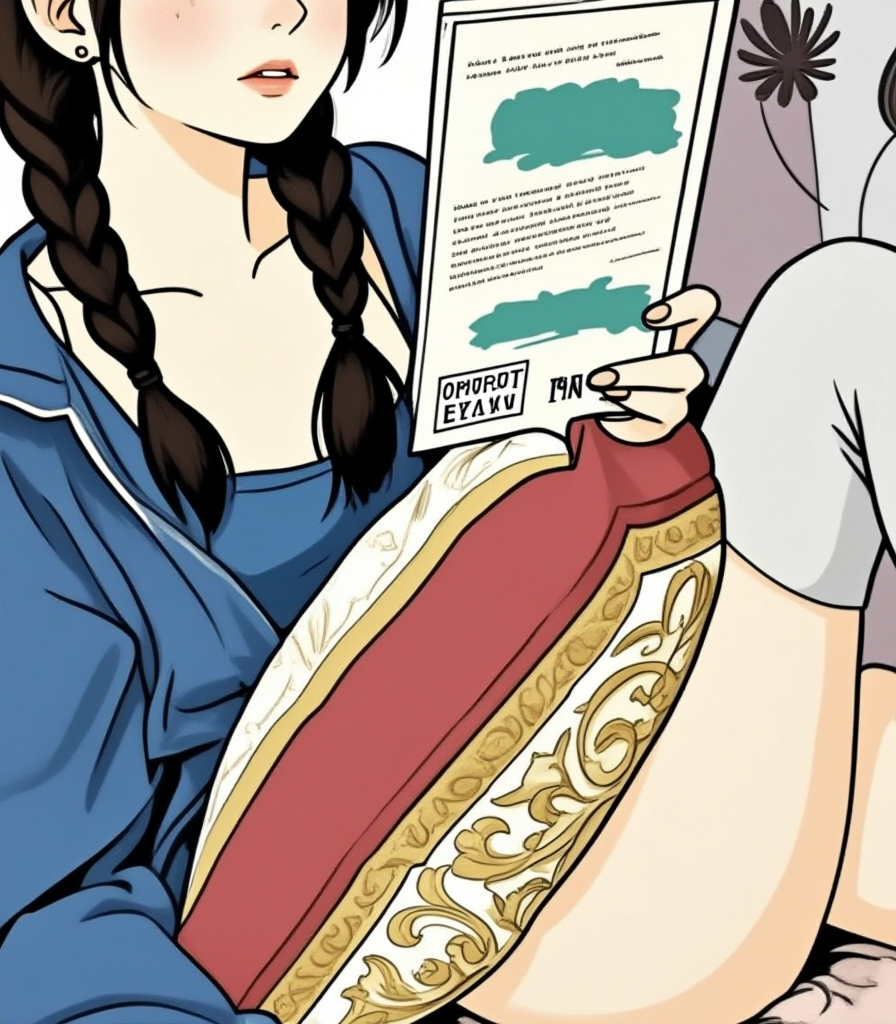
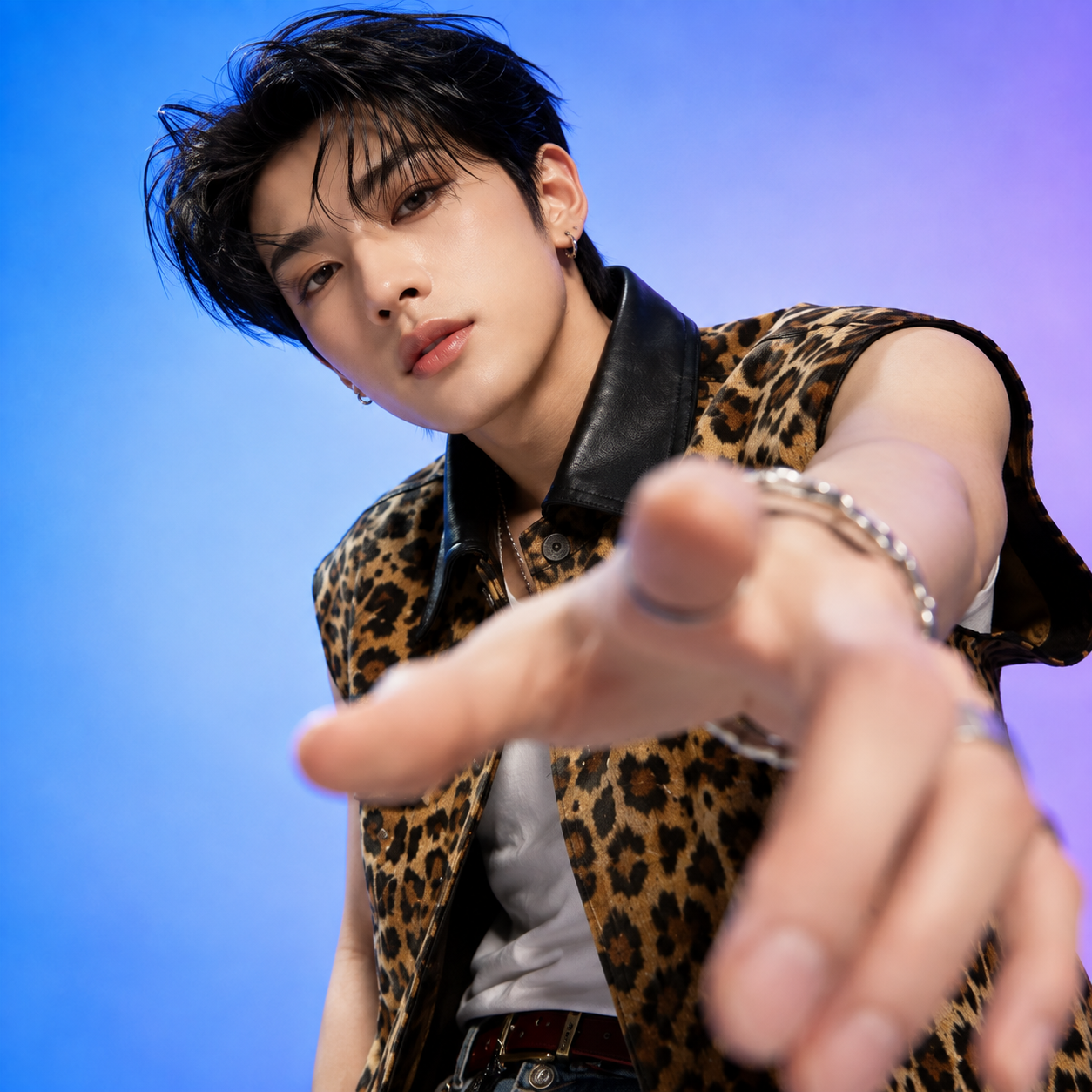
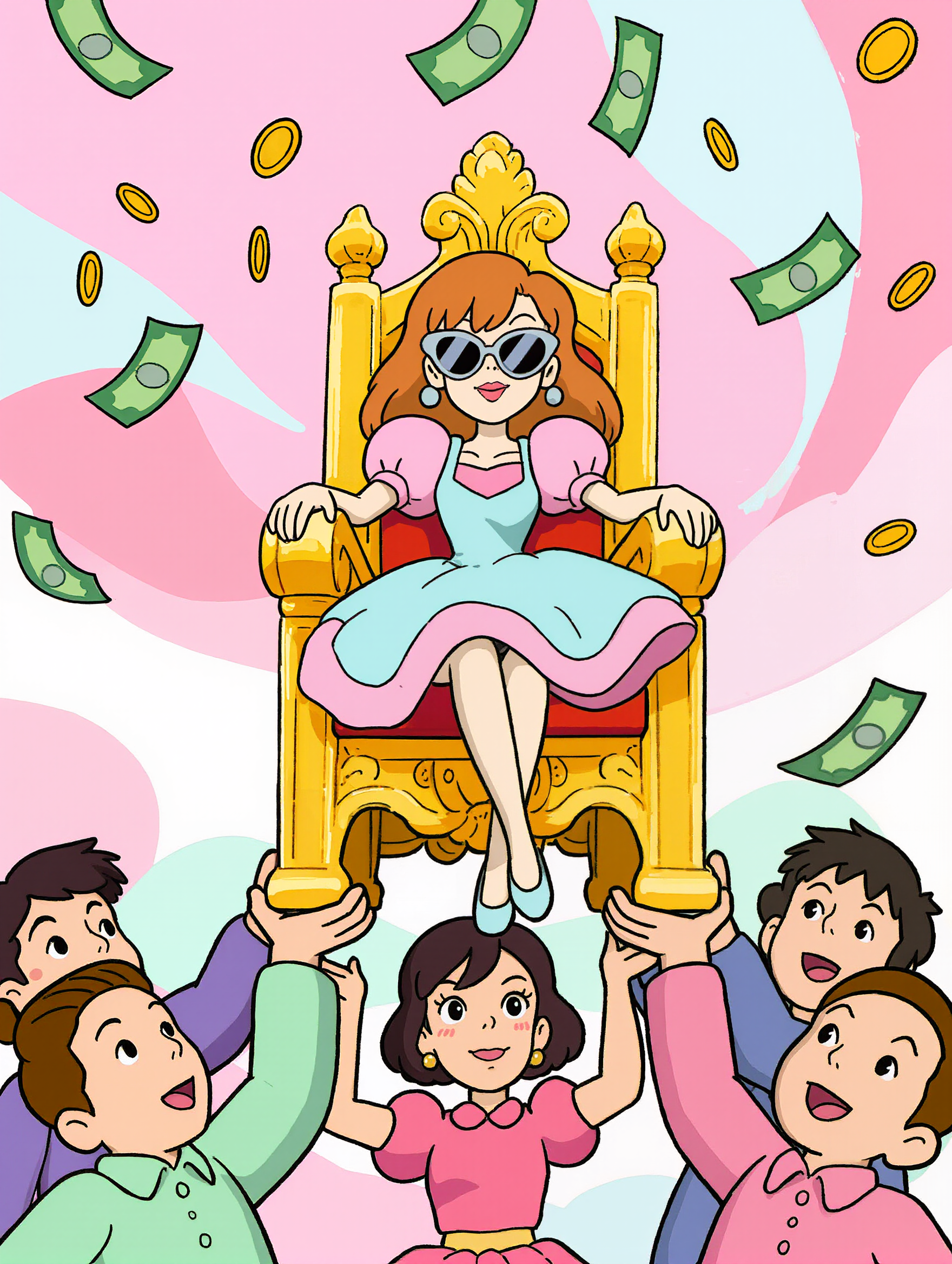
y2k artwork - digital style & thick brushstrokes

Immerse in the nostalgic yet futuristic y2k artwork featuring digital pieces and thick brushstrokes that define the era. Start exploring y2k artwork ideas and generate your own content with AI.

y2k artwork - digital style & thick brushstrokes

Recommended

Y2K VIBES - y2k artwork AI image
gjGuKqjN avatar
gjGuKqjN
Midnight Dial: 1989 - y2k artwork AI image
Kahkmah Bahm avatar
Kahkmah Bahm
Kling AI work 297094085527463 - y2k artwork AI video
EowzQprP avatar
EowzQprP
Kling AI work 299969520527864 - y2k artwork AI image
crackdoll avatar
crackdoll
Kling AI work 320124829523709 - y2k artwork AI image
ZYNTH ENTERTAINMENT avatar
ZYNTH ENTERTAINMENT
Kling AI work 314907284616331 - y2k artwork AI image
BUgZzZeZ avatar
BUgZzZeZ
Kling AI work 310328383502967 - y2k artwork AI image
pKGGVSeV avatar
pKGGVSeV
Kling AI work 319236102302520 - y2k artwork AI image
Andrii avatar
Andrii
Kling AI work 306989419617963 - y2k artwork AI image
jsshThnn avatar
jsshThnn
ELYSIAN pefromance - y2k artwork AI image
ELYSIAN(엘리시안) avatar
ELYSIAN(엘리시안)
Kling AI work 312908201668653 - y2k artwork AI image
CeFxvIJm avatar
CeFxvIJm
Kling AI work 299414023505929 - y2k artwork AI image
DyKGieCR avatar
DyKGieCR
Kling AI work 312326932525123 - y2k artwork AI video
ykyNGZAH avatar
ykyNGZAH
Kling AI work 297093850618552 - y2k artwork AI video
EowzQprP avatar
EowzQprP
Kling AI work 311228776661094 - y2k artwork AI video
Aashi avatar
Aashi
Kling AI work 310652611617958 - y2k artwork AI image
Hanna avatar
Hanna
Kling AI work 297781445612020 - y2k artwork AI image
Kandi avatar
Kandi
Kling AI work 308556086612710 - y2k artwork AI image
XPdxbbaB avatar
XPdxbbaB

How to Use Kling AI Art Generator

Start with a Prompt

Start with a Prompt

Open IMAGE 3.0 Omni. Write what you want to make, upload an existing image, or add references that show the character, object, composition, or style you want Kling to follow.

Set the Art Direction

Set the Art Direction

Add the details that matter to the piece: medium, palette, mood, lighting, framing, perspective, or another visual cue. When you use several references, tell Kling what each one contributes instead of leaving the relationship between them ambiguous.

Generate and Keep Working

Generate and Keep Working

Generate the artwork, review the result, and adjust the prompt or creative direction if needed. For connected images, continue the idea with Image Series.

Improve Video Quality Beyond Resolution

Give Your Video a Cinematic Finish in 4K

Give Your Video a Cinematic Finish in 4K

Choose 4K in the output settings to give your footage a finely detailed finish. From the texture of fabric to the contours of a face, bring small details into view for larger screens and close-up shots. Give family recordings, social clips, and creative projects a richer presentation.

Fix Lighting, Color, and the Overall Look

Fix Lighting, Color, and the Overall Look

A good clip can still fall flat because of dull color, poor lighting, or an awkward composition. Use prompts to reduce visible grain and digital noise in low-light footage, then refine the lighting, color, and composition. Turn an ordinary view into an expressive close-up, bring warmth to a dim scene, or change the weather and time of day. Shape the overall look without adjusting every element by hand.

Fill in the Gaps for More Fluid Motion

Fill in the Gaps for More Fluid Motion

Upload your video and describe the missing action or moment you want to add. Add reference images when needed, then use Kling to generate additional footage that helps connect existing moments with less manual editing.

Apps

Image to Video
Image to Video

Image to Video

Text to Video
Text to Video

Text to Video

Omni
Omni

Omni

Digital Human
Digital Human

Digital Human

Restyle
Restyle

Restyle

Text to Image
Text to Image

Text to Image

60M+
60M+
Users
600M+
600M+
AI Videos Generated
4.7 ★
4.7 ★
App Store
Industry-Leading
Industry-Leading
Cinematic 4K

Reviews

Ozan Sihay

Ozan Sihay

★★★★★

Kling AI allows me to rapidly prototype ideas, refine storytelling elements, and produce visually compelling content efficiently. It has not only accelerated my creative processes, but also deepened my understanding of how AI can enrich visual storytelling.

Halim Alrasihi

Halim Alrasihi

★★★★★

I use AI daily and Kling AI is a crucial part of my workflow, whether for client work or personal projects. What I love most about using Kling AI is that it provides all the tools I need in one place, from keyframes to character references, elements and special effects.

Vincent Smadja

Vincent Smadja

★★★★★

Kling AI seamlessly integrates into my creative workflow, playing a key role in transforming my images. After generating and upscaling an image, Kling becomes a crucial element, bringing my creations to life with movement and depth.

FAQ

Q1Can I use Kling AI to remove a person from a photo?
Q2What happens to the area after an object is removed?
Q3What is an AI object remover?

Create an Avatar That Feels Like Yours

Start with a photo or a prompt, explore different styles, and keep shaping the details until the character fits the look you want.