Creative Studio
API
Resources
Features
About Us
Download

Yoga AI Video – AI-Generated Video Ideas

Find AI-generated yoga video concepts. Customize and create relaxing videos with ease.

Yoga AI Video – AI-Generated Video Ideas

Recommended

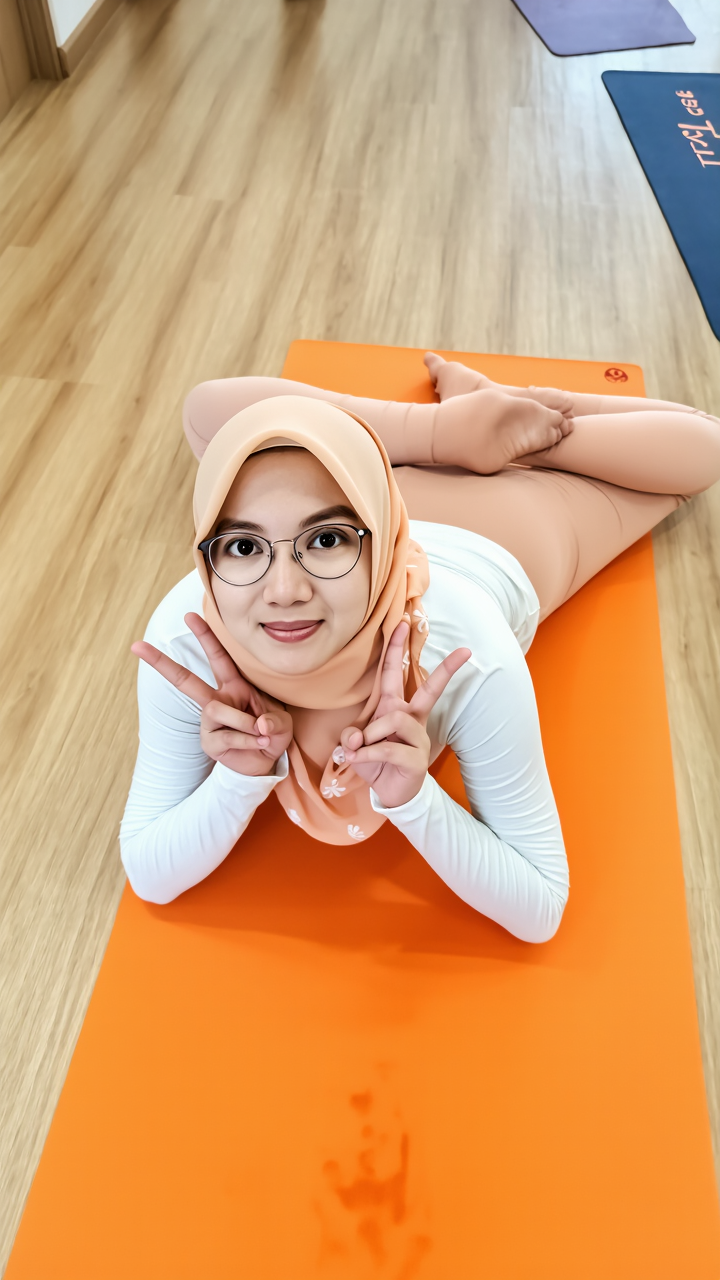
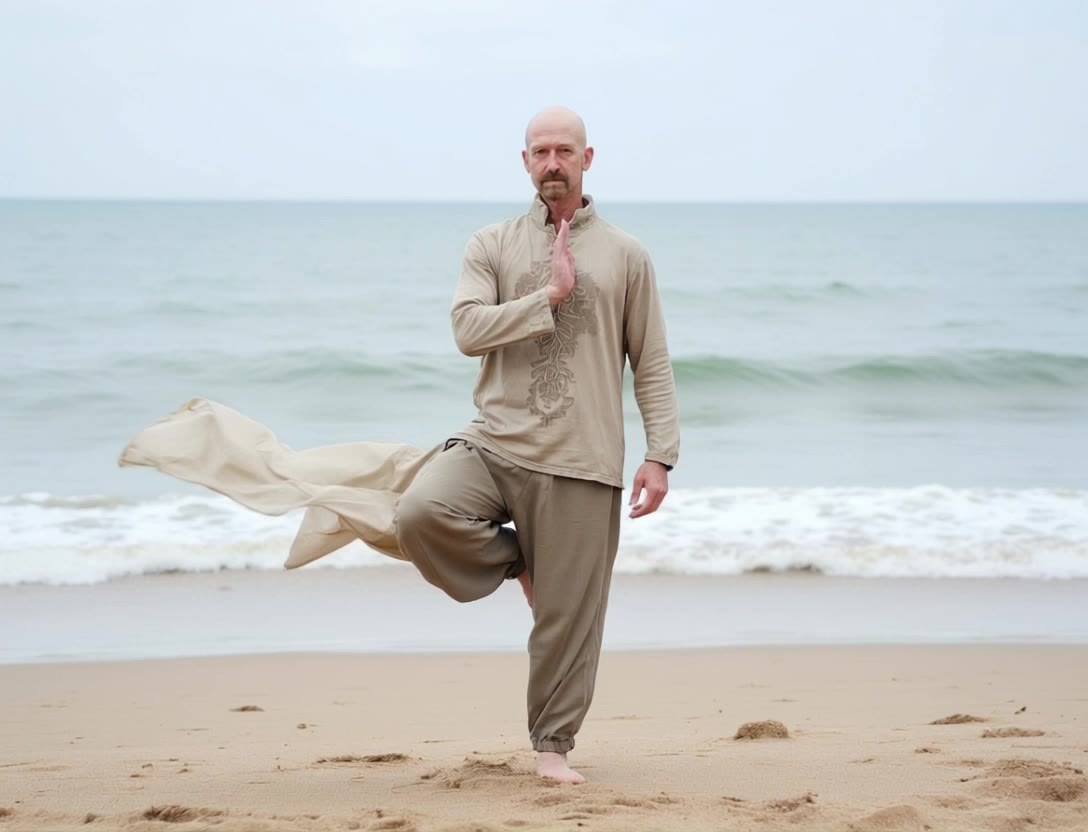
Kling AI work 290421854501419 - yoga ai video AI image
Clarissa ⛔ avatar
Clarissa ⛔
Yoga Workout in the morning - yoga ai video AI video
blfiSGPN avatar
blfiSGPN
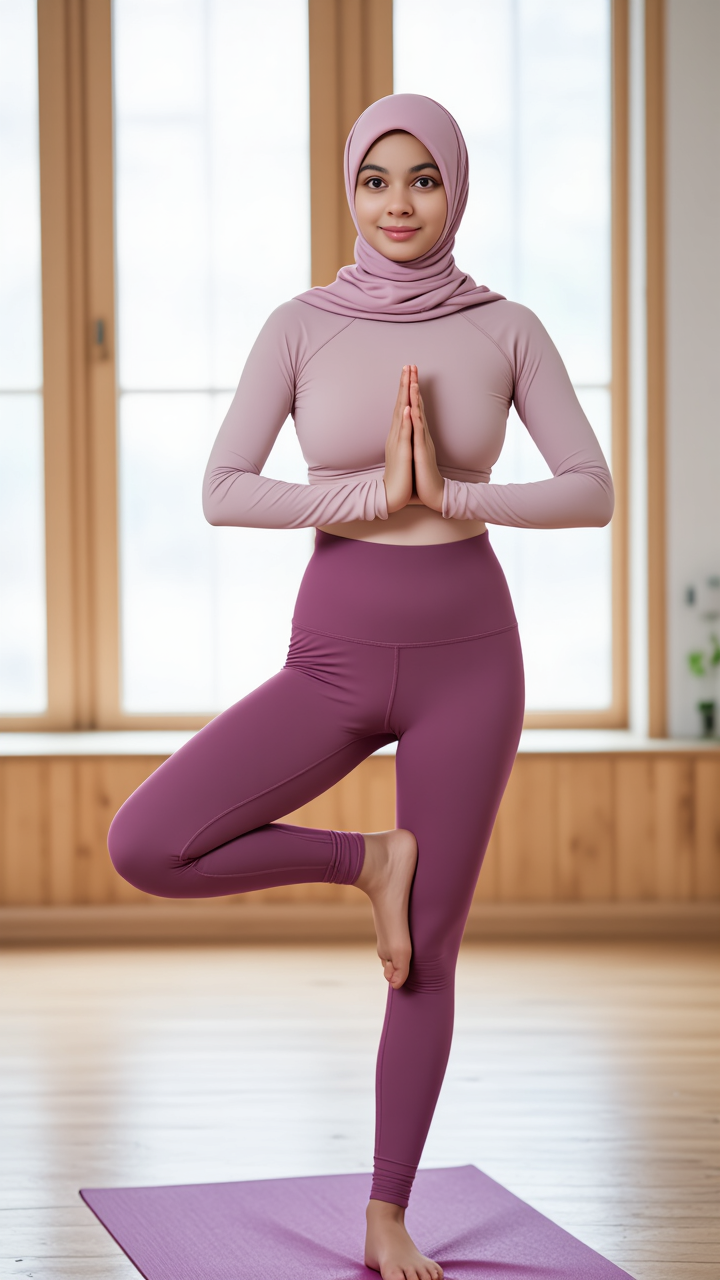
Kling AI work 290822047617899 - yoga ai video AI image
shakila nur ❌ avatar
shakila nur ❌
Kling AI work 309438565304729 - yoga ai video AI video
Ngô Lập Đức avatar
Ngô Lập Đức
Kling AI work 297739898310526 - yoga ai video AI video
MyIHDvyL avatar
MyIHDvyL
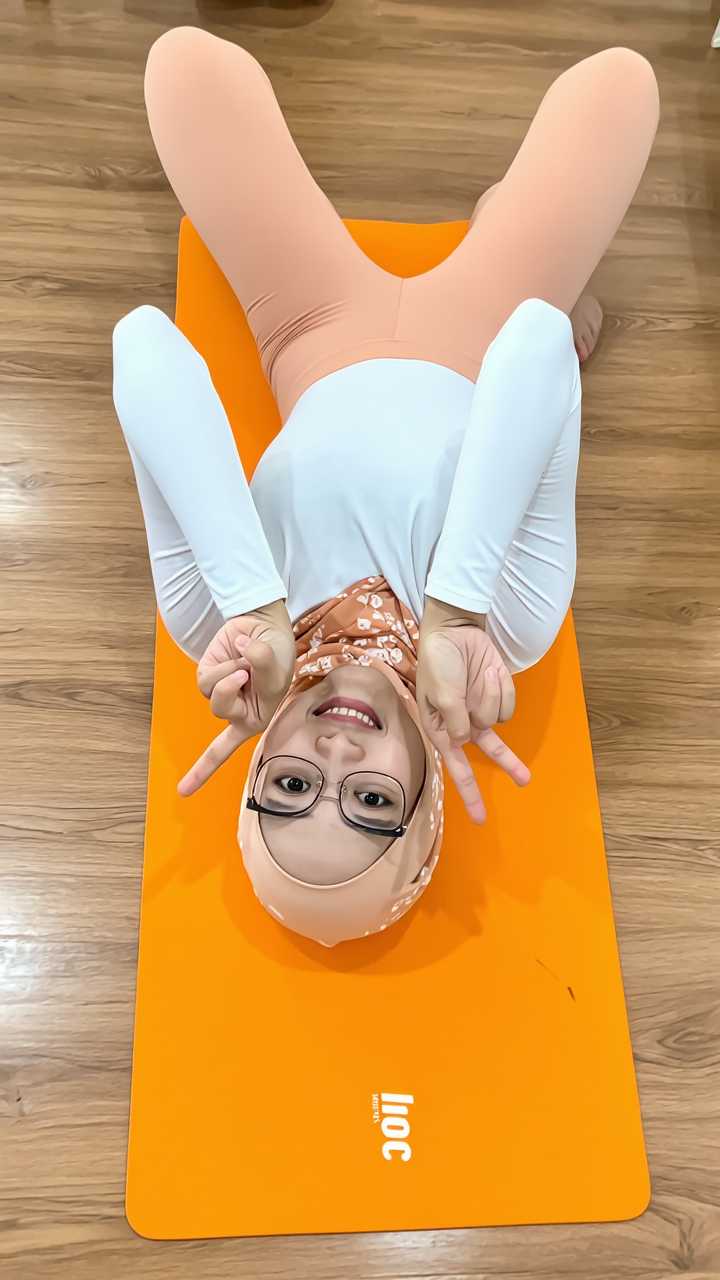
Kling AI work 301699345655917 - yoga ai video AI image
diana novita avatar
diana novita
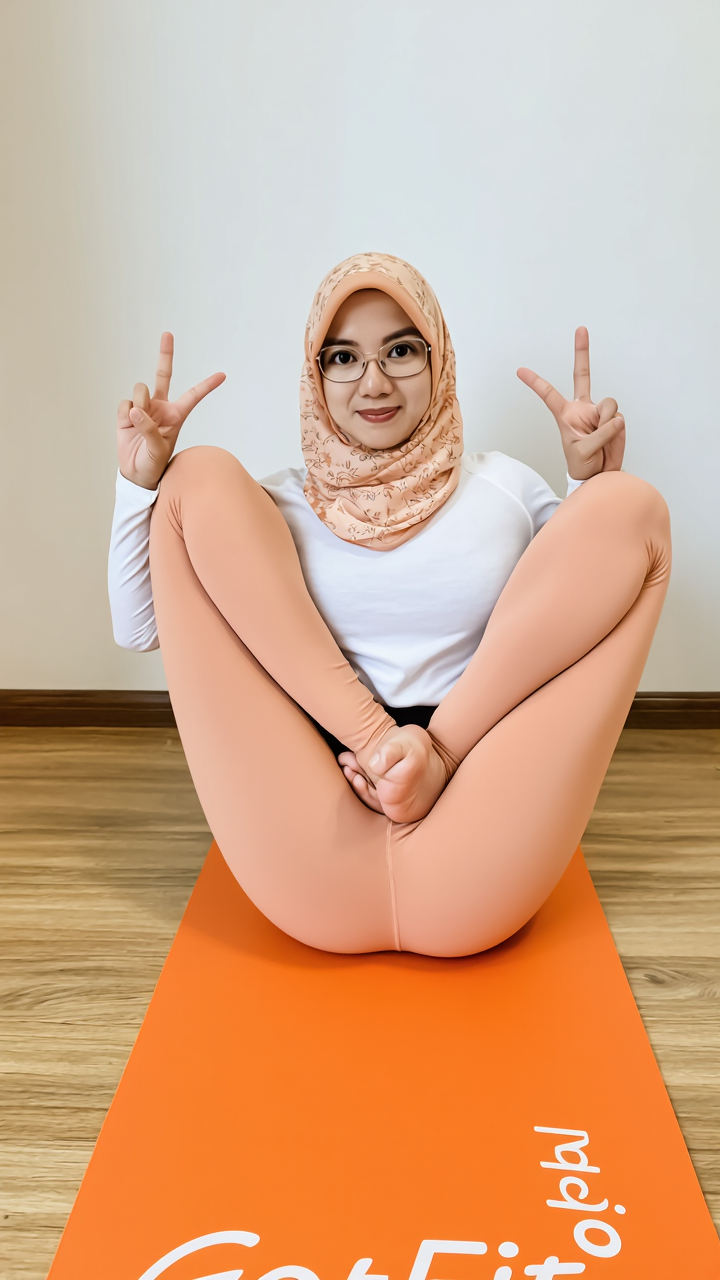
Kling AI work 291649965506104 - yoga ai video AI image
Lina murina ❌ avatar
Lina murina ❌
Kling AI work 307080302501875 - yoga ai video AI image
gPWBgMiM avatar
gPWBgMiM
Kling AI work 315496115520934 - yoga ai video AI video
nIoCYHXQ avatar
nIoCYHXQ
Kling AI work 317899379502988 - yoga ai video AI image
wCJdBFOH avatar
wCJdBFOH
Kling AI work 292347647506898 - yoga ai video AI image
bowie P ❌ avatar
bowie P ❌
Kling AI work 312634642314452 - yoga ai video AI video
HUAawwlx avatar
HUAawwlx
Kling AI work 291649978615415 - yoga ai video AI image
Lina murina ❌ avatar
Lina murina ❌
Kling AI work 291649978667411 - yoga ai video AI image
Lina murina ❌ avatar
Lina murina ❌
Kling AI work 301699249505183 - yoga ai video AI image
diana novita avatar
diana novita
Kling AI work 289070855532605 - yoga ai video AI video
GSMMjcpy avatar
GSMMjcpy
Kling AI work 309240928521906 - yoga ai video AI video
TbhhSwCS avatar
TbhhSwCS
proyecto ficticio  - yoga ai video AI video
EVfKNTLU avatar
EVfKNTLU

How to Create AI Video Dubbing with Kling

Step 1: Set Up Your Characters and Scene

Step 1: Set Up Your Characters and Scene

Describe the characters and scene you want to create, or add supported image or Character Element references when you already have a specific look in mind. Make each speaker easy to identify before adding dialogue.

Step 2: Add Dialogue and Set Each Voice

Step 2: Add Dialogue and Set Each Voice

Write each character’s lines and keep them clearly paired with the right speaker. Add the language, accent, tone, or delivery to your prompt when you want to shape how each line sounds, and mix supported languages within the same scene when needed.

Step 3: Generate with Native Audio

Step 3: Generate with Native Audio

Generate the video with Native Audio to create dialogue, lip movements, visuals, ambience, and supporting sound together. Enable Multi-Shot when you want the conversation to unfold across different shots, camera angles, or scene beats.

Key Features of Kling AI Image Generator

Turn Ideas into Images

Turn Ideas into Images

Describe the scene, character, product, or style you have in mind, and watch your idea come to life. Whether you're generating from scratch or fine-tuning an existing result, Kling IMAGE 3.0 follows your instructions, including tweaking the composition, shifting the lighting, and adjusting visual details until it looks right.

Bring References Into New Creations

Bring References Into New Creations

Bring in references for a character, product, color palette, material, composition, or visual style. IMAGE 3.0 draws on the defining qualities of up to 10 images and brings them together in one cohesive result, keeping the details that make each reference recognizable.

Produce Professional Image Series in 4K

Produce Professional Image Series in 4K

Plan and create a complete visual series as one cohesive project, rather than generating each image separately. IMAGE 3.0 Omni supports intentional shot progression, varied framing, and a unified creative direction across the set, with native 4K output for cinematic storyboards, product campaigns, character development, comics, and branded content.

Apps

Image to Video
Image to Video

Image to Video

Text to Video
Text to Video

Text to Video

Omni
Omni

Omni

Digital Human
Digital Human

Digital Human

Restyle
Restyle

Restyle

Text to Image
Text to Image

Text to Image

60M+
60M+
Users
600M+
600M+
AI Videos Generated
4.7 ★
4.7 ★
App Store
Industry-Leading
Industry-Leading
Cinematic 4K

Reviews

Huang Lu (Elson)

Huang Lu (Elson)

★★★★★

I’ve been using Kling AI since its initial release, and it’s remained one of the leading AI media generators ever since. With Kling AI, I’ve created hundreds of videos, collectively amassing millions of views.

Ozan Sihay

Ozan Sihay

★★★★★

Kling AI allows me to rapidly prototype ideas, refine storytelling elements, and produce visually compelling content efficiently. It has not only accelerated my creative processes, but also deepened my understanding of how AI can enrich visual storytelling.

Jyo John Mulloor

Jyo John Mulloor

★★★★★

Kling AI has been instrumental in transforming my creative workflow, unlocking new dimensions of artistic expression that were once unimaginable. I use Kling AI extensively to develop high-concept visuals, animate surreal dreamscapes, and create AI-assisted films that blur the line between reality and fantasy. Kling AI’s deep learning capabilities have not only enhanced my creative efficiency but also inspired me to explore storytelling in ways I never thought possible.

FAQ

Q1Can I improve image quality without changing the original style?
Q2Can I upscale an image to a higher resolution with Kling AI?
Q3What types of images can I enhance with Kling AI?

Remove Watermarks, Create Clean Visuals

Remove unwanted watermarks, logos, and distractions with Kling AI. Create cleaner visuals while keeping the important elements, style, and character that make your images unique.

Watermark Removal | Logo & Text Removal | 2K/4K output