Creative Studio
API
Resources
Features
About Us
Download

young and restless fashion - Mediterranean coast & retrofuturism style

Embrace the elegance of flowing fabrics and the allure of coastal fashion shows at sunset. Dive into retrofuturism with surreal underwater themes and mid-century modern styles. Start exploring young and restless fashion ideas and generate your own content with AI.

young and restless fashion - Mediterranean coast & retrofuturism style

Recommended

Fashion week - young and restless fashion AI video
Viktor_Fox avatar
Viktor_Fox
fashion - young and restless fashion AI video
HVNkTawj avatar
HVNkTawj
fashion video - young and restless fashion AI video
liellea97 avatar
liellea97
30 years of wild fashion - young and restless fashion AI image
Sigyn_85 avatar
Sigyn_85
Fashion - young and restless fashion AI video
vSBEdtcx avatar
vSBEdtcx
This is not just fashion - young and restless fashion AI video
Ema Wagdy avatar
Ema Wagdy
Creative Partner
Fashion show - young and restless fashion AI video
00:20
Fotochydo avatar
Fotochydo
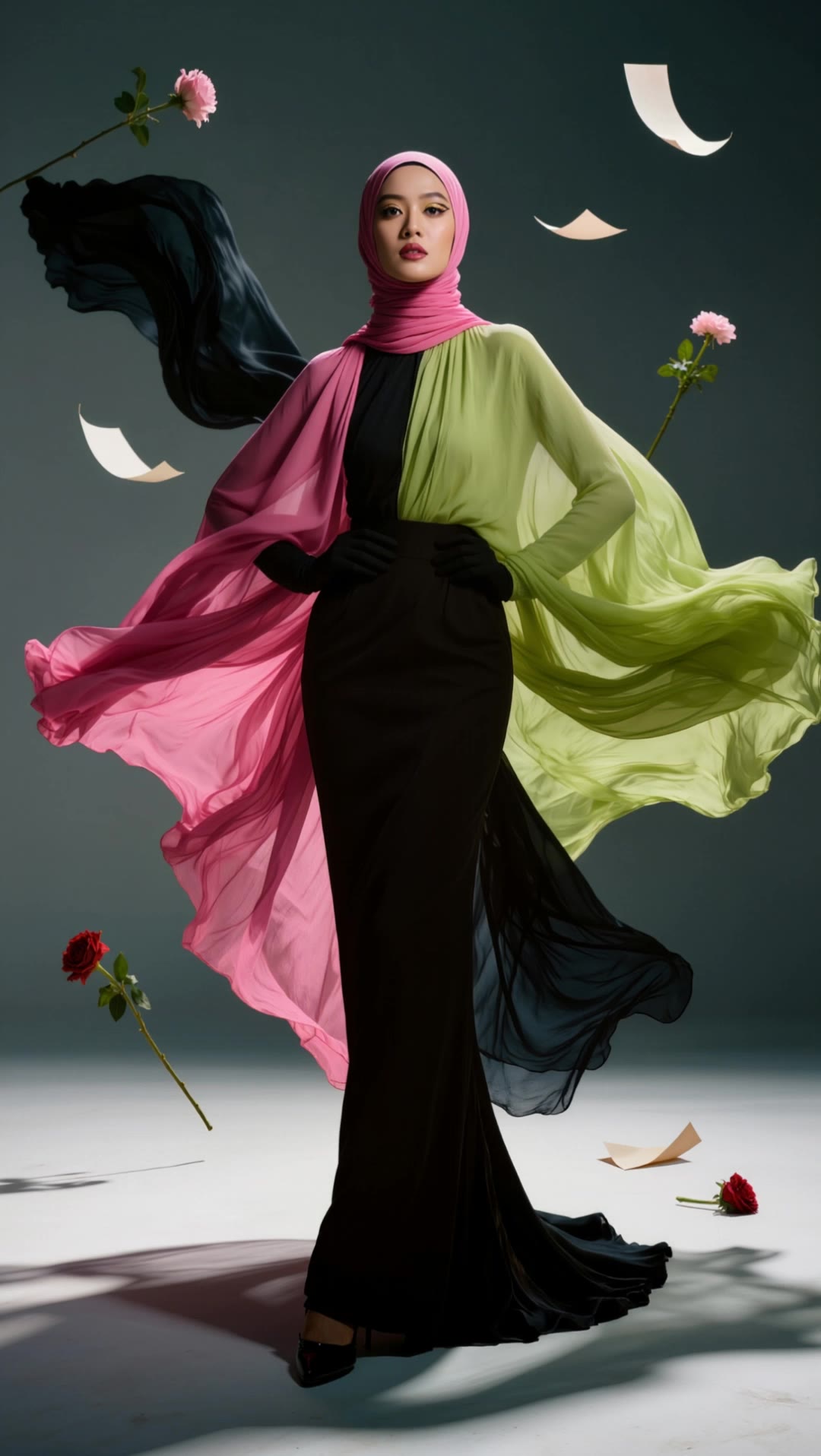
Modest fashion run way - young and restless fashion AI image
mardeeah avatar
mardeeah
Lifestyle fashion video - young and restless fashion AI video
liellea97 avatar
liellea97
Hongdae Fashion - young and restless fashion AI video
NurAfiqahCA avatar
NurAfiqahCA
Fashion shoot 002 - young and restless fashion AI image
bKlzaqNm avatar
bKlzaqNm
fashion - young and restless fashion AI video
AI MINA avatar
AI MINA
Fashion - young and restless fashion AI video
Viktor_Fox avatar
Viktor_Fox
fashion show - young and restless fashion AI video
00:05
MRxLvtGr avatar
MRxLvtGr
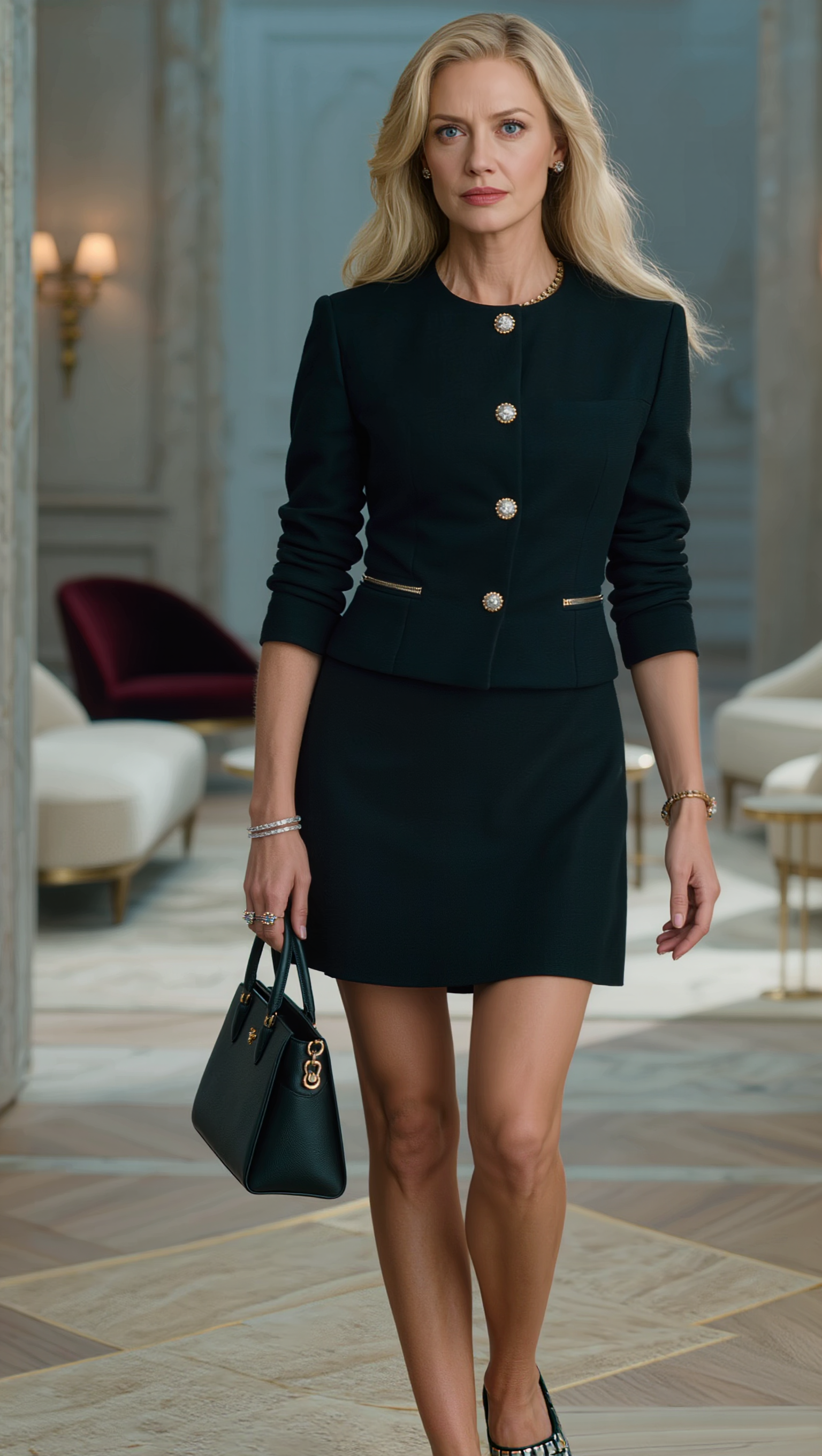
Blonde Fashion Girl - young and restless fashion AI image
kRelayLf avatar
kRelayLf
fashion - young and restless fashion AI video
00:05
xcyyustd avatar
xcyyustd
Fashion week - young and restless fashion AI video
Viktor_Fox avatar
Viktor_Fox
fashion show - young and restless fashion AI video
00:08
MRxLvtGr avatar
MRxLvtGr

How To Create AI Video From Text

Write Your Prompt

Write Your Prompt

Choose a model and describe the video you want to create in natural language. You can include scenes, characters, actions, or style references.

Customize Your Video

Customize Your Video

Use prompts to guide multiple scenes, actions, and styles within a single generation. Kling AI also supports native multilingual voiceovers and sound effects, so you can shape dialogue and audio direction directly through your prompt.

Generate & Export

Generate & Export

Select your format, including resolution (720p, 1080p, or 4K), duration (3 - 15 seconds), and aspect ratio (16:9, 9:16, or 1:1). Then download your video or keep iterating with new variations for your project.

Create More Realistic Looks with Kling AI

Use Different References for Specific Outfit Details

Use Different References for Specific Outfit Details

Mix and match details from multiple reference images instead of relying on just one. Assign each reference to a different part of the look, from clothing and footwear to smaller accessories, while IMAGE 3.0 Omni combines them into a single outfit. The result is a more controlled styling process and a final look that stays closer to your creative direction.

Change the Outfit, Keep the Person

Change the Outfit, Keep the Person

Changing the clothes should not make the person look like someone else. IMAGE 3.0 Omni helps keep key details such as the face, hairstyle, pose, and overall appearance familiar and recognizable, making it easier to try casual looks, formalwear, or completely different styles while keeping the same person consistent.

Make New Clothes Look Like Part of the Photo

Make New Clothes Look Like Part of the Photo

A convincing AI clothes swap should look like the outfit belongs in the original image. IMAGE 3.0 Omni works with the existing lighting, perspective, textures, and surroundings so the new outfit blends more naturally with the scene, helping fabric, folds, accessories, and other details feel less edited and more like part of a real fashion photo.

Apps

Image to Video
Image to Video

Image to Video

Text to Video
Text to Video

Text to Video

Omni
Omni

Omni

Digital Human
Digital Human

Digital Human

Restyle
Restyle

Restyle

Text to Image
Text to Image

Text to Image

60M+
60M+
Users
600M+
600M+
AI Videos Generated
4.7 ★
4.7 ★
App Store
Industry-Leading
Industry-Leading
Cinematic 4K

Reviews

Maria Rubtsova

Maria Rubtsova

★★★★★

I’m Maria Rubtsova, an AIGC digital artist passionate about creating stunning visuals in the worlds of fashion, aesthetics, and fantasy. I use KlingAi to bring imagination to life through video. My work is all about exploring beauty, emotion, and the limitless possibilities of digital art.

Huang Lu (Elson)

Huang Lu (Elson)

★★★★★

I’ve been using Kling AI since its initial release, and it’s remained one of the leading AI media generators ever since. With Kling AI, I’ve created hundreds of videos, collectively amassing millions of views.

Halim Alrasihi

Halim Alrasihi

★★★★★

I use AI daily and Kling AI is a crucial part of my workflow, whether for client work or personal projects. What I love most about using Kling AI is that it provides all the tools I need in one place, from keyframes to character references, elements and special effects.

FAQ

Q1What is the difference between a background remover and a background changer?
Q2Can I make an image background transparent?
Q3Can Kling AI change the background of a photo?

Keep the Shot. Change the Background.

Remove the background you do not want or move existing footage into a new scene - without rebuilding the shot frame by frame.