Creative Studio
API
Resources
Features
About Us
Download

your name tattoo - animation & transformation

Unleash the magic of dynamic, living tattoos with cutting-edge AI technology and personalized designs. Dive into unique, animated tattoo concepts like radioactive spiders and tornado tattoos. Start exploring your name tattoo ideas and generate your own content with AI.

your name tattoo - animation & transformation

Recommended

Eye tattoo - your name tattoo AI image
AlexCreo avatar
AlexCreo
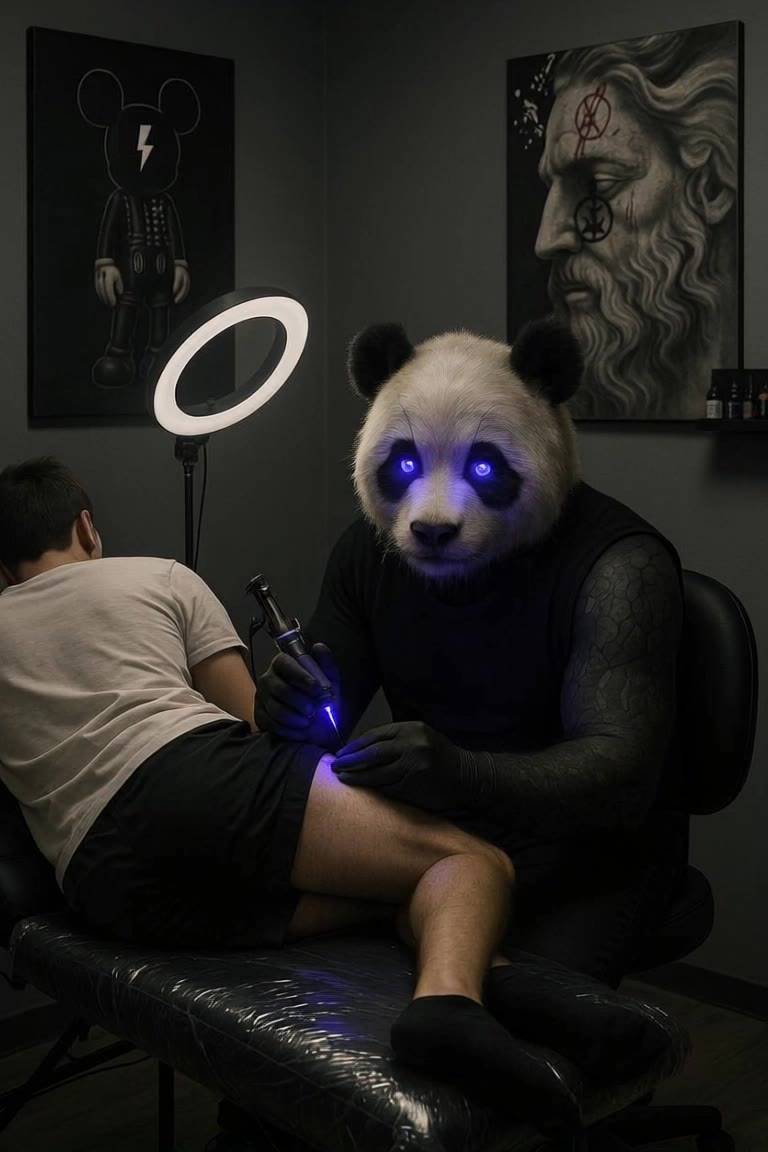
Panda tattoo - your name tattoo AI video
BQgnisDy avatar
BQgnisDy
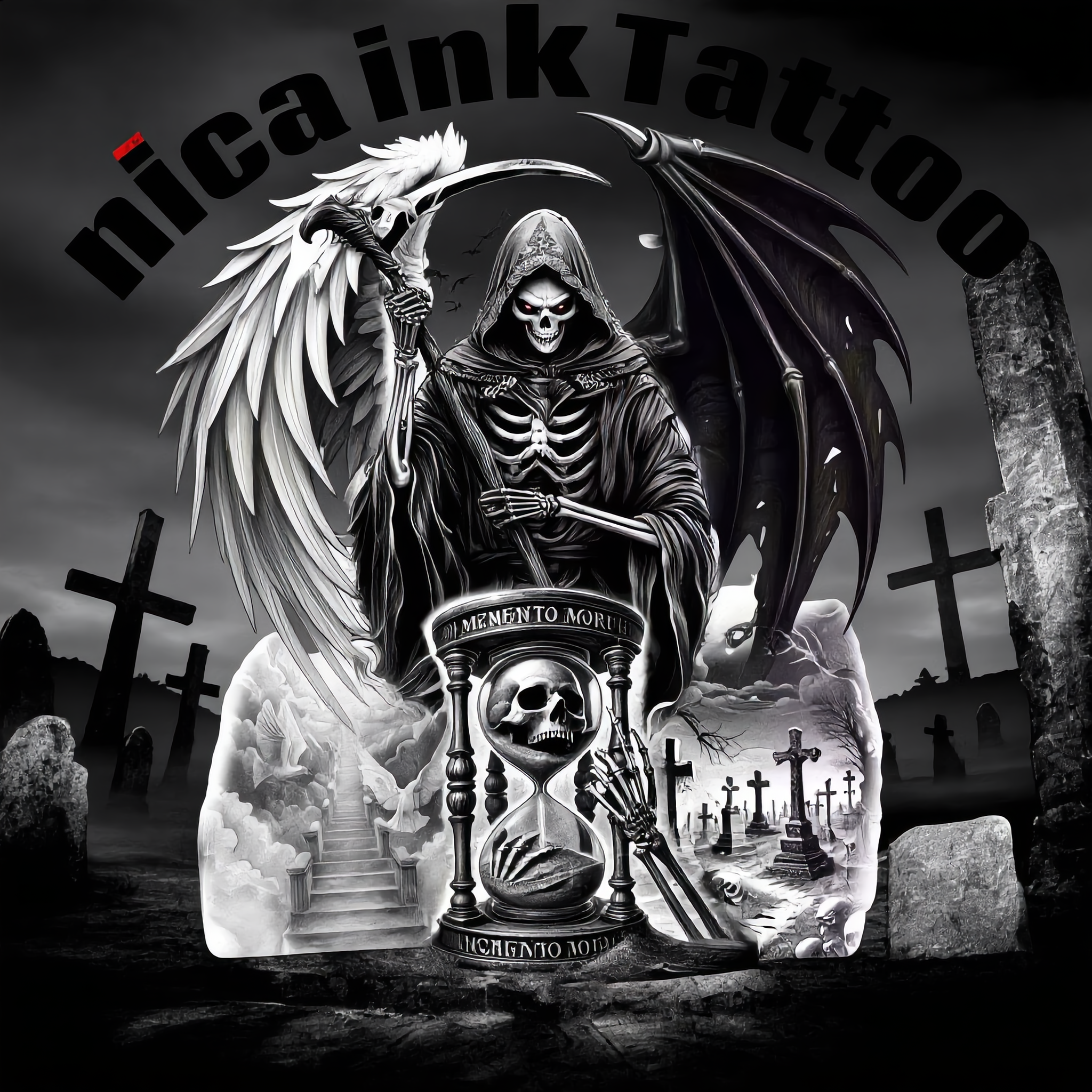
nica ink Tattoo  - your name tattoo AI image
QqUqeBnl avatar
QqUqeBnl
Kling AI work 877781327377346560 - your name tattoo AI video
00:10
CayhNcHQ avatar
CayhNcHQ
Kling AI work 310808530667186 - your name tattoo AI video
Phade & Tatloc avatar
Phade & Tatloc
Kale tattoo - your name tattoo AI video
00:20
WDVaOckA avatar
WDVaOckA
Kling AI work 314059907506339 - your name tattoo AI image
Alana avatar
Alana
Kling AI work 310722990667142 - your name tattoo AI video
Phade & Tatloc avatar
Phade & Tatloc
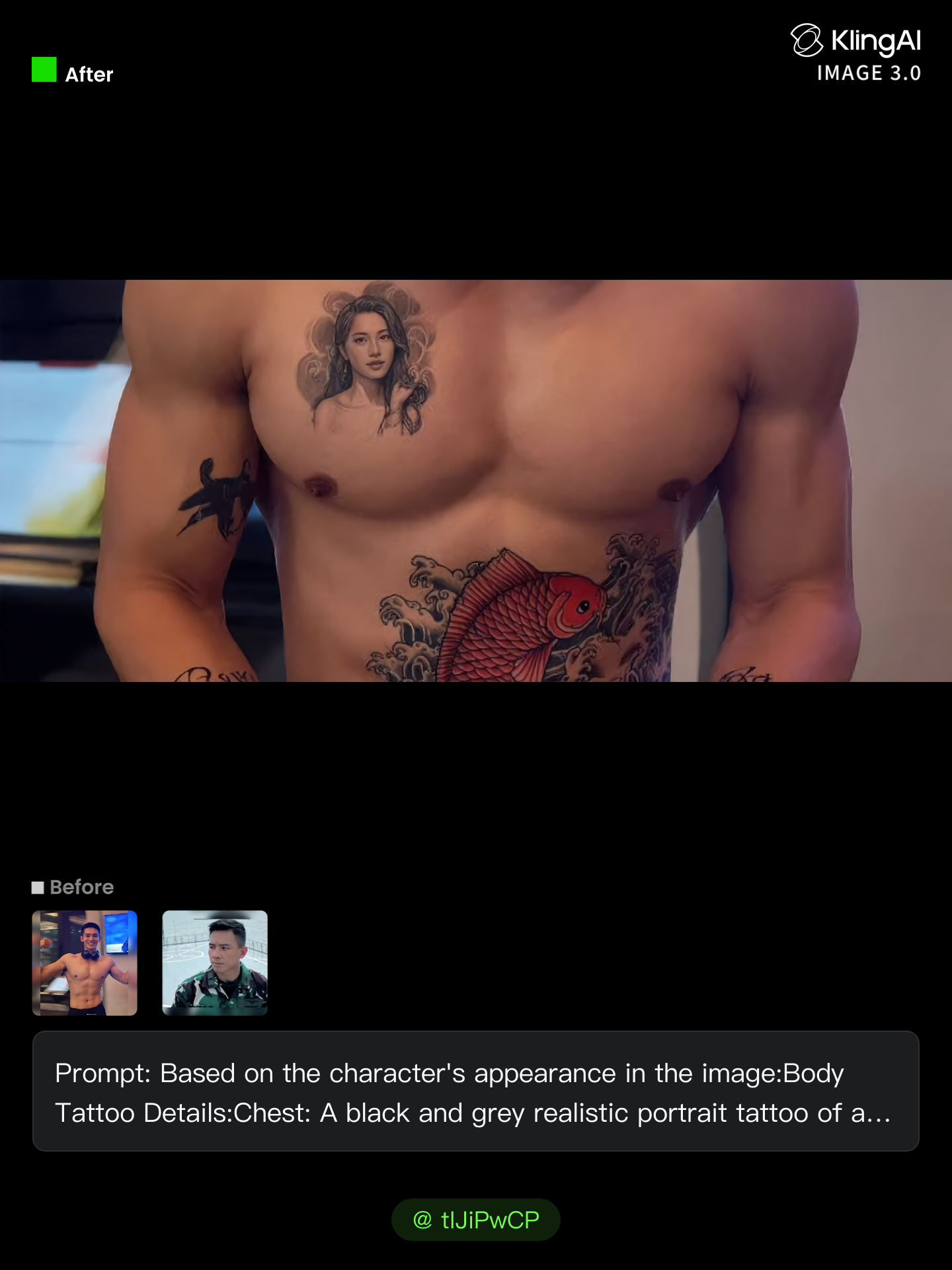
Kling AI work 306508512617290 - your name tattoo AI image
tIJiPwCP avatar
tIJiPwCP
The Art of Tattoo - your name tattoo AI video
01:43
MidnightSecretStudio avatar
MidnightSecretStudio
Elite Creator
Kling AI work 312254685612190 - your name tattoo AI image
Mark Perez  avatar
Mark Perez
Kling AI work 320046885664593 - your name tattoo AI image
sun sun avatar
sun sun
Kling AI work 316705655614914 - your name tattoo AI image
mhdish7 avatar
mhdish7
Kling AI work 310978989522611 - your name tattoo AI video
vKmdjAXg avatar
vKmdjAXg
Kling AI work 310683795503173 - your name tattoo AI video
Phade & Tatloc avatar
Phade & Tatloc
Kling AI work 307133456610932 - your name tattoo AI image
BunnyLOVE Studios avatar
BunnyLOVE Studios
Kling AI work 319868848508927 - your name tattoo AI image
hi im kiana avatar
hi im kiana
A woman with an ornate tattoo - your name tattoo AI video
Haiane avatar
Haiane
Elite Creator
Kling AI work 317840616506998 - your name tattoo AI image
PNunLEkX avatar
PNunLEkX

How to Create Images with Kling AI

Write Down You Ideas

Write Down You Ideas

Open the AI Image Generator and choose the model that fits your project. Describe the subject and scene, then add details such as lighting, color, and visual style to shape the result.

Add References Or Not

Add References Or Not

Upload reference images for a character, product, composition, or style. References are optional, but they give Kling AI a clearer visual foundation when specific features, colors, or design details need to carry into the final image.

Generate Your Image

Generate Your Image

Choose your preferred format and output settings, then hit Generate. Once the result is ready, download it directly or open it in the image-to-video workflow to bring it to life with motion.

Edit the Parts That Matter

Change Subjects, Backgrounds, and Style

Change Subjects, Backgrounds, and Style

Keep what works and change what does not. Replace a character or product, update an outfit, remove a distraction, or move the action into a different setting. You can also change the weather, lighting, time of day, or overall look. With Kling VIDEO 3.0 Omni, you can start with a prompt and add a reference image when a face, product, or branded detail needs a closer match.

Reframe the Shot

Reframe the Shot

Keep the original action, then change how the moment is framed. Move in for a close-up, open to a wider view, shift the angle, or rebalance the composition around the subject. The source footage keeps the motion and scene context in place while your prompt sets the new framing.

Extend the Video

Extend the Video

Continue a clip beyond its current ending without building the next scene from scratch. Kling carries the subject, motion, and setting into the new footage; add a prompt when you want to steer what happens next. Use Video Extension when a clip ends too soon, an action needs more time, or the next beat is still missing.

Apps

Image to Video
Image to Video

Image to Video

Text to Video
Text to Video

Text to Video

Omni
Omni

Omni

Digital Human
Digital Human

Digital Human

Restyle
Restyle

Restyle

Text to Image
Text to Image

Text to Image

60M+
60M+
Users
600M+
600M+
AI Videos Generated
4.7 ★
4.7 ★
App Store
Industry-Leading
Industry-Leading
Cinematic 4K

Reviews

James Phillips

James Phillips

★★★★★

Kling AI has transformed my workflow by collapsing timelines and democratizing production. It’s shifted my mindset from resource-dependent filmmaking to a boundless creative sandbox, where experimentation yields unexpected beauty.

Maria Rubtsova

Maria Rubtsova

★★★★★

I’m Maria Rubtsova, an AIGC digital artist passionate about creating stunning visuals in the worlds of fashion, aesthetics, and fantasy. I use KlingAi to bring imagination to life through video. My work is all about exploring beauty, emotion, and the limitless possibilities of digital art.

Déborah

Déborah

★★★★★

I use Kling AI every day. It's amazing to see the almost daily progress it makes. I used AI for fun at first, and I now find that Kling AI's animations allow me to gain professional visibility, with three times more views on my animated posts than on my static posts.

FAQ

Q1What styles can I create with an AI profile picture maker?
Q2Can I change the background, expression, or framing of my profile picture?
Q3What does PFP mean?

Turn Your Script into a Cinematic Multi-Shot Video

Start with one scene, work out how the camera should tell it, and turn the written beat into a sequence with dialogue, sound, and recurring characters built into the generation.