

Ammar
0
Immerse in captivating visuals featuring a Maltese dog in Swiss attire against alpine scenery and AI-generated modern worship videos in cinematic style. Start exploring youtube shorts tiktok ideas and generate your own content with AI.

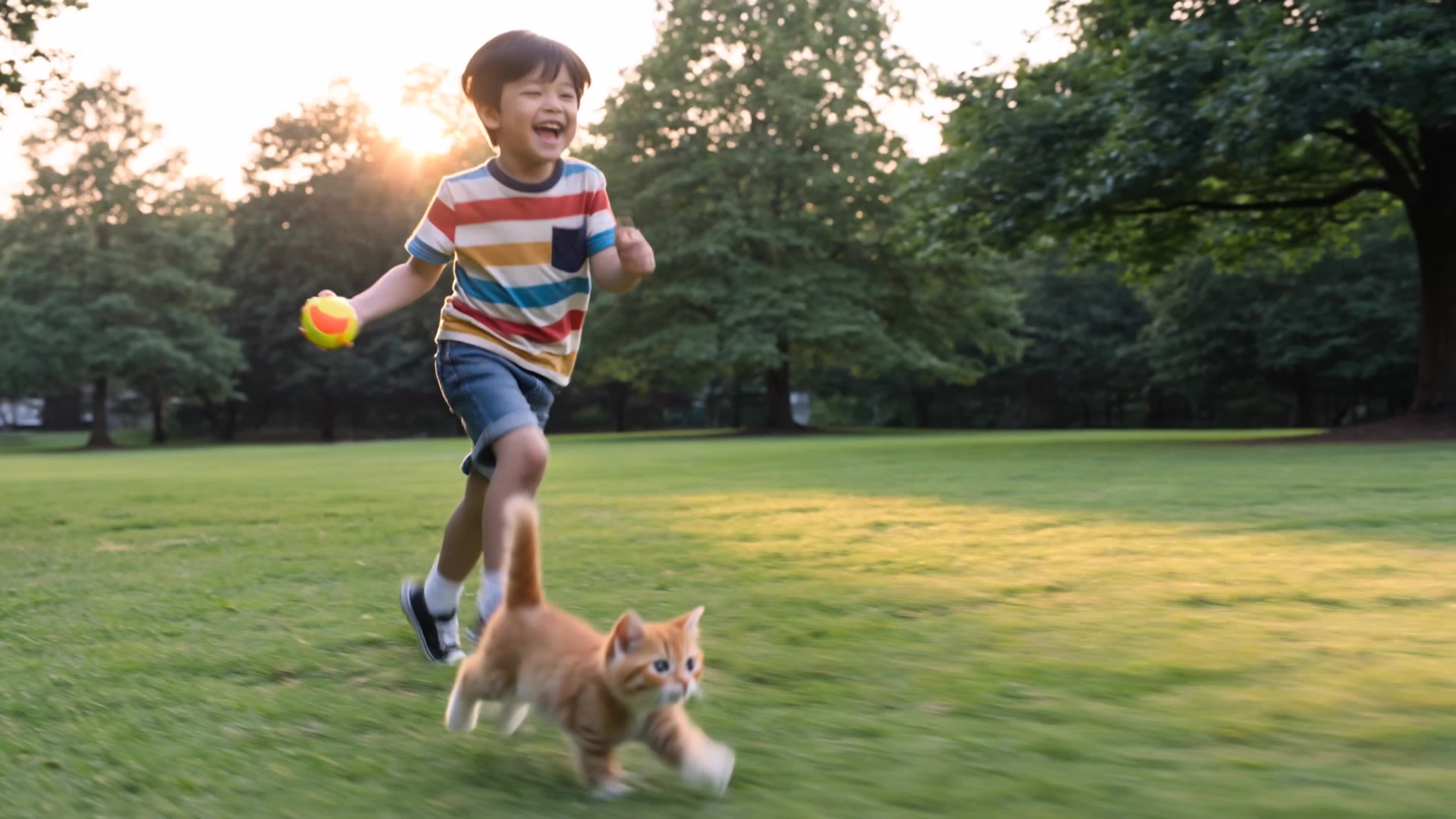

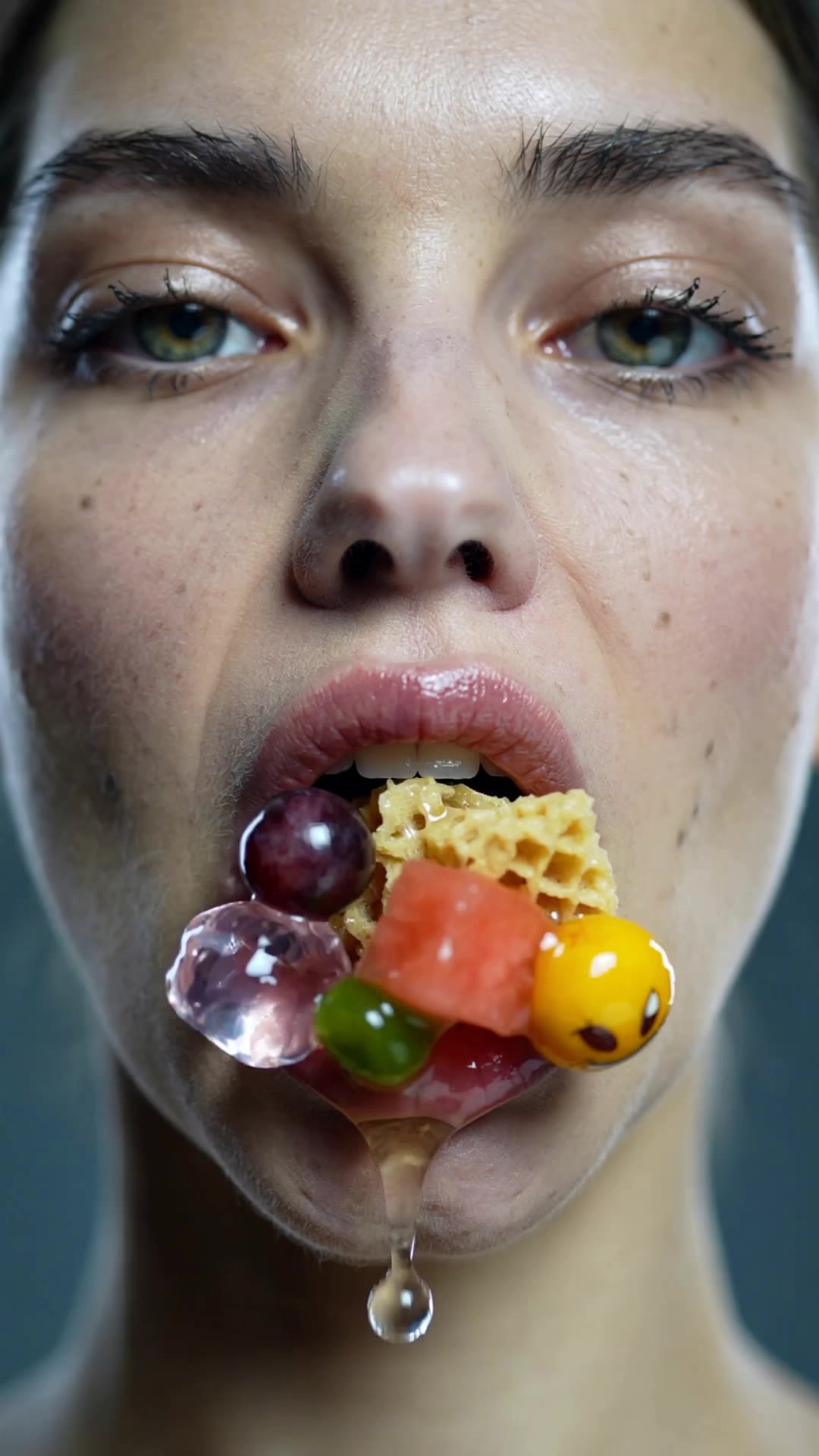




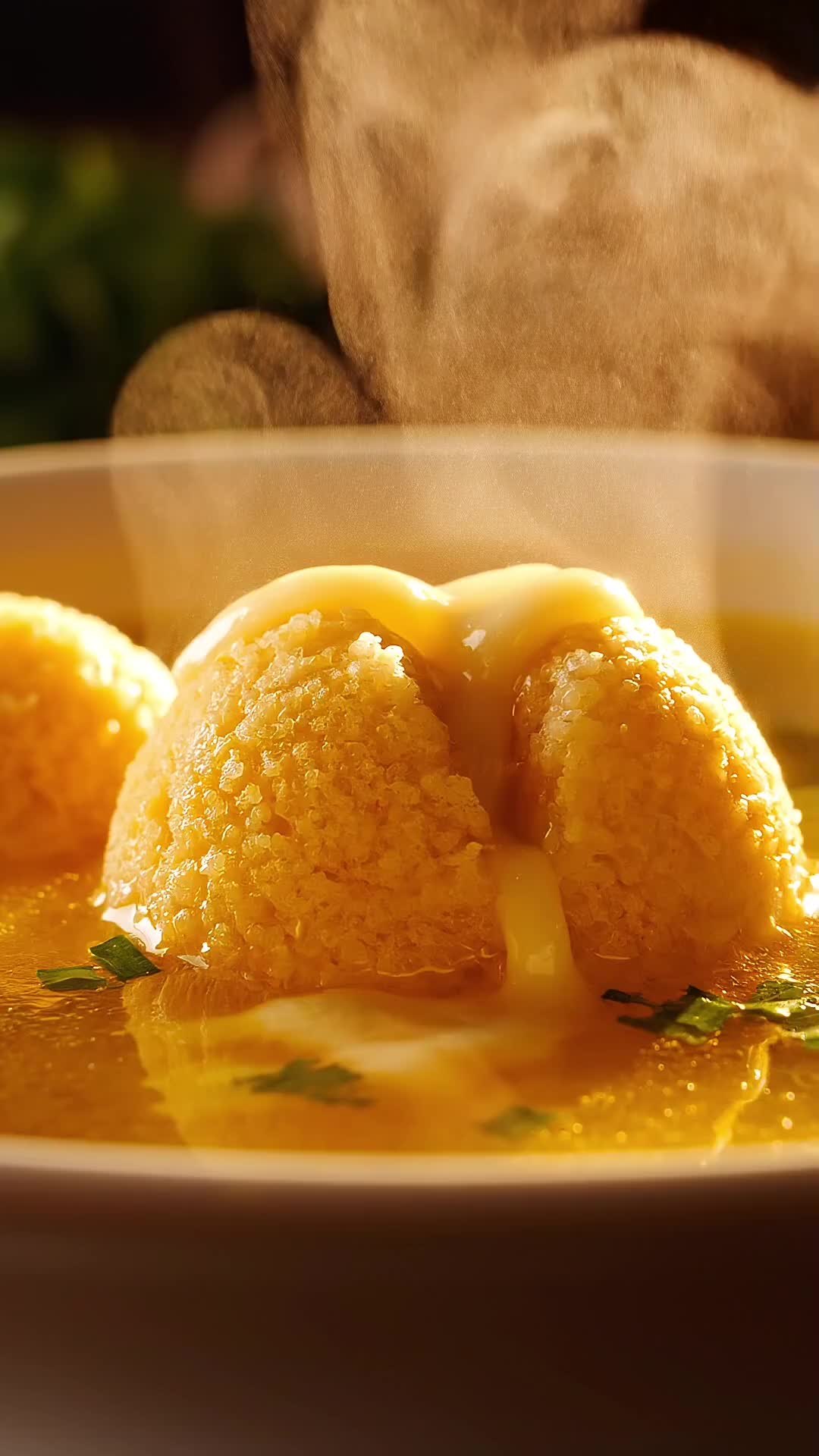
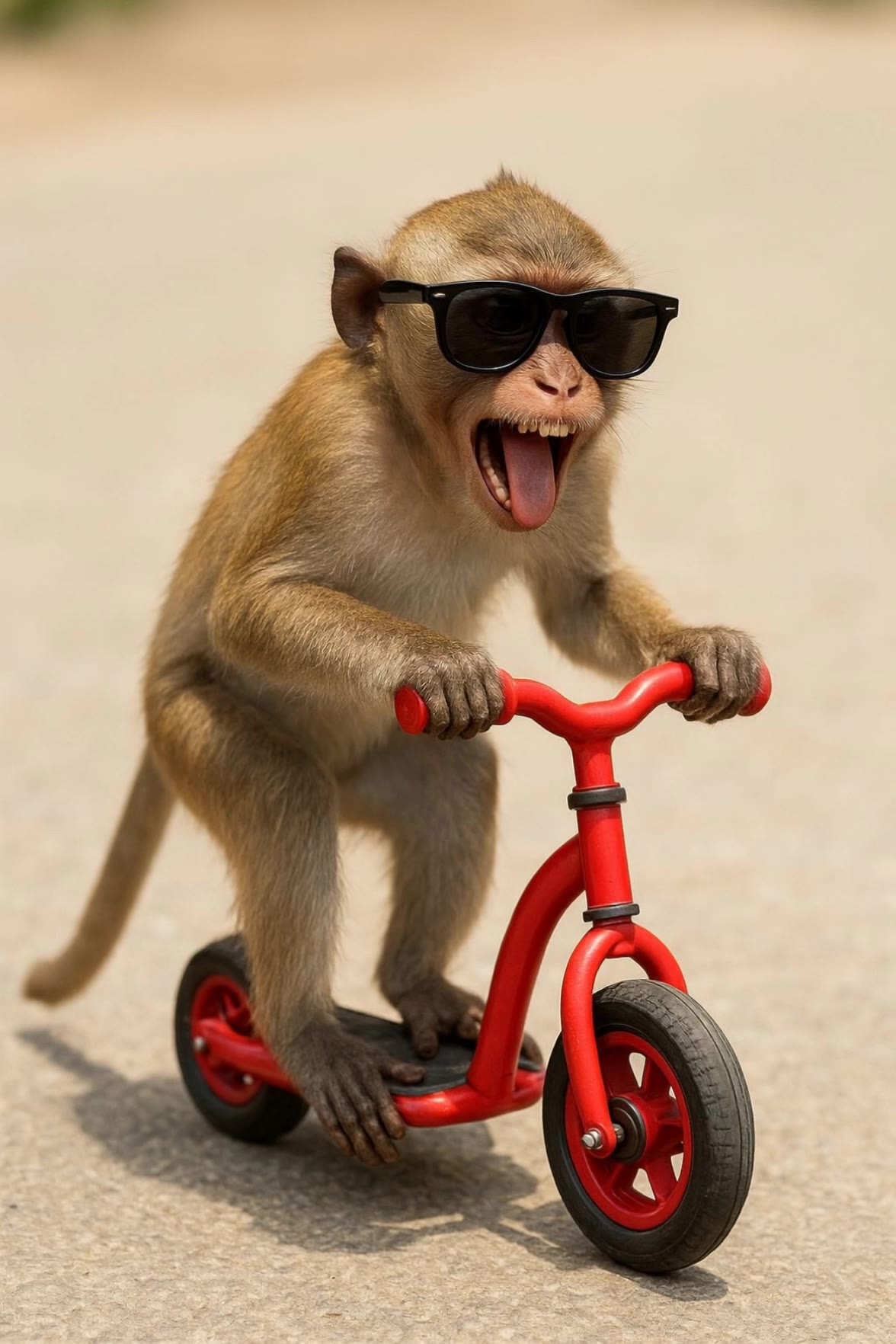


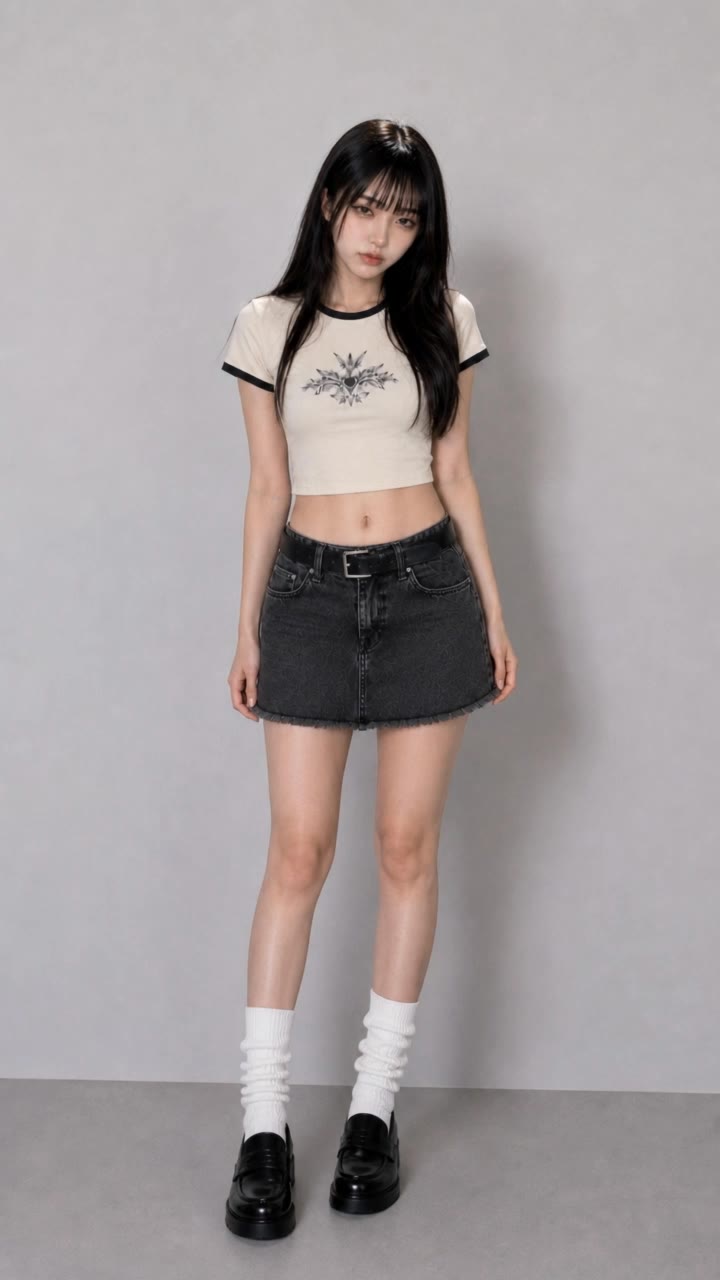
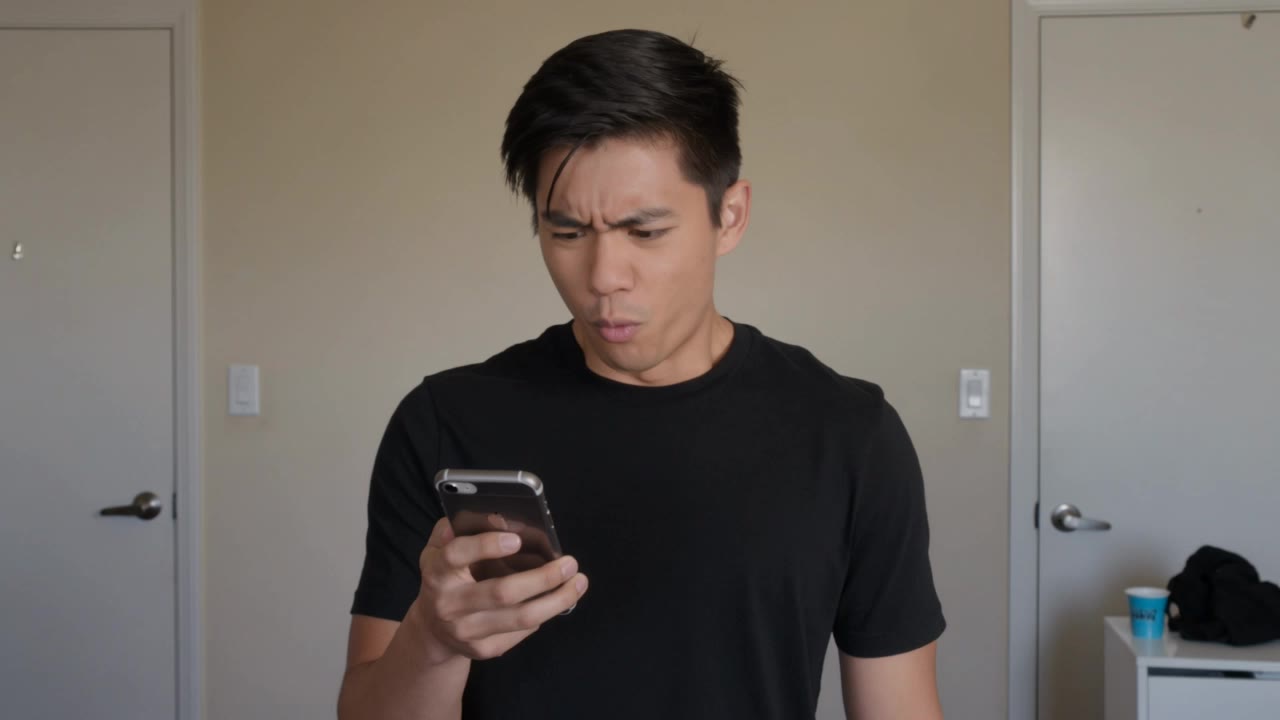
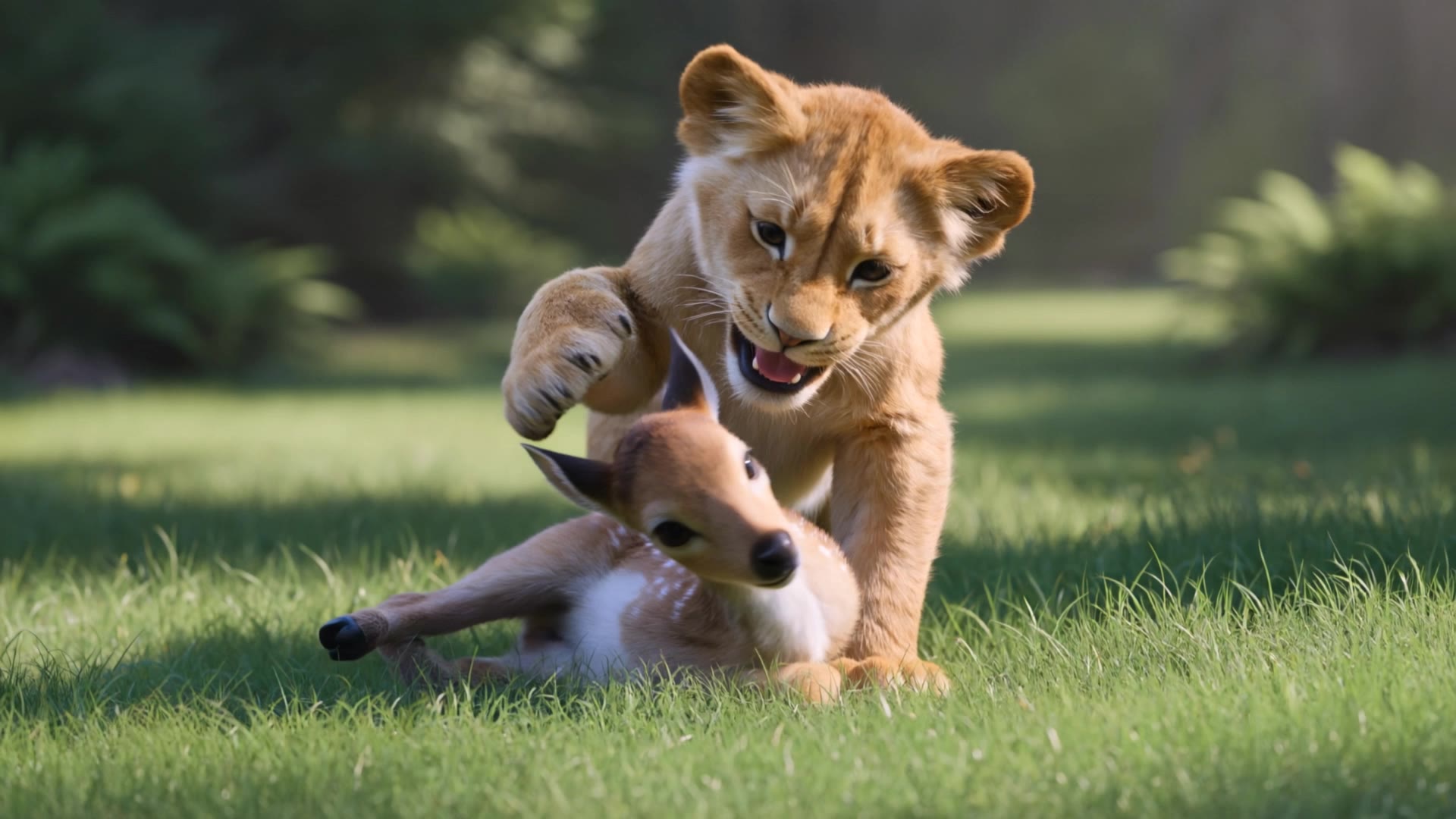

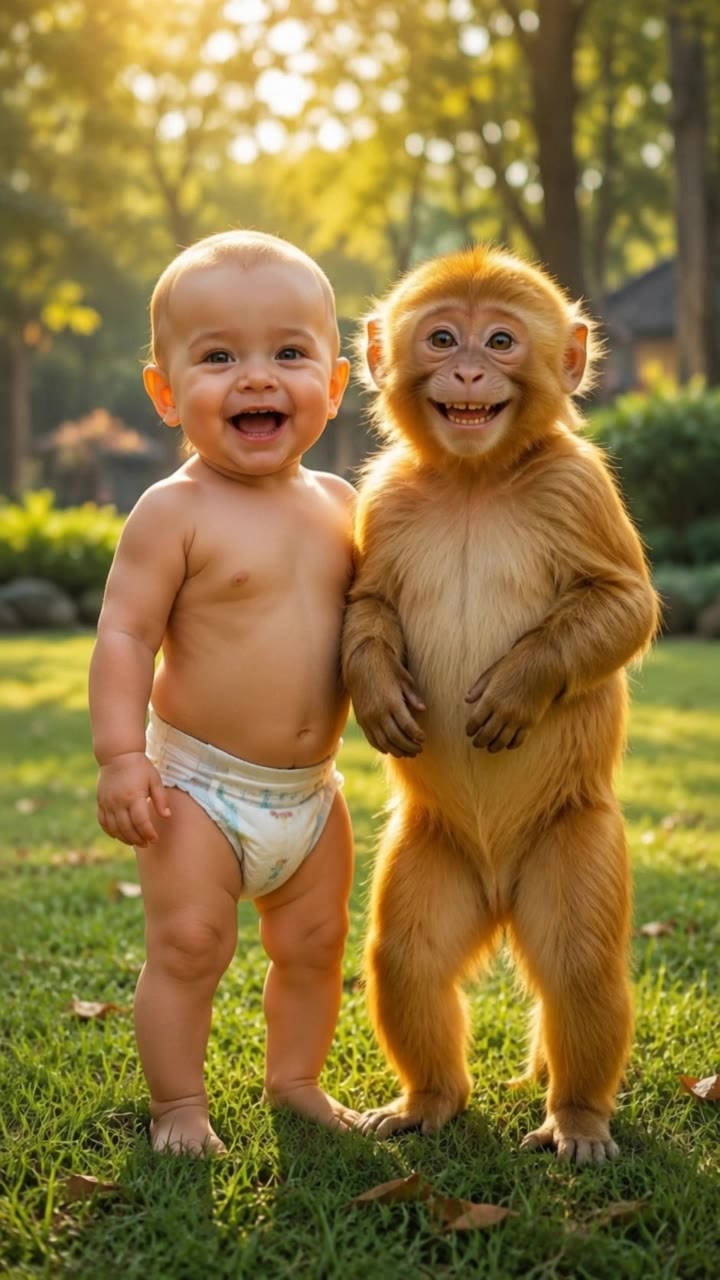

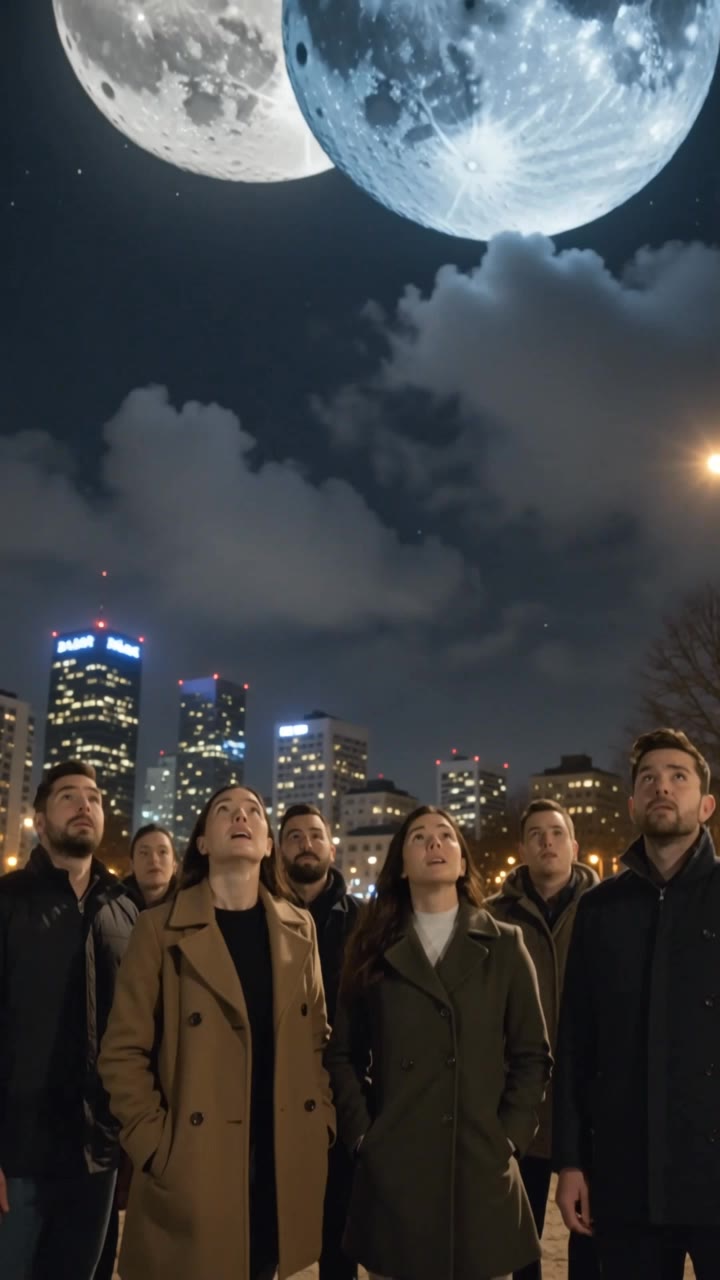





Use the dedicated Lip Sync tool when your character video is already created. Upload a voiceover or song, or generate speech from text, then match the new audio to the character’s mouth movements.

Starting from scratch? Kling VIDEO 3.0 and VIDEO 3.0 Omni create dialogue, lip movement, visuals, sound effects, and ambience together. Native Audio supports Chinese, English, Japanese, Korean, and Spanish.

Create a reusable Character Element from images or a video, bind a voice tone, and carry the same appearance and voice into new scenes with VIDEO 3.0 Omni.

















I use AI daily and Kling AI is a crucial part of my workflow, whether for client work or personal projects. What I love most about using Kling AI is that it provides all the tools I need in one place, from keyframes to character references, elements and special effects.

I use Kling AI every day. It's amazing to see the almost daily progress it makes. I used AI for fun at first, and I now find that Kling AI's animations allow me to gain professional visibility, with three times more views on my animated posts than on my static posts.

Kling AI has transformed my workflow by collapsing timelines and democratizing production. It’s shifted my mindset from resource-dependent filmmaking to a boundless creative sandbox, where experimentation yields unexpected beauty.
Clean up portraits, product shots, travel photos, social content, and other images by removing the elements that pull attention away from what matters.