
Creative Studio
API
Resources
Features
About Us
Download

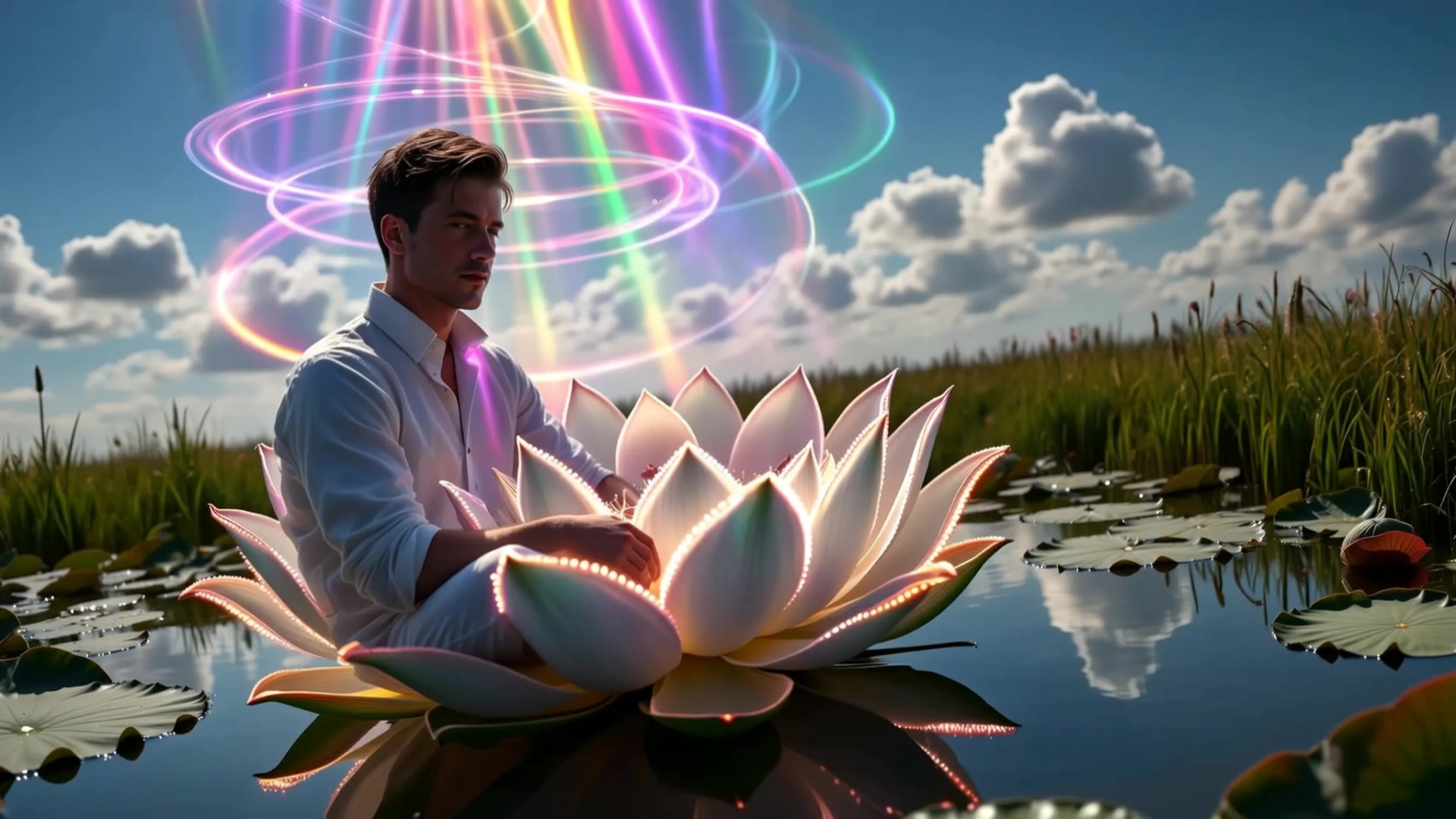
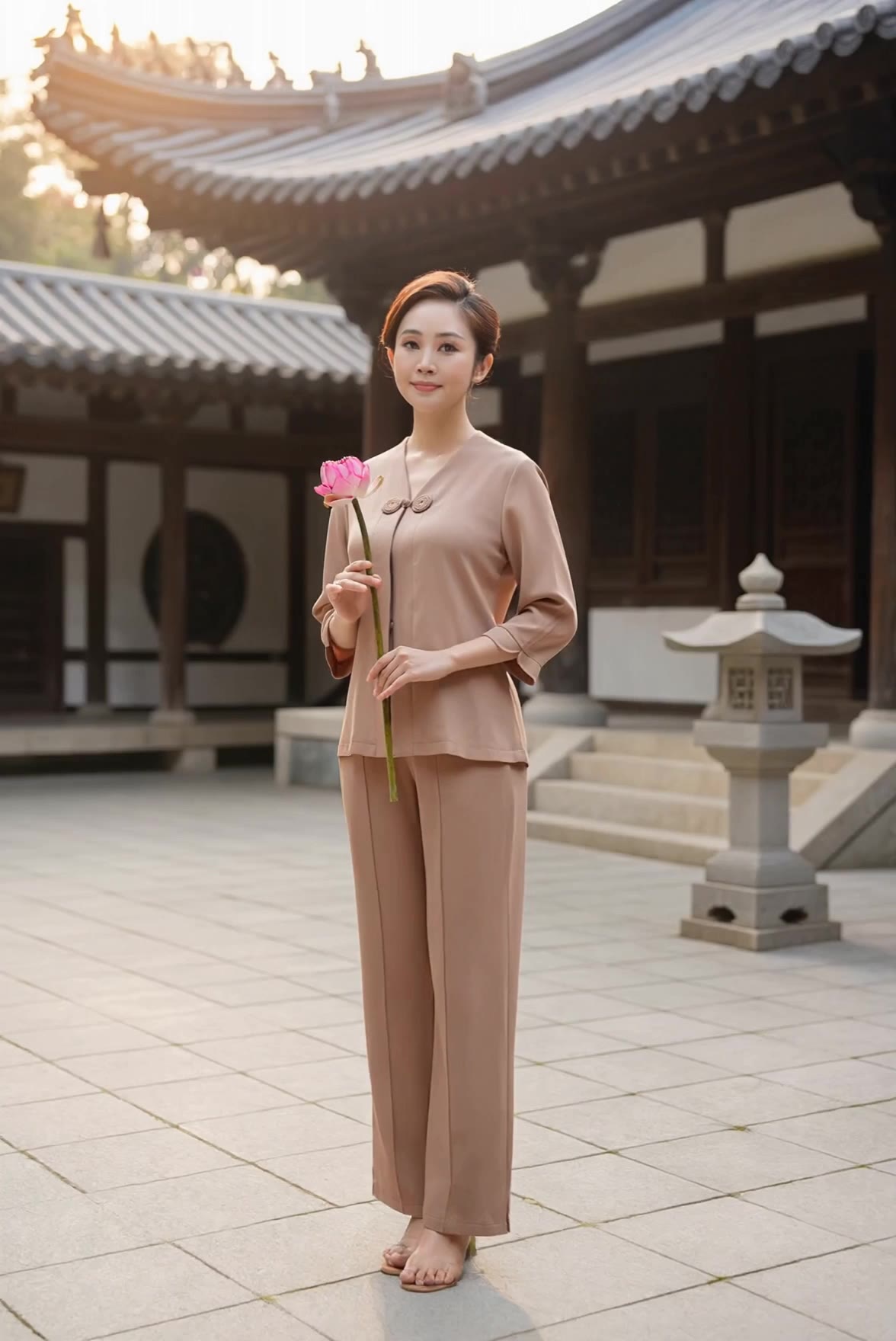
zen image - zen garden & Japanese temple

Immerse in the tranquility of cherry blossoms and koi ponds, enhanced by the serene ambiance of traditional Japanese gardens and pagodas. Start exploring zen image ideas and generate your own content with AI.

zen image - zen garden & Japanese temple

Recommended

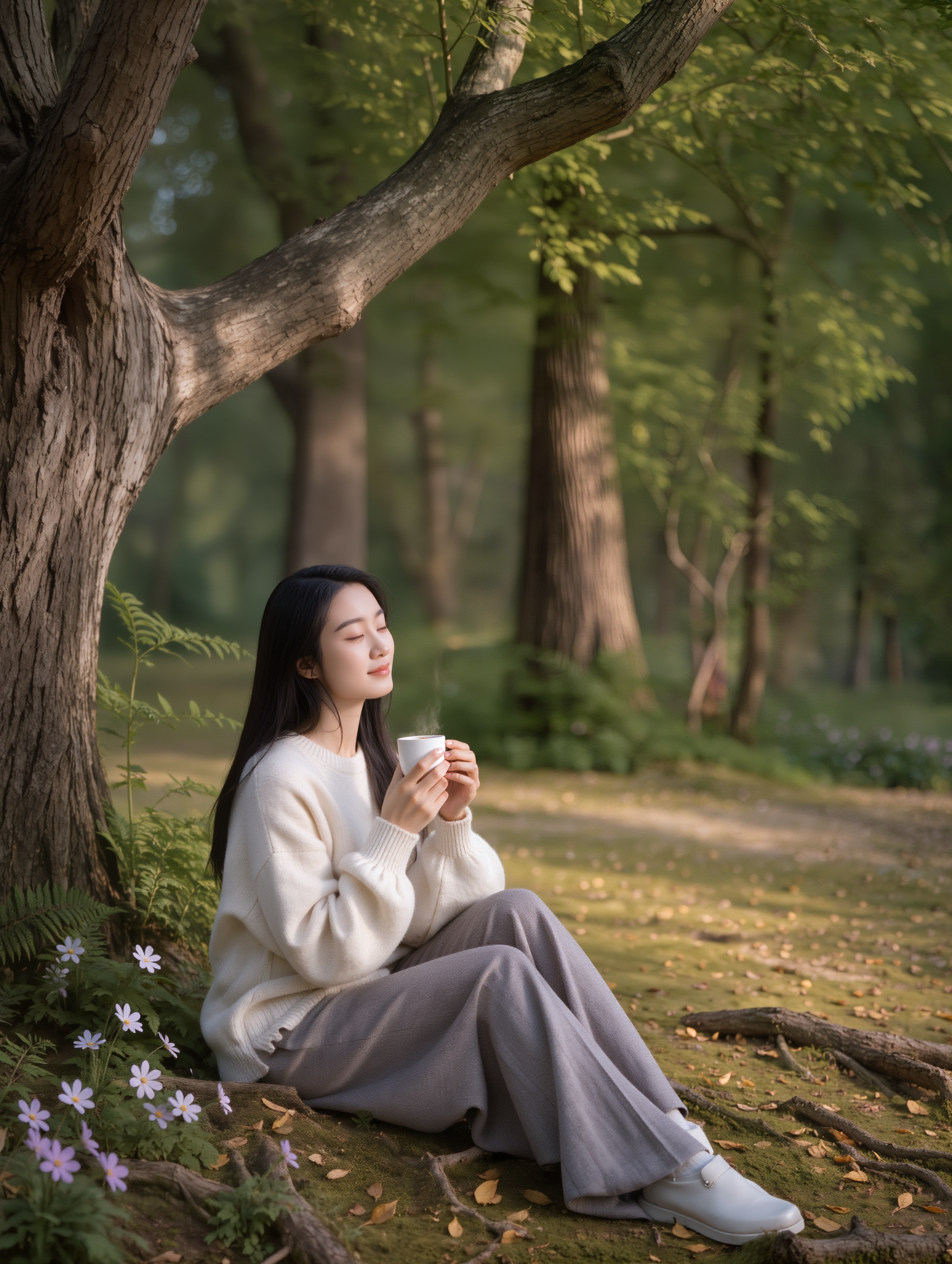
Woman sitting under a tree relax - zen image AI image
JcyNIQYp avatar
JcyNIQYp
Kling AI work 296563137524725 - zen image AI image
Twi Light avatar
Twi Light
Shadow Architecture - zen image AI image
Dev avatar
Dev
Creative Partner
company logo - zen image AI image
theooo avatar
theooo
ZEN MAGIC - zen image AI video
VISIONEER avatar
VISIONEER
Creative Partner
Kling AI work 297397795610803 - zen image AI video
wKuLljvx avatar
wKuLljvx
Аesthetics of the Zen garden. - zen image AI video
00:14
NSW avatar
NSW
Make video from image - zen image AI video
Raf3105 avatar
Raf3105
cosmic buddha - zen image AI image
Philosophical Calm avatar
Philosophical Calm
Kling AI work 318230616304609 - zen image AI image
SBfHVFXO avatar
SBfHVFXO
Kling AI work 299627983501110 - zen image AI video
ÃtLįRîũz avatar
ÃtLįRîũz
Kling AI work 310666094316498 - zen image AI video
EcZvRGEE avatar
EcZvRGEE
Kling AI work 308248611537193 - zen image AI image
aXHjPwwo avatar
aXHjPwwo
Kling AI work 296595519521155 - zen image AI image
Twi Light avatar
Twi Light
 image 1 - zen image AI image
CXThSvTE avatar
CXThSvTE
Kling AI work 316998919308670 - zen image AI video
Sombat avatar
Sombat
Kling AI work 307854145537103 - zen image AI image
Tolyan avatar
Tolyan
Incense stick asmr - zen image AI video
aiartworldz avatar
aiartworldz
Kling AI work 296180766665016 - zen image AI image
Mehmet Emin Ay avatar
Mehmet Emin Ay

How to Use Kling AI Art Generator

Start with a Prompt

Start with a Prompt

Open IMAGE 3.0 Omni. Write what you want to make, upload an existing image, or add references that show the character, object, composition, or style you want Kling to follow.

Set the Art Direction

Set the Art Direction

Add the details that matter to the piece: medium, palette, mood, lighting, framing, perspective, or another visual cue. When you use several references, tell Kling what each one contributes instead of leaving the relationship between them ambiguous.

Generate and Keep Working

Generate and Keep Working

Generate the artwork, review the result, and adjust the prompt or creative direction if needed. For connected images, continue the idea with Image Series.

Improve Video Quality Beyond Resolution

Give Your Video a Cinematic Finish in 4K

Give Your Video a Cinematic Finish in 4K

Choose 4K in the output settings to give your footage a finely detailed finish. From the texture of fabric to the contours of a face, bring small details into view for larger screens and close-up shots. Give family recordings, social clips, and creative projects a richer presentation.

Fix Lighting, Color, and the Overall Look

Fix Lighting, Color, and the Overall Look

A good clip can still fall flat because of dull color, poor lighting, or an awkward composition. Use prompts to reduce visible grain and digital noise in low-light footage, then refine the lighting, color, and composition. Turn an ordinary view into an expressive close-up, bring warmth to a dim scene, or change the weather and time of day. Shape the overall look without adjusting every element by hand.

Fill in the Gaps for More Fluid Motion

Fill in the Gaps for More Fluid Motion

Upload your video and describe the missing action or moment you want to add. Add reference images when needed, then use Kling to generate additional footage that helps connect existing moments with less manual editing.

Apps

Image to Video
Image to Video

Image to Video

Text to Video
Text to Video

Text to Video

Omni
Omni

Omni

Digital Human
Digital Human

Digital Human

Restyle
Restyle

Restyle

Text to Image
Text to Image

Text to Image

60M+
60M+
Users
600M+
600M+
AI Videos Generated
4.7 ★
4.7 ★
App Store
Industry-Leading
Industry-Leading
Cinematic 4K

Reviews

James Phillips

James Phillips

★★★★★

Kling AI has transformed my workflow by collapsing timelines and democratizing production. It’s shifted my mindset from resource-dependent filmmaking to a boundless creative sandbox, where experimentation yields unexpected beauty.

Huang Lu (Elson)

Huang Lu (Elson)

★★★★★

I’ve been using Kling AI since its initial release, and it’s remained one of the leading AI media generators ever since. With Kling AI, I’ve created hundreds of videos, collectively amassing millions of views.

KakuDrop

KakuDrop

★★★★★

I have successfully collaborated with world-renowned artists and well-known companies that are recognized globally

FAQ

Q1Is this the same as Kling AI Avatar?
Q2What is an AI avatar maker?
Q3Can I create an avatar from a photo?

Give the Subject a Better Setting

Create a new setting while keeping your subject recognizable. Use prompts and visual references to shape backgrounds for portraits, product visuals, and campaign creative.