Creative Studio
API
Resources
Features
About Us
Download

zoom art - Christmas Tree Zoom In & Pikachu Nail Art

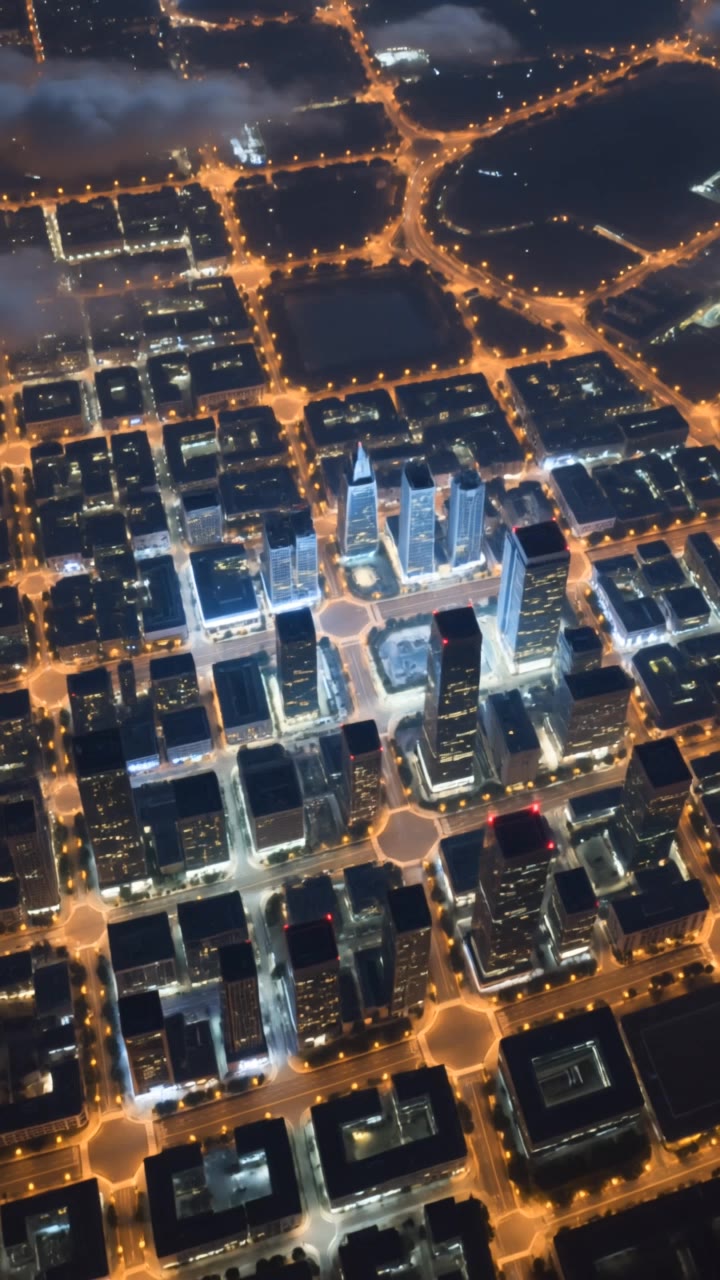
Immerse in dynamic visuals with FPV drone zooms and intricate Pikachu nail art themes. Unveil detailed perspectives from space to Earth and festive Christmas tree zooms. Start exploring zoom art ideas and generate your own content with AI.

zoom art - Christmas Tree Zoom In & Pikachu Nail Art

Recommended

Kling AI work 296591486528510 - zoom art AI video
Tilor64 avatar
Tilor64
Zoom - zoom art AI video
QQGhKWal avatar
QQGhKWal
dolby zoom - zoom art AI video
SAGBEATZ avatar
SAGBEATZ
Simple Zoom In - zoom art AI video
MyWorldofAICreations avatar
MyWorldofAICreations
zoom - zoom art AI video
Earth Zoom In
tbUMiXxy avatar
tbUMiXxy
cinematic beach zoom transition - zoom art AI video
iRSigtEZ avatar
iRSigtEZ
Zoom - zoom art AI video
Deckardkain avatar
Deckardkain
Kling AI work 312970889526977 - zoom art AI video
rrAKcYPf avatar
rrAKcYPf
Kling AI work 297196298507744 - zoom art AI video
sETqQJuX avatar
sETqQJuX
Pokemon Nail Art - zoom art AI video
KAI avatar
KAI
zoom out - zoom art AI video
SAGBEATZ avatar
SAGBEATZ
Kling AI work 313227417521609 - zoom art AI video
Rockstars Digitals avatar
Rockstars Digitals
Kling AI work 296771610503479 - zoom art AI video
sETqQJuX avatar
sETqQJuX
zoom on face  - zoom art AI image
YPzekCDX avatar
YPzekCDX
Earth zoom in to airport, cars - zoom art AI video
dimgubin avatar
dimgubin
zoom in from space - zoom art AI video
00:05
Chandan avatar
Chandan
Kling AI work 313764617668775 - zoom art AI video
OksyProArt avatar
OksyProArt
Storefront laptop - slow zoom - zoom art AI video
HIUCJLJW avatar
HIUCJLJW
Zoom earth - zoom art AI video
Earth Zoom In
Quân Nguyễn Editor avatar
Quân Nguyễn Editor

How to Extend an Image with AI

Step 1: Upload and Describe

Step 1: Upload and Describe

Upload the image you want to expand, such as a portrait, product photo, landscape, or social media visual. Use a text prompt to specify which side to extend and what should appear in the new area, such as more sky, scenery, or background details, while keeping the main subject unchanged.

Step 2: Choose the Output Settings and Generate

Step 2: Choose the Output Settings and Generate

Choose the image ratio, number of outputs, and resolution, then generate your extended image. Creating multiple versions makes it easier to compare the results and choose your favorite.

Step 3: Expand Your Image with Image Expansion

Step 3: Expand Your Image with Image Expansion

Open the Image Expansion workflow when you want a dedicated way to extend an existing image. Upload your source image, describe what should appear beyond the original frame, choose from the available output settings, and generate the expanded result.

Choose the Right Voice Workflow

Add New Audio to an Existing Video

Add New Audio to an Existing Video

Use the dedicated Lip Sync tool when your character video is already created. Upload a voiceover or song, or generate speech from text, then match the new audio to the character’s mouth movements.

Generate Dialogue with the Scene

Generate Dialogue with the Scene

Starting from scratch? Kling VIDEO 3.0 and VIDEO 3.0 Omni create dialogue, lip movement, visuals, sound effects, and ambience together. Native Audio supports Chinese, English, Japanese, Korean, and Spanish.

Keep Character and Voice Consistent

Keep Character and Voice Consistent

Create a reusable Character Element from images or a video, bind a voice tone, and carry the same appearance and voice into new scenes with VIDEO 3.0 Omni.

Apps

Image to Video
Image to Video

Image to Video

Text to Video
Text to Video

Text to Video

Omni
Omni

Omni

Digital Human
Digital Human

Digital Human

Restyle
Restyle

Restyle

Text to Image
Text to Image

Text to Image

60M+
60M+
Users
600M+
600M+
AI Videos Generated
4.7 ★
4.7 ★
App Store
Industry-Leading
Industry-Leading
Cinematic 4K

Reviews

Maria Rubtsova

Maria Rubtsova

★★★★★

I’m Maria Rubtsova, an AIGC digital artist passionate about creating stunning visuals in the worlds of fashion, aesthetics, and fantasy. I use KlingAi to bring imagination to life through video. My work is all about exploring beauty, emotion, and the limitless possibilities of digital art.

Samuele Poggi (@visualsk2)

Samuele Poggi (@visualsk2)

★★★★★

I use Kling AI daily to push the limits of AI filmmaking. It allows me to create highly cinematic content, blending AI and VFX to develop innovative projects. It has significantly impacted my creative process, enabling me to achieve complex animations that would otherwise require high production budgets.

Jyo John Mulloor

Jyo John Mulloor

★★★★★

Kling AI has been instrumental in transforming my creative workflow, unlocking new dimensions of artistic expression that were once unimaginable. I use Kling AI extensively to develop high-concept visuals, animate surreal dreamscapes, and create AI-assisted films that blur the line between reality and fantasy. Kling AI’s deep learning capabilities have not only enhanced my creative efficiency but also inspired me to explore storytelling in ways I never thought possible.

FAQ

Q1Can I make the background of a photo white?
Q2What is a background remover?
Q3Can I make an image background transparent?

Keep the Shot. Change the Background.

Remove the background you do not want or move existing footage into a new scene - without rebuilding the shot frame by frame.