Creative Studio
API
Resources
Features
About Us
Download

zoom backgrounds funny - cat comedy & Christmas Tree 🎄 Zoom In

Delight in hilarious zoom backgrounds featuring funny birds, comedic cats, and whimsical scenarios like an ostrich with an exaggeratedly long neck. Start exploring zoom backgrounds funny ideas and generate your own content with AI.

zoom backgrounds funny - cat comedy & Christmas Tree 🎄 Zoom In

Recommended

Kling AI work 310326171527871 - zoom backgrounds funny AI image
VryakEPS avatar
VryakEPS
Kling AI work 316972583526007 - zoom backgrounds funny AI video
WvhEkYKN avatar
WvhEkYKN
Kling AI work 315921802667354 - zoom backgrounds funny AI video
OIktbgqI avatar
OIktbgqI
dolby zoom - zoom backgrounds funny AI video
SAGBEATZ avatar
SAGBEATZ
Kling AI work 310239010504531 - zoom backgrounds funny AI video
RQnPnpbe avatar
RQnPnpbe
zoom - zoom backgrounds funny AI video
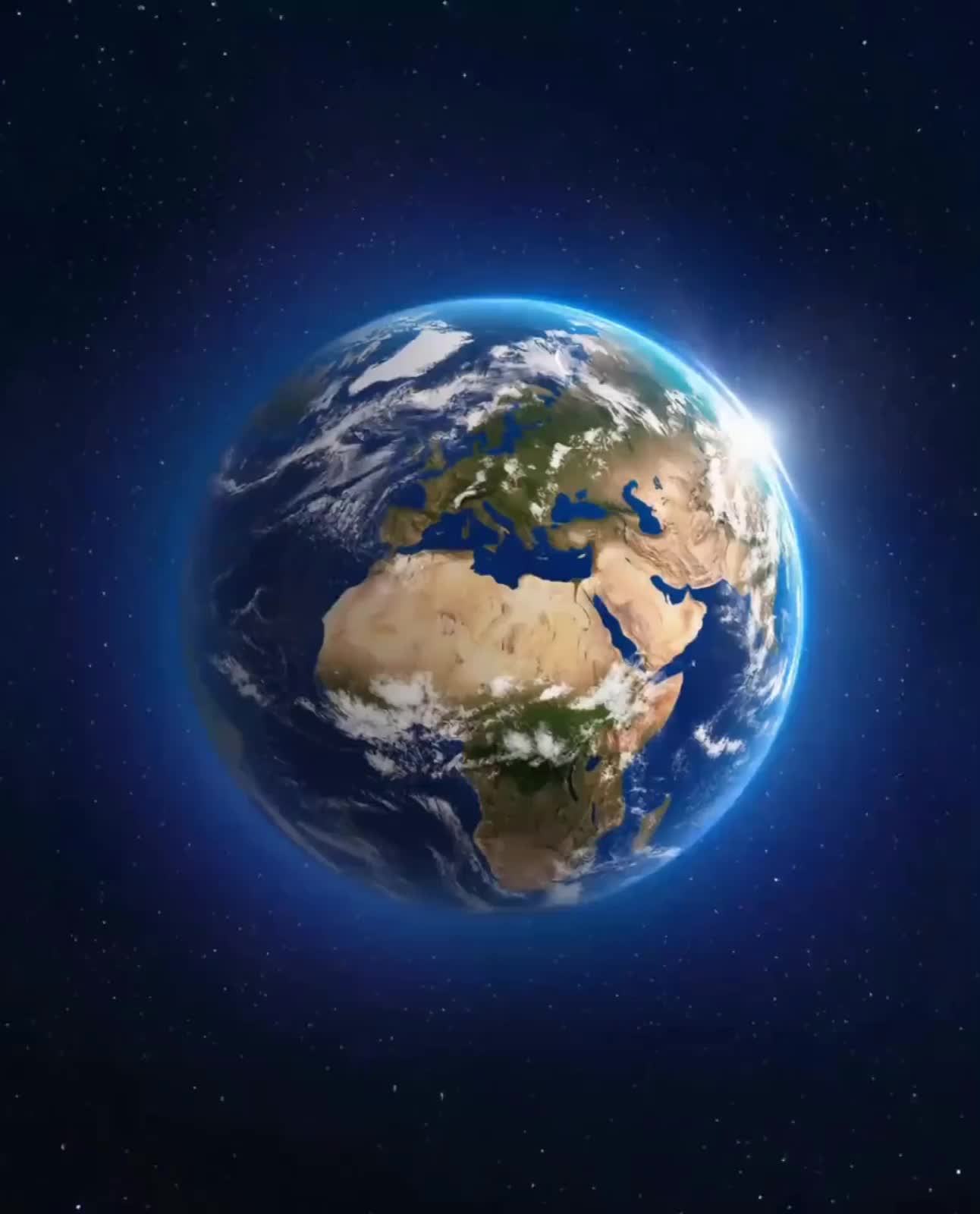
Earth Zoom In
tbUMiXxy avatar
tbUMiXxy
Super zoom out - zoom backgrounds funny AI video
Slop Italia avatar
Slop Italia
Another funny creature - zoom backgrounds funny AI image
PzTKKeyO avatar
PzTKKeyO
Kling AI work 313777793526652 - zoom backgrounds funny AI image
DrhZBvnm avatar
DrhZBvnm
Kling AI work 298298002613098 - zoom backgrounds funny AI video
Mrakhmadd avatar
Mrakhmadd
Animals funny video  - zoom backgrounds funny AI video
gAPsqRUL avatar
gAPsqRUL
Kling AI work 318723564662944 - zoom backgrounds funny AI video
HQNFCHmN avatar
HQNFCHmN
Kling AI work 310950692662417 - zoom backgrounds funny AI video
FgSpOczk avatar
FgSpOczk
"A funny close-up of a cat - zoom backgrounds funny AI image
MmzavhKP avatar
MmzavhKP
zoom out - zoom backgrounds funny AI video
SAGBEATZ avatar
SAGBEATZ
cinematic beach zoom transition - zoom backgrounds funny AI video
iRSigtEZ avatar
iRSigtEZ
Funny - zoom backgrounds funny AI video
ThoAI avatar
ThoAI
funny potato head 😂😂 - zoom backgrounds funny AI video
goldie heart ♥️🫀 avatar
goldie heart ♥️🫀
Storefront laptop - slow zoom - zoom backgrounds funny AI video
HIUCJLJW avatar
HIUCJLJW

How to Create an AI Avatar Video

Create an Avatar

Create an Avatar

Pick a ready-made character from the Avatar Library, return to a saved avatar, upload an image from your device or Assets, or generate someone new with AI Image. The selected image becomes the visual starting point for the video.

Add the Voice

Add the Voice

Upload a finished recording, or enter the lines you want the character to deliver. With text to speech, select a voice and adjust its speed and emotional tone. Use punctuation to place pauses where they naturally belong, especially in longer passages.

Shape the Performance

Shape the Performance

Describe how the character should feel, react, and move while speaking. You can write the direction yourself or begin with one of the performance options Kling AI suggests for the selected character. Generate the video and review the delivery.

Go from Written Scene to Directed Sequence

See Your Scene as More Than One Shot

See Your Scene as More Than One Shot

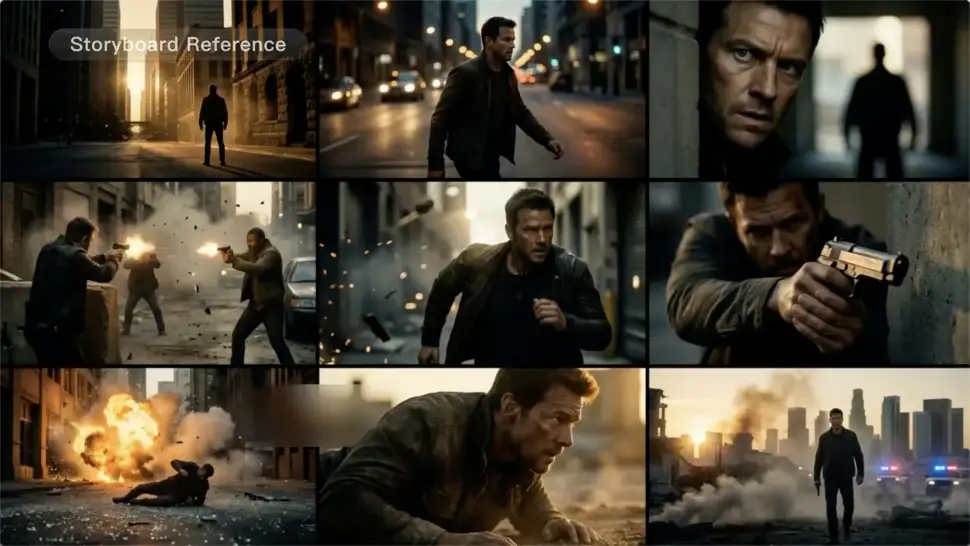
A conversation does not have to stay on one camera angle. An action beat does not have to play out in a single wide shot. Turn on Multi-Shot and Kling can plan scene transitions, framing, and camera-angle changes around what you wrote. A simple story beat can move from an establishing shot to a character close-up, then cut again when the action calls for it.
Take Over the Storyboard When the Shot Matters

Take Over the Storyboard When the Shot Matters

When you already know how the scene should be covered, use Custom Multi-Shot instead of leaving every decision to the model. Decide what happens in each shot, how long it lasts, whether the camera is wide or close, which angle you want, and how the camera moves. It gives you a practical way to turn screenplay direction or a rough shot list into something Kling can generate.

Bring the Same Character into the Next Shot

Bring the Same Character into the Next Shot

A cut should not feel like a new actor walked into the scene. Use a Character Element when someone needs to return across different angles, actions, or settings, and make it clear in the prompt which character belongs in each shot. For workflows that need a richer mix of character, image, video, and scene references, VIDEO 3.0 Omni gives you more ways to anchor the people and visual details your story depends on.

Apps

Image to Video
Image to Video

Image to Video

Text to Video
Text to Video

Text to Video

Omni
Omni

Omni

Digital Human
Digital Human

Digital Human

Restyle
Restyle

Restyle

Text to Image
Text to Image

Text to Image

60M+
60M+
Users
600M+
600M+
AI Videos Generated
4.7 ★
4.7 ★
App Store
Industry-Leading
Industry-Leading
Cinematic 4K

Reviews

Samuele Poggi (@visualsk2)

Samuele Poggi (@visualsk2)

★★★★★

I use Kling AI daily to push the limits of AI filmmaking. It allows me to create highly cinematic content, blending AI and VFX to develop innovative projects. It has significantly impacted my creative process, enabling me to achieve complex animations that would otherwise require high production budgets.

Jyo John Mulloor

Jyo John Mulloor

★★★★★

Kling AI has been instrumental in transforming my creative workflow, unlocking new dimensions of artistic expression that were once unimaginable. I use Kling AI extensively to develop high-concept visuals, animate surreal dreamscapes, and create AI-assisted films that blur the line between reality and fantasy. Kling AI’s deep learning capabilities have not only enhanced my creative efficiency but also inspired me to explore storytelling in ways I never thought possible.

Ozan Sihay

Ozan Sihay

★★★★★

Kling AI allows me to rapidly prototype ideas, refine storytelling elements, and produce visually compelling content efficiently. It has not only accelerated my creative processes, but also deepened my understanding of how AI can enrich visual storytelling.

FAQ

Q1What is an AI video upscaler?
Q2Can I upscale video to 4K with Kling AI?
Q3Can I upscale old, compressed, or AI-generated videos?

Start Creating AI Videos with Kling

Turn your image into a talking, high-quality video in seconds. No watermarks, no complicated setup.

Free tier available (Memberships are watermark-free) | 1080p export (Memberships unlock 4K) | Instant results