Creative Studio
API
Resources
Features
About Us
Download

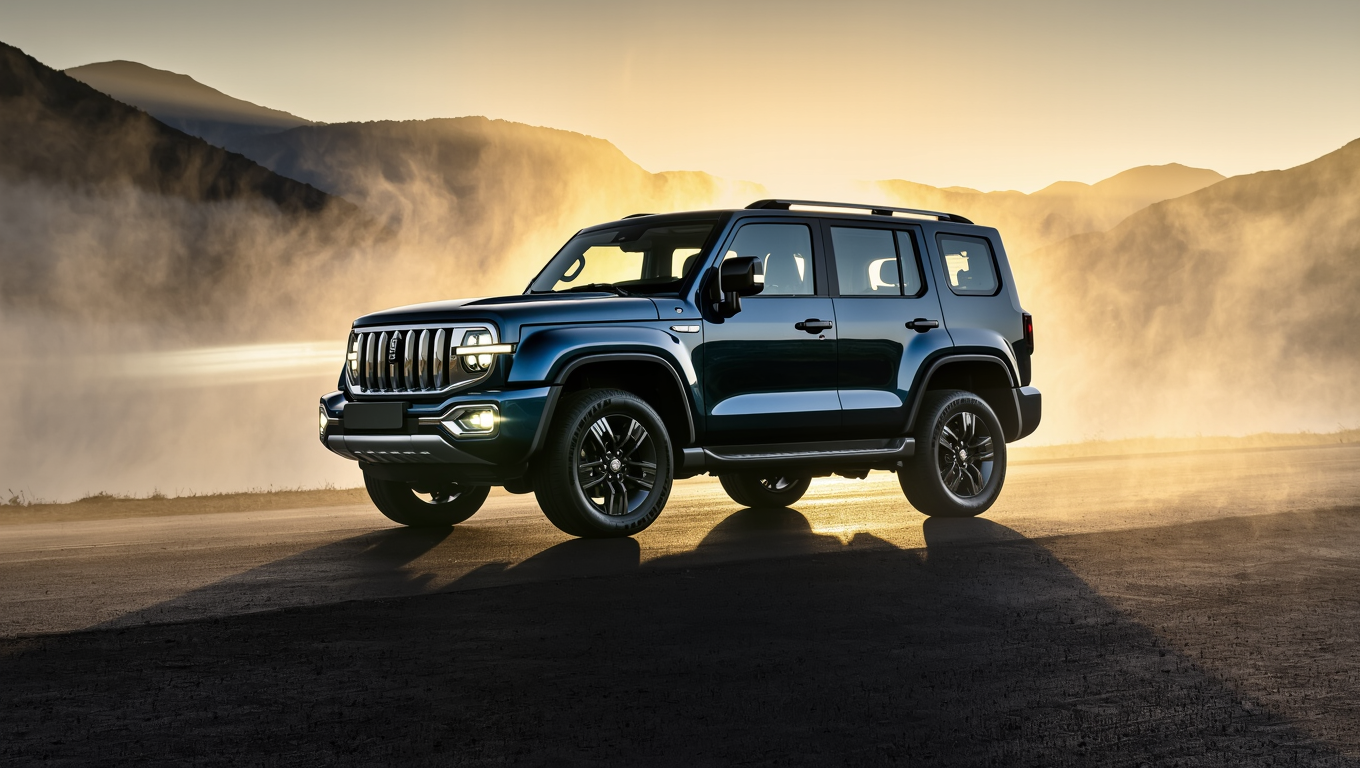
Zoom Desktop Wallpaper Ideas – AI-Generated Designs

Discover AI-generated Zoom desktop wallpaper ideas. Easily find and use these AI-made visuals for your desktop.

Zoom Desktop Wallpaper Ideas – AI-Generated Designs

Recommended

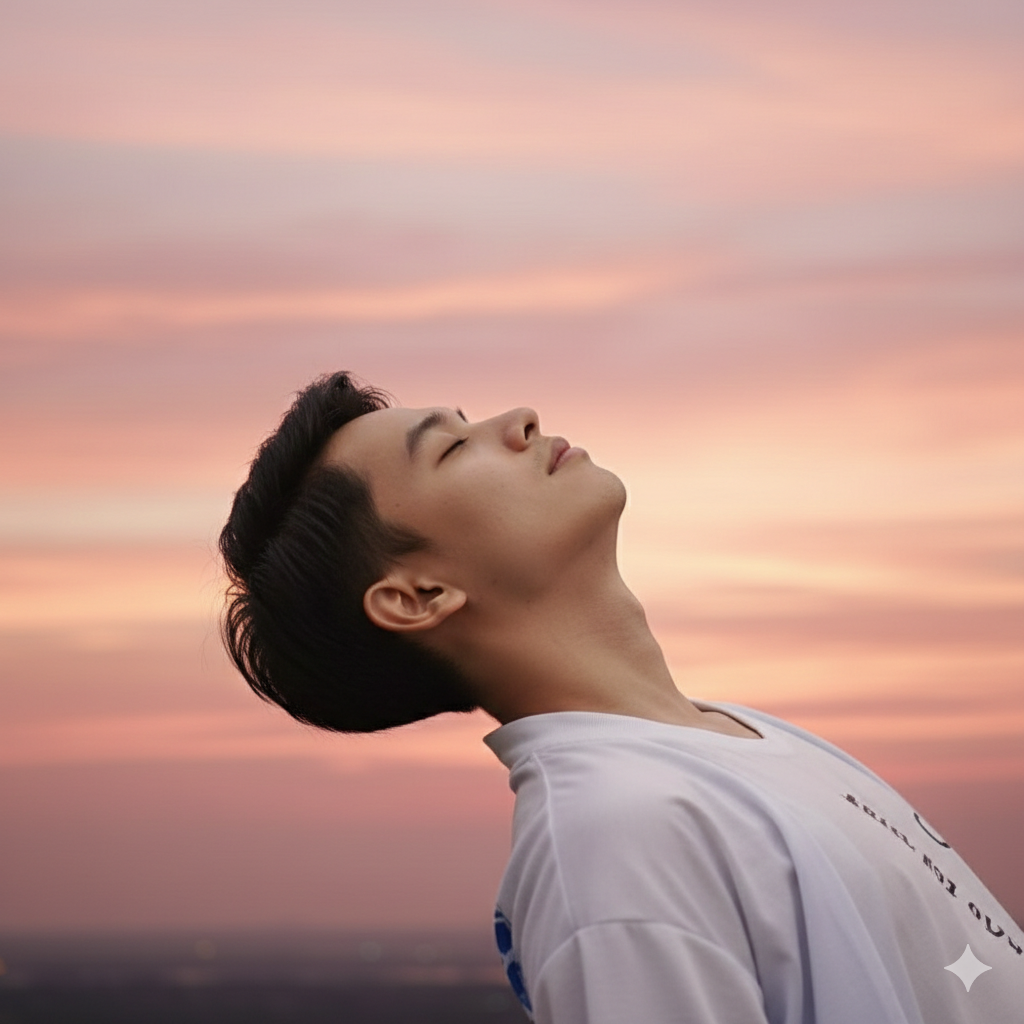
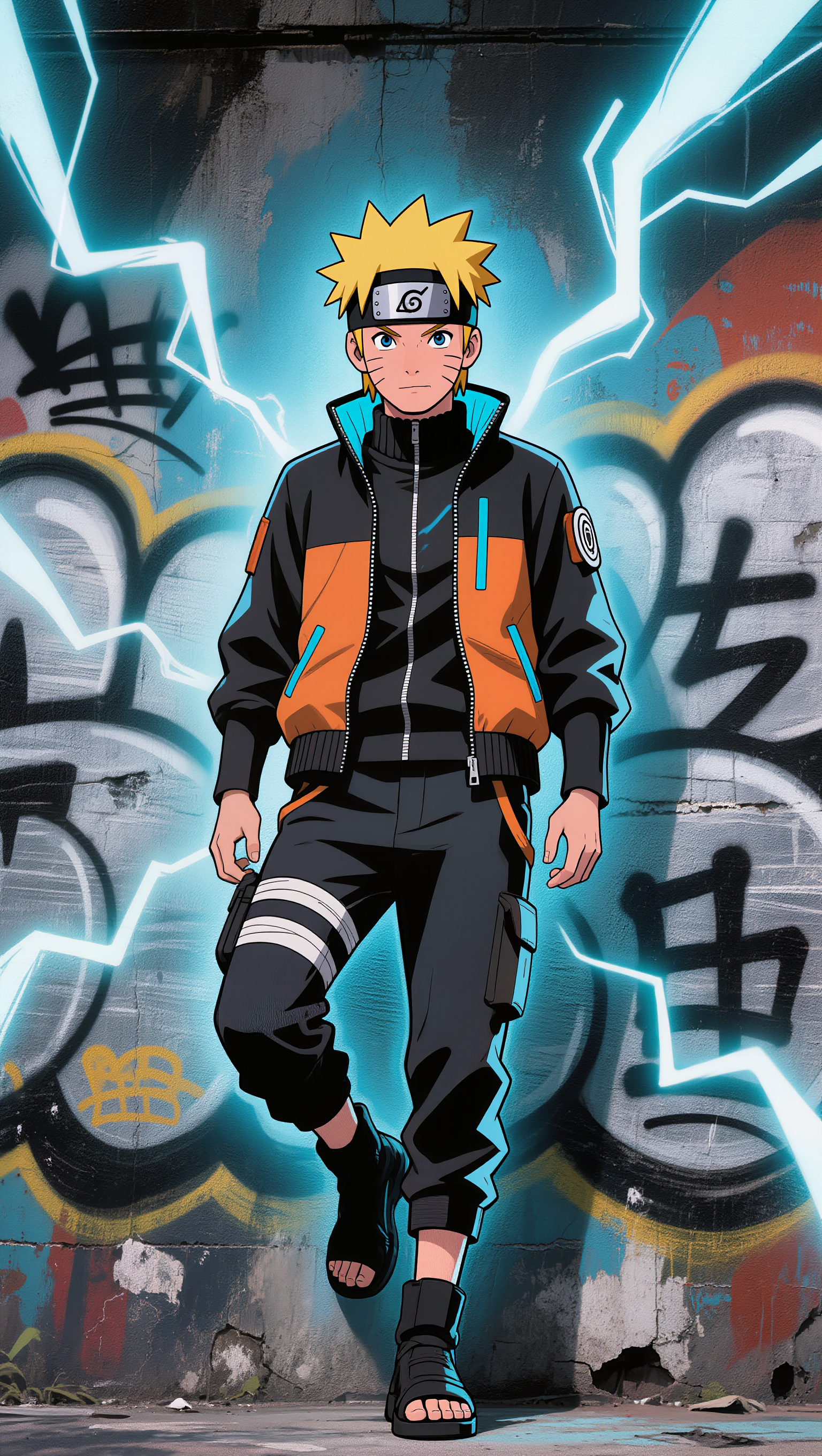
Kling AI work 309755336502052 - zoom desktop wallpaper AI image
Rakesh avatar
Rakesh
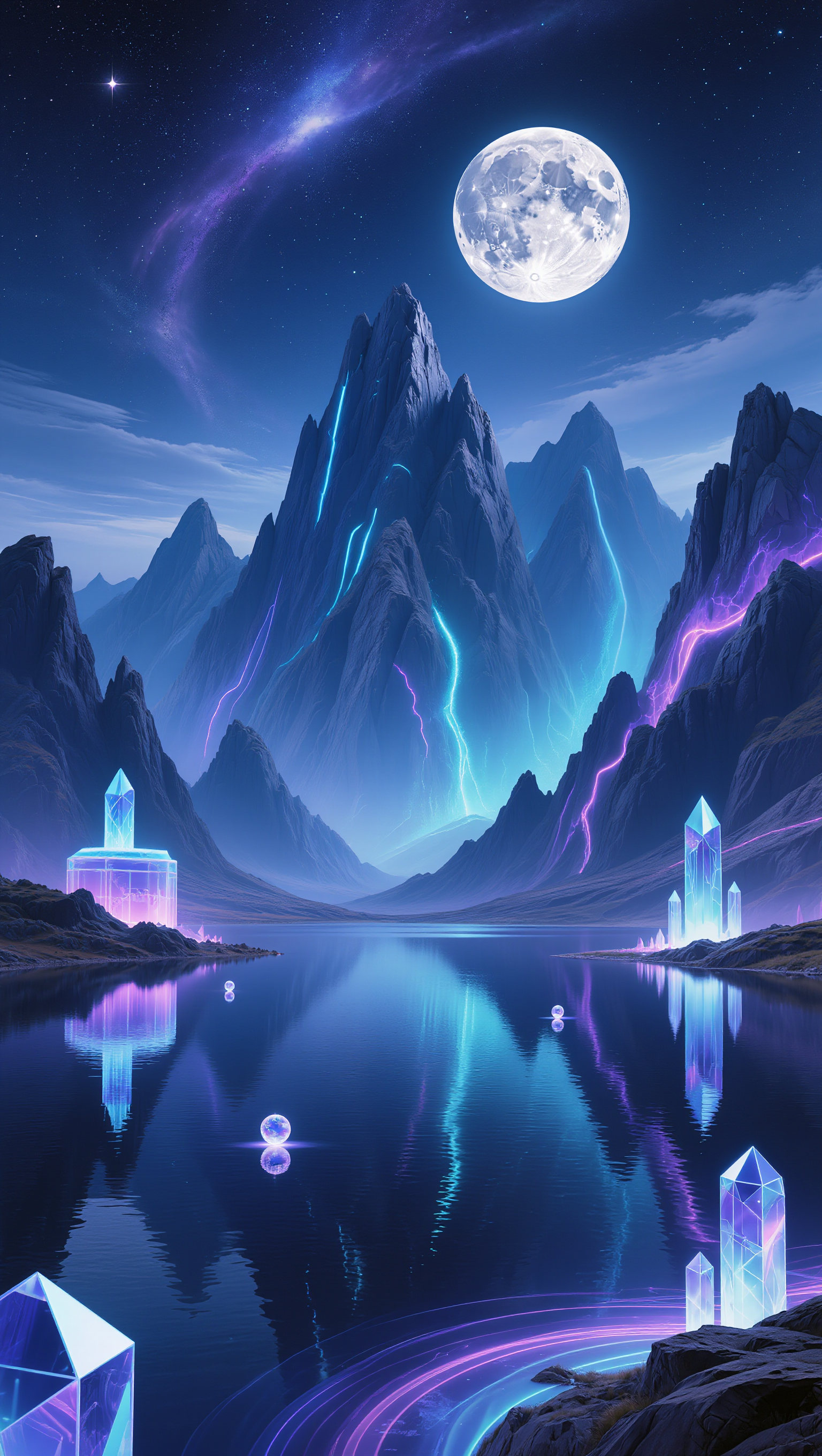
Kling AI work 309755263521956 - zoom desktop wallpaper AI image
Rakesh avatar
Rakesh
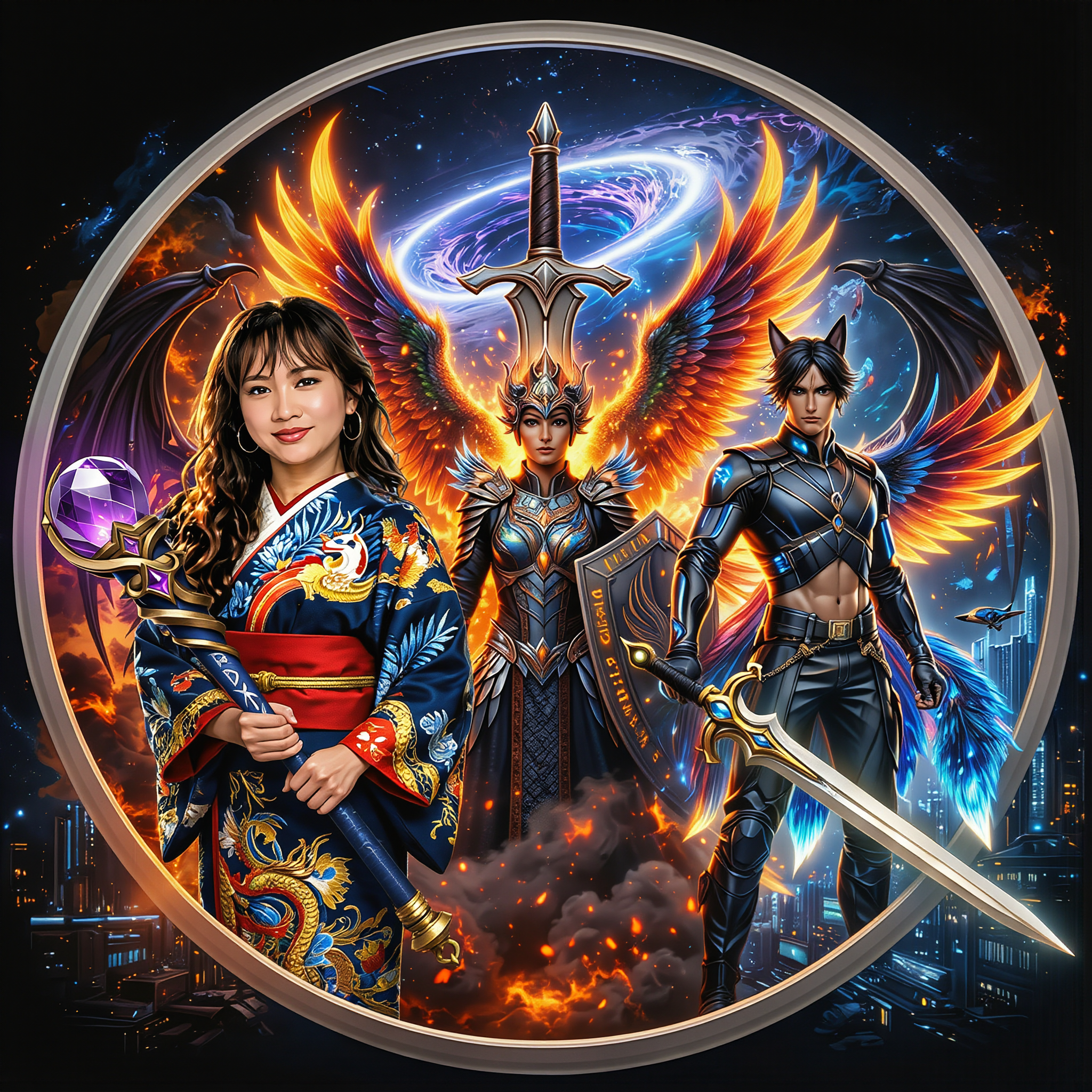
Kling AI work 298734542656947 - zoom desktop wallpaper AI image
VZJipunL avatar
VZJipunL
Kling AI work 312375509664160 - zoom desktop wallpaper AI video
JtRNHhtj avatar
JtRNHhtj
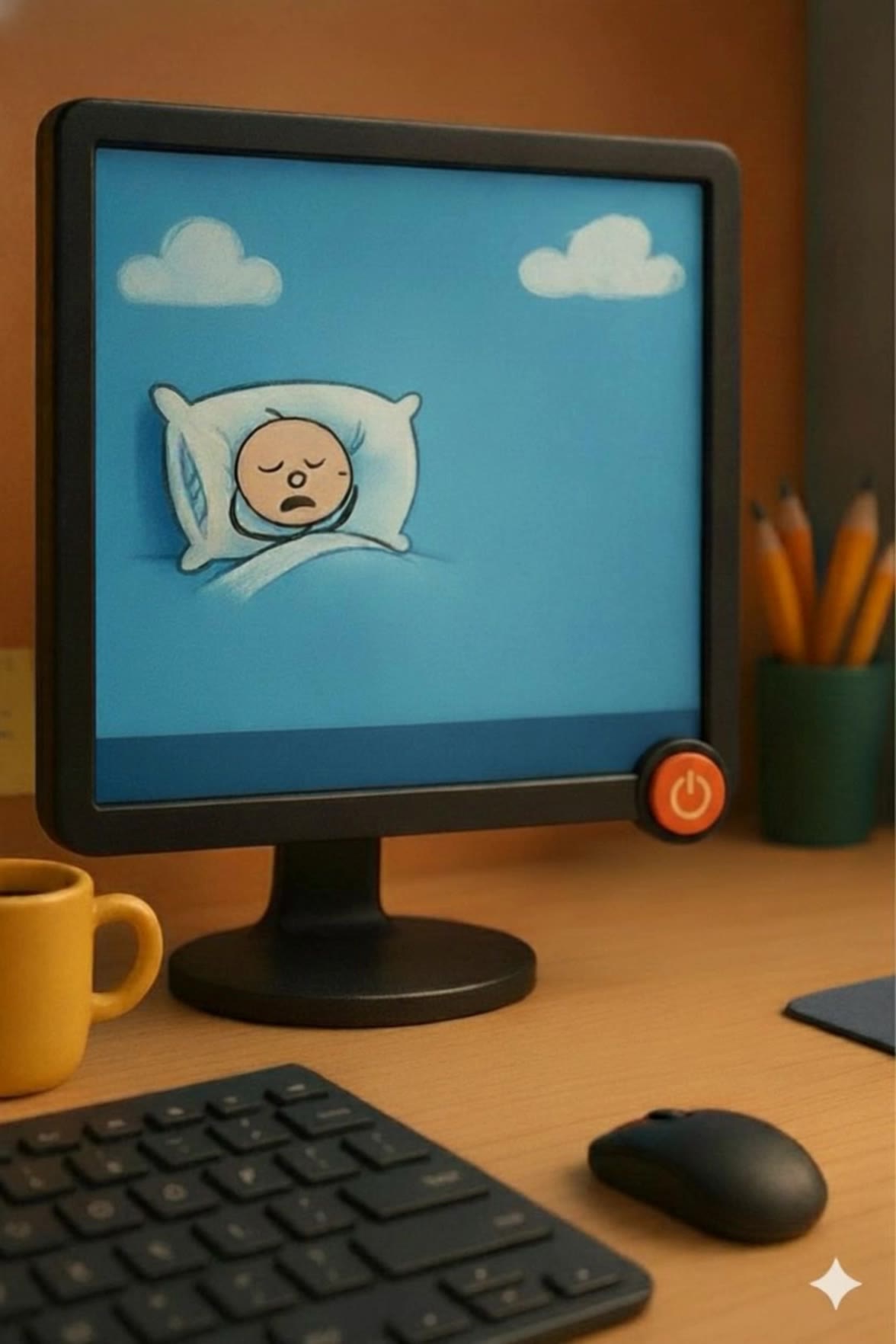
Kling AI work 309755081610044 - zoom desktop wallpaper AI image
Rakesh avatar
Rakesh
Kling AI work 318382586502403 - zoom desktop wallpaper AI video
YeHBOAfm avatar
YeHBOAfm
ECHOES OF AINCRAD (SAO) - zoom desktop wallpaper AI video
Netstark avatar
Netstark
Kling AI work 315849206526000 - zoom desktop wallpaper AI video
NwoBJJtj avatar
NwoBJJtj
Kling AI work 317581797663735 - zoom desktop wallpaper AI video
obVZVXqQ avatar
obVZVXqQ
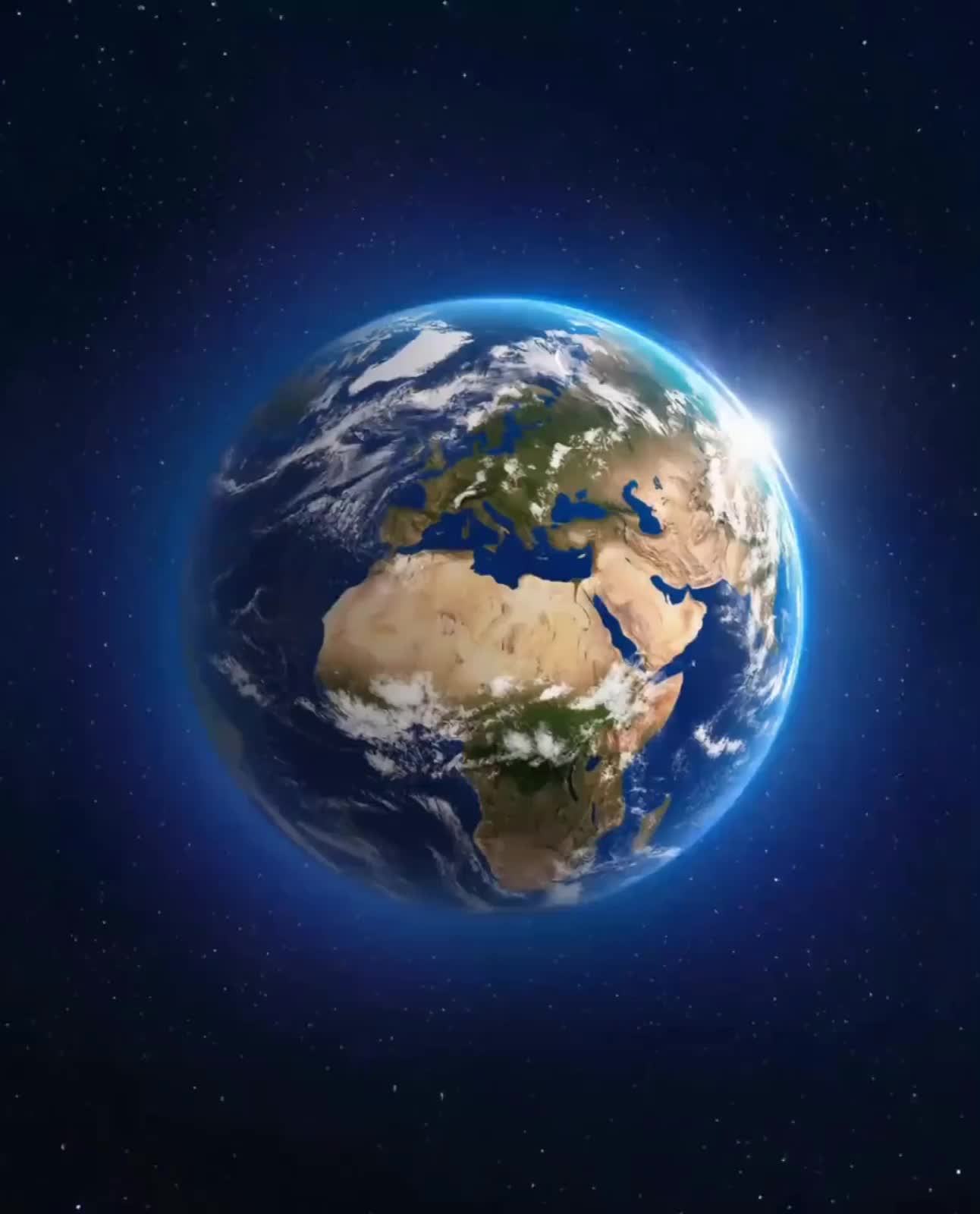
zoom - zoom desktop wallpaper AI video
Earth Zoom In
tbUMiXxy avatar
tbUMiXxy
Kling AI work 314265054527114 - zoom desktop wallpaper AI video
Buyo avatar
Buyo
zoom out - zoom desktop wallpaper AI video
SAGBEATZ avatar
SAGBEATZ
Kling AI work 309755104616928 - zoom desktop wallpaper AI image
Rakesh avatar
Rakesh
Kling AI work 296421693613868 - zoom desktop wallpaper AI video
RXizAqSO avatar
RXizAqSO
Kling AI work 312816379617333 - zoom desktop wallpaper AI image
KxmJonCq avatar
KxmJonCq
Kling AI work 296461099617933 - zoom desktop wallpaper AI image
TurbM3L0s3/AlohaKaim avatar
TurbM3L0s3/AlohaKaim
Storefront laptop - slow zoom - zoom desktop wallpaper AI video
HIUCJLJW avatar
HIUCJLJW
Kling AI work 296426171610350 - zoom desktop wallpaper AI video
adGbBrgx avatar
adGbBrgx
Kling AI work 310335821661328 - zoom desktop wallpaper AI image
Dreaming avatar
Dreaming
Elite Creator

How to Make an Avatar with Kling

Bring a Photo or an Idea

Bring a Photo or an Idea

Have an original photo to recreate? Upload it and use it as the visual starting point. If you would rather invent someone new, skip the photo and begin with a description.

Make the Look Your Own

Make the Look Your Own

Describe the avater you want to see, including the features, hairstyle, or outfit, or take the whole image into a different art style. The more specific the direction, the easier it is to shape the result around your idea.

Generate Your Avatar

Generate Your Avatar

Choose the available image settings and generate your avatar. Found one that feels close? Use it on other platforms right away.

Edit Any Part with Kling AI

Add, Remove, or Replace Image Content

Add, Remove, or Replace Image Content

Tell Kling what you want to change in text prompts. Replace a person, remove an object, or fine-tune details such as color, material, pose, and expression. Even detailed edits take fewer and easier steps because you can change the photo with AI instead of with traditional photo editing tools. IMAGE 3.0 follows your instruction while keeping the photo’s original style, lighting, and texture in place, so the edited area still belongs in the same shot.

Change the Color, Lighting, or Style

Change the Color, Lighting, or Style

Give an existing photo a different mood effortlessly. Lift a dim scene, soften harsh light, warm or cool the colors, or bring color to a black-and-white photo or line drawing. A short prompt replaces the usual round of manual adjustments. Looking for a bigger shift? Add a style reference or spell out the visual direction. IMAGE 3.0 carries the palette, texture, and atmosphere across the whole image, so the new look feels cohesive rather than pasted on. Use it for studio-style professional headshots, distinctive portrait treatments, cinematic scene design, or a visual style that feels entirely your own.

Rework the Shot or Camera Angle

Rework the Shot or Camera Angle

Tell Kling how you want the shot to look in a text prompt. Turn a front-facing photo into a side view, move the camera higher or lower, or change a wide shot into a close-up. You can explore a new composition around the same subject without setting up another shoot. IMAGE 3.0 rebuilds the scene from the angle you request, adjusting the perspective, camera height, shot size, focal length, and depth of field along with it. The result is a newly generated view based on the source photo, rather than hidden details recovered from outside the original frame.

Apps

Image to Video
Image to Video

Image to Video

Text to Video
Text to Video

Text to Video

Omni
Omni

Omni

Digital Human
Digital Human

Digital Human

Restyle
Restyle

Restyle

Text to Image
Text to Image

Text to Image

60M+
60M+
Users
600M+
600M+
AI Videos Generated
4.7 ★
4.7 ★
App Store
Industry-Leading
Industry-Leading
Cinematic 4K

Reviews

Ozan Sihay

Ozan Sihay

★★★★★

Kling AI allows me to rapidly prototype ideas, refine storytelling elements, and produce visually compelling content efficiently. It has not only accelerated my creative processes, but also deepened my understanding of how AI can enrich visual storytelling.

James Phillips

James Phillips

★★★★★

Kling AI has transformed my workflow by collapsing timelines and democratizing production. It’s shifted my mindset from resource-dependent filmmaking to a boundless creative sandbox, where experimentation yields unexpected beauty.

Vincent Smadja

Vincent Smadja

★★★★★

Kling AI seamlessly integrates into my creative workflow, playing a key role in transforming my images. After generating and upscaling an image, Kling becomes a crucial element, bringing my creations to life with movement and depth.

FAQ

Q1What is an AI clothes changer?
Q2Can I use Kling AI Clothes Changer for virtual try-on?
Q3Can I change clothes using text prompts or reference images?

Go Beyond the Original Frame

Turn tightly framed images into fuller scenes with Kling IMAGE 3.0. Extend the scene, guide what appears beyond the edges, and keep key subjects and visual style consistent.