Creative Studio
API
Resources
Features
About Us
Download

zoom in and zoom out - Christmas Tree & Earth

Uncover cinematic techniques and creative zoom effects for dynamic video editing, enhancing visual storytelling in travel, pre-wedding, and promotional content. Start exploring zoom in and zoom out ideas and generate your own content with AI.

zoom in and zoom out - Christmas Tree & Earth

Recommended

cinematic beach zoom transition - zoom in and zoom out AI video
iRSigtEZ avatar
iRSigtEZ
zoom in - industrie - zoom in and zoom out AI video
LPbYNyzp avatar
LPbYNyzp
zoom in transition - zoom in and zoom out AI video
00:10
RnShcieU avatar
RnShcieU
Storefront laptop - slow zoom - zoom in and zoom out AI video
HIUCJLJW avatar
HIUCJLJW
Zoom Out effect - zoom in and zoom out AI video
Zoom Out
Minuit avatar
Minuit
Elite Creator
Super zoom out - zoom in and zoom out AI video
Slop Italia avatar
Slop Italia
Slow Dolly zoom - zoom in and zoom out AI video
aTFAtByF avatar
aTFAtByF
Simple Zoom In - zoom in and zoom out AI video
MyWorldofAICreations avatar
MyWorldofAICreations
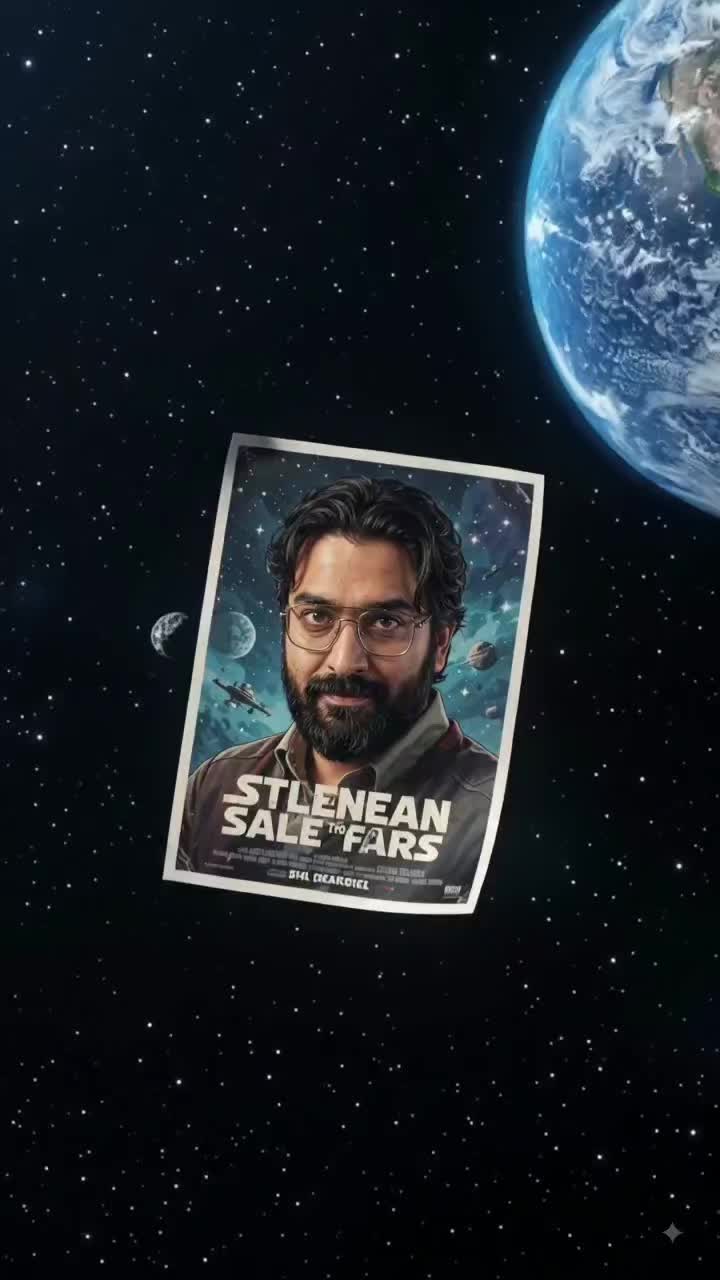
zoom in from space - zoom in and zoom out AI video
00:05
Chandan avatar
Chandan
Zoom - zoom in and zoom out AI video
QQGhKWal avatar
QQGhKWal
dolby zoom - zoom in and zoom out AI video
SAGBEATZ avatar
SAGBEATZ
zoom - zoom in and zoom out AI video
Earth Zoom In
tbUMiXxy avatar
tbUMiXxy
zoom out - zoom in and zoom out AI video
SAGBEATZ avatar
SAGBEATZ
power zoom out short - zoom in and zoom out AI video
Thiện avatar
Thiện
Zoom - zoom in and zoom out AI video
Deckardkain avatar
Deckardkain
Zoom In effect - zoom in and zoom out AI video
Zoom In
Minuit avatar
Minuit
Elite Creator
Zoom in - zoom in and zoom out AI video
yLlzgffR avatar
yLlzgffR
zoom in from galaxy - zoom in and zoom out AI video
00:05
Chandan avatar
Chandan
Earth Zoom In - zoom in and zoom out AI video
Earth Zoom In
QVVmMoWV avatar
QVVmMoWV

How to Create an AI Video from a Script

Start with a Scene or Story Beat

Start with a Scene or Story Beat

Paste in the part of your script you want to see on screen. Include the setting, characters, action, and dialogue that matter to the scene. Camera direction and visual style can stay simple at first, you can get more specific when you start shaping the shots.

Turn the Scene into a Shot Sequence

Turn the Scene into a Shot Sequence

Switch on Multi-Shot and let Kling work out the scene transitions and camera coverage from your prompt. Already have the sequence in your head? Open Custom Multi-Shot and lay out the individual shots yourself, including how long they last and what happens in each one.

Generate with Native Audio

Generate with Native Audio

Set the duration and available output options, then generate your sequence. Native Audio can bring dialogue, ambience, and sound effects into the same generation, so the result does not have to begin as a silent set of shots. Kling VIDEO 3.0 supports scenes up to 15 seconds in a single generation.

Create AI Art with More Creative Control

Bring More Than a Prompt to Your Art

Bring More Than a Prompt to Your Art

Start with words, a sketch, a photo, or the references that already capture part of your idea. IMAGE 3.0 can use up to 10 reference images, so you can bring a character from one image, an outfit from another, and a different setting or art style into the same creation. Use references for the details you want to keep, then use your prompt to decide what changes.

Find the Look That Fits Your Idea

Find the Look That Fits Your Idea

Create pencil drawings, watercolor paintings, anime art, comics, concept art, 3D-inspired images, and more. Try a completely different style, or fine-tune the one you already have. Kling AI also gives you control beyond the art style. Reframe the scene, shift the viewing angle, change the lighting or color palette, and keep refining the image until the whole piece comes together

Create a Series, Not Just a Single Image

Create a Series, Not Just a Single Image

Keep a character, setting, or visual style recognizable across multiple pieces of artwork with IMAGE 3.0 Omni. Generate new poses, scenes, and compositions while keeping the details that tie the series together. It works especially well for character concepts, comics, storyboards, and other ideas that need to develop across several images. Generate in native 2K or 4K when you want more detail in the finished artwork.

Apps

Image to Video
Image to Video

Image to Video

Text to Video
Text to Video

Text to Video

Omni
Omni

Omni

Digital Human
Digital Human

Digital Human

Restyle
Restyle

Restyle

Text to Image
Text to Image

Text to Image

60M+
60M+
Users
600M+
600M+
AI Videos Generated
4.7 ★
4.7 ★
App Store
Industry-Leading
Industry-Leading
Cinematic 4K

Reviews

Maria Rubtsova

Maria Rubtsova

★★★★★

I’m Maria Rubtsova, an AIGC digital artist passionate about creating stunning visuals in the worlds of fashion, aesthetics, and fantasy. I use KlingAi to bring imagination to life through video. My work is all about exploring beauty, emotion, and the limitless possibilities of digital art.

James Phillips

James Phillips

★★★★★

Kling AI has transformed my workflow by collapsing timelines and democratizing production. It’s shifted my mindset from resource-dependent filmmaking to a boundless creative sandbox, where experimentation yields unexpected beauty.

KakuDrop

KakuDrop

★★★★★

I have successfully collaborated with world-renowned artists and well-known companies that are recognized globally

FAQ

Q1Can I turn an image created with Kling AI into a video?
Q2Can I edit an existing image with Kling AI?
Q3What is an AI image generator?

Change the Shot Without Reshooting It

Upload your footage, describe the result, and let Kling rebuild the scene around your direction.

Free tier available | Simple prompt editing | Up to 4K output | Fast generation