Creative Studio
API
Resources
Features
About Us
Download

Zoom with KlingAI – Explore AI-Generated Zoom Ideas

Discover a variety of AI-generated zoom ideas with KlingAI. Quickly find inspiration and customize your zoom sessions with ease.

Zoom with KlingAI – Explore AI-Generated Zoom Ideas

Recommended

Luna just validated Kling 2.6 - zoom kling ai AI video
Minuit avatar
Minuit
Elite Creator
Kling AI work 316641094503089 - zoom kling ai AI video
thADKaMf avatar
thADKaMf
Kling AI work 308753150524472 - zoom kling ai AI video
vAWneYqK avatar
vAWneYqK
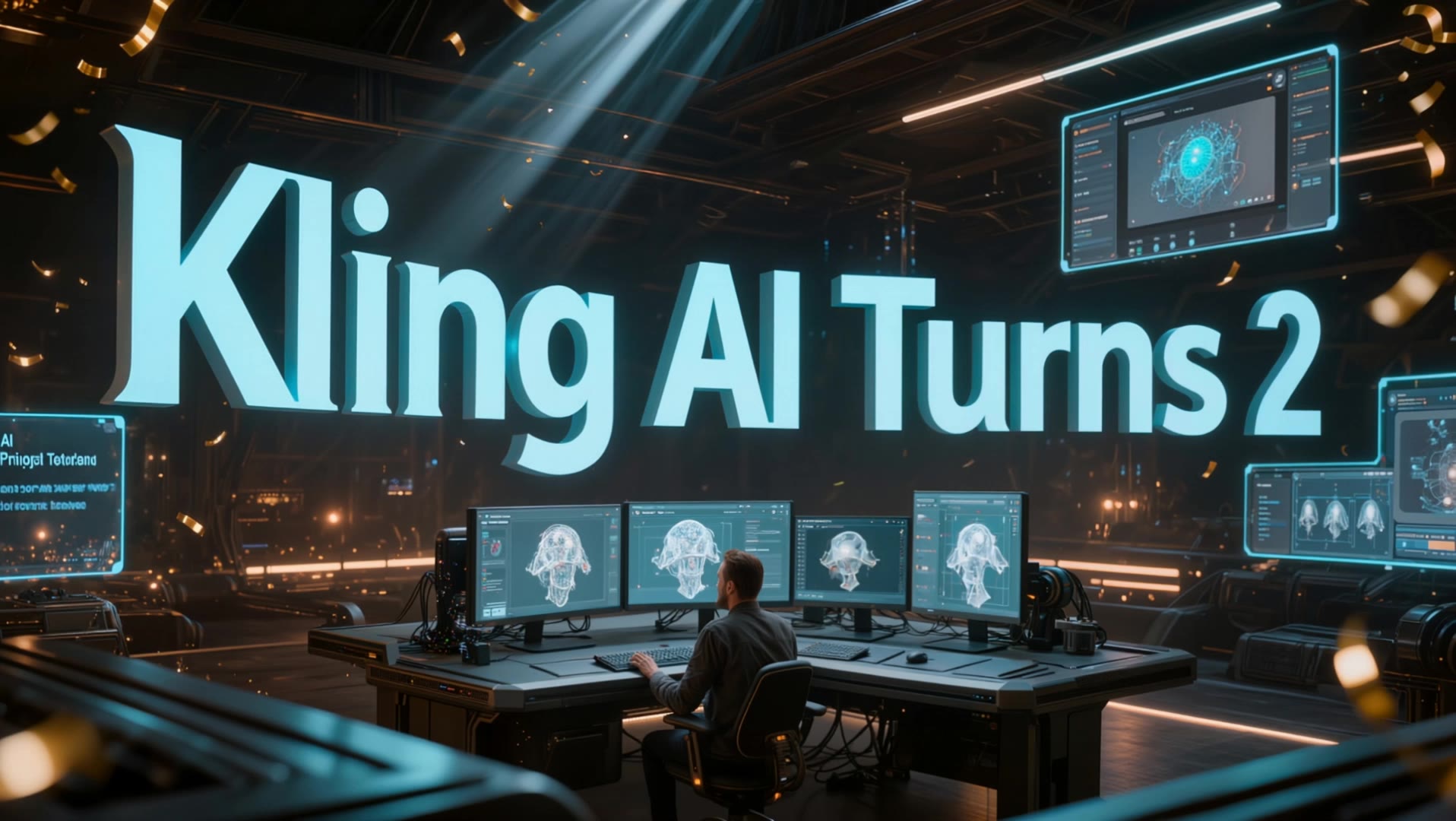
Kling AI Turns 2 - zoom kling ai AI video
RamZ avatar
RamZ
Elite Creator
Kling AI work 310138793612043 - zoom kling ai AI image
KTVEaeet avatar
KTVEaeet
Kling AI without limits - zoom kling ai AI video
KLING6928 avatar
KLING6928
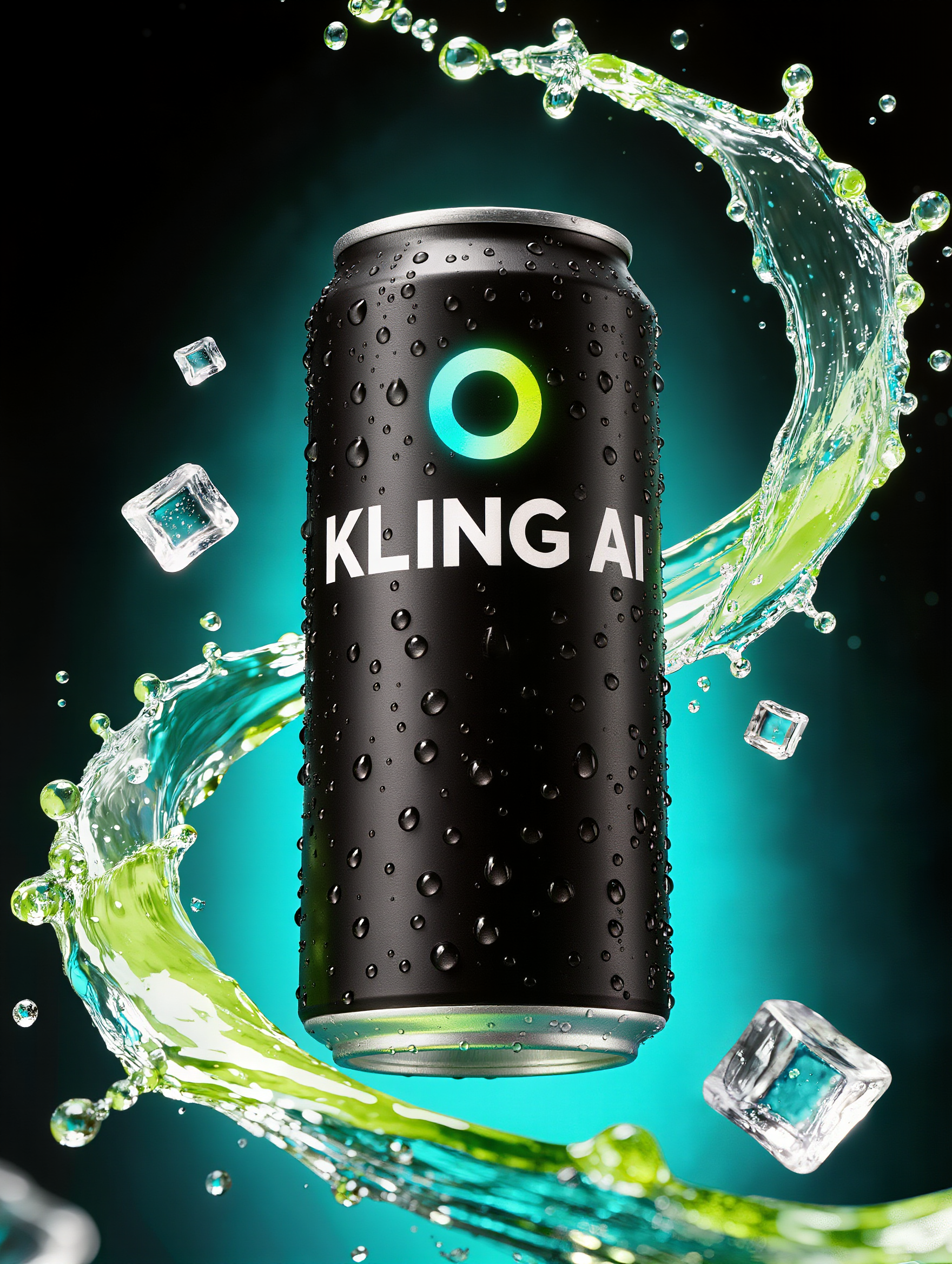
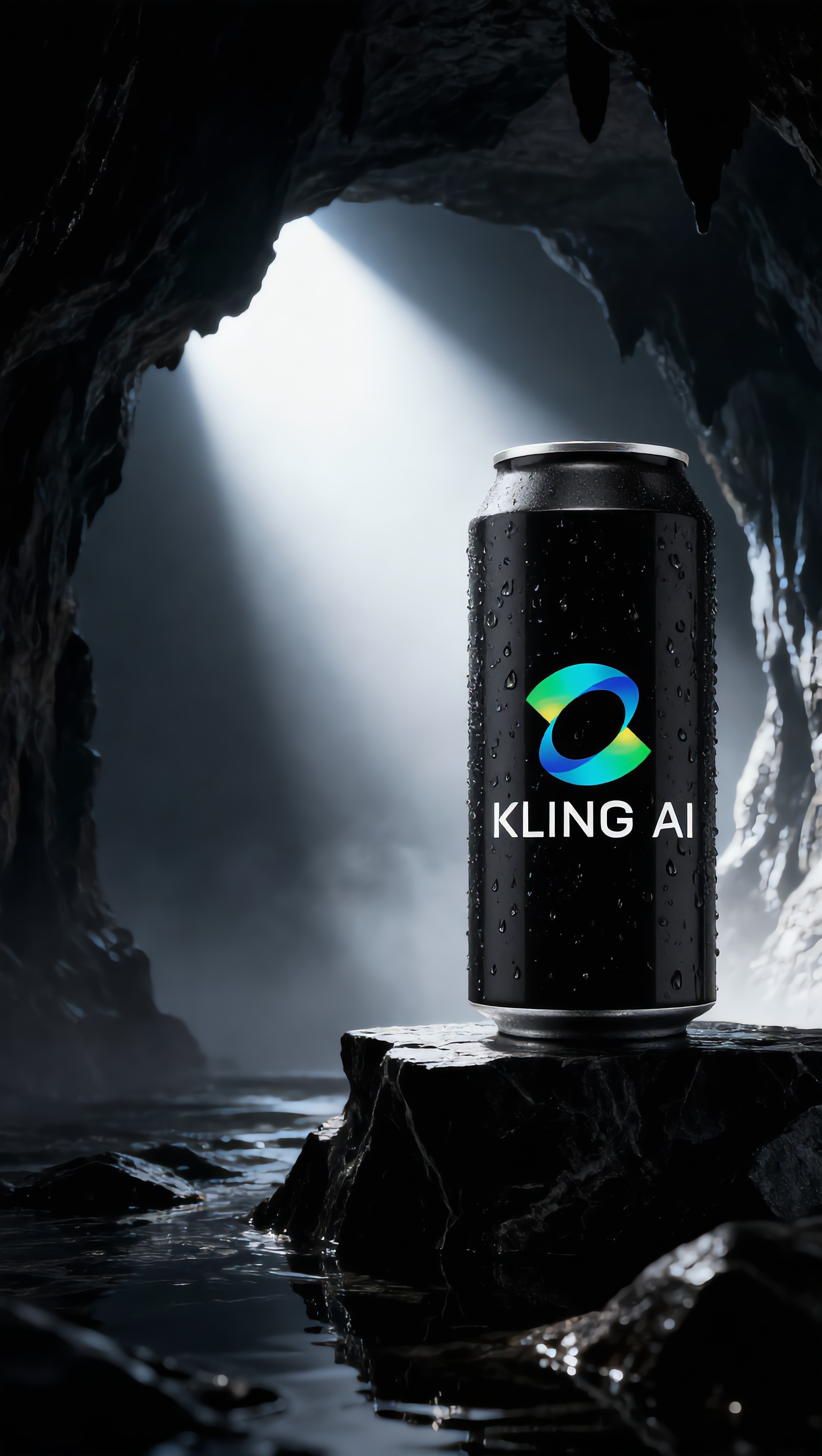
Alternative Kling AI drink - zoom kling ai AI image
UN_RE_AI_vision avatar
UN_RE_AI_vision
kling ai - zoom kling ai AI video
nYDQIKuy avatar
nYDQIKuy
kling saves humanity - zoom kling ai AI video
medtkr avatar
medtkr
Kling AI work 316641610667748 - zoom kling ai AI video
thADKaMf avatar
thADKaMf
zoom - zoom kling ai AI video
Earth Zoom In
tbUMiXxy avatar
tbUMiXxy
super hero kling ai - zoom kling ai AI video
medtkr avatar
medtkr
super hero kling ai - zoom kling ai AI video
medtkr avatar
medtkr
Kling AI work 316641698663664 - zoom kling ai AI video
thADKaMf avatar
thADKaMf
merry christmas kling ai family - zoom kling ai AI video
hivetechmedia avatar
hivetechmedia
Kling World - zoom kling ai AI video
LUNA LOOMS avatar
LUNA LOOMS
Elite Creator
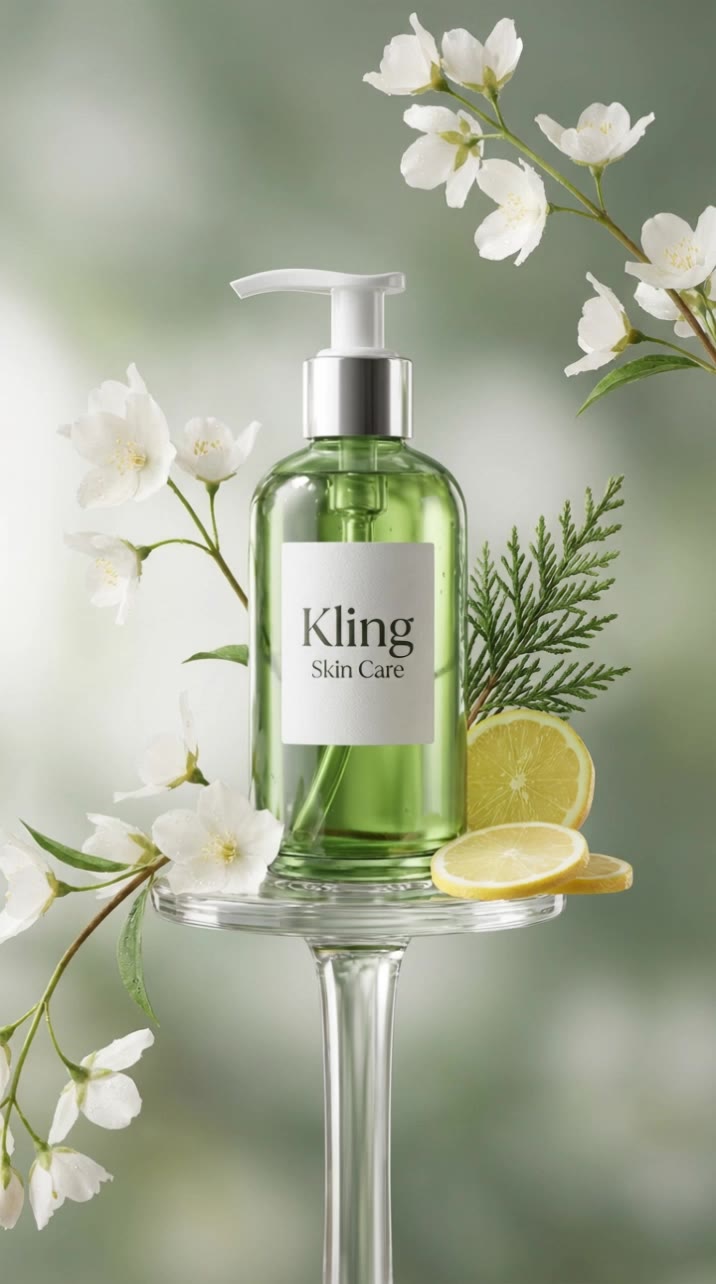
Skin care Kling xD - zoom kling ai AI video
Faizul avatar
Faizul
Kling AI Can - zoom kling ai AI image
UN_RE_AI_vision avatar
UN_RE_AI_vision
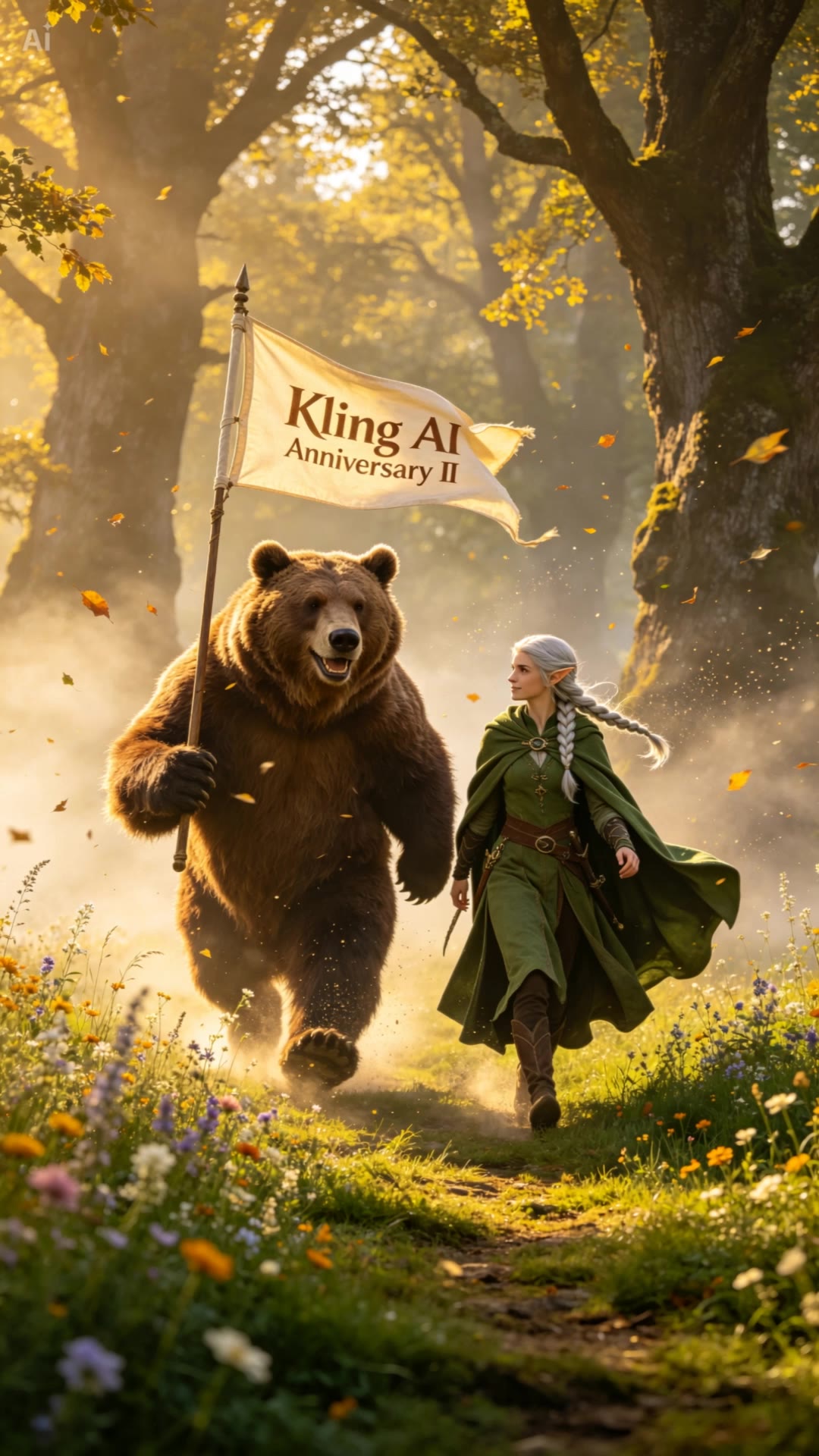
Happy 2nd anniversary, Kling AI. - zoom kling ai AI video
NAJwyedd avatar
NAJwyedd
Elite Creator

How to Use Kling AI Art Generator

Start with a Prompt

Start with a Prompt

Open IMAGE 3.0 Omni. Write what you want to make, upload an existing image, or add references that show the character, object, composition, or style you want Kling to follow.

Set the Art Direction

Set the Art Direction

Add the details that matter to the piece: medium, palette, mood, lighting, framing, perspective, or another visual cue. When you use several references, tell Kling what each one contributes instead of leaving the relationship between them ambiguous.

Generate and Keep Working

Generate and Keep Working

Generate the artwork, review the result, and adjust the prompt or creative direction if needed. For connected images, continue the idea with Image Series.

Improve Video Quality Beyond Resolution

Give Your Video a Cinematic Finish in 4K

Give Your Video a Cinematic Finish in 4K

Choose 4K in the output settings to give your footage a finely detailed finish. From the texture of fabric to the contours of a face, bring small details into view for larger screens and close-up shots. Give family recordings, social clips, and creative projects a richer presentation.

Fix Lighting, Color, and the Overall Look

Fix Lighting, Color, and the Overall Look

A good clip can still fall flat because of dull color, poor lighting, or an awkward composition. Use prompts to reduce visible grain and digital noise in low-light footage, then refine the lighting, color, and composition. Turn an ordinary view into an expressive close-up, bring warmth to a dim scene, or change the weather and time of day. Shape the overall look without adjusting every element by hand.

Fill in the Gaps for More Fluid Motion

Fill in the Gaps for More Fluid Motion

Upload your video and describe the missing action or moment you want to add. Add reference images when needed, then use Kling to generate additional footage that helps connect existing moments with less manual editing.

Apps

Image to Video
Image to Video

Image to Video

Text to Video
Text to Video

Text to Video

Omni
Omni

Omni

Digital Human
Digital Human

Digital Human

Restyle
Restyle

Restyle

Text to Image
Text to Image

Text to Image

60M+
60M+
Users
600M+
600M+
AI Videos Generated
4.7 ★
4.7 ★
App Store
Industry-Leading
Industry-Leading
Cinematic 4K

Reviews

James Phillips

James Phillips

★★★★★

Kling AI has transformed my workflow by collapsing timelines and democratizing production. It’s shifted my mindset from resource-dependent filmmaking to a boundless creative sandbox, where experimentation yields unexpected beauty.

Jyo John Mulloor

Jyo John Mulloor

★★★★★

Kling AI has been instrumental in transforming my creative workflow, unlocking new dimensions of artistic expression that were once unimaginable. I use Kling AI extensively to develop high-concept visuals, animate surreal dreamscapes, and create AI-assisted films that blur the line between reality and fantasy. Kling AI’s deep learning capabilities have not only enhanced my creative efficiency but also inspired me to explore storytelling in ways I never thought possible.

Ozan Sihay

Ozan Sihay

★★★★★

Kling AI allows me to rapidly prototype ideas, refine storytelling elements, and produce visually compelling content efficiently. It has not only accelerated my creative processes, but also deepened my understanding of how AI can enrich visual storytelling.

FAQ

Q1Can I keep the same character consistent across different images?
Q2How can I customize my AI character?
Q3What is an AI Character Generator?

Bring Your Characters to Life with AI Voices

Create natural voices from text with Kling AI. Turn character dialogue into expressive speech to create realistic character videos.

Native Audio | Multilingual Dialogue | Character Voice Control