Creative Studio
API Platform
Resources
About Us

AI-generated zoom out effect ideas

Explore AI-made zoom out effects. Customize and enhance your images with AI assistance.

AI-generated zoom out effect ideas

Recommended

work cover
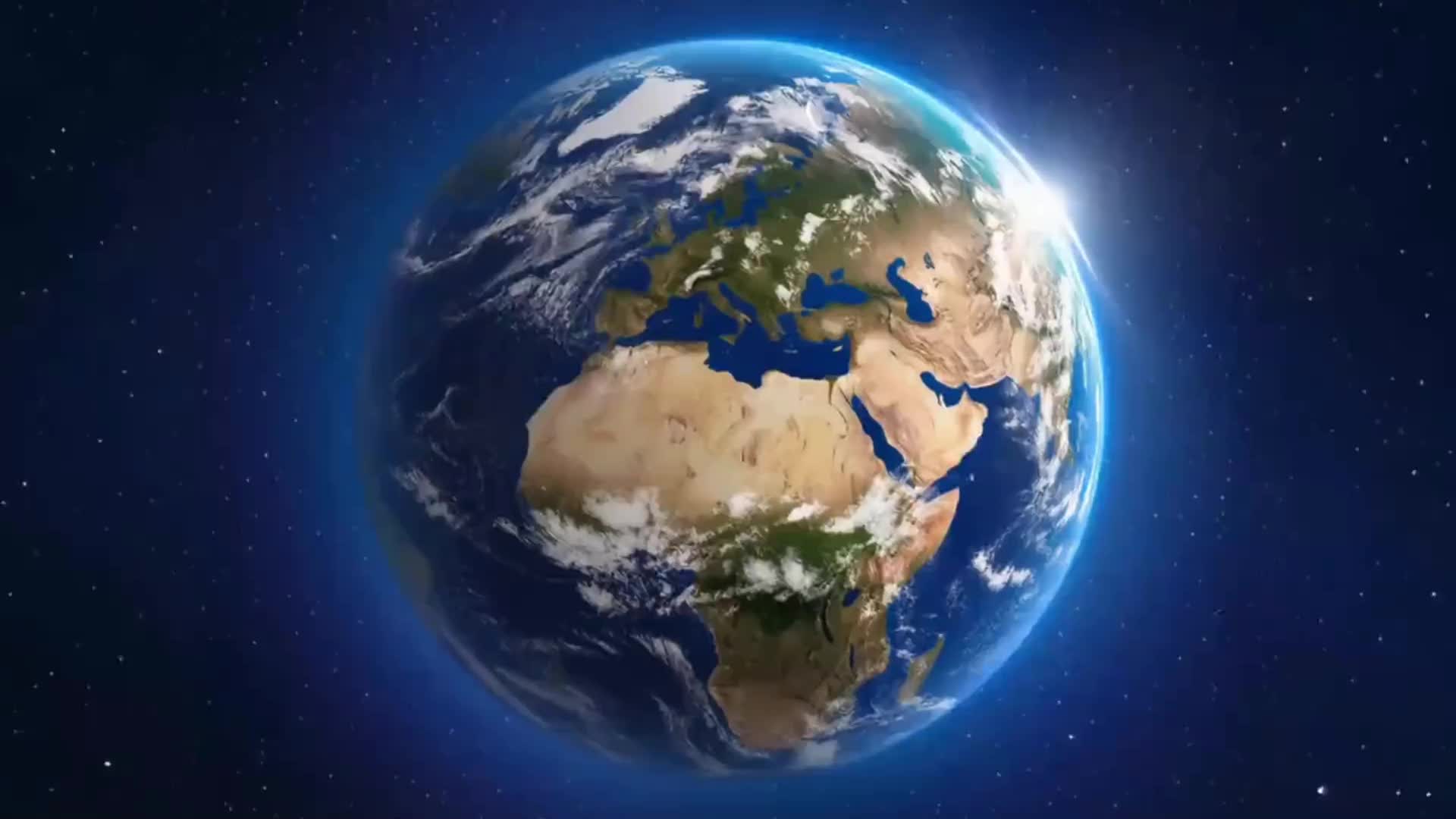
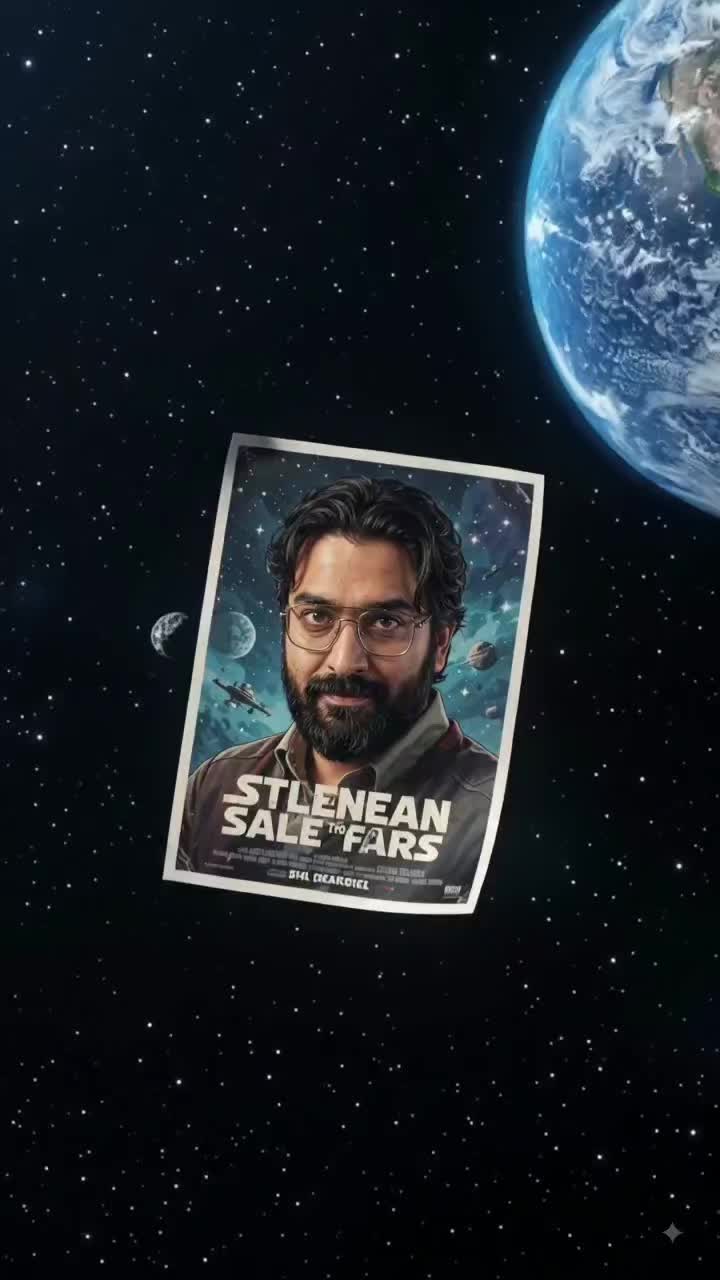
Earth Zoom In
RAREANDOPULENT
work cover
video-play
Hien Dao
work cover
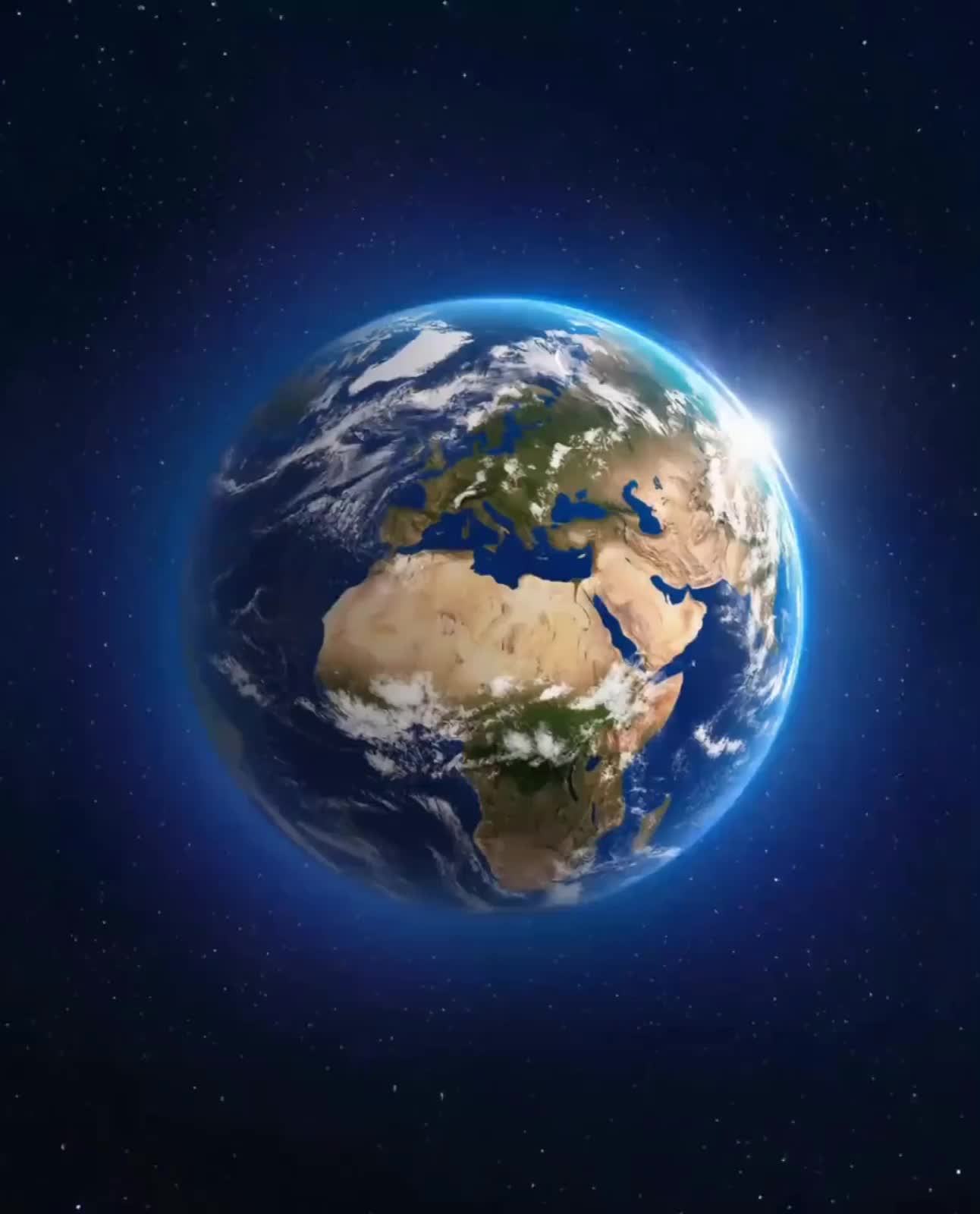
Earth Zoom In
Ady Media Design
work cover
Earth Zoom In
tbUMiXxy
work cover
Earth Zoom In
Quân Nguyễn Editor
work cover
Earth Zoom In
dkyJyErQ
work cover
Earth Zoom In
Ady Media Design
work cover
video-play
pFqtPJsh
work cover
Earth Zoom In
pNEVzdzt
work cover
video-play
dimgubin
work cover
Earth Zoom In
priori
work cover
video-play
Svetlana Severyna
work cover
video-play
onepaccTV
work cover
Earth Zoom In
echoingshores
work cover
video-play
Slop Italia
work cover
video-play
Hien Dao
work cover
Earth Zoom In
Ady Media Design
work cover
Earth Zoom In
Ady Media Design
work cover
Earth Zoom In
Soulshop
work cover
video-play
HIUCJLJW

How to Create Cinematic AI Videos with Kling

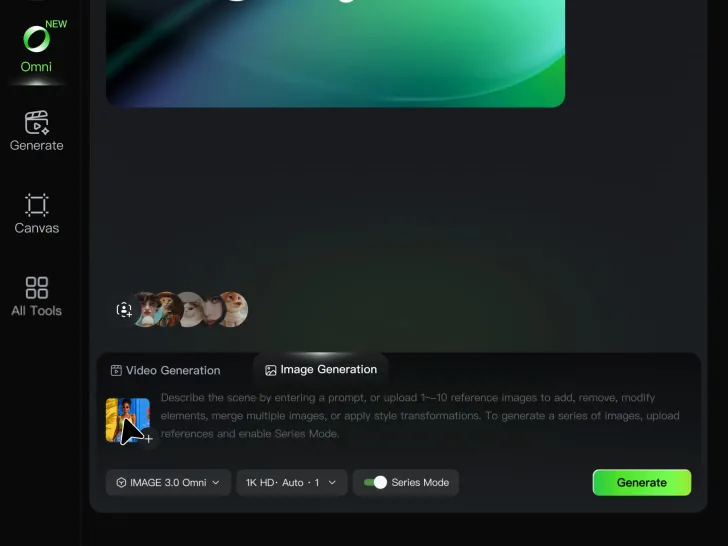
Upload or Describe Your Vision

Upload or Describe Your Vision

Start by uploading a reference photo or entering a text prompt to define your character, style, and scene.

Adjust Settings & Motion

Adjust Settings & Motion

Refine your video by locking character consistency, adjusting motion intensity, or adding native AI audio and lip-sync.

Generate & Export in 4K

Generate & Export in 4K

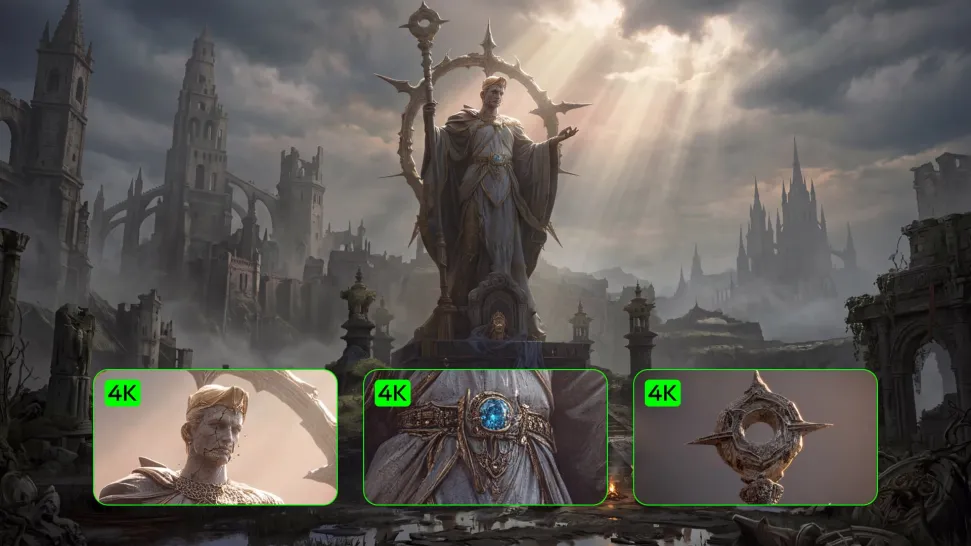
Click generate to produce your high-fidelity video. Preview the results and export your masterpiece in stunning 4K resolution.

Why Kling Sets the Standard for Video Creation

Flawless Character Consistency for High-Quality Videos

Flawless Character Consistency for High-Quality Videos

Unlike standard tools that distort faces when moving, Kling Video 3.0 lets you strictly lock a character’s appearance. Upload a single photo, or use a short video/multiple angles as a reference to completely eliminate the “AI morphing” effect.

All-in-One Native Audio & Lip-Sync

All-in-One Native Audio & Lip-Sync

Your video isn’t just silent footage; it speaks. Generate perfectly matched voices and realistic lip movements in multiple languages or regional accents. Even in multi-character scenes, you can precisely assign who speaks—no third-party tools required.

Up to 15s Multi-Shot Cinematic Output

Up to 15s Multi-Shot Cinematic Output

Go beyond a basic 3-second clip. Kling 3.0 extends generation to 15 seconds of smooth, uninterrupted narrative. You can even use native storyboard controls to direct multi-shot sequences in a single click—outputting in crystal-clear 4K for professional use.

Apps

Image to Video
Image to Video

Image to Video

Text to Video
Text to Video

Text to Video

Omni
Omni

Omni

Digital Human
Digital Human

Digital Human

Restyle
Restyle

Restyle

Text to Image
Text to Image

Text to Image

60M+
60M+
Users
600M+
600M+
AI Videos Generated
4.7 ★
4.7 ★
App Store
Industry-Leading
Industry-Leading
Cinematic 4K

Reviews

Huang Lu (Elson)

Huang Lu (Elson)

★★★★★

I’ve been using Kling AI since its initial release, and it’s remained one of the leading AI media generators ever since. With Kling AI, I’ve created hundreds of videos, collectively amassing millions of views.
Ozan Sihay

Ozan Sihay

★★★★★

Kling AI allows me to rapidly prototype ideas, refine storytelling elements, and produce visually compelling content efficiently. It has not only accelerated my creative processes, but also deepened my understanding of how AI can enrich visual storytelling.

Jyo John Mulloor

Jyo John Mulloor

★★★★★

Kling AI has been instrumental in transforming my creative workflow, unlocking new dimensions of artistic expression that were once unimaginable. I use Kling AI extensively to develop high-concept visuals, animate surreal dreamscapes, and create AI-assisted films that blur the line between reality and fantasy. Kling AI’s deep learning capabilities have not only enhanced my creative efficiency but also inspired me to explore storytelling in ways I never thought possible.

FAQ

Q1What makes a good reference video for Motion Control?
Q2How do I keep the face from changing or distorting?
Q3What is the difference between Kling 2.6 and 3.0 Motion Control?
Q4Can I use this for anime or 3D characters?
Q5Can I use the audio from the reference video?
Q6Can I use multiple people in one Motion Control video?
Q7What kind of images work best for Motion Control?
Q8Can I upload multiple images to improve accuracy?
Q9What happens if the reference motion and image don’t match?

Start Creating AI Videos with Kling

Turn your image into a talking, high-quality video in seconds. No watermarks, no complicated setup.

Free tier available (Memberships are watermark-free) | 1080p export (Memberships unlock 4K) | Instant results