Creative Studio
API
Resources
Features
About Us
Download

AI Dance Generator: Make Photos and Characters Dance

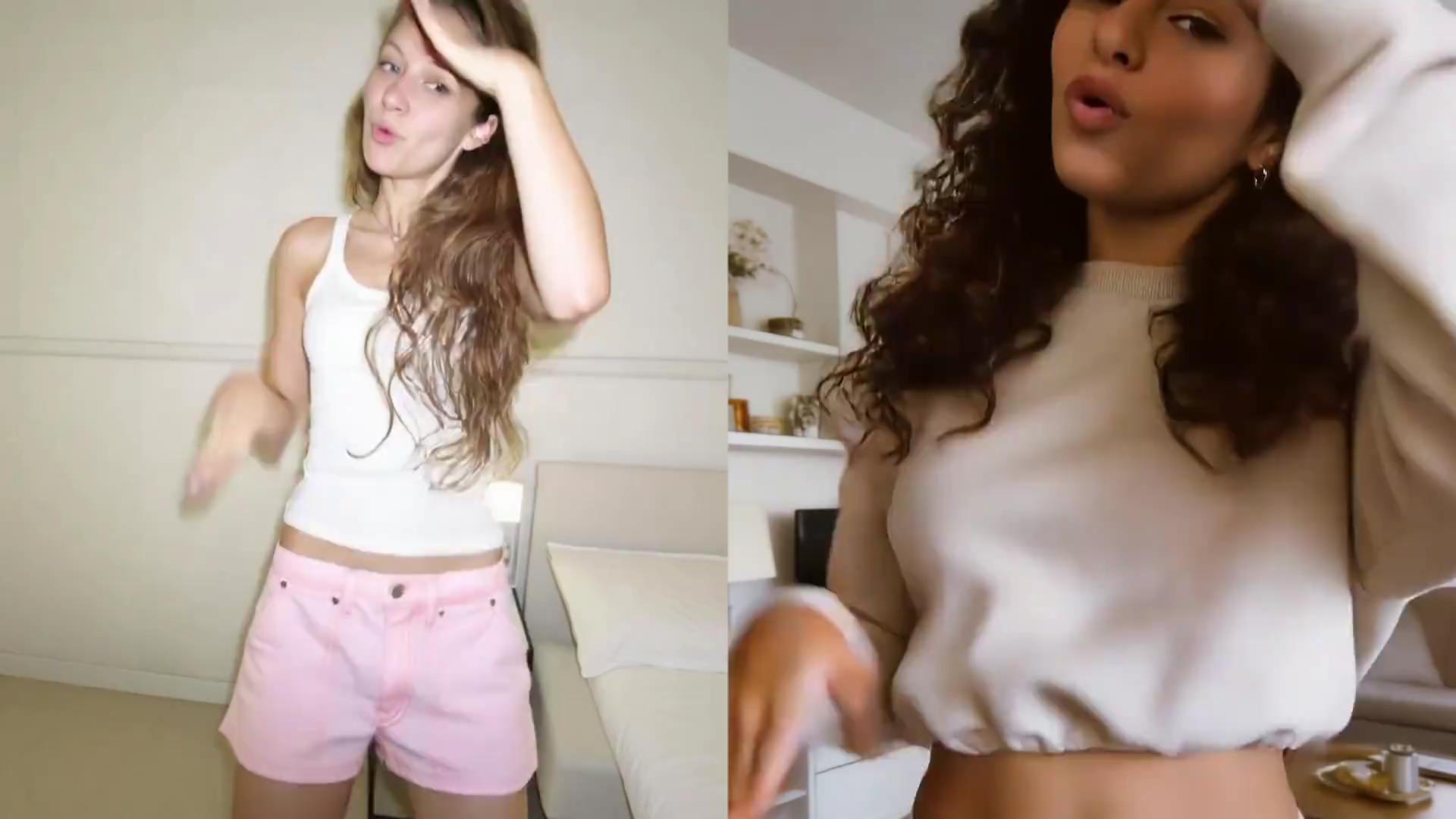
Make a photo follow your favorite dance, create movement between two poses, or put a new character into an existing dance video. Kling AI gives you more than one way to create the performance you have in mind.
AI Dance Generator: Make Photos and Characters Dance

3 Ways to Create an AI Dance Video

Method 1: Follow a Dance with Motion Control

Method 1: Follow a Dance with Motion Control

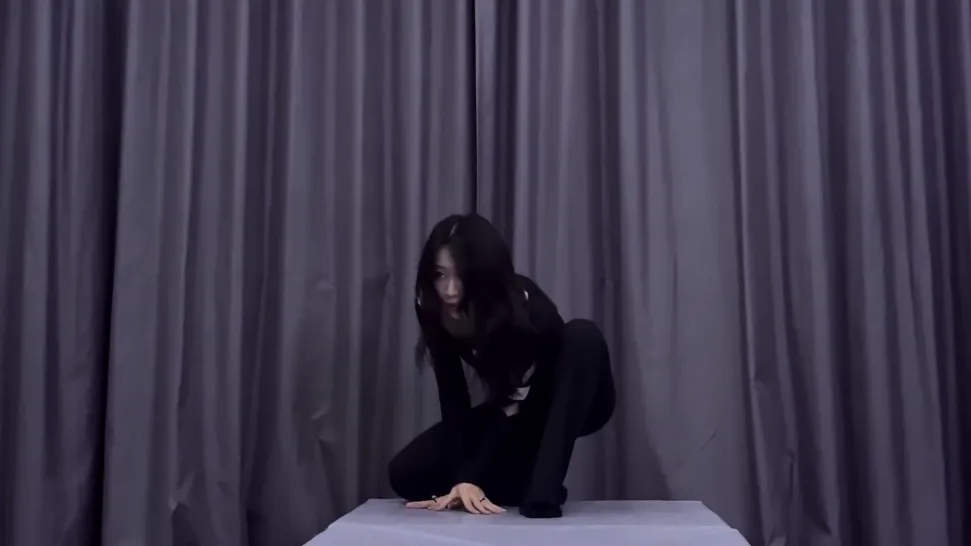
Upload a photo or humanlike character, then choose a move from the Motion Library or add your own dance reference video. Motion Control uses the reference performance to guide the character’s movement and facial expressions, making it the best choice when you want to follow a specific routine.

Method 2: Create a Dance Between 2 Poses

Method 2: Create a Dance Between 2 Poses

Have a starting pose and an ending pose in mind? Upload them as the start and end frames in Kling VIDEO 3.0, then describe the movement you want between the two moments. This works well for short dance transitions, pose changes, turns, or choreographed movements where you want more control over how the video begins and ends.

Method 3: Replace the Dancer in an Existing Video

Method 3: Replace the Dancer in an Existing Video

Already have a dance video with the movement you want? Upload the clip to Kling VIDEO 3.0 Omni, add a reference image of the person or character you want to use, and tell Kling which dancer to replace. The original performance and shot give you a ready-made motion foundation while the new character becomes part of the scene.

Create Expressive AI Dance Videos With Kling AI

Make Your Character Dance

Make Your Character Dance

Upload a person, original character, mascot, avatar, or stylized figure and turn it into a dance performance with Kling AI Motion Control. Motion Control uses the reference to guide the character’s movement and facial expressions, giving you more control over the choreography, timing, and performance style.

Keep Facial Features Stable Through Spins and Occlusion

Keep Facial Features Stable Through Spins and Occlusion

Spins, raised arms, and moving hair can briefly cover the dancer's face. Kling VIDEO 3.0 Motion Control improves facial recovery after these moments, helping the face regain clearer, more stable detail as the character continues the routine.

Catch Social Media Trends With Ready-Made Moves

Catch Social Media Trends With Ready-Made Moves

Already know the ready-made routine? Upload your own dance reference video and let Motion Control guide the movement and facial expressions of your character. Reference videos can run from 3 to 30 seconds, making it easy to work from a specific routine instead of describing every move in a prompt.

Apps

Image to Video
Image to Video

Image to Video

Text to Video
Text to Video

Text to Video

Omni
Omni

Omni

Digital Human
Digital Human

Digital Human

Restyle
Restyle

Restyle

Text to Image
Text to Image

Text to Image

60M+
60M+
Users
600M+
600M+
AI Videos Generated
4.7 ★
4.7 ★
App Store
Industry-Leading
Industry-Leading
Cinematic 4K

Reviews

James Phillips

James Phillips

★★★★★

Kling AI has transformed my workflow by collapsing timelines and democratizing production. It’s shifted my mindset from resource-dependent filmmaking to a boundless creative sandbox, where experimentation yields unexpected beauty.

Huang Lu (Elson)

Huang Lu (Elson)

★★★★★

I’ve been using Kling AI since its initial release, and it’s remained one of the leading AI media generators ever since. With Kling AI, I’ve created hundreds of videos, collectively amassing millions of views.

Déborah

Déborah

★★★★★

I use Kling AI every day. It's amazing to see the almost daily progress it makes. I used AI for fun at first, and I now find that Kling AI's animations allow me to gain professional visibility, with three times more views on my animated posts than on my static posts.

FAQ

Q1What is an AI dance generator?
Q2Can I make a photo dance with AI?
Q3What type of photo works best for an AI dance video?
Q4How closely will the AI follow my dance reference?
Q5Can an AI dance generator animate pets or non-human characters?
Q6Do I need permission to animate a real person with AI?
Q7Can I recreate a trending dance with AI?
Q8What format and resolution can dance videos be downloaded in?

Turn Your Character Image Into a Dance Video

Pick a character, choose the movement, and let Kling AI turn the still image into a performance.