Creative Studio
API
Resources
Features
About Us
Download

Sketch to AI Video: Turn Your Drawing Into Motion

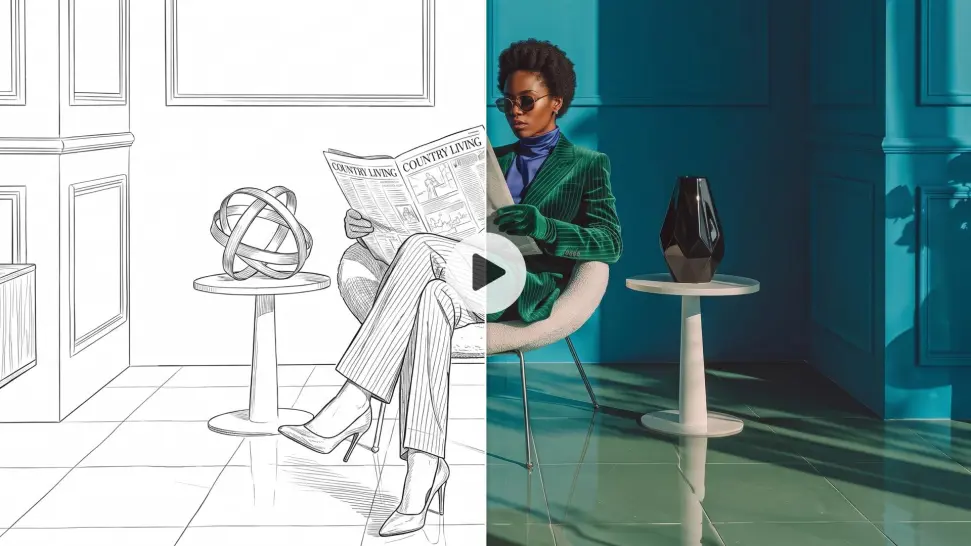
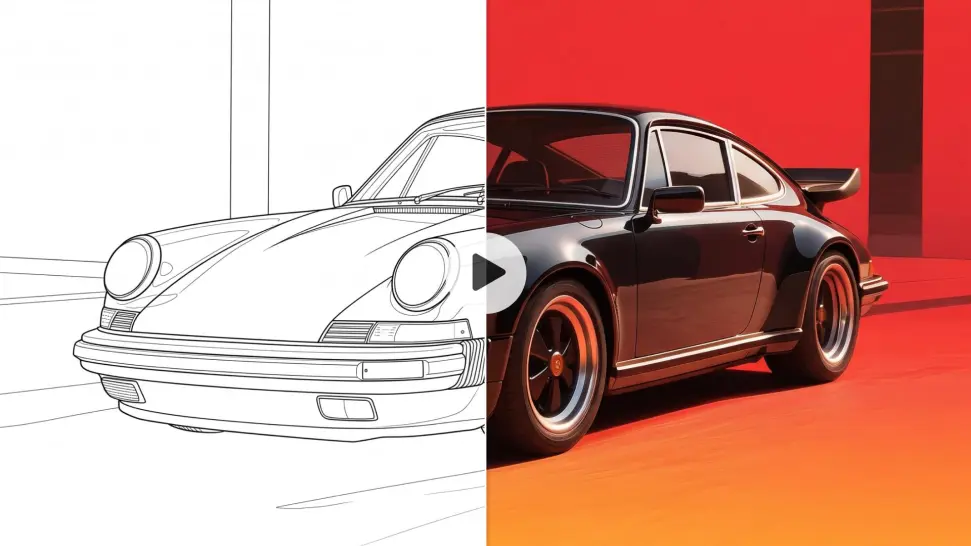
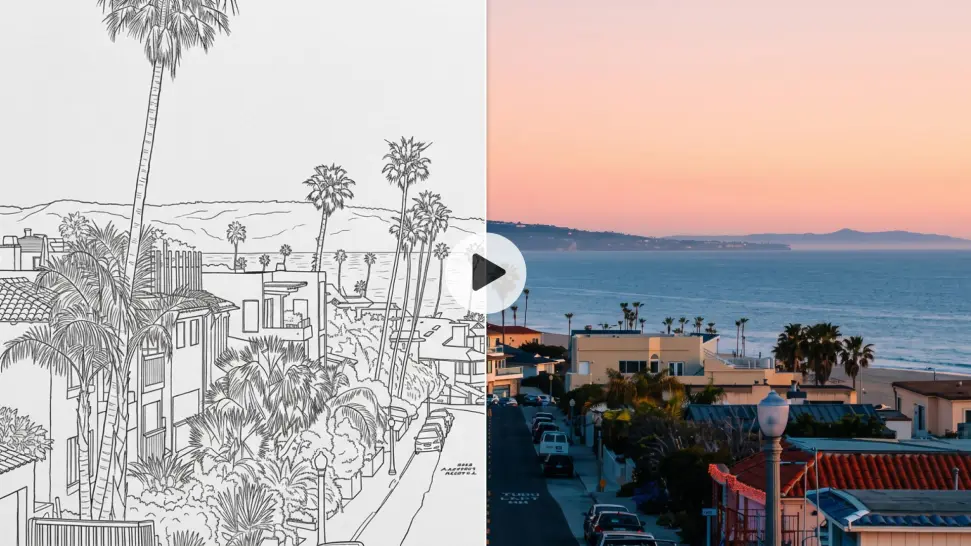
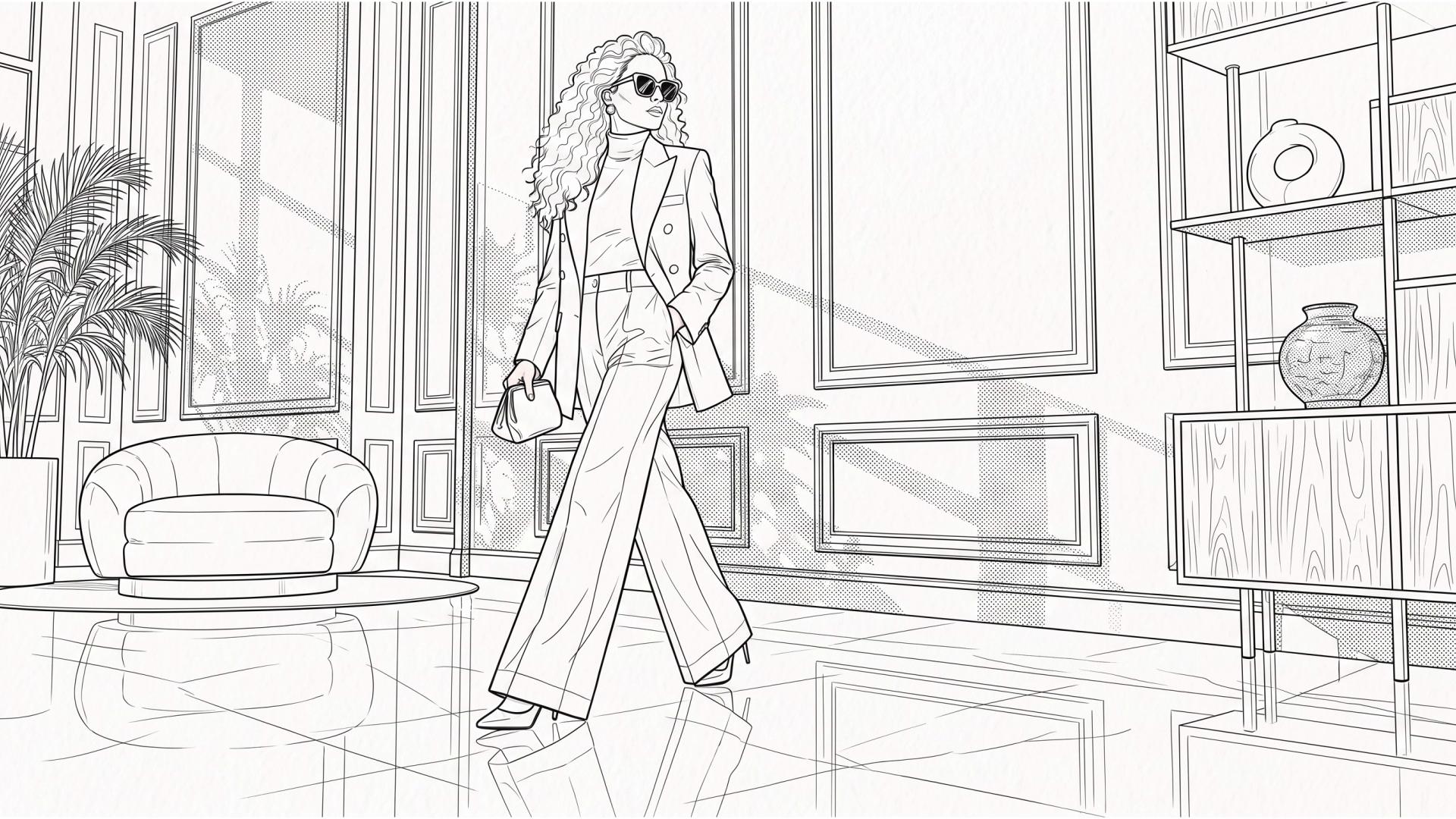
Upload a sketch, line drawing, storyboard frame, or illustration and describe how you want it to move. Keep the original look recognizable, then add camera movement, multiple shots, or native audio when your scene needs more.
Sketch to AI Video: Turn Your Drawing Into Motion

How to Turn a Sketch into an AI Video

Upload Your Drawing

Upload Your Drawing

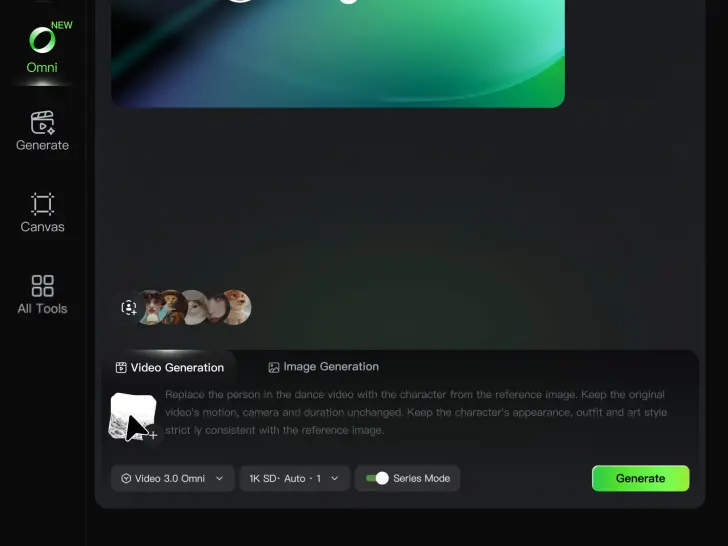
Upload your sketch as the starting frame in Kling VIDEO 3.0. Use a character drawing, storyboard frame, line art, anime illustration, or other image to define how the video begins, including the subject, composition, and overall visual style.

Describe the Motion

Describe the Motion

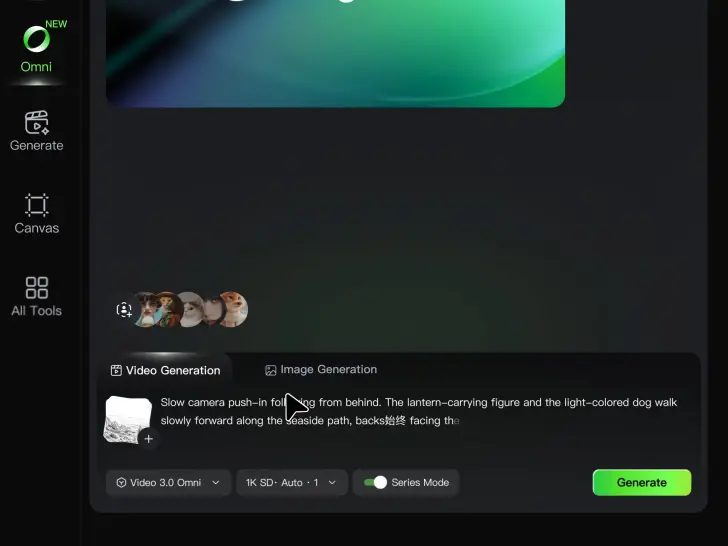
Tell Kling what should move and how the scene should play out. Add the character action, camera movement, and any parts of the drawing style you want to keep. You can also enable Multi-Shot for a sequence or Native Audio when the scene needs dialogue or sound.

Generate and Review

Generate and Review

Choose your video settings and generate the result. Review the motion, drawing details, and camera work, then update your prompt or references if you want to change how the animation develops.

Explore What Sketch to AI Video Can Do

Keep the Look of Your Original Drawing

Keep the Look of Your Original Drawing

A pencil sketch does not have to become a completely different visual once it moves. Use your drawing as the starting image and describe the qualities you want to keep, such as ink lines, flat colors, pencil texture, anime shading, or the overall illustration style. A clear prompts and references can help keep the video closer to the drawing you started with.

Decide What Moves and How

Decide What Moves and How

You already know what the scene looks like. Now decide what happens in it. Make a character turn, wave, walk, look up, or react. Move an object through the frame, shift the background, or guide the camera with a pan, push-in, tracking shot, or close-up. Describe the action directly instead of drawing every frame by hand.

Set the First and Last Moment

Set the First and Last Moment

If you already know where the motion should begin and end, use two drawings as the start and end frames. Set the opening pose in one image and the final pose or scene in the other, then describe what should happen between them. This gives you more control over the direction of the movement without drawing the full sequence yourself.

Apps

Image to Video
Image to Video

Image to Video

Text to Video
Text to Video

Text to Video

Omni
Omni

Omni

Digital Human
Digital Human

Digital Human

Restyle
Restyle

Restyle

Text to Image
Text to Image

Text to Image

60M+
60M+
Users
600M+
600M+
AI Videos Generated
4.7 ★
4.7 ★
App Store
Industry-Leading
Industry-Leading
Cinematic 4K

Reviews

Jyo John Mulloor

Jyo John Mulloor

★★★★★

Kling AI has been instrumental in transforming my creative workflow, unlocking new dimensions of artistic expression that were once unimaginable. I use Kling AI extensively to develop high-concept visuals, animate surreal dreamscapes, and create AI-assisted films that blur the line between reality and fantasy. Kling AI’s deep learning capabilities have not only enhanced my creative efficiency but also inspired me to explore storytelling in ways I never thought possible.

Maria Rubtsova

Maria Rubtsova

★★★★★

I’m Maria Rubtsova, an AIGC digital artist passionate about creating stunning visuals in the worlds of fashion, aesthetics, and fantasy. I use KlingAi to bring imagination to life through video. My work is all about exploring beauty, emotion, and the limitless possibilities of digital art.

Halim Alrasihi

Halim Alrasihi

★★★★★

I use AI daily and Kling AI is a crucial part of my workflow, whether for client work or personal projects. What I love most about using Kling AI is that it provides all the tools I need in one place, from keyframes to character references, elements and special effects.

FAQ

Q1What is sketch to AI video?
Q2How do I animate a drawing with AI?
Q3What kinds of sketches can I animate?
Q4Will AI change the original style of my drawing?
Q5Can I control how my dawing moves?
Q6Can I animate a storyboard into multiple shots?
Q7Can Kling keep a character consistent across shots?
Q8Can I add sound or dialogue to an animated drawing?
Q9Can I use 2 drawings as the start and end frames?
Q10Can I turn a sketch into a 4K video?

Give Your Drawing Its First Moving Moment

Choose a sketch or anime drawing you want to see in motion. Add an action, guide the camera, and bring in multiple shots or sound when the scene calls for more.