Mga ideya ng larawan ng opisina patungo sa video na binuo ng AI – Propesyonal at moderno

Tuklasin ang mga ideya ng larawan ng opisina patungo sa video na binuo ng AI. Kumuha ng mga propesyonal at modernong konsepto ng video para sa iyong mga proyekto sa opisina. Tinutulungan ka ng AI na lumikha ng mga kaakit-akit na video nang mabilis.

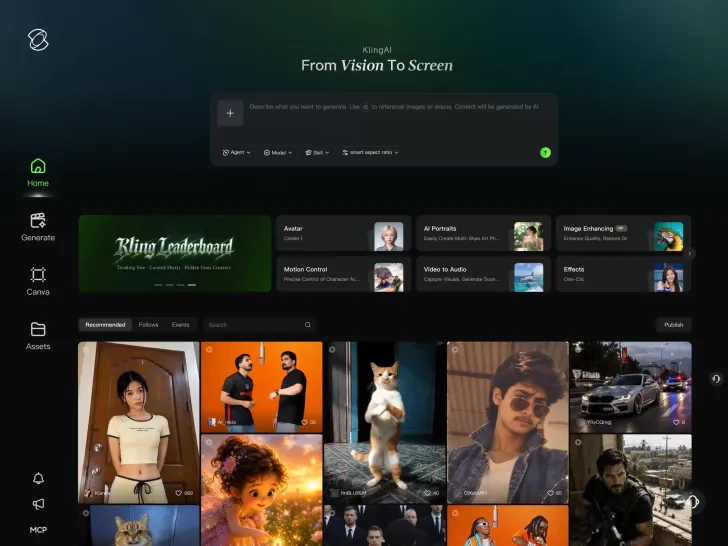
Mga ideya ng larawan ng opisina patungo sa video na binuo ng AI – Propesyonal at moderno

Recommended

No works found

How to Make Cinematic AI Videos with Kling AI

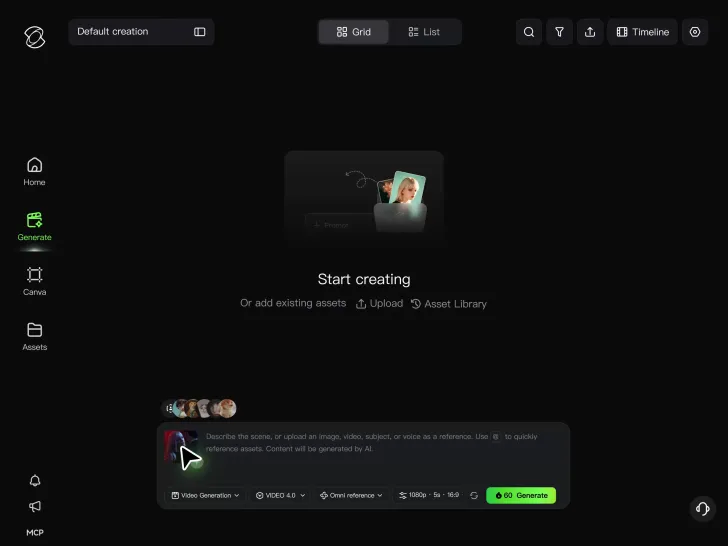
Upload or Describe Your Vision

Upload or Describe Your Vision

With Kling 4.0's Omni Reference, you can write a prompt and add up to 15 combined reference assets to guide your video creation, including images, videos and subject references.

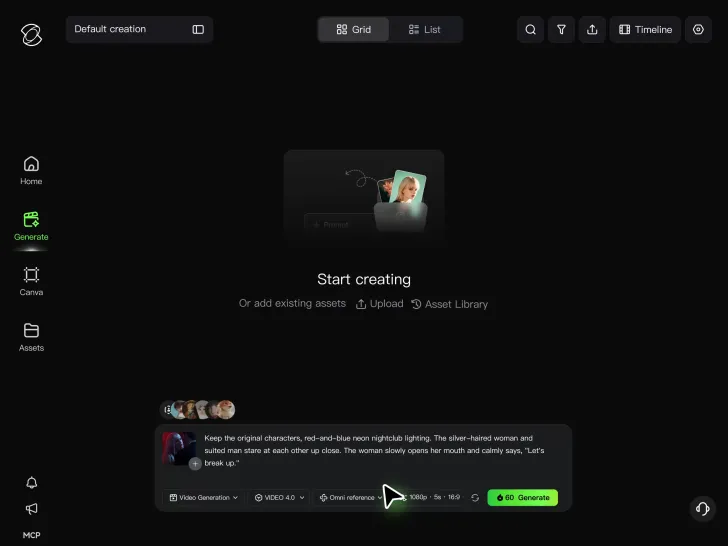
Describe the Action and Sound

Describe the Action and Sound

Set the scene, camera movement, and any dialogue or sound you want. Kling 4.0 supports dialogue in 9 languages.

Generate and Download

Generate and Download

Choose your aspect ratio and video duration, up to 30 seconds per generation with the Kling 4.0. Click Generate, preview your video, and download the result.

How Kling AI Sets the Standard for AI Video Creation

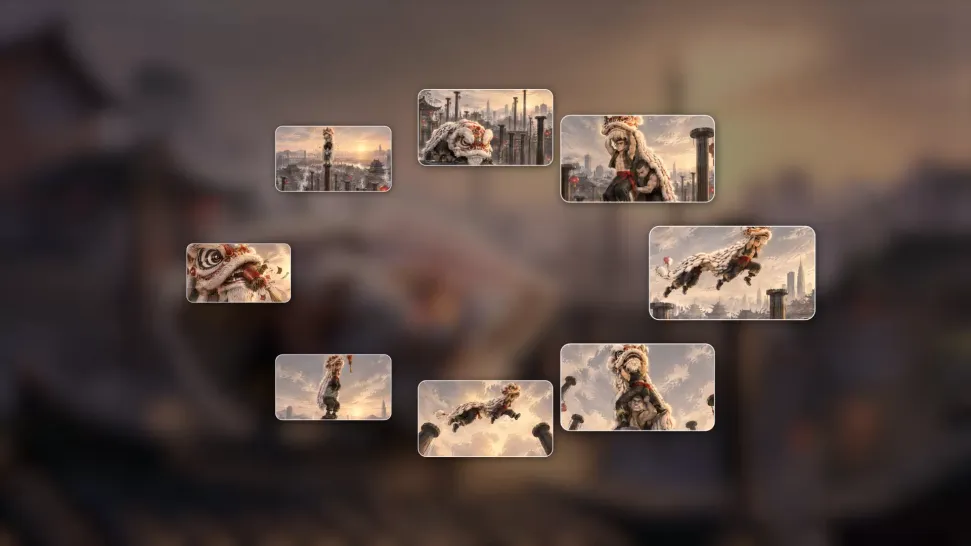
Realistic Motion from a Still Image

Realistic Motion from a Still Image

Animate portraits, artwork, and action images with natural character movement and physical interactions. Kling 4.0's dynamic motions improves stability during large movements, fast action, and complex scenes. From subtle facial expressions to sports and fight choreography, create motion that develops naturally from your image while keeping the subject and surrounding scene visually coherent.

Direct the Camera and Every Key Moment

Direct the Camera and Every Key Moment

A single image can lead to a tracking shot, camera orbit, close-up, or wider scene. Kling 4.0 offers stronger camera control, with native video generation up to 30 seconds for longer movements and connected action. Start and end frames help guide a transition, while up to 10 flexible keyframes let you define additional compositions, character poses, and scene changes as the video develops.

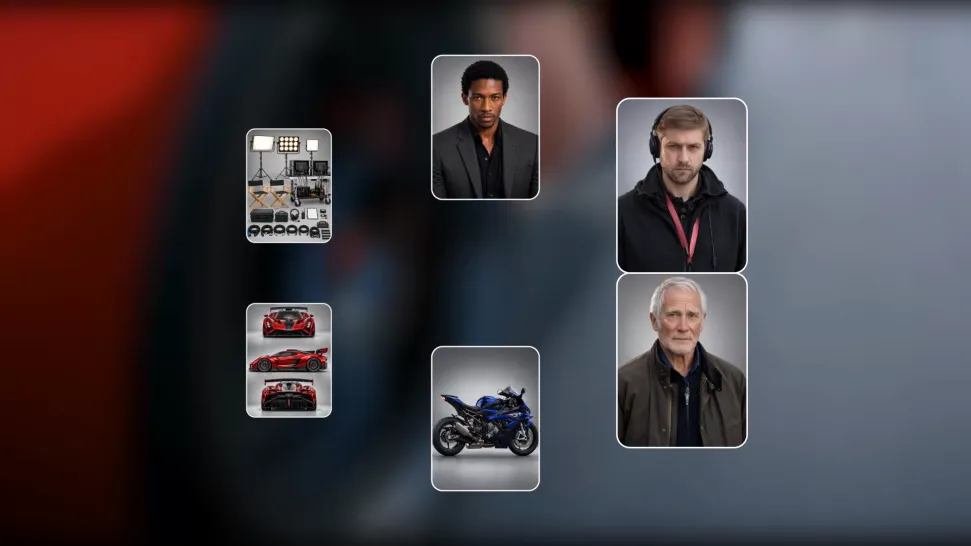
Combine References, Keep the Look

Combine References, Keep the Look

Keep recognizable characters, products, and visual styles as your images begin to move. Kling 4.0's Omni Reference supports up to 15 combined assets, including images, videos, and subjects, to guide appearance, actions, camera work, and settings. Use multiple views of a character or product alongside style and motion references. Stronger visual consistency helps preserve familiar details across new shots, with realistic textures.

Apps

Video Generation
Video Generation

Video Generation

Image Generation
Image Generation

Image Generation

Motion Control
Motion Control

Motion Control

Avatar
Avatar

Avatar

AI Portraits
AI Portraits

AI Portraits

Lip Sync
Lip Sync

Lip Sync

60M+
60M+
Users
600M+
600M+
AI Videos Generated
4.7 ★
4.7 ★
App Store
Industry-Leading
Industry-Leading
Cinematic 4K

Reviews

James Phillips

James Phillips

★★★★★

Kling AI has transformed my workflow by collapsing timelines and democratizing production. It’s shifted my mindset from resource-dependent filmmaking to a boundless creative sandbox, where experimentation yields unexpected beauty.

KakuDrop

KakuDrop

★★★★★

I have successfully collaborated with world-renowned artists and well-known companies that are recognized globally

Huang Lu (Elson)

Huang Lu (Elson)

★★★★★

I’ve been using Kling AI since its initial release, and it’s remained one of the leading AI media generators ever since. With Kling AI, I’ve created hundreds of videos, collectively amassing millions of views.

FAQ

Q1Do I need professional video editing experience when using AI video editor?
Q2Can an AI video editor remove or replace objects?
Q3Can I edit a video with AI using text?

Change the Shot Without Reshooting It

Upload your footage, describe the result, and let Kling rebuild the scene around your direction.

Free tier available | Prompt-Based Editing | Subject Replacement | Creative Recreation