Alat
API
Sumber Daya
Fitur
Tentang kami
Unduh

KlingAI Login

Access your KlingAI account with ease. Log in to explore AI-generated ideas and create stunning content.

KlingAI Login

Recommended

super hero kling ai - kling ai login AI video
medtkr avatar
medtkr
created with Kling AI - kling ai login AI video
00:17
VwppnZLs avatar
VwppnZLs
kling ai  - kling ai login AI video
qOSCzkWK avatar
qOSCzkWK
Kling AI - kling ai login AI video
00:07
yXbwTWYR avatar
yXbwTWYR
Kling Ai is the best - kling ai login AI video
00:33
oRsWyRYw avatar
oRsWyRYw
kling ai - kling ai login AI video
nYDQIKuy avatar
nYDQIKuy
super hero kling ai - kling ai login AI video
medtkr avatar
medtkr
kling ai  - kling ai login AI video
00:10
dTZLcdZw avatar
dTZLcdZw
kling saves humanity - kling ai login AI video
medtkr avatar
medtkr
Kling AI work 313767294507602 - kling ai login AI video
OXdnDBZf avatar
OXdnDBZf
kling - kling ai login AI video
00:15
OKCrtAKg avatar
OKCrtAKg
Kling AI work 316713522506182 - kling ai login AI image
KzLHSBsj avatar
KzLHSBsj
Kling ai is good
 - kling ai login AI video
sPomeRcP avatar
sPomeRcP
Kling AI without limits - kling ai login AI video
KLING6928 avatar
KLING6928
Kling AI Prompt:
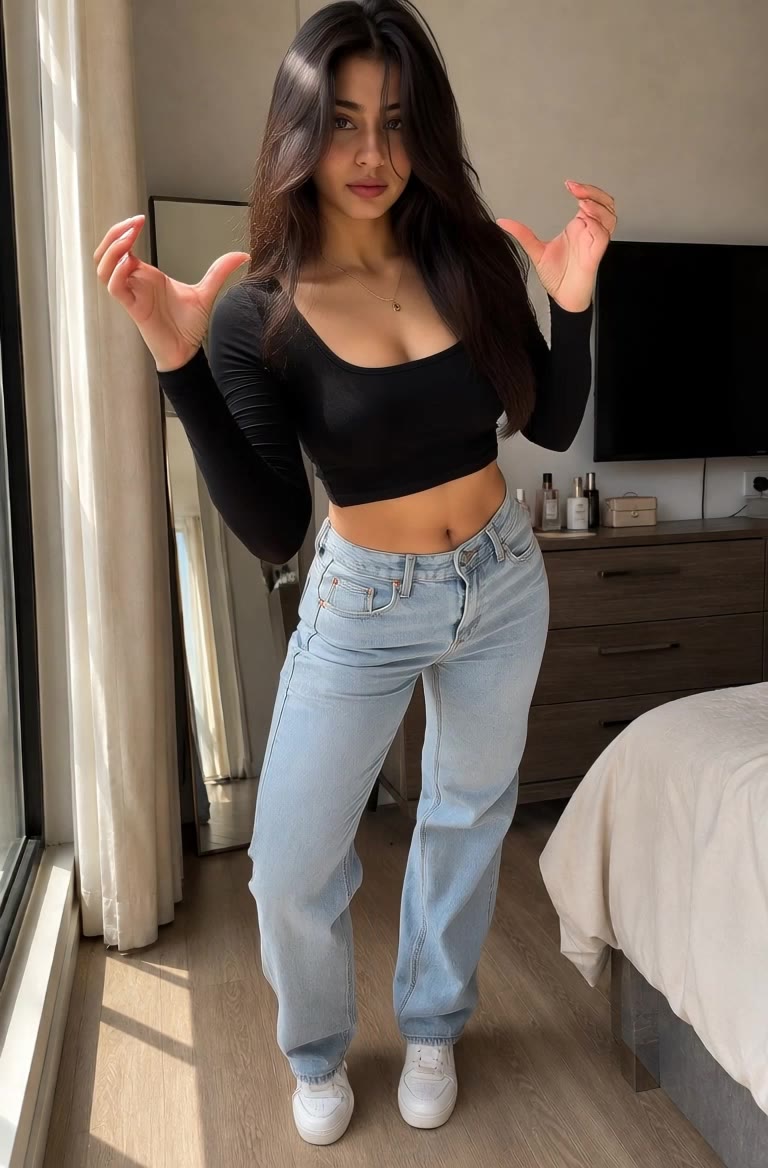
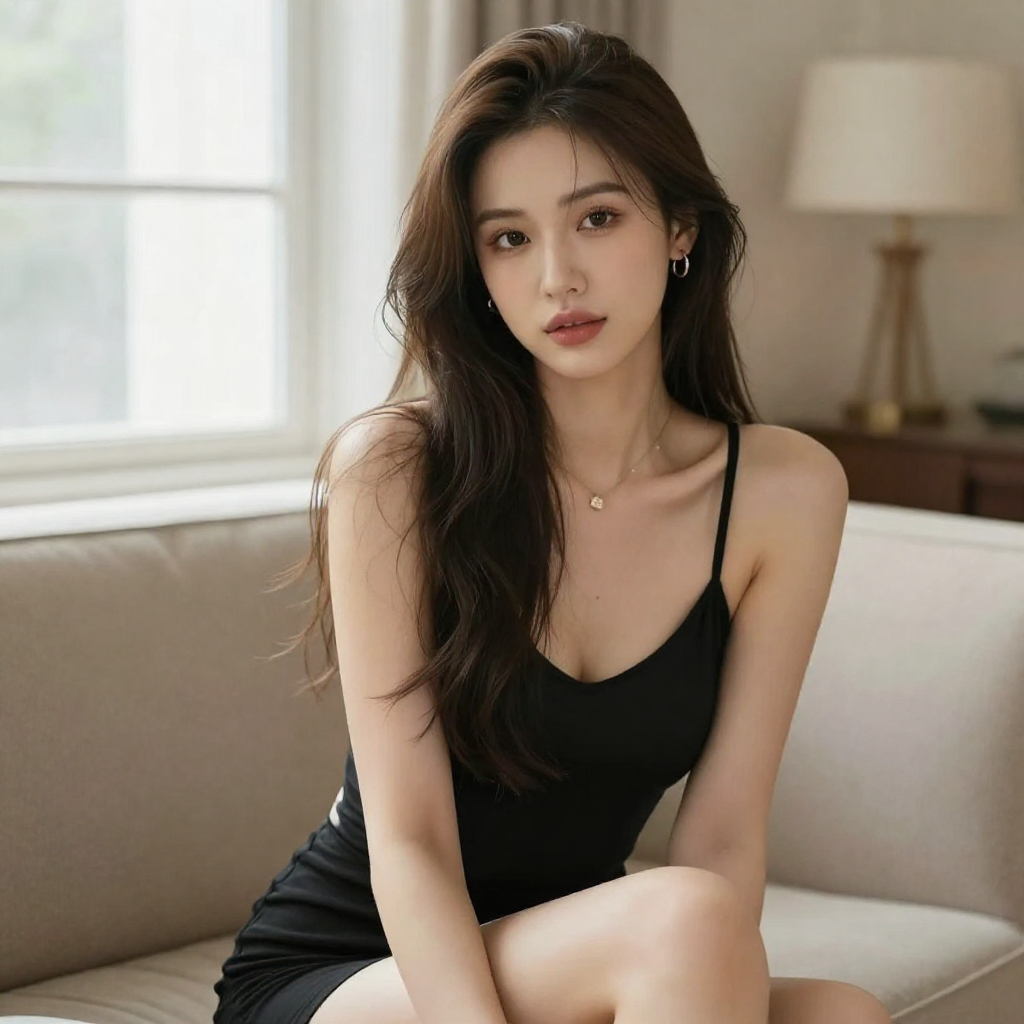
Realistic hair  - kling ai login AI image
pssEICto avatar
pssEICto
kling best ai tool  - kling ai login AI video
00:30
bzdZqsSJ avatar
bzdZqsSJ
Kling AI work 310642245503324 - kling ai login AI image
Al PICTURE avatar
Al PICTURE
Kling AI work 309810873617607 - kling ai login AI image
BunnyLOVE Studios avatar
BunnyLOVE Studios
Kling AI work 310808086506519 - kling ai login AI image
zHamaekx avatar
zHamaekx

Cara Membuat Video Avatar AI

Buat Avatar

Buat Avatar

Pilih karakter yang sudah jadi dari Perpustakaan Avatar, kembali ke avatar yang disimpan, unggah gambar dari perangkat atau Aset Anda, atau buat seseorang baru dengan AI Image. Gambar yang dipilih menjadi titik awal visual untuk video.

Tambahkan Suara

Tambahkan Suara

Unggah rekaman yang sudah selesai, atau masukkan baris yang Anda inginkan untuk disampaikan oleh karakter tersebut. Dengan text to speech, pilih suara dan sesuaikan kecepatan serta nada emosionalnya. Gunakan tanda baca untuk menempatkan jeda pada tempatnya, terutama pada bagian yang lebih panjang.

Bentuk Pertunjukannya

Bentuk Pertunjukannya

Jelaskan bagaimana karakter harus merasakan, bereaksi, dan bergerak saat berbicara. Anda dapat menulis arahannya sendiri atau memulai dengan salah satu opsi performa yang disarankan Kling AI untuk karakter yang dipilih. Hasilkan video dan tinjau pengirimannya.

Go from Written Scene to Directed Sequence

See Your Scene as More Than One Shot

See Your Scene as More Than One Shot

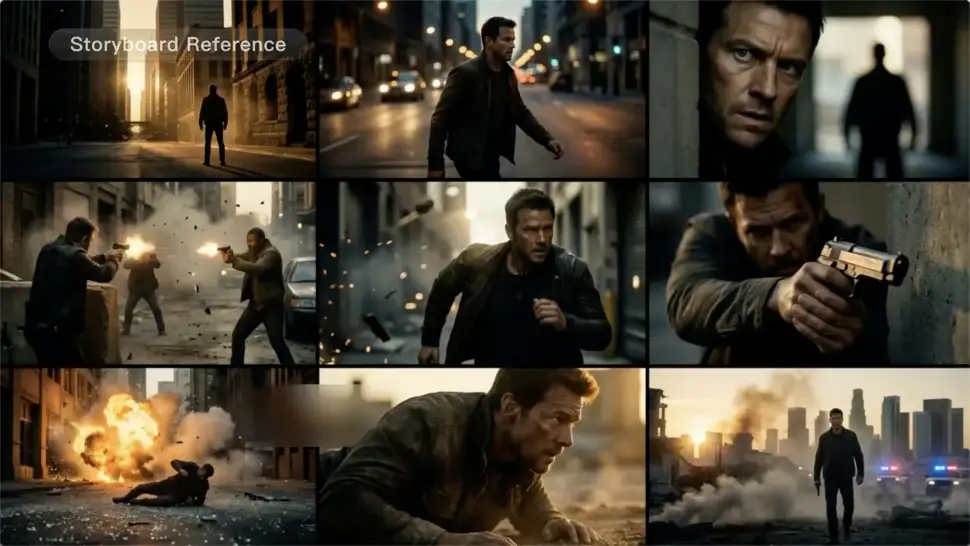
A conversation does not have to stay on one camera angle. An action beat does not have to play out in a single wide shot. Turn on Multi-Shot and Kling can plan scene transitions, framing, and camera-angle changes around what you wrote. A simple story beat can move from an establishing shot to a character close-up, then cut again when the action calls for it.
Take Over the Storyboard When the Shot Matters

Take Over the Storyboard When the Shot Matters

When you already know how the scene should be covered, use Custom Multi-Shot instead of leaving every decision to the model. Decide what happens in each shot, how long it lasts, whether the camera is wide or close, which angle you want, and how the camera moves. It gives you a practical way to turn screenplay direction or a rough shot list into something Kling can generate.

Bring the Same Character into the Next Shot

Bring the Same Character into the Next Shot

A cut should not feel like a new actor walked into the scene. Use a Character Element when someone needs to return across different angles, actions, or settings, and make it clear in the prompt which character belongs in each shot. For workflows that need a richer mix of character, image, video, and scene references, VIDEO 3.0 Omni gives you more ways to anchor the people and visual details your story depends on.

Apps

Gambar ke Video
Gambar ke Video

Gambar ke Video

Teks ke Video
Teks ke Video

Teks ke Video

Omni
Omni

Omni

Manusia Digital
Manusia Digital

Manusia Digital

Gaya ulang
Gaya ulang

Gaya ulang

Teks ke Gambar
Teks ke Gambar

Teks ke Gambar

60M+
60M+
Users
600M+
600M+
AI Videos Generated
4.7 ★
4.7 ★
App Store
Industry-Leading
Industry-Leading
Cinematic 4K

Ulasan

Jyo John Mulloor

Jyo John Mulloor

★★★★★

Kling AI has been instrumental in transforming my creative workflow, unlocking new dimensions of artistic expression that were once unimaginable. I use Kling AI extensively to develop high-concept visuals, animate surreal dreamscapes, and create AI-assisted films that blur the line between reality and fantasy. Kling AI’s deep learning capabilities have not only enhanced my creative efficiency but also inspired me to explore storytelling in ways I never thought possible.

Déborah

Déborah

★★★★★

I use Kling AI every day. It's amazing to see the almost daily progress it makes. I used AI for fun at first, and I now find that Kling AI's animations allow me to gain professional visibility, with three times more views on my animated posts than on my static posts.

PJ Ace

PJ Ace

★★★★★

Kling AI has made it easy for us to generate world class visuals for Fortune 500 companies, TV shows and music for big artists. We love the easy of use of the platform and the quality of the generations. My first time using Kling AI, I got 22 million views on just one video. It's that good.

Pertanyaan Umum

Q1Dapatkah saya menggunakan Kling AI untuk menghapus seseorang dari foto?
Q2Jenis objek apa yang dapat dihapus AI dari foto?
Q3Apakah saya perlu menandai objek sebelum menghapusnya?

Create an Avatar That Feels Like Yours

Start with a photo or a prompt, explore different styles, and keep shaping the details until the character fits the look you want.