Vampire style aesthetic ideas – AI image concepts
Discover AI-generated vampire style aesthetic ideas. Create captivating visuals with ease and customize to your liking.
Discover AI-generated vampire style aesthetic ideas. Create captivating visuals with ease and customize to your liking.

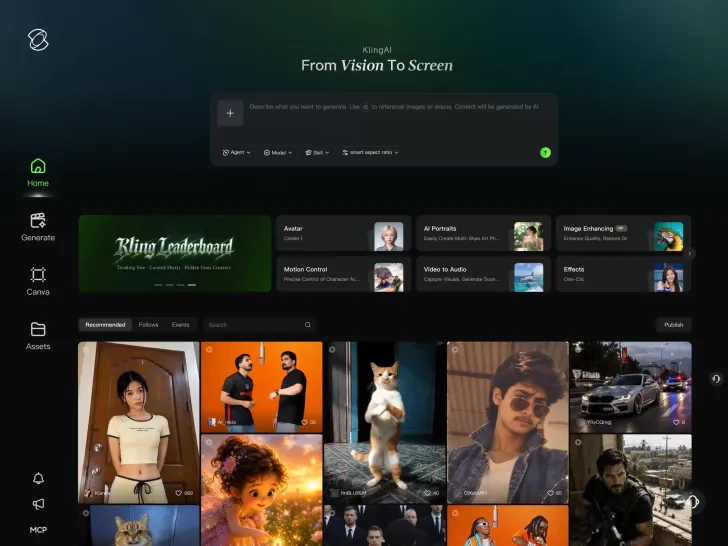
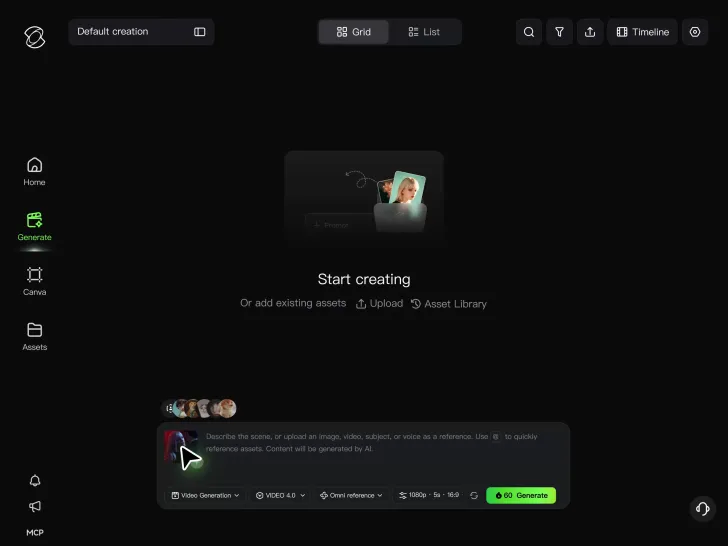
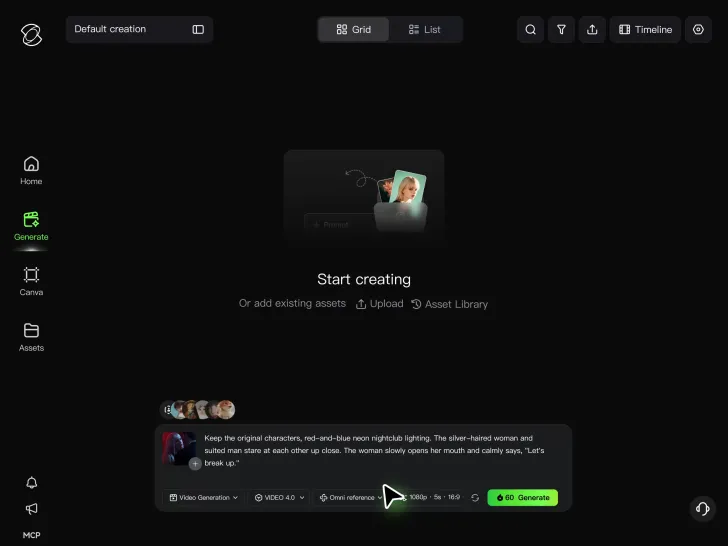
Cinematic AI Video Generator with Native Audio Create multi-shot cinematic sequences with native audio and precise character-level lip-sync in one seamless automated content creation output. This next-generation AI video production model ensures perfect audio-visual alignment for professional storytelling.
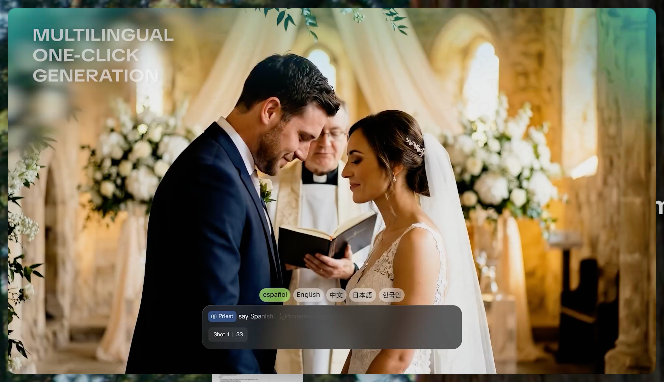
Stable Character Consistency for Professional Filmmaking Maintain perfect character consistency and object stability across frames, ensuring a reliable visual identity even with complex camera movements. Our AI video model locks subjects to prevent flickering, delivering high-fidelity results for advanced video generation.
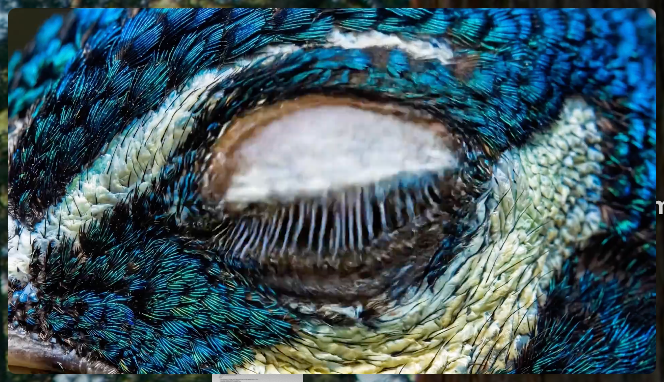
High-Fidelity 15s Sequences and Native Text Rendering Produce up to 15 seconds of uninterrupted video featuring clear, readable native text rendering—perfect for professional ads, product demos, and commercial content. This feature optimizes commercial video production by preserving brand elements directly within the AI-generated video.
















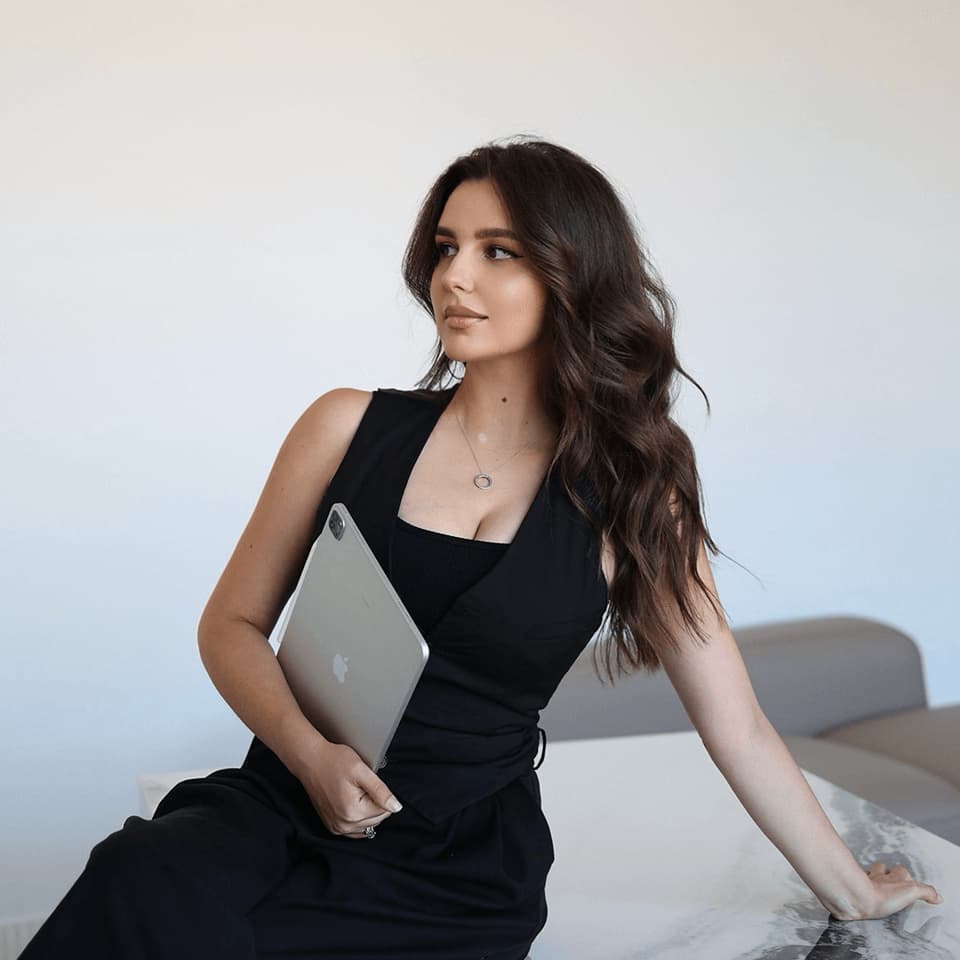
I’m Maria Rubtsova, an AIGC digital artist passionate about creating stunning visuals in the worlds of fashion, aesthetics, and fantasy. I use KlingAi to bring imagination to life through video. My work is all about exploring beauty, emotion, and the limitless possibilities of digital art.
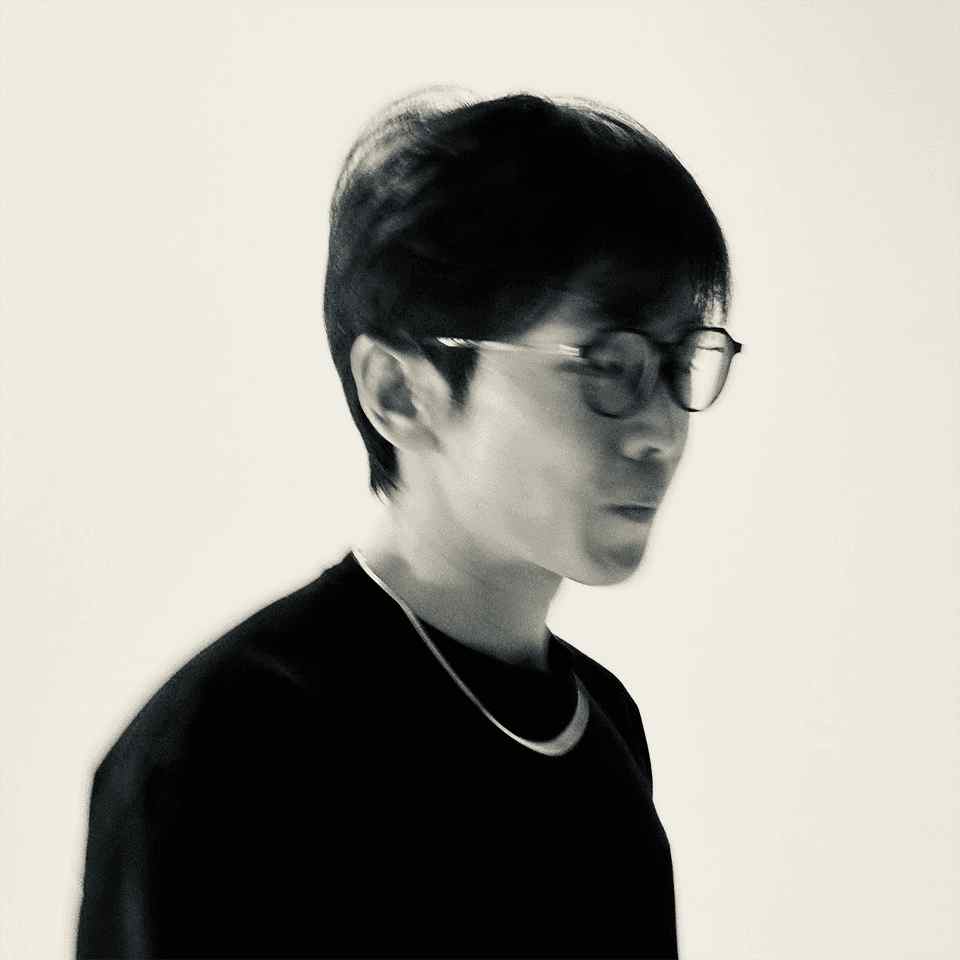
I’ve been using Kling AI since its initial release, and it’s remained one of the leading AI media generators ever since. With Kling AI, I’ve created hundreds of videos, collectively amassing millions of views.
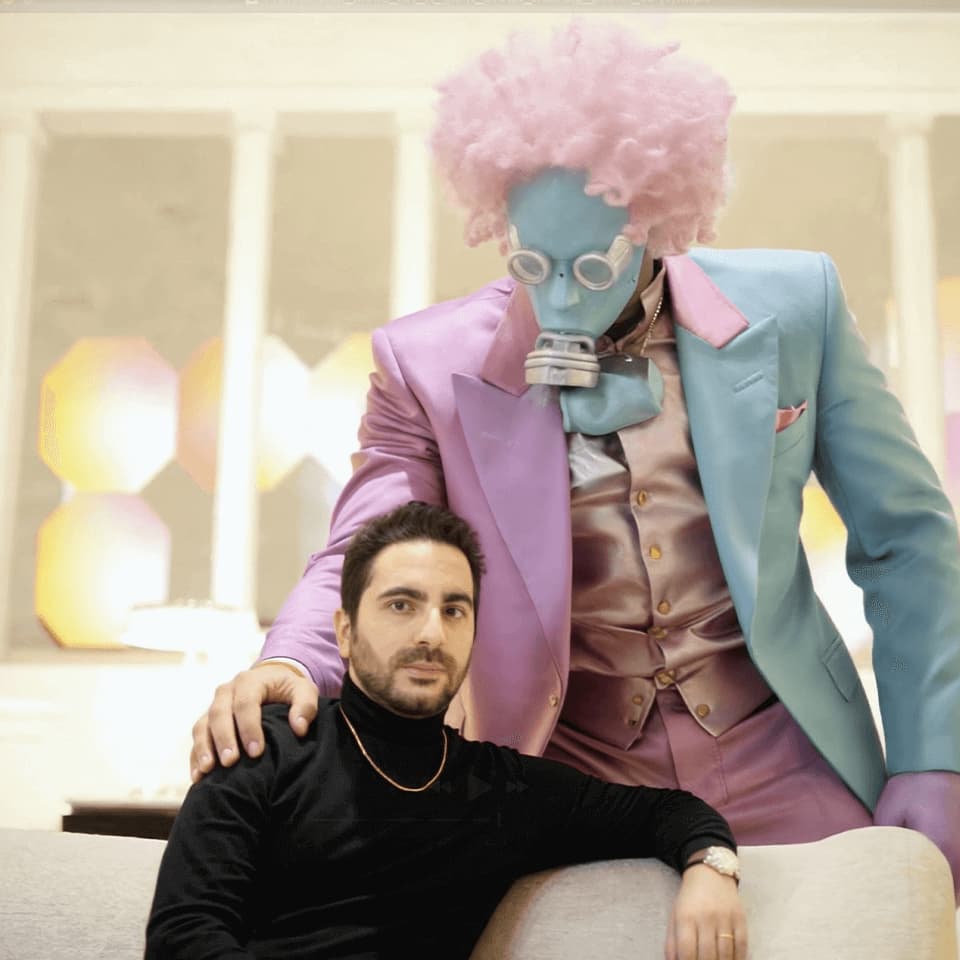
Kling AI seamlessly integrates into my creative workflow, playing a key role in transforming my images. After generating and upscaling an image, Kling becomes a crucial element, bringing my creations to life with movement and depth.
Upload your footage, describe the result, and let Kling rebuild the scene around your direction.
Free tier available | Prompt-Based Editing | Subject Replacement | Creative Recreation