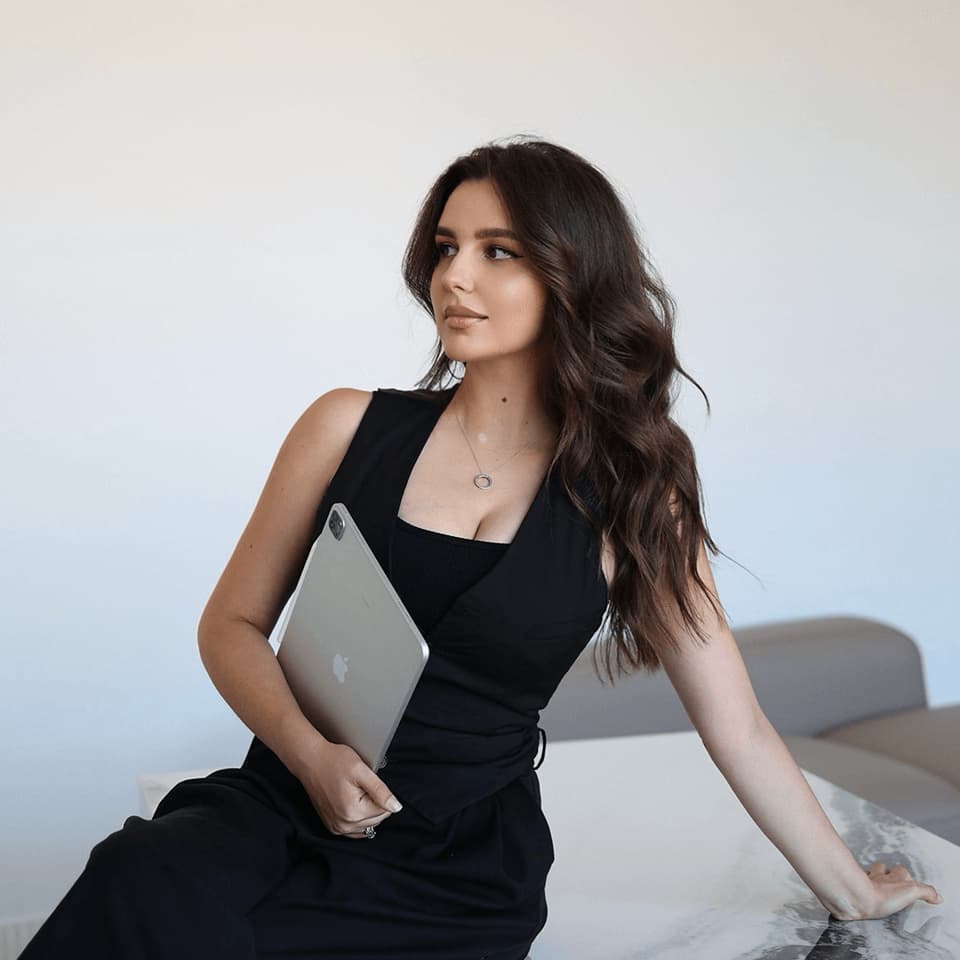
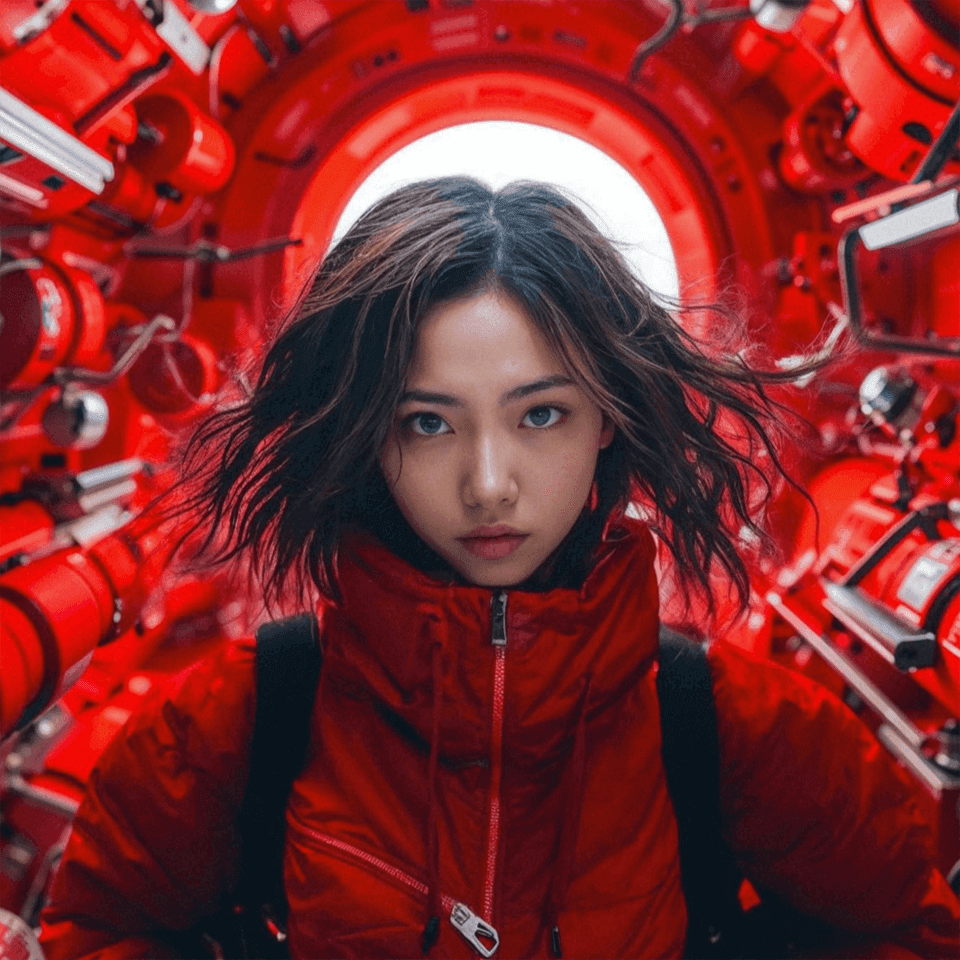
generatore di temi per outfit - outfit retrò e tema neon

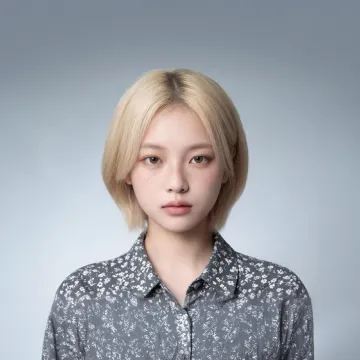
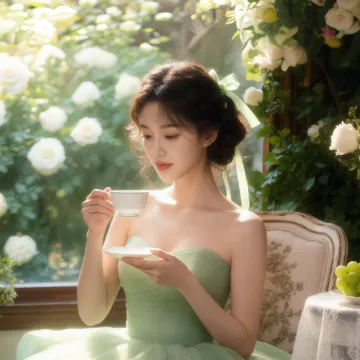
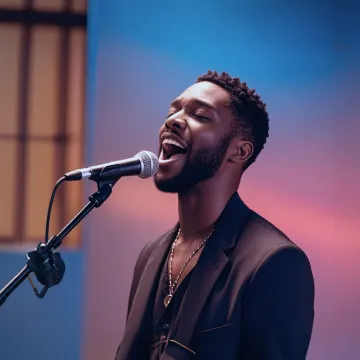
Libera la tua creatività fashion con temi unici come retrò, neon e stili estivi. Goditi ispirazioni per outfit guidate dall'IA che trasformano il tuo look con tatuaggi artistici e qualità fotorealistica. Inizia a esplorare le idee del generatore di temi per outfit e crea i tuoi contenuti con l'IA.
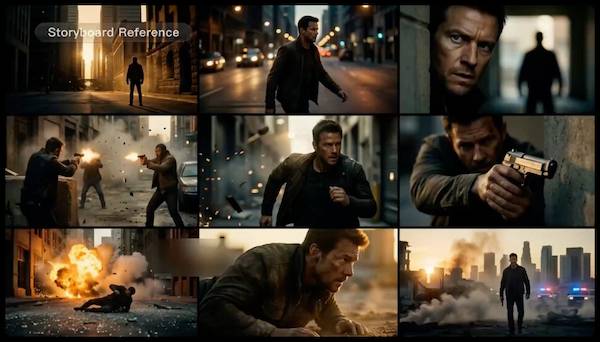
generatore di temi per outfit - outfit retrò e tema neon

Recommended

No works found

How to Create Images with Kling AI

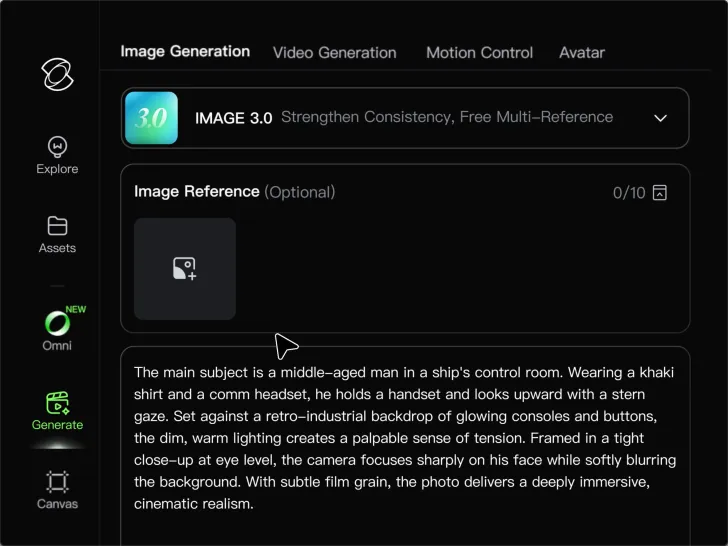
Write Down You Ideas

Write Down You Ideas

Open the AI Image Generator and choose the model that fits your project. Describe the subject and scene, then add details such as lighting, color, and visual style to shape the result.

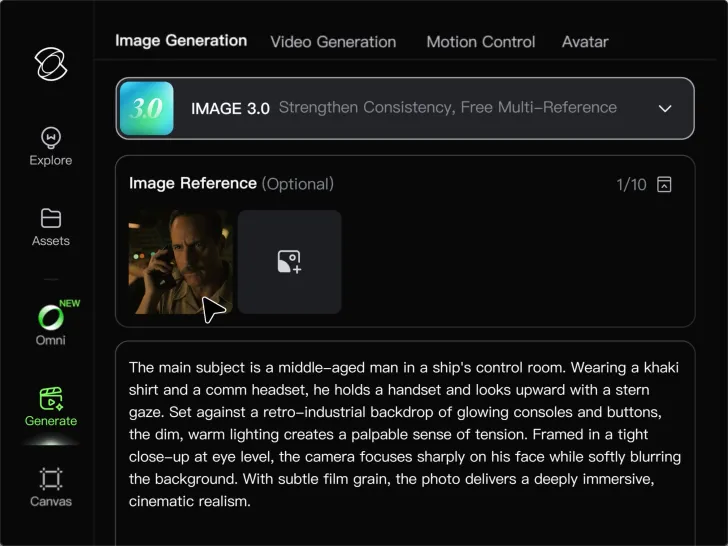
Add References Or Not

Add References Or Not

Upload reference images for a character, product, composition, or style. References are optional, but they give Kling AI a clearer visual foundation when specific features, colors, or design details need to carry into the final image.

Generate Your Image

Generate Your Image

Choose your preferred format and output settings, then hit Generate. Once the result is ready, download it directly or open it in the image-to-video workflow to bring it to life with motion.

Key Features of Kling AI Image Generator

Turn Ideas into Images

Turn Ideas into Images

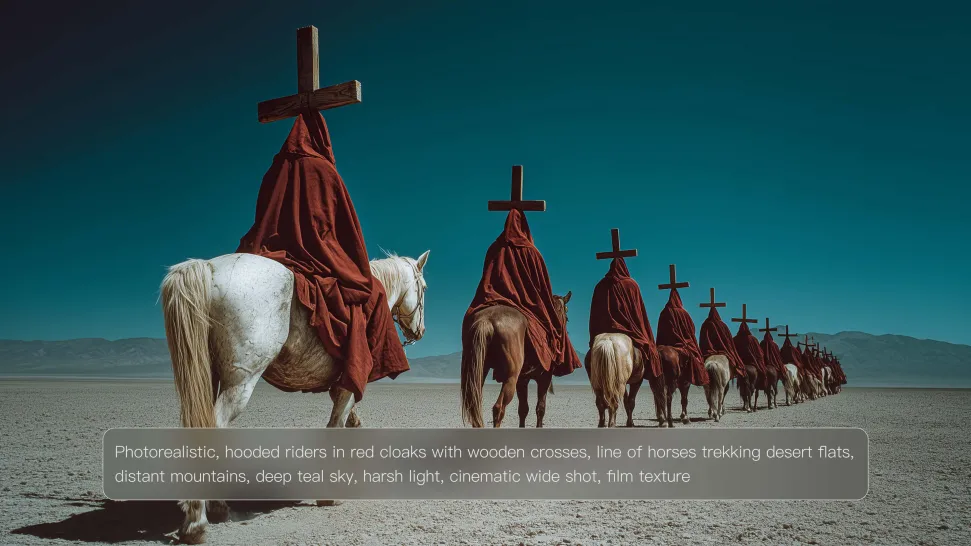
Describe the scene, character, product, or style you have in mind, and watch your idea come to life. Whether you're generating from scratch or fine-tuning an existing result, Kling IMAGE 3.0 follows your instructions, including tweaking the composition, shifting the lighting, and adjusting visual details until it looks right.

Bring References Into New Creations

Bring References Into New Creations

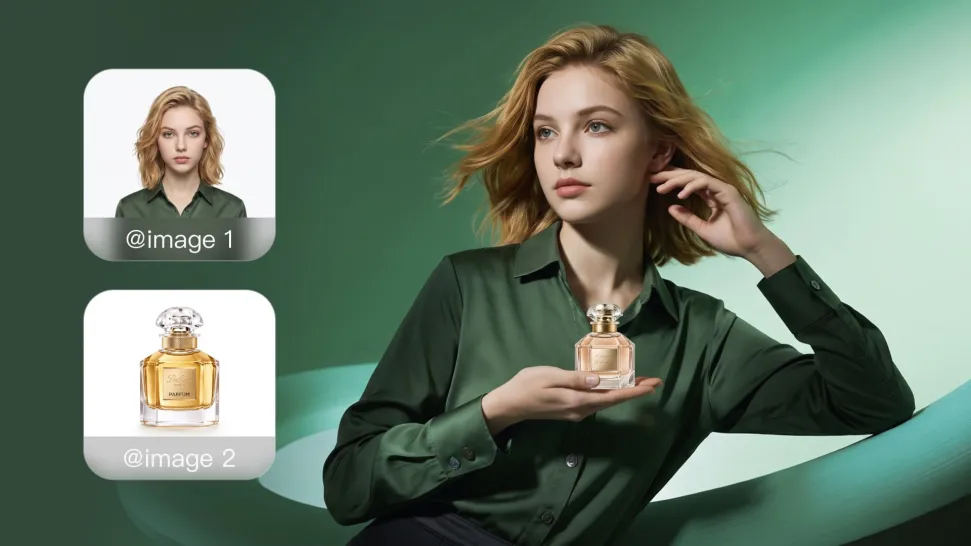
Bring in references for a character, product, color palette, material, composition, or visual style. IMAGE 3.0 draws on the defining qualities of up to 10 images and brings them together in one cohesive result, keeping the details that make each reference recognizable.

Produce Professional Image Series in 4K

Produce Professional Image Series in 4K

Plan and create a complete visual series as one cohesive project, rather than generating each image separately. IMAGE 3.0 Omni supports intentional shot progression, varied framing, and a unified creative direction across the set, with native 4K output for cinematic storyboards, product campaigns, character development, comics, and branded content.

Apps

Video Generation
Video Generation

Video Generation

Image Generation
Image Generation

Image Generation

Motion Control
Motion Control

Motion Control

Avatar
Avatar

Avatar

AI Portraits
AI Portraits

AI Portraits

Lip Sync
Lip Sync

Lip Sync

60M+
60M+
Users
600M+
600M+
AI Videos Generated
4.7 ★
4.7 ★
App Store
Industry-Leading
Industry-Leading
Cinematic 4K

Reviews

Maria Rubtsova

Maria Rubtsova

★★★★★

I’m Maria Rubtsova, an AIGC digital artist passionate about creating stunning visuals in the worlds of fashion, aesthetics, and fantasy. I use KlingAi to bring imagination to life through video. My work is all about exploring beauty, emotion, and the limitless possibilities of digital art.

KakuDrop

KakuDrop

★★★★★

I have successfully collaborated with world-renowned artists and well-known companies that are recognized globally

Déborah

Déborah

★★★★★

I use Kling AI every day. It's amazing to see the almost daily progress it makes. I used AI for fun at first, and I now find that Kling AI's animations allow me to gain professional visibility, with three times more views on my animated posts than on my static posts.

FAQ

Q1Can I enhance or upscale a photo with Kling AI?
Q2Can I use another photo to guide an edit?
Q3Can Kling AI restore an old or damaged photo?

Take Your Photo in a New Direction

Start with the image you have and rework it for the look, message, or moment you have in mind.

Object removal | Background changes | Portrait retouching | Photo restyling