AIダンスジェネレーター:写真とキャラクターを踊らせる
写真にお気に入りのダンスを追わせる、2つのポーズの間に動きを作る、既存のダンス動画に新しいキャラクターを入れる——Kling AI は、思い描くパフォーマンスを作る複数の方法を提供します。
写真にお気に入りのダンスを追わせる、2つのポーズの間に動きを作る、既存のダンス動画に新しいキャラクターを入れる——Kling AI は、思い描くパフォーマンスを作る複数の方法を提供します。
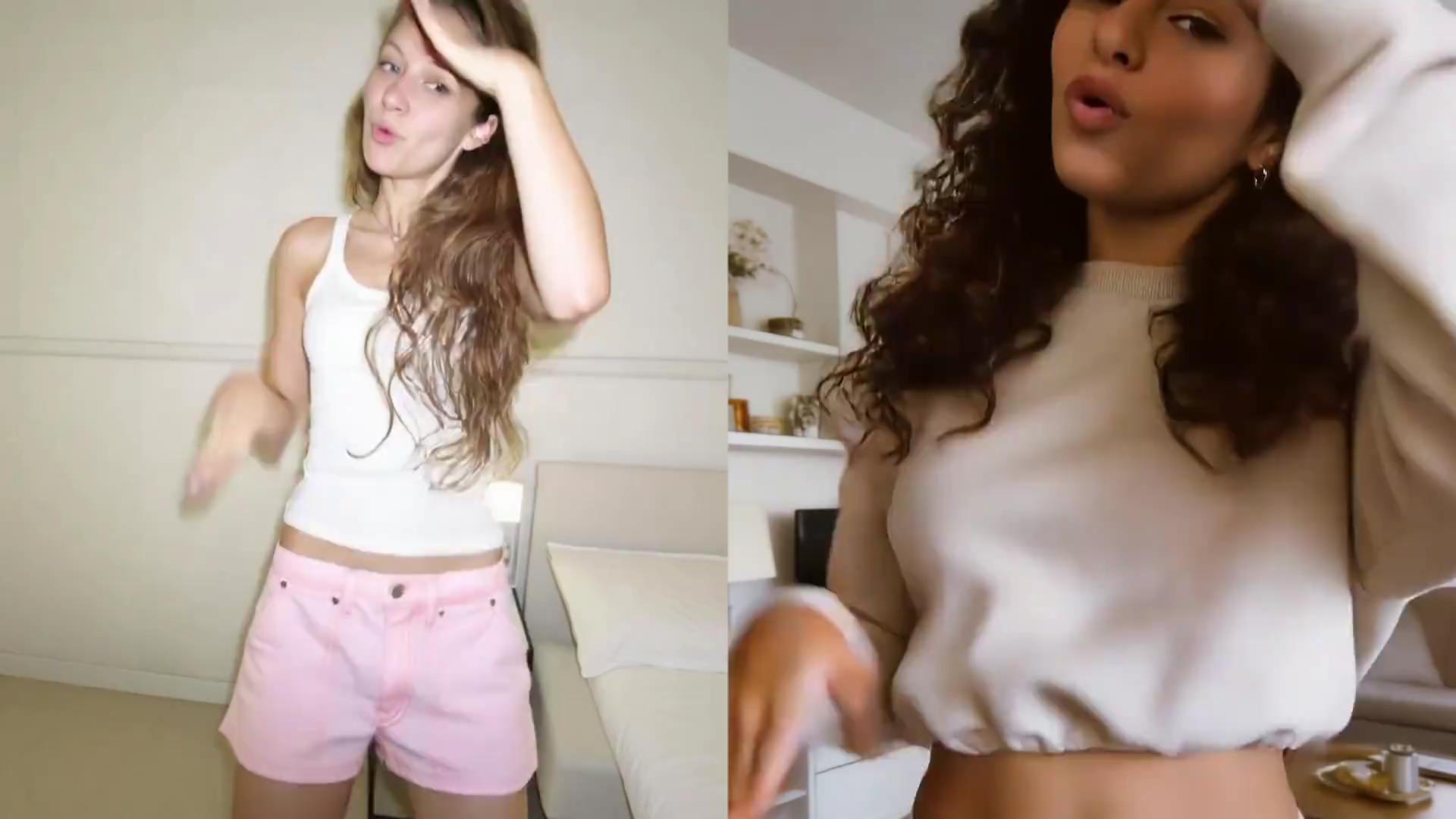
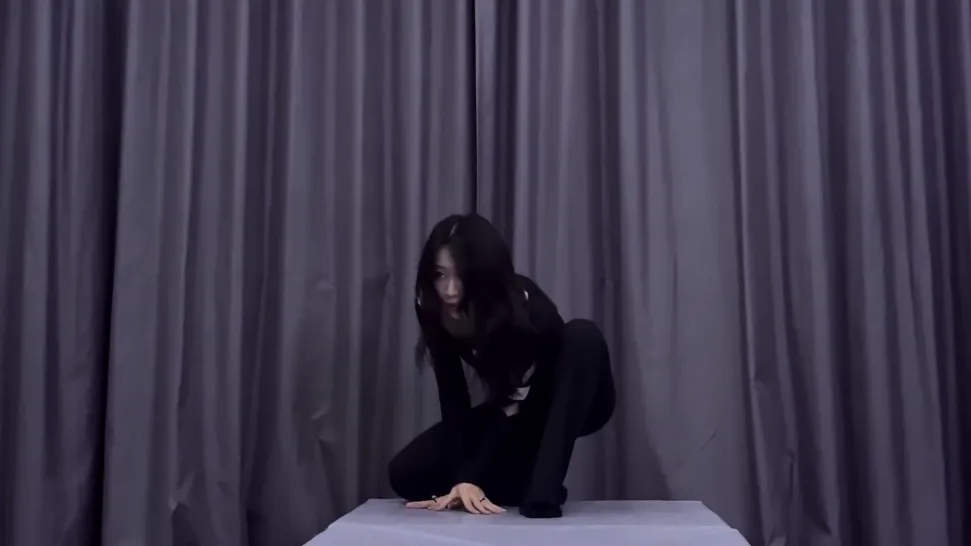
人物、オリジナルキャラクター、マスコット、アバター、スタイル化されたフィギュアをアップロードし、Kling AI Motion Control でダンスパフォーマンスに変えましょう。Motion Control は参照でキャラクターの動きと表情を導き、振付、タイミング、パフォーマンススタイルをより制御できます。
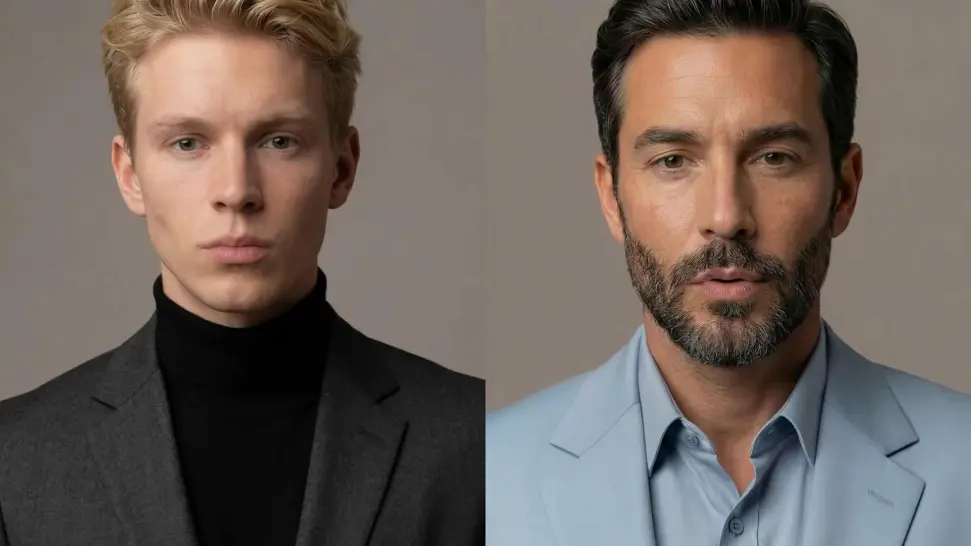
スピン、上げた腕、動く髪がダンサーの顔を一時的に隠すことがあります。Kling VIDEO 3.0 Motion Control はこうした瞬間後の顔の復元を改善し、キャラクターがルーティンを続ける中で、より鮮明で安定した顔のディテールを取り戻すのを助けます。
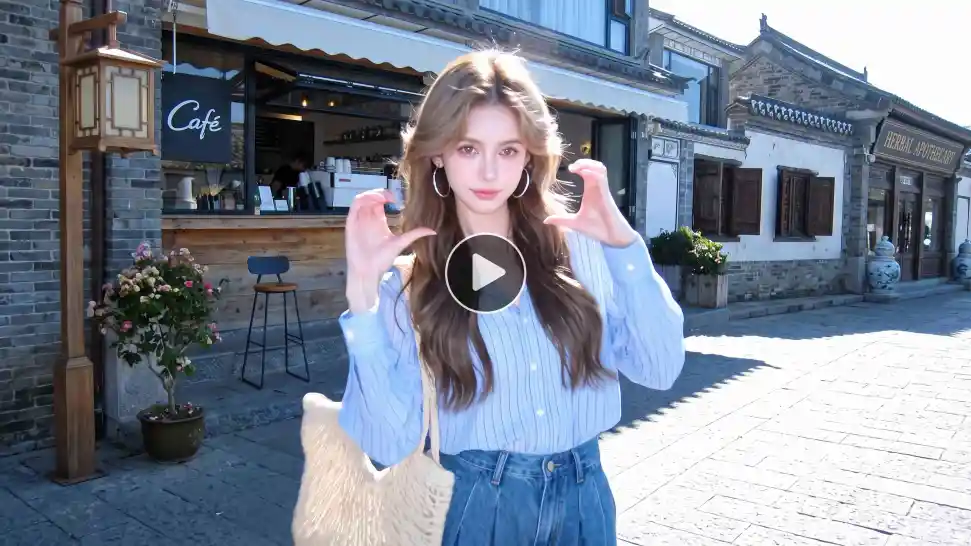
既成のルーティンが分かっていますか?自分のダンス参照動画をアップロードし、Motion Control にキャラクターの動きと表情を導かせましょう。参照動画は3〜30秒で、プロンプトですべての動きを説明する代わりに、特定のルーティンから作業しやすくなります。

















Kling AI has transformed my workflow by collapsing timelines and democratizing production. It’s shifted my mindset from resource-dependent filmmaking to a boundless creative sandbox, where experimentation yields unexpected beauty.

I’ve been using Kling AI since its initial release, and it’s remained one of the leading AI media generators ever since. With Kling AI, I’ve created hundreds of videos, collectively amassing millions of views.

I use Kling AI every day. It's amazing to see the almost daily progress it makes. I used AI for fun at first, and I now find that Kling AI's animations allow me to gain professional visibility, with three times more views on my animated posts than on my static posts.
キャラクターを選び、動きを決め、Kling AI に静止画をパフォーマンスに変えさせましょう。