눈부신 에메랄드 그린 색상 - 자연 풍경과 반짝이는 눈동자
에메랄드 그린 색조가 보여 주는 자연의 유동성과 변형적인 시각적 환상이라는 매혹적인 테마에 흠뻑 빠져보세요. 간단한 색 변화만으로도 여름 풍경의 고요한 아름다움과 역동적으로 변하는 현실을 목격해 보세요. 눈부신 에메랄드 그린 색상 아이디어를 탐색하고 AI로 나만의 콘텐츠를 만들어 보세요.
에메랄드 그린 색조가 보여 주는 자연의 유동성과 변형적인 시각적 환상이라는 매혹적인 테마에 흠뻑 빠져보세요. 간단한 색 변화만으로도 여름 풍경의 고요한 아름다움과 역동적으로 변하는 현실을 목격해 보세요. 눈부신 에메랄드 그린 색상 아이디어를 탐색하고 AI로 나만의 콘텐츠를 만들어 보세요.
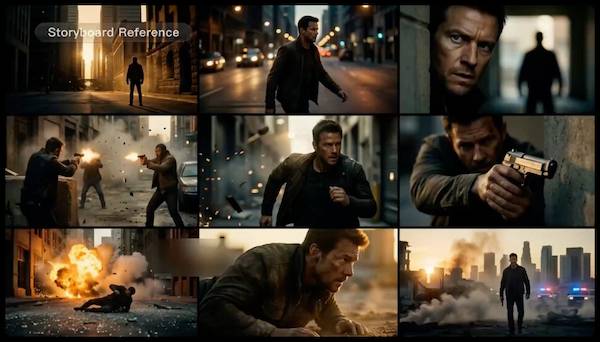
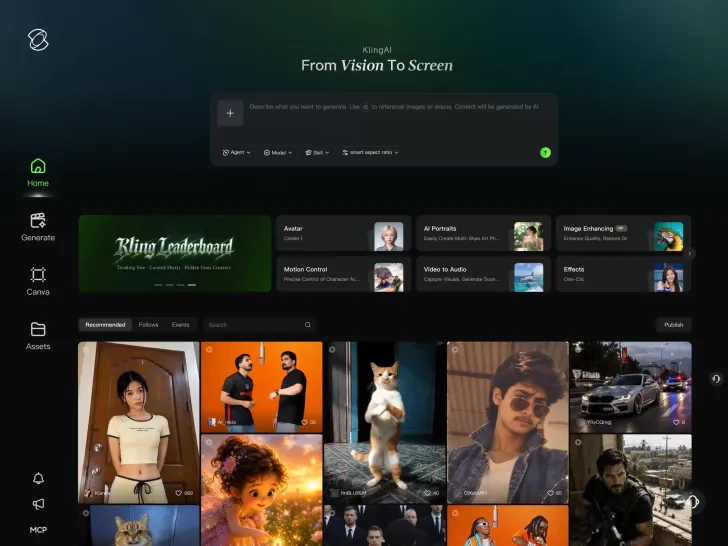
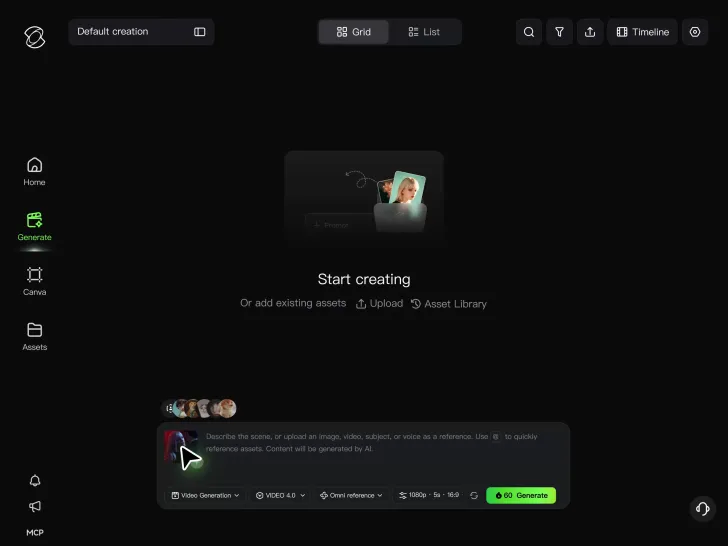
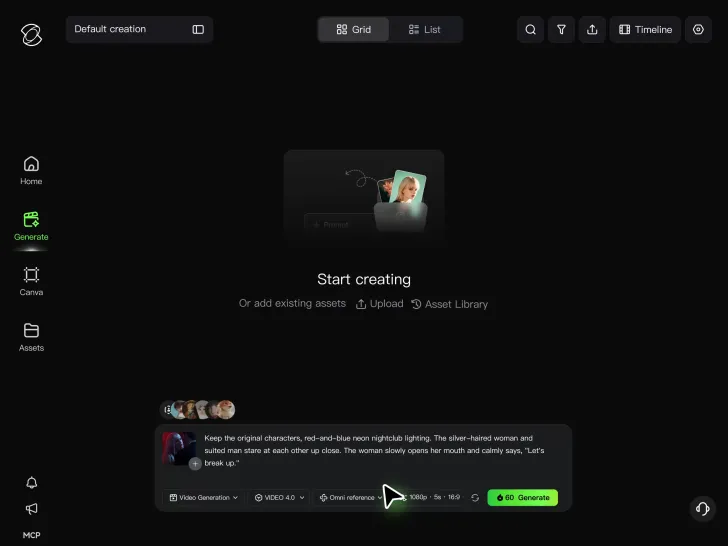
Cinematic AI Video Generator with Native Audio Create multi-shot cinematic sequences with native audio and precise character-level lip-sync in one seamless automated content creation output. This next-generation AI video production model ensures perfect audio-visual alignment for professional storytelling.
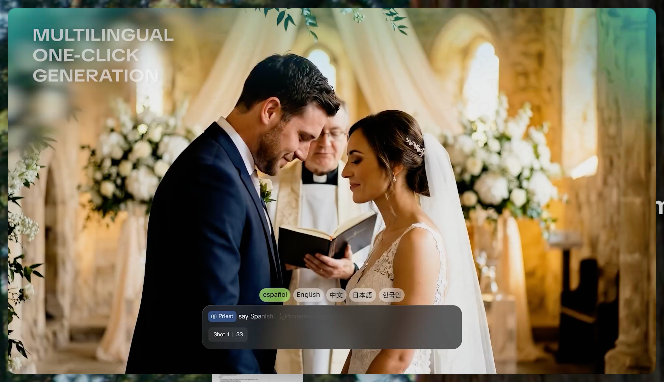
Stable Character Consistency for Professional Filmmaking Maintain perfect character consistency and object stability across frames, ensuring a reliable visual identity even with complex camera movements. Our AI video model locks subjects to prevent flickering, delivering high-fidelity results for advanced video generation.
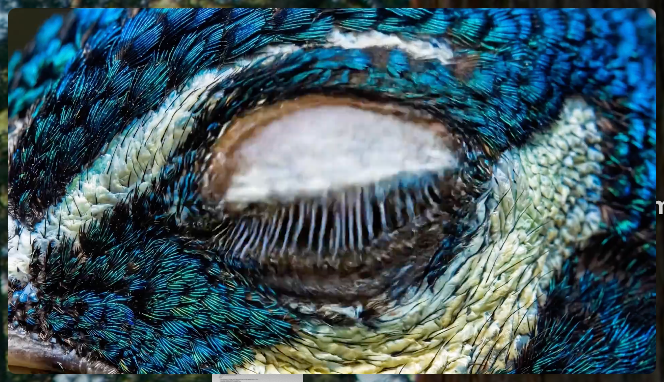
High-Fidelity 15s Sequences and Native Text Rendering Produce up to 15 seconds of uninterrupted video featuring clear, readable native text rendering—perfect for professional ads, product demos, and commercial content. This feature optimizes commercial video production by preserving brand elements directly within the AI-generated video.




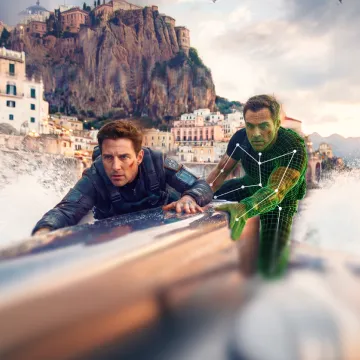

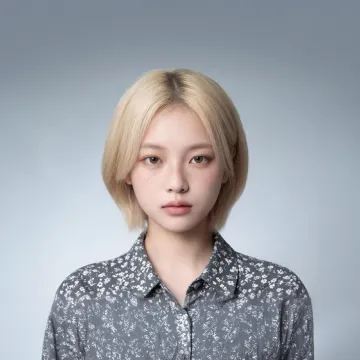



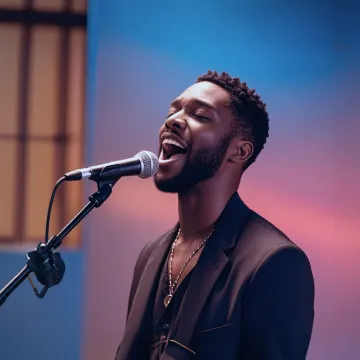





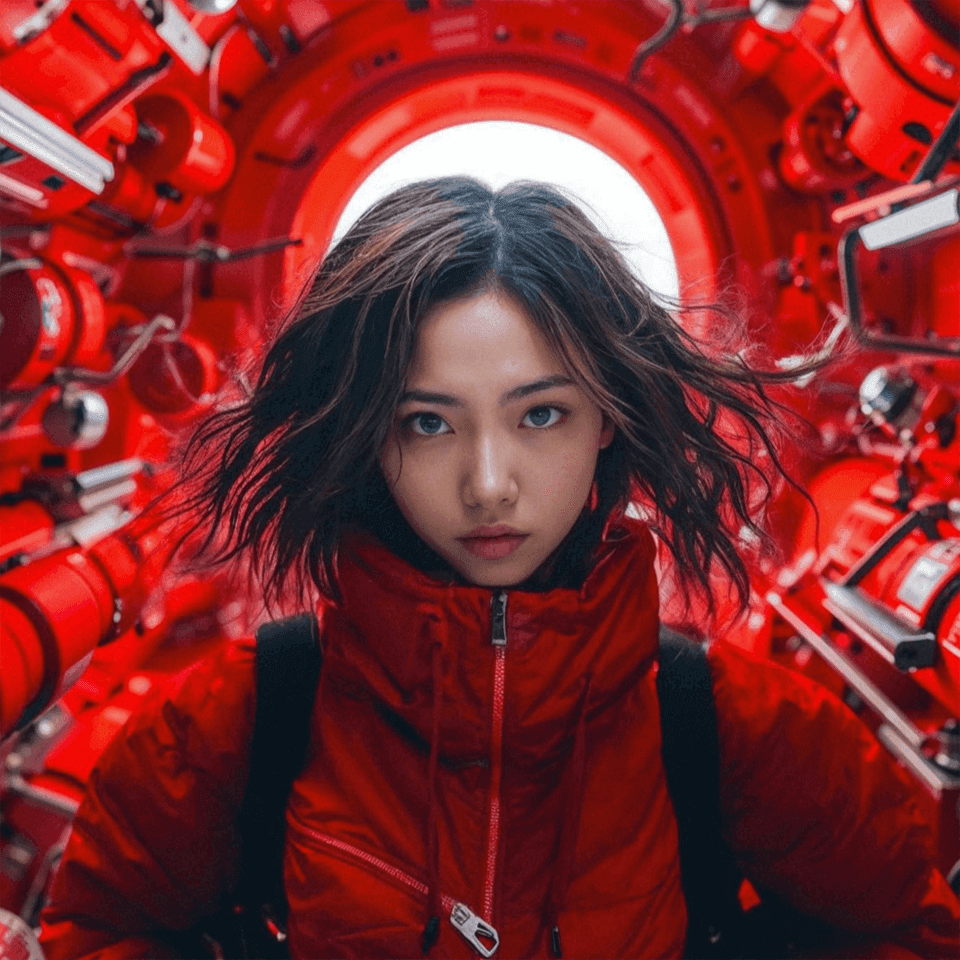
I have successfully collaborated with world-renowned artists and well-known companies that are recognized globally

I use AI daily and Kling AI is a crucial part of my workflow, whether for client work or personal projects. What I love most about using Kling AI is that it provides all the tools I need in one place, from keyframes to character references, elements and special effects.
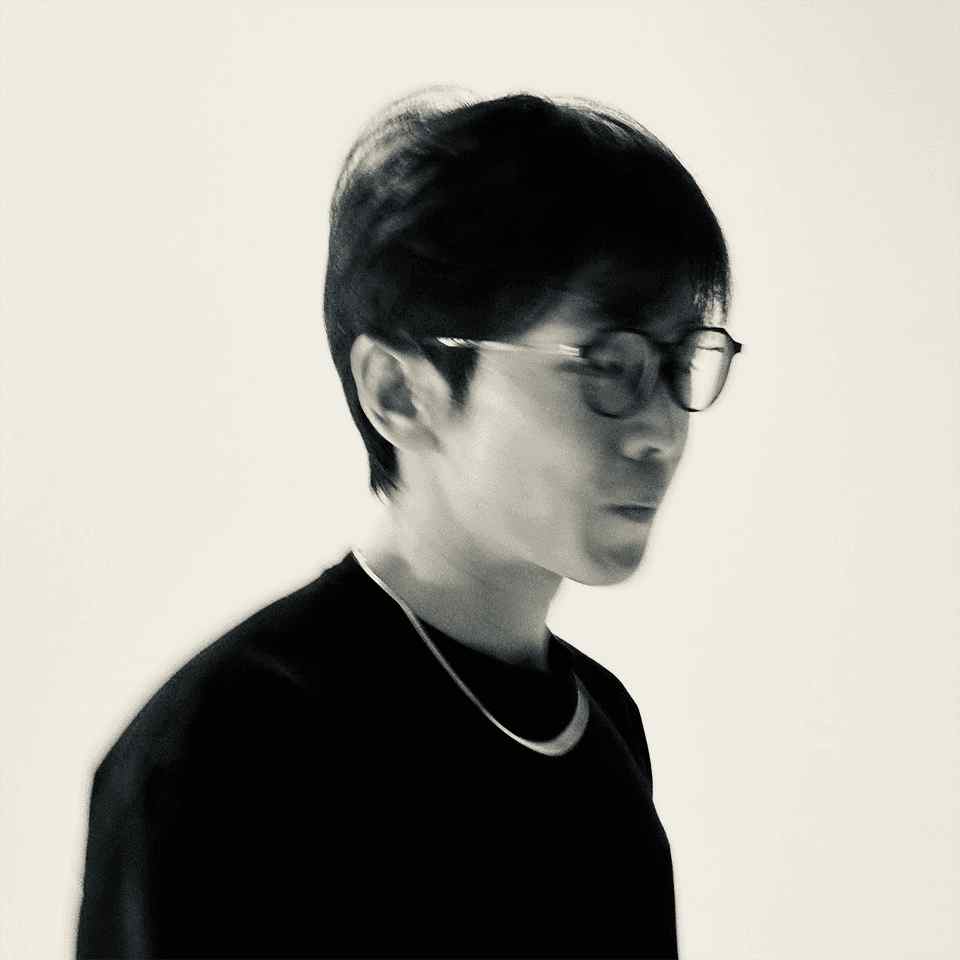
I’ve been using Kling AI since its initial release, and it’s remained one of the leading AI media generators ever since. With Kling AI, I’ve created hundreds of videos, collectively amassing millions of views.
A portrait, product image, or illustration can be the starting point for your next video. Add movement, explore different camera shots, and work with the visual details you want to keep in Kling AI.
Dynamic Motions | Multiple Keyframes | Omni Reference | Free tier available