
창작 도구
API
리소스
기능
브랜드 소개
다운로드하기

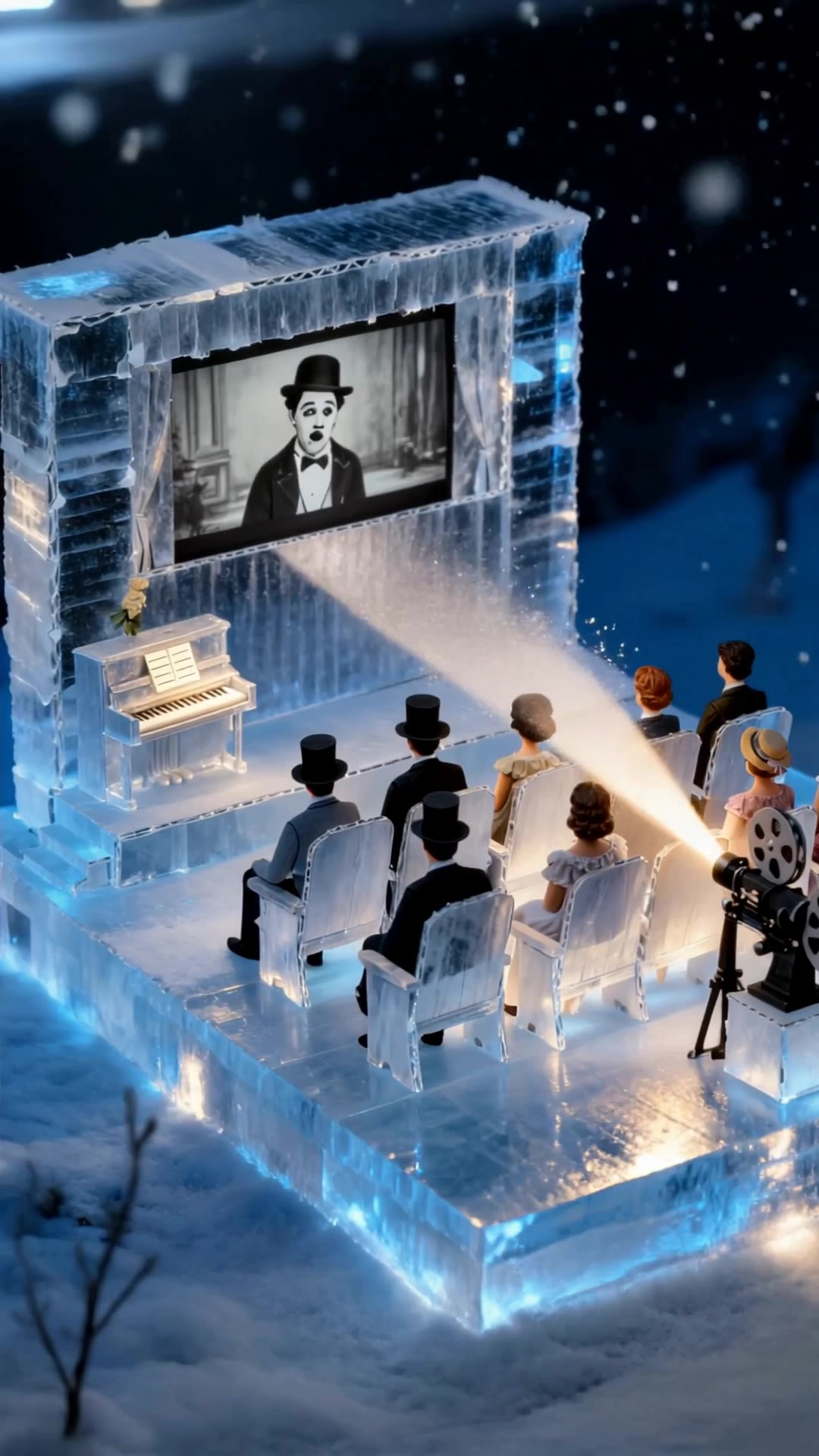
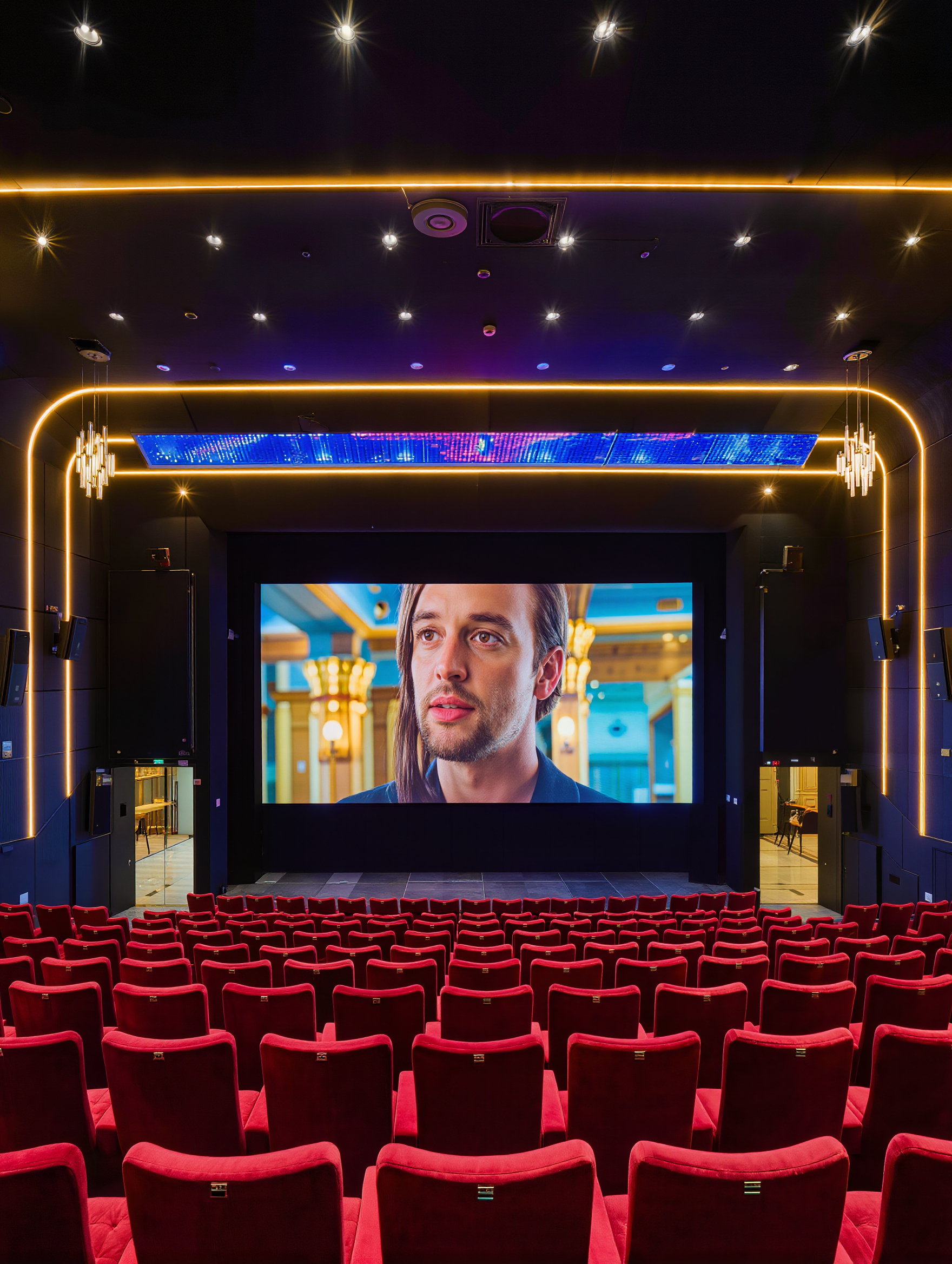
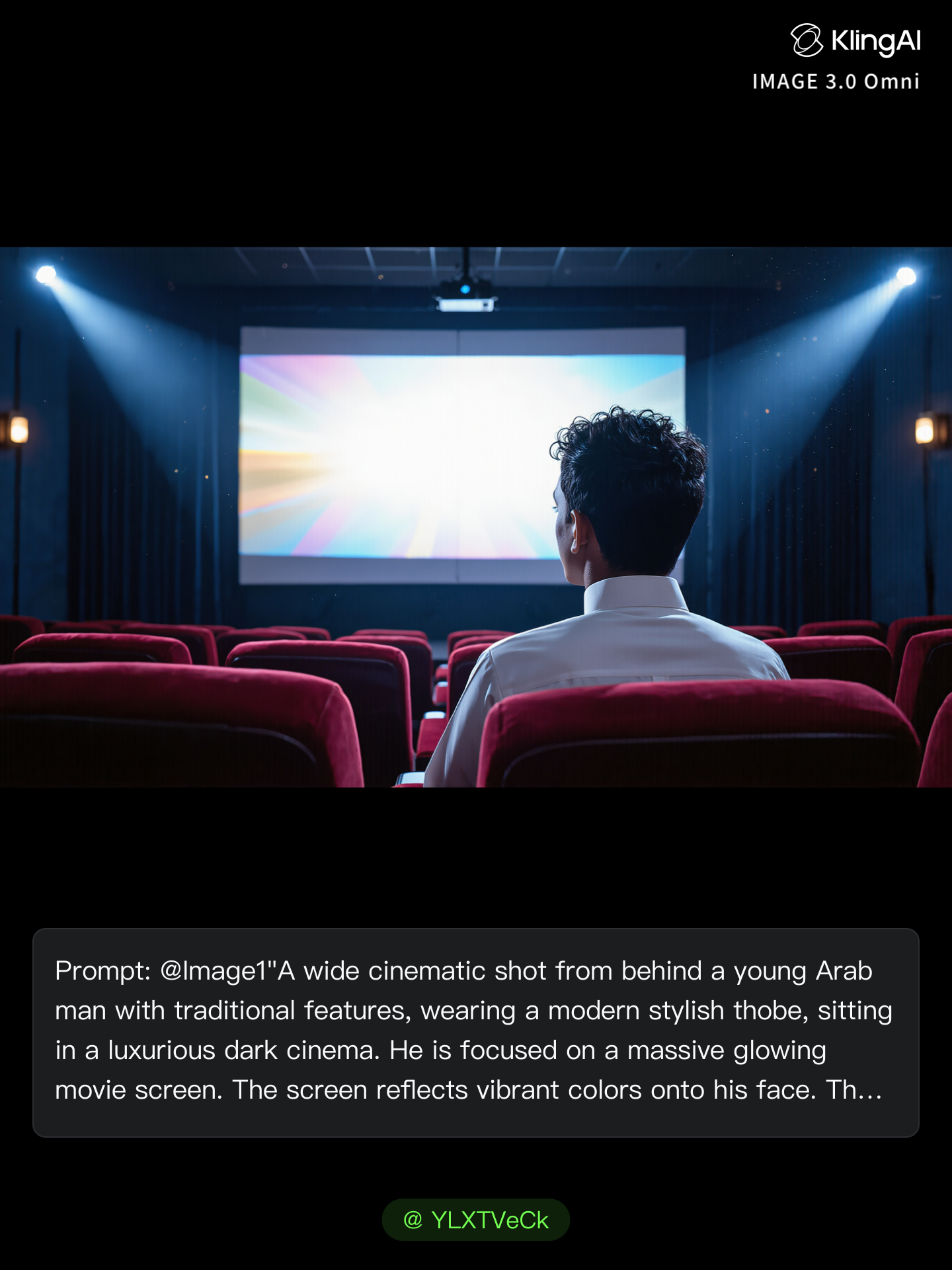
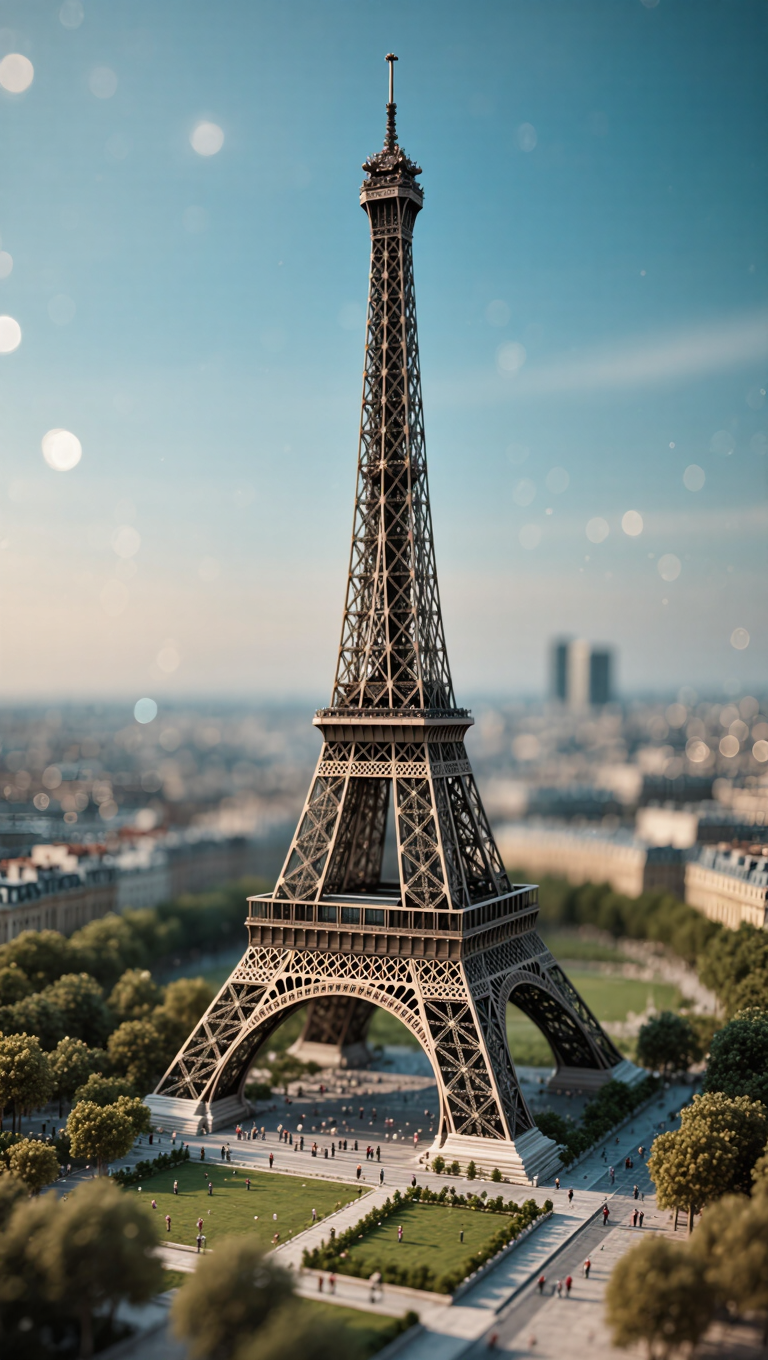
시네마 이미지 - 초현실적 프로젝션과 몬순 랜드마크

몬순 비 아래에서 초현실적인 남보라색 프로젝션과 장엄한 극장에 몰입하며 독창적인 시각적 영감을 얻으세요. 시네마 이미지 아이디어를 탐색하고 AI로 직접 콘텐츠를 만들어 보세요.

시네마 이미지 - 초현실적 프로젝션과 몬순 랜드마크

Recommended

Kling AI work 310400993667025 - cinema image AI image
YLXTVeCk avatar
YLXTVeCk
Kling AI work 298464116616674 - cinema image AI image
Twi Light avatar
Twi Light
Professional cinema camera lens - cinema image AI video
kXRvJbDX avatar
kXRvJbDX
My image - cinema image AI image
Whitefoxx1 avatar
Whitefoxx1
Kling AI work 300818948523870 - cinema image AI image
ℹ️MissKAKADU🌼 avatar
ℹ️MissKAKADU🌼
Image-to-Video Prompt:

A cinema - cinema image AI image
uQSMTabP avatar
uQSMTabP
Kling AI work 316612590502651 - cinema image AI image
HoyHjlvc avatar
HoyHjlvc
pool - cinema image AI video
BucnZvzM avatar
BucnZvzM
Kling AI work 309697903525010 - cinema image AI video
KyftiMeA avatar
KyftiMeA
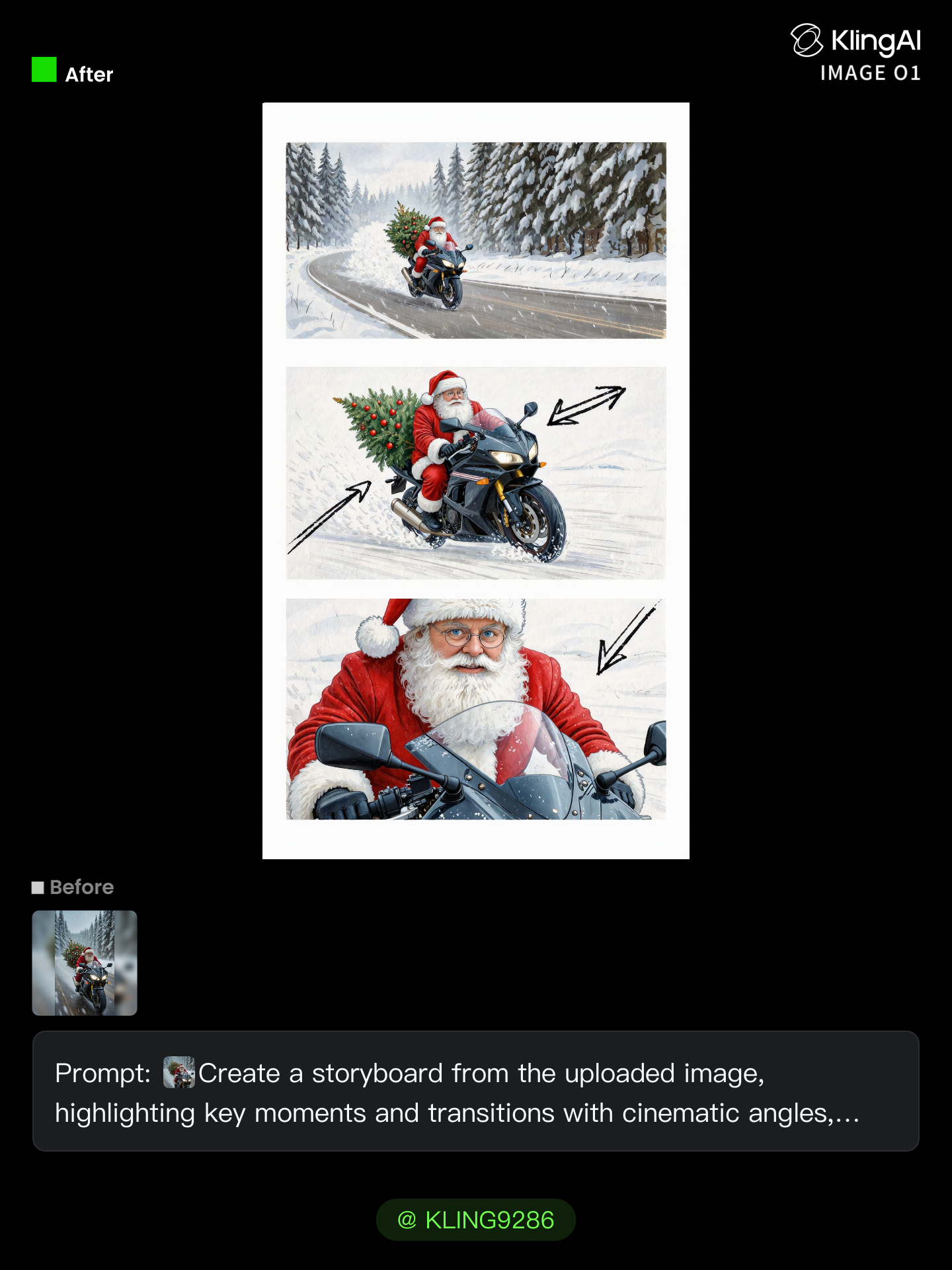
storyboard from image - cinema image AI image
KLING9286 avatar
KLING9286
Elite Creator
Characters Image Prompt:Cinemati - cinema image AI video
Idriss allela avatar
Idriss allela
Kling AI work 299194339503005 - cinema image AI video
craftneed AI avatar
craftneed AI
I used Kling Image for this - cinema image AI image
Jenny_M avatar
Jenny_M
Elite Creator
Kling AI work 311150302508103 - cinema image AI image
iAJSGpyp avatar
iAJSGpyp
Kling AI work 312130751523896 - cinema image AI image
WSbaflOY avatar
WSbaflOY
 image 1 - cinema image AI image
CXThSvTE avatar
CXThSvTE
Idols Cinema Style Anime 2 - cinema image AI image
Ady Media Design avatar
Ady Media Design
Elite Creator
Create an ultra-realistic cinema - cinema image AI image
PrCIajTi avatar
PrCIajTi

AI 아바타 비디오를 만드는 방법

아바타 만들기

아바타 만들기

아바타 라이브러리에서 기성 캐릭터를 선택하고, 저장된 아바타로 돌아가고, 장치나 자산에서 이미지를 업로드하거나, AI Image를 사용하여 새로운 캐릭터를 생성하세요. 선택한 이미지가 비디오의 시각적 시작점이 됩니다.

음성 추가

음성 추가

완성된 녹음을 업로드하거나 캐릭터가 전달할 대사를 입력하세요. text to speech를 사용하여 음성을 선택하고 속도와 감정 톤을 조정하세요. 구두점을 사용하여 자연스럽게 속하는 곳에 일시 정지를 배치하세요. 특히 긴 구절에서는 더욱 그렇습니다.

성과를 형성하세요

성과를 형성하세요

캐릭터가 말하는 동안 어떻게 느끼고, 반응하고, 움직여야 하는지 설명하세요. 방향을 직접 작성하거나 선택한 캐릭터에 대해 Kling AI가 제안하는 성능 옵션 중 하나로 시작할 수 있습니다. 비디오를 생성하고 배송을 검토합니다.

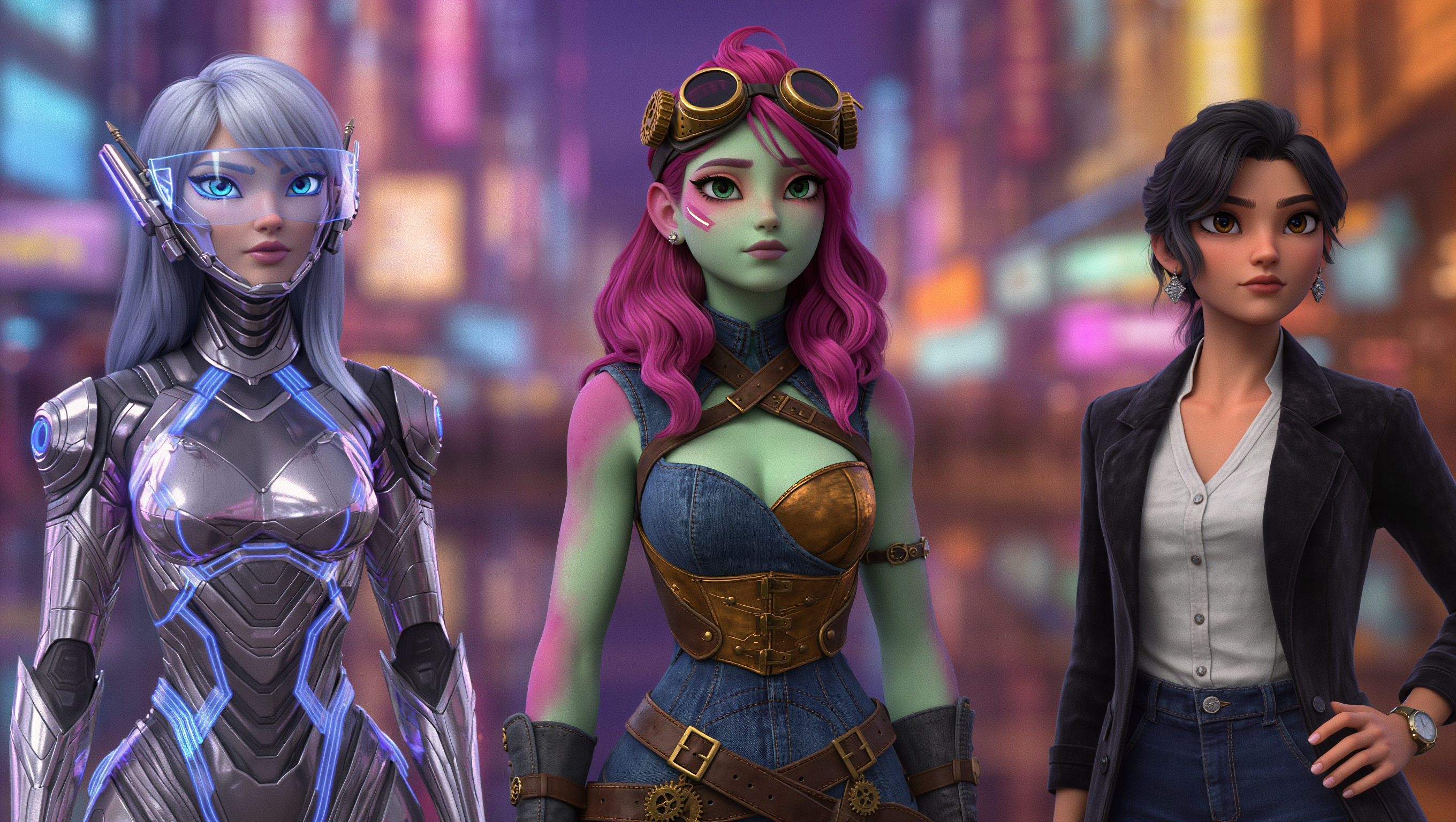
Go from Written Scene to Directed Sequence

See Your Scene as More Than One Shot

See Your Scene as More Than One Shot

A conversation does not have to stay on one camera angle. An action beat does not have to play out in a single wide shot. Turn on Multi-Shot and Kling can plan scene transitions, framing, and camera-angle changes around what you wrote. A simple story beat can move from an establishing shot to a character close-up, then cut again when the action calls for it.
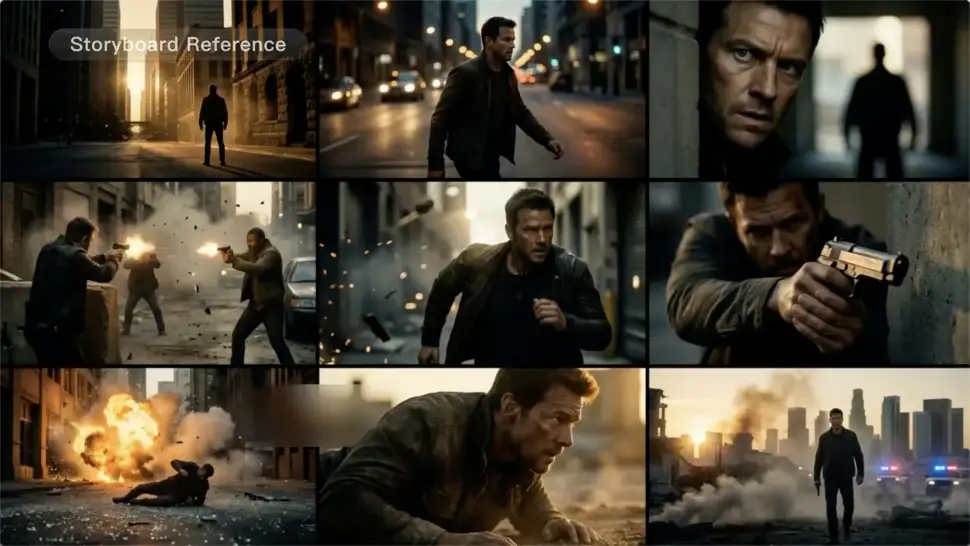
Take Over the Storyboard When the Shot Matters

Take Over the Storyboard When the Shot Matters

When you already know how the scene should be covered, use Custom Multi-Shot instead of leaving every decision to the model. Decide what happens in each shot, how long it lasts, whether the camera is wide or close, which angle you want, and how the camera moves. It gives you a practical way to turn screenplay direction or a rough shot list into something Kling can generate.

Bring the Same Character into the Next Shot

Bring the Same Character into the Next Shot

A cut should not feel like a new actor walked into the scene. Use a Character Element when someone needs to return across different angles, actions, or settings, and make it clear in the prompt which character belongs in each shot. For workflows that need a richer mix of character, image, video, and scene references, VIDEO 3.0 Omni gives you more ways to anchor the people and visual details your story depends on.

Apps

이미지 투 비디오
이미지 투 비디오

이미지 투 비디오

텍스트 투 비디오
텍스트 투 비디오

텍스트 투 비디오

옴니
옴니

옴니

디지털 휴먼
디지털 휴먼

디지털 휴먼

리스타일
리스타일

리스타일

텍스트 투 이미지
텍스트 투 이미지

텍스트 투 이미지

60M+
60M+
Users
600M+
600M+
AI Videos Generated
4.7 ★
4.7 ★
App Store
Industry-Leading
Industry-Leading
Cinematic 4K

리뷰

Ozan Sihay

Ozan Sihay

★★★★★

Kling AI allows me to rapidly prototype ideas, refine storytelling elements, and produce visually compelling content efficiently. It has not only accelerated my creative processes, but also deepened my understanding of how AI can enrich visual storytelling.

Huang Lu (Elson)

Huang Lu (Elson)

★★★★★

I’ve been using Kling AI since its initial release, and it’s remained one of the leading AI media generators ever since. With Kling AI, I’ve created hundreds of videos, collectively amassing millions of views.

Déborah

Déborah

★★★★★

I use Kling AI every day. It's amazing to see the almost daily progress it makes. I used AI for fun at first, and I now find that Kling AI's animations allow me to gain professional visibility, with three times more views on my animated posts than on my static posts.

FAQ

Q1How do I ask AI to change the background of a photo?
Q2What is an AI background generator?
Q3What should I look for in the best AI background generator?

See Your Image in a Whole New Color

Explore a different product color, refresh an outfit, rethink a room, or give an existing creative a new direction with Kling IMAGE 3.0. Describe the change, and generate a new version now.