어두운 보라색 머리 - 신비로운 아우라 & 보랏빛 시선
어두운 보라색 머리의 신비로움을 매혹적인 보랏빛 시선과 신비로운 숲의 분위기와 함께 받아들이세요. 몽환적인 보라와 핑크 속에서 피어나는 보랏빛 꽃의 고요한 아름다움을 밝혀보세요. 어두운 보라색 머리 아이디어를 탐색하고 AI로 나만의 콘텐츠를 만들어 보세요.
어두운 보라색 머리의 신비로움을 매혹적인 보랏빛 시선과 신비로운 숲의 분위기와 함께 받아들이세요. 몽환적인 보라와 핑크 속에서 피어나는 보랏빛 꽃의 고요한 아름다움을 밝혀보세요. 어두운 보라색 머리 아이디어를 탐색하고 AI로 나만의 콘텐츠를 만들어 보세요.
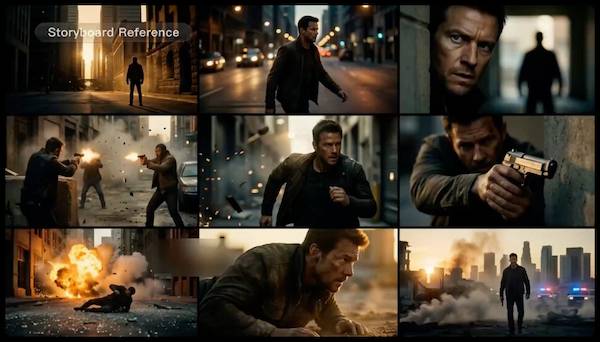
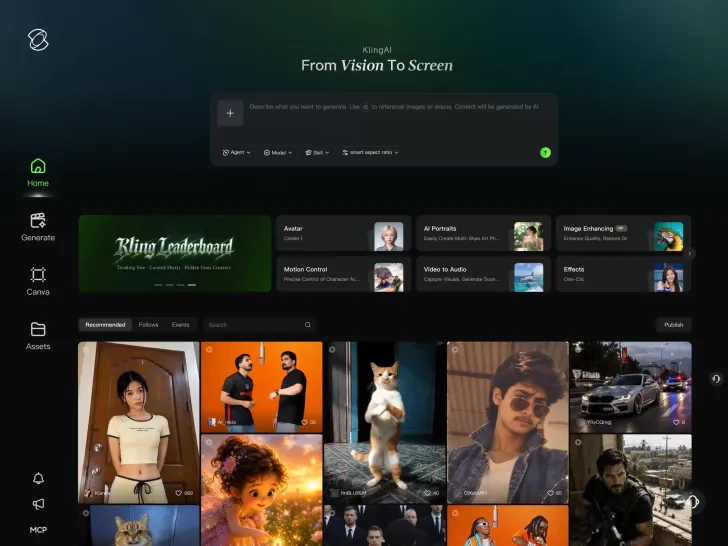
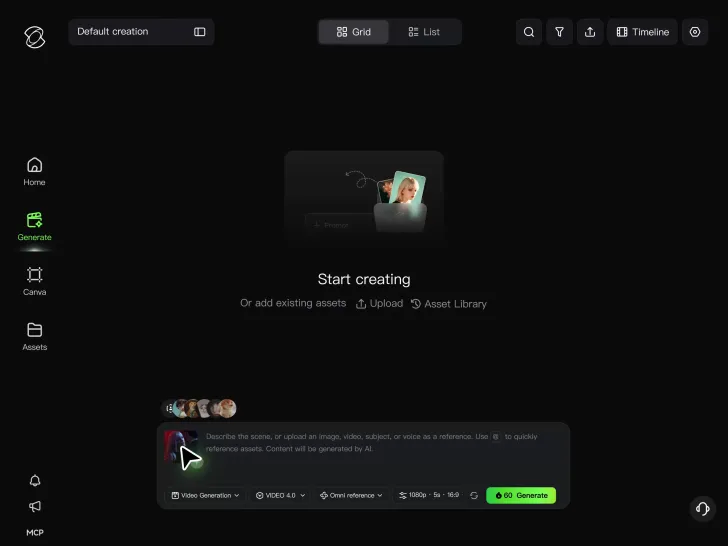
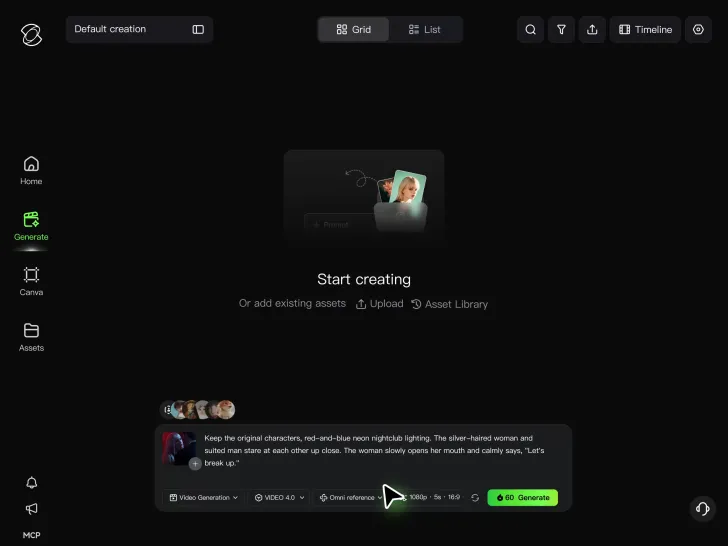
Cinematic AI Video Generator with Native Audio Create multi-shot cinematic sequences with native audio and precise character-level lip-sync in one seamless automated content creation output. This next-generation AI video production model ensures perfect audio-visual alignment for professional storytelling.
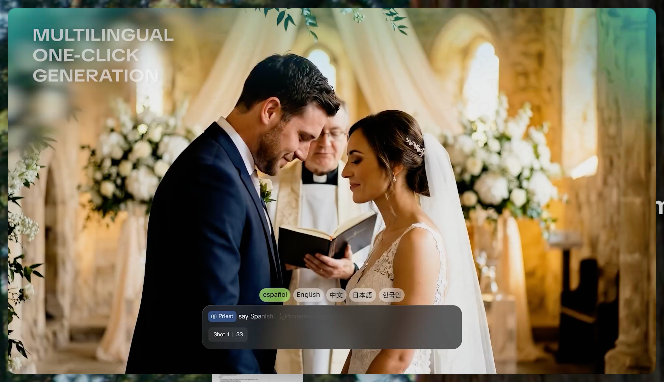
Stable Character Consistency for Professional Filmmaking Maintain perfect character consistency and object stability across frames, ensuring a reliable visual identity even with complex camera movements. Our AI video model locks subjects to prevent flickering, delivering high-fidelity results for advanced video generation.
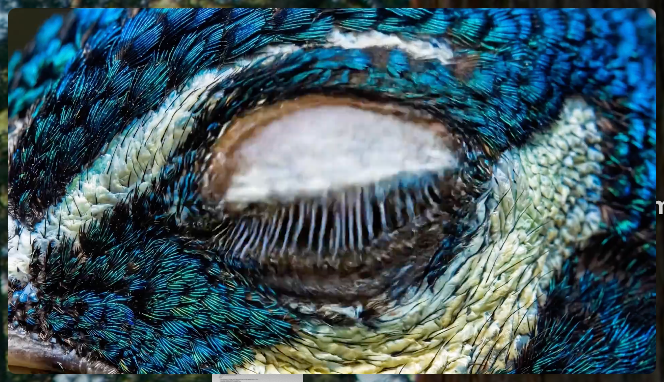
High-Fidelity 15s Sequences and Native Text Rendering Produce up to 15 seconds of uninterrupted video featuring clear, readable native text rendering—perfect for professional ads, product demos, and commercial content. This feature optimizes commercial video production by preserving brand elements directly within the AI-generated video.


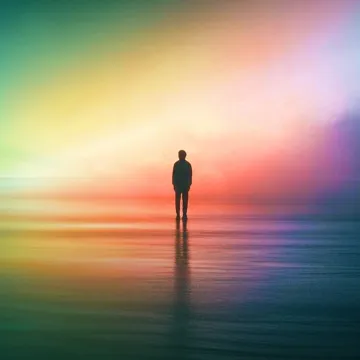

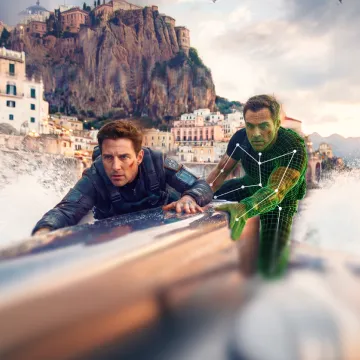

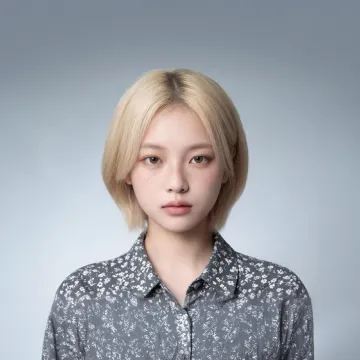

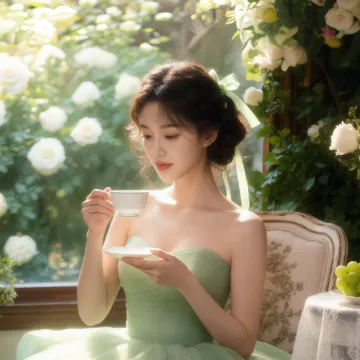

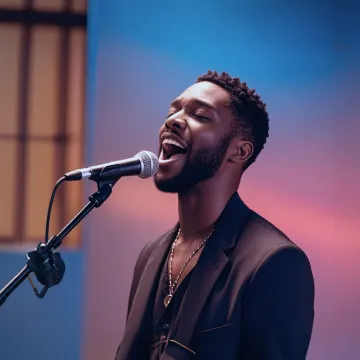






I use AI daily and Kling AI is a crucial part of my workflow, whether for client work or personal projects. What I love most about using Kling AI is that it provides all the tools I need in one place, from keyframes to character references, elements and special effects.
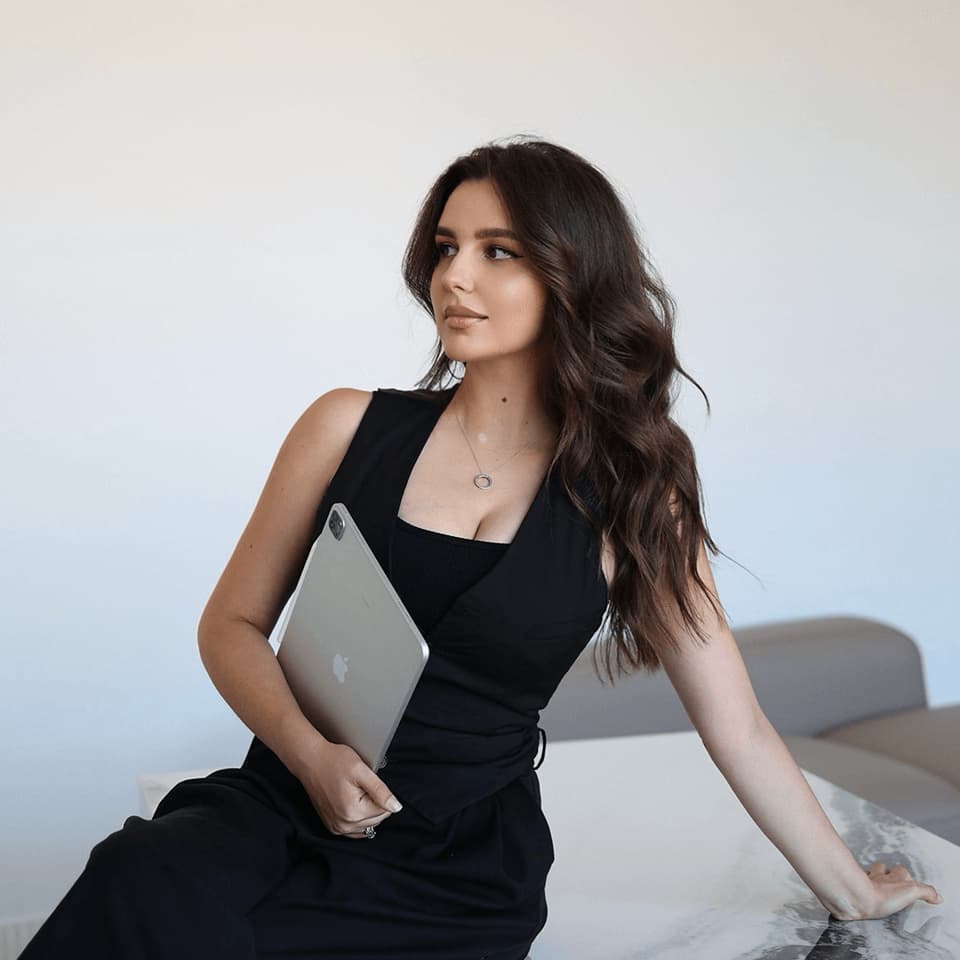
I’m Maria Rubtsova, an AIGC digital artist passionate about creating stunning visuals in the worlds of fashion, aesthetics, and fantasy. I use KlingAi to bring imagination to life through video. My work is all about exploring beauty, emotion, and the limitless possibilities of digital art.
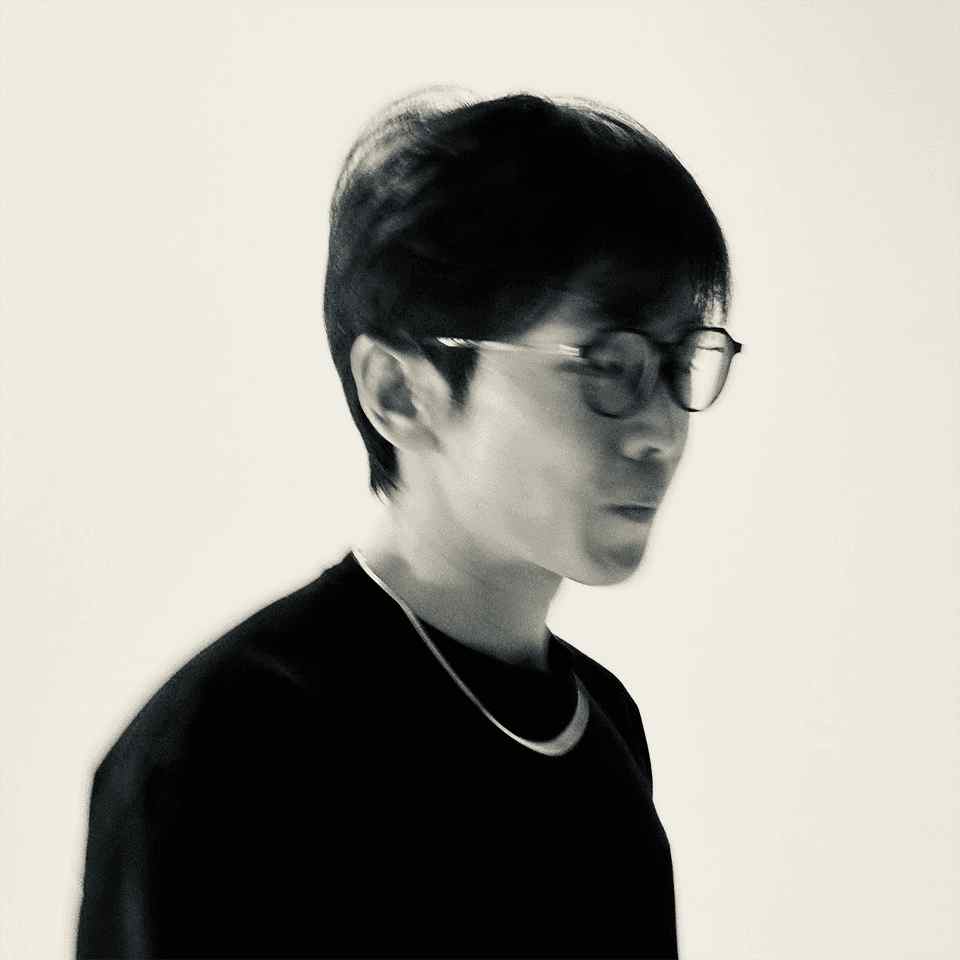
I’ve been using Kling AI since its initial release, and it’s remained one of the leading AI media generators ever since. With Kling AI, I’ve created hundreds of videos, collectively amassing millions of views.
A portrait, product image, or illustration can be the starting point for your next video. Add movement, explore different camera shots, and work with the visual details you want to keep in Kling AI.
Dynamic Motions | Multiple Keyframes | Omni Reference | Free tier available