AI로 생성된 줌 아웃 립싱크 아이디어
줌 아웃 립싱크를 위한 AI 제작 비주얼을 살펴보세요. 빠르게 영감을 얻고 AI 결과를 필요에 맞게 활용하세요.
줌 아웃 립싱크를 위한 AI 제작 비주얼을 살펴보세요. 빠르게 영감을 얻고 AI 결과를 필요에 맞게 활용하세요.

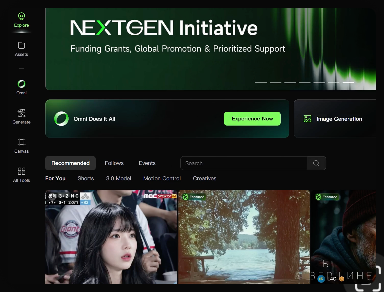
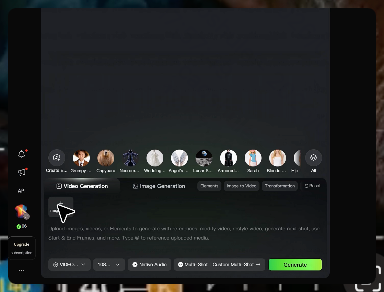
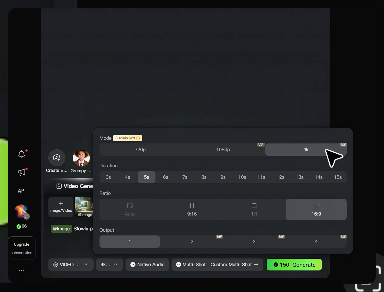
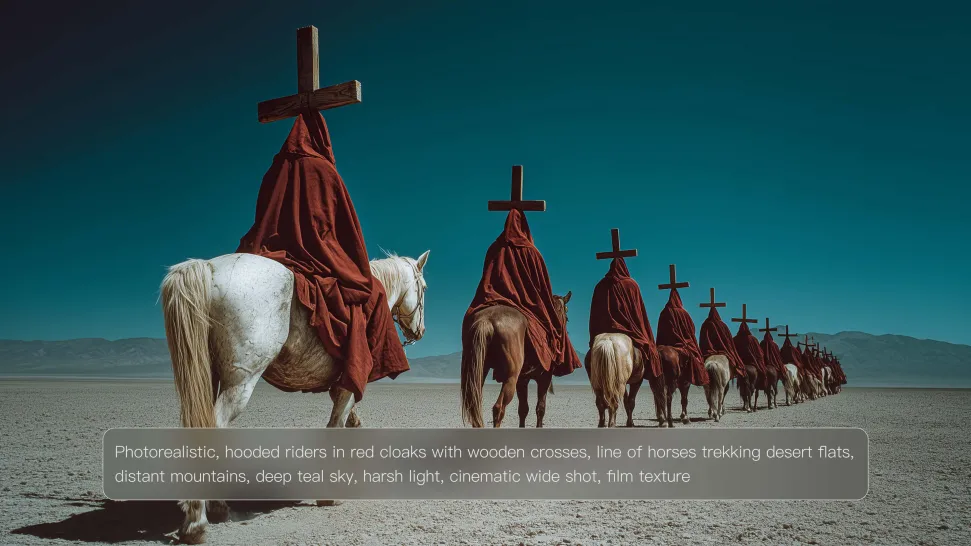
염두에 두고 있는 장면, 캐릭터, 제품 또는 스타일을 설명하고 아이디어가 실현되는 모습을 지켜보세요. 처음부터 생성하든 기존 결과를 미세 조정하든 Kling IMAGE 3.0는 구성 조정, 조명 이동, 시각적 세부 사항 조정 등의 지침을 따릅니다.
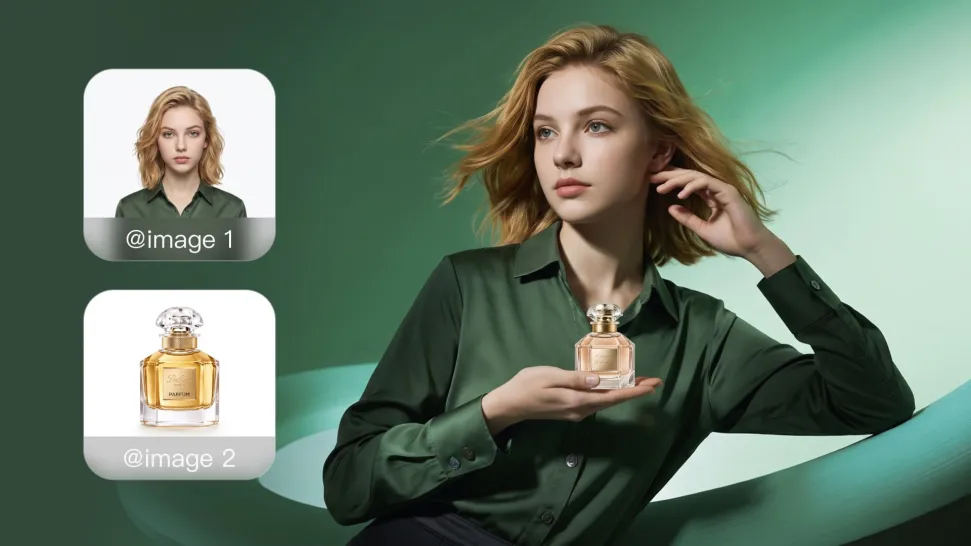
캐릭터, 제품, 색상 팔레트, 재료, 구성 또는 시각적 스타일에 대한 참조를 가져옵니다. IMAGE 3.0는 최대 10개 이미지의 정의된 품질을 끌어내고 이를 하나의 응집력 있는 결과로 통합하여 각 참조를 알아볼 수 있는 세부 사항을 유지합니다.
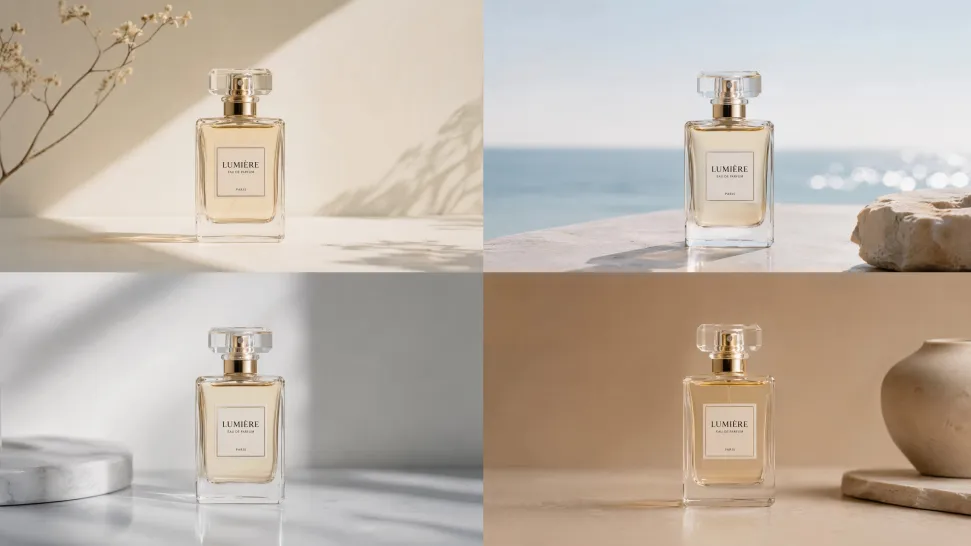
각 이미지를 별도로 생성하는 대신 하나의 응집력 있는 프로젝트로 완전한 시각적 시리즈를 계획하고 만듭니다. IMAGE 3.0 Omni는 영화 스토리보드, 제품 캠페인, 캐릭터 개발, 만화 및 브랜드 콘텐츠를 위한 기본 4K 출력을 통해 의도적인 장면 진행, 다양한 프레이밍 및 세트 전반에 걸친 통합된 창의적 방향을 지원합니다.
















I’ve been using Kling AI since its initial release, and it’s remained one of the leading AI media generators ever since. With Kling AI, I’ve created hundreds of videos, collectively amassing millions of views.
Kling AI has been instrumental in transforming my creative workflow, unlocking new dimensions of artistic expression that were once unimaginable. I use Kling AI extensively to develop high-concept visuals, animate surreal dreamscapes, and create AI-assisted films that blur the line between reality and fantasy. Kling AI’s deep learning capabilities have not only enhanced my creative efficiency but also inspired me to explore storytelling in ways I never thought possible.
Kling AI has made it easy for us to generate world class visuals for Fortune 500 companies, TV shows and music for big artists. We love the easy of use of the platform and the quality of the generations. My first time using Kling AI, I got 22 million views on just one video. It's that good.
영상을 업로드하고 결과를 설명하고 Kling가 지시에 따라 장면을 재구성하도록 하세요.
무료 플랜 제공 | 프롬프트 기반 편집 | 피사체 교체 | 창작 재현