AI 댄스 생성기: 사진과 캐릭터를 춤추게 하기
사진이 좋아하는 댄스를 따라가게 하거나, 두 포즈 사이에 움직임을 만들거나, 새 캐릭터를 기존 댄스 비디오에 넣어 보세요. Kling AI는 원하는 퍼포먼스를 만드는 여러 방법을 제공합니다.
사진이 좋아하는 댄스를 따라가게 하거나, 두 포즈 사이에 움직임을 만들거나, 새 캐릭터를 기존 댄스 비디오에 넣어 보세요. Kling AI는 원하는 퍼포먼스를 만드는 여러 방법을 제공합니다.
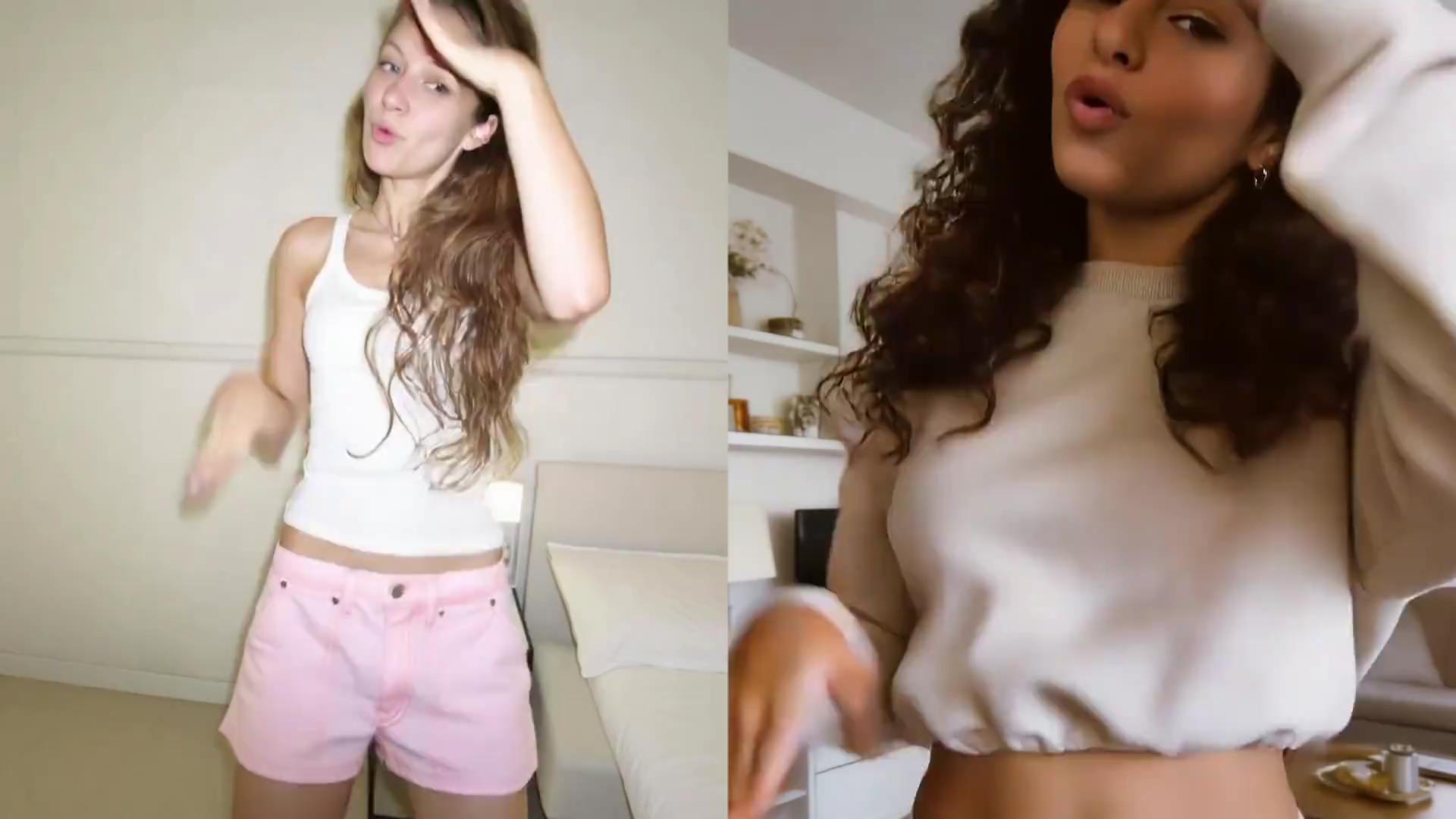
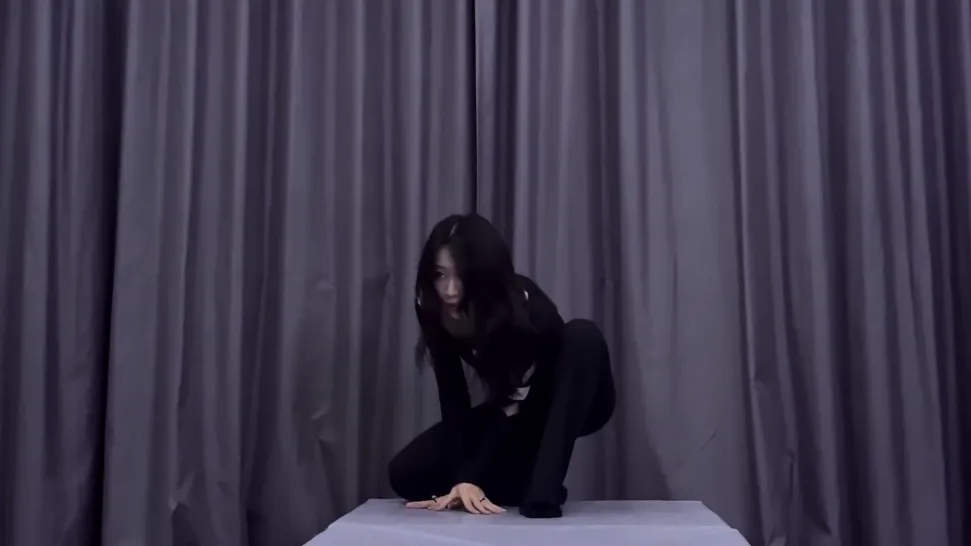
사람, 오리지널 캐릭터, 마스코트, 아바타 또는 스타일라이즈된 피규어를 업로드하고 Kling AI Motion Control로 댄스 퍼포먼스로 바꿔 보세요. Motion Control은 참조로 캐릭터의 움직임과 표정을 안내해 안무, 타이밍, 퍼포먼스 스타일을 더 잘 제어할 수 있게 합니다.
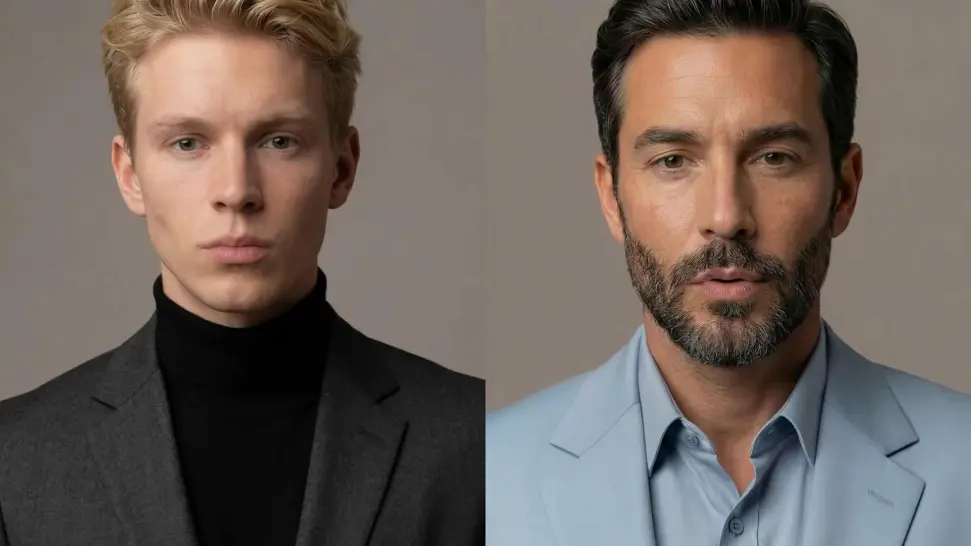
스핀, 올린 팔, 움직이는 머리가 잠시 댄서의 얼굴을 가릴 수 있습니다. Kling VIDEO 3.0 Motion Control은 이런 순간 이후의 얼굴 복원을 개선해, 캐릭터가 루틴을 이어가는 동안 더 선명하고 안정적인 얼굴 디테일을 되찾도록 돕습니다.
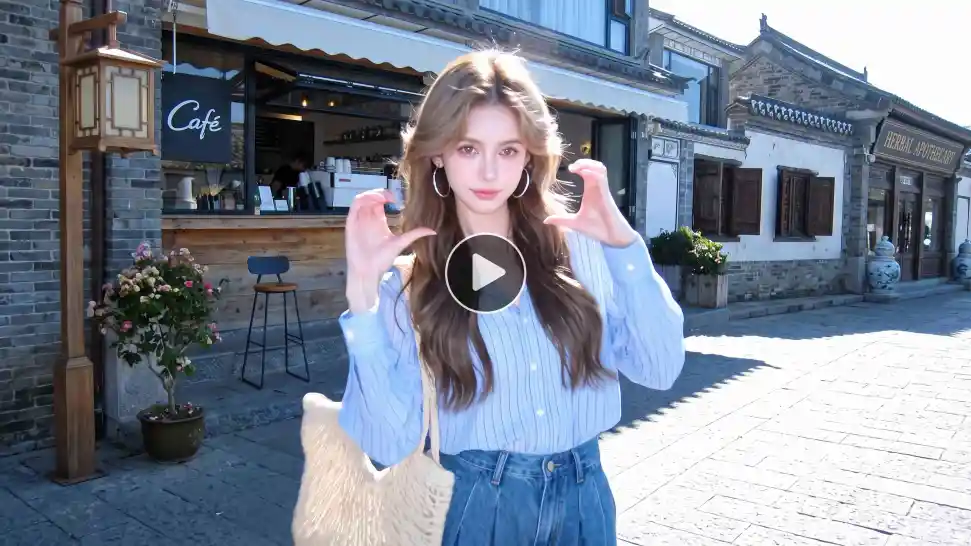
준비된 루틴을 이미 알고 있나요? 자체 댄스 참조 비디오를 업로드하고 Motion Control이 캐릭터의 움직임과 표정을 안내하게 하세요. 참조 비디오는 3~30초로, 프롬프트에 모든 동작을 설명하는 대신 특정 루틴으로 작업하기 쉽습니다.

















Kling AI has transformed my workflow by collapsing timelines and democratizing production. It’s shifted my mindset from resource-dependent filmmaking to a boundless creative sandbox, where experimentation yields unexpected beauty.

I’ve been using Kling AI since its initial release, and it’s remained one of the leading AI media generators ever since. With Kling AI, I’ve created hundreds of videos, collectively amassing millions of views.

I use Kling AI every day. It's amazing to see the almost daily progress it makes. I used AI for fun at first, and I now find that Kling AI's animations allow me to gain professional visibility, with three times more views on my animated posts than on my static posts.
캐릭터를 고르고 움직임을 선택한 뒤, Kling AI가 정지 이미지를 퍼포먼스로 바꾸게 하세요.