Arka Plan KlingAI: Yapay Zeka Tarafından Üretilen Arka Plan Sanatını Keşfedin
KlingAI ile yapay zekanın oluşturduğu arka plan sanatını keşfedin. Arka plan temalı projeleriniz için hızlı, özelleştirilebilir ve kullanımı kolay ilhamın keyfini çıkarın.
KlingAI ile yapay zekanın oluşturduğu arka plan sanatını keşfedin. Arka plan temalı projeleriniz için hızlı, özelleştirilebilir ve kullanımı kolay ilhamın keyfini çıkarın.

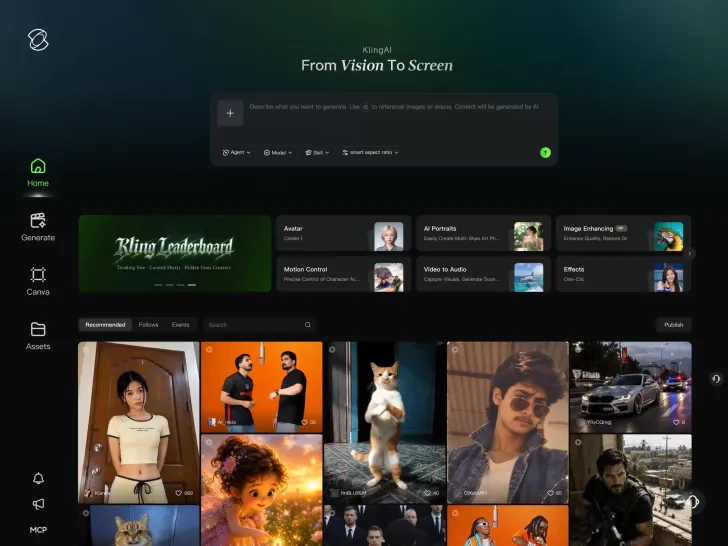
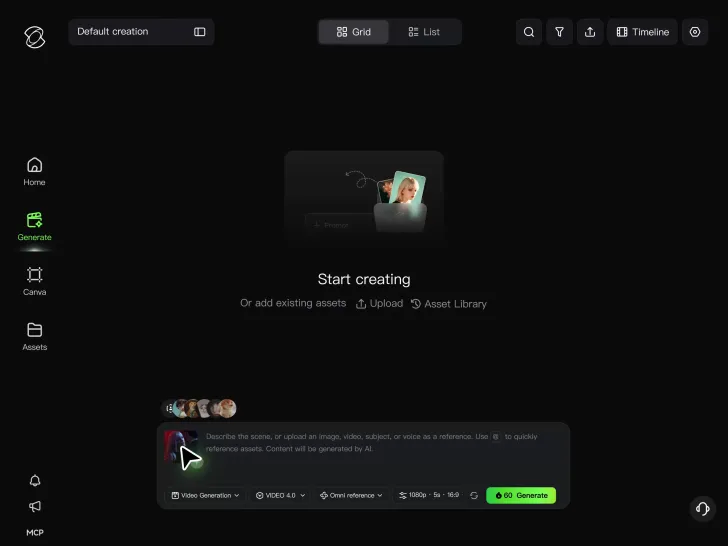
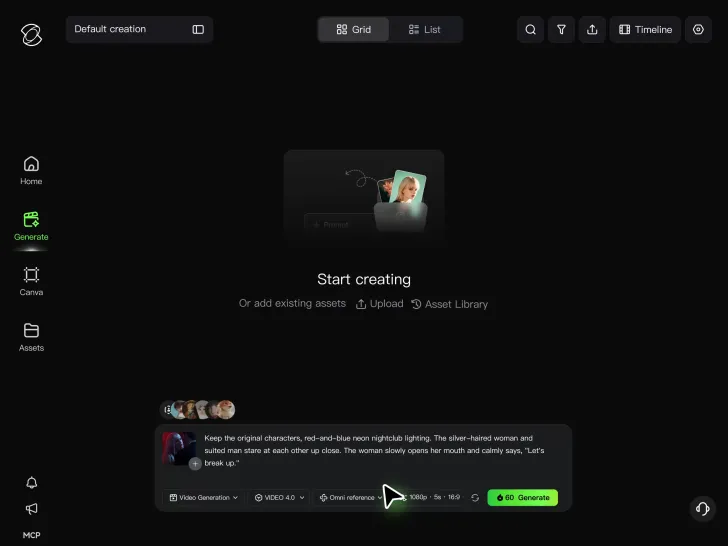

Animate portraits, artwork, and action images with natural character movement and physical interactions. Kling 4.0's dynamic motions improves stability during large movements, fast action, and complex scenes. From subtle facial expressions to sports and fight choreography, create motion that develops naturally from your image while keeping the subject and surrounding scene visually coherent.
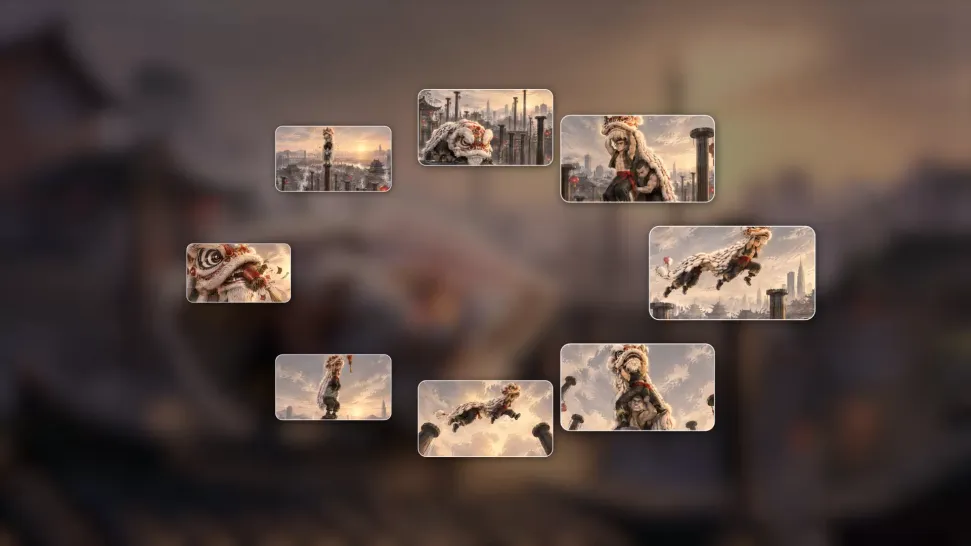
A single image can lead to a tracking shot, camera orbit, close-up, or wider scene. Kling 4.0 offers stronger camera control, with native video generation up to 30 seconds for longer movements and connected action. Start and end frames help guide a transition, while up to 10 flexible keyframes let you define additional compositions, character poses, and scene changes as the video develops.
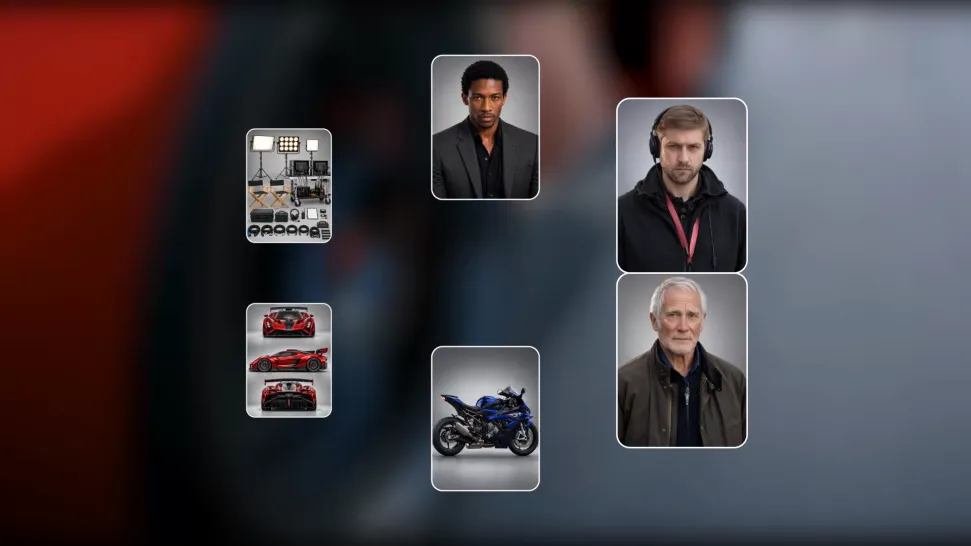
Keep recognizable characters, products, and visual styles as your images begin to move. Kling 4.0's Omni Reference supports up to 15 combined assets, including images, videos, and subjects, to guide appearance, actions, camera work, and settings. Use multiple views of a character or product alongside style and motion references. Stronger visual consistency helps preserve familiar details across new shots, with realistic textures.
















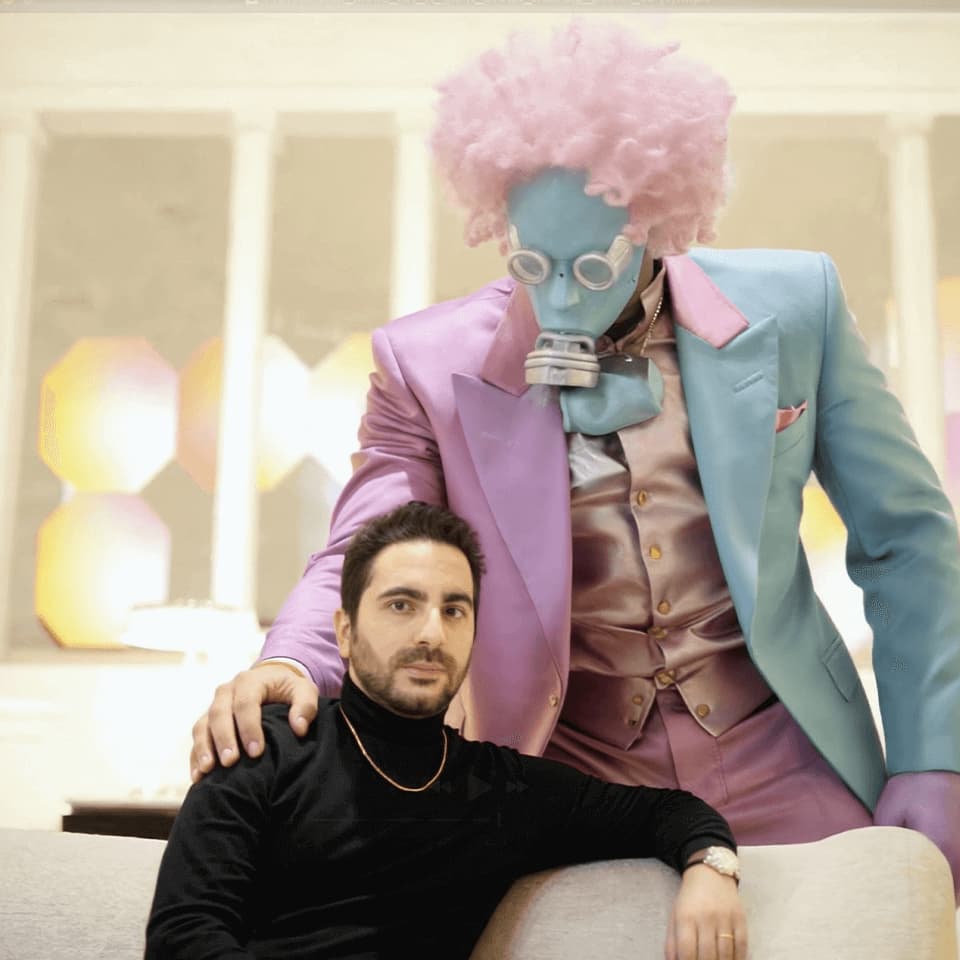
Kling AI seamlessly integrates into my creative workflow, playing a key role in transforming my images. After generating and upscaling an image, Kling becomes a crucial element, bringing my creations to life with movement and depth.
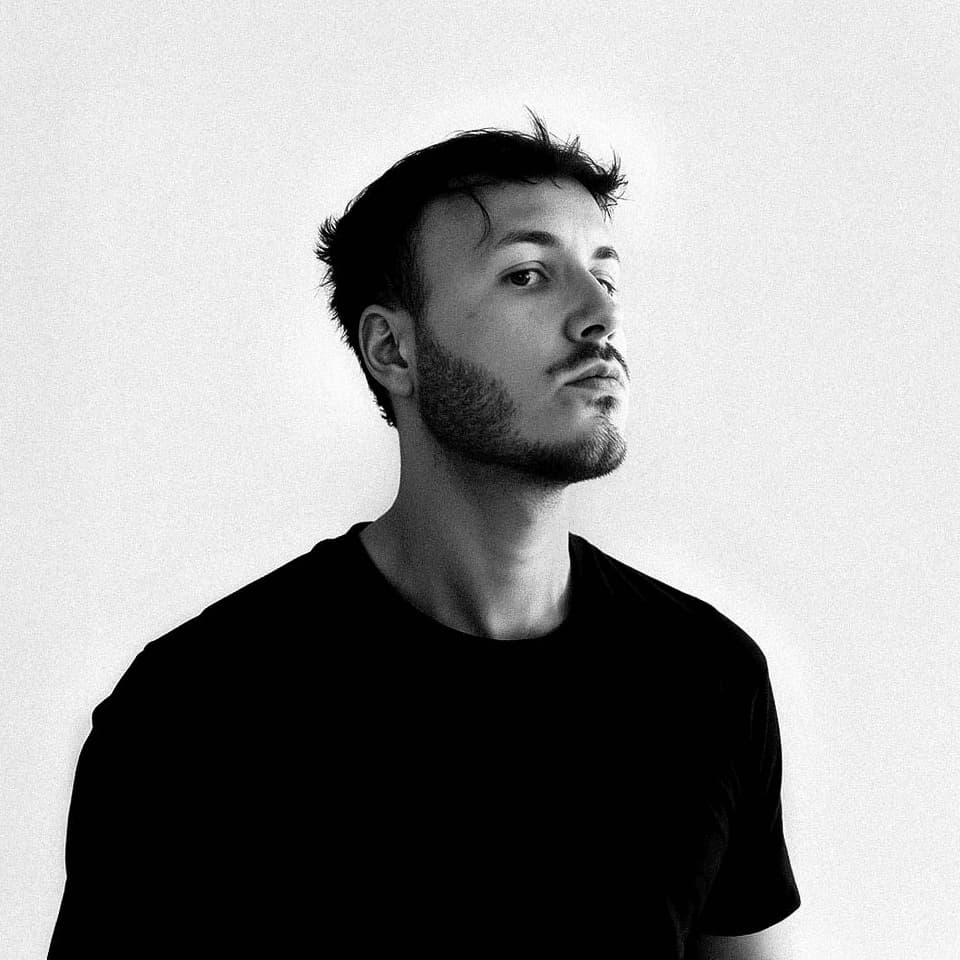
I use Kling AI daily to push the limits of AI filmmaking. It allows me to create highly cinematic content, blending AI and VFX to develop innovative projects. It has significantly impacted my creative process, enabling me to achieve complex animations that would otherwise require high production budgets.
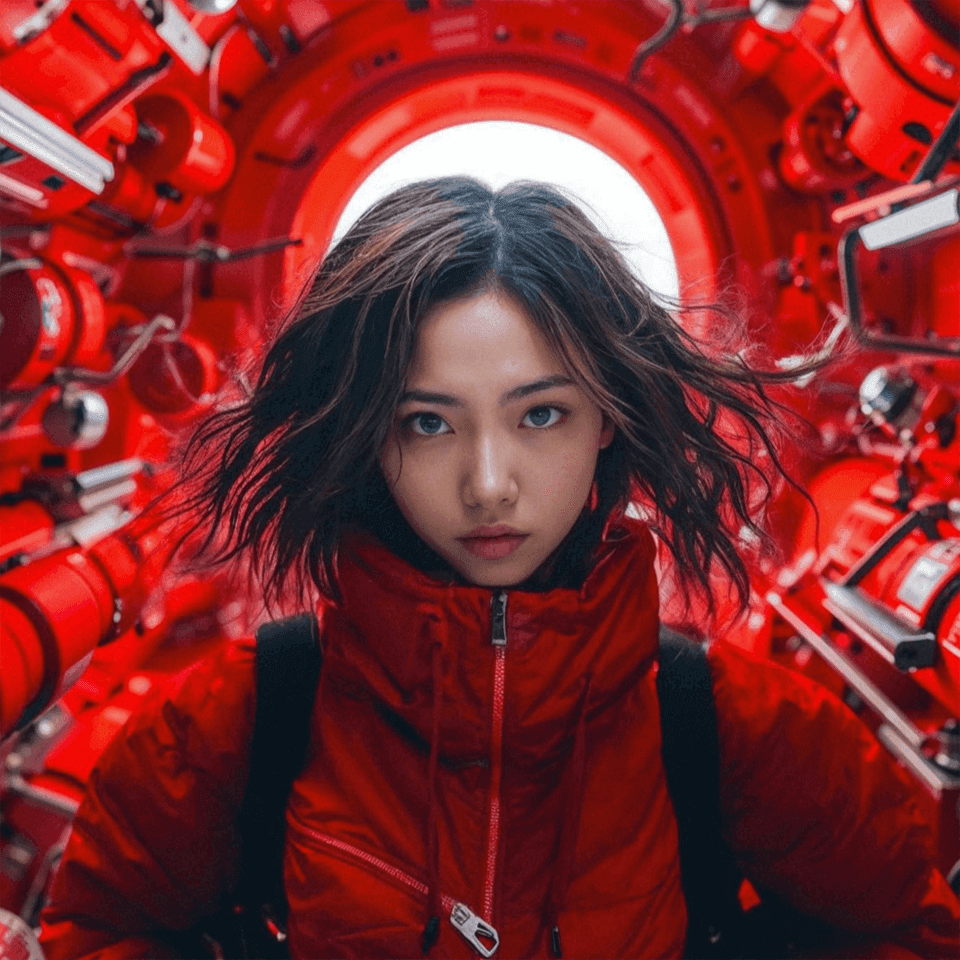
I have successfully collaborated with world-renowned artists and well-known companies that are recognized globally
A portrait, product image, or illustration can be the starting point for your next video. Add movement, explore different camera shots, and work with the visual details you want to keep in Kling AI.
Dynamic Motions | Multiple Keyframes | Omni Reference | Free tier available