The best free AI image generator should fit your creative needs. Kling AI lets you create images from text or references and try eligible tasks with free credits. This guide compares six tools and shows you how to create your first image with Kling AI.
6 Best Free AI Image Generators for Different Creative Needs
A product image, a storybook character, and a social post need different kinds of support. Start with the picture you want to make, then compare how each tool handles the task and what you can try for free.
Look beyond the number of free generations. Check whether you can upload references, revise a result, and download an image at the size you need. An AI photo generator should also give you enough room to try a second version. If you plan to publish the image for work, check the usage rights attached to your account and chosen model.
Tool | Platform | Free Access | Primary Workflow |
Kling AI | Web; Android/iOS apps | Free signup credits; monthly login credits | Text, references, and image revisions |
Leonardo AI | Web; mobile apps | 150 daily tokens; public free creations | Image generation and style exploration |
Adobe Firefly | Web; mobile apps | Limited free use; feature and model limits | Image creation within Adobe workflows |
Krea | Browser | Daily compute allowance; feature limits | Real-time exploration and image generation |
Canva | Web; desktop/mobile apps | Limited free AI use; premium extras | Generate images and build designs |
Picsart | Web; mobile apps | Free tools; limited AI access | Image creation and photo editing |
1.Kling AI
Kling AI is an AI image creator that helps beginners turn written ideas or existing pictures into new visuals. Kling IMAGE 3.0 supports text prompts, up to 10 reference images, and revisions to details such as objects or backgrounds. IMAGE 3.0 Omni adds Image Series Mode for related visuals and direct 4K output. This AI image generator is useful when you want to keep developing an idea after the first result.
New users receive free trial credits when they sign up for Kling AI, while existing users can claim additional free credits by logging in each month. These credits offer a way to try eligible image generation tasks online without a paid subscription. Choose the model that fits your needs, then check the available settings and credit cost before generating.
2.Leonardo AI
Leonardo AI suits creators who want to explore visual styles and generate images regularly. Its free plan includes 150 tokens that refresh daily, with free public creations. Reference and editing tools offer ways to develop an idea further, though access varies by feature and plan. Private generation and additional allowances require a paid subscription.
3.Adobe Firefly
Adobe Firefly suits projects that connect image generation with tools such as Photoshop and Adobe Express. You can create visuals and explore reference-guided or generative edits within its wider creative ecosystem. Free access is limited, and available models and tools depend on the plan. Partner models can have different usage conditions from Adobe’s own Firefly models.
4.Krea
Krea lets you explore images interactively, including real-time generation as you type or draw. Its free plan has a daily compute allowance, so the number of images you can make depends on the selected model and task. It suits early visual exploration, while higher-resolution enhancement and other features have their own access limits.
5.Canva
Canva suits creators who want an AI picture generator alongside layout tools. You can generate an image, then add titles, graphics, or other elements for a social post or presentation. It works across web, desktop, and mobile. Free AI usage is limited, and premium assets or advanced features may require payment even when the basic design tools are free.
6.Picsart
Picsart combines AI image creation with photo editing on web and mobile. It suits projects where a generated image needs further adjustments or design elements before sharing. Its free tools provide a starting point, with limits on AI access. Some generation tasks, models, and advanced editing features require credits or a paid plan.
Why Choose Kling AI for Your Image Creation?
You may have a scene in mind, a product photo to build around, or a character who needs a new outfit. Kling AI lets you begin with that material and explain what you want to make. Text and reference workflows keep the starting process approachable, while flexible editing options help you refine the result. IMAGE 3.0 and IMAGE 3.0 Omni support different ways to develop the idea.
Turn a Written Idea into an Image
A fashion portrait can start with a description of the model, clothing, lighting, and background. With IMAGE 3.0, text-to-image generation follows these details, helping you explore a specific visual style before refining the result. With a free AI art generator, name the medium and style you want, such as soft watercolor or a hand-drawn storybook scene.
Image |
.png?x-oss-process=image/resize,w_1872) |
Prompt: Create a high-fashion editorial photograph in a 16:9 landscape composition , against a seamless burnt-orange studio backdrop. Position an adult female model slightly right of center, framed from head to hips, with breathing room on the left. She turns gently sideways, bowing her head with lowered eyes and a quiet expression, her face in three-quarter profile. Her glossy black hair is center-parted and styled in a sleek low bun. She wears delicate gold earrings, copper-gold eyeshadow, and a golden-yellow and vermilion couture garment with richly textured floral jacquard and subtle metallic threads. An oversized, airy peacock-feather fan radiates from the lower center toward the upper left, sweeping across her torso and partially veiling her cheek and lips. Slender pale-gold feather shafts end in small blue-violet and emerald eyespots; her elegant fingers appear through the gaps. Use soft directional studio lighting, realistic skin and fabric textures, saturated vintage-film colors, fine grain, and slightly soft rendering. The mood is opulent, intimate, and poised. Photorealistic, with no text, logos, or watermarks; avoid plastic skin, excessive sharpening, malformed hands, and clutter. |
Build Around the References You Already Have
If the character or product is already defined, show it. IMAGE 3.0 can combine details from up to 10 reference images. Describe which image supplies the subject, which sets the surroundings, and which guides the style. An image-to-image AI generator can help you explore different settings or compositions without describing every visible detail from scratch. State what should remain recognizable, then check the result against the reference. You can also use Kling AI as an AI photo editor to change a background or object detail in an existing image. Describe the revision and the parts you want to keep.
Create a Connected Image Series with IMAGE 3.0 Omni
A storyboard needs its images to belong to the same story. Kling IMAGE 3.0 Omni offers Image Series Mode for creating related images from text, a single image, or multiple references. Describe how the sequence develops and which character or setting should carry through it. The mode starts at two images and offers an Auto option for the output count. Review the set together for continuity; selecting several ordinary outputs does not create a connected sequence by itself.
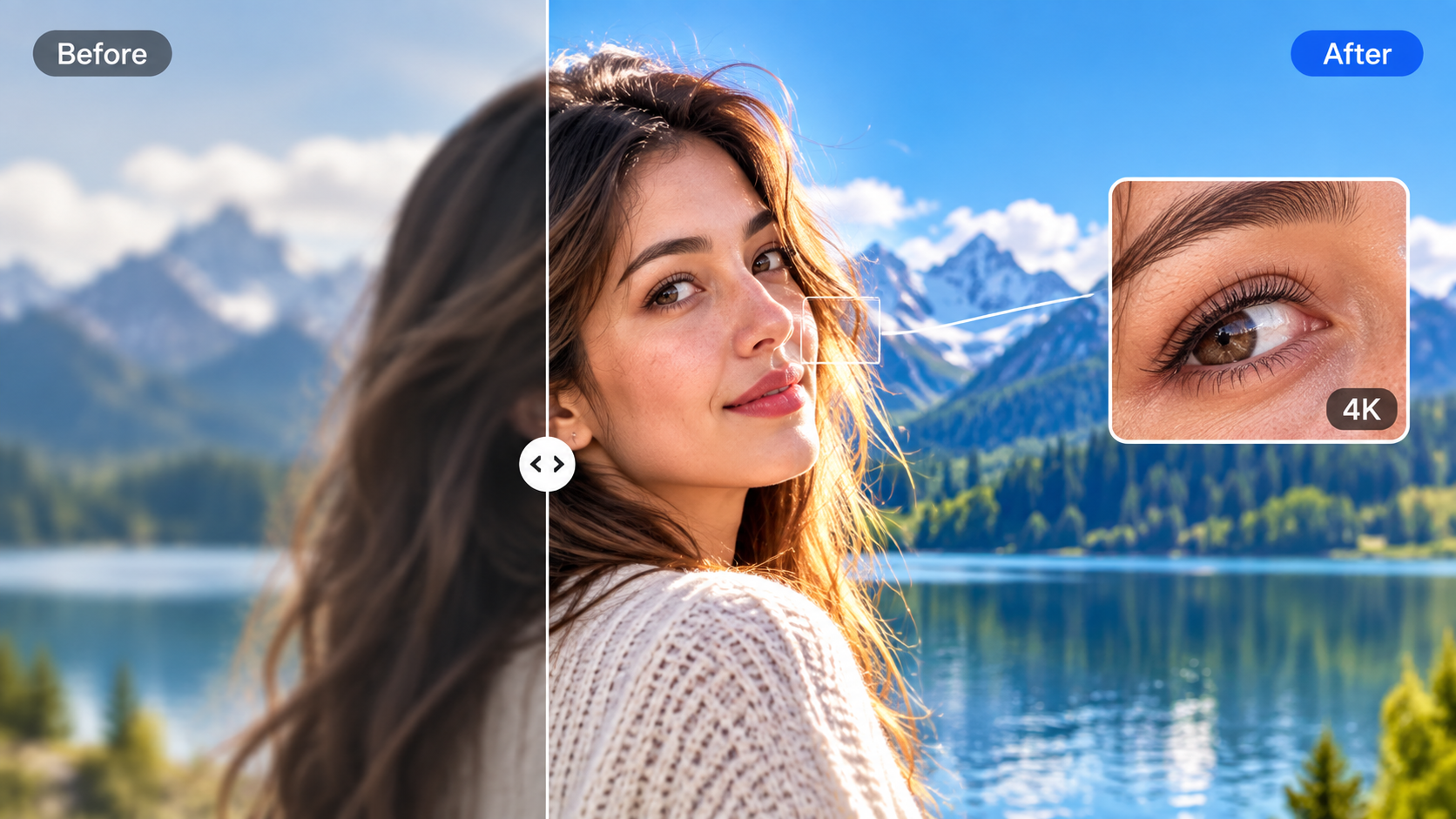
When a selected frame needs more detail for a larger visual, you can use IMAGE 3.0 Omni as an image enhancer, describing the improvements you want and choosing an available 2K or 4K output.
Explore New Outfits with IMAGE 3.0 Omni
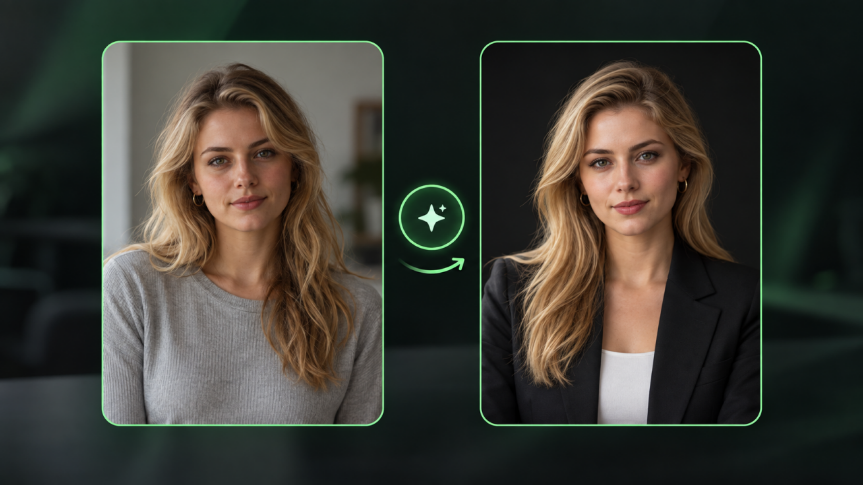
A portrait you like can be the starting point for a new look. Use a person's image and clothing references, then describe how they should come together. An AI clothes changer workflow with IMAGE 3.0 Omni lets you explore a single garment or a coordinated outfit. Specify the face, pose, and surroundings you want to preserve, and check the fabric and garment details in the result. This can help you develop fashion concepts before arranging another shoot.
Reference Images |
.jfif?x-oss-process=image/resize,w_1872) |
Generated Image |
.png?x-oss-process=image/resize,w_1872) |
| Source: https://kling.ai/quickstart/klingai-image-3-omni-user-guide |
| Prompt: Use reference 1 for the car, reference 2 for the woman, and reference 3 for the dog. Dress the woman in the top from reference 4, trousers from reference 5, shoes from reference 7, hat from reference 8, and glasses from reference 9. Place her on the car hood with the dog at her feet. Create a realistic, well-lit fashion photograph. |
How to Create Your First AI Image with Kling AI
Start with one image you would like to make and a clear idea of how you will use it. Open the image workspace and choose IMAGE 3.0 for text or reference-based creation, or IMAGE 3.0 Omni for a connected series or outfit workflow. The model selector lets you switch before you begin.
Step 1: Choose Your Model and Prepare Your References
Select the model, then upload the images you want it to follow. A clear product photo can define the subject, while a scene image can guide the setting. Add clothing references for an outfit change. If you are starting entirely from text, begin with your idea instead. Choose inputs that show the details you want to carry into the result.
Step 2: Describe the Image You Want to Make
Write the subject and scene together, then explain the style, lighting, and composition you have in mind. If you uploaded references, identify the role of each and say which details should stay. For a series, describe how the images connect; for an outfit change, describe the garments and the person who should wear them. Keep these instructions in one coherent request.
Step 3: Set the Output and Review Your Image
Choose the available aspect ratio, resolution, and output count, then check the credit requirement and generate. IMAGE 3.0 supports 2K, while IMAGE 3.0 Omni offers native 4K output. Review the subject and reference details, refine the request if needed, and download the version you want to use.
The End
The best free AI image generator gives you a starting point for the picture you want to make. Choose an idea you have been saving, whether it is a portrait, a product scene, or a character with a new look. Bring a reference if you have one, and describe what you would love to see. With Kling AI, you can try eligible tasks using free credits and build on the results. A first image gives you something to respond to and a direction for the next version.
FAQs
Is There a 100% Free AI Image Generator?
Some AI image generators let you create images without paying, but free access does not always mean unlimited use. Certain downloadable models can run locally without a subscription, although hardware and licensing requirements still apply. Online AI image generators often provide limited free credits or generations. Kling AI offers free credits for eligible image creation tasks, allowing you to explore AI image generation before choosing a paid plan.
Is There a Free AI Image Generator with No Restrictions?
Free access still comes with conditions. Online services may limit credits, models, resolution, or downloads, while local models have licensing terms and hardware requirements. With Kling AI, check the selected model and available settings before generating. Free credits let you try eligible tasks, but they do not provide unrestricted access to every feature.
What Is the #1 AI Image Generator?
There is no single best AI image generator for every creative task. The right choice depends on whether you need text-to-image generation, reference-guided editing, consistent image series, or high-resolution output. Kling AI offers IMAGE 3.0 for text prompts and up to 10 reference images, while IMAGE 3.0 Omni supports connected image series and direct 4K output. You can also explore eligible image generation tasks using free credits.
Can I Use Kling AI’s Free Credits to Generate Images?
Yes. New users receive free trial credits when they register for Kling AI, while existing users can receive additional credits by logging in each month. These credits can be used to try eligible AI image generation tasks. The available credits and generation costs may vary, so check your account before creating images.
Can Kling AI Create Image Series and Change Outfits?
Yes. Kling IMAGE 3.0 Omni supports Image Series Mode for creating related images and reference-guided outfit changes. For an image series, describe how the scenes connect and which characters or settings should remain consistent. To explore new outfits, upload a person's photo and clothing references, then specify the details you want to preserve. Review the generated results and refine your prompt as needed.