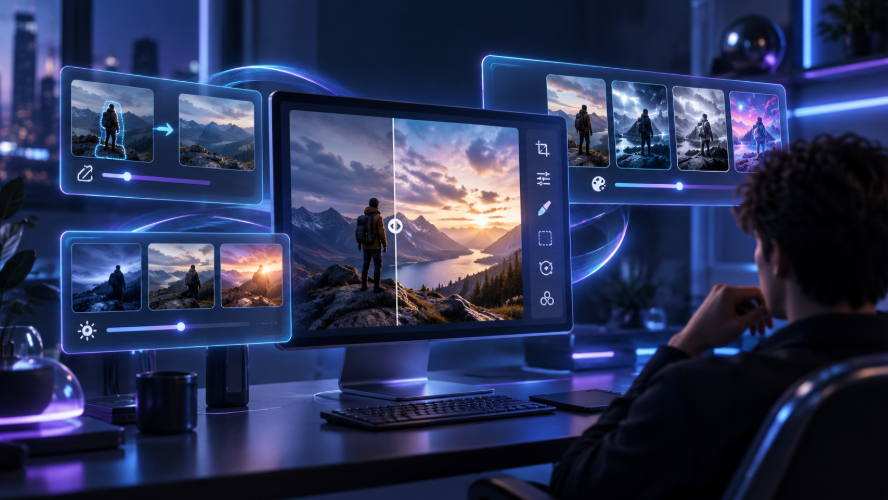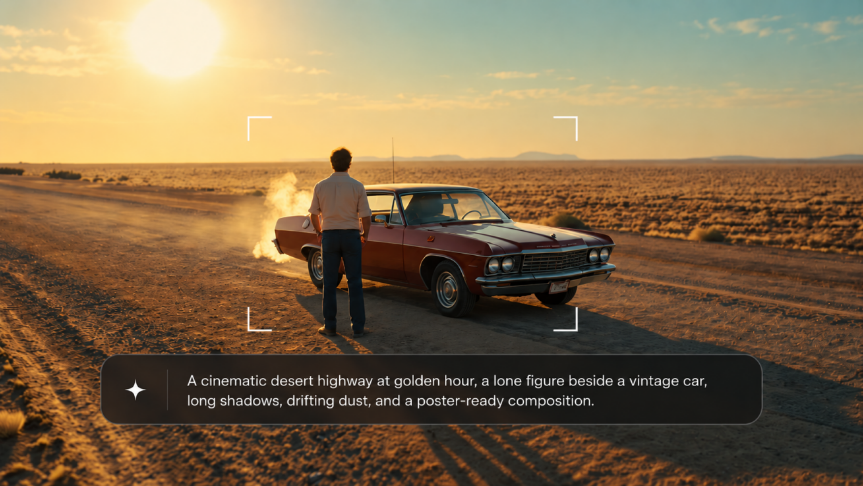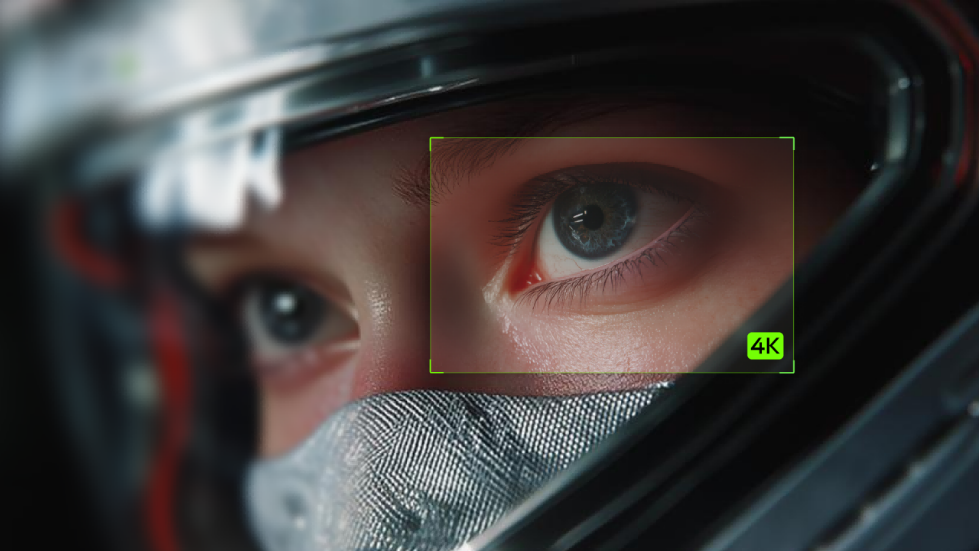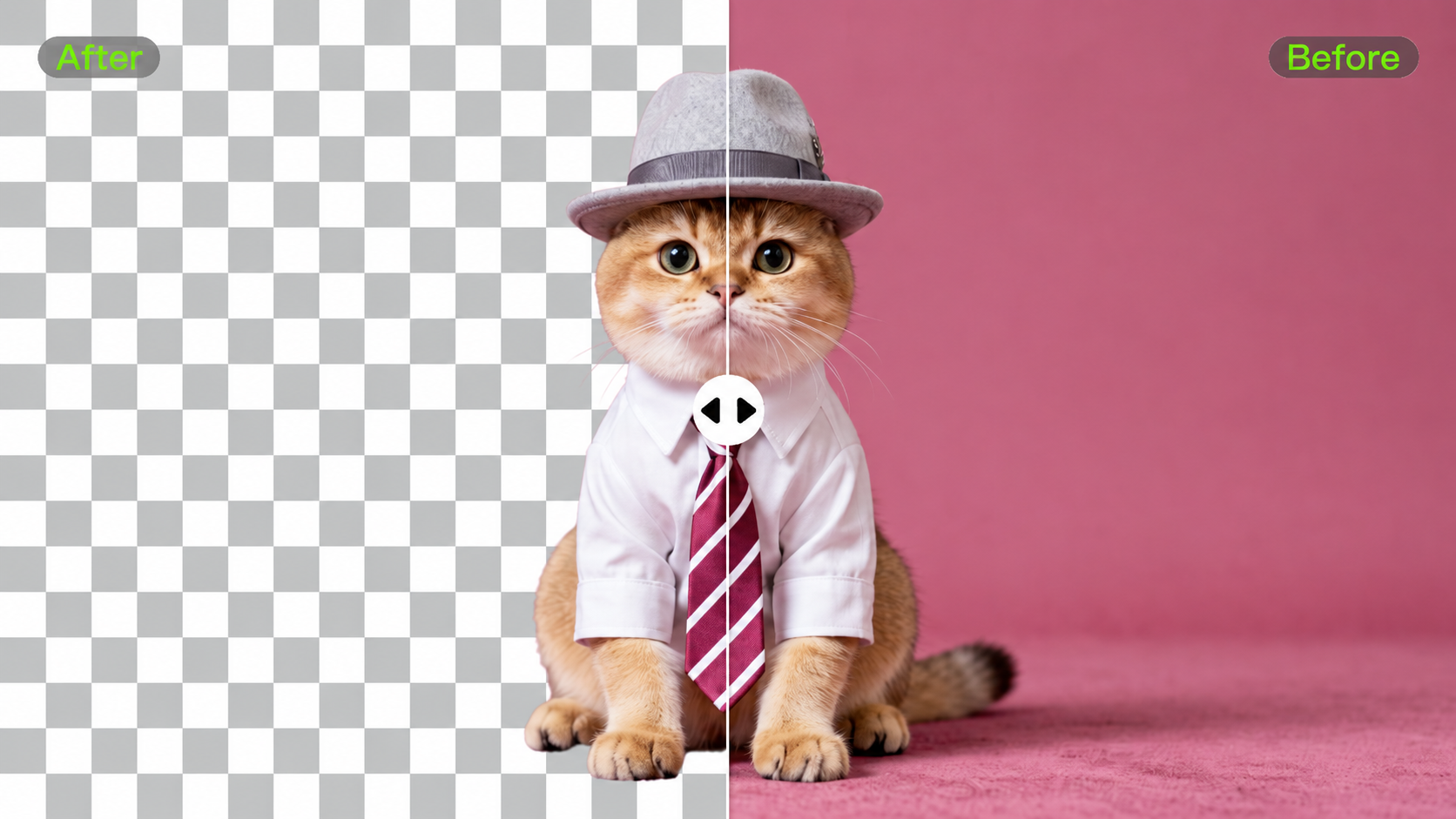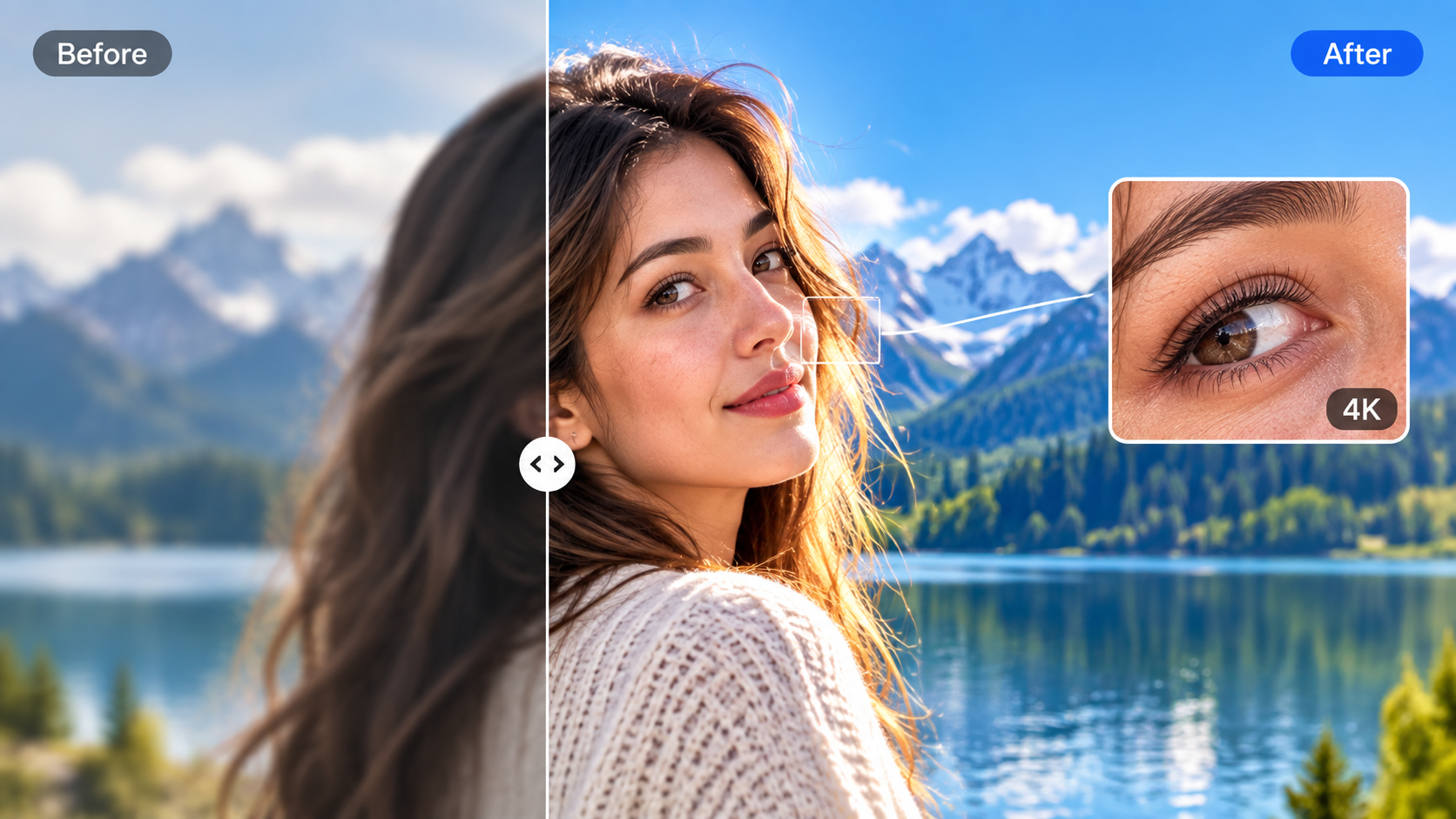
Blurry photos, low-resolution images, and missing details are common reasons to use an AI photo enhancer. The best AI photo enhancer can help improve image quality, refine details, and make creative adjustments based on your specific needs. Kling AI helps enhance images with AI-powered refinement and high-resolution output. This guide compares popular tools to help you find the right fit.
Best AI Photo Enhancers at a Glance
Different tools can help unblur an image, upscale photos, restore damage, or refine specific regions. The table below compares 6 options, their ideal uses, and strengths:
Tool | Best For | Enhancement Focus | Key Strength |
Kling AI | Prompt-guided image enhancement and high-resolution refinement | Clarity, details, textures, color, lighting, 2K/4K output | Combines image enhancement, natural-language refinement, and continued editing in one workflow |
Leonardo AI | Upscaling AI-generated and creative images | Resolution increase and detail reconstruction | Precise and Creative upscaling modes for different enhancement needs |
Adobe Firefly | Image upscaling within Adobe workflows | Generative upscaling and resolution enhancement | 2x/4x upscaling with Firefly and supported partner models |
Runway | Fast image upscaling within a broader creative workflow | One-click resolution enhancement | Dedicated Upscale Image app for 4K-quality output |
Topaz Photo | Photography-focused enhancement and restoration | Denoise, sharpen, face recovery, repair, upscale | Dedicated controls for correcting technical photo-quality issues |
Remini | Portraits and old photos | Face detail, color, background and old-photo enhancement | Portrait-focused automatic enhancement tools |
What Makes a Good AI Photo Enhancer?
A good AI photo enhancer should balance image quality, detail preservation, editing flexibility, and ease of use. Key factors to consider include:
- Detail Preservation: Improves image clarity while preserving genuine details from the original photo source.
- Upscaling Quality: Enlarges an image while keeping edges clean, textures readable, and fine details from becoming overly soft or pixelated.
- Blur and Noise Handling: Cleans up softness and grain while keeping faces, textures, and other fine details looking natural rather than overprocessed.
- Faces and Textures: Preserves natural skin, hair, fabric, and fine edges throughout the enhancement process.
- Output Resolution: Produces high-resolution results while keeping important details clear, textures defined, and the overall image looking natural.
- Editing Control: Lets users target specific problem areas without changing the entire image frame.
- Ease of Use: Produces useful results with minimal adjustments, repeated processing, or extra editing work.
Which Is the Best AI Photo Enhancer for Your Photos?
Each AI photo enhancer approaches image improvement differently, from detail refinement and creative edits to portrait restoration and resolution enhancement. The right choice depends on whether you need simple upscaling, technical photo repair, portrait enhancement, or more flexible AI-guided refinement.
1.Kling AI Image Enhancer
Best For: AI-powered photo enhancement with detail refinement, natural-language editing, and high-resolution output
Kling IMAGE 3.0 Omni helps polish existing images by improving clarity, adjusting key visual elements, and keeping the original composition consistent. It is suitable for portraits, creative visuals, product images, and everyday photos that need clearer and more polished results.
IMAGE 3.0 Omni lets you adjust specific elements through natural-language instructions and image-to-image workflows, while maintaining important features and visual consistency. It also supports AI-powered improvements such as detail refinement, color and lighting adjustments, and native 2K and 4K output. This allows you to do more than simply increase resolution: you can describe which facial details, textures, object edges, colors, or lighting areas need improvement and continue refining the result in the same workflow.
.webp?x-oss-process=image/resize,w_1872)
2.Leonardo AI
Best For: Creative image enhancement and visual variations
Leonardo AI is suitable for exploring different creative directions from existing images. It focuses on generating visual variations, experimenting with styles, and refining creative assets, making it a better fit for users looking to explore new visual possibilities.
3.Adobe Firefly
Best For: AI-assisted editing within Adobe creative workflows
Adobe Firefly works well for creators who already use Adobe tools and want to add AI-powered editing features to their existing process. Its strength comes from combining generative editing capabilities with Adobe’s broader creative ecosystem.
4.Runway
Best For: AI-powered visual creation across image and video projects
Runway supports broader AI creative workflows beyond standalone photo enhancement. It is suitable for creators who want to combine image editing with AI-powered visual production across different formats.
5.Topaz Photo
Best For: Professional photo enhancement and image cleanup
Topaz Photo focuses on improving the technical quality of photographs through dedicated enhancement tools. It is commonly used for tasks such as reducing noise, improving sharpness, recovering faces, and increasing resolution, making it suitable for photography-focused workflows.
6.Remini
Best For: Portrait and old photo enhancement
Remini specializes in portrait improvement and old photo restoration, especially when facial details are the main priority. It is suitable for personal photos where improving recognizable faces and recovering visual details are the main goals.
How to Enhance an Image With Kling IMAGE 3.0 Omni
Kling IMAGE 3.0 Omni combines prompt-guided image enhancement with native 2K/4K output for more controlled image refinement. Follow the steps below to improve clarity, details, color, lighting, and other visual elements while preserving the parts of the source image you want to keep.
Step 1. Upload the Image You Want to Enhance
Upload the original image you want to improve, such as a blurry photo, low-detail image, portrait, product image, or creative visual. Images with clear subjects, visible textures, and sufficient original detail give IMAGE 3.0 Omni a stronger foundation for enhancing areas such as facial features, edges, and fine textures. For the best enhancement results, use the clearest version of your original image available.
Step 2. Describe the Image Improvements You Need
Describe what you want to enhance instead of only asking for a general quality improvement. You can specify areas such as sharper facial details, clearer textures, improved lighting, better colors, or cleaner edges while explaining which parts of the original image should remain unchanged.
| Prompt example: Enhance the image quality, improve facial details, refine fabric textures, and keep the original composition, colors, and lighting consistent. |
Clear instructions help IMAGE 3.0 Omni focus on the areas that need improvement while preserving the important characteristics of the image.
Step 3. Generate, Review, and Refine the Result
Select IMAGE 3.0 Omni and choose the appropriate output settings for your project, including 2K or 4K resolution where supported. Generate the enhanced image, then review key areas such as facial details, textures, edges, lighting, and overall clarity.
If some areas still need improvement, refine your prompt with more specific instructions. For example, you can ask Kling AI to sharpen facial features, clean up object edges, improve texture detail, or adjust lighting while keeping the original composition and important visual elements consistent. Continue refining only the areas that need attention rather than changing the entire image.
.jfif?x-oss-process=image/resize,w_1872)
The End
The best AI photo enhancer depends on the result you want to achieve, whether you need to improve image quality, refine details, enhance portraits, or explore creative adjustments. Kling IMAGE 3.0 Omni brings these needs together by combining AI-powered enhancement, flexible image editing, and high-resolution output in one workflow. When you want to create new visuals instead of improving an existing photo, an AI image generator can help turn new ideas into images. Whether you are improving an existing photo or refining specific visual elements, choosing a tool that matches your goal can help create better results.
FAQs
What Is the Best AI Photo Enhancer?
Kling AI works well when you want to improve an existing image without changing its main appearance. It can improve clarity, texture, color, and other visual elements while preserving the main features and composition of the original photo. For more advanced AI editing and high-resolution workflows, IMAGE 3.0 Omni provides additional control through image refinement and editing capabilities.
Can AI Unblur a Photo?
Yes, Kling AI can improve the appearance of blurry photos when sufficient original detail remains. It can help refine unclear areas, enhance textures, and improve overall clarity. However, AI cannot fully recover details that were completely lost from severe blur or heavy compression.
What Is the Best AI Image Upscaler?
Kling AI is suitable for image upscaling when you want both higher resolution and improved visual quality. Unlike simple enlargement, Kling can refine image details and enhance visual elements during the process. IMAGE 3.0 Omni supports 2K and 4K high-resolution output options for creating more detailed results.
Can AI Upscale an Image to 4K?
Yes, Kling IMAGE 3.0 Omni supports 2K and 4K high-resolution output options. However, the final image quality still depends on the original source. Images with clearer details generally provide a stronger foundation for AI enhancement, while heavily blurred or compressed images may require reconstructed details.
What Is the Best AI Photo Enhancer for Old Photos?
Kling AI can help improve the quality of old photos by enhancing details, improving clarity, and refining visual elements. It is useful for restoring the overall appearance of aged images, but severely damaged photos with missing information may require careful review because AI may generate reconstructed details.