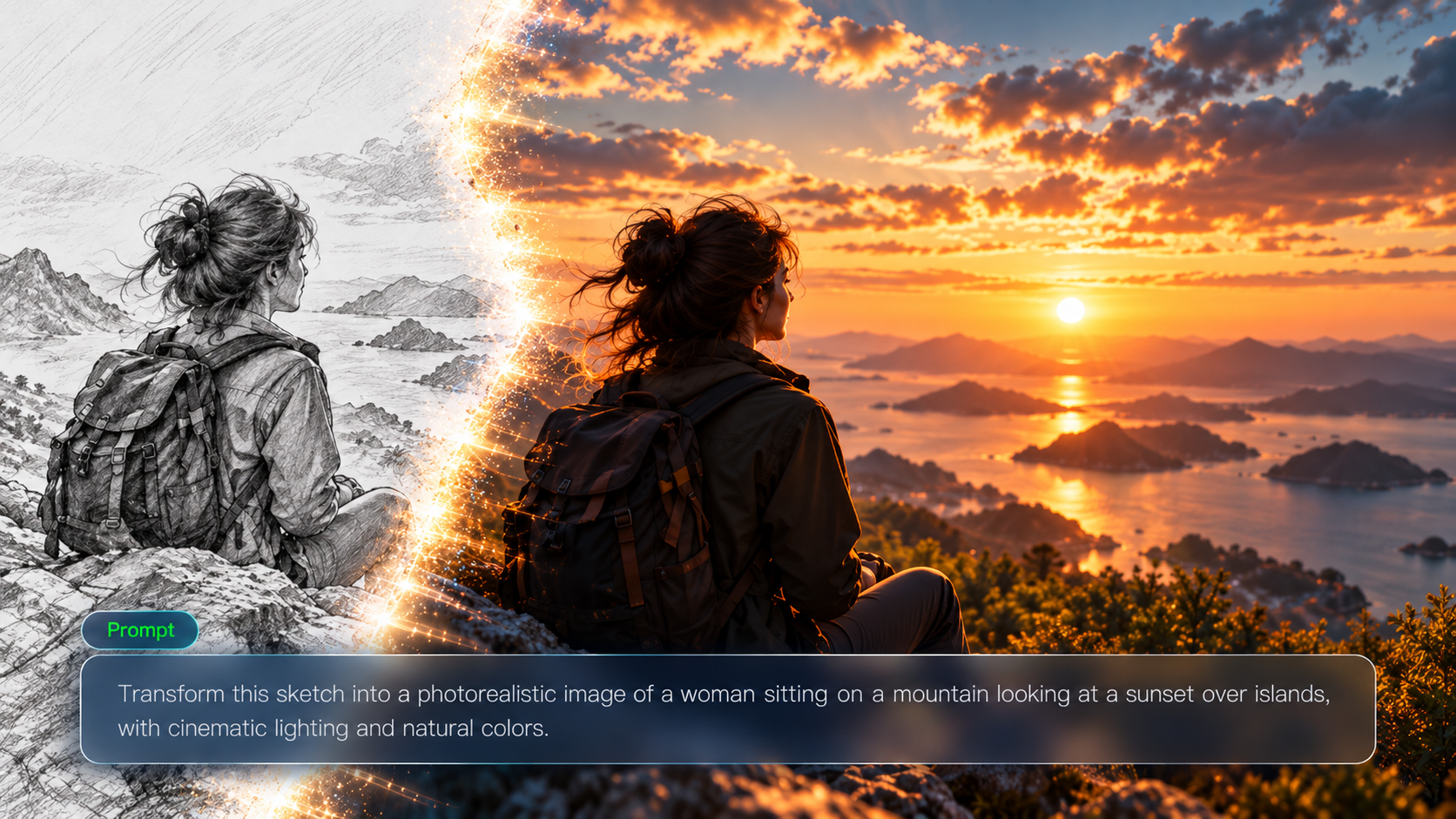
Image-to-image AI generators use existing visuals as a starting point, helping you transform product photos, character designs, sketches, and creative concepts into new styles, scenes, and visual variations. With more AI image tools available today, finding the best image-to-image AI generator for your needs requires understanding how different tools handle image transformation, visual consistency, and creative control. This guide compares these approaches and shows how Kling AI fits different creative projects.
What Is an Image-to-Image AI Generator?
An image-to-image AI generator is a tool that uses an existing image as a visual reference and creates a new image based on your instructions. Unlike text-to-image tools, which generate visuals from a written prompt alone, image-to-image AI generators start with an existing image as the foundation, giving you more control over the final result while preserving the key features of the original.
Most image-to-image AI generators follow a similar process:
- Upload a Reference Image: Upload an existing visual, such as a photo, product image, character design, or sketch. An AI image generator with image input uses this reference to guide the transformation, allowing you to create new images without relying on a text prompt alone.
- Add a Creative Prompt: Describe the changes you want to make, including the visual style, environment, composition, colors, objects, or other details.
- Analyze Visual Elements: The AI model identifies key features from the reference image, such as the subject, structure, composition, style, and overall mood.
- Generate a New Image: The model combines the reference image with your instructions to create a new visual result while keeping the important elements you want to preserve.
For example, Kling IMAGE 3.0 helps you transform existing photos while retaining the visual details that make them recognizable. You can upload up to 10 reference images to guide the subject, product, colors, composition, or style, then use a natural-language prompt to change elements such as the background, lighting, outfit, or material. Tell the model what to preserve and what to update for more focused, natural-looking edits.
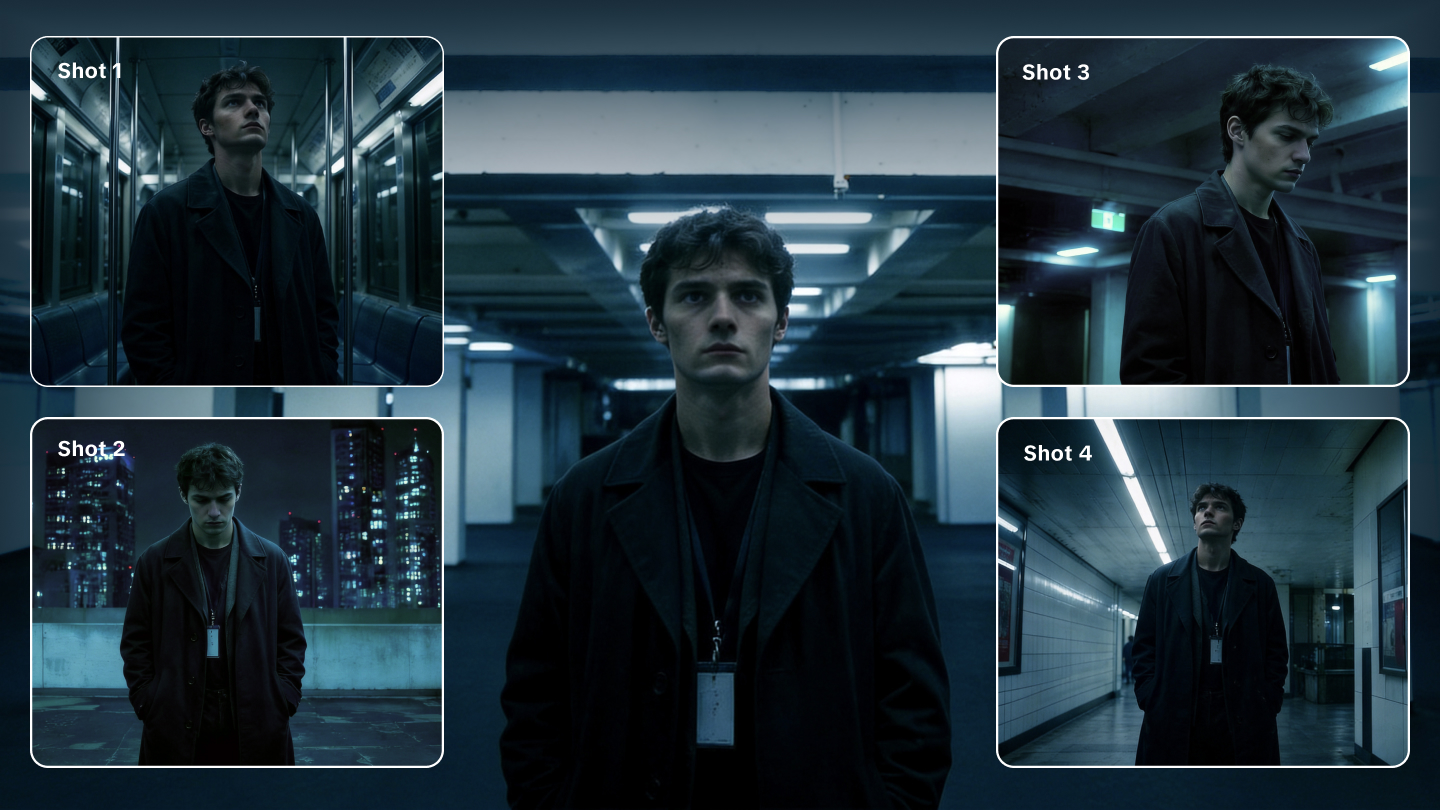
For projects that require multiple connected visuals, Kling IMAGE 3.0 Omni adds Image Series mode. Create related images with consistent characters, products, and visual styles, while varying scenes, angles, and compositions. Its native 2K/4K output also supports more detailed campaign imagery, storyboards, and high-resolution creative assets.
.webp?x-oss-process=image/resize,w_1872)
What Can You Create With an Image-to-Image AI Generator?
You can use image-to-image AI generators for:
- Business and E-commerce Visual Creation: Businesses and e-commerce teams can use image-to-image AI generators to expand product visuals from existing images, creating new scenes, backgrounds, and styles for product pages, advertising materials, brand campaigns, and social media content.
- Character Design and Visual Storytelling: Game developers, filmmakers, and illustrators can use character references to explore different outfits, environments, and artistic styles while keeping the character’s core features consistent. An AI character generator can help create character variations for storyboards, concept art, and visual development.
- Creative Design and Concept Development: Designers can use an image-to-image AI art generator to develop new visual directions from existing references, sketches, or early concepts. This makes it easier to explore different styles and design ideas without creating every image from scratch.
- Photo Editing and Personal Content Creation: Content creators and individuals can use image-to-image AI tools to adjust existing photos, change visual styles, refine backgrounds, and create different portrait variations. An AI photo editor can support flexible image adjustments, while an AI portrait generator can help create portraits in different styles.
Best Image-to-Image AI Generators Compared
Image-to-image AI tools differ in how they handle reference images, targeted edits, and visual consistency. Before comparing 10 popular tools, here are the factors worth considering.
How We Compare Image-to-Image AI Generators
We look at six factors when comparing each tool's features and editing capabilities:
- Reference Accuracy: How well a tool preserves important details from the original image, including subjects, composition, and visual identity.
- Image Quality: The level of detail, realism, and overall quality of the generated results.
- Editing Control: The ability to make targeted changes to specific elements, such as subjects, backgrounds, composition, or style.
- Visual Consistency: How effectively a tool maintains characters, products, or design elements across multiple images.
- Style Flexibility: The range of visual styles and creative directions a tool can support.
- Resolution and Output Quality: Whether generated images meet the requirements for social content, marketing materials, or professional projects.
This comparison is based on publicly documented features and intended use cases rather than controlled, hands-on testing.
10 Image-to-Image AI Generators Compared
Tool | Best For | Key Strengths | What to Consider |
Kling IMAGE 3.0 Series | Product visuals, image editing, and character development | Up to 10 reference images, targeted edits, and style changes. IMAGE 3.0 Omni adds consistent image series and up to 4K output. | IMAGE 3.0 supports up to 2K output. For 4K resolution, choose IMAGE 3.0 Omni. |
Adobe Firefly Image 5 | Professional design and marketing assets | Reference-based editing, natural-language changes, and integration with Adobe's design tools. | Check model access and which editing features are available in Firefly and Photoshop. |
Midjourney | Artistic concepts and style exploration | Image references, style references, and controls for developing different visual styles. | V7 Omni Reference accepts one image, while the V8 Edit Model supports up to four references. Editing options depend on the version. |
ChatGPT Images | Conversational image editing and revisions | Image uploads, natural-language editing, and the ability to select areas for specific changes. | Selected-area edits may also affect nearby parts of an image. |
Leonardo AI | Game assets, illustrations, and concept art | Image guidance, multiple reference inputs, inpainting, outpainting, and style adjustments. | Reference options and editing controls vary by model and tool. |
Google Gemini (Nano Banana 2 / 2.1) | Quick image revisions and visual concepts | Natural-language editing, subject consistency, detailed image generation, and text rendering. | Model access and editing features vary by subscription and platform. |
Ideogram | Posters, logos, and typography-focused graphics | Text rendering, style references, image remixing, and targeted edits through Canvas. | Detailed regional edits may require Canvas tools such as Magic Fill. |
Stable Diffusion | Custom image generation and developer projects | Image-to-image pipelines, inpainting, model customization, and control over generation settings. | Setup, available controls, and output quality depend on the model and software you use. |
Runway Gen-4 Image | Character development and storyboarding | Reference-based generation, character consistency, and scene variations across different settings. | Gen-4 References supports up to three reference images per generation. |
Seedream 5.0 Pro | Detailed image editing and design concepts | Regional editing, sketch-based guidance, spatial annotations, and photorealistic image generation. | Check which annotation and editing controls your chosen platform provides. |
How Kling IMAGE 3.0 Series Fits Different Image-to-Image Creation Needs
Different image-to-image projects require different levels of reference control, editing precision, and visual consistency. The Kling IMAGE 3.0 series covers everything from editing a single image to creating a related set of images, depending on what your project calls for.
Preserve Key Details While Editing Photos
If you want to modify an existing image while keeping the original visual elements intact, focus on how well a tool understands references, controls edits, and handles important details.
What You Want to Do | What to Look For |
Understand a reference image and keep its original style | Reference understanding |
Change specific areas or elements | Prompt accuracy and targeted editing |
Explore new visual directions | Style changes and visual adjustments |
Refine product or character details | Detail accuracy |
Kling IMAGE 3.0 can understand key elements from a reference image, including the subject, color relationships, composition, and overall visual style, then apply text instructions to make specific changes. You can adjust elements such as backgrounds, lighting, product details, or character styles while keeping the edited image visually connected to the original.
Instead of starting over, you can specify which parts of the image to change and which details to keep. This makes Kling IMAGE 3.0 suitable for product image updates, portrait edits, character design, and other projects that require image-based editing.
Reference Image | Edited Result |
.png?x-oss-process=image/resize,w_1872) | .png?x-oss-process=image/resize,w_1872) |
Prompt: Using the reference image, transform the backstage dressing room into an elegant vintage theater dressing room with deep red velvet curtains, subtle gold accents, illuminated vanity bulbs, and warm cinematic lighting. Preserve the woman's facial features, expression, hairstyle, makeup, black feather-trimmed costume, and seated pose. Keep the original over-the-shoulder camera angle, oval mirror, reflection, and overall composition unchanged. Maintain realistic skin texture, natural shadows, accurate mirror reflections, and a photorealistic cinematic style. Only modify the background environment and lighting. Do not change the woman's identity, clothing, or pose. | |
Turn Product Photos Into Consistent Campaign Visuals
If your project involves expanding existing product or brand materials into new visual content, focus on scene adjustments, product detail handling, and creating different visual versions.
What You Want to Do | What to Look For |
Create different product scenes | Background and environment adjustments |
Create e-commerce product photos | Product detail handling |
Develop advertising and marketing assets | Ad variations |
Kling IMAGE 3.0 can use existing product images as a starting point to explore different backgrounds, settings, and visual styles while keeping important product details intact. You can adjust how a product is presented, such as changing the environment, refining lighting, or exploring different visual directions for product pages, advertising materials, and brand content.
When you need several images of the same product, Kling IMAGE 3.0 Omni supports image series creation and up to 4K output. You can use it to develop product shots, campaign concepts, and social media content from existing product references.
Reference | Prompt | ||
.png?x-oss-process=image/resize,w_1872) | Fig & Mint perfume. Summer fresh, organic, zero-additives. Consistent bottle shape. Ad series. | ||
Image Series | |||
Shot 1 | Shot 2 | Shot 3 | Shot 4 |
.png?x-oss-process=image/resize,w_1872) | .png?x-oss-process=image/resize,w_1872) | .png?x-oss-process=image/resize,w_1872) | .png?x-oss-process=image/resize,w_1872) |
Keep Characters Consistent Across Styles and Scenes
If your project involves character creation or visual storytelling, focus on character understanding, style adjustments, and developing new character designs.
What You Want to Do | What to Look For |
Create character variations | Character detail retention |
Explore different outfits, environments, and looks | Scene and style adjustments |
Develop concept art | Creative direction exploration |
Keep characters recognizable across scenes | Character consistency |
Kling IMAGE 3.0 can understand a character’s appearance, visual style, and overall design direction from reference materials, then apply text instructions to explore different outfits, environments, and artistic styles. You can develop new versions of a character while keeping important visual traits, making it suitable for character design, concept art, and early visual development.
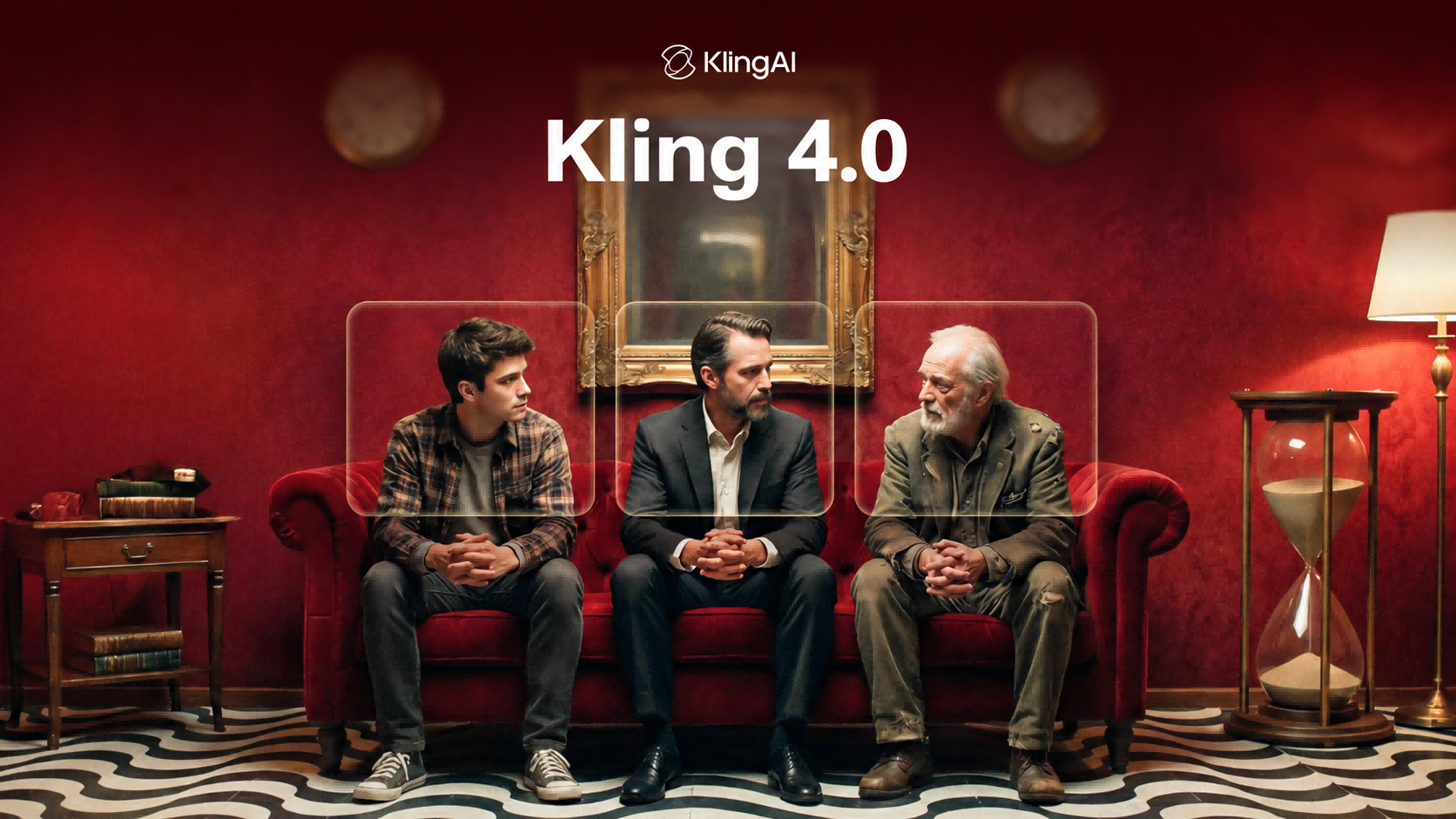
For projects featuring the same character across multiple scenes, Kling IMAGE 3.0 Omni supports image series creation, helping preserve recognizable details such as facial features, hairstyles, and defining character traits. This makes it useful for storyboards, visual storytelling, and projects where character consistency matters.
.webp?x-oss-process=image/resize,w_1872)
Conclusion
Choosing the best image-to-image AI generator depends on your creative goals and the level of control you need. Kling IMAGE 3.0 helps you transform existing images with precise edits and reference control, while Kling IMAGE 3.0 Omni supports consistent image series and high-resolution output. Start with an image, describe your changes, and create visuals that stay true to your original idea.
FAQs
Can AI generate an image from another image?
Yes. An AI image generator can create a new image from an existing image by using the original visual as a reference. This process, known as image-to-image generation, allows you to upload a photo, product image, character design, or sketch and describe the changes you want to make. An AI image generator with image input can help you change styles, adjust backgrounds, create variations, or develop new visuals while keeping important elements from the original image.
What Is the Best Image-to-Image AI Generator?
There is no single best image-to-image AI generator for every project. The right choice depends on what you need to create, whether you want to edit existing photos, develop product visuals, design characters, or explore new styles. Kling IMAGE 3.0 is designed for detailed image transformations with reference control, while Kling IMAGE 3.0 Omni is suited for creating consistent image series with high-resolution output.
What is the best AI image generator for product images?
The best AI image generator for product images should help you create new product visuals while keeping the original product recognizable. For e-commerce and marketing content, look for tools that can adjust backgrounds, create different scenes, and preserve details such as shape, color, and design. Kling IMAGE 3.0 can transform existing product images while keeping these elements intact, while Kling IMAGE 3.0 Omni supports image series creation and high-resolution output for campaigns and product collections.
Can image-to-image AI create realistic images?
Yes. Image-to-image AI can create realistic images by using an existing image as a reference and applying requested changes while keeping important visual details intact. An AI image generator with reference image support can help preserve elements such as the subject, lighting, and composition, making it useful for photo transformations, product visuals, and realistic-looking photo edits.
Can a photo-to-photo AI generator keep characters consistent across different images?
Yes. A photo-to-photo AI generator can use reference images to preserve recognizable features while changing a character's outfit, pose, background, or visual style. Kling IMAGE 3.0 supports up to 10 reference images, allowing you to specify which facial features, colors, and design details should remain consistent. For connected visual stories or multiple related images, Kling IMAGE 3.0 Omni offers Image Series mode to help maintain character identity across different scenes and compositions.