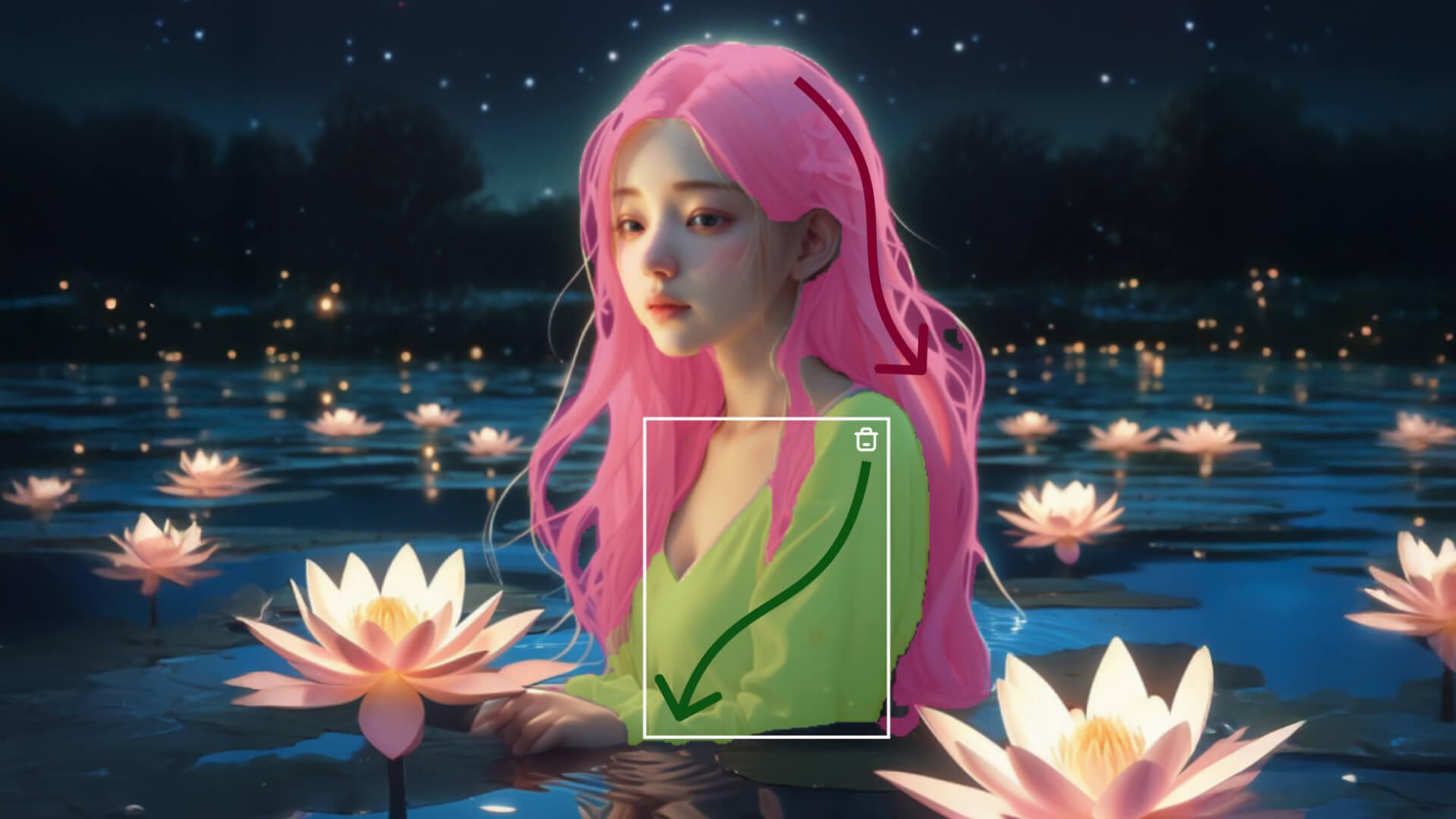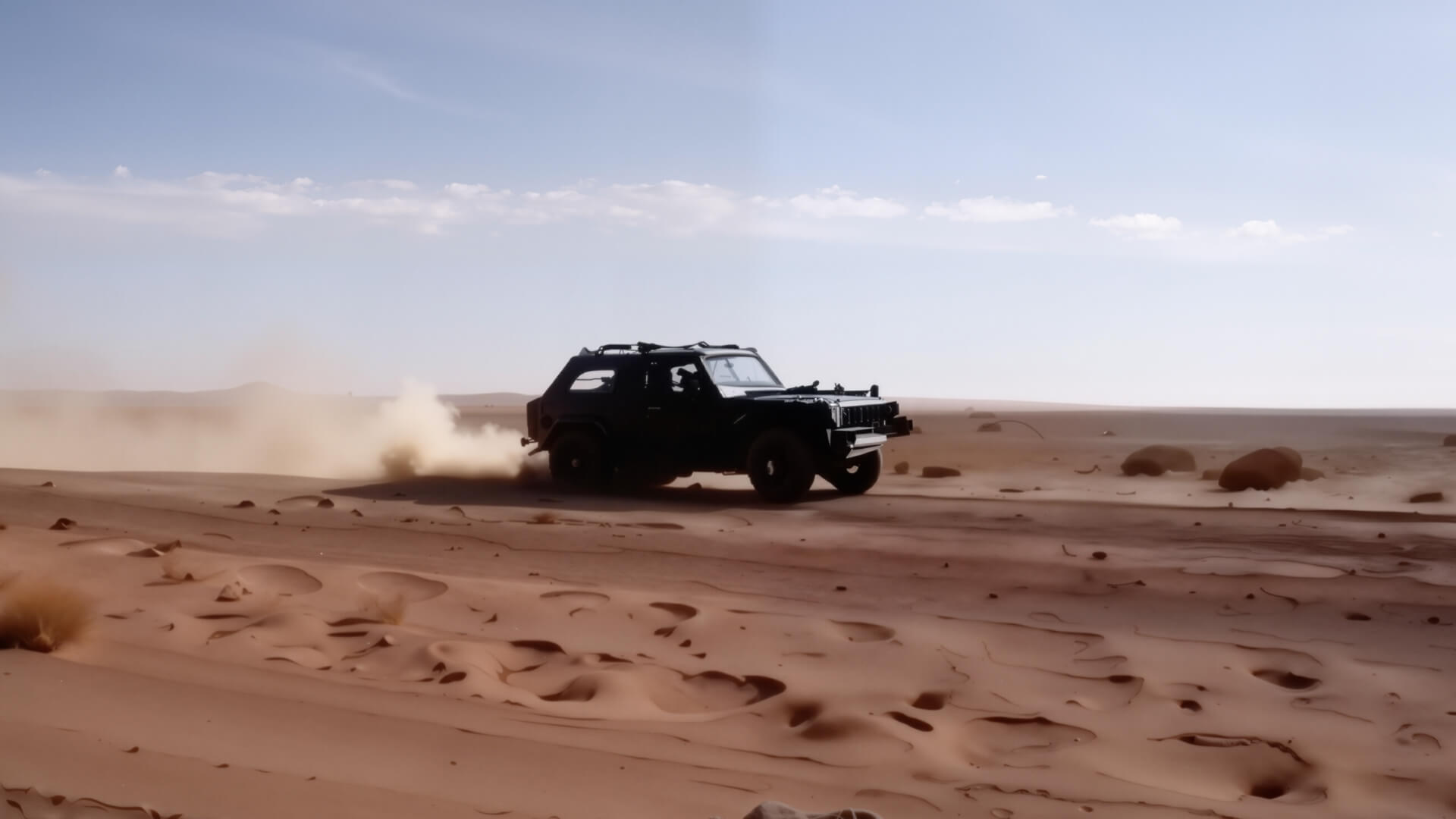
The AI-generated video can be further extended by 4-5 seconds and allows for multiple continuations, reaching a total length of up to 3 minutes. Video continuation creation can be achieved by making subtle adjustments to the prompt phrases.
The Extend with Prompts feature is located at the bottom left Tab after video generation, with two modes: "Auto-Extend" and "Customized Extend". "Auto-Extend" means that there is no need to input a prompt; the model autonomously continues the video based on its interpretation of the content within the video itself. "Customized Extend" enables users to dictate the continuation of the video via text input. In this mode, the prompt should be pertinent to the original video, clearly defining the "subject and motion" from the initial footage, to maximize the likelihood that the extended video will maintain continuity and not break from the established narrative. We have provided the following formula for reference:
Prompt = Subject + Movement
Subject: Refers to the subject you wish to animate in the uploaded image. And to ensure a better response from the text-based AI, it is more effective to choose one main subject;
Movement: Descriptions of the subject's movement status.
Original Video | Prompt2 | Prompt3 |
- | Extend x1: A woman is standing in the snow, raising her right hand to touch the brim of her hat. | Extend x2: The woman lowers her hand and looks into the distance.
|
  |  |  |
- Some high-quality examples (Video examples below are shared by Kling creators)
video | 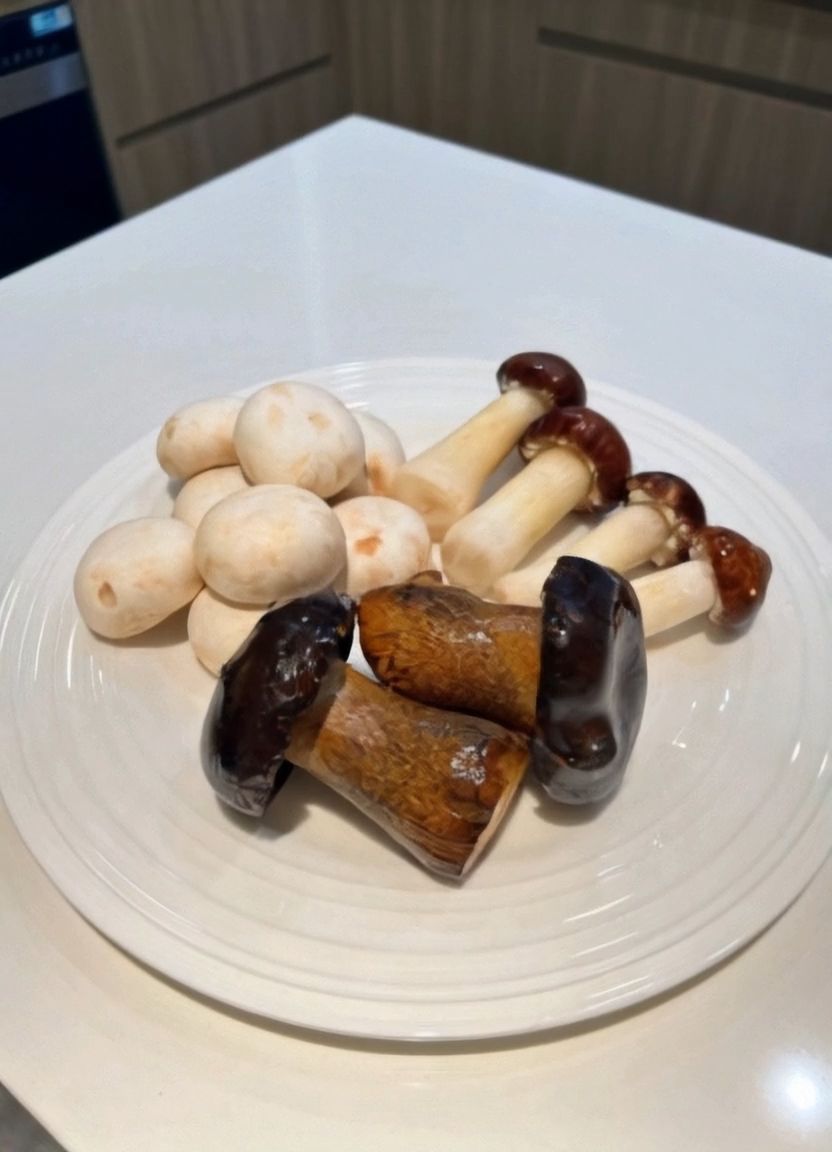 |  |  | 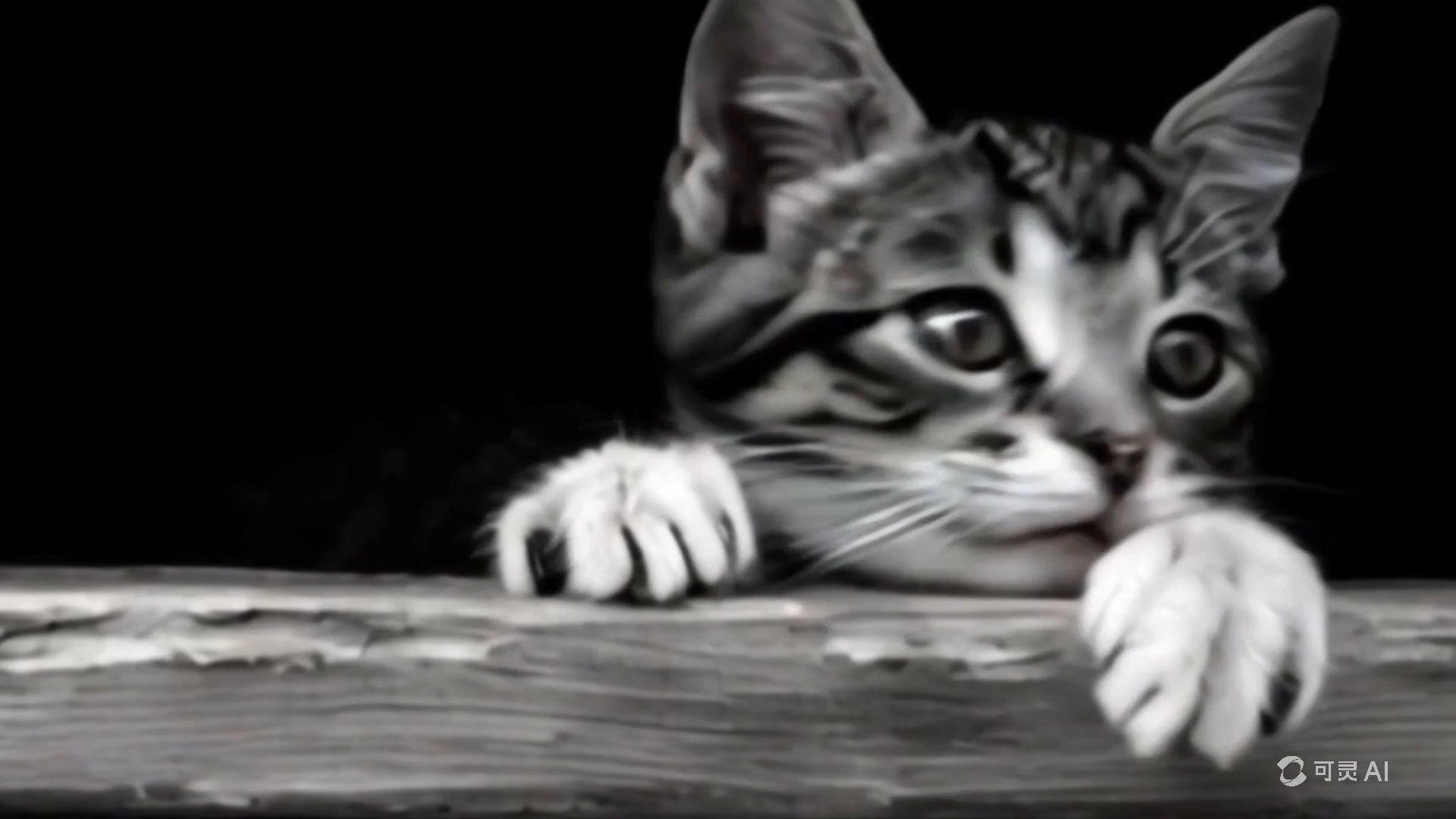 | 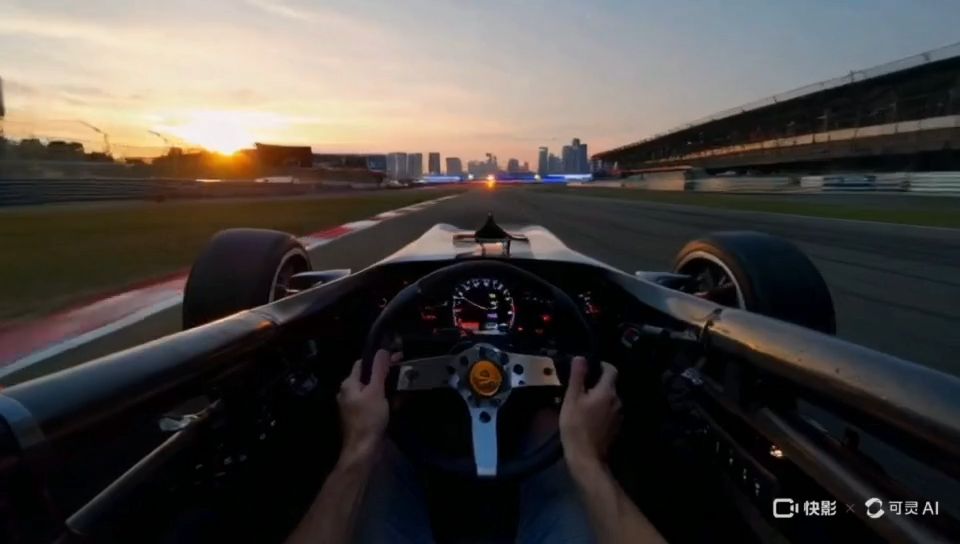 |  |
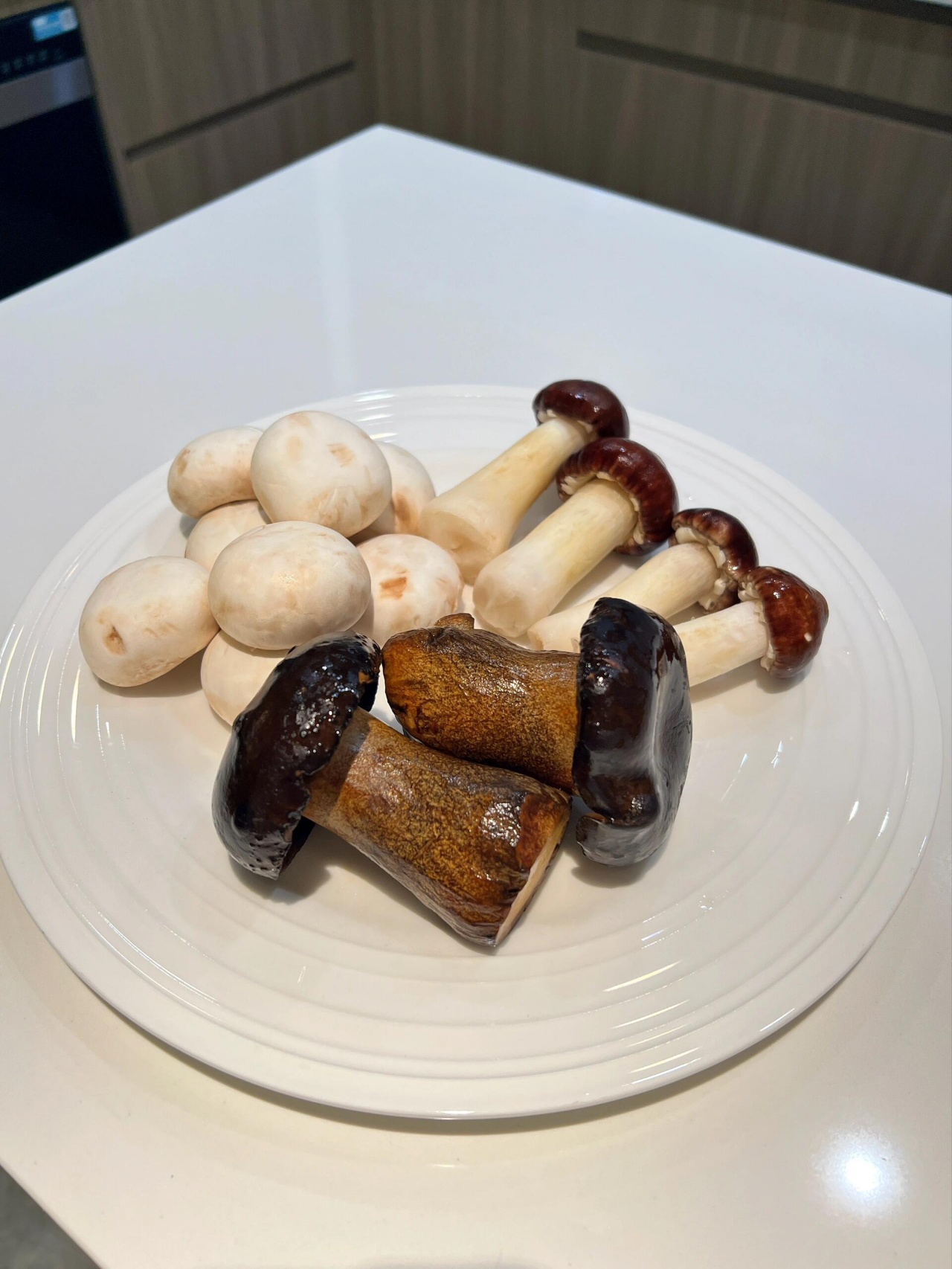
prompt | Image-to-Video Extend Image: Prompt:The mushrooms in the plate transform into a group of penguins that walk in the snow. Mode: Standard Mode | Image-to-Video Extend Image: Prompt:Numerous puppies crawling out from the box. Mode: Standard Mode | Image-to-Video Extend Image: Prompt:Without prompt Mode: Standard Mode | Image-to-Video Extend Image: Prompt:Kitten walking into the snow Mode: Standard Mode | Text-to-Video Extend
Prompt:First-person perspective, in a car race, holding the steering wheel of a sports car, accelerating on the highway.
Mode: Standard Mode |
|



- Tips
- When applying the "Customized Extend" function, the prompt needs to be consistent with the main subject of the original video; unrelated text may cause a camera cut or transition;
- The extending process has a certain degree of probability involved, and it may require multiple extending process to generate a video that meets expectations;
(Updating, welcome to add more)