AI tattoo design generator
Explore the ink before the needle. AI turns an idea into clean tattoo flash in any style — here are three real ones, and how to prompt a design you can take to an artist.
On this page
Pick a subject and its meaning, name a tattoo style (fine-line, American traditional, blackwork…), and ask for flash art on clean white paper with clear linework. Treat the result as a reference and take it to a professional artist to refine, size and place. The three real examples here show one idea across three styles.
Three real tattoo styles
Three tattoo styles — fine-line, traditional and blackwork — all real, unedited Kling generations of original flash designs. The exact prompts are under each to copy and re-style.
Fine-line · a delicate bouquet
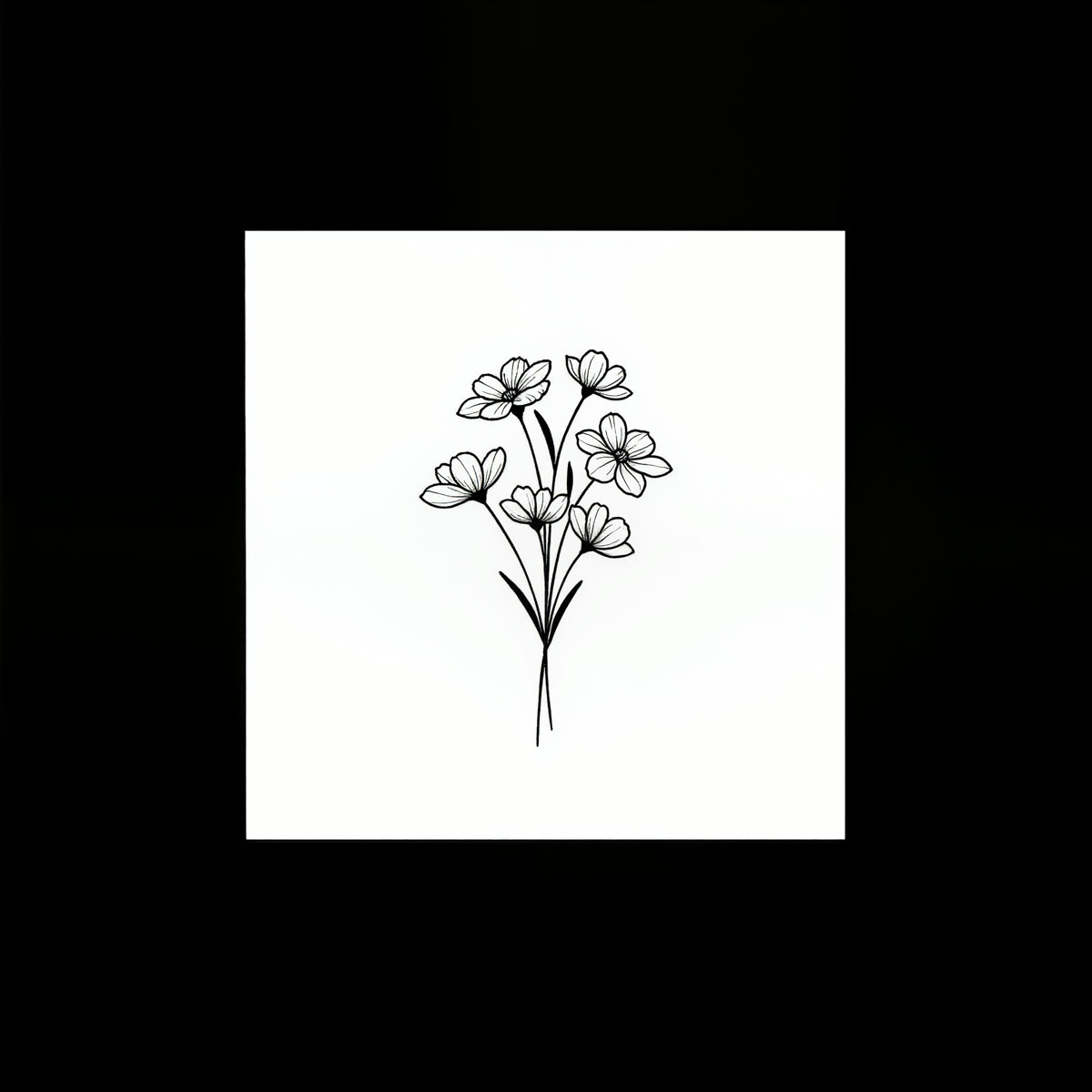
A fine-line minimalist tattoo design of a delicate wildflower bouquet, thin black linework on clean white paper, elegant flash art, centered.
Delicate and modern. Thin, elegant linework on white gives a soft minimalist design — the popular fine-line look, perfect for a small, subtle piece.
American traditional · a swallow
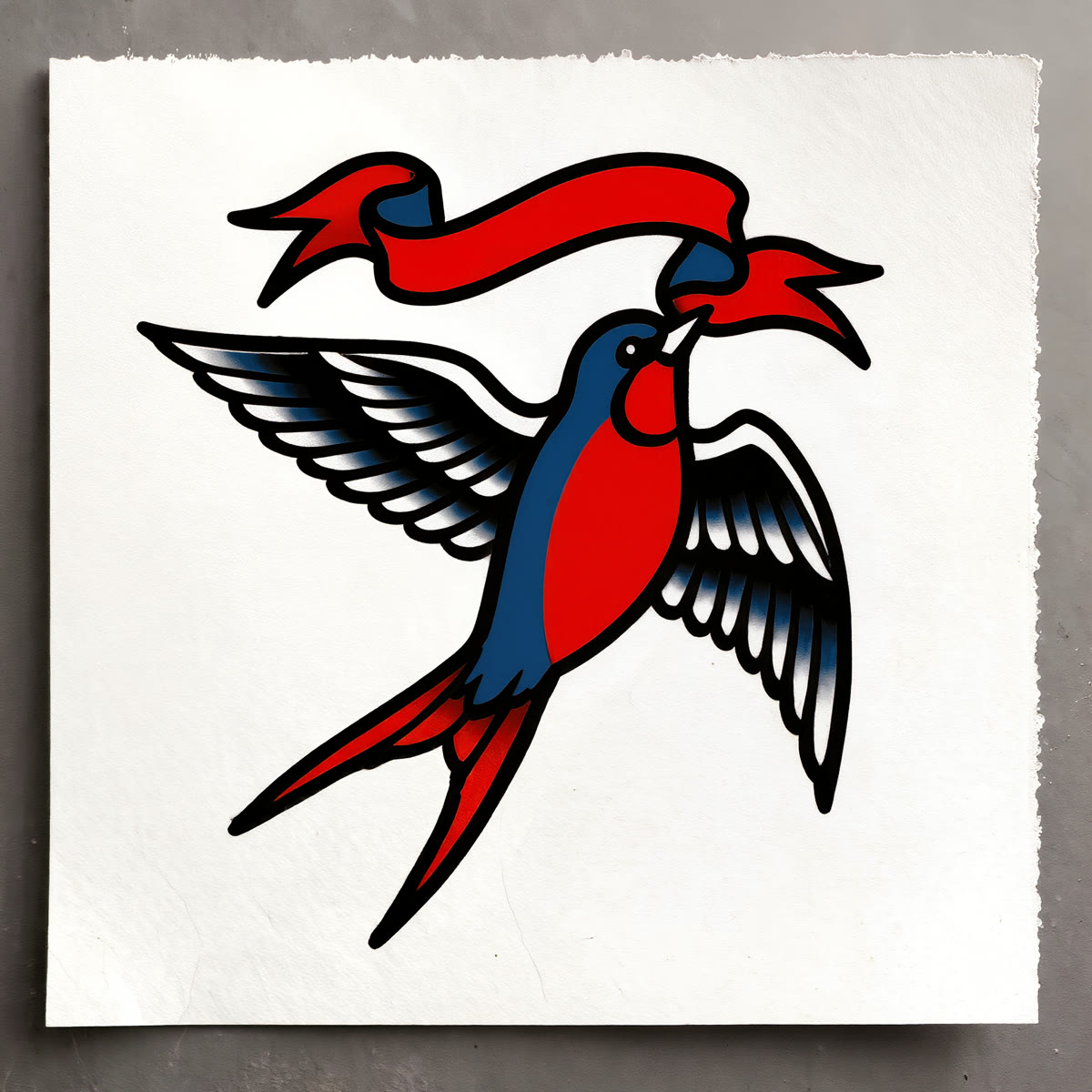
A bold American traditional tattoo design of a swallow bird with a banner, thick black outlines and classic red and blue fills, flash art on white paper, centered.
Bold and timeless. Thick outlines and classic flat colour make the old-school look that ages beautifully — a swallow and banner is a traditional staple.
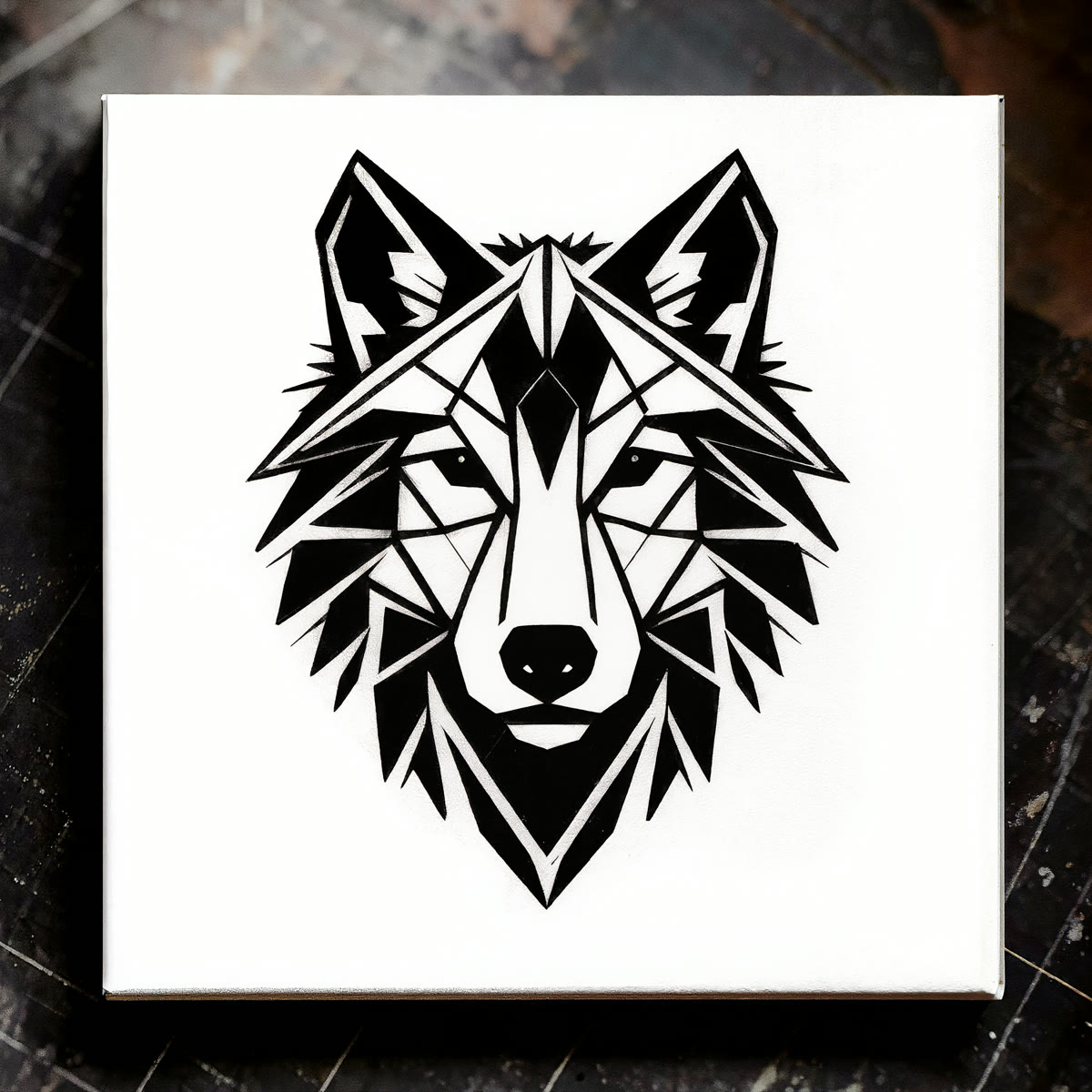
Blackwork · a geometric wolf
A blackwork geometric tattoo design of a wolf head made of triangular facets, solid black and fine linework, flash art on white paper, centered.
Striking and graphic. Solid black and sharp geometry make a bold statement piece — high contrast that holds up well at a larger size.
How to design a tattoo with AI
Pick a subject and a meaning
Start with what you want to say — a flower, an animal, a symbol, a scene. A clear, personal subject gives the design its meaning. Describe it simply; you'll shape the look with the style next.
Name a tattoo style
Style is everything in tattooing. Ask for ‘fine-line minimalist’, ‘American traditional’, ‘blackwork geometric’, ‘watercolour’, ‘Japanese irezumi’ and so on. The same subject looks completely different across styles — the style word sets the whole feel.
Ask for flash art on white
Say ‘tattoo design, flash art on clean white paper, centered’. That gives you a clean, isolated design on white — the way a real flash sheet looks — which is far easier to read, adjust and hand to an artist than a busy illustration.
Keep the linework clean
Tattoos are built from clear lines and solid shapes. Ask for bold outlines or thin fine lines depending on the style, and avoid heavy photographic shading. Clean, confident linework is what actually translates onto skin.
Take it to a professional artist
Treat the result as a reference, not a final stencil. A tattoo artist will refine the design, size it, adapt it to your body and make sure it will age well. AI gives you the idea and the direction; a professional makes it a real, lasting tattoo.
There's no tattoo mode — it's text-to-image prompted for the subject, the style and the clean flash-art look that make a usable tattoo reference. It's a fast, fun way to explore subjects and styles before you commit. One honesty line: an AI design is a reference, not a finished stencil — take it to a professional tattoo artist to refine the linework, size it, place it and make sure it ages well. And keep it original: describe your own idea, not a specific artist's work, a copyrighted character or a logo.