Practical AI Creation Guides, all in one place
Prompt libraries, video-generation ideas, and honest tool comparisons — filterable by topic, updated every time a new guide ships. Start with the featured guide below, or jump straight to a category.
65 guides published · this page regenerates automatically with every new one
AI Tattoo Design Generator
Explore AI tattoo designs — three real styles, and how to prompt clean flash art you can take to an artist.
Read the guide
Turn your pet into art with AI — three real portrait styles, and how to keep your pet's real likeness.
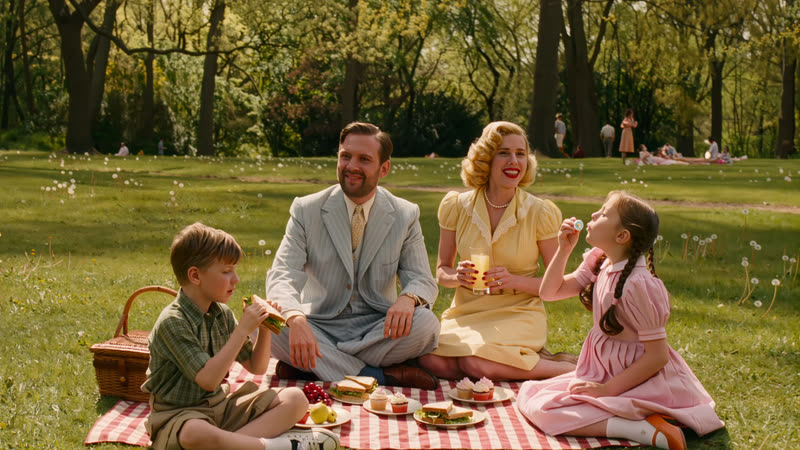
Colorize old black-and-white photos with AI — a real before/after, and how to keep the colour natural and believable.
Make printable AI coloring pages — three real examples, and how to prompt clean bold line art for any age.
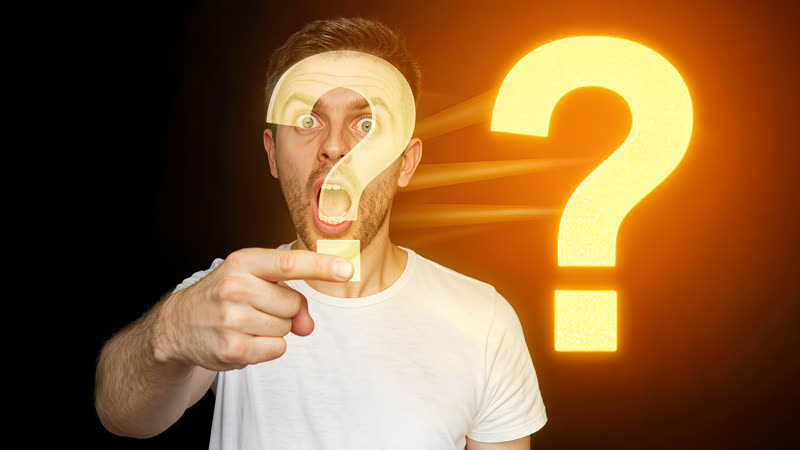
Make click-worthy YouTube thumbnails with AI — three real examples, and how to prompt the hook, contrast and title space.
Explore AI tattoo designs — three real styles, and how to prompt clean flash art you can take to an artist.
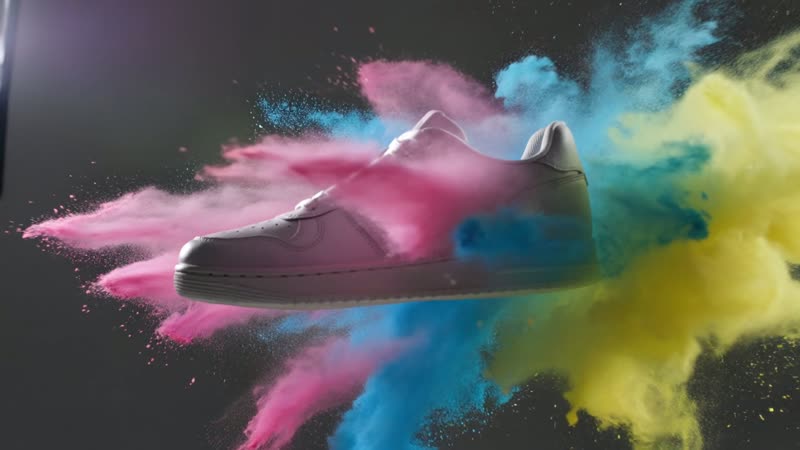
Make premium AI sneaker and footwear video — two real demos, and how to prompt the studio light, rotation and splash.
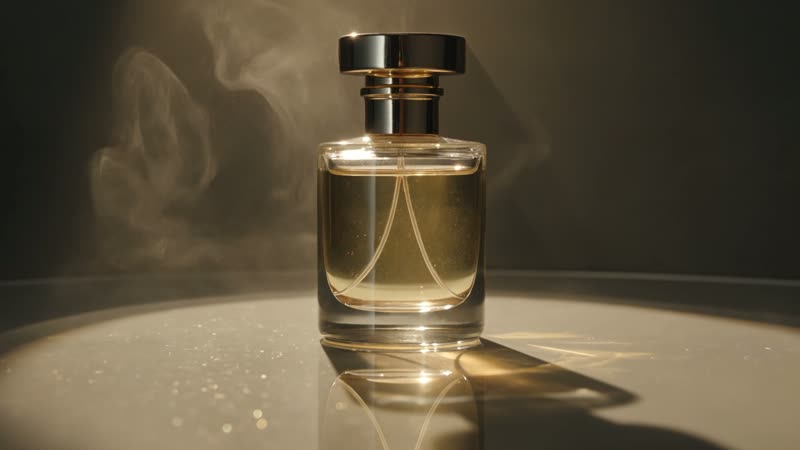
Make an AI product video — two real hero-shot demos, and how to prompt the light, motion and gloss for any product.
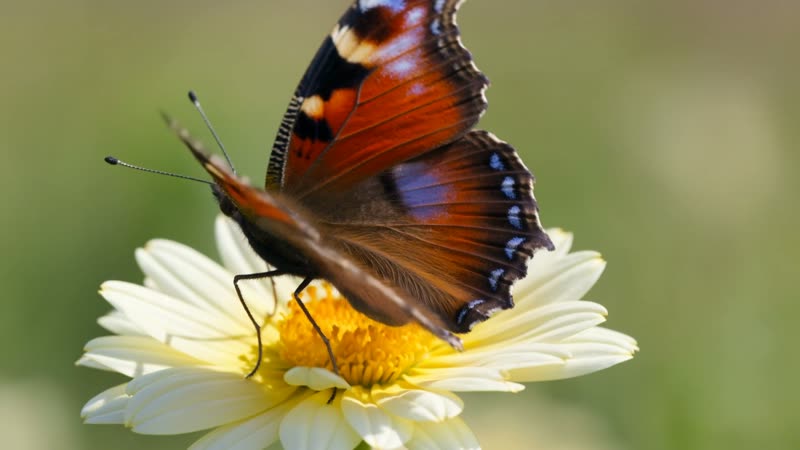
Make a delicate AI butterfly video — a real macro demo, and how to prompt the close-up wings, dew and soft light.
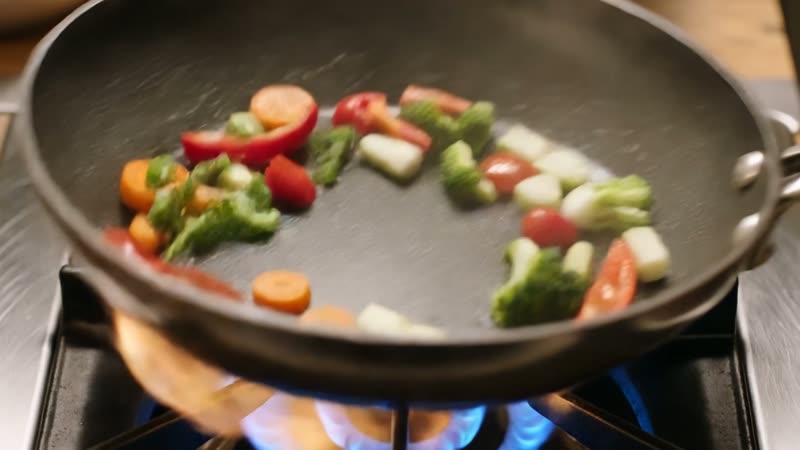
Make appetising AI cooking video — a real sizzling-pan demo, and how to prompt the process, the steam and the warm light.
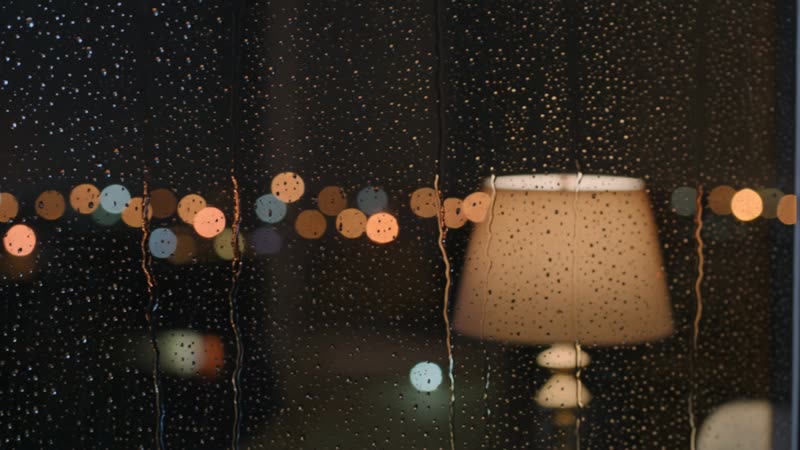
Make cozy, relaxing AI rain video — a real rain-on-window demo, and how to prompt the warm glow, droplets and calm.
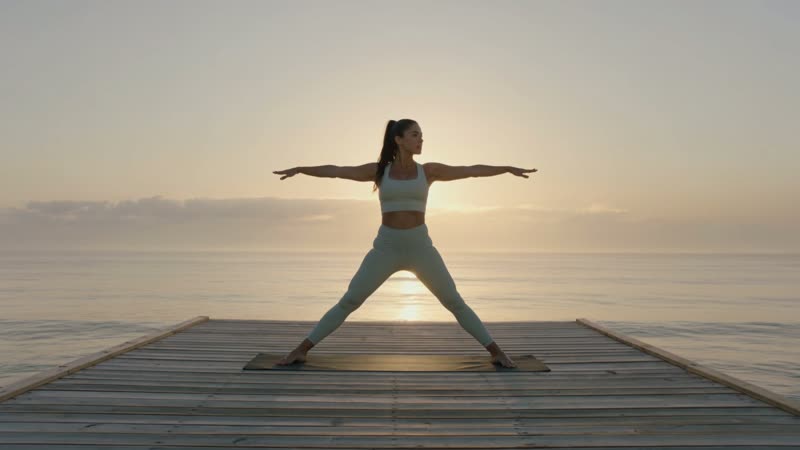
Make a calm AI yoga video — a real sunrise pose demo, and how to describe the exact pose, setting and light.
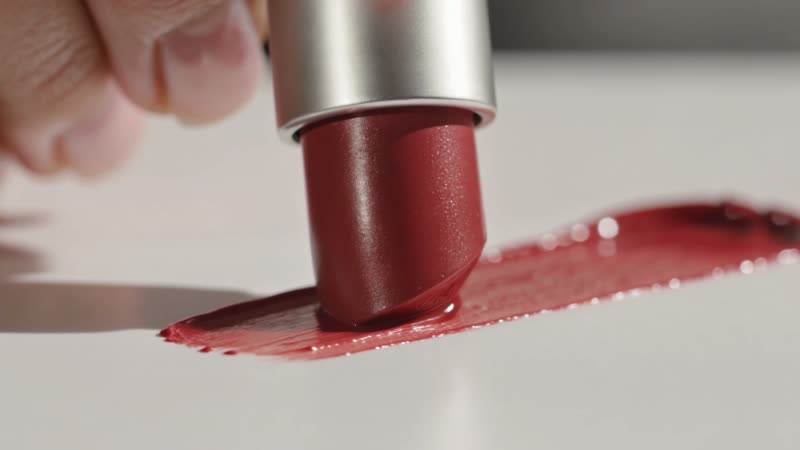
Beautify a real video with AI — upload footage into Kling Omni, describe the retouch, and get the same clip with smoother skin.
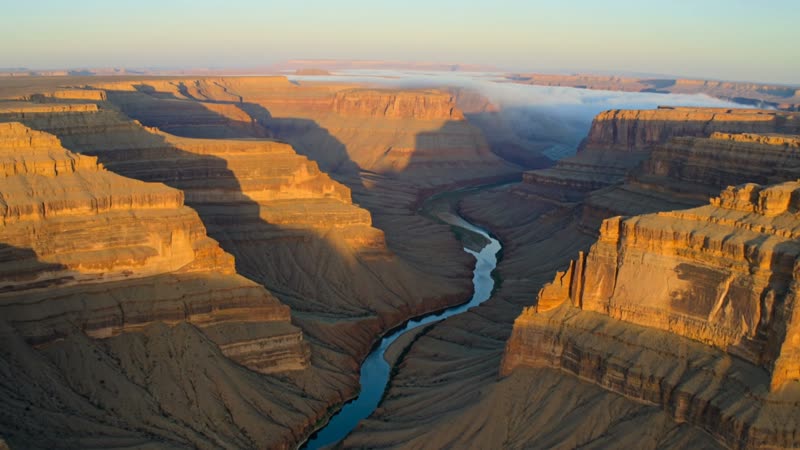
Make cinematic AI drone and aerial video — a real fly-over demo, and how to prompt sweeping shots without a drone.
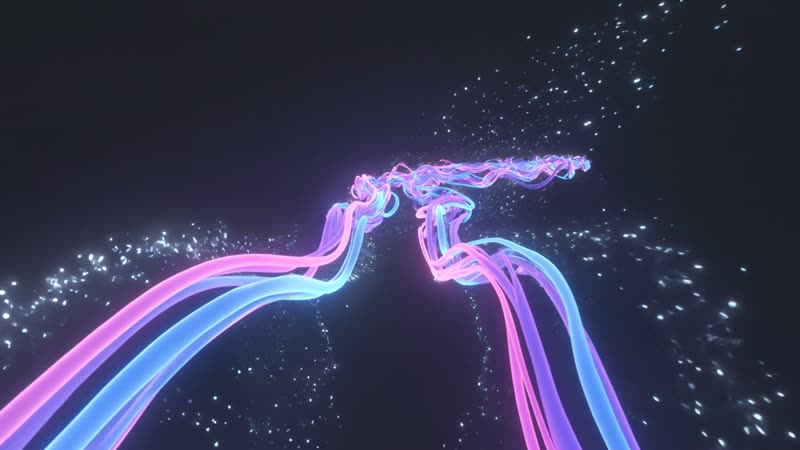
Make mesmerising AI music visualizers and abstract loops — a real demo, and how to prompt fluid, glowing motion.
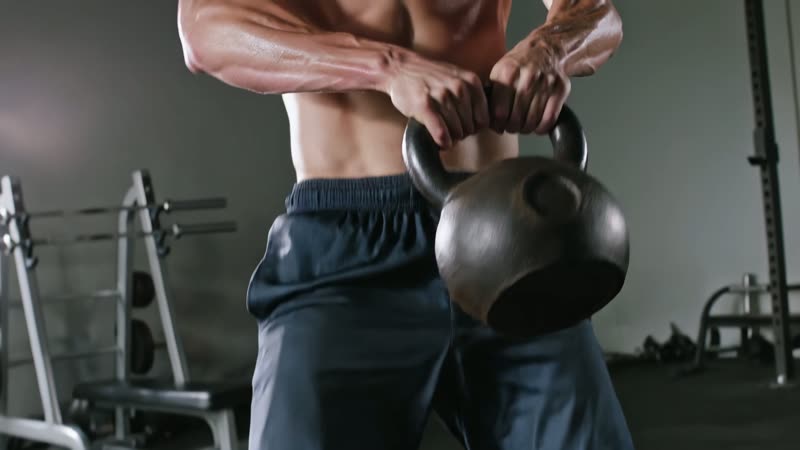
Make high-energy AI fitness and workout video — a real gym demo, and how to prompt the action, sweat and lighting.
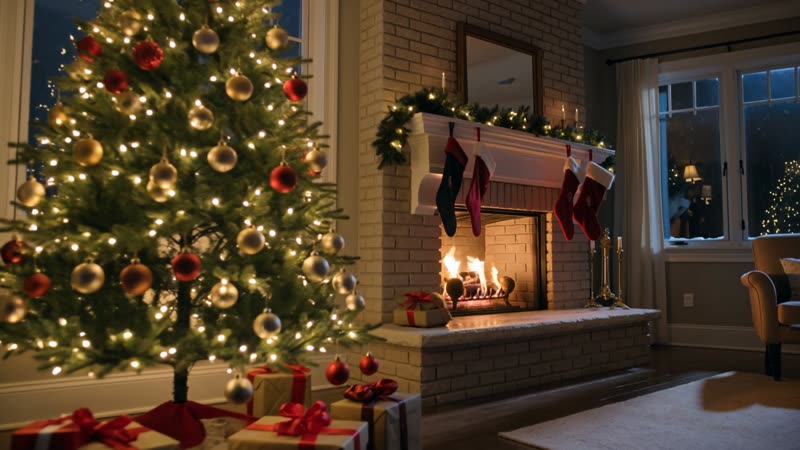
Make a cozy AI Christmas video — a real Christmas-scene demo, and how to prompt the tree, the glow and the snow.
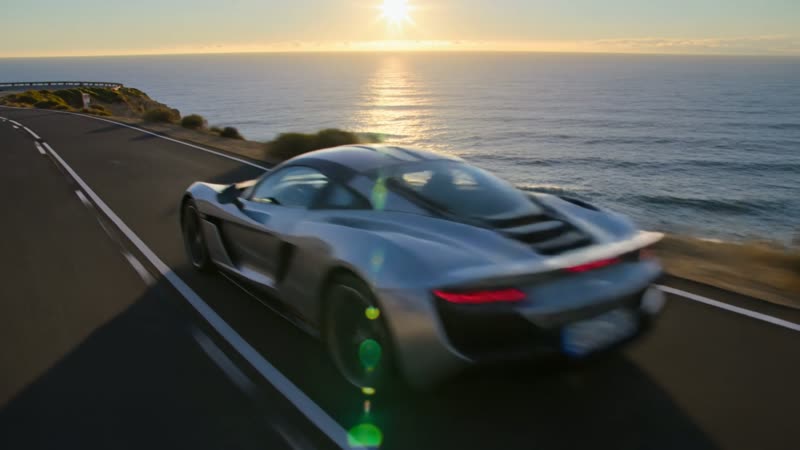
Make a cinematic AI car and automotive video — a real demo, and how to prompt the drive, the light and the glossy look.

Build an AI video story scene by scene — a real animated story-scene demo, plus the arc, character and world recipe.
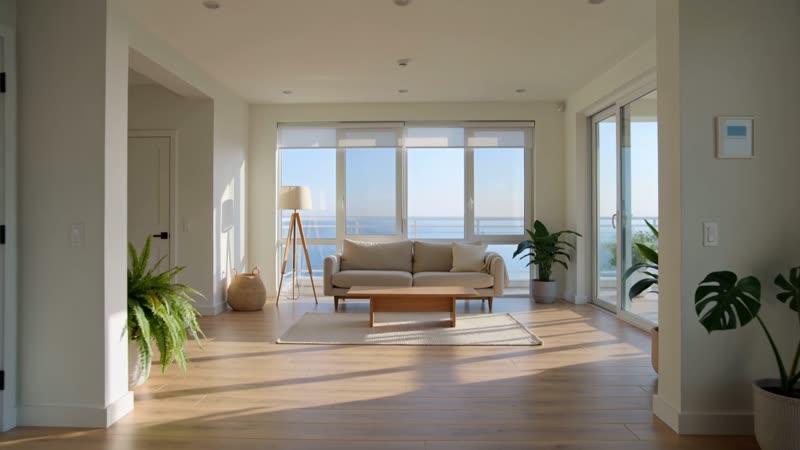
Make cinematic AI interior and room-walkthrough video — a real demo, plus room-style prompts to copy.
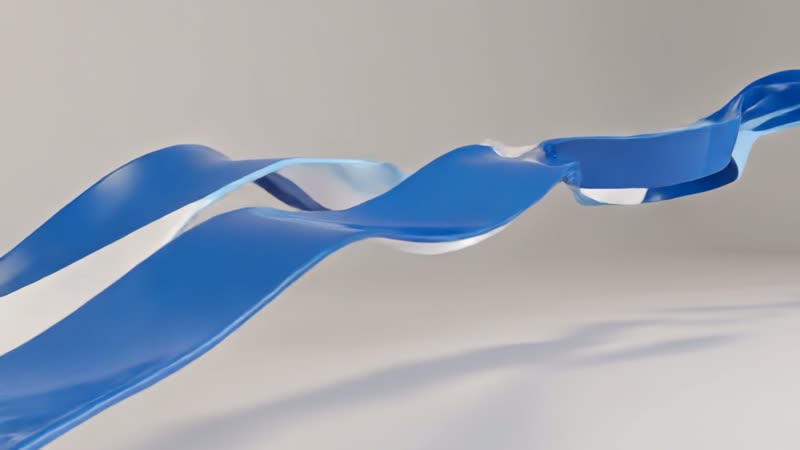
Make a sleek AI corporate intro video — a real opener-backdrop demo, and how to build the intro around it.
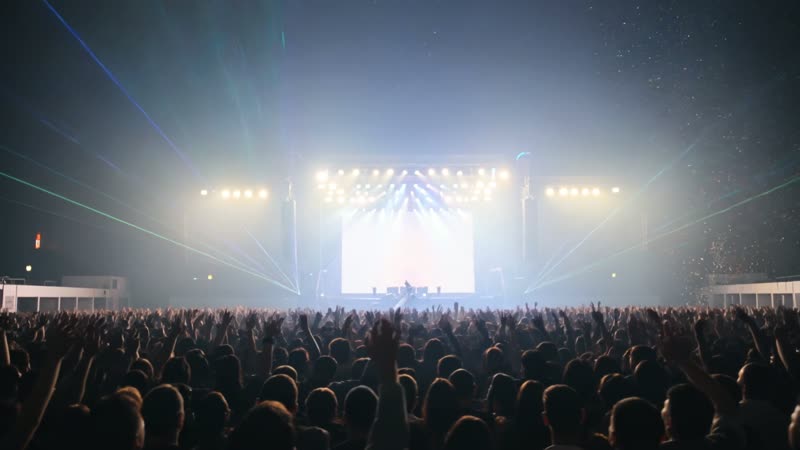
Generate concert and music visuals with AI — a real crowd-and-lights demo, and how to prompt energy, stage and mood.

Make an AI news anchor video — a real talking-presenter demo, and how to script a broadcast-style read (responsibly).
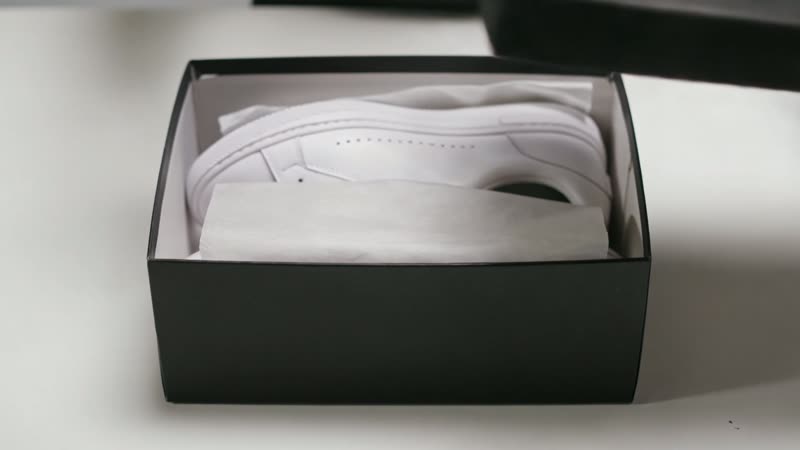
Make satisfying AI unboxing video — a real product-reveal demo, a reveal-shot recipe, and prompts to copy.
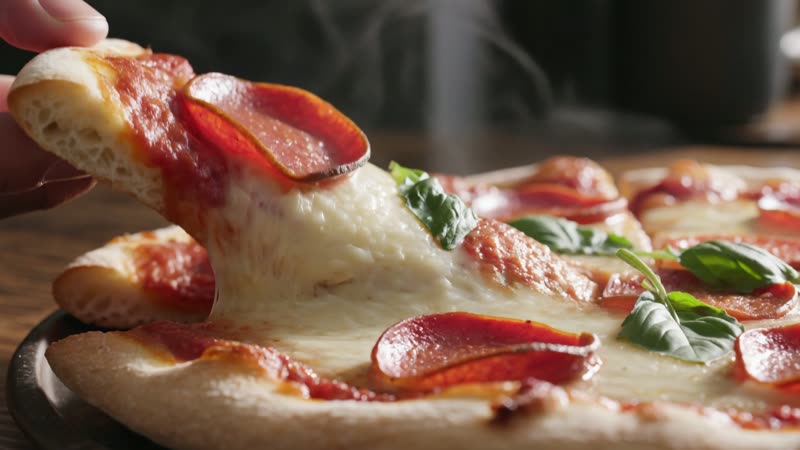
Make appetizing AI food video for menus, ads and social — two real demos, and the prompts and shots that make food look delicious.

Generate cinematic nature and timelapse video with AI — a real blooming-rose demo, plus prompts for clouds, water and skies.

Generate cinematic travel footage with AI — a real destination demo, and prompts for aerial, drone and walk-through shots.
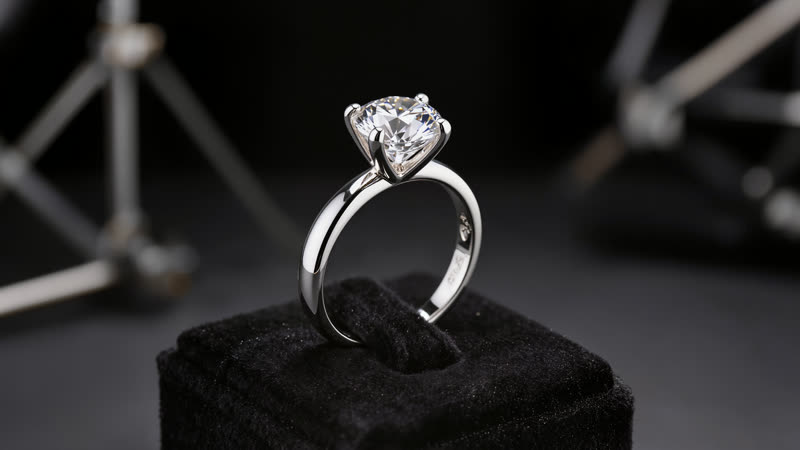
Turn a jewelry photo into a sparkling rotating showcase video with AI — a real demo, and how to keep the sparkle.

Make AI video that looks like real footage — a real photorealistic demo, and the prompt tricks that kill the AI look.

Make a photo of your pet look like it's talking with AI — a real demo, and how to add the voice in your editor.

Bring pixel art and game sprites to life with AI — a real animated demo, and how to keep the pixels crisp.
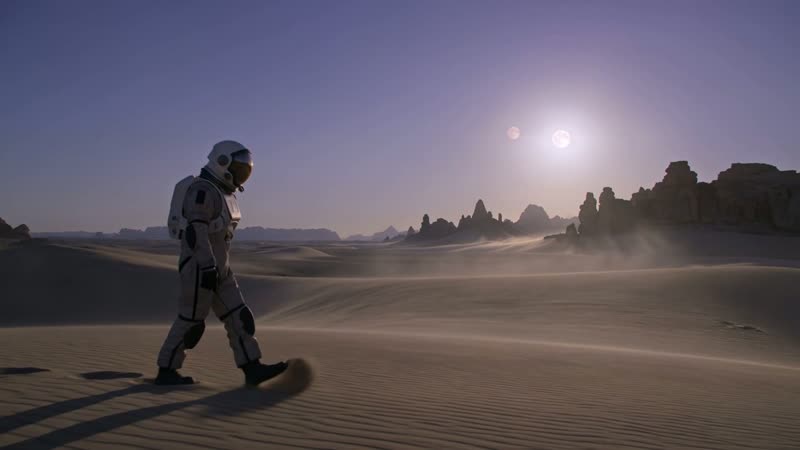
Build a 1-minute short film from AI-generated shots — a real cinematic clip, and the shot-list-to-edit workflow.
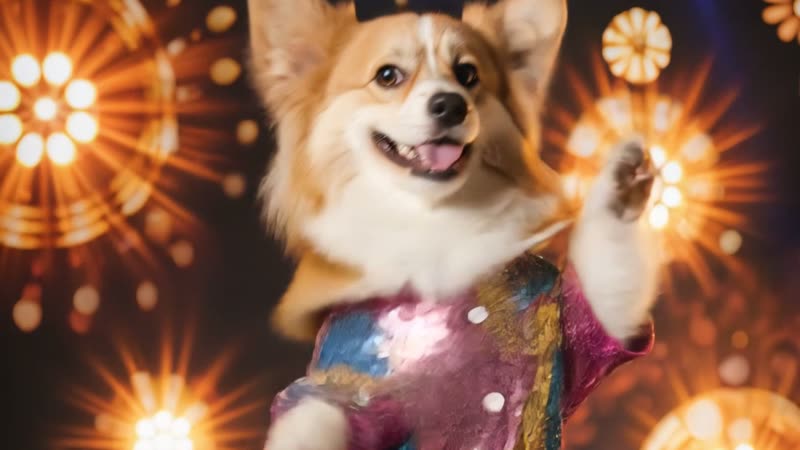
Turn a photo of your pet into a fun dancing video with AI — a real corgi demo, and the simple motion prompt behind it.
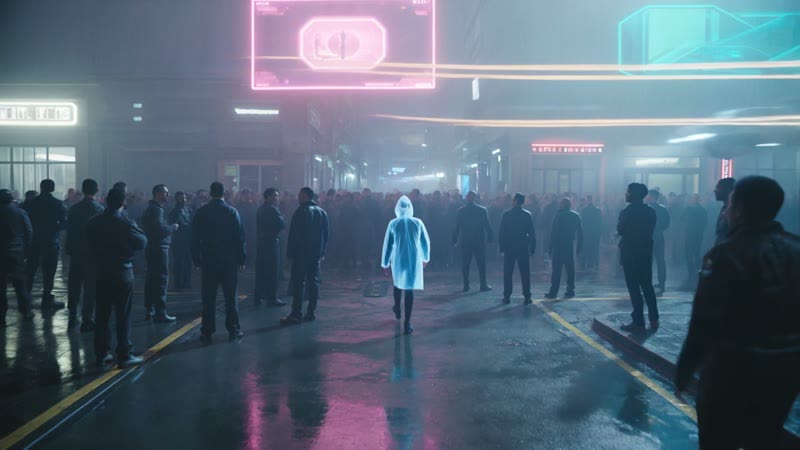
Make a neon-soaked cyberpunk AI video — a real generated street scene, and the formula for the light, rain and mood.
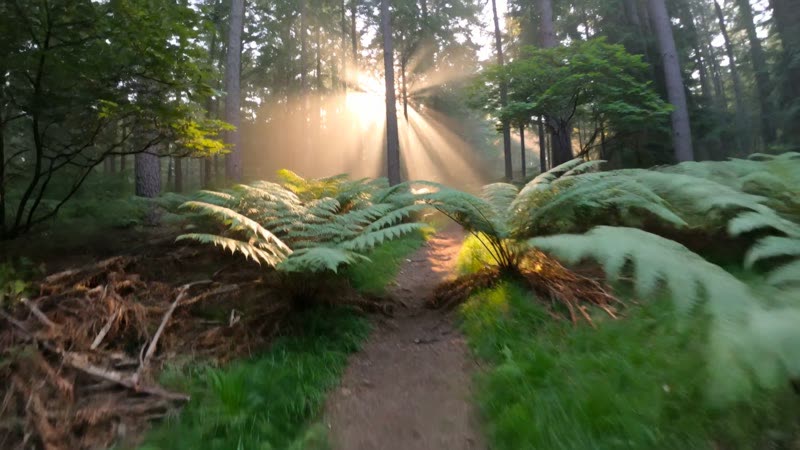
Make immersive first-person POV videos with AI — a real demo, and the camera-language prompts that sell the viewpoint.
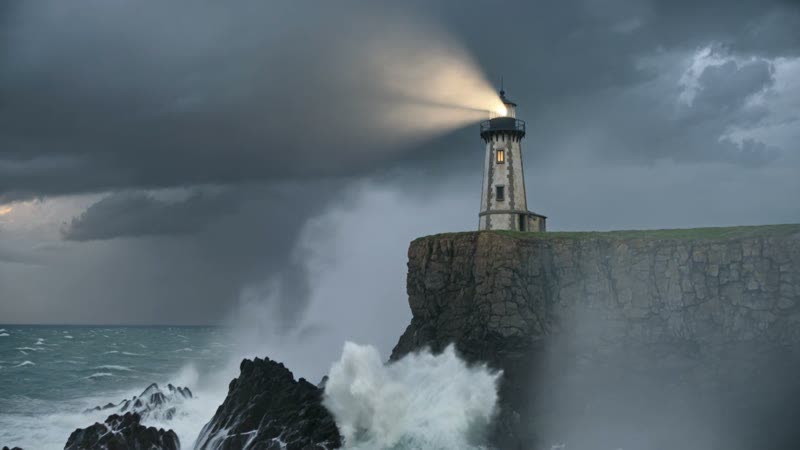
Generate the moody, cinematic shots a book trailer is built from with AI — a real demo, and how the edit comes together.
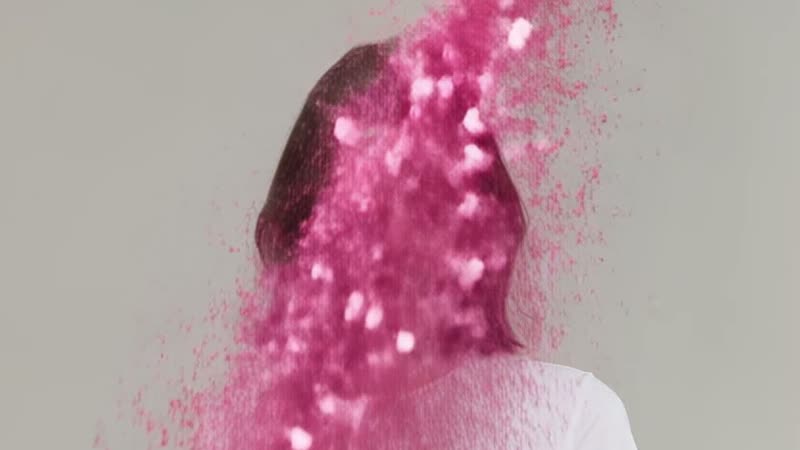
Turn a portrait into a burst of scattering particles with one tap — a real Kling demo, and how the effect works.
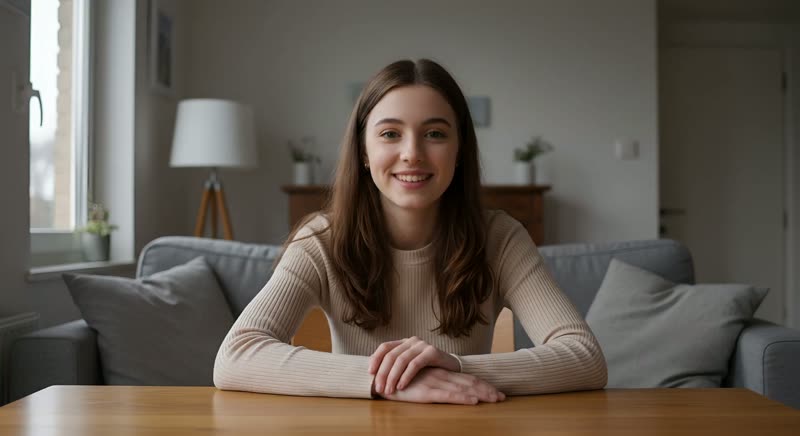
Type a script and get a real person speaking it on camera — no filming, no recording. A real demo, and what it actually costs.
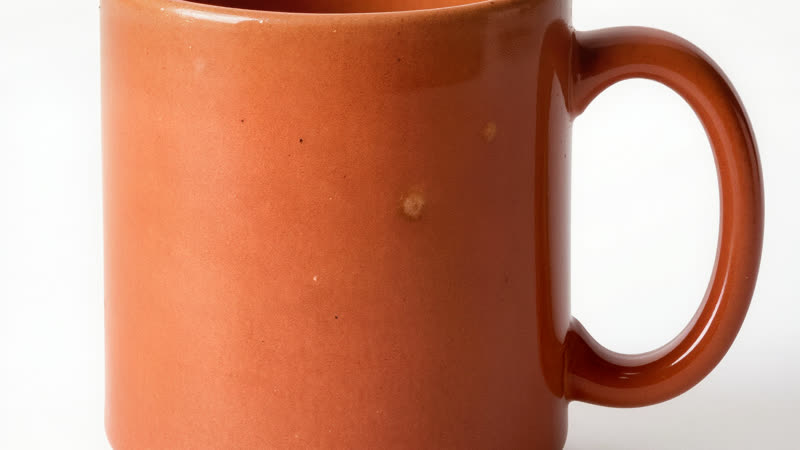
Turn a plain product photo into a rotating showcase video with AI — a real demo, and what to check before uploading.
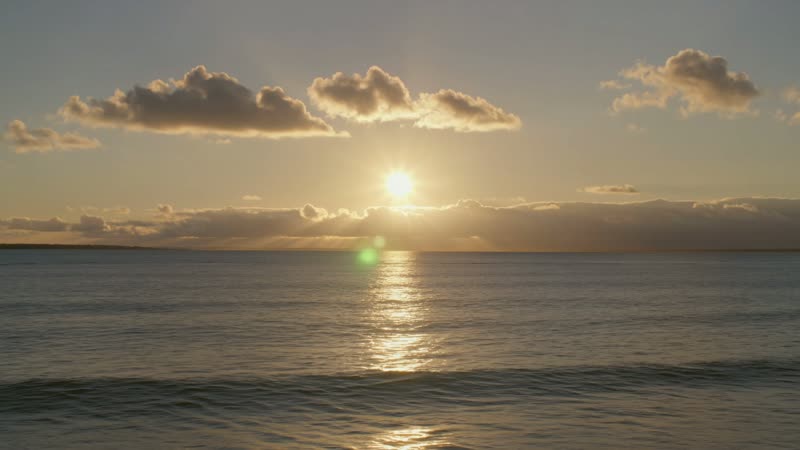
Generate the moving backdrop for a lyric video with AI — a real demo, and how the words still get added in your editor.
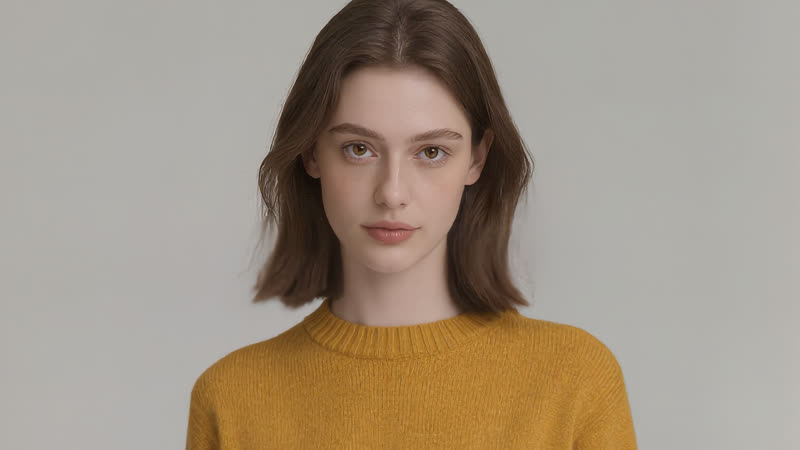
See an outfit on yourself before you buy — a real AI try-on demo using two reference photos, and what the tool can and can't do.

Merge separate images — a product and a setting — into one AI scene. A real demo, and how to keep each element true.
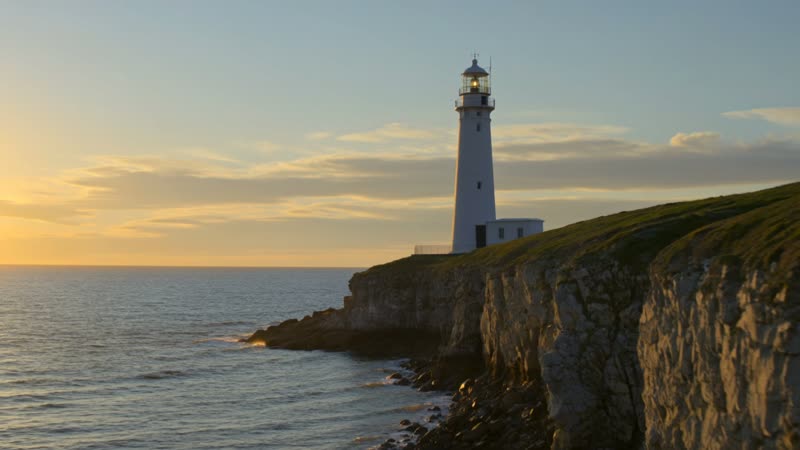
Get a cut-together sequence — wide, close-up, moving shot — from one AI generation with Multi-Shot. A real demo, and its limits.
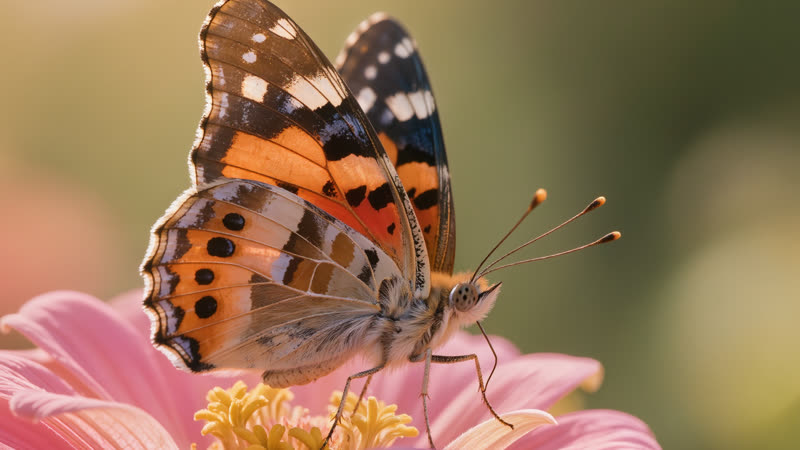
Turn a soft AI image into a crisp, print-ready one with AI upscaling — a real 100% zoom before/after, and when to trust it.
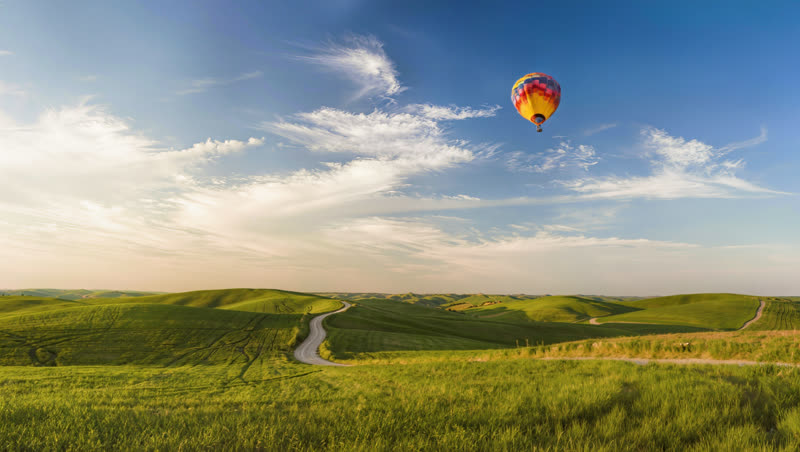
Add or swap an element inside a photo with AI inpainting — a real before/after, and how to make it blend in seamlessly.
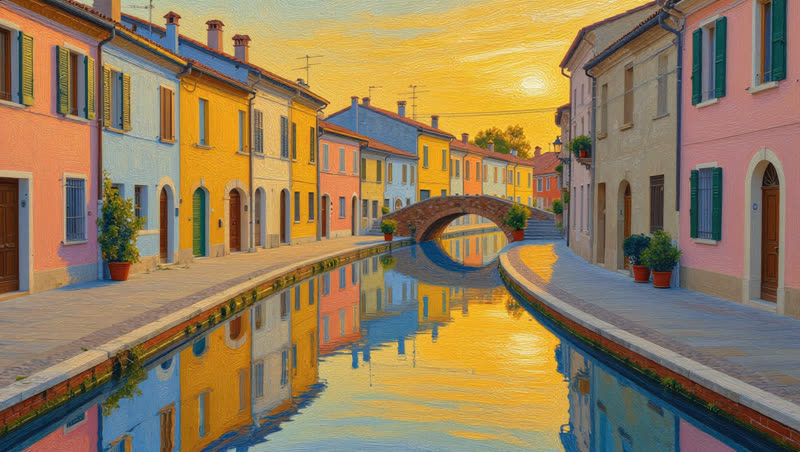
Turn a photo into a painting or illustration with AI restyle — a real before/after, and how to keep the scene readable.
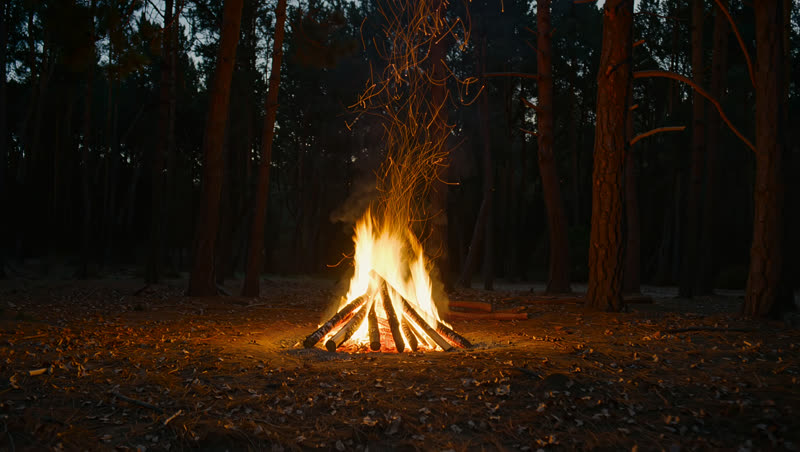
Give an AI clip a matching soundtrack — a real campfire demo with AI-generated crackle you can hear, plus when to use it.

Turn a photo into a moving, shareable clip with one-tap AI video effects — a real template demo, and how to keep it brand-safe.
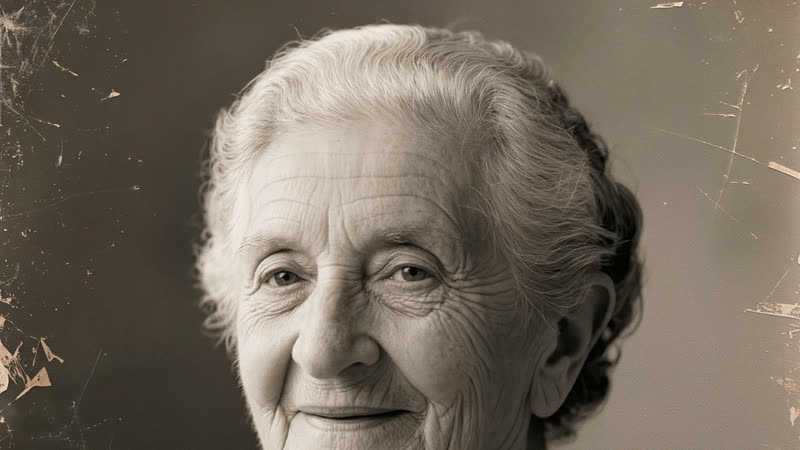
Bring a faded portrait gently to life with AI — a real, subtle motion demo, and how to keep it respectful and believable.
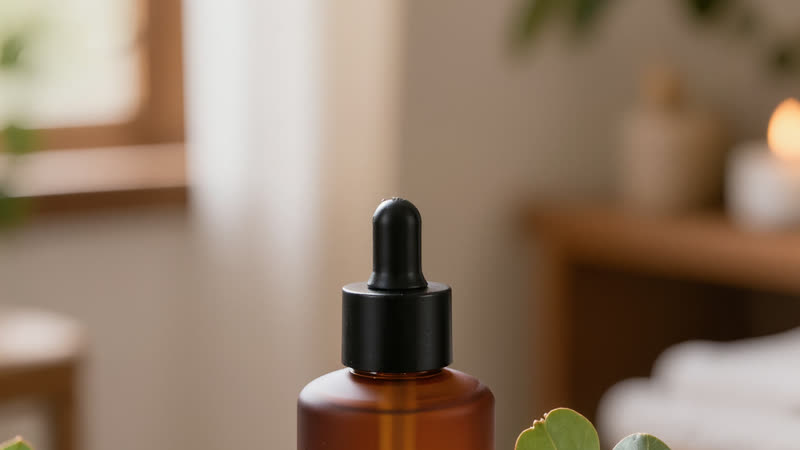
Turn a plain product pack shot into styled catalogue images with AI — a real before/after, and how to keep it accurate.
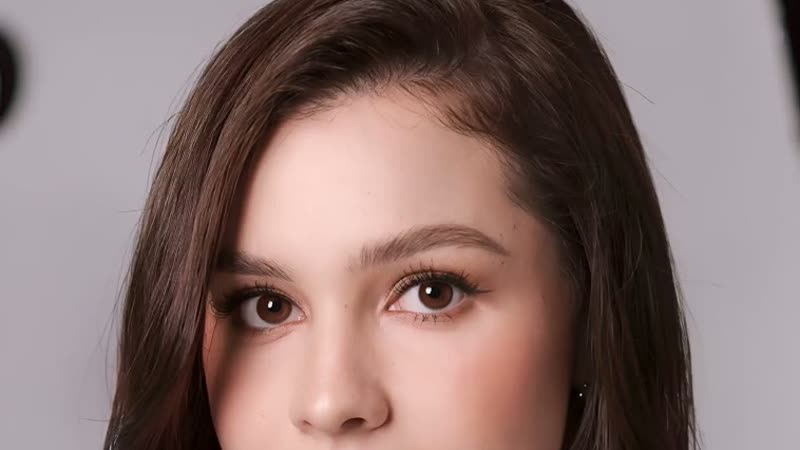
Turn one photo into a talking video — a real demo made in VIDEO 3.0 from a still plus a quoted line, voice included.
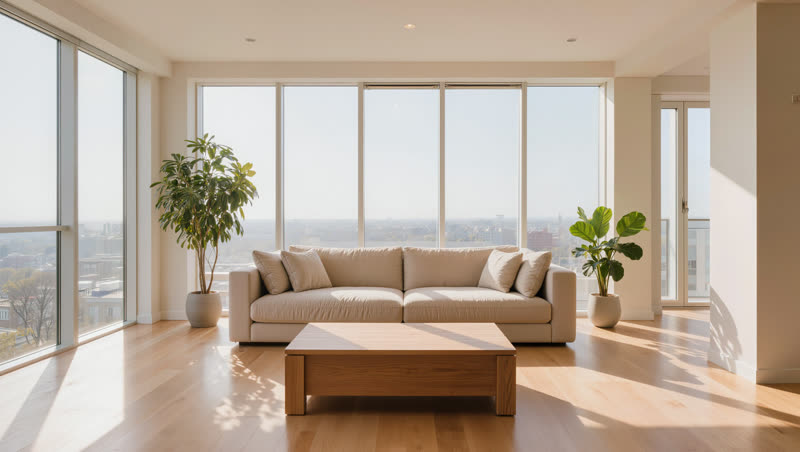
Turn a still listing photo into a slow cinematic walkthrough clip — a real push-in demo, and what to watch for.
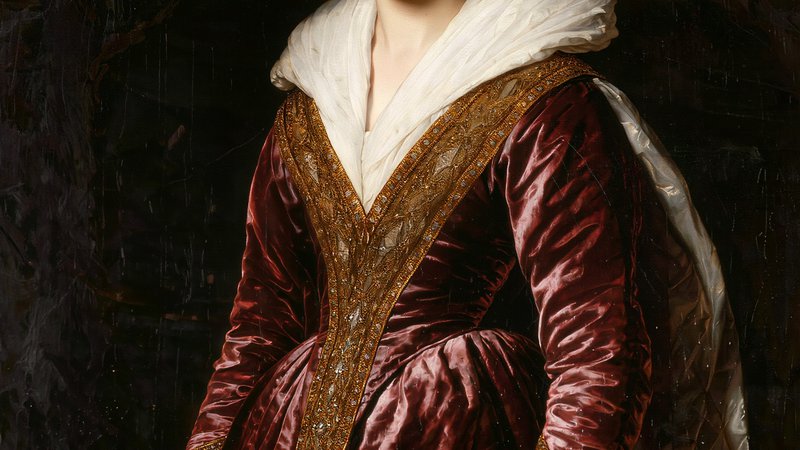
A real side-by-side test of heavy vs subtle motion on the same portrait painting — why restraint makes a painting alive.
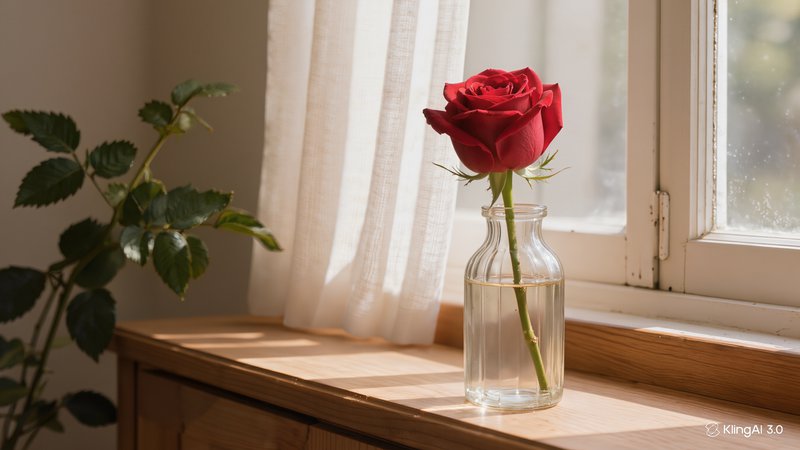
A real side-by-side test of a vague image-to-video prompt against a specific one, on the same source photo — what changes.
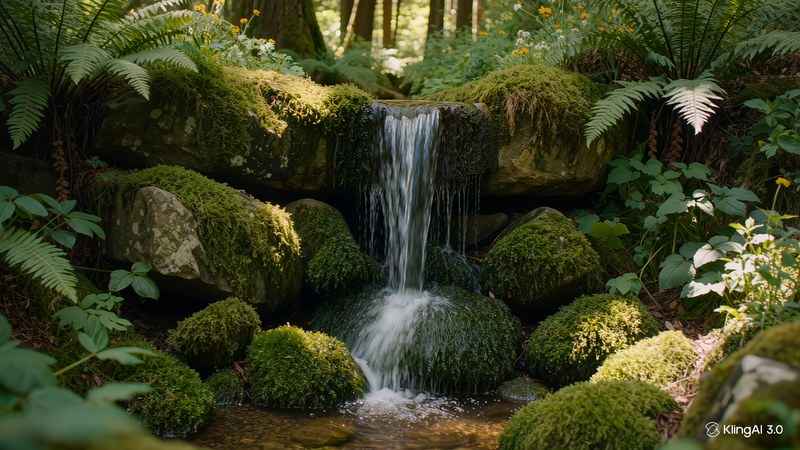
A real 3s-vs-15s test on the same scene shows what actually changes — and it isn't what you'd expect.
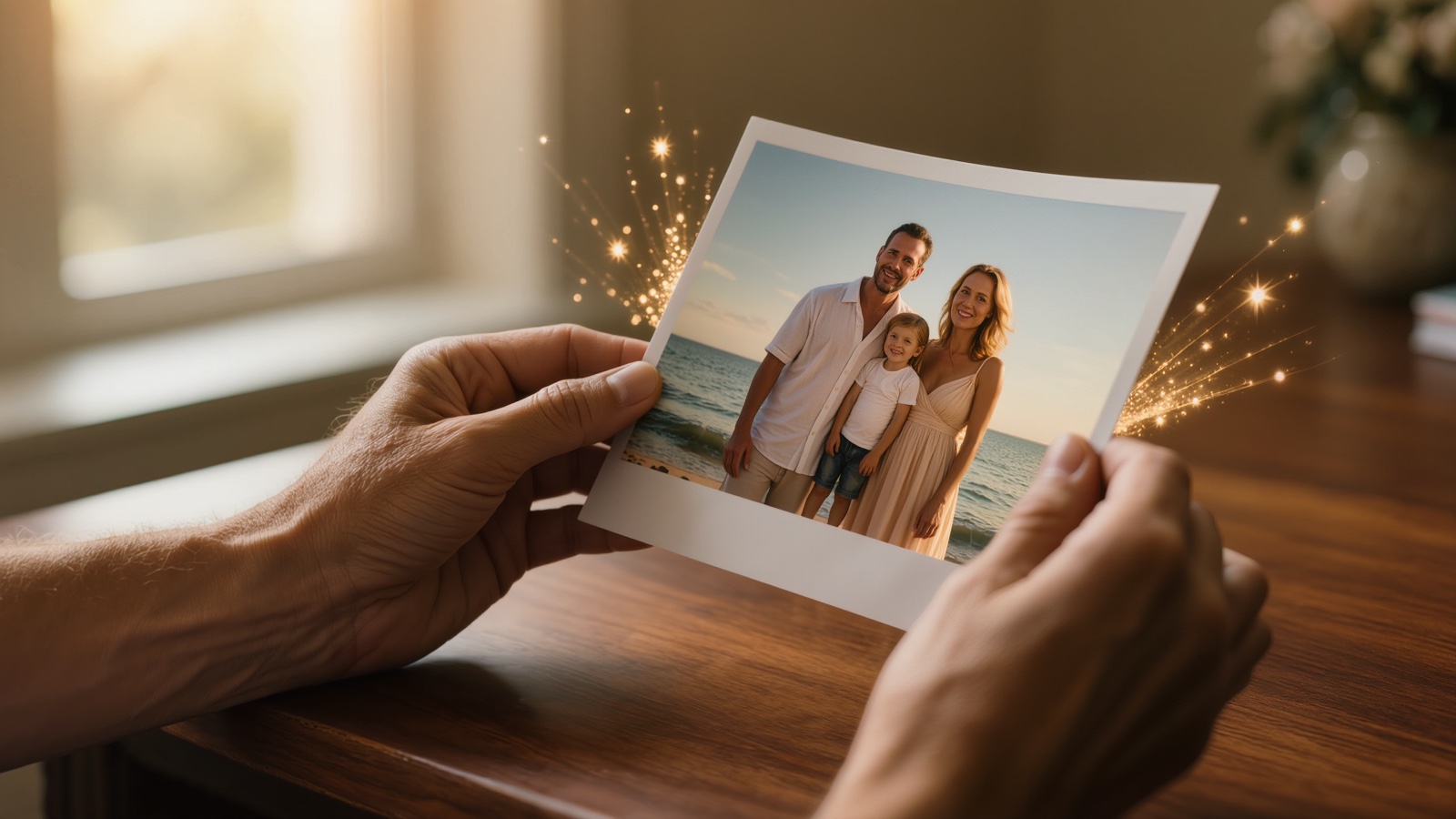
A decision guide to animating a photo with AI — which workflow fits a portrait, family photo, product shot or old print.
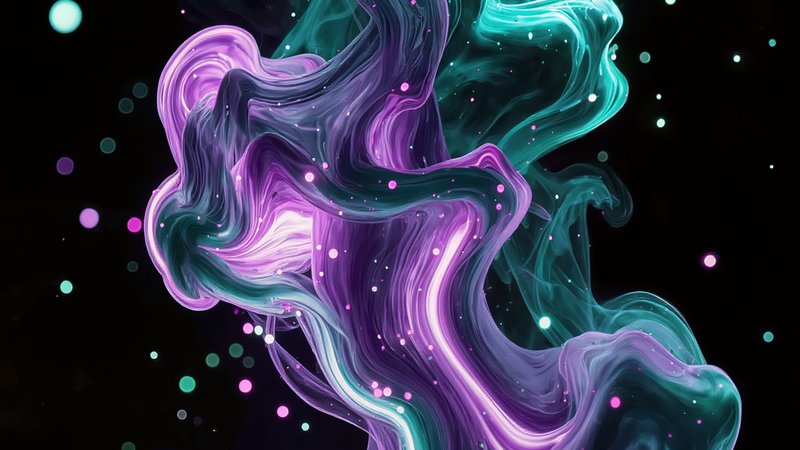
Make a seamless looping video for Spotify Canvas with Kling's start-and-end-frame trick — a real demo, and how to loop it cleanly.
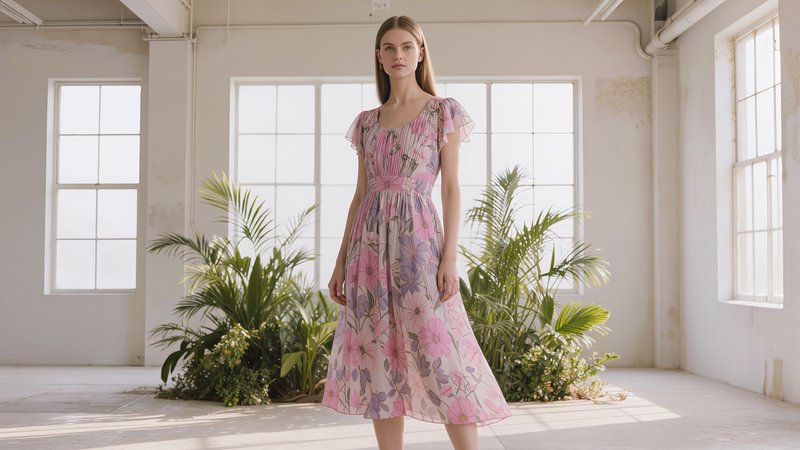
Produce a seasonal pair of AI lookbook shots and turn one into a video — a real holiday and spring example, and the cost.

Type the line in quotes and Kling 3.0 renders a presenter speaking it, voice and picture together. Steps and a real example.
Turn a static logo into a loopable motion mark without warping it — the prompt structure, a real example, and what to avoid.
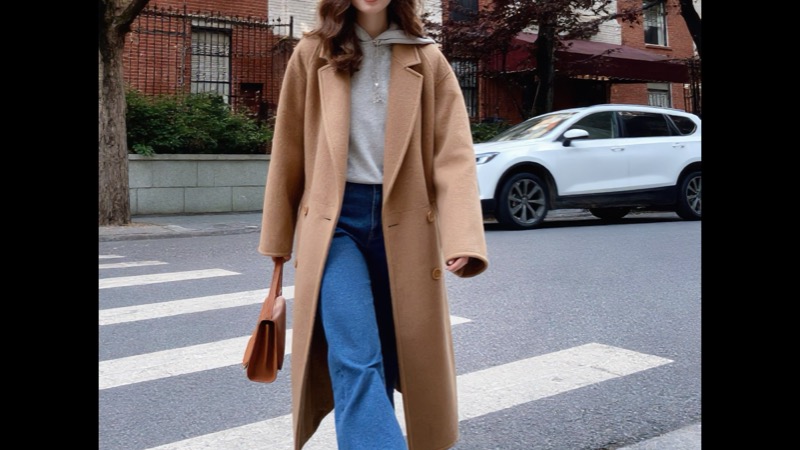
Take one piece you're considering and generate multiple style directions with it before you decide. Real example included.
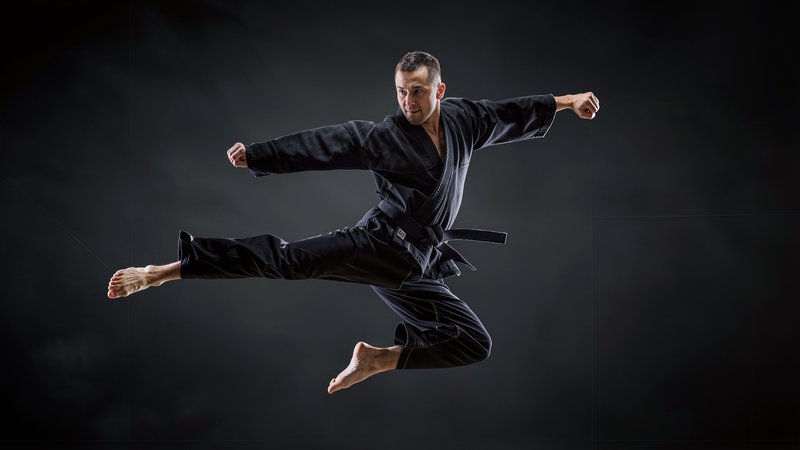
Turn an action photo into a Matrix-style bullet-time clip with Kling's effect — the real workflow, when it works, and cost.
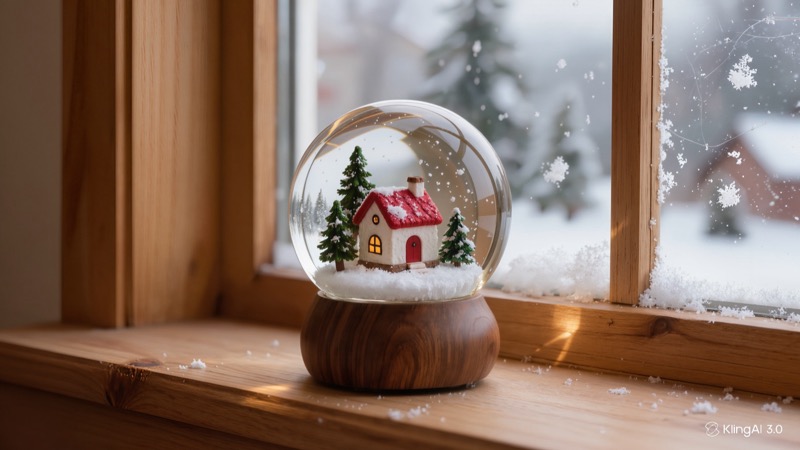
Keep a photo frozen except for one small moving detail — the living-photo effect. Steps, a real example, and the honest limits.
Kling has a built-in prompt generator, DeepSeek-R1. What it returns, the one thing it leaves out, and a real test.
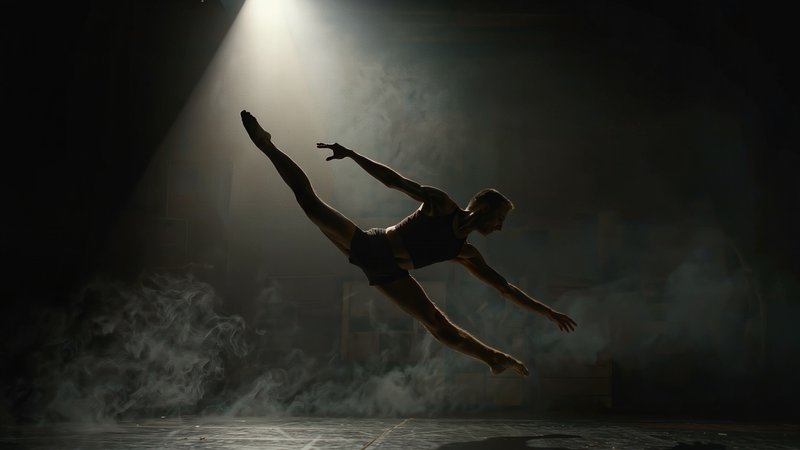
Turn a still photo into a dancing clip with AI — the real workflow, four style options, honest limits, and what it costs.
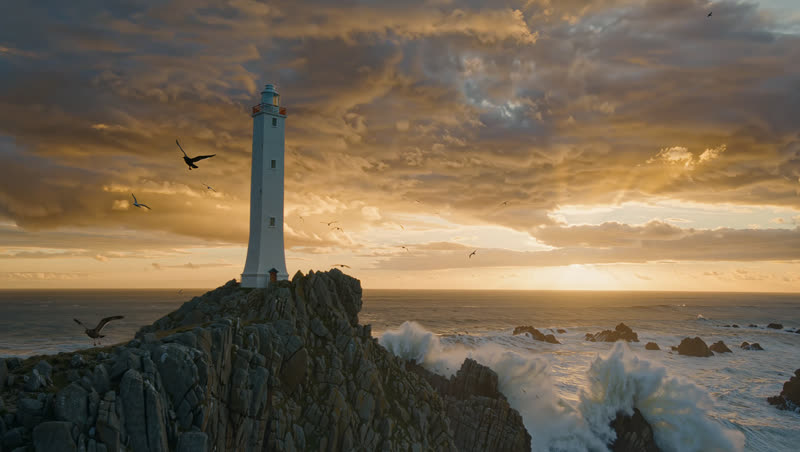
Make an AI video for TikTok — a real 9:16 demo, the vertical-vs-wide test, and how to design for the feed.
No guides in this category yet — check back soon.