Spotify Canvas maker: looping AI visuals
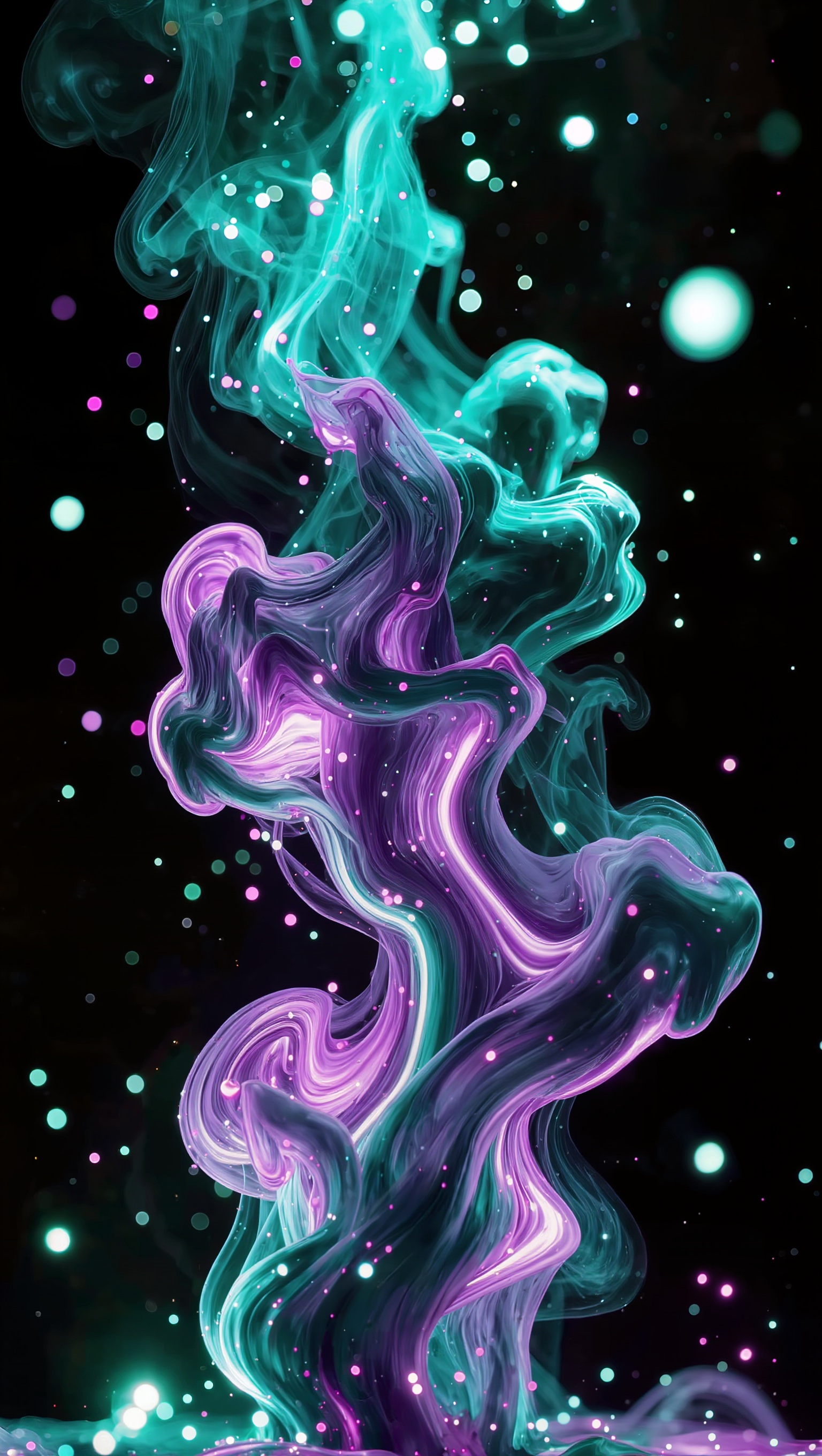
One image, set as both the start and end frame — that's the whole trick. Below: a real vertical loop generated this way, watched on repeat with no visible seam, plus the workflow and what it costs.
On this page
Upload the same image as both the start frame and the end frame in Kling's Image-to-Video tool, then describe continuous motion rather than an arc with an ending. The clip starts and ends on an identical frame, so it loops with no visible cut — exactly what Spotify Canvas needs.
A real seamless loop
The vertical clip below is the actual generated result, set to autoplay on loop right here on the page — watch it cycle a few times and look for the seam. There isn't one:
Step by step
Generate a vertical abstract visual in Image Generation
9:16 ratio, matching your track's mood — color, texture, motion potential all come from this one still image, so it's worth getting right before animating.
Set the same image as both the start AND end frame in Image-to-Video
This is the actual technique: Kling's frame-mode tool lets you set a start frame and an optional end frame. Uploading the identical image to both means the clip begins and ends on the same frame, so looping it produces no visible jump cut.
Describe continuous motion, not a beginning-middle-end
Say the motion keeps going — "continues swirling," "keeps drifting" — rather than describing an arc that resolves. A loop needs movement that reads as ongoing, not a story with an ending.
Play the result on loop before publishing
A seamless loop only proves itself in playback — watch it cycle several times, specifically at the frame where the clip restarts, since that's the one point a mismatch would show.
The loop is seamless at the frame level — start and end are pixel-identical — but the motion in between isn't guaranteed to be perfectly even. Watch your result at real speed, not just frame-by-frame: an uneven middle can still read as a stutter even when the loop point itself is invisible. If that happens, regenerate with a simpler, more continuous motion description rather than trying to fix it after the fact.
A loop isn't a video with an ending cut off — it's a video with no ending at all. Design the motion that way from the prompt, not after.
What it costs
| Step | Estimate | Notes |
|---|---|---|
| One vertical visual, still image | Low — a single image generation | 2K HD, 9:16 ratio |
| Animate with start + end frame (seamless loop) | Check the cost shown on the Generate button | Multi-Shot and Native Audio off; end-frame generations take slightly longer |
| Total per finished loop | One image + one video generation | What this article's example took |
| Total production time | 10–15 minutes | End-frame generations queue a bit longer than single-frame ones |