Make anyone dance with AI
One still photo becomes a moving dance clip — no choreographer, no studio, no camera. Below: a real unedited example, the workflow, four styles to try, and an honest look at what it can't do.
On this page
Animate a full-body dance-pose photo with a motion-only prompt describing how the movement continues. Everything below is the real workflow, four styles to try, and what it costs.
Step by step
Start from a dance-pose photo — upload yours, or generate one
Already have a full-body photo in a clear dance pose? Upload it straight into Image-to-Video and move to the next step. No photo yet? Generate one in Image Generation first — a pose with the body mid-motion, an arm extended or a leg lifted, gives the animation step more to work with than a straight standing pose.
Animate it in Image-to-Video with a motion-only prompt
Describe how the pose continues or resolves — a landing, a spin, a next step — not a full choreographed routine. Multi-Shot and Native Audio off keeps it to one clean 3-second shot.
Try a different style or energy as a separate generation
A slower contemporary sway and a sharp hip-hop pop are different prompts and different generations, not settings on the same clip — plan on one generation per style you want to see.
Stitch multiple clips together for a longer routine
One generation is a single continuous movement, not a full song's choreography — a longer dance video is several clips edited together in an external editor, matched to music afterward.
This generates one continuous movement from a still photo — it doesn't choreograph a routine, match a specific song's beat, or motion-capture real dance steps. Floor work and technically precise moves (breakdance power moves, ballet technique) are the least reliable; simple, believable continuations of the source pose work best. A full dance video is several short clips edited together, not one long take.
4 dance styles to try
Two of the four are demonstrated on this page — freestyle above, and hip-hop below this list, shown as its source photo followed by the generated clip. The other two are honest notes on what to expect:
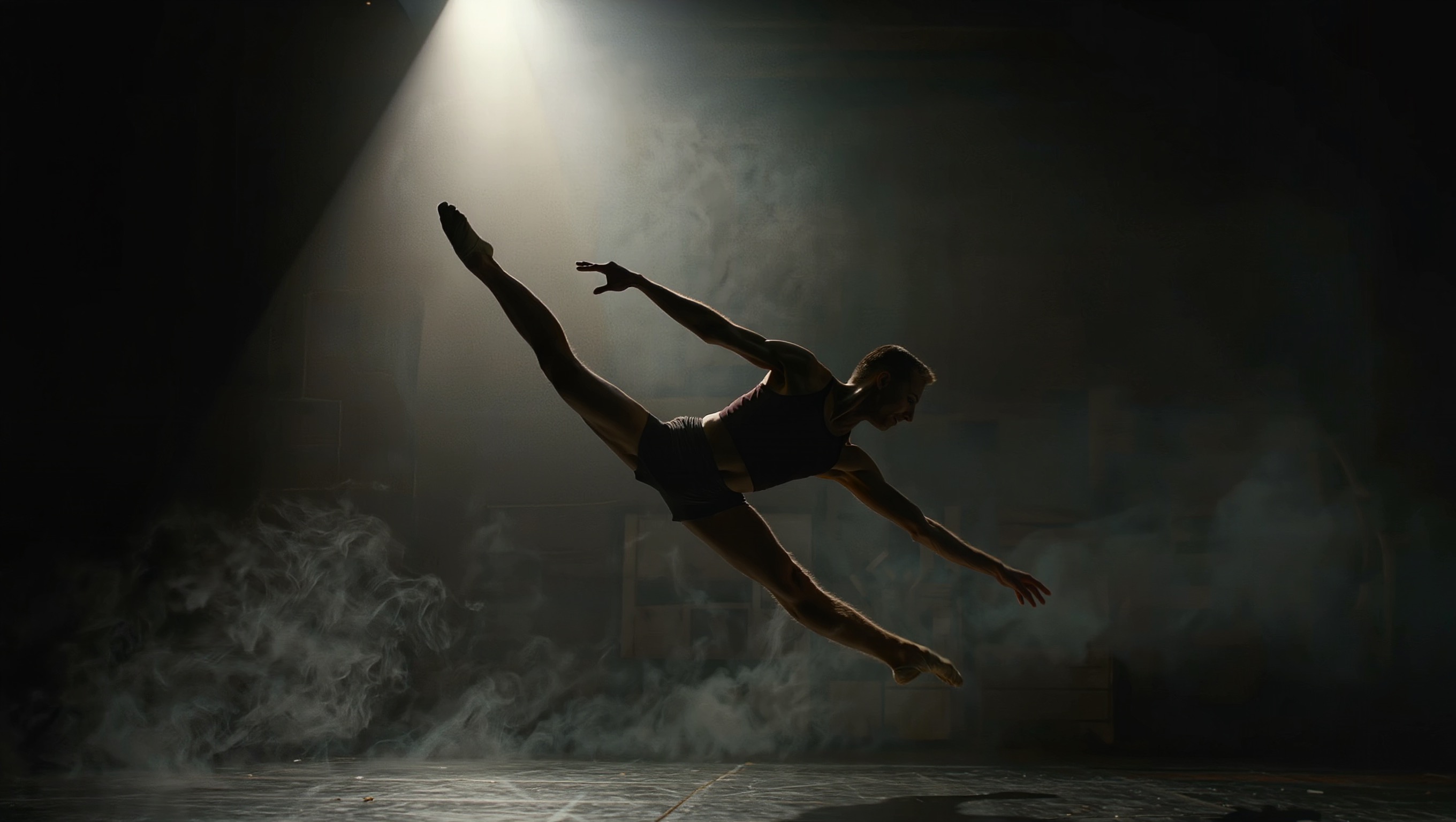
Freestyle / contemporary flowShown above
A continuous, flowing movement with no fixed steps — the most forgiving style to animate, and the one demonstrated in the real example further up this page.
Hip-hop pop and lockShown below
Sharp, snapping movements — works best with a punchy, specific prompt naming one pop or lock, not a whole combo. Demonstrated right below this list.
Ballet-style spin or extension
A controlled turn or leg extension reads well from a photo already mid-pose — less convincing from a flat standing start.
Breakdance freeze or power move
The hardest style to animate convincingly from a single photo — floor work and inverted poses are where this workflow is most likely to look wrong.
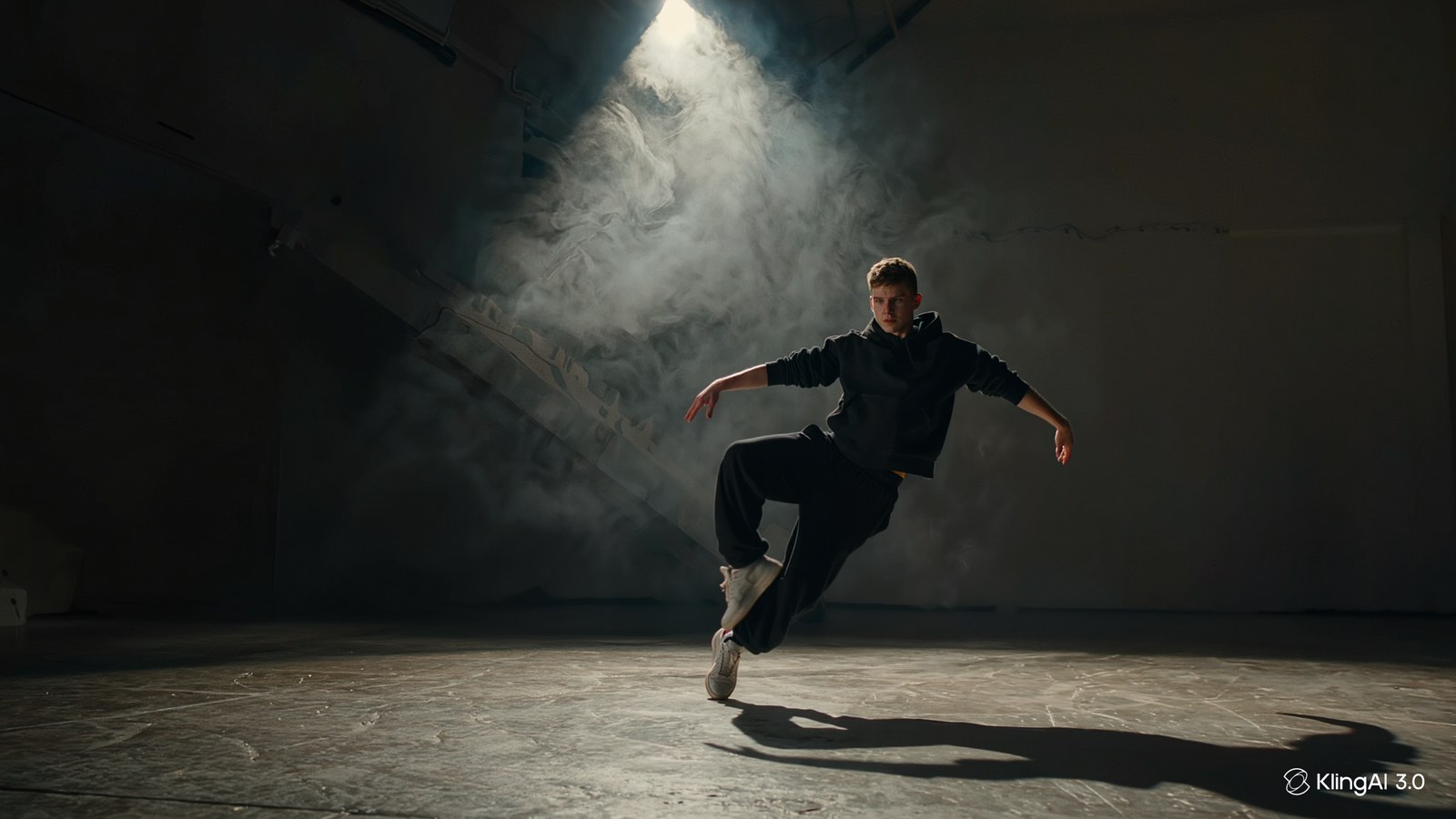
A photo already mid-motion gives the animation something to continue. A flat standing photo asking to suddenly dance is where this workflow struggles most.
What it actually takes
Before generating a batch of styles, here's the real cost per clip:
| Step | Estimate | Notes |
|---|---|---|
| Generate the dance photo (if needed) | Low — a single image generation | 2K HD — skip this if you already have a suitable photo |
| Animate into a movement clip | Check the cost shown on the Generate button | 1080p, 3s, Multi-Shot and Native Audio off |
| Total per finished clip | One video generation | Assumes one animation attempt from an existing photo |
| A second style or energy level | One more video generation each | Each style is its own generation, not a variant of the first |