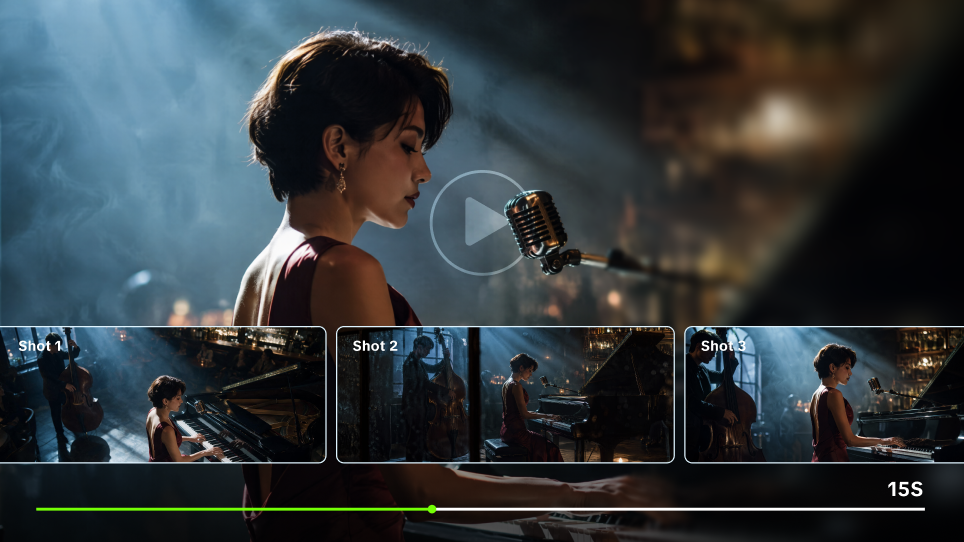
A memorable music video does not have to start with a huge set, a complicated story, or an expensive visual effect. Often, the strongest music video ideas begin with something much simpler: one image, rule, or situation that feels right for the song.
That could be a room that changes every time the chorus hits, a performance filmed somewhere completely unexpected, or a familiar scene that gets stranger each time it repeats. The idea only needs enough room to grow with the music.
How to Choose the Right Music Video Concept
Before settling on a concept, listen to the song without thinking about shots. Notice where the mood changes, where the chorus opens things up, and whether the lyrics suggest a story or leave more room for interpretation.
Then start narrowing things down.
Map the song. Mark the intro, verses, choruses, bridge, instrumental breaks, and ending. Look for the moments where the energy or point of view noticeably shifts.
Name the feeling behind it. Try putting the emotional arc into one sentence: “confidence replaces doubt,” “a perfect memory starts falling apart,” or simply “two people keep missing each other.”
Find the format that fits. Some songs want a performance. Others are easier to imagine as a story or a more abstract visual concept. You can mix approaches, but they should still feel like parts of the same video.
Give the video something viewers can recognize. Maybe everything happens in one room. Maybe a new color appears with every chorus. Maybe time runs backward. A recurring visual idea gives the video its identity.
Check what the idea actually requires. A great treatment can quickly become impractical once you add locations, actors, props, effects, permissions, and editing time. Work out what really matters to the concept before you build around it.
A useful test is simple: explain the idea in one sentence. If someone can already picture the video, you probably have something worth developing.
Turn Bigger Music Video Ideas Into Test Shots With Kling AI
Some ideas are easy to imagine and much harder to test with a camera. The artist might need to perform in a city floating above the clouds. A room might slowly fill with water. Gravity might change halfway through the chorus.
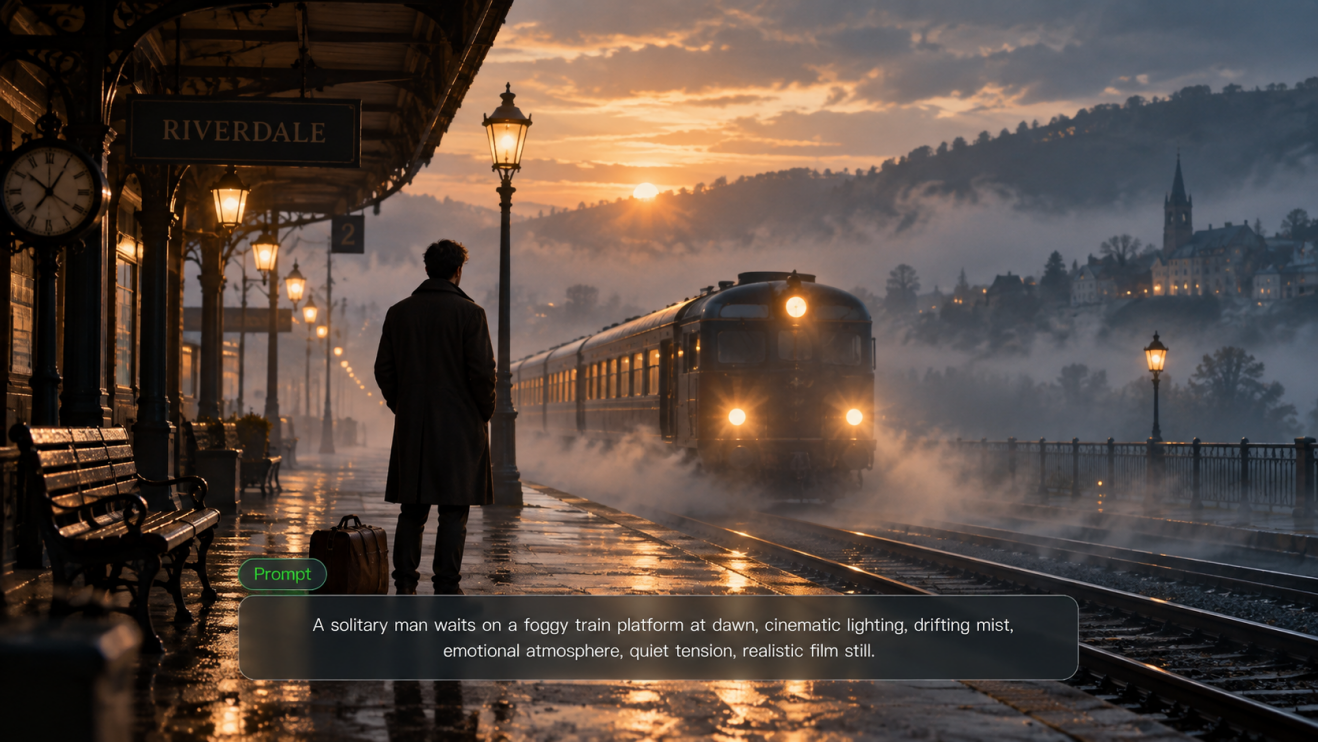
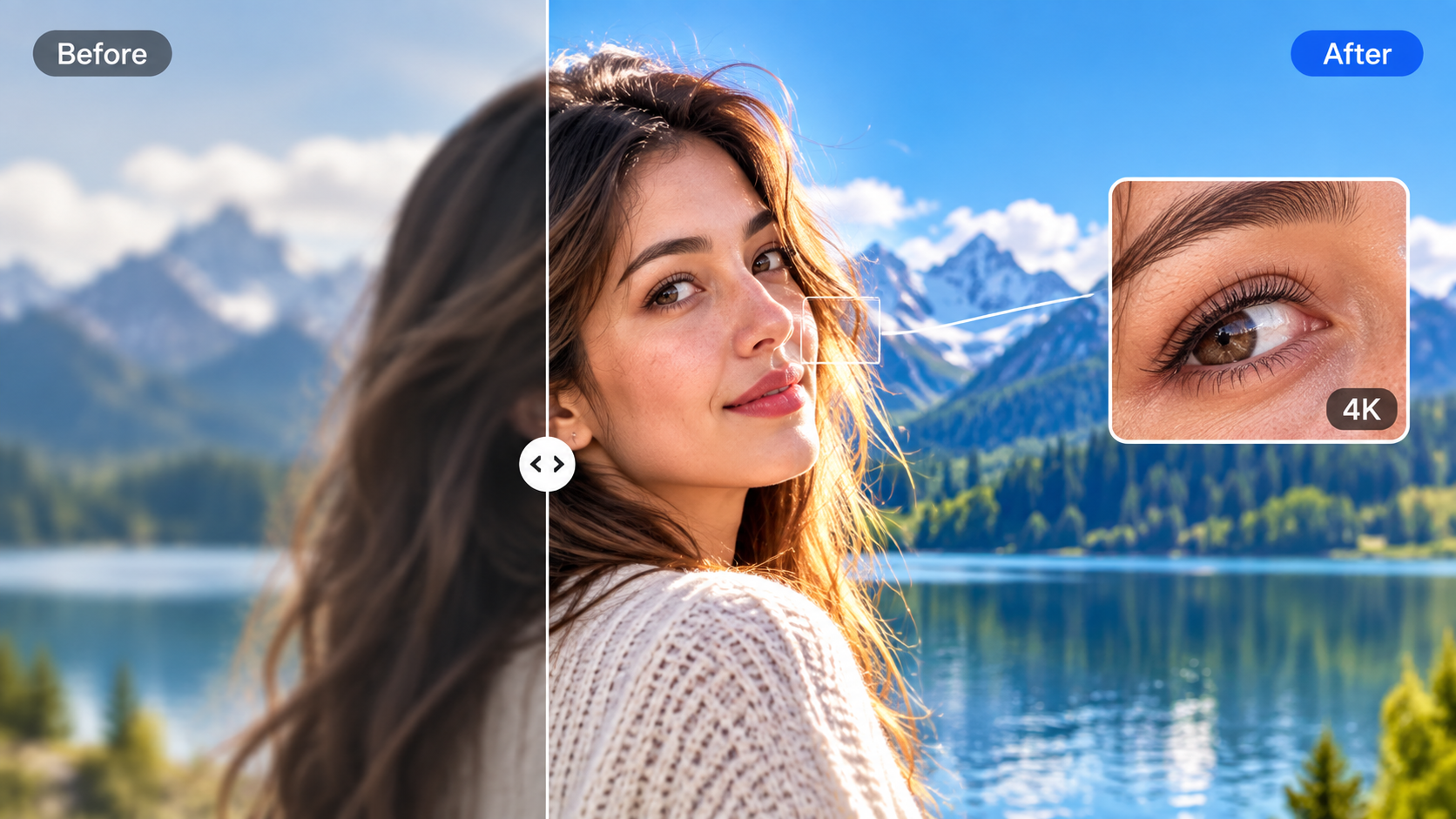
Instead of planning the entire production around an untested visual, you can prototype scenes first with the Kling AI video generator. Kling Video 3.0 supports video generation up to 15 seconds as well as multi-shot storytelling, making it possible to explore short sequences rather than only isolated frames.
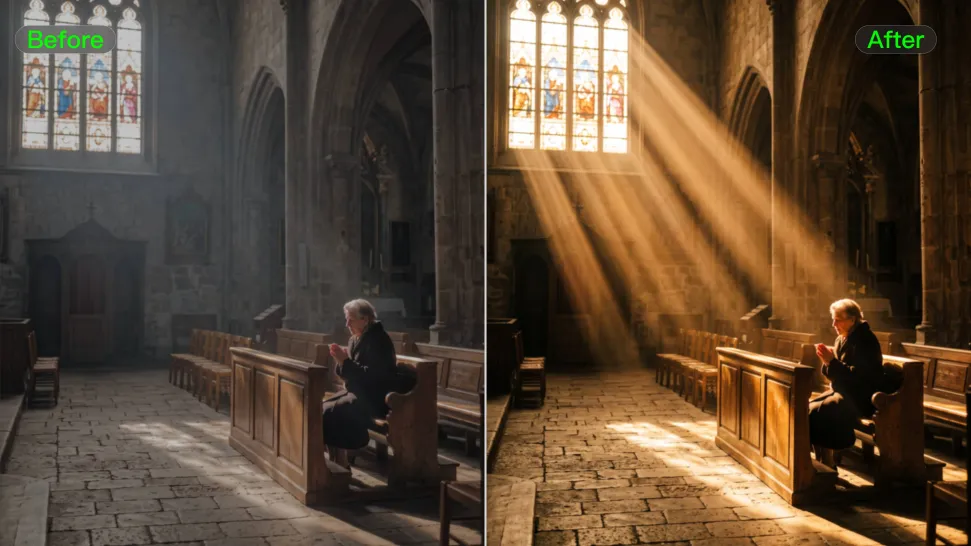
For a music video, think in sections rather than trying to create everything at once. Test one look for the verse, push it further in the chorus, and try a more dramatic change for the bridge. Those clips can later be cut against the finished song just like footage from a conventional shoot.
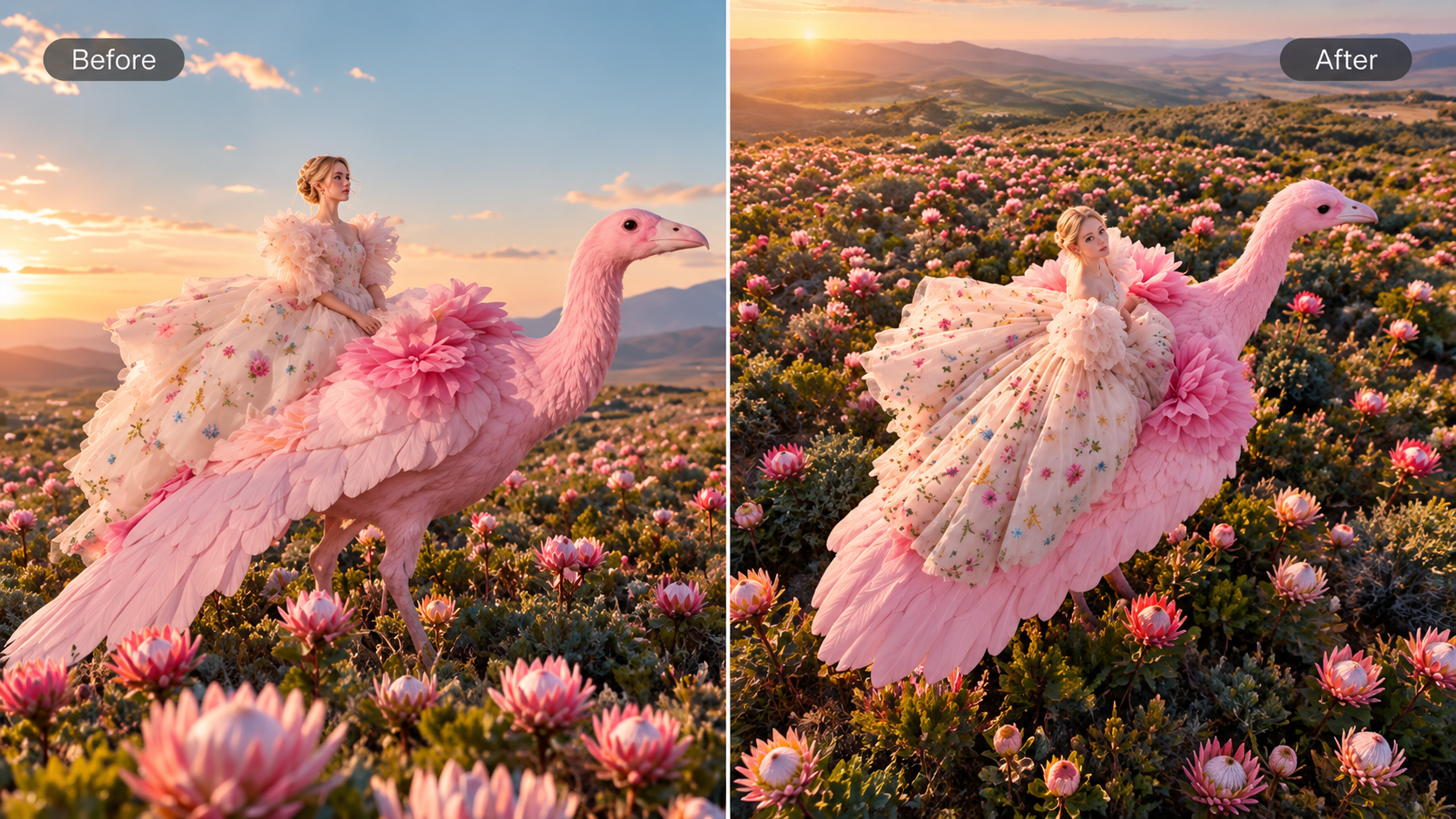
Reference images can help carry the same performer, wardrobe, props, or visual direction from one test to the next. Rather than packing every detail into a prompt, establish the essentials—who is in the shot, what they are doing, where they are, how the camera behaves, and what the scene should feel like.
Treat these early generations as sketches in motion. If the impossible location looks distracting, simplify it. If the transformation is the part you keep remembering, make that the center of the treatment. The point is not to generate more footage; it is to find the visual idea worth building around.
Prompt | Kling Output |
|---|---|
| Emotional cinematic music video featuring a female singer performing and lip-syncing a nostalgic song on a dark studio stage. During the quiet verse, black-and-white childhood home videos are projected softly across her face and clothing. As the chorus begins, the projections become colorful family memories and moving water textures. At the musical drop, vivid abstract colors explode across the entire set in rhythm with the beat. | 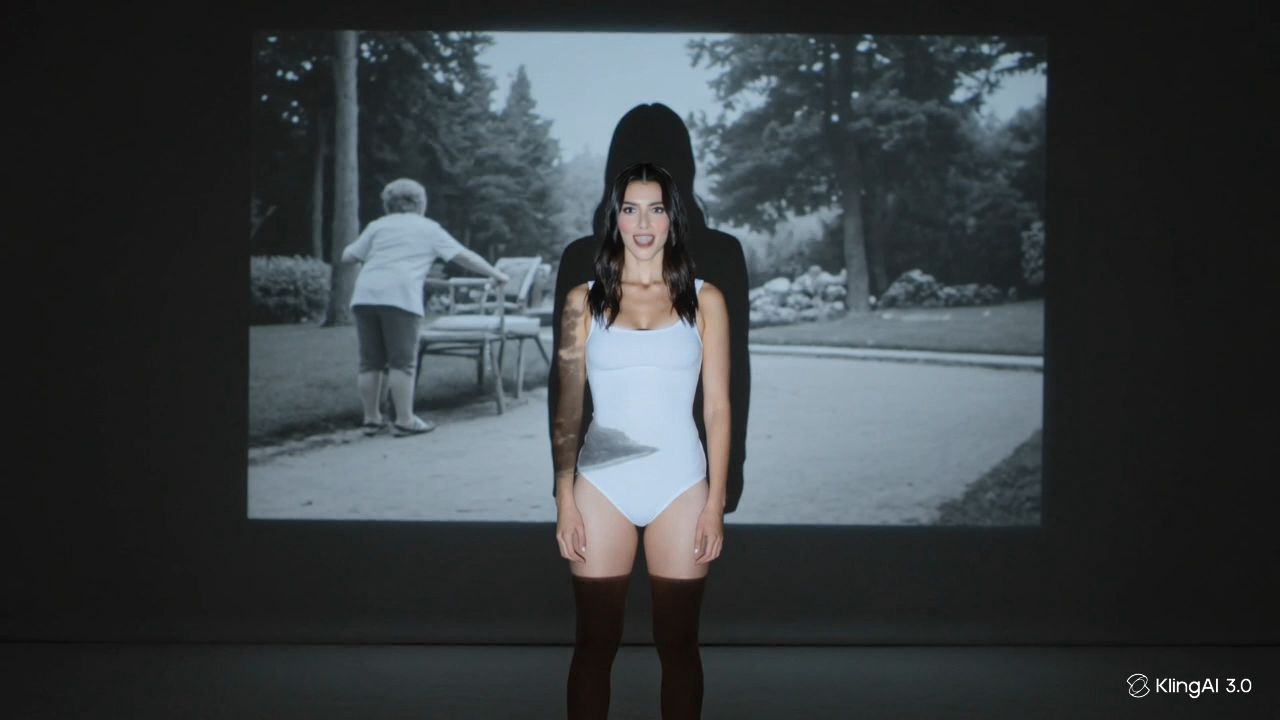  |
14 Music Video Ideas to Try
The following concepts can work with live action, animation, generated footage, or a mix of all three. Some need careful choreography or effects. Others can be shot with one performer and a single location.
1. Build a One-Take Transformation
Follow the artist through one continuous shot while the world changes around them. A jacket comes off and reveals a new costume. A doorway opens onto a different setting. New people enter the frame as the song builds.
The trick is to let the video become more ambitious with the music. Transitions can disappear behind doors, whip pans, passing people, darkness, or anything else that briefly fills the frame.
2. Give the Main Character One Simple Goal
You do not need an elaborate plot to tell a story. Give the character one thing they are trying to do—catch a train, return something they found, reach somebody before they leave—and let the song complicate the journey.
Because the objective is easy to understand, the story can work without dialogue and leave plenty of room for the music.
3. Repeat the Same Day With One Change
Show the same routine again and again, but change one detail each time.
The weather shifts. Someone who was in the background disappears. An object moves. The performer reacts differently. Keeping the camera positions similar makes the changes easier to spot and gives viewers a reason to watch for what happens next.
By the final repeat, break the pattern completely.
4. Show Two Realities at Once
Put two versions of the same moment side by side: public and private, past and present, what happened and what someone wishes had happened.
Split screens are the obvious approach, but mirrored staging and matched cuts can create the same effect. Similar compositions make the differences stand out, while the bridge gives you a natural moment for the two worlds to finally collide.
5. Perform in the Wrong Place
Take a familiar type of performance and put it somewhere it clearly does not belong.
A quiet ballad could unfold inside a noisy arcade. A dance track might take over an empty library. A glamorous pop performance could happen in a laundromat under fluorescent lights.
The contrast gives you a concept before you have added a single effect.
6. Transform One Room at Every Chorus
Keep the performer and camera in roughly the same place while the room changes around them.
One chorus could turn the space warm and nostalgic. The next makes it cold and empty. By the final chorus, the same room might belong to another decade or barely resemble the original set at all.
Keeping one object unchanged—a chair, photograph, lamp, or instrument—can make the transformations feel even more dramatic.
7. Choreograph Everyday Objects
Dance does not have to stop with the performer.
Chairs can slide into position. Umbrellas can open with the beat. Phones can light up in sequence. Shopping carts, desk lamps, books, flowers, or kitchen objects can all become part of the rhythm.
Start with one simple repeated movement, then add more as the arrangement gets bigger.
8. Reverse Cause and Effect
Open on the image that would normally end the story.
A room is destroyed. Someone is soaking wet. A photograph is torn in half. Then work backward until viewers finally understand how everything got there.
You can reverse individual actions, tell the story in reverse chronological order, or mix both approaches. Give the audience one object or detail to follow so the structure stays intriguing rather than confusing.
9. Let Scale Tell the Story
Make the performer tiny enough to walk across a kitchen table or large enough to tower above a city.
Forced perspective and miniature sets can create some of the effect practically, while compositing or generated environments can take the idea much further.
Scale works best when it means something. Feeling insignificant, trapped, powerful, or completely out of place gives the visual trick an emotional reason to exist.
10. Project the Song Onto the Set
Use projection to put another layer of imagery directly onto the performer and the space around them.
Old family footage, handwritten words, water, shifting color, live camera feeds, or abstract patterns can all change the feel of the same set without physically rebuilding it.
Keep faces readable and let the projected material evolve with the song instead of covering every surface all the time.
11. Animate Real Materials
Paper, paint, clay, thread, flowers, photographs, fabric, or even food can become an animated world.
A handmade approach is especially effective when the song feels personal, nostalgic, playful, or slightly imperfect. You also do not need to animate every second. Short loops and repeated motifs can run through different parts of the video and tie everything together.
12. Connect Old Footage With a New Performance
Put the present next to the past.
Home videos, tour clips, phone footage, childhood photographs, or earlier performances can be paired with newly filmed material. Match a gesture from an old clip, return to the same location years later, or recreate the framing of a photograph.
Use footage and images you own, have permission to use, or are otherwise legally entitled to include. Copyright protection can apply to photographs and audiovisual works, and permission may be needed when using someone else's protected material.
13. Make Lyrics Part of the Physical World
Instead of placing standard lyric captions over the video, let selected words exist inside the scene.
Write them on a mirror. Put them on clothing, signs, windows, receipts, or objects passing through the frame. The words can appear naturally at first and become more surreal as the song continues.
You do not need to show every lyric. A handful of well-chosen lines will usually have more impact.
14. Create an Impossible World With Consistent Rules
Build a place that could never exist, then decide exactly how it works.
Maybe shadows move independently from people. Maybe gravity changes whenever the chorus starts. Maybe plants grow through a city every time the artist sings a certain line.
The stranger the idea becomes, the more useful consistency is. Repeat colors, locations, characters, camera choices, or visual motifs so each scene still feels as though it belongs to the same world. Kling AI can also be used to prototype these scenes before committing to the final production.
Turn Your Favorite Idea Into a Shootable Plan
Once an idea survives the first round of testing, turn it into something the crew can actually use.
Start with a short treatment: the concept in one sentence, a few visual references, the overall palette, and how the video begins and ends. Then put the song on a timeline and decide which moments genuinely need their own shot.
You do not need an enormous shot list. Ten strong setups that develop the concept are often more useful than dozens of shots added simply for coverage.
Scout locations around the same time of day you plan to shoot. Check the light, power, access, playback setup, background activity, and any permission requirements before the crew arrives. Rules vary by location; even in U.S. national parks, whether a filming permit is required depends on factors such as crew size, equipment, public access, site impact, and administrative needs.
If the video includes a performance, record at least one clean take from beginning to end. It gives the edit something reliable to return to when more experimental shots do not cut together as expected.
Finally, edit for the platform where the video will live. YouTube's standard desktop player uses 16:9, but the player also adapts to vertical and square uploads, so the final aspect ratio should match the intended release rather than being forced into a single format.
Make the Idea Feel Like It Belongs to the Song
The most memorable concept is not always the biggest one.
A single room can be enough. So can one strong performance, a strange prop, or a visual rule that gets more interesting every time the chorus returns. What matters is that the idea grows with the music instead of sitting on top of it.
Pick the music video idea you would still remember if all the extra effects disappeared. Then build everything else around that. Want to see the idea in motion before the shoot? Bring your first scene into Kling AI and start testing the visual direction.
FAQs
What Should You Put in a Music Video?
Start with the artist or subject and one clear visual idea that suits the song. From there, you can add performance, story, choreography, animation, lyrics, or effects when they contribute something to the concept rather than simply filling screen time.
How Do You Come Up With a Music Video Idea?
Listen for the song's strongest emotion, lyric, or change in energy and ask what that moment could look like rather than what the lyrics literally describe. From there, choose a format and visual rule you can realistically produce with your available budget, locations, and time.
What Are Some Low-Budget Music Video Ideas?
One-location performances, projection, stop-motion with everyday materials, lyric-based concepts, repeated scenes, archive footage, and simple one-take videos can all work on smaller budgets. A clear concept usually matters more than the number of locations or effects.
How Can You Make a Music Video at Home?
Choose one room you can control and create variation through framing, lighting, wardrobe, props, projection, or changes to the background. Plan those changes around different parts of the song so the video develops even though the location stays the same.
What Makes a Good Music Video?
A good music video gives viewers an idea they can recognize while still leaving space for the song. The visuals should suit the artist, the pacing should respond to the music, and important moments such as the chorus or ending should feel visually distinct.
How Long Does It Take to Shoot a Music Video?
It depends on the concept. A simple performance or one-location video may be possible in a few hours or a day, while choreography, multiple locations, narrative scenes, effects, or elaborate set changes can extend the shoot across several days. Rehearsal and pre-production often save more time than rushing the shoot itself.
Can AI Make a Music Video From a Song?
AI can help create the individual visuals and scenes, but the concept, timing, continuity, music rights, and final edit still need creative direction.
With Kling AI, you can create short video sequences from text or reference images and then edit those shots to the finished track. Kling Video 3.0 currently supports generation of up to 15 seconds per video, so a full music video is better approached as a series of planned sequences rather than one continuous generation.