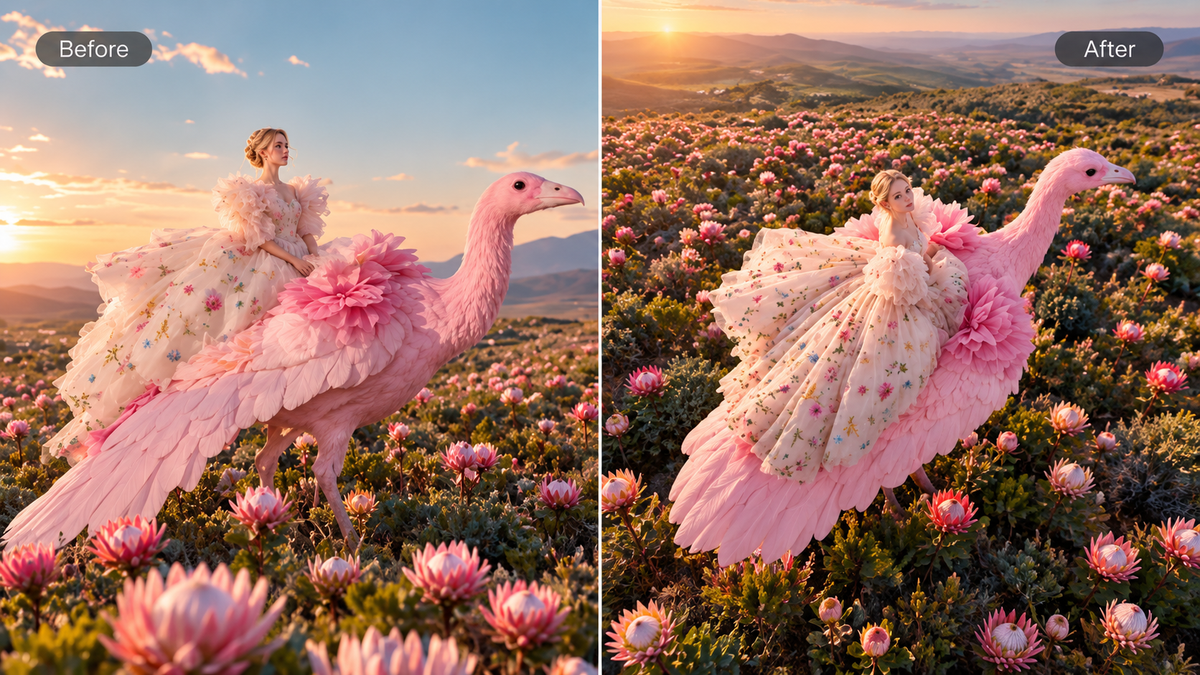
The best AI art generator aligns with your workflow, the art styles you want to explore, and how much creative control you need. Some tools are better suited to quick style exploration, while others focus more on reference-based art, photo transformations, character consistency, or iterative refinement. If you are asking what is the best AI art generator in 2026, comparing these capabilities can help you find the right fit for your creative process.
What Makes a Good AI Art Generator?
A good AI art generator should give you a good balance of prompt and reference control, style range, consistency, editing flexibility, and output options for the type of artwork you actually create. Before choosing a tool, compare these factors:
- Prompt and reference control: The tool should allow you to control the subject, composition, style, and other details by using prompts and reference images. Multi- reference support is especially useful when different images need to guide the character, object, setting, or visual style.
- Style range: You can think about AI art styles you actually want to create, from illustration and anime to painterly or photoreal work. Flexible style controls make it easier to explore different creative directions without rebuilding the idea from scratch.
- Consistency: References and series controls should help keep recurring characters, objects, or visual identities recognizable across related images. This matters for character art, comics, storyboards, campaigns, and other multi-image projects.
- Editing flexibility: A good AI photo editor should let you modify particular elements, rework existing images, or refine results without starting over. This becomes more significant when an image requires several rounds of modifications before it is ready to use.
- Output options: Resolution, aspect ratios, and export settings should match your planned use. Higher-quality output and flexible formats are especially important for campaign, product, and other production-ready visuals.
- Workflow fit: The tool’s workflow should suit your project. Character series often require stronger consistency, posters and social graphics rely more on text and layout, and concept art may benefit more from fast style exploration.
If two tools seem close, test them with the same real task. Use the same prompt, similar reference material where possible, and the output size you actually need. Compare how much effort you need to correct details and reach a usable final image.
6 Best AI Art Generators for Different Creative Needs
AI art generators increasingly overlap, but the tool experience can still differ when it comes to their style, references, editing, and design. The table below gives you a quick comparison of six tools to look at what tool capabilities you prefer before making your selection.
Tool | Best For | Creative Approach | Useful Strength |
Kling AI | Reference-led art, style exploration, photo transformation, and image series | Prompts + up to 10 reference images + style control + precise editing | Subject retention, multi-reference creation, style transfer, and up to 2K with IMAGE 3.0; IMAGE 3.0 Omni adds Image Series and 4K output. |
Midjourney | Style exploration and personalized aesthetics | Text prompts + image/style references | Style References, Personalization, mood boards, and image editing |
Adobe Firefly | Adobe Creative Cloud workflows | Text prompts + style/structure references + editing | Style and composition guidance with Firefly and Creative Cloud workflows |
Ideogram | Text-forward artwork and graphic concepts | Prompts + Canvas editing | Typography, Magic Fill, Extend, and Character Reference |
Leonardo AI | Generation and iterative refinement workflows | Prompts + image guidance + editing | Prompt-based editing, background removal, and upscaling |
Canva | Quick art for layouts and social content | Prompt generation inside a design workflow | Convenient path from generated visual to finished design |
These categories highlight a distinctive workflow for each platform rather than an exclusive capability. Kling AI, for example, also supports broad style exploration, photo transformation, and iterative image refinement through IMAGE 3.0.
Best for Reference-Led Art and Image Series: Kling AI
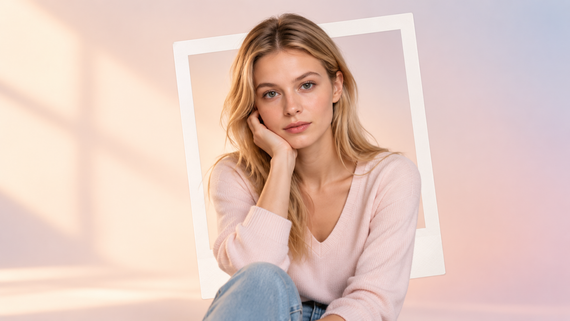
A text prompt isn’t always enough, especially when you already have a character, layout, or visual style in mind. With Kling AI, you can start with text-to-image for a fresh concept or use a photo, sketch, or other visual reference to shape the result. IMAGE 3.0 supports up to 10 reference images, allowing different references to guide the subject, outfit, object, setting, composition, or artistic style. This gives you more control when creating character art, transforming photos, exploring new styles, or developing more complex visual concepts.
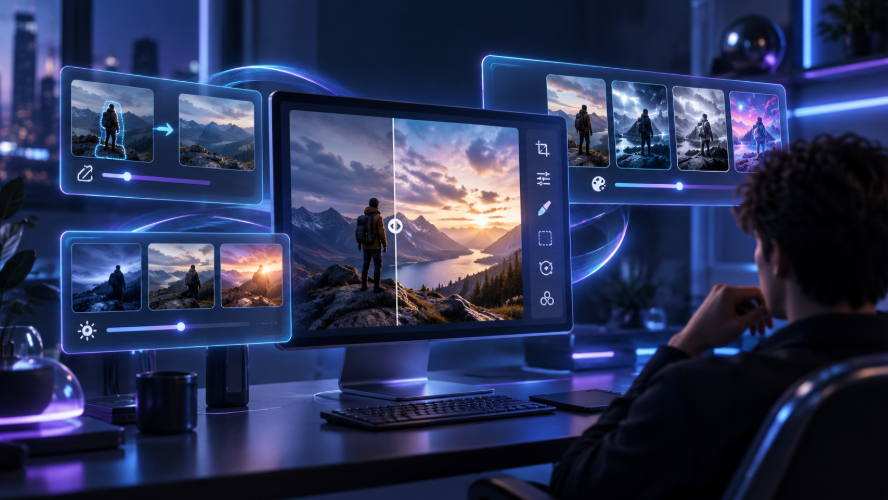
Style references can shape more than the overall look of an image. Kling IMAGE 3.0 can interpret elements such as brushwork, color combinations, and composition from a reference, then use that visual direction to create a new version of the subject. You can continue refining the result with natural-language instructions, whether you want to adjust an object, lighting, composition, or other visual details.
Subject Reference (Image 1) | Style Reference (Image 2) | Generated Artwork |
.png?x-oss-process=image/resize,w_1872) | .webp?x-oss-process=image/resize,w_1872) | .webp?x-oss-process=image/resize,w_1872) |
| Prompt: Keep the subject from Image 1 and apply the visual style of Image 2. | ||
For projects that go beyond a single artwork, Kling IMAGE 3.0 Omni adds Image Series for creating connected sets of images with a consistent visual direction. It also supports up to 4K output, making it useful for storyboards, campaign visuals, comics, and other multi-image projects.
Reference | Image1 | Image2 | Image3 |
.webp?x-oss-process=image/resize,w_1872) | .webp?x-oss-process=image/resize,w_1872) | .webp?x-oss-process=image/resize,w_1872) | .webp?x-oss-process=image/resize,w_1872) |
| Prompt: "Ordinary days shine through mindfulness." 3-panel storyboard. | |||
Best for Style Exploration: Midjourney
Midjourney is a useful option when exploring visual style is the main goal. Style References can carry the look and feel of an image into new generations, while Personalization and Moodboards give you several ways to shape recurring aesthetics across creative experiments.
Best for Adobe Creative Workflows: Adobe Firefly
Adobe Firefly is suitable for creators who already work with Adobe’s design workflow. Style Reference can help guide the look of new variations, and structure or composition references help control layout and subject placement. It’s practical when the image will continue into Photoshop or other Adobe tools.
Best for Typography and Poster-Like Art: Ideogram
Ideogram is worth considering when words are part of the artwork rather than a caption added later. Its platform emphasizes text rendering for posters, logos, branding concepts, and other visuals. Canvas tools such as Magic Fill and Extend can support further layout adjustments.
Best for Iterative Image Refinement: Leonardo AI
Leonardo AI offers prompt-driven editing, background removal and upscaling for refining generated visuals. This is helpful when the initial version is merely a starting point, and you want to adjust specifics, clean up the image or prepare it for export.
Best for Turning AI Art Into Everyday Designs: Canva
Canva is a practical choice when the generated image needs to move quickly into a social post, presentation, flyer, or other layout. The appeal is its ability to place generated visuals into a broader environment with text, templates, and brand assets.
What Can You Create With an AI Art Generator?
An AI art generator can be used for many more creations than just standalone illustrations. Depending on the tool, you can turn a prompt, photo, sketch, or reference image into artwork for personal projects, storytelling, marketing, or design. Common uses include:
- Character art and concepts: Design an AI character for comics, games, stories, or early-stage concept development, and experiment with different outfits, poses, settings, and visual styles to bring these creations to life.
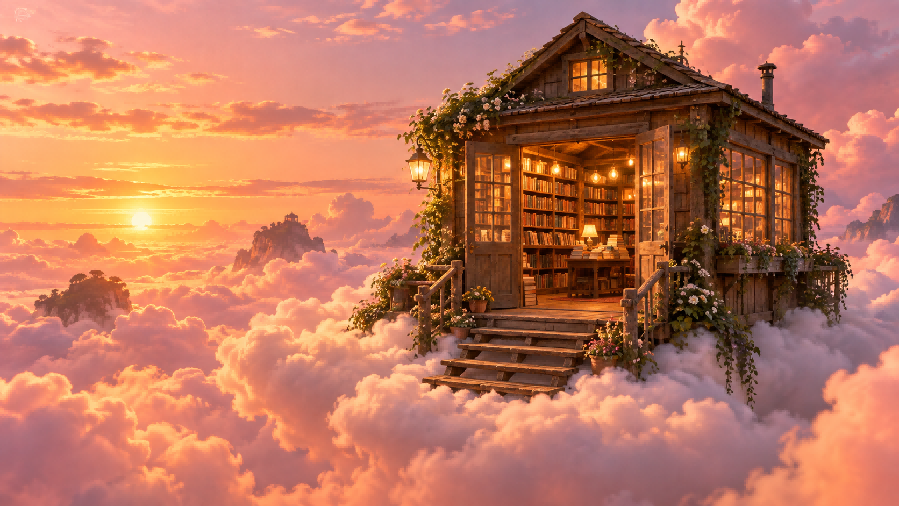
- Illustrations and stylized artwork: Create anime, watercolor, digital paintings, fantasy art, and cartoon-style images without starting from scratch.
- Posters and social media visuals: Produce artwork for posters, campaign ideas, social media posts, thumbnails, and other content where a strong visual theme is important.
- Storyboards and image sequences: Develop related scenes around the same character, object, or visual concept. Reference images and consistency controls can be especially helpful when multiple images need to be cohesive.
- Photo transformations: Use an AI image editor to change an image’s style, setting, mood, composition, or other visual elements, and keep important features of the original subject recognizable at the same time.
- Product and marketing concepts: Explore product scenes, campaign ideas, backgrounds, and visual directions before proceeding to final production or design.
How to Make AI Art With Kling AI
Kling AI gives you several ways to move from an initial idea or visual reference to a more directed piece of artwork. A simple reference-led workflow looks like this:
Step 1: Start With an Idea and Upload a Photo, Sketch, or Reference
Start with the visual you want to build on. Upload a photo, sketch, illustration, or other reference image that clearly shows the subject, composition, or structure you want to preserve. For sketch-based artwork, IMAGE 3.0 can use the original drawing as the visual foundation and develop it into a more complete image while keeping the main composition and recognizable elements.
Step 2: Describe the Art Direction
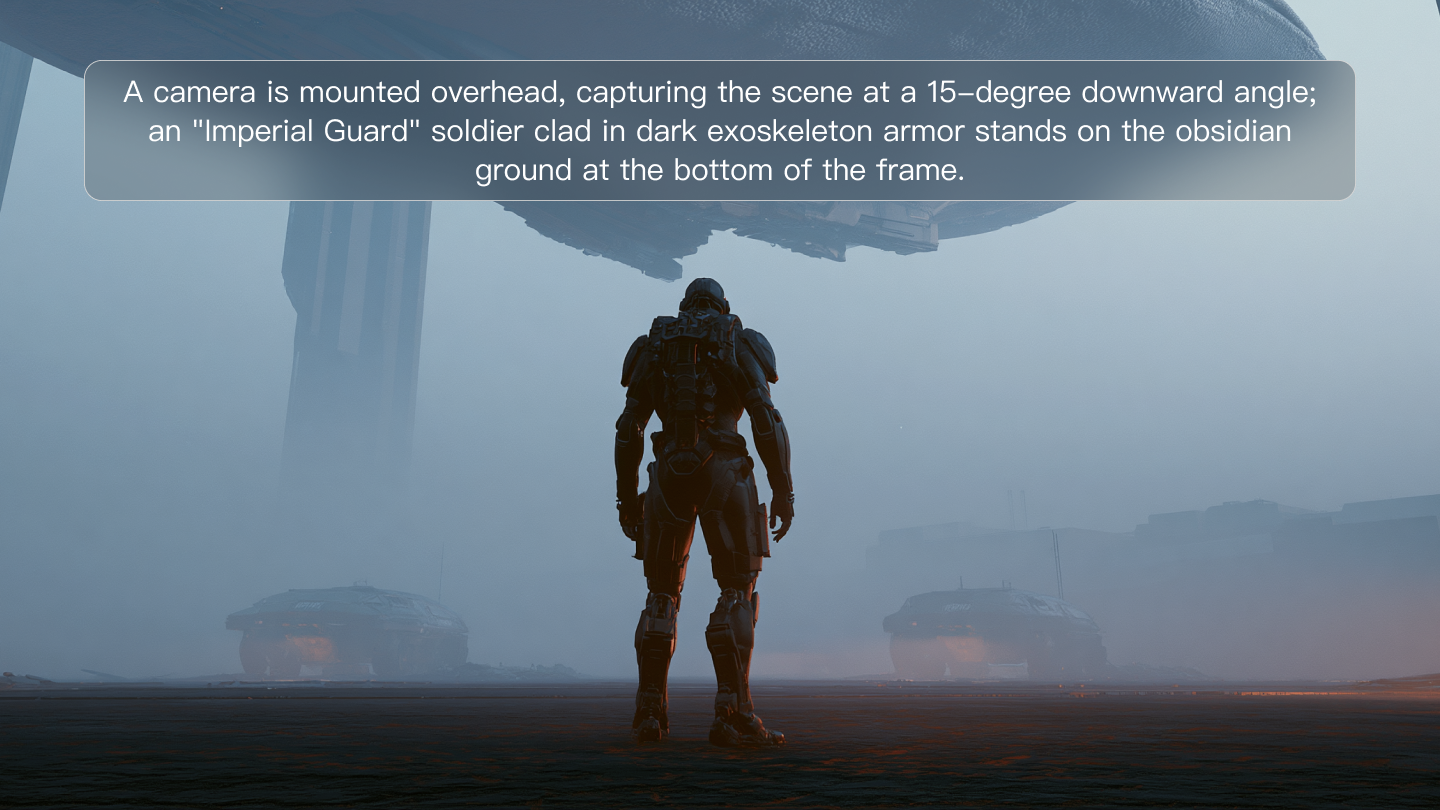
Add the details that shape the piece: subject, medium, palette, mood, lighting, framing, perspective, and the elements that should stay recognizable. For reference-based work, explain what each image contributes and specify what alterations you desire.
| Prompt Example: Use the character from Reference 1, the watercolor palette and paper texture from Reference 2, and the mountain composition from Reference 3. Show the character standing at the viewpoint during dawn, surrounded by a soft atmospheric haze and loose watercolor edges. |
Step 3: Generate, Review, and Refine
Reference Image | Generated Image |
.png?x-oss-process=image/resize,w_1872) | .png?x-oss-process=image/resize,w_1872) |
| Prompt: Coloring the line art. | |
Generate the artwork, then review the subject, composition, style, hands, small objects, and any other details that matter to the project. If the overall direction is off, revise the prompt or references and generate again. If only one part needs work, make a focused edit rather than changing the whole idea. You can also refine the result using the same reference-led approach to keep the subject recognizable while applying a different visual style.
The End
The best AI art generator comes down to the artwork you want to create and the amount of control you need along the way. Kling AI brings prompts, photos, sketches, multiple visual references, and refinement into one creative workflow, making it especially relevant when an idea needs to develop beyond a single prompt or image.
FAQs
What Is the Best AI Art Generator for Realistic Photos?
For realistic photos, look for an AI image generator that can handle natural lighting, skin texture, materials, perspective, and small details without making the result look overly processed. Reference support also matters when a real person, product, or setting needs to remain recognizable. Test the tool with the type of realistic image you actually plan to create.
How Detailed Should an AI Art Prompt Be?
Start with the main subject and add details that directly affect the result, such as style, setting, lighting, mood, composition, or perspective. A longer prompt is not always better. Clear and relevant instructions usually work better than unnecessary details.
Can I Use My Own Photo With an AI Image Generator?
Yes. If you’re searching for the best AI art generator that can transform a photo for your project, pay attention to how effectively the tool preserves the subject and still gives you control over the style, setting, or composition. Kling IMAGE 3.0, for instance, supports up to 10 reference images, enabling you to combine a photo with separate references for style, objects, settings, or other visual direction.
Do I Need Art or Design Skills to Use One?
No. With most AI art generators, you can work using plain-language prompts, reference images, or basic editing controls. You don’t need traditional drawing or design skills to start, but understanding composition, color, lighting, and visual styles can help you give clearer directions and assess the result.
How Do I Keep a Character Consistent Across AI Images?
Use clear reference images and keep defining features such as facial details, clothing, colors, and accessories consistent across prompts. For example, Kling IMAGE 3.0 supports multiple visual references, which can help guide recurring character details when creating related artwork.