AI car & automotive videos
The hero shot, on demand. A prompt can put a sleek car on a cinematic road — here's a real one, and how to prompt the drive, the glossy light and the commercial look.
On this page
Describe the car and the road together (a sleek sports car on a coastal cliff road), make the paint glossy and the light named (sun glinting off the bodywork), and name a dynamic camera move like a tracking drone shot. Keep the car generic and unbranded so it's yours to use. It's text-to-video, as in the real demo here; for a specific real car, start from a photo with image-to-video.
A car, on the road
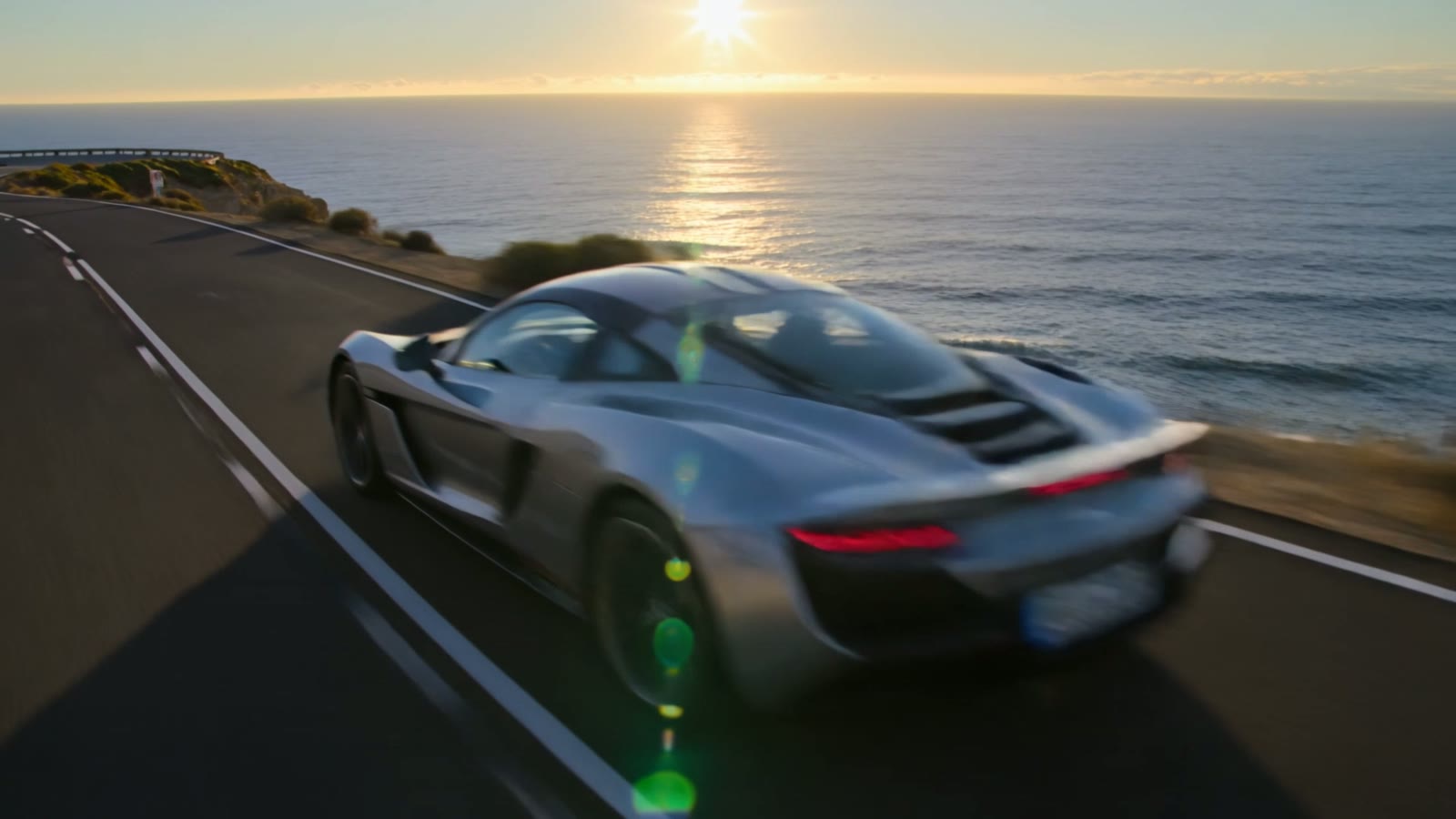
This is a real, unedited Kling text-to-video generation — a sleek car on a coastal road at sunset. No shoot, no track; the prompt named the car, the road, the glossy light and the drone move:
Cinematic shot of a sleek modern sports car driving along a winding coastal cliff road at sunset, sun glinting off the glossy paint, ocean sparkling below, motion blur on the road, dynamic tracking drone shot alongside the car, automotive commercial style, photorealistic.
Road, gloss, motion. The coastal road sets the mood, the sun on the glossy paint gives it the commercial sheen, and the tracking drone shot supplies the speed — the three cues a car advert is built on.
How to prompt a car video
Describe the car and the road
Lead with both: a sleek sports car and where it's driving — a coastal cliff road, a neon city street, a desert highway. The road sets the mood as much as the car does; the pairing is what makes a car shot cinematic.
Make the paint and light glossy
A car sells on its surface. Ask for glossy reflective paint, sun glinting off the bodywork, reflections sliding across it. Named light on a glossy surface is what gives a car that premium, commercial sheen.
Name the camera move
Automotive footage lives on motion: a tracking drone shot alongside the car, a low chase shot, a slow orbit of a parked hero car. Ask for the one you want, and keep it smooth and dynamic.
Keep the badge generic
Describe a sleek, modern, unbranded car rather than naming a real make or model, so the footage stays yours to use. A generic hero car in beautiful light reads as premium without borrowing anyone's brand.
There's no automotive mode — it's text-to-video prompted for the car, the road, the glossy light and the camera move that make a car advert. Two notes: describe a generic, unbranded car (don't name a real make/model or show a real logo) so the clip is yours to use; and to feature a specific real car, start from a photo of it with image-to-video. Within that, it's a fast route to a slick, commercial-style automotive shot.