AI product photography from a plain shot
A bare pack shot is enough. AI image tools can drop your product into a styled, well-lit scene — here's a real before/after, and how to keep the product itself accurate.
Start with one clean pack shot, add it as an image reference so the real product stays consistent, then prompt the scene around it — surface, props, light, mood. AI image tools build the styled, catalogue-ready shot; your job is to check the label, colour and shape survived before it goes live.
Plain pack shot, styled scene
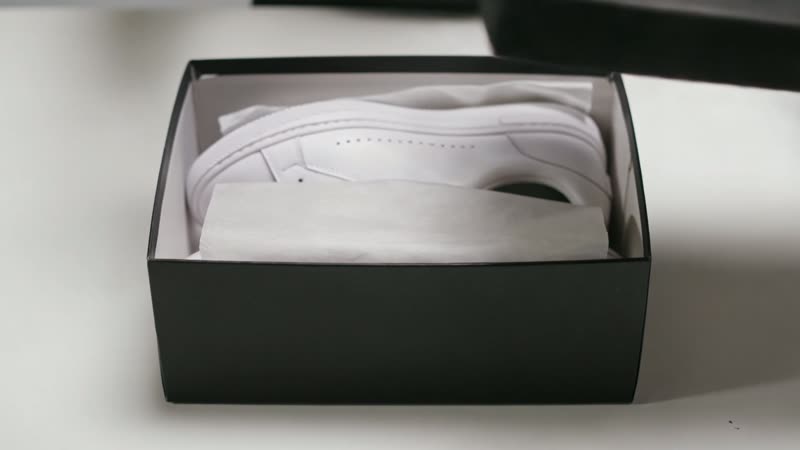
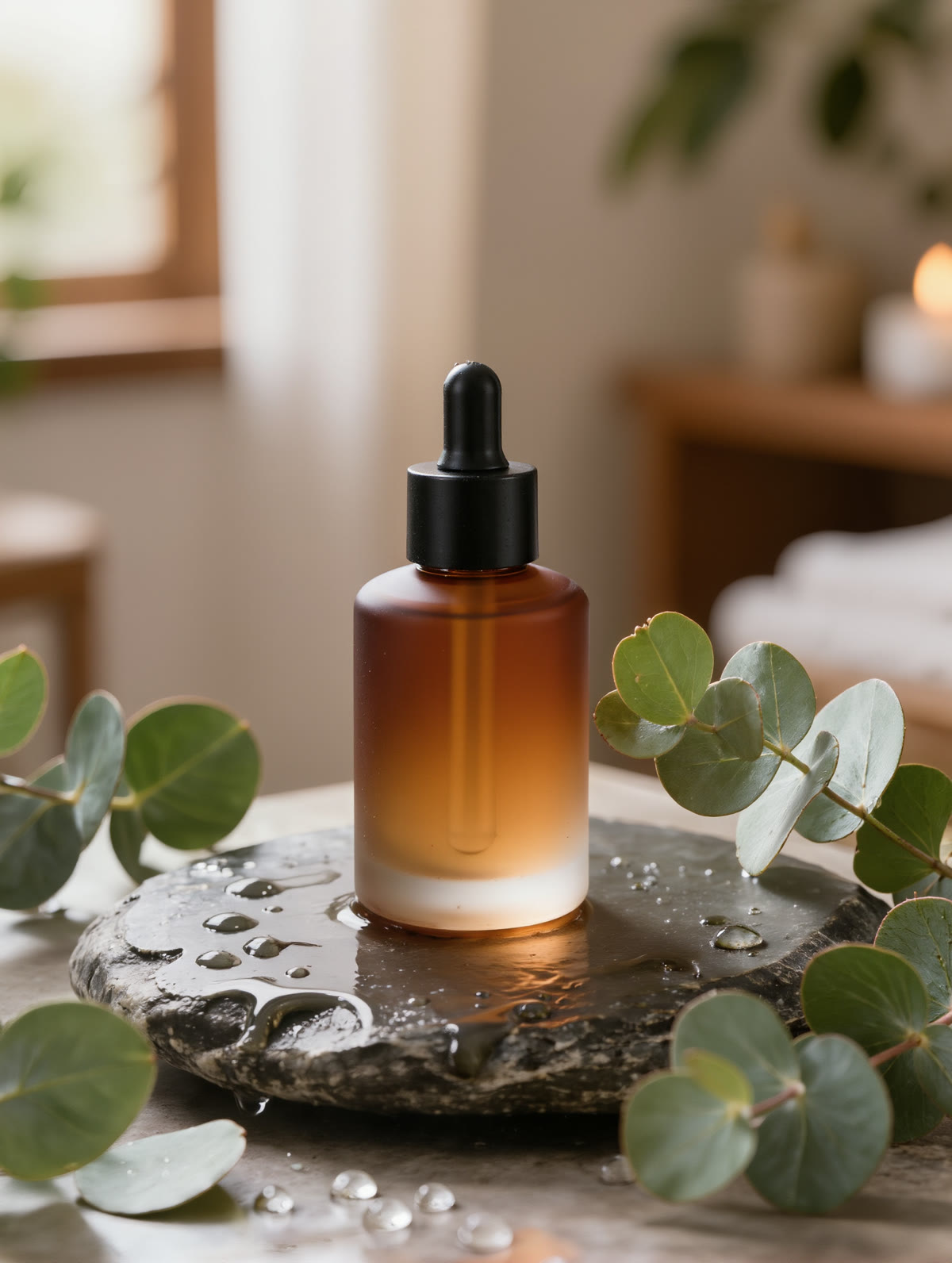
On the left, a plain studio pack shot — the kind of bare photo most sellers already have. On the right, the same style of product placed into a styled spa scene by Kling’s image tools. Both are real, unedited generations of a generic, unbranded bottle:
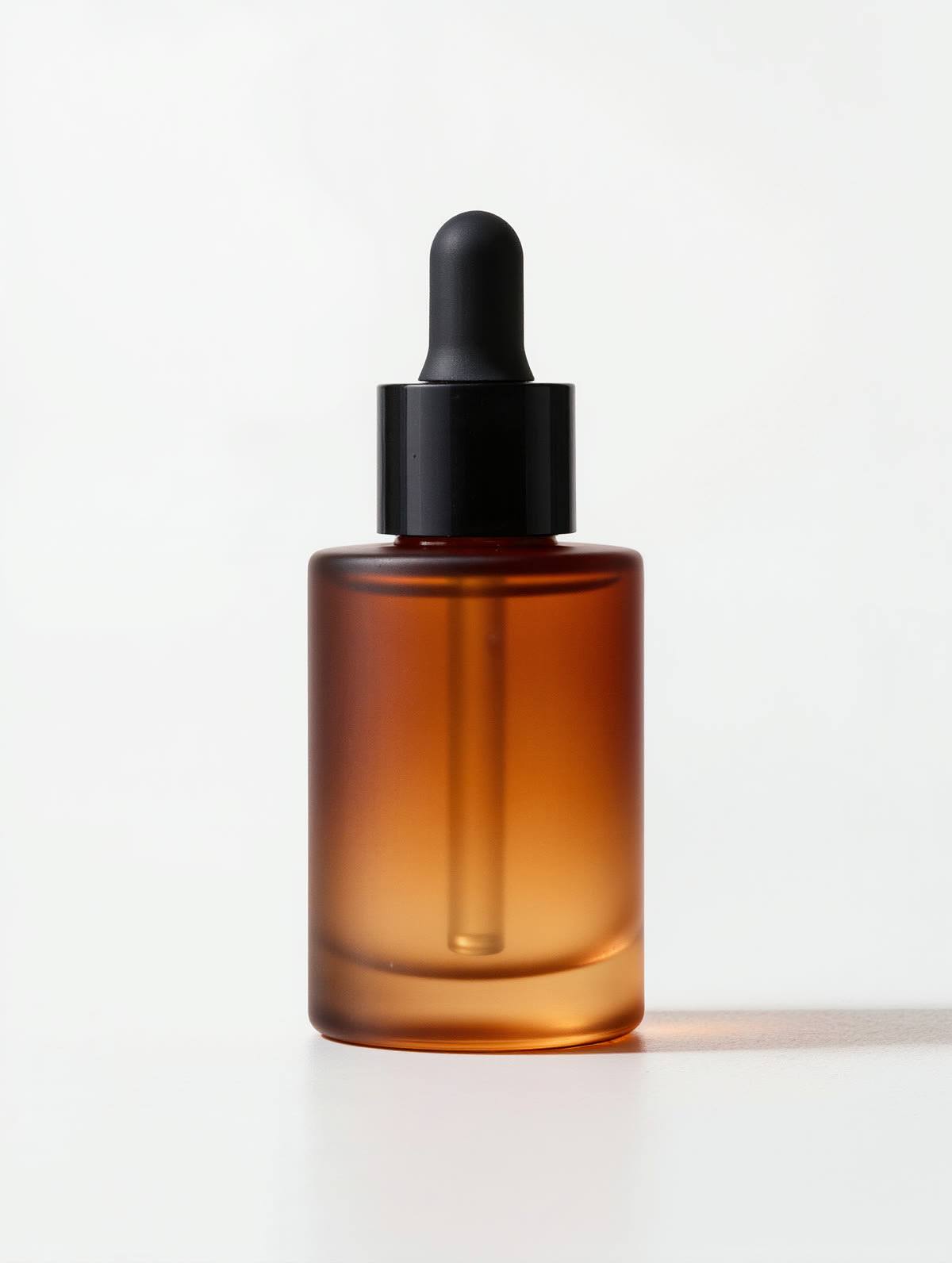
Same product, new world. Nothing about the bottle needs to change — the surface, props, light and mood around it do the selling. Anchor your real product with an image reference so only the scene is generated.
How to style a product with AI
Start with a clean pack shot
A sharp, well-lit photo of your product on a plain background is the ideal input — the clearer the pack shot, the more faithfully the shape, colour and finish carry into the styled scene.
Upload it as an Image Reference
Instead of describing the product in words, add your real photo as an image reference. That keeps the actual bottle, jar or box consistent while the AI changes only the world around it — the honest way to style your own product, not a look-alike.
Describe the scene, not the product
Prompt the setting: surface, props, light, mood — “on a wet stone slab with eucalyptus, soft window light, spa mood.” Let the reference handle the product so your words shape the backdrop.
Generate a set, then check the label
Make several scenes from the one reference to A/B on your store. Before publishing, zoom in: confirm the label text, logo and proportions survived — anything the AI reshaped or invented has to be fixed before it becomes a real listing.
AI can build a beautiful scene, but the product in it has to be the one your customer receives. Anchor the real item with an image reference, then zoom in on every result: labels, logos, proportions and colour are exactly what AI is most likely to quietly reshape. Style the light and the backdrop freely — but never let the image imply a size, shade, finish or feature the actual product doesn’t have.