Animate a painting with AI into video
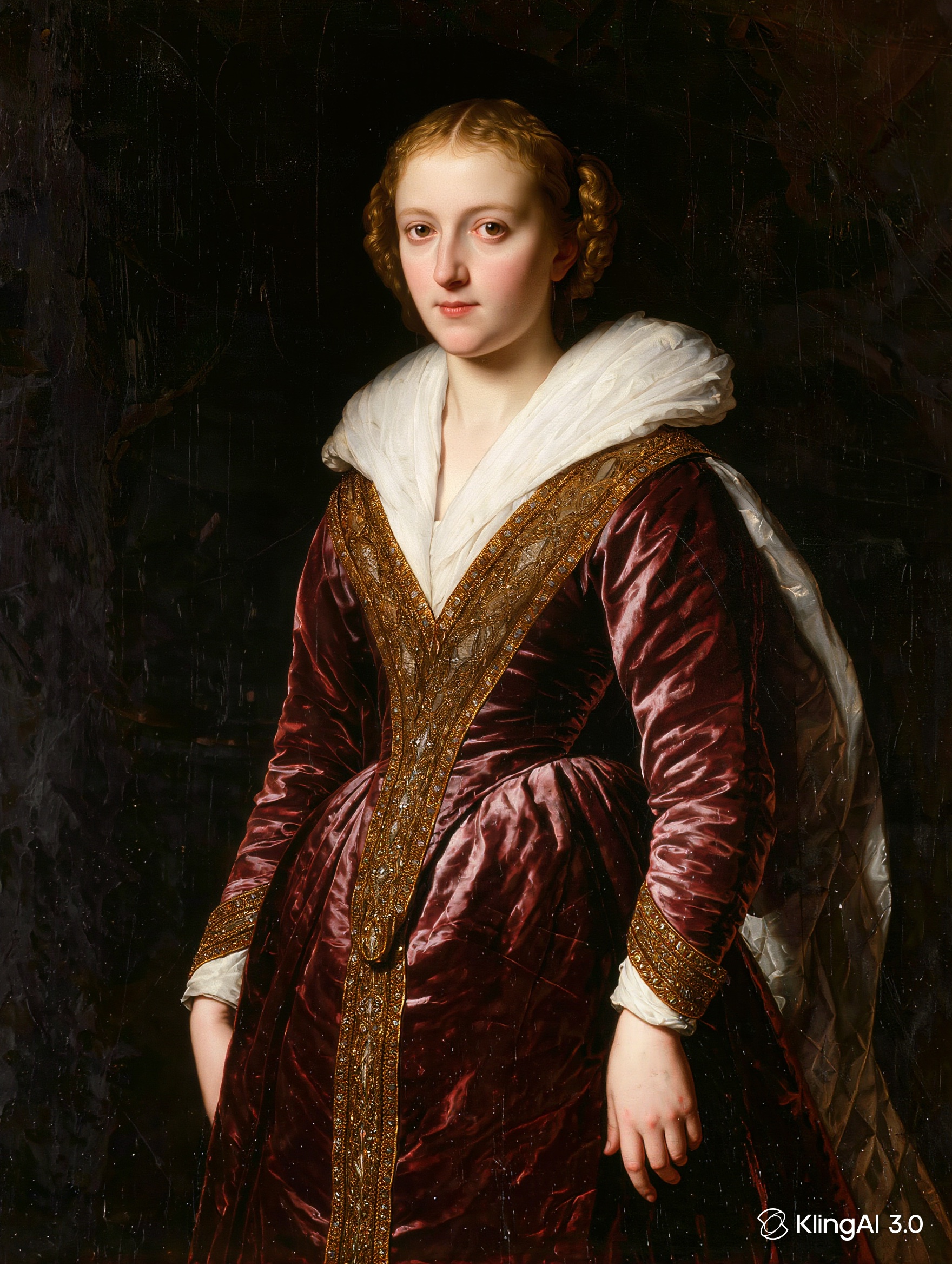
Same painting, two prompts, two very different results. Below: the same classical portrait animated with dramatic motion and with restrained motion — see exactly why less is more when a painting needs to look alive, not like a video.
On this page
Describe small, atmospheric motion — a blink, a breath, drifting hair — and keep the camera locked off. Dramatic gestures and expressions break the illusion; restraint is what makes a painting look alive instead of like a video wearing a painted texture.
A real heavy-vs-subtle test
Same source painting, same generation settings, only the motion description changed:
“She turns her head significantly, smiles broadly, and gestures with her hand, dramatic exaggerated movement”
Reads as a video, not a painting — the illusion breaks.
“She blinks slowly and breathes gently, a few loose strands of hair drift almost imperceptibly, subtle atmospheric motion, camera locked off”
Reads as the same painting, quietly alive.
Step by step
Start from the painting — upload a photo of it, or generate one
Already have the painting? Upload a clear photo of it straight into Image-to-Video and skip to the next step. Working without one? Generate a painting in Image Generation first. Either way, a portrait or a scene with one clear focal point animates more convincingly than a busy composition with many competing elements.
Describe restrained, atmospheric motion in Image-to-Video
Blinking, breathing, drifting hair or fabric, or atmospheric elements like mist — small, continuous motions that suggest life without looking like a performance.
Keep the camera locked off and avoid gestures or expressions
A painting's stillness is part of its character. Broad gestures, big smiles, or head turns read as a video pretending to be a painting rather than a painting that quietly breathes.
Compare the result against the original at a glance
If the animated version doesn't read as "the same painting, alive" within the first second, the motion is likely too much — dial it back rather than adding more.
"Subtle" is a judgment call, not a fixed setting — what reads as tasteful restraint on one painting might look almost static on another. Generate a first attempt, watch it against the original, and adjust the specific motion words (not just "more" or "less") based on what actually happened.
A living painting isn't a painting that performs. It's a painting that quietly breathes.
What it costs
| Step | Estimate | Notes |
|---|---|---|
| One painting, still image | Low — a single image generation | 2K HD, one portrait or scene |
| Animate with restrained motion | Check the cost shown on the Generate button | Multi-Shot and Native Audio off — the setup used for both tests in this article |
| Testing heavy vs subtle motion on one painting | Two video generations | Two attempts on the same source image, as done here |
| Time per attempt | 5–10 minutes | Per generation |