AI image reference: photos, combined
References, not uploads-and-hope. Kling’s image-reference feature takes up to ten images and reads what each contributes — here it combines two photos, an object and a setting, into one real scene.
On this page
Add each element as a separate image reference — a product, a subject, a setting — then prompt how they relate rather than re-describing them. Kling borrows the look from each and generates one new scene from all of them. It re-draws rather than composites exact pixels, so generate a few and confirm each element still reads true.
Two references, one scene
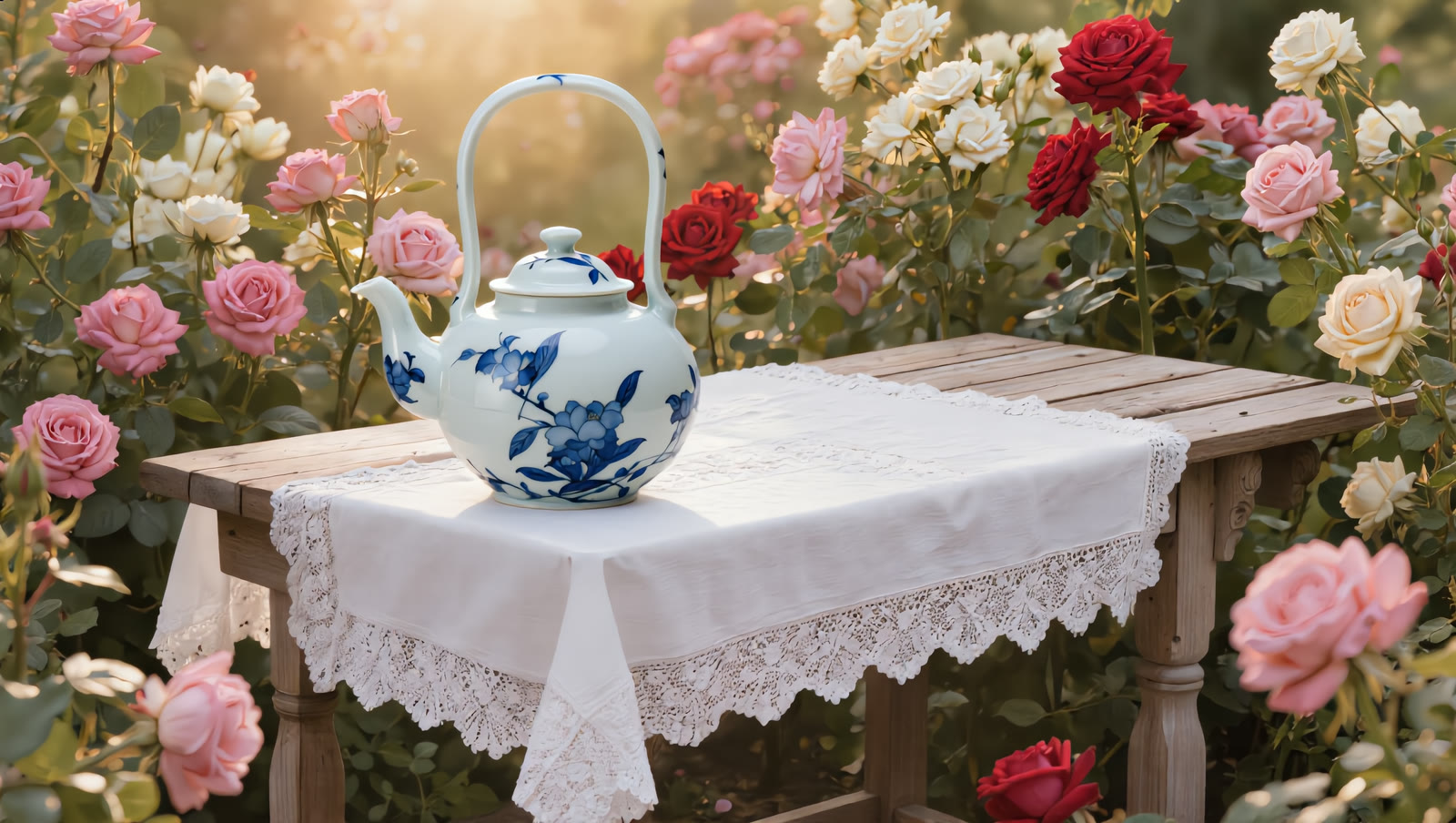
Two separate photos went in — a teapot on its own, and an empty garden table. Kling combined them into one scene, placing the teapot on the table and matching the light. All real, unedited generations:
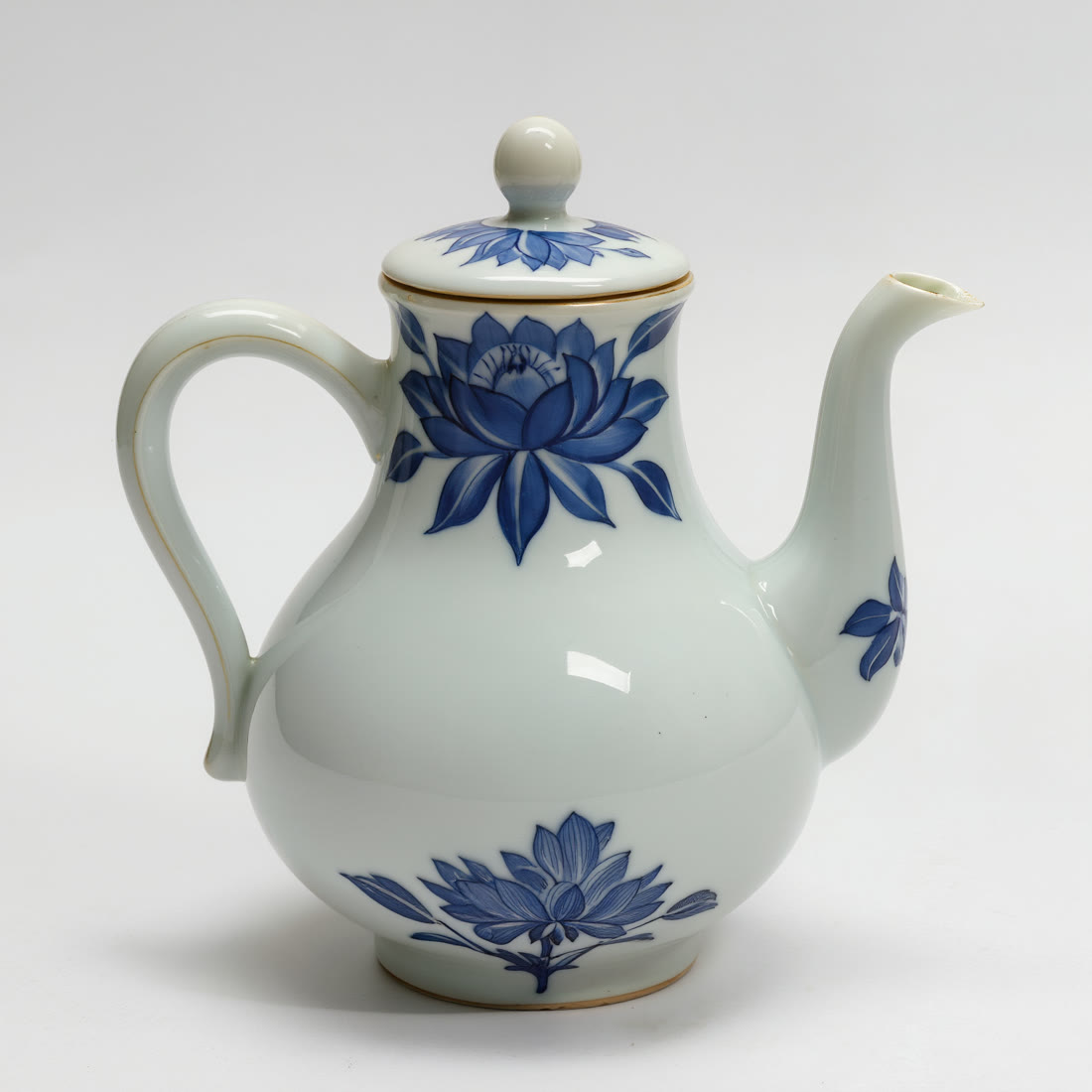
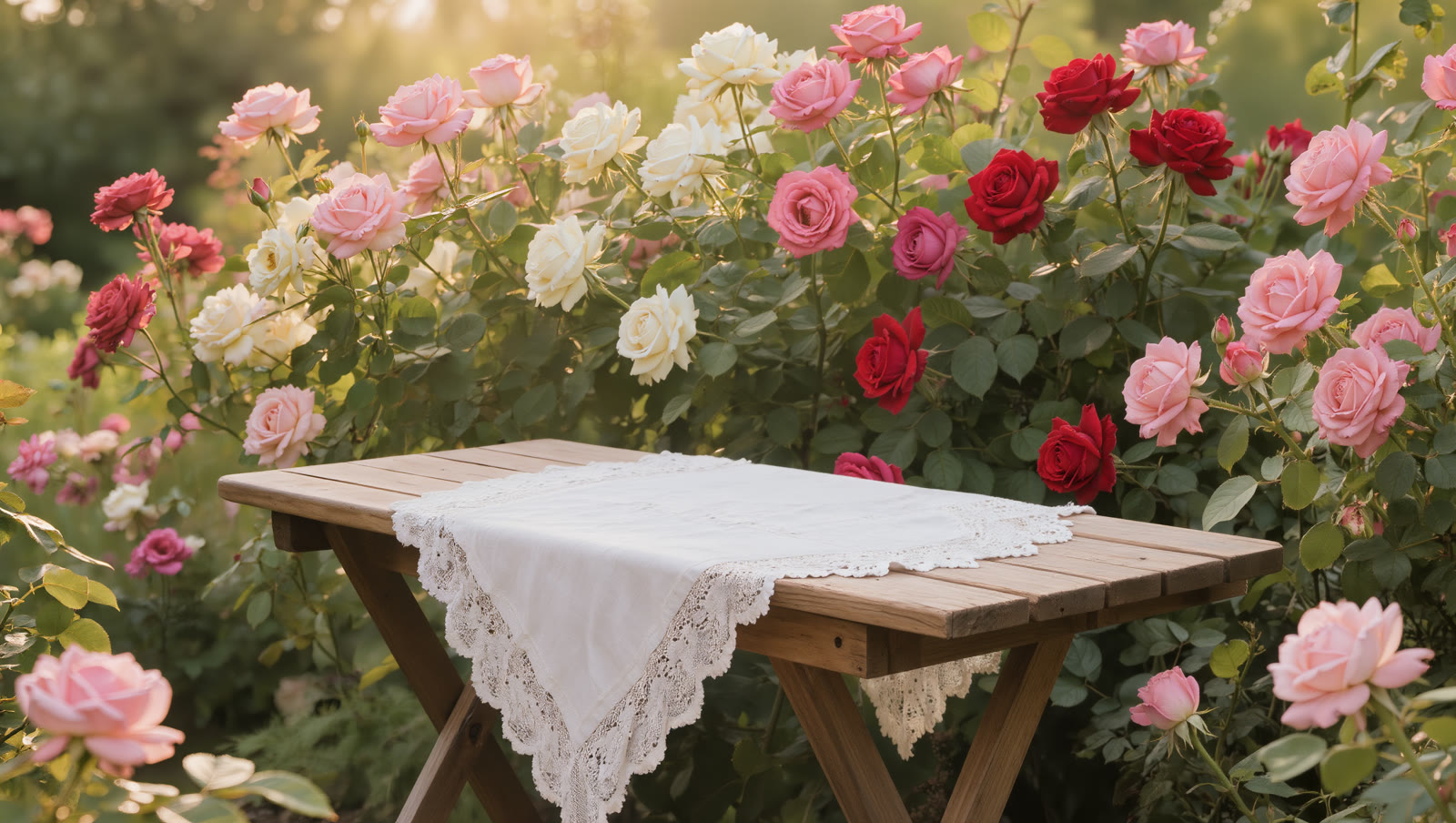
Separate shots, one believable scene. The teapot and the table were never photographed together — the AI took the look of each reference and built a single new image around them.
How to use image references
Gather your reference images
Image reference is Kling's mechanism for showing instead of describing: each picture you attach carries a subject, a setting or a style into the generation. Pick the elements you want together — clear, uncluttered references combine far more cleanly than busy ones.
Add them in the Image Reference slot
In Image Generation, the Image Reference slot takes up to ten images at once. Load each one, then describe how they relate — the AI borrows the subject and look from each and builds a single new scene from them.
Prompt the relationship, not the objects
Let the references carry what things look like; use words for how they come together — “the teapot sitting on the garden table, morning light.” Describe placement, scale and light rather than re-describing each object.
Generate a set and verify each element
Combining re-renders everything, so make several and check that each reference survived — the right product, the right setting, recognisable. Keep the take where both elements read true; discard any where one drifted.
Multi-reference borrows the subject and style from each image and re-renders a single new scene — it doesn't composite the exact pixels of your photos. That's what lets unrelated elements come together convincingly, but it means fine detail can shift: a label, an exact pattern, a precise face. Keep references clear and few, describe how they relate, and check every result so each element still reads as the real thing.