A wide shot shows the entire subject alongside a substantial part of the surrounding environment. It gives the setting a role in the story, showing how a character fits into the world around them. This guide explores when to use this framing and how to create it with AI video generation.
What Is a Wide Shot
A wide shot, also called a long shot, frames an entire subject or a person from head to toe while showing a substantial part of the surrounding environment. A figure on an open road can feel free, lost, or full of possibility. The road stretching ahead, the horizon, and the space around the person help create that feeling.
Wide Shot vs. Full Shot in Film
A full shot in film shows a person from head to toe, emphasizing body language and movement. A wide shot gives more attention to the surrounding environment. For a full shot example, imagine a dancer on stage. Pull back to reveal the entire theater, and the framing becomes a wider shot.
When to Use a Wide Shot
A wide view is useful whenever the audience needs to understand the space before following the action. It can introduce a new location, show several people moving through the same area, or reveal the full scale of a journey. The framing keeps entrances, exits, and the distance between characters readable, giving closer shots a clear setting to return to.
Types of Wide Shots
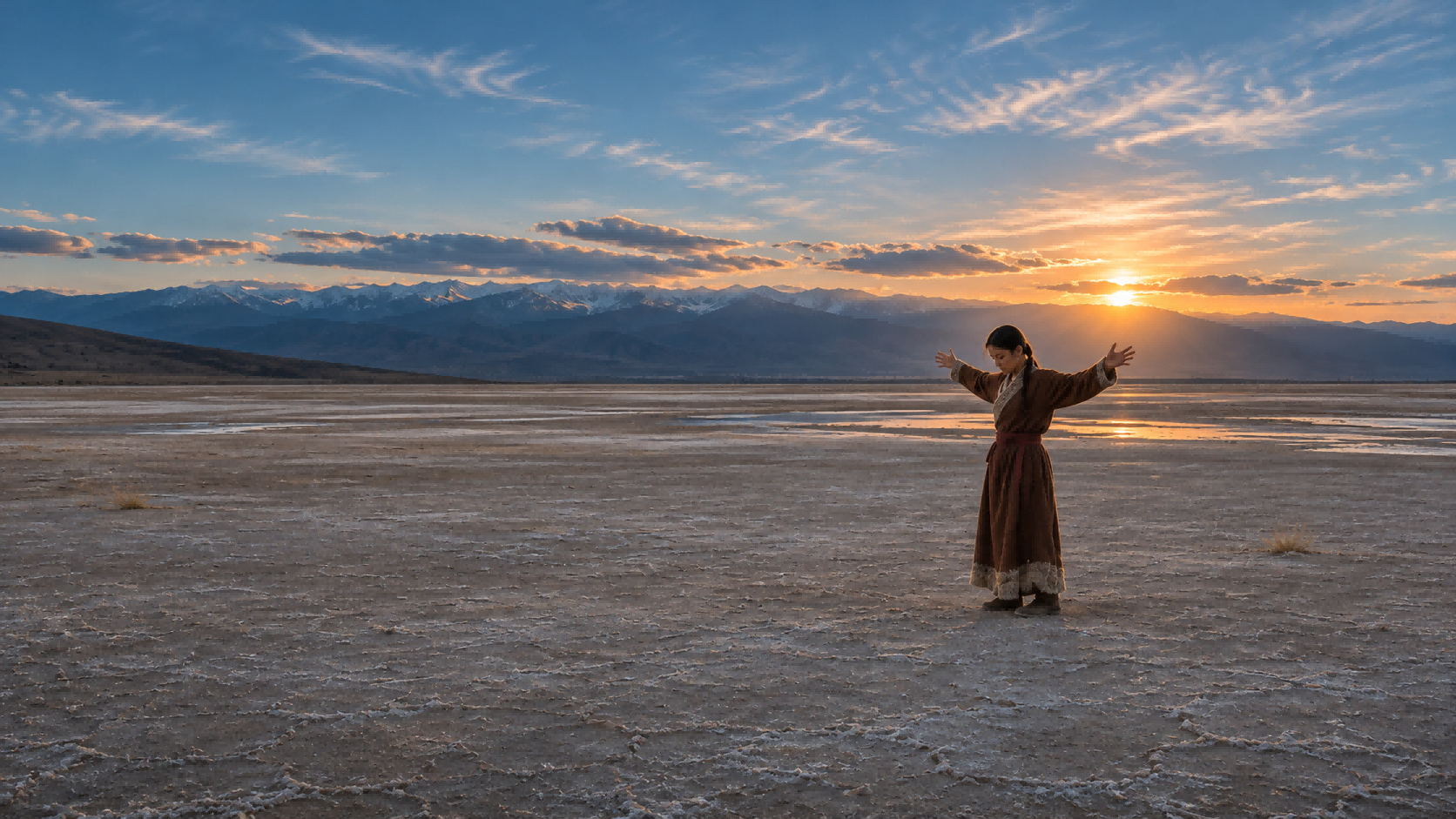
How much of the setting you show changes that storytelling effect. Wide, very wide, and extreme wide shots describe three levels of framing, from a clear view of the whole subject to a scene dominated by the environment.
Shot Size | Framing and Storytelling Effect |
Wide Shot | The complete subject within a clear setting; both share attention. |
Very Wide Shot | A smaller subject within a dominant environment; distance and space become more noticeable. |
Extreme Wide Shot | A vast setting with a tiny or barely visible subject; scale or isolation takes the lead. |
How to Create Wide Shots More Efficiently
On a physical shoot, the camera sits far enough from the subject to include their full figure and the surrounding setting. The lens, lighting, and character blocking shape how that space appears, while a tripod or moving support helps guide the camera. For independent creators, AI generation tools can offer a quicker, lower-cost way to explore the same visual idea, with fewer demands on locations, equipment, and an on-set crew.
At Kling AI, we offer tools to generate and edit images and videos with AI. Our latest video generation and editing model, Kling 4.0, can turn a wide-shot concept into moving footage using text, images, and video references. With Omni Reference, you can guide character appearance, scene composition, movement, and camera paths with multiple assets. Greater stability during large actions and complex camera moves helps preserve spatial continuity, while native 3–30-second generation gives a scene room to develop. You can also reference a successful clip's composition and pacing, then replace characters, products, or backgrounds with your own creative assets.
Create and Recreate Wide Shots with Omni Reference
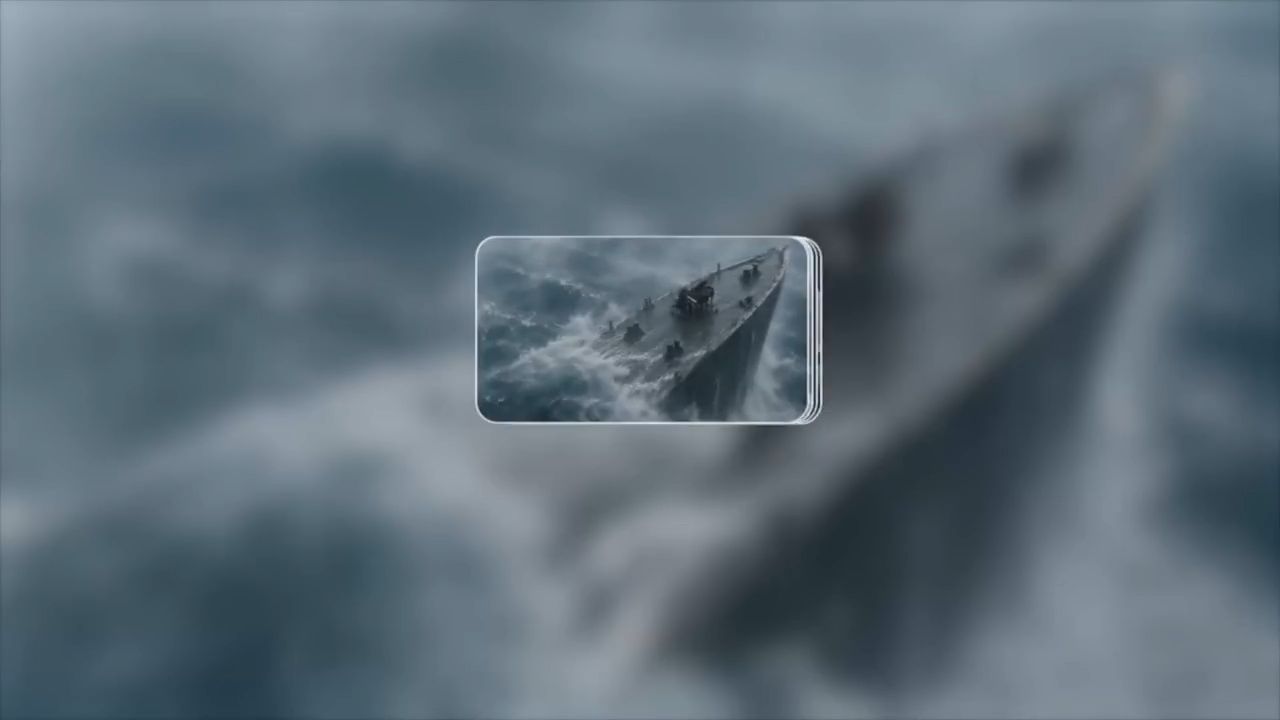
A convincing wide shot keeps the subject's size believable beside the surrounding landscape or architecture. Matching perspective, lighting, and shadows help the figure feel part of the same space. Omni Reference lets different assets guide character appearance, scene layout, visual style, and movement. A character image can define clothing and proportions, while a location reference establishes the surrounding environment.
With Omni Reference, you can combine up to 15 reference assets, including images, videos, Elements, and voice references. You can also use a video reference to guide camera movement and composition, recreating compelling wide-shot concepts with your own characters, products, or settings. This helps bring creative ideas to life without planning every shot from scratch.

Give Wide Shots a Place in the Story with Multi-Shot
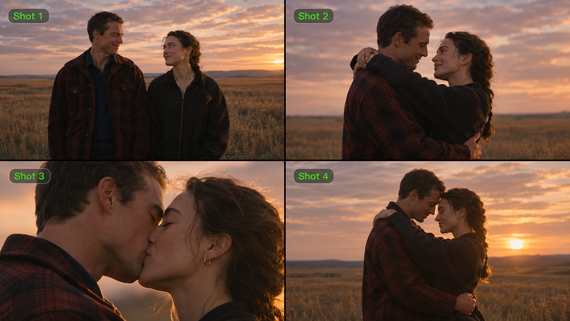
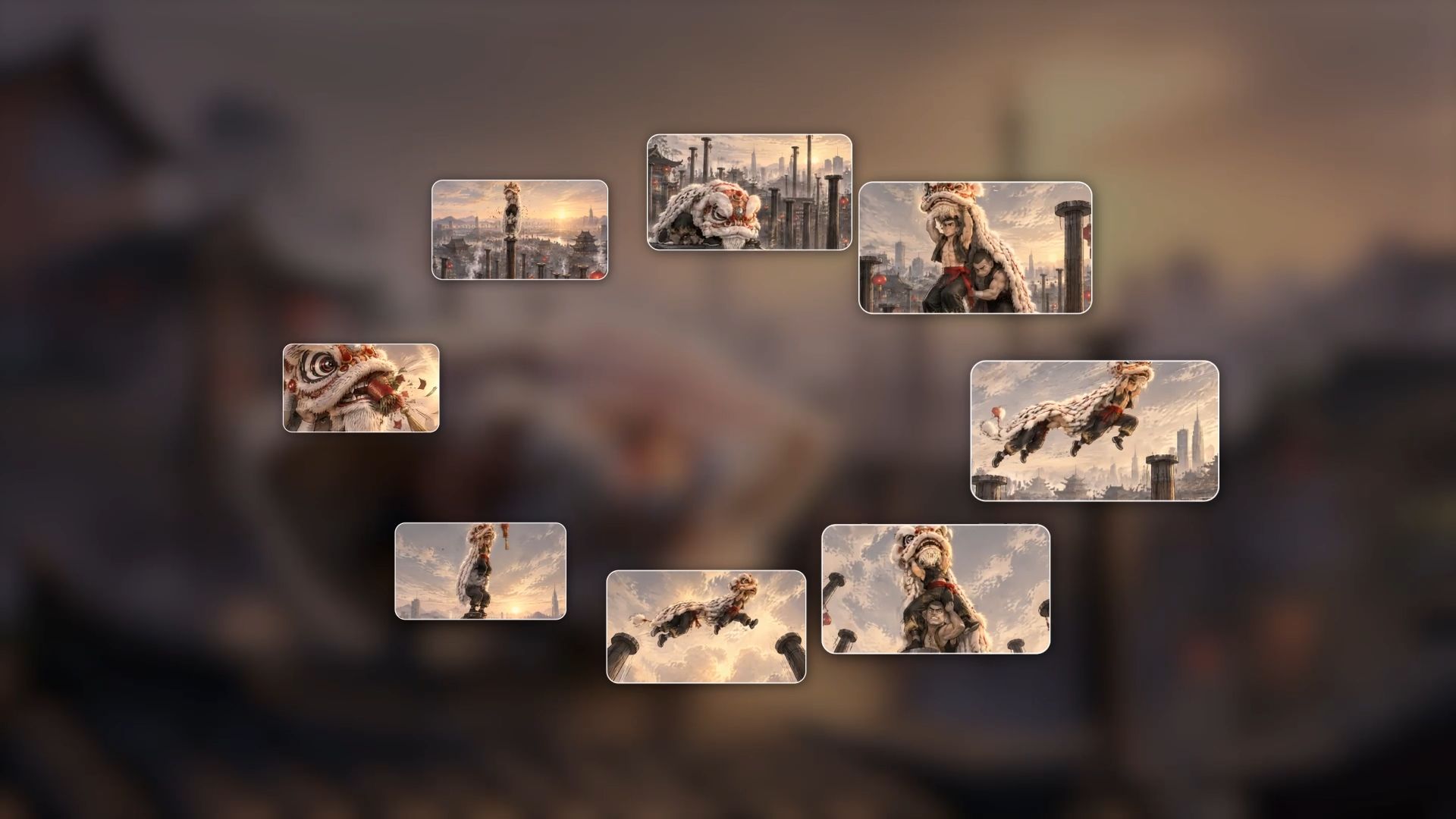
Kling 4.0 supports native generation from 3 to 30 seconds, giving a held view or connected sequence time to unfold. Multi-Shot can organize shots and pacing from your description. A wide shot in film might introduce the space before a closer view reveals a reaction, then return to the wider composition as the action resolves.
To direct important visual moments, Kling 4.0 also supports up to 10 keyframe images. These can help define character positions, framing changes, and story beats, while your prompt describes the actions connecting them. For a continuous wide shot, describe one uninterrupted take and how the composition develops from start to finish.
Keep Action and Camera Movement Coherent
Kling 4.0 significantly improves motion stability during large movements and complex camera work. Tracking, pull-backs, and camera orbits can follow the action with better continuity in body structure, spatial relationships, and movement. In wide framing, these improvements help the viewer follow a character's route through a larger scene.
The movement still benefits from a clear purpose. A steady camera lets the action travel through the frame; a slow pull-back gradually reveals more of the setting. Describing the direction, pace, and final composition gives the scene a more deliberate rhythm.
Tips for Preparing a Wide Shot
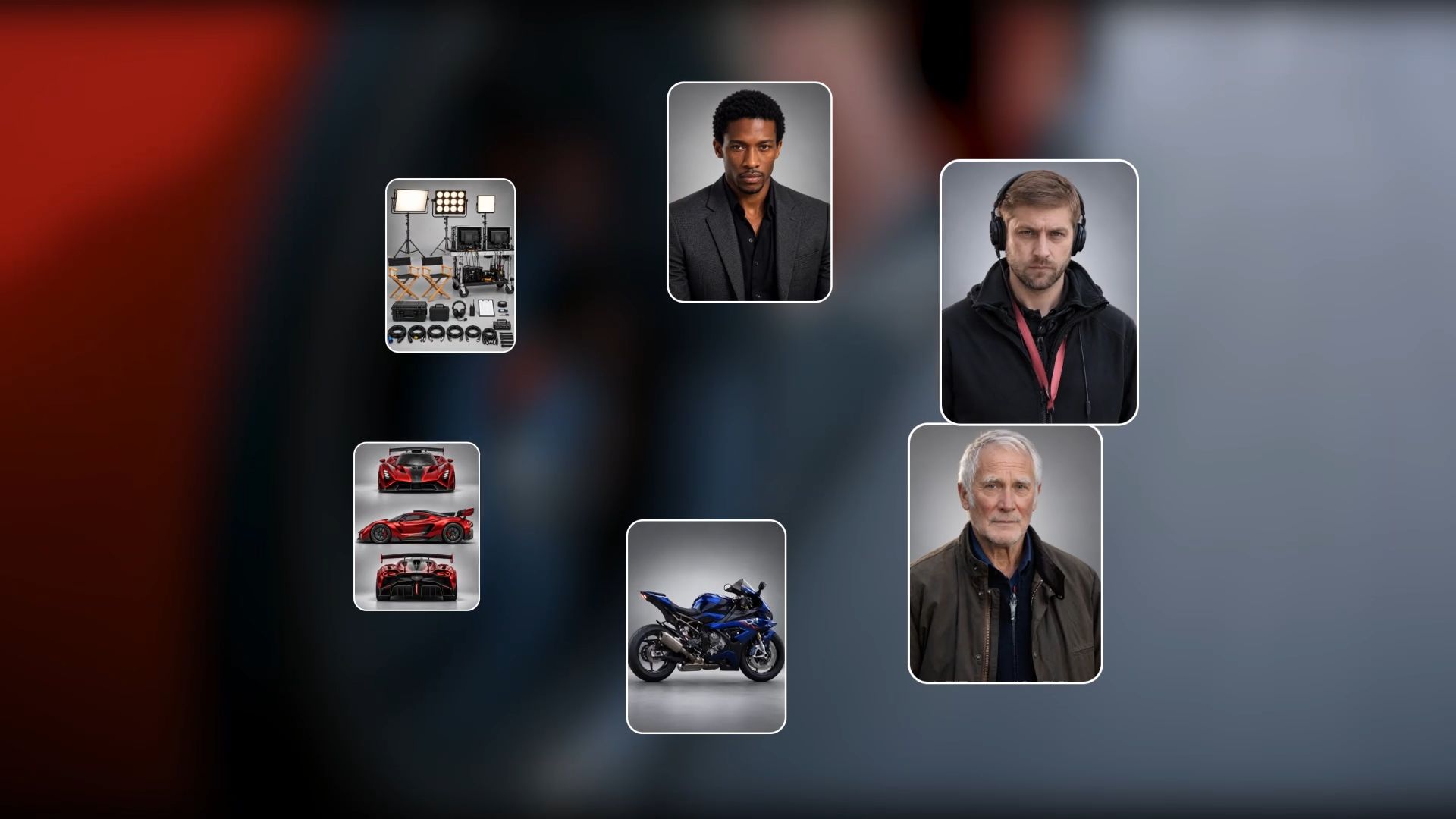
A little preparation gives both a physical shoot and an AI-generated scene a clearer direction. These five choices help the environment, performance, and camera work tell the same story.
Choose a Setting That Supports the Story
Some places make a character feel sheltered; others leave them exposed or surrounded by possibility. On a physical shoot, scouting helps you find that atmosphere and work out access to the location. For AI creation, scene references can bring the space and details you have in mind into the creative process.
Decide How the Subject Fits the Frame
Sometimes the person holds our attention; at other times, the landscape has more to say. Their size and position in the frame help create that balance. Foreground details and a clear horizon can add depth while keeping the subject easy to find.
Plan the Camera Path and Equipment
Decide whether the camera holds still, tracks alongside the subject, or pulls back to reveal more. A physical shoot may need a tripod, dolly, or other support. For AI generation, describe the starting view, movement direction, speed, and final framing.
Plan the Light Across the Whole Scene
The person and their surroundings feel more connected when they share consistent lighting. On location, the sun, changing weather, and any additional lights shape that relationship. In an AI scene, descriptions of the time of day, light direction, and shadows help bring the foreground and background together.
Map the Action and Blocking
A scene is easier to follow when we can see where people begin, how they move, and where they pause. In a busy frame, the space between them helps each action read clearly. Those same details give an AI prompt something concrete to work with, from a character’s entrance to a small interaction.
How to Create a Wide Shot with Kling AI
Once the scene is planned, you're ready to bring it into motion. Here's how to turn your references or a text idea into a wide shot with Kling AI.
Step 1: Choose Kling 4.0 and Add Your References
Open Video Generation and select Kling 4.0. In Omni Reference, upload the character, setting, and movement references your scene needs. Choose materials that clearly show the visual details you want to preserve. If you have no reference assets ready, start with text to video AI and continue to the prompt.
Step 2: Describe the Framing and Movement
When writing your prompt, use @ to reference your assets and specify the role of each one. Describe the subject's position and size in the frame, the visible surroundings, and the action. Add the camera's movement direction and speed, then specify whether you want one continuous wide shot or a sequence with changing shot sizes.
Step 3: Generate, Review, and Refine
Choose the aspect ratio and duration, then generate your video. Review the subject's visibility, movement, and relationship to the environment. Refine the prompt if needed. Download the result when the framing and action feel right.
Reference Images | Generated Video |
| 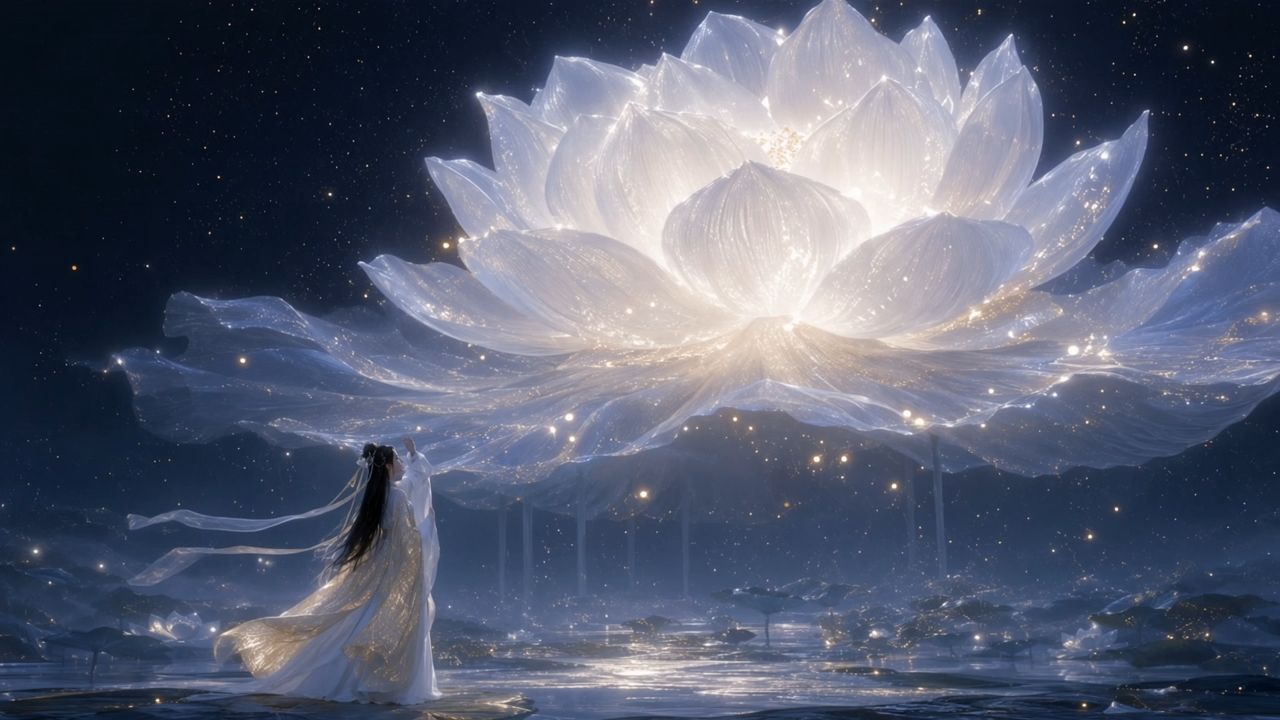 |
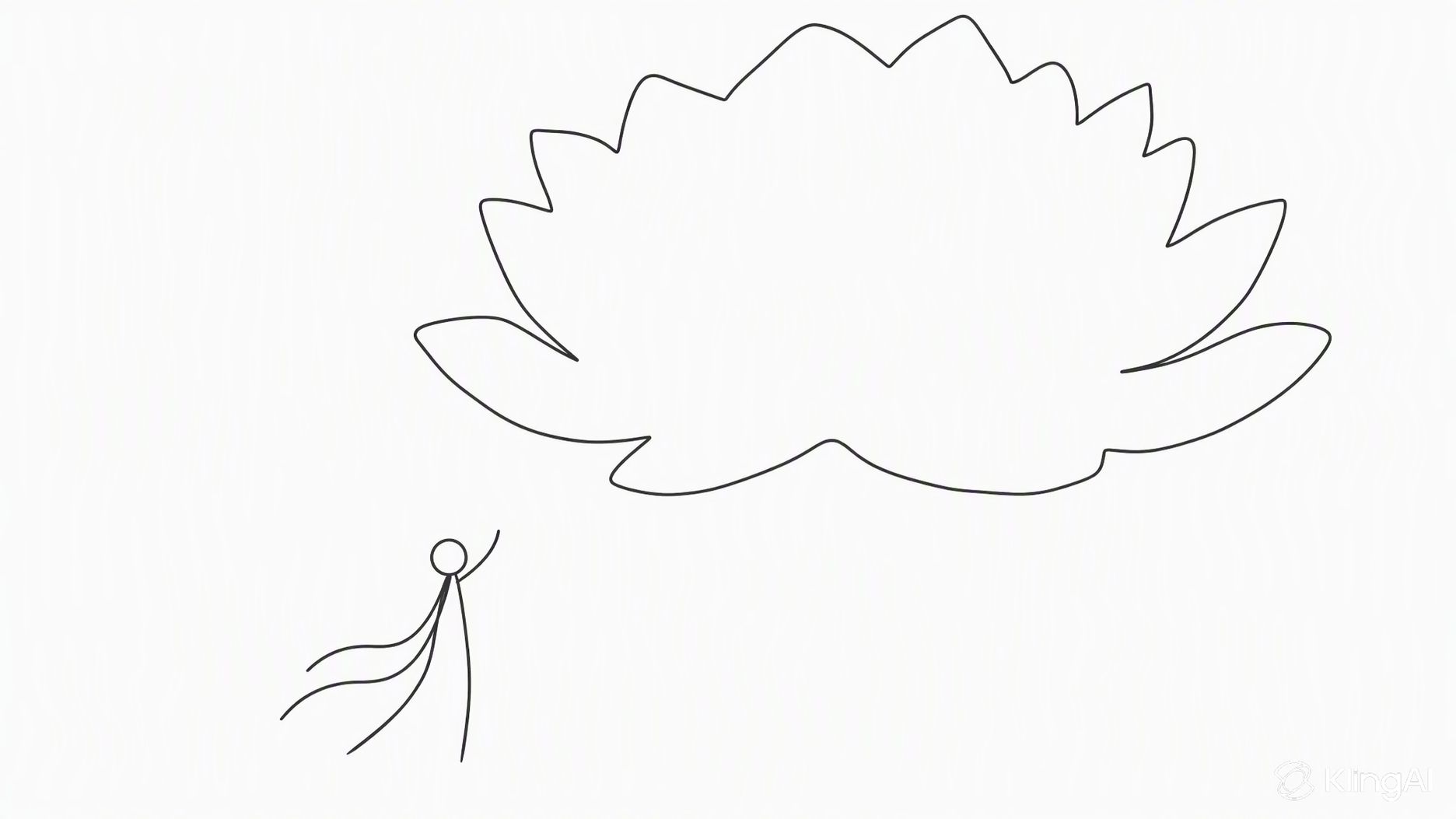
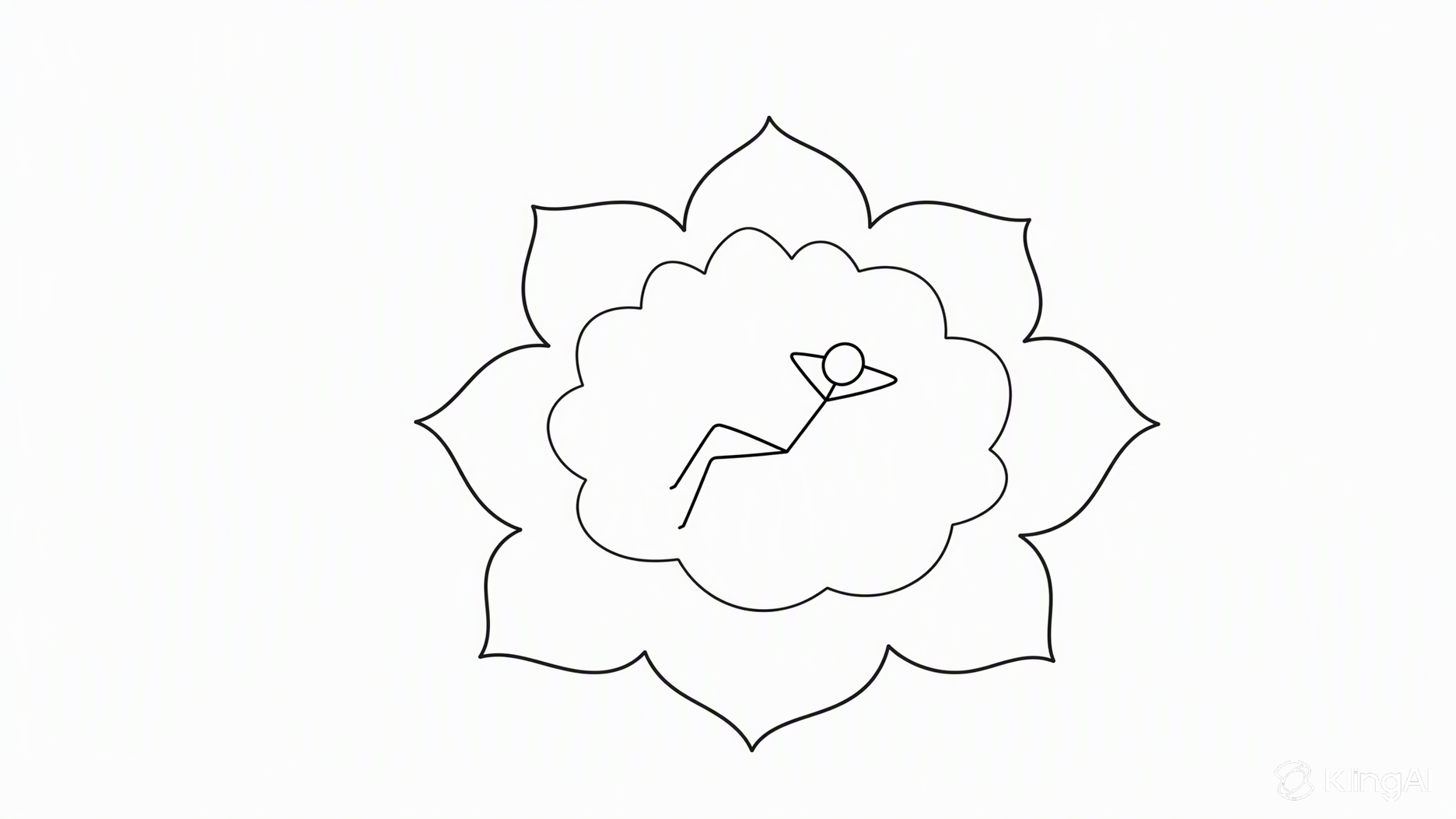
Prompt: Shot 1 (5s): Use Reference Image 1 for composition. A moonlit night with sparse stars. A colossal white lotus glowing with moonlight blooms in the sky, radiating tiny white sparkles and golden flecks of light. The lotus dominates most of the frame, appearing like an enormous luminous moon, yet remains visibly distant from the character. In the foreground, a breathtakingly beautiful woman in white traditional Chinese attire with a flowing golden gauze outer robe gazes toward the distant lotus with one hand gently raised. Her figure is much smaller than the lotus but closer to the camera, creating a pronounced sense of depth and spatial separation. Her long, waterfall-like black hair, two slender white hair ribbons, and flowing garments sway naturally in the breeze. Moonlight illuminates her silhouette, tracing her body with a delicate silver-white rim light, giving her an ethereal, celestial presence. The enormous lotus gently pulses with light as if breathing. Each petal subtly rises and falls, while delicate streams of water carrying tiny starlike glimmers trickle continuously from the petals. Golden particles drift slowly back and forth around the flower. The camera slowly pans to the right. The woman remains stationary in her position, while her hair, ribbons, and clothing move organically in the wind. Subtle parallax and perspective shifts reveal the lotus's changing appearance as the camera moves. Motion is fluid, natural, and physically believable, with cinematic depth and an enchanting celestial atmosphere. Shot 2 (5s): Use Reference Image 2 for the lotus design and the character's pose and composition. Under a starry, moonlit sky, an enormous ink-black lotus blooms on the surface of a flowing river. Its magnificent dark petals fill almost the entire frame, forming the dominant visual subject. The lotus emits a soft, otherworldly glow that illuminates the surrounding scene. Its hollow center is large enough to cradle a beautiful woman dressed in pale, muted celadon-blue traditional Chinese clothing. She reclines comfortably in the center of the lotus, legs crossed, both hands interlaced behind her head, as if peacefully dozing. Her pose is relaxed and carefree. The lotus's center has an almost translucent luminous quality, delicately edged in white and touched with subtle golden radiance. The woman occupies a relatively small portion of the frame. Use a strictly vertical top-down overhead shot. Tiny fireflies sparkle throughout the composition. The woman gently shifts and moves her hands in a relaxed, unhurried manner. A soft breeze causes her hair and flowing skirt to sway naturally, with subtle, lifelike movements. The massive black lotus slowly pulses between brighter and dimmer states, like a calm, steady breath. Golden fireflies drift gradually in the same direction. Water flows continuously beneath the flower, carrying the lotus slowly toward the left side of the frame. The camera gradually pulls back, revealing more of the flowing water and the surrounding field of fireflies while preserving the lotus as the central visual focus. All motion remains smooth, graceful, and dreamlike. Background Music: elegant, classical Chinese instrumental music evoking a celestial fairyland. A delicate guzheng and Chinese flute duet, with graceful melodies, spacious ambience, and a serene, otherworldly atmosphere. Preserve the beauty and refinement of traditional Chinese aesthetics. | |
The End
A wide shot lets the audience experience a character and their world together. The space you include, the distance you leave, and the movement you choose all shape that relationship. With Kling AI, you can explore those choices through references and clear direction, then refine an existing shot as your idea takes form. Start with the setting you want to share and decide where your character belongs within it.
FAQs
What Is the Difference Between a Long Shot and a Wide Shot
Long shot and wide shot are commonly used for the same framing: a complete subject with enough surrounding environment to show their relationship to the space. A full shot places more emphasis on showing the entire body. Usage varies, so a shot list is clearer when it also describes the intended composition.
Can AI Create a Wide Shot from a Reference Image
Yes. Kling 4.0 can use a reference image to guide the subject and setting in a generated video. A clear image with the whole subject visible makes the intended framing easier to communicate. Describe how much of the environment should remain in view, then add the action and camera movement you want.
What Aperture Should You Use for Wide Shots
There is no single aperture for every scene. On a physical camera, f/8 or f/11 can help keep more of the setting in focus when the light allows. Focal length and focus distance also affect depth of field. In an AI prompt, describe which parts of the scene should appear sharp rather than relying on an aperture number alone.
How Can I Make an AI-Generated Wide Shot Look Natural
Use references with compatible proportions, perspective, and lighting, then explain what each asset should guide. Describe the subject's size and position, the surrounding space, and the path of any movement. Kling 4.0's Omni Reference can combine character and scene references; reviewing scale, shadows, and spatial continuity helps you identify what to refine in the prompt.
How Can I Guide Character Movement in an AI Wide Shot
Use a clear movement reference and describe the character's route, pace, and stopping point. In Kling 4.0, Omni Reference can guide action alongside appearance and setting. For quickly replicating movements from a reference video, you can use our Motion Control tool. For more comprehensive video creation involving characters, scenes, and camera movements, Kling 4.0 offers greater creative control.