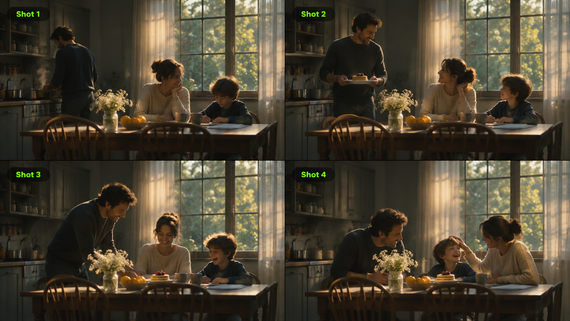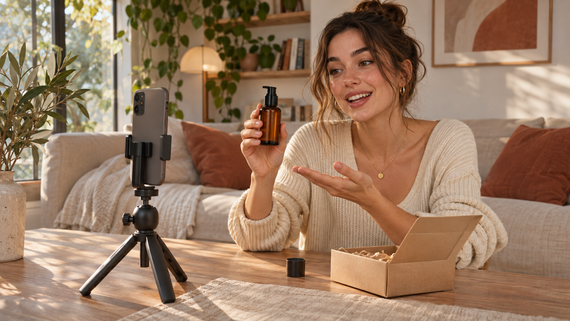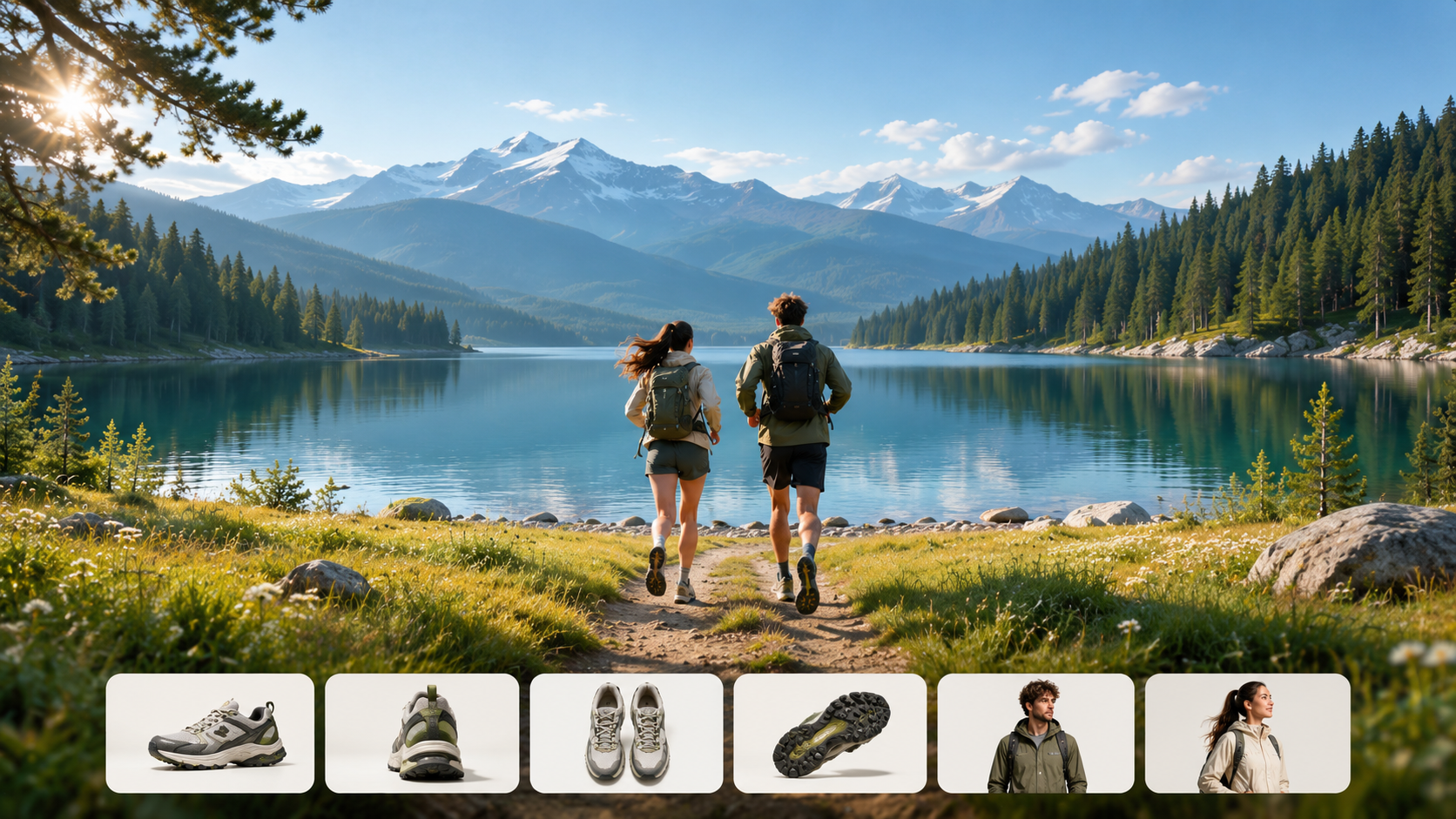
A product launch may have plenty of photographs but little moving footage. An event organizer might have hours of recordings and need just one minute to promote the next event. A sizzle reel turns selected moments into a short video that captures attention without explaining everything. Here's what makes one work, along with examples and a practical way to create one with Kling AI.
What Is a Sizzle Reel?
A sizzle reel is a short promotional video that combines footage, images, music, and brief messaging to build interest in a brand, product, event, or creative project. Rather than explaining everything, it highlights what makes the subject worth exploring.
For example, a beverage brand might use a bottle close-up, a lively lifestyle scene, and a final product reveal to introduce a new drink.
Effective sizzle reels typically include:
- A strong opening: Capture attention with a striking visual or moment.
- Selected highlights: Focus on the most relevant footage.
- Purposeful pacing: Use movement and shot changes to sustain interest.
- Concise messaging: Keep captions and calls to action brief and readable.
- A recognizable ending: Reinforce the product, brand, event, or project identity.
Unlike a highlight reel, which typically recaps memorable moments, a sizzle reel is designed to promote something or build anticipation. The same footage can serve either purpose depending on how it's presented.
What Do You Need to Make a Sizzle Reel?
Before creating a sizzle reel, decide what you want viewers to remember and gather the material that can communicate it. You don't need a large video library to get started. A few strong clips, product images, and a clear visual direction may be enough for a short promotional video.
Essential | What to Prepare |
Purpose and audience | A clear message and the people you want to reach |
Photos and video clips | Product shots, action footage, event highlights, or other relevant visuals |
Shot direction | An idea for the opening, key moments, visual style, and ending |
Music and messaging | Suitable licensed audio, brief captions, and a closing message |
| A way to arrange, trim, and combine footage into a complete reel. AI tools can also help create additional shots when needed. |
Many sizzle reels start with existing footage, whether it's a product shoot, a previous campaign, or recordings from a live event. You can combine these clips with photographs and other visual assets to build your story. If certain shots are missing, AI video tools can help fill the gaps by turning product images into moving footage, creating new promotional scenes, or developing additional camera angles without another shoot. This allows you to make better use of the materials you already have while exploring more creative possibilities.
At Kling AI, we offer tools for creating and editing images and videos. Kling IMAGE 3.0 Omni helps you prepare background images and consistent storyboard sequences to plan your sizzle reel.
Kling 4.0, our video generation and editing model, helps refine existing footage or create new shots. Omni Reference combines up to 15 assets—including images, videos, Elements, and voice references—to guide subject consistency, camera movement, pacing, and voice style. Kling 4.0 also enables more precise editing of existing footage, allowing you to refine a wide range of visual elements, such as subjects, backgrounds, camera movements, and composition, to better match your creative vision. Improved stability in large-scale motion and complex camera work adds energy to promotional shots. Generate up to 30 seconds per clip, use up to 10 keyframe images to guide story beats, and arrange clips on Timeline for a longer reel.
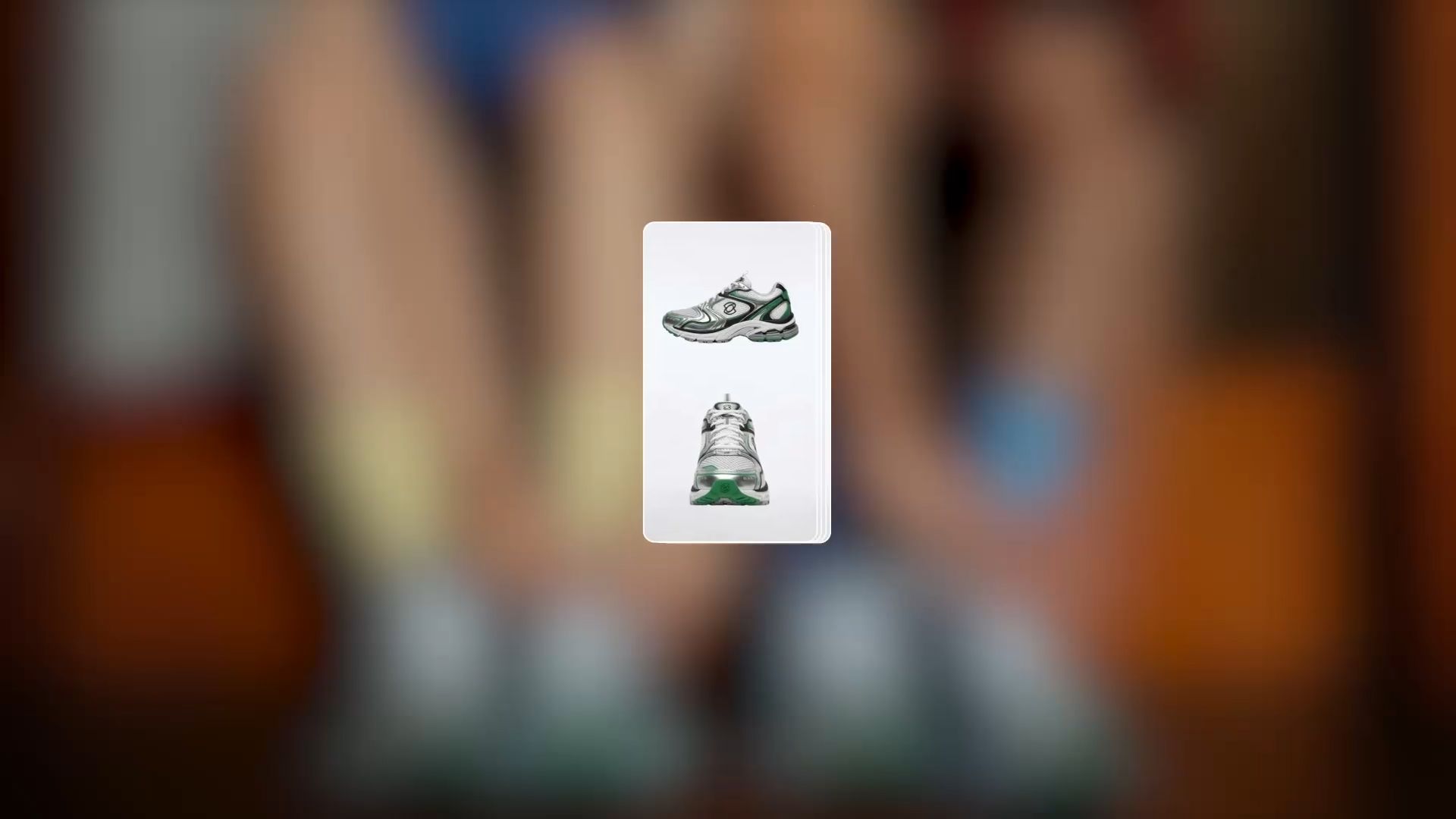

Sizzle Reel Examples and Shot Structures for Different Projects
Sizzle reels can showcase a product, convey an event's atmosphere, or serve as an introduction to a creative project. The type of footage will depend on the purpose, but a good reel should start with something eye-catching, build interest through selected highlights and end with a memorable moment or clear message.
Here are some examples of how you can change that structure for different projects. Use these shot sequences as springboards, not blueprints, for editing.
Sizzle Reel Type | Suggested Shot Sequence | What to Highlight |
Event sizzle reel | Venue reveal; Audience reactions; Main performance or speaker; Event name and date | The atmosphere and most exciting moments |
Marketing sizzle reel | Attention-grabbing visual; Brand imagery; Campaign highlight; Closing message | The campaign's central idea |
Product sizzle reel | Product close-up; Product in motion; Lifestyle scene; Final product reveal | The product's appearance and appeal |
Entertainment pitch reel | Opening atmosphere; Main characters; Dramatic moment; Project title | The story's tone and central concept |
Company sizzle reel | Team at work; Key projects; Major achievement; Company message | The business's experience and strengths |
Portfolio sizzle reel | Strongest work; Selected project highlights; Range of creative work; 4. Creator's name | Creative skills and the quality of previous projects |
The examples above differ mainly in the type of footage they prioritize. For a product launch, you might begin with a product close-up, follow with a dynamic lifestyle scene, and finish with a clear product reveal. AI can help create additional shots when existing footage is limited. An event sizzle reel, by contrast, should focus on authentic moments, such as audience reactions, performances, and the overall atmosphere of the event.
You can adjust these shot sequences to match your message and intended length. A 15-second marketing reel might need only three strong shots, while an entertainment pitch may require more time to introduce its characters and setting. Once you've identified the key moments, you can start preparing the footage and building your reel with the following workflow.
How to Make a Sizzle Reel With Kling 4.0
Whether you're working with existing footage or creating new promotional shots, Kling 4.0 can help you develop a sizzle reel that fits your creative goals. Follow these three steps to get started.
Step 1. Open Kling 4.0 and Prepare Your Materials
Open Kling AI's Video Generation workspace and select Kling 4.0. To create new footage, add relevant images, videos, or Elements in Omni Reference to guide your subjects and visual style. To edit existing footage, upload the video you want to modify and add supporting references if needed. If you have no reference materials, you can also start from a text prompt to generate new footage.
Step 2. Describe Your Shots or Editing Goals
Plan how your sizzle reel will unfold, from an attention-grabbing opening to key highlights and a final reveal. To create new footage, write a prompt describing the subject, setting, actions, camera movements, and pacing. Specify how your reference materials should guide the result. If you're editing an existing video, describe the changes you want to make and which details should remain consistent.
Step 3. Generate, Review, and Refine Your Sizzle Reel
Choose your preferred video duration, aspect ratio, and quality settings, then generate or edit your video. Review the results for visual consistency, motion, camera movements, and overall pacing. If anything needs improvement, adjust your prompts or references and refine the video. Once you're satisfied, preview and download your final sizzle reel.
For a longer reel, right-click a finished clip and select “Add to Timeline.” Open “Timeline” in the top-right corner to arrange, trim, and replace clips before previewing and downloading the final sequence.
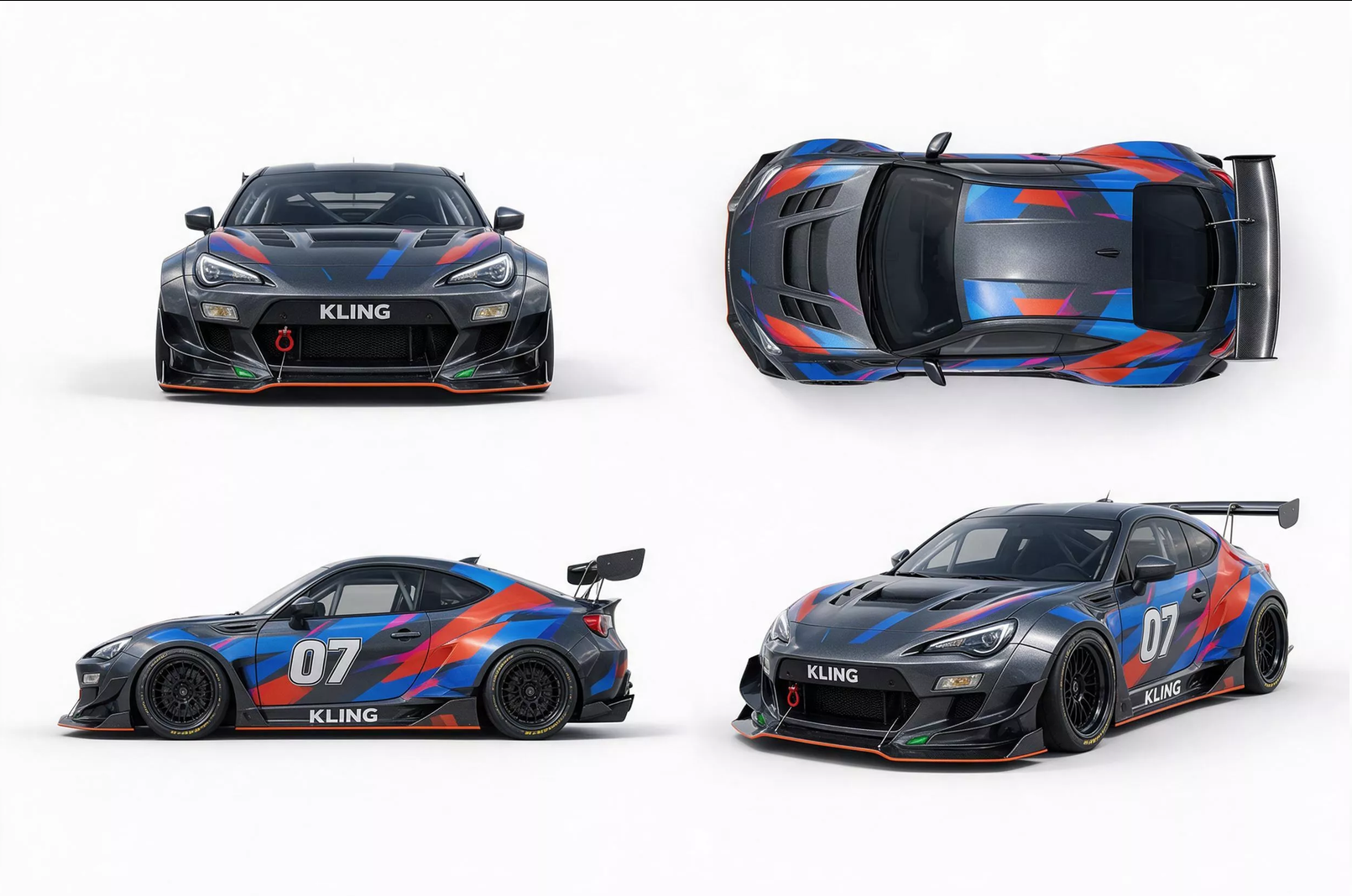
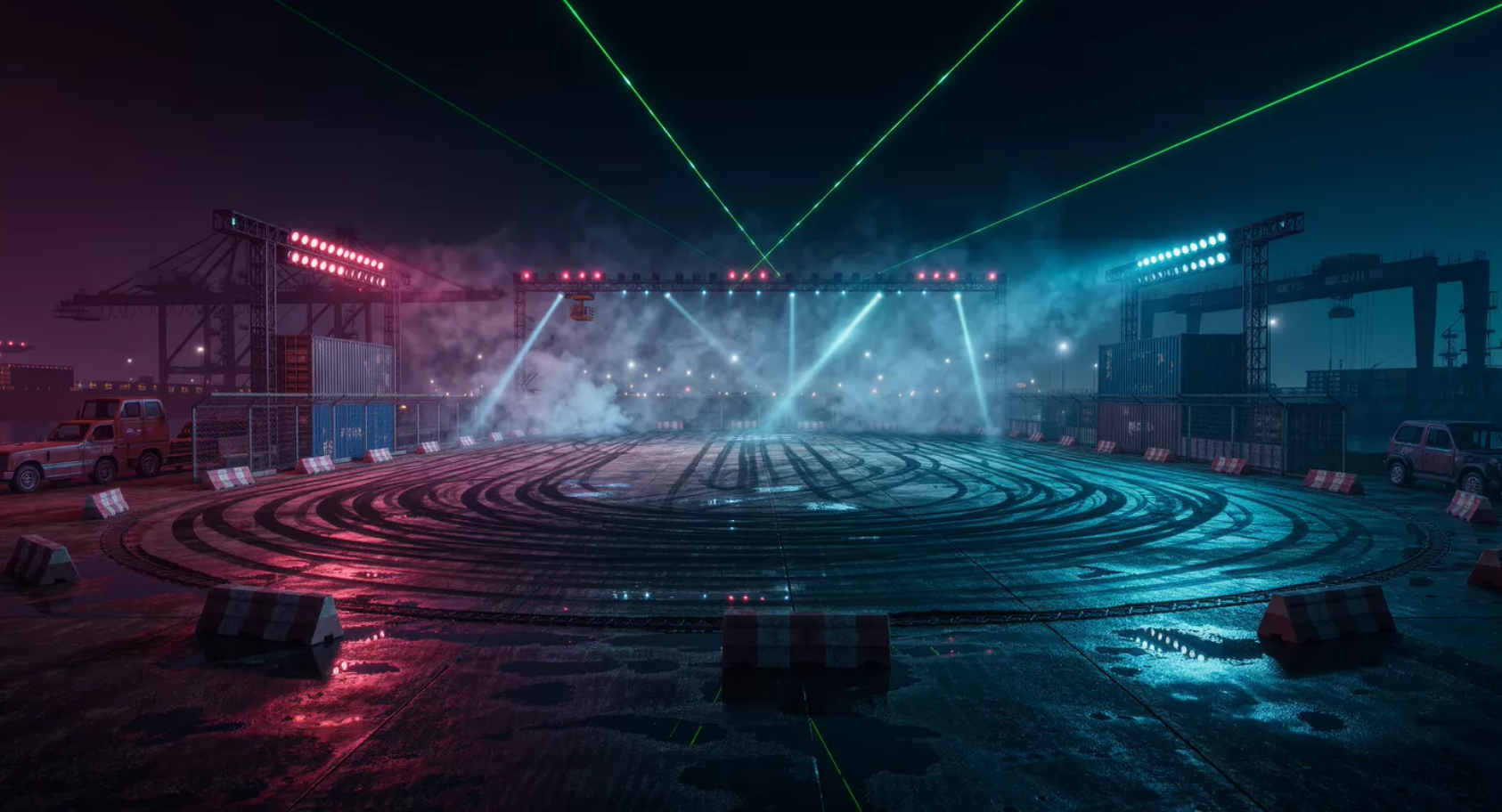
Generate a New Car Sizzle Reel Clip with Kling 4.0 | ||
Reference Image 1 | Reference Image 2 | Reference Video |
|
|  |
Generated Video | ||
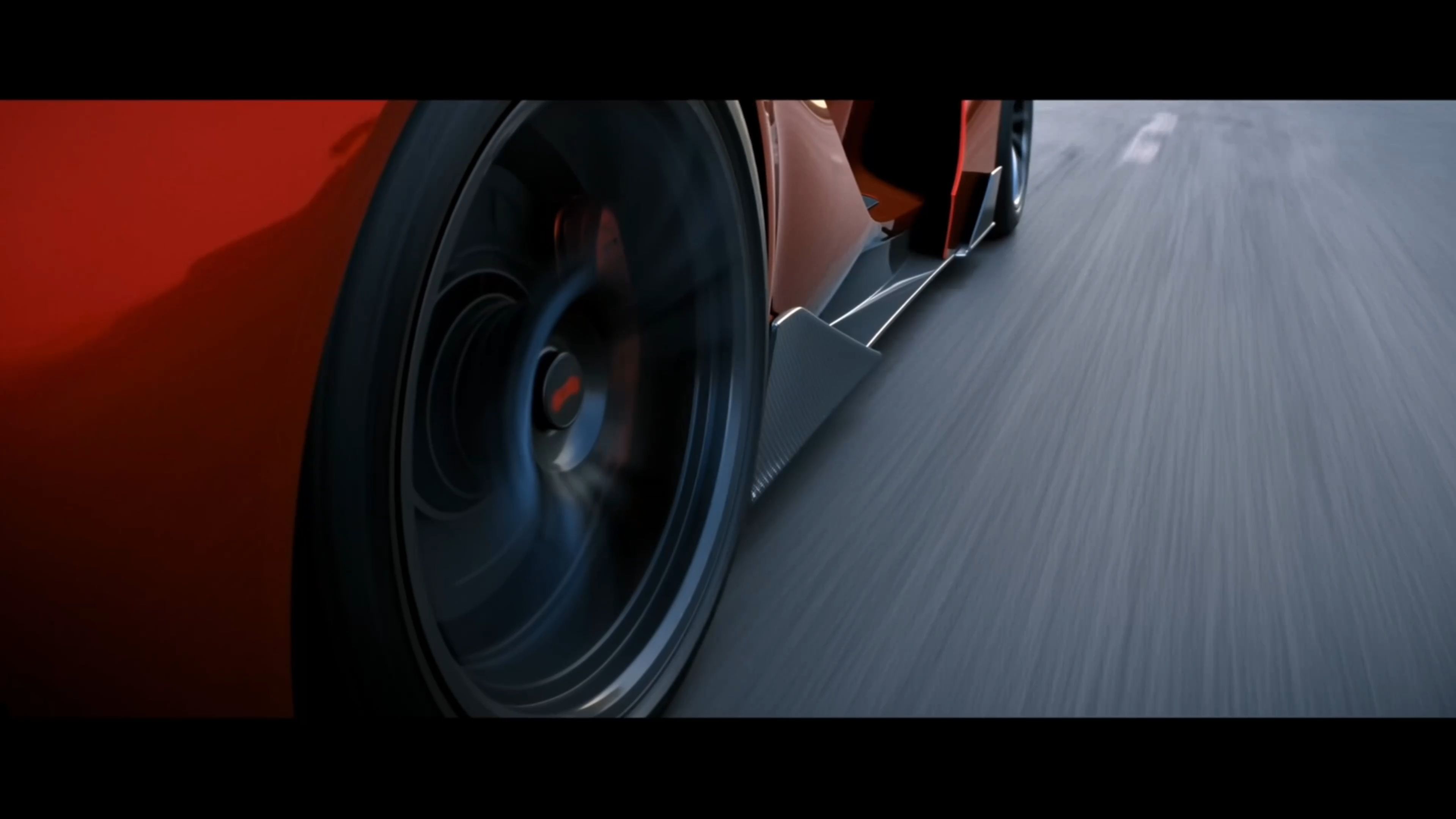 | ||
| Prompt: Use @Video 1 as the reference for camera movements and shot pacing. Replace the Element with the car from @Image 1 and the background with @Image 2. | ||
How Long Should a Sizzle Reel Be?
A sizzle reel is usually between 30 seconds and two minutes, but shorter versions can work for social platforms and longer versions may be suitable for detailed pitches. The footage should be long enough to make the idea clear, without repeating similar moments.
Use | Suggested Starting Length | Editing Priority |
Social media teaser | 15–30 seconds | Establish the subject quickly |
Product or marketing sizzle reel | 30–60 seconds | Balance product recognition with visual variety |
Event sizzle reel | 45–90 seconds | Capture atmosphere and memorable moments |
Company or entertainment pitch | 60–120 seconds | Give the concept room to develop |
These ranges are editorial starting points, not fixed requirements. A product reveal may need only a few well-composed shots, while an event promotion might benefit from a greater variety of moments.
When creating footage with Kling 4.0, remember that a single generation supports up to 30 seconds. You can arrange multiple clips for a longer reel rather than trying to fit every idea into one generation.
Common Sizzle Reel Mistakes to Avoid
A sizzle reel needs more than eye-catching footage. Small editing choices can determine whether viewers recognize the subject and remember the message.
Common Mistake | Better Approach |
Starting with a slow introduction | Show the product, action, or most compelling moment early |
Including too many similar shots | Choose footage that reveals something new |
Using the same pacing throughout | Vary shot length to match the movement and mood |
Adding too much text | Keep essential information brief and readable |
Changing the product's appearance between scenes | Compare each generated shot with approved product references |
Using unrelated visuals | Keep the footage connected to the promotional purpose |
Ending without a recognizable message | Close with the product, event, project name, or appropriate CTA |
Pay particular attention to the relationship between shots. A close-up followed by a wider scene should feel like part of the same promotional idea, even when the camera angle or background changes.
For AI-generated footage, check product details and any claims suggested by the imagery. Conceptual event scenes should not be mistaken for recordings of an actual event.
The End
A sizzle reel doesn't need to show everything. A few carefully selected moments can introduce a product, capture an event's atmosphere, or make a creative project worth exploring.
Start with the strongest footage you have and decide which additional shots could make your story more compelling. With Kling AI, you can create new visual assets, develop supporting footage from references, and combine multiple clips on Timeline to build a more complete promotional video.
Beyond sizzle reels, you can also use Kling 4.0 to create movie scenes and trailers, animated videos, and tutorial videos, bringing more creative ideas to life.
FAQs
What Is a Sizzle Reel in Marketing?
In marketing, a sizzle reel is a short promotional video designed to capture attention and build interest in a brand, campaign, or product. It typically combines compelling visuals, selected highlights, and concise messaging. Brands can use sizzle reels for product launches, social media campaigns, presentations, and event promotions.
What Is the Difference Between a Trailer and a Sizzle Reel?
A trailer typically promotes a specific movie, show, or upcoming release, often using footage from the production. A sizzle reel is more flexible. You can use it to pitch an unfinished project, introduce a product, or promote an event. It may combine existing footage with newly created promotional scenes.
How Much Does a Sizzle Reel Cost?
The cost depends on whether you need filming, editing, or additional footage. Professional production can cost hundreds to several thousand dollars, while a DIY reel may cost less. Kling AI offers complimentary trial credits to new users, but video generation consumes credits based on the model and settings you choose. Check the estimated credit cost before generating, especially if you plan to create several versions.
Can You Make a Sizzle Reel Without Video Footage?
Yes. You can start with product photos, campaign images, or a text prompt instead of recorded footage. Kling AI's image-to-video tools offer a way to turn still images into moving shots. With Kling 4.0, you can also use Omni Reference to guide the product's appearance and visual style. Check the result for unexpected changes to packaging, logos, or other important details.
Can You Use the Same Sizzle Reel on Different Platforms?
Yes, but you may need different versions for each platform. A horizontal reel may work well on a website, while a vertical version may suit Instagram Reels, TikTok, or YouTube Shorts. Check aspect ratios, text placement, and platform requirements before publishing rather than assuming one export will fit everywhere.