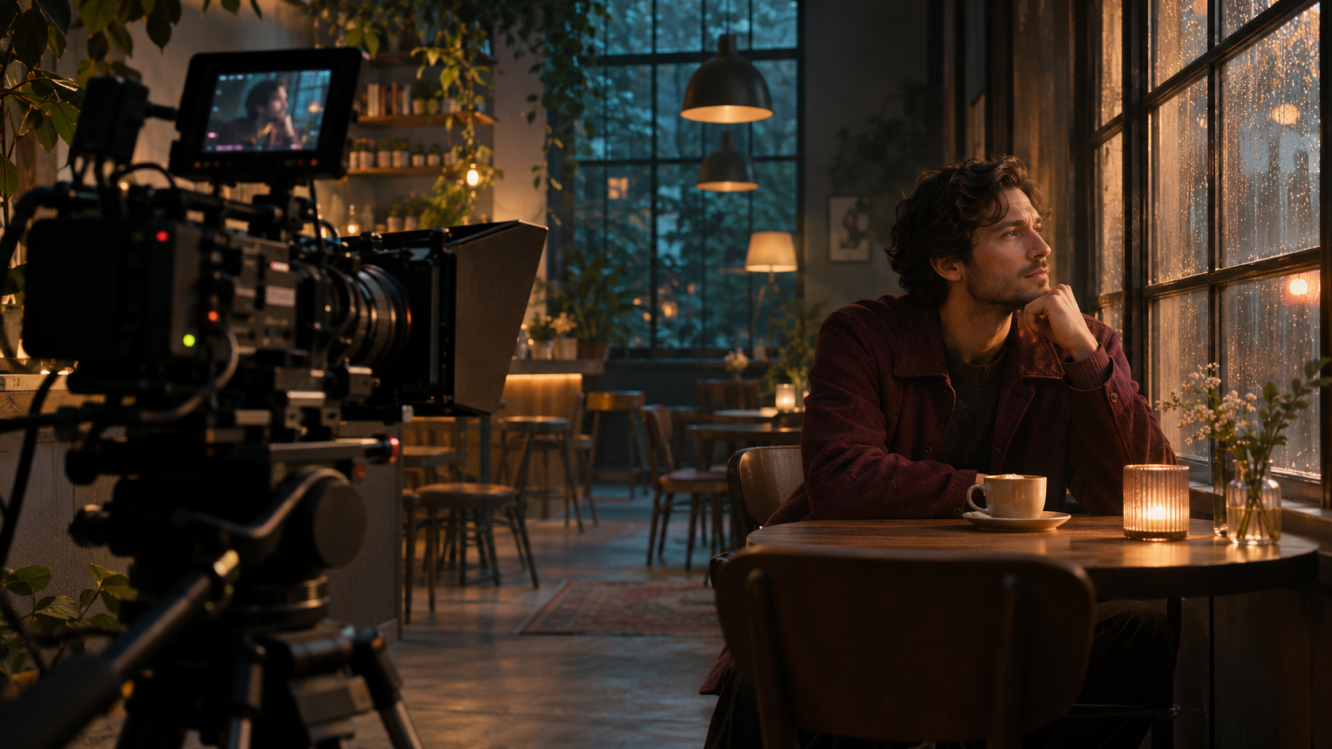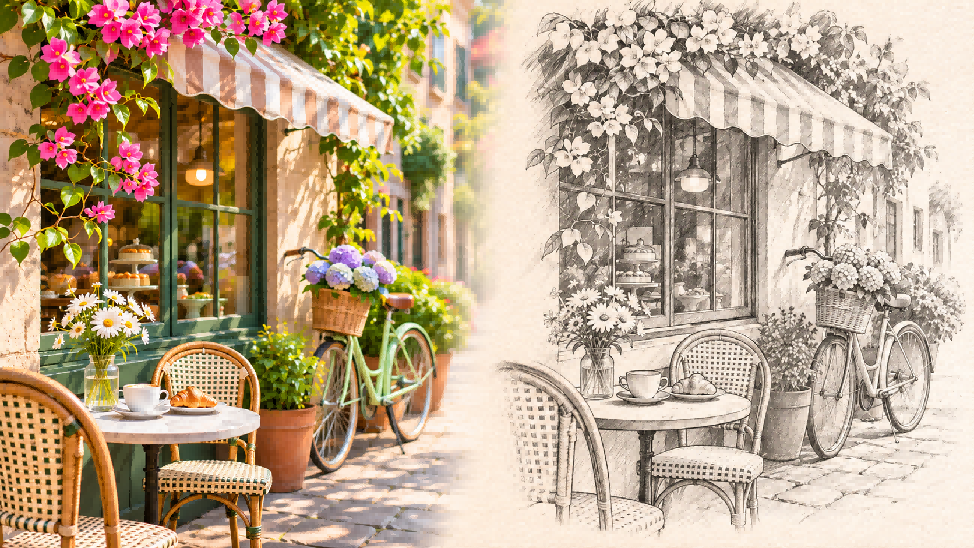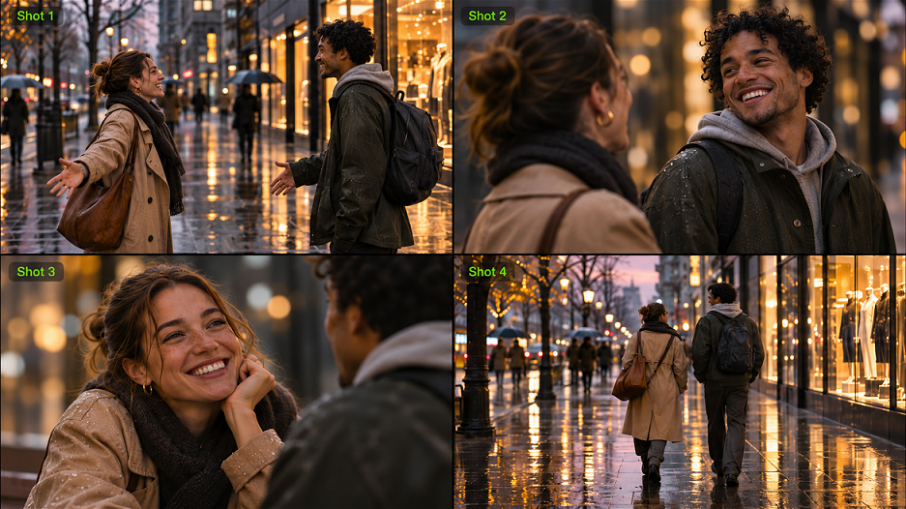
Some stories begin with a glance, a gesture, or a change in light. Visual storytelling uses moments like these to reveal emotion, suggest what happened, and draw viewers into a story. Even a single image can hint at something larger, and a sequence can develop that story further. Through real examples and practical techniques, you'll learn how to make visual details count and use Kling AI to turn your ideas into story-driven videos.
What Is Visual Storytelling?
A practical visual storytelling definition is the use of composition, color, framing, and other visual details to communicate a story or idea. It can take the form of a single photograph, a series of illustrations, or moving scenes in film and video.
At a dinner table, an empty chair might suggest absence. When the chair appears occupied in a later shot, the image gains new meaning. Framing and recurring details help viewers follow that shift.
Visual Storytelling Examples in Film, Journalism, and Ads
These examples of visual storytelling show how different media use images to guide attention and reveal change.
Film: Reveal Character Through Movement
In WALL-E, wide shots of a deserted Earth make the small robot appear isolated in an enormous landscape. His repetitive cleaning routine establishes his loneliness, while the objects he collects reveal his curiosity. Small gestures, such as pausing over an unfamiliar discovery, reveal his personality without dialogue. The contrast between the empty surroundings and his expressive movements builds an emotional connection with viewers.
Visual Journalism: Show How Events Unfold
The New York Times' Snow Fall: The Avalanche at Tunnel Creek uses photographs, video, animated maps, and graphics to reconstruct a deadly avalanche. The maps trace the skiers' route through the mountain terrain, helping readers understand the geography as the story moves between locations. Photographs introduce the people involved, and video brings the conditions they faced into sharper focus. By combining these different perspectives, the piece shows how visual journalism can make a complicated sequence of events easier to follow and give readers a closer understanding of its human impact.
Brand Videos: Give the Product a Story
In commercial video production, even an everyday product can become part of a memorable story. Imagine a bakery ad beginning before sunrise, as a baker prepares the first batch of dough. Close-ups capture flour-covered hands, a golden crust, and steam rising from freshly baked bread. The baker then hands a warm loaf to a customer, whose reaction closes the sequence. By the final product shot, viewers understand the care and craftsmanship behind the bread.
How AI Helps You Create Visual Stories
Visual details can carry meaning in a photograph or across a sequence of moving shots. In video, their timing matters as much as their appearance. A close-up can reveal an emotion, and a camera move can lead viewers toward a turning point. AI video generation lets you build these choices into original story-driven scenes using prompts and visual references.
At Kling AI, we offer AI-powered tools for generating and editing images and videos. Kling 4.0 is our next-generation AI video model, built to turn prompts and visual references into coherent, story-driven scenes. With Omni Reference, you can combine images, videos, and Elements to guide recurring characters, settings, and visual styles across shots. Improved stability for large-scale motion and complex camera moves gives you greater creative control, while generation up to 30 seconds lets important story beats unfold within one sequence. Together, these capabilities help you decide what viewers see, when they see it, and how each shot moves the story forward. Here's how these capabilities help you turn a series of shots into a compelling visual story.
Direct Longer Scenes with Clear Story Beats
A visual story often depends on what viewers discover and when they discover it. An establishing shot introduces the situation, and a later close-up can reveal the detail that changes its meaning. Clear shot progression helps the audience follow that development and gives important moments the attention they deserve.
Kling 4.0 can generate a multi-shot video of up to 30 seconds in a single pass. Stronger prompt understanding helps you direct the sequence of actions, camera angles, and changes between shots. You can also use up to 10 images as keyframe references to guide important visual moments, such as an opening composition, a change in expression, or a final reveal. This gives your video a clearer narrative progression, with the action and camera work developing toward a purposeful ending.

Maintain Visual Consistency and Guide Pacing with References
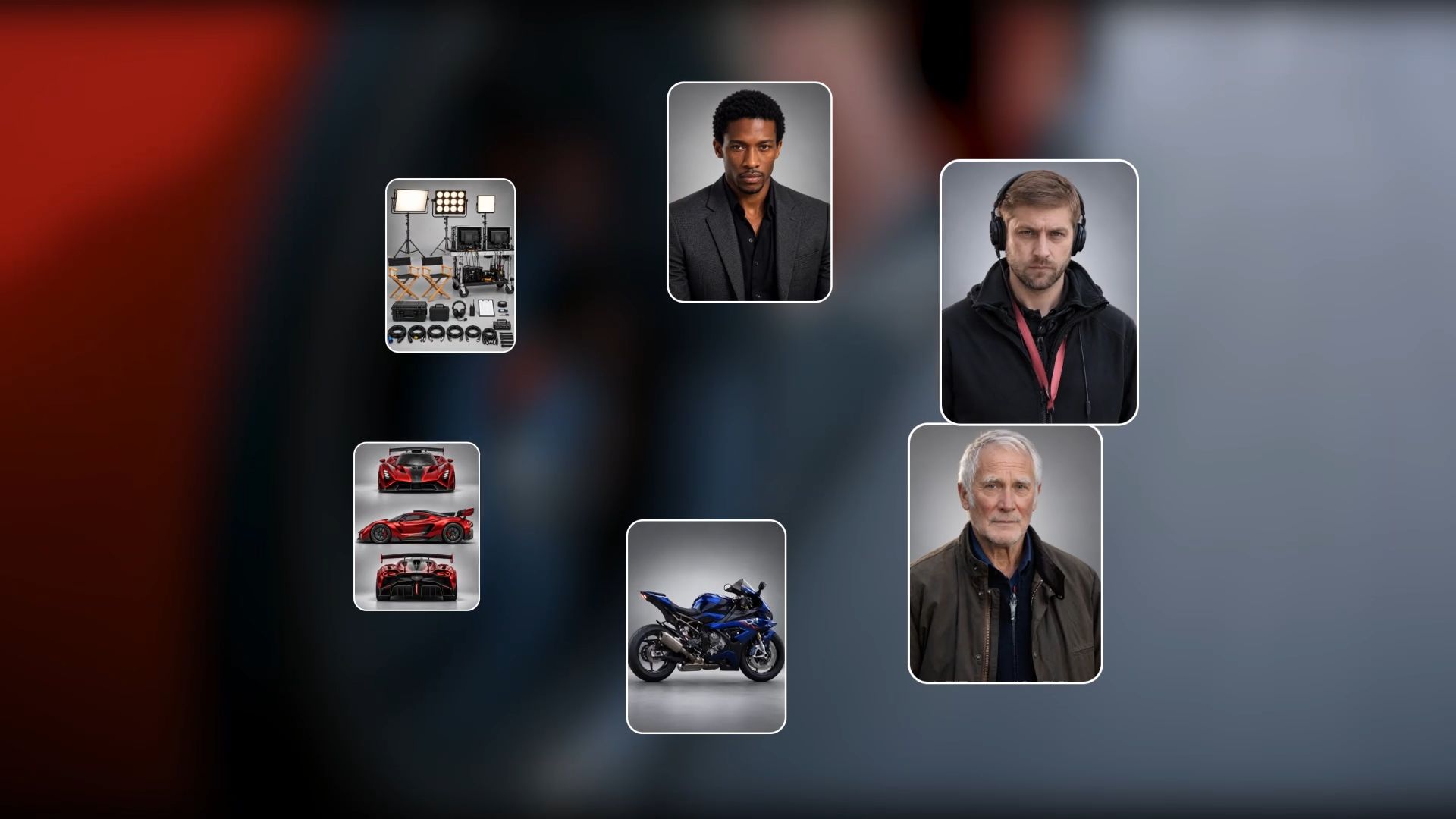
Familiar details help viewers connect separate moments in a story. When a character returns in a new setting or a product appears from another angle, its recognizable features give the sequence continuity. Beyond visual consistency, reference videos can also provide creative direction for how actions unfold and how the story's rhythm develops.
With Kling 4.0's Omni Reference, you can combine up to 15 reference assets, including images, videos, and Elements. Character and product images help maintain recognizable appearances across shots. You can also draw on reference videos to guide character performances, shot composition, and narrative pacing, bringing a similar storytelling rhythm into your own scenes. For more specific control, white-model and depth-map videos can help guide staging and spatial relationships. Together, these references give you greater control over the visual identity and creative direction of your story.
Keep Complex Action and Camera Moves Coherent
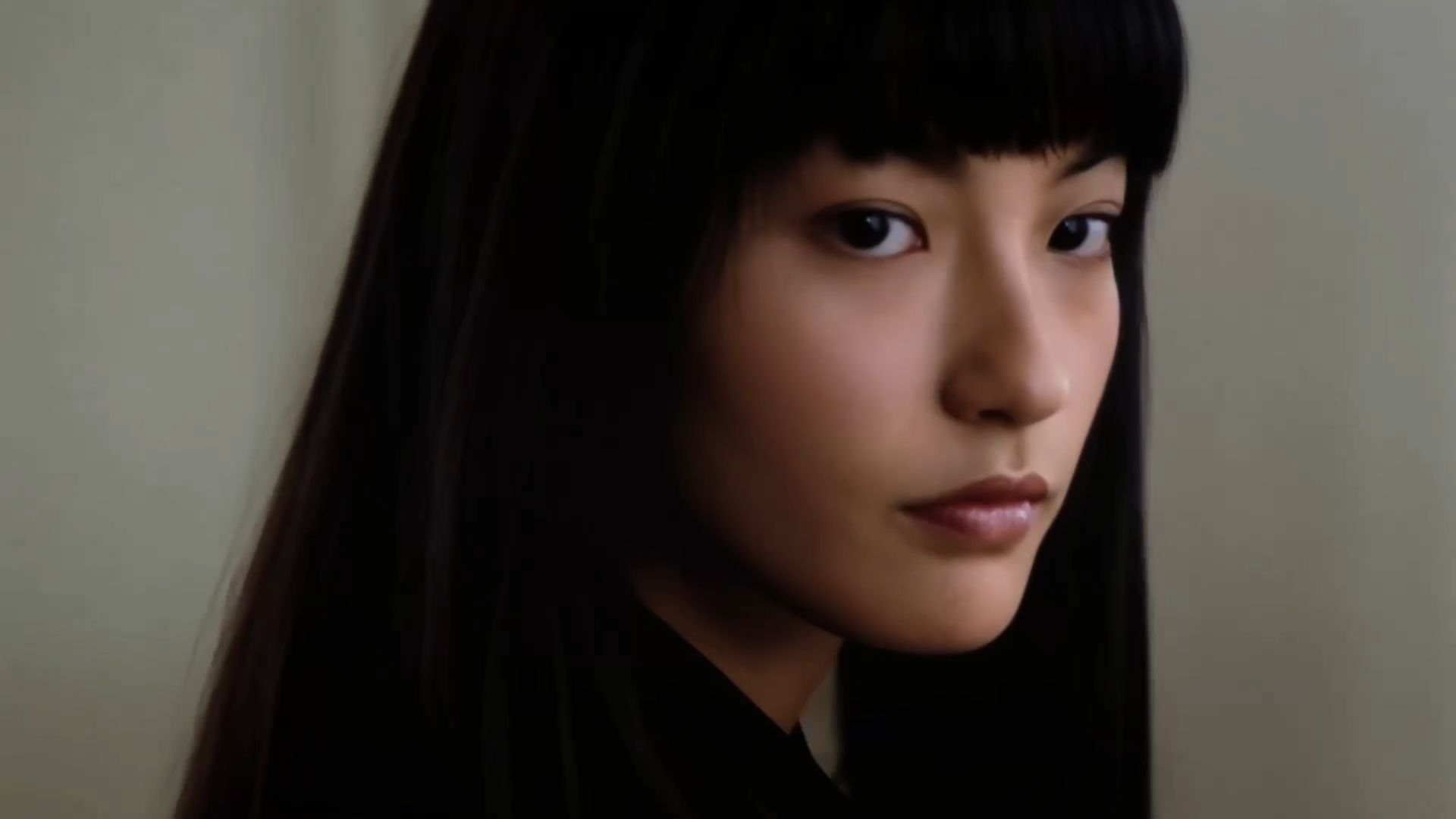
Fast action can carry an important turning point in a visual story, but viewers still need to follow what happens. When a dancer spins or an athlete suddenly changes direction, both the subject's position and the camera's perspective may shift quickly. Tracking and orbit shots can make these moments more engaging, provided the movement remains clear and the surrounding space feels consistent.
Kling 4.0 offers stronger stability during high-speed action, continuous motion, and complex camera work. You can develop tracking shots that follow a moving subject or orbit shots that reveal the action from different angles. More coherent physical movement and spatial relationships help viewers follow the action through a dramatic moment, making dynamic camera work part of the storytelling.
How to Create AI Videos That Tell a Compelling Story
Once you have a story in mind, the next challenge is making its key moments flow naturally on screen. Visual references can establish the characters and setting, and a clear prompt can guide how the action and camera movement develop. With Kling 4.0, you can bring these elements together to generate a complete, story-driven video.
Step 1: Upload Your Story References
Open Video Generation in Kling AI, select Kling 4.0, and choose Omni Reference. Upload images that establish the appearance of your subject, the setting, and important visual moments. You can use up to 10 images as references within the combined input limits. For the ceramic mug scene, prepare a clear image of the blue mug, a reference for the breakfast table, and a close-up showing the desired final composition. You can also add a short video reference to guide the slow camera push-in and pacing.
Step 2: Describe the Action and Camera Work
Each uploaded reference receives a label such as @Image1 or @Video1. In one prompt, identify each asset's role and describe how the action moves from the opening moment to the final reveal. For the ceramic mug scene, try:
Prompt: @Image1: Use this blue ceramic mug as the product reference. Preserve its glaze, shape, and curved handle. @Image2: Reference the breakfast table and its soft morning lighting. @Image3: Use this image as the visual reference for the closing close-up of the mug. @Video1: Reference the slow camera push-in and pacing. Begin with a wide view of the breakfast table. A hand reaches into the frame and gently places the mug down. Steam rises as the camera gradually moves closer, ending on the close-up guided by @Image3. Keep the mug's appearance consistent throughout the sequence. |
Step 3: Generate, Review, and Refine
Choose a duration that fits your scene, then set the aspect ratio: 16:9 for widescreen, 9:16 for vertical video, 1:1 for a square post, or 21:9 for a wider cinematic frame. You can also select Auto. Choose an available output resolution, and generate the clip. Watch the hand placing the mug, the rising steam, and the camera's final push-in. If the mug changes shape or the reveal feels rushed, refine the prompt or references and generate another version. Use these final checks before exporting:
Review area | Question to ask | What it catches |
Visual focus | Do framing, color, and light direct attention to the important detail? | Cluttered or confusing shots |
Story continuity | Can viewers follow the action from setup through the final payoff? | Missing steps or abrupt changes |
Once the action, visual details, and pacing work together to tell the story clearly, download the finished video.
6 Visual Storytelling Techniques
Visual storytelling extends beyond moving footage. A single photograph can suggest a larger event through composition and detail, and a comic or photo essay can develop a narrative across several images. Framing, color, action, and recurring visual elements all shape how audiences understand a story, regardless of the format. These six visual storytelling techniques can help you make more deliberate choices across different formats.
1. Build a Beginning, Development, and Payoff
Give viewers a clear starting point and a reason to care about what changes. A single photograph can hint at a larger story through a revealing detail or an unfinished action. With a photo series, comic, or video, you can show that progression more directly by establishing the situation, introducing a change, and ending on a meaningful result.
A short video ad can tell a complete product story in just 15 seconds. Consider this coffee commercial:
Timing | Shot Direction | Purpose |
0–3 seconds | Close-up of coffee beans falling onto a counter | Introduce the product |
3–7 seconds | Coffee beans being ground | Show preparation |
7–11 seconds | Espresso pouring into a cup | Develop the action |
11–15 seconds | Finished coffee with steam rising and a product tagline | Deliver the payoff |
The sequence takes viewers from raw ingredients to the finished drink. Each shot moves the story forward, giving the final reveal a clear purpose. You can also use this shot-by-shot outline in a script to video AI workflow to generate the commercial around the same narrative progression.
2. Guide Attention Through Framing and Composition
Framing shapes what viewers notice and how they interpret a scene. In a photograph, a close-up might reveal a small but meaningful detail, and negative space can emphasize a character's isolation. Illustrators use similar techniques to direct the eye across a page. In moving footage, camera movements can gradually change the composition as the action unfolds.
The right approach depends on what you want the audience to discover.
Visual Technique | Effect on the Story | Practical Application |
Close-up | Draws attention to a revealing detail or emotion | Focus on a character's trembling hands before an important decision |
Wide composition | Establishes the setting and a subject's relationship to it | Show a lone traveler against a vast landscape |
Negative space | Suggests isolation, distance, or uncertainty | Place a character near the edge of an otherwise empty frame |
Leading lines | Directs the viewer's eye toward an important subject | Use a winding path to guide attention toward a distant figure |
Overhead view | Reveals spatial relationships and details that other angles may hide | Show personal belongings arranged across a table in a photographic story |
Frame within a frame | Emphasizes separation or draws attention to a particular subject | Show someone through a doorway or window in a photograph or illustration |
For video, you can build on these choices through camera movement. A tracking shot follows a subject as their surroundings change, and a slow push-in can turn a small visual detail into the focus of a scene.
3. Use Color and Lighting to Signal Change
Color and lighting can communicate mood, atmosphere, and the passage of time. A shift from cool tones to warmer light might suggest a change in emotion, and stronger shadows can create tension or uncertainty. These choices can shape the meaning of an illustration, a photograph, or a moving scene.
Consider a photo essay that follows a neighborhood from morning to night. Returning to the same street corner as shops open, crowds gather, and streetlights come on gives the series a natural progression. Consistent framing helps viewers recognize the location, and changing light reveals how the atmosphere develops throughout the day.
4. Reveal the Story Through Actions and Details
Small visual details can tell viewers what happened before the moment they see. A photograph of paint-covered hands beside a nearly finished mural suggests the work behind it. The viewer can infer effort, time, and progress from those details alone.
In a comic or video, you can develop that idea through a sequence of actions. Show an artist sketching the first lines, adding color, and stepping back to examine the completed mural. Each moment reveals something new about the process, allowing viewers to understand the effort behind the finished work.
5. Repeat Visual Details to Connect the Story
A recurring object, color, or composition can connect moments that happen in different places or at different times. These repeated elements, often called visual motifs, can also gain new meaning as a story develops.
Imagine a photo series that shows a red umbrella on a rainy street, outside a café, and finally folded beside a sunlit window. The umbrella remains recognizable as its surroundings change, linking the photographs into a continuous narrative. The same technique works in comics and films, where the return of a familiar detail can remind viewers of an earlier moment or reinforce a theme.
6. Make Transitions Advance the Story
The relationship between two images can reveal a change in time, place, or emotion. In a photo essay, a crowded street followed by an empty storefront might suggest how a neighborhood has changed. Comics can use consecutive panels to show a character reaching for a door and then discovering what lies beyond it.
Films create similar connections through editing. A continuity cut carries an action from one shot to the next, and a match cut connects images through similar shapes or compositions. Both techniques can help viewers understand how separate moments relate to each other.
The End
Visual storytelling gives meaning to the details viewers notice, whether they appear in a photograph, a comic, or a moving scene. Strong composition, clear progression, and recurring visual elements help those details form a memorable story. With Kling 4.0, you can bring these principles into video creation and generate scenes that carry a narrative from its opening moment to a meaningful ending.
FAQs
What Is a Visual Storyteller?
A visual storyteller is someone who communicates meaning through images. Filmmakers, photographers, designers, illustrators, and journalists use composition, sequence, and visual details to help audiences understand a story.
Can One Photograph Tell a Complete Story?
Yes. A photograph can suggest an event, relationship, or emotion through its subject, setting, and framing. An abandoned suitcase, for example, may hint at a departure. If you want to continue that moment in motion, image-to-video can develop the still image into a generated scene.
Can Visual Storytelling Work Without Dialogue?
Yes. Facial expressions, body language, changes in setting, and visual transitions can communicate a scene. Watch a rough cut with the sound muted and check whether the main action still makes sense.
What Makes Visual Storytelling More Emotional?
Emotional impact often comes from a clear character perspective, a meaningful change, and a visual detail that returns at the right moment. A close-up of a reaction can matter more than a dramatic camera move when the scene needs intimacy.
Do You Need a Script for Visual Storytelling?
Not always. One photograph may tell its story through composition alone. For a video, a brief shot outline or storyboard helps you decide what viewers should see first, how the action develops, and what the final image reveals.
Can AI Help Keep a Visual Story Consistent Across Scenes?
Yes. Kling 4.0 can generate multi-shot scenes with more consistent characters, settings, and camera movement. Through Omni Reference, you can use images and video references to guide recurring visual details and action. Review the generated sequence for changes that interrupt the story, then refine any shots that need adjustment.