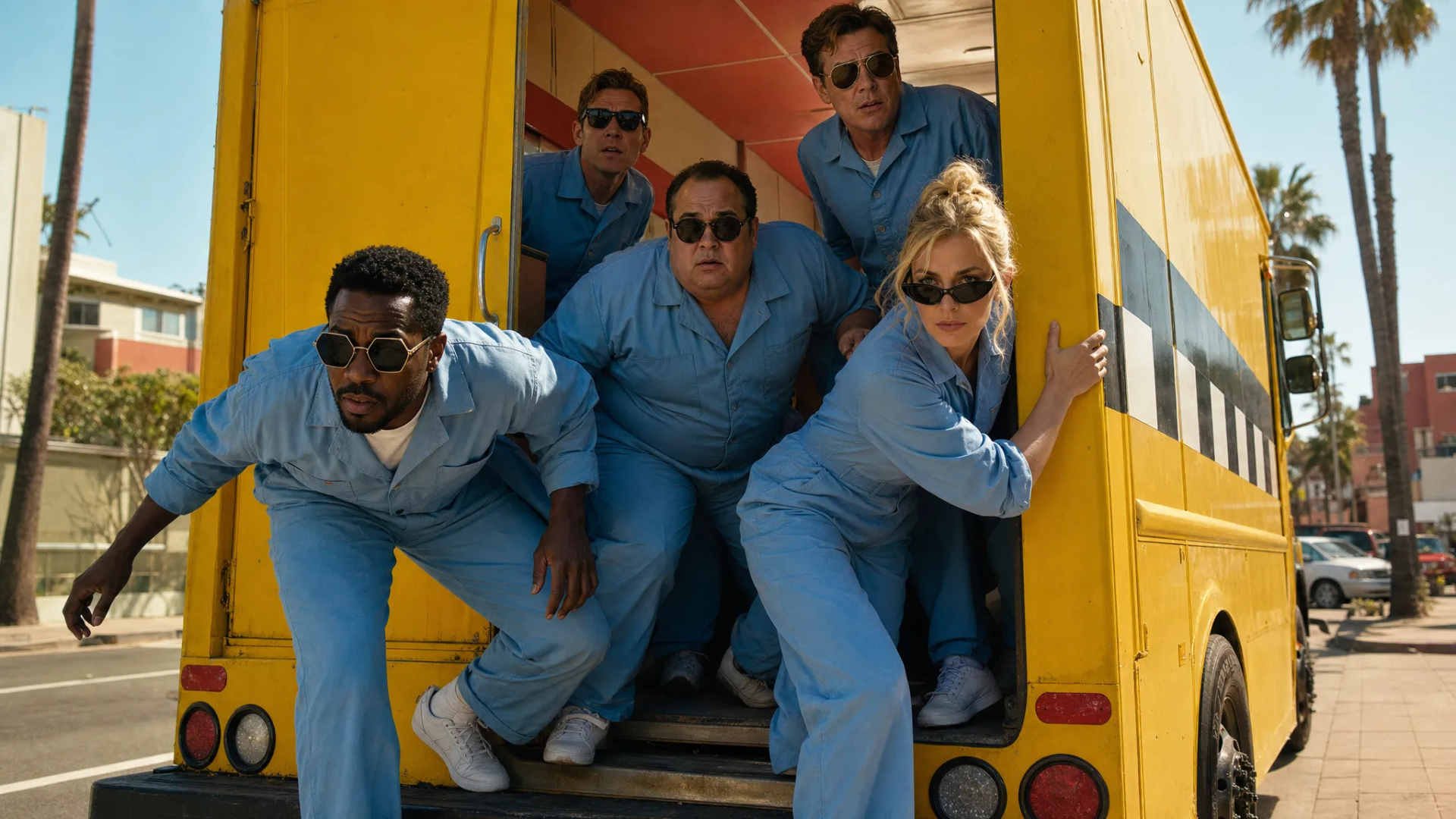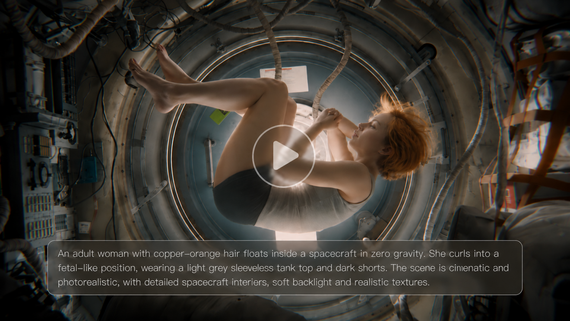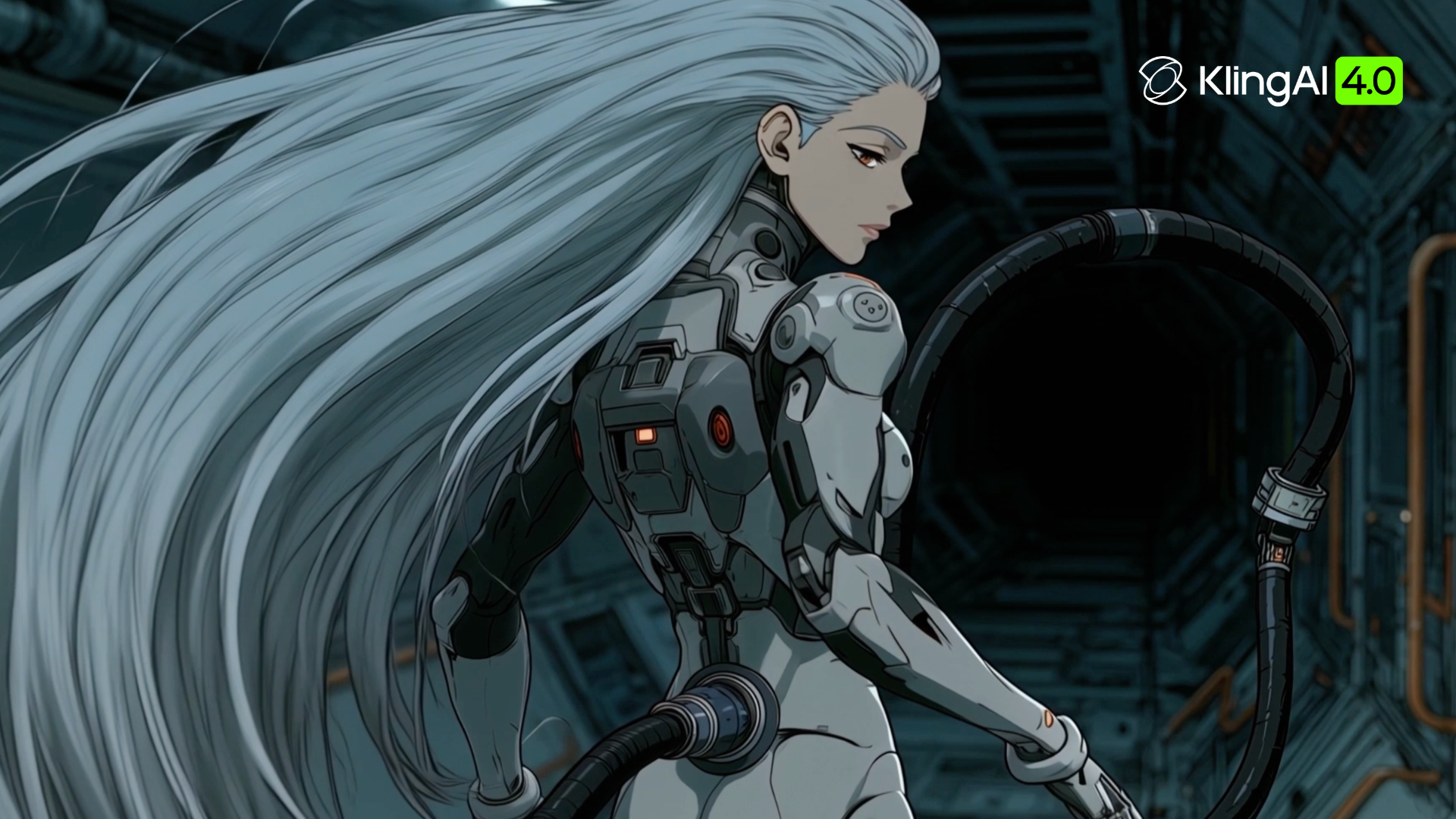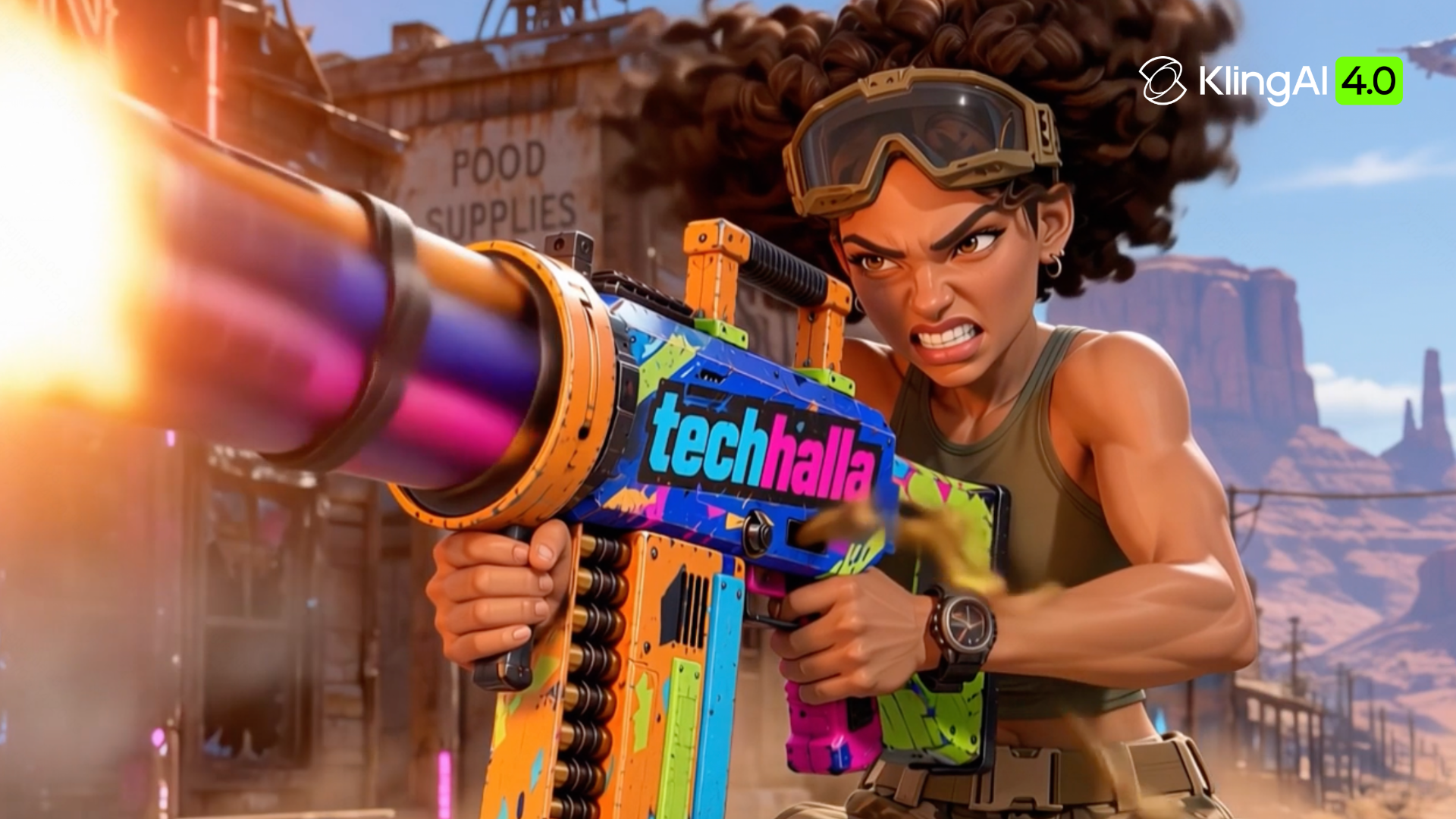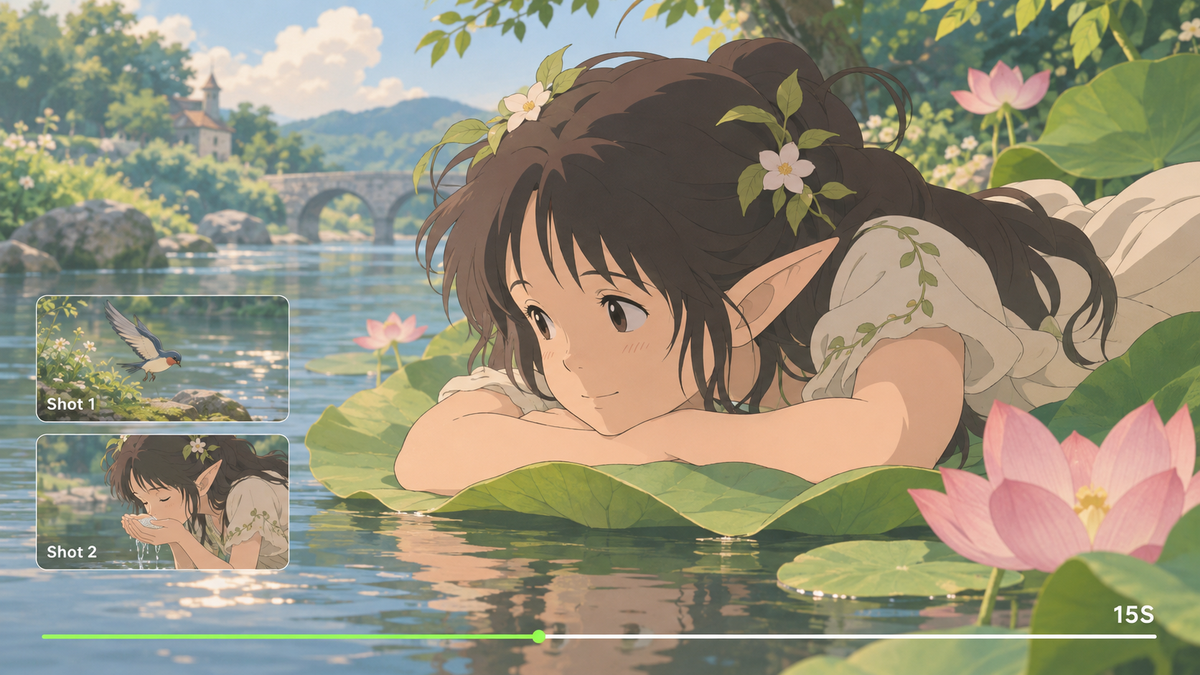
From expressive faces and bold action to soft, painted worlds, anime style gives a scene its personality. Explore the main visual directions and see how creative tools such as Kling AI can help bring a chosen look into motion through clear references and thoughtful shot direction.
What Defines an Anime Style?
Anime style is a visual art form rooted in Japanese animation, with bold linework and expressive features shaped by the audience and genre. Eyes, facial proportions, hair shapes, color, and lighting give each work its character, from playful simplification to stylized realism.
Different anime drawing styles can give the same story a different feeling. Perhaps you love bold silhouettes, soft colors, or painted backgrounds. The table below gathers their defining traits to help you find a direction for your own characters.
Visual Direction | Defining Traits |
Bold Action | Sharp lines, strong poses, energetic framing. |
Soft and Romantic | Pastel colors, delicate expressions, dreamy light. |
Grounded and Dramatic | Lifelike proportions, restrained gestures, deep shadows. |
Painterly and Dreamlike | Painted backgrounds, warm colors, soft textures. |
Chibi and Playful | Large heads, small bodies, playful expressions. |
CGI and 2D Hybrid | 3D depth and movement with 2D outlines and shading. |
Graphic and Experimental | Angular forms, bold colors, graphic compositions. |
How to Create Different Anime Styles More Efficiently
The hand-drawn warmth of Studio Ghibli can stay with us long after a film ends. Creating that richness traditionally takes skilled artists, time, and a production budget, from drawing and painting to modeling and animation. With AI video generation, you can explore those familiar visual qualities more quickly and turn them into a scene of your own.
At Kling AI, we provide AI-powered tools for generating and editing both images and videos. With Kling IMAGE 3.0 Omni, our image generation and editing model, you can create anime-inspired characters, backgrounds, and consistent image series using text and visual references. Kling 4.0, our latest video generation and editing model, helps bring those visuals into motion, guide character actions and camera movements, and refine existing footage. Together, our tools support your creative process from original anime artwork to animated scenes.
Bring Anime Styles to Life with Kling 4.0
Once you've developed your anime art style, the next step is bringing it into motion while preserving its visual identity. With Kling 4.0, you can guide character consistency, dynamic action, camera movement, and narrative flow through references and natural-language instructions. Here are the key capabilities that can help turn your creative vision into animated scenes.
Create Painterly Worlds with Omni Reference
A painted setting can carry the warmth of a favorite animated world, from soft brushwork to light falling across the landscape. When your character design shares those colors and textures, the scene feels more connected. Before creating your video, you can use Kling IMAGE 3.0 Omni, our AI image generation and editing model, to create original anime-inspired reference images and establish your desired visual style.
With Kling 4.0's Omni Reference, you can combine up to 15 supported references, including images, videos, and Elements, to guide the scene's visual style and movement. Use Elements to maintain consistent character appearances, background images to establish the setting, and style images to guide linework, colors, and painted textures. You can also add video references to guide character actions and camera movements, bringing your chosen anime style to life while maintaining a cohesive visual look.
Shape Anime Stories with Longer Generation and Keyframes
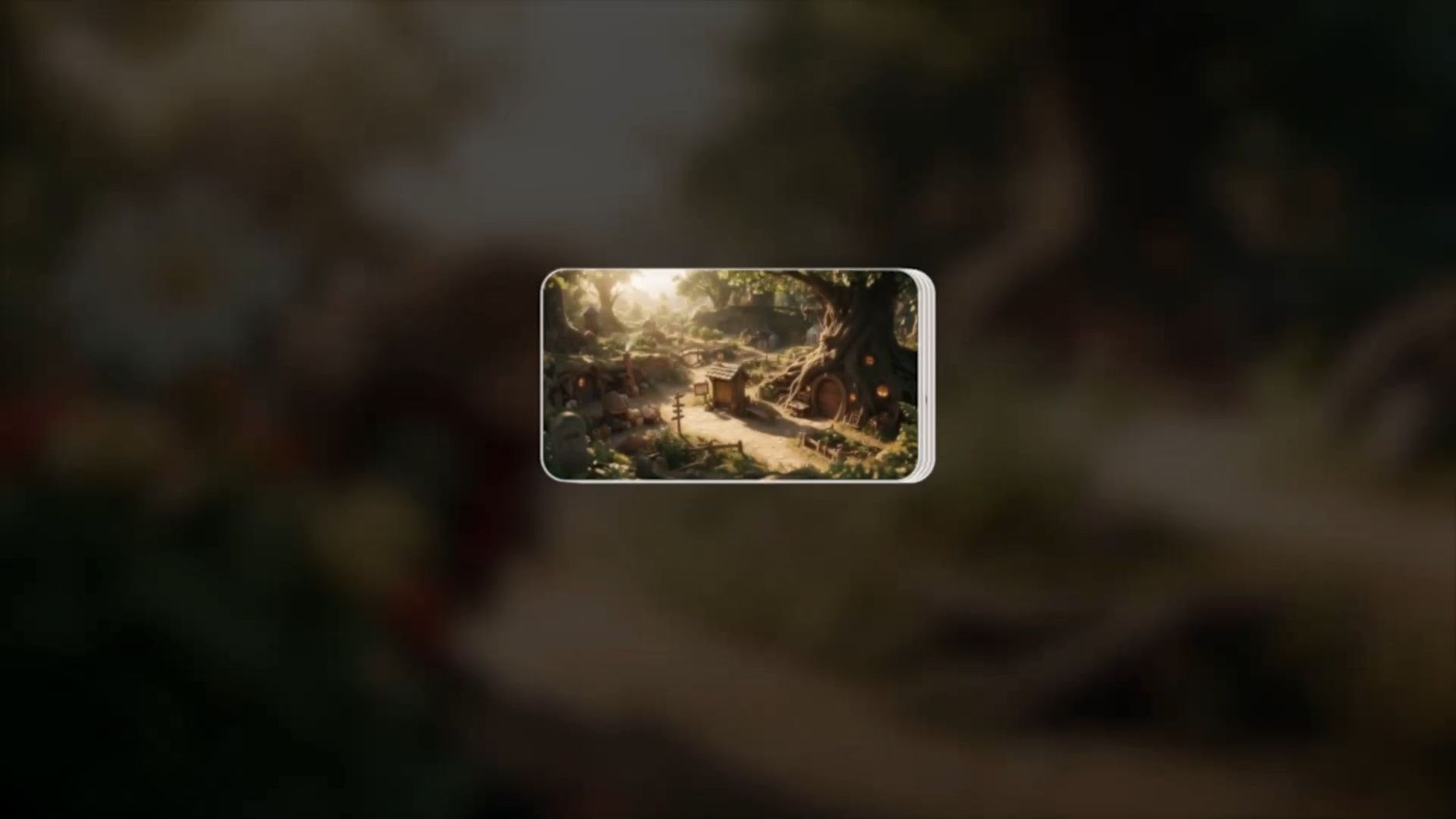
Kling 4.0 can generate videos lasting 3 to 30 seconds in a single run, giving an anime scene room for an opening, a turning point, and a closing beat. Within Omni Reference, you can use up to 10 images as keyframes to guide important poses, scene changes, and story moments. Describe the sequence, emotions, and camera direction in your prompt. With stronger prompt understanding, the model can develop your instructions with a director's eye while keeping the narrative more coherent.

Create Smooth Anime Action and Camera Movements
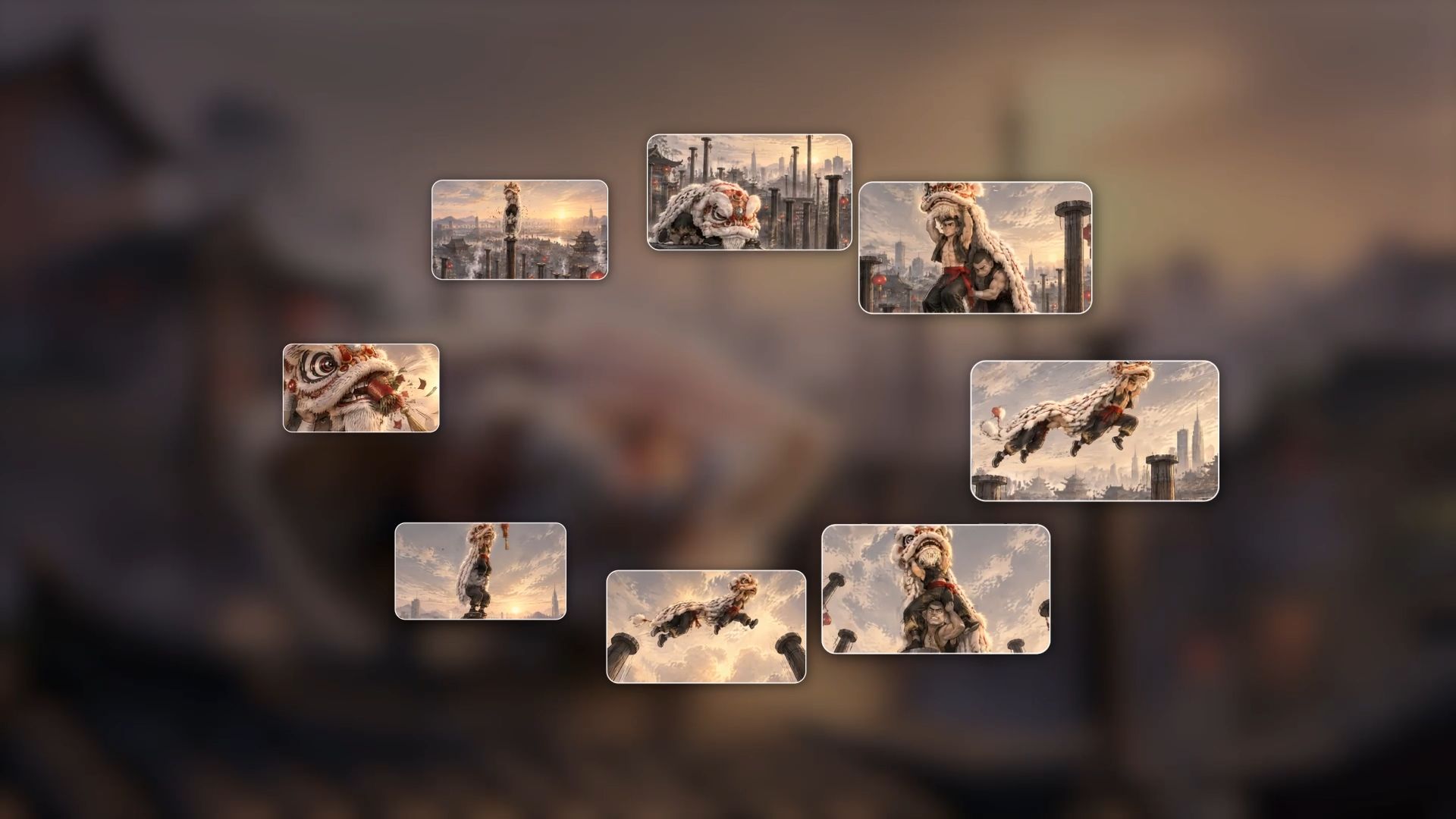
Kling 4.0 improves the stability of large-scale movements and complex camera work, helping anime-style scenes stay smooth and coherent. From fast-paced running, jumping, and continuous action to dynamic tracking shots and camera orbits, the model handles demanding motion while maintaining greater visual stability and continuity. This gives you more freedom to create energetic anime action sequences and cinematic camera movements.
Whether you're creating an intense battle scene or a quiet character moment, you can describe the subject's movements, camera direction, and visual details in your prompt. For CGI and 2D hybrid anime styles, you can also specify the outlines, shading, and spatial depth you want to preserve as the camera moves, helping maintain a consistent visual style throughout the scene.
How to Create an Anime-Style Video with Kling AI
Once the look and action are clear, keep the workflow simple. These three steps take you from an idea or visual reference to a video you can review and refine.
Step 1: Choose Kling 4.0 and Add Your References
Open Video Generation and select Kling 4.0. In Omni Reference, upload the character, scene, style, or movement references your shot needs. Use clear assets that show the features you want to preserve. If you have no materials ready, start with text to video AI and continue to the prompt.
Step 2: Match Your Prompt to the Look and References
Assign each asset a role, then describe the subject, action, setting, linework, shading, lighting, and camera movement. Match your instructions to the uploaded materials, including the appearance and visual treatment to preserve.
Step 3: Generate Review and Refine
Choose the duration, aspect ratio, and available output settings, then generate. Watch the full clip for character identity, line quality, color, and movement continuity. If something drifts, adjust the relevant reference or instruction and generate again. Once the shot communicates the look and action you intended, export your chosen version.
Generated Result | Prompt |
| Create a 15-second, 16:9 clay stop-motion animation in an Aardman-inspired style, presented as one continuous shot. Biscuit, a small brown clay terrier in a white-and-orange spacesuit, carries an oversized fork across a wobbling cheese moon. He jumps from a crooked rocket, explores the surface, and plunges into an underground cheese tunnel. There, he startles a bus-sized cheese mouse, which chases him through the tunnels. Biscuit escapes by bursting back onto the moon, catches a curl of cheese on his fork, and takes a blissful bite. Finally, he and the giant mouse sit together, sharing cheese happily beneath a starry sky. |
Useful Prompts for Different Anime Styles
If you have a favorite anime style in mind, the table below offers a few ways to describe it. The prompts pair visual details with movement, giving your own characters and stories a starting point.
Visual Direction | Useful Prompt |
Bold Action | Anime-inspired action with crisp ink outlines, hard-edged cel shading, and strong, readable silhouettes. Dynamic diagonal framing follows the character’s movement, with clear anticipation, a powerful action, and a finishing pose. |
Soft and Romantic | Romantic anime imagery with delicate linework, soft pastel colors, luminous eyes, and gently diffused light. A shallow sense of depth and dreamy background details frame small changes in expression; the camera drifts slowly toward the character. |
Grounded and Dramatic | Grounded anime drama with natural body proportions, restrained expressions, muted colors, and deep directional shadows. Detailed environments support the character’s performance, while measured camera movement holds the emotional moment in clear staging. |
Painterly and Dreamlike | Hand-painted anime imagery with textured backgrounds, warm natural colors, soft edges, and layered landscape depth. Gentle character movement and a slow camera reveal preserve the quiet atmosphere, with consistent painted textures as the scene unfolds. |
Chibi and Playful | Playful chibi animation with an oversized head, a compact body, simple facial features, and clean rounded shapes. Bright colors and clear poses support cheerful expressions; small bouncy movements keep the character’s proportions and silhouette recognizable. |
CGI and 2D Hybrid | Anime-inspired 3D depth with clean 2D outlines, cel-shaded surfaces, and controlled graphic shadows. A smooth camera orbit reveals the character and setting while maintaining the illustrated appearance, consistent shapes, and clearly readable movement. |
Graphic and Experimental | Graphic anime imagery with angular shapes, bold color blocks, a limited palette, and striking compositions. Deliberate changes in framing follow the action, while strong silhouettes and rhythmic movement keep the visual sequence connected. |
These prompts leave room for your own characters, settings, and stories. If a scene has the right colors but the movement feels off, the Kling 4.0 video generation guide offers more help with describing the action and camera direction.
Conclusion
A favorite anime style can be the starting point for a video that feels like your own work. Your characters, colors, and movement give that inspiration a personal direction. Kling AI helps you develop it through visual references, recognizable characters, and more stable action, from a quiet expression to a fast-moving scene.
FAQs
What Does Anime Style Mean?
It means a visual approach rooted in Japanese animation, using expressive character design, purposeful linework, and stylized proportions. The look can be playful, romantic, or dramatic. Color, lighting, backgrounds, and movement give individual works their own character within that broad visual language.
What Are the Different Types of Anime Styles?
Common directions include bold action, soft romance, grounded drama, painterly backgrounds, chibi, CGI and 2D hybrids, and graphic experimentation. These categories overlap. Shonen, shojo, seinen, and josei primarily describe audiences; they can suggest familiar conventions, but they do not prescribe one drawing style.
What Is the Anime Style Called?
It is usually called anime or an anime-inspired look. Outside Japan, anime commonly refers to animation from Japan, although its visual vocabulary influences work elsewhere. “Japanese anime style” does not identify one precise treatment. Describe linework, proportions, palette, and shading for a specific look.
Can I Create Anime-Style Videos Without Drawing Every Frame?
Yes. AI video generation creates moving footage from written directions and visual references without drawing every frame. An AI cartoon generator can help explore character visuals first. For video creation in Kling 4.0, provide useful references and review the result for consistency and motion.
How Can I Keep the Same Character Across Anime-Style Shots?
Reuse clear references and specify the character’s defining hairstyle, facial structure, costume, proportions, and visual treatment. Kling 4.0’s Omni Reference helps guide these choices. Review turns, close-ups, and changing poses throughout each clip; if a detail drifts, refine the relevant reference or instruction and generate again.