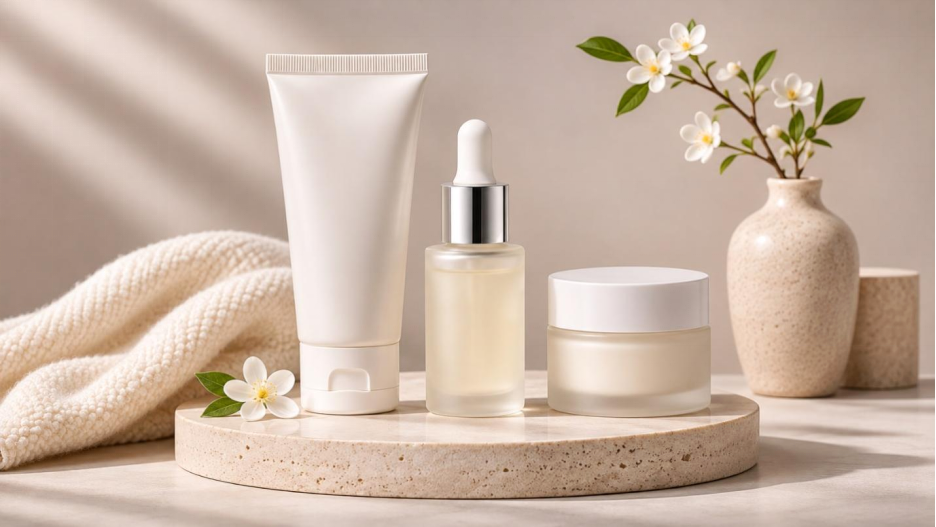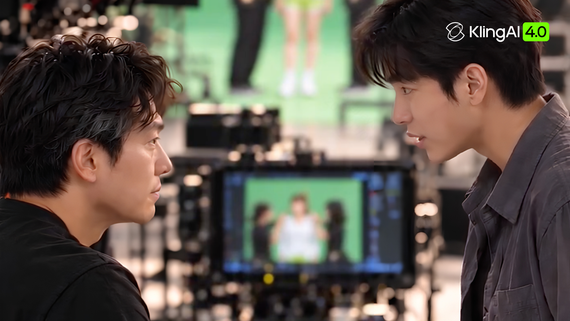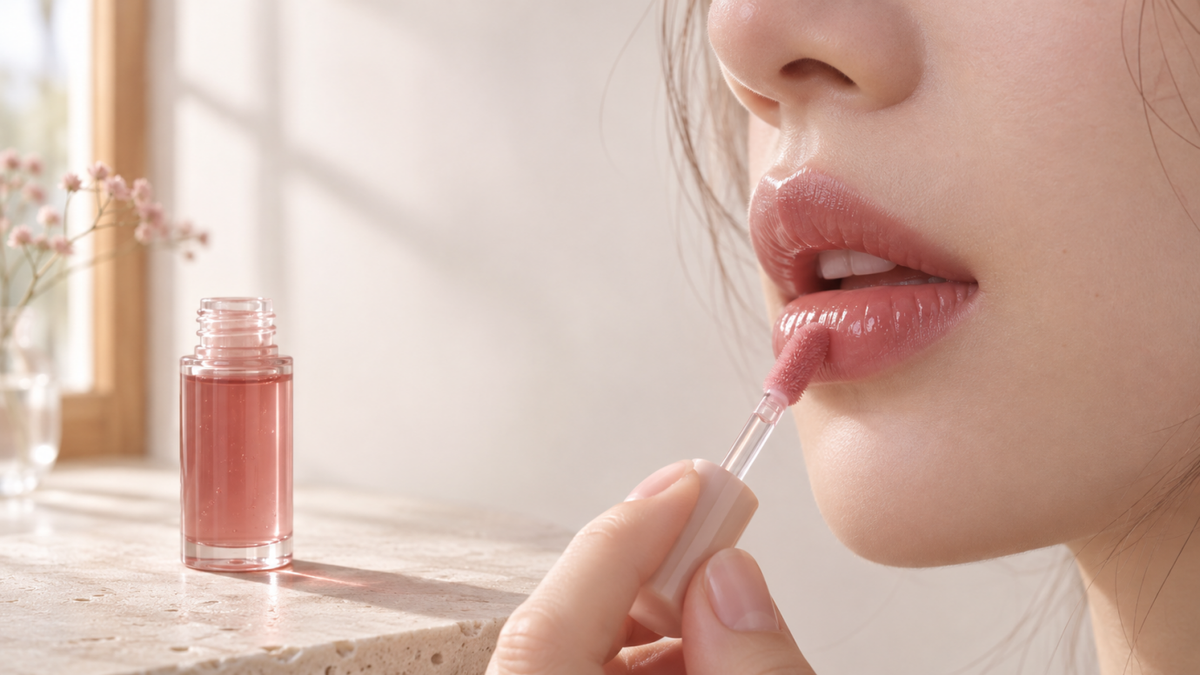
A giant mascara wand sweeps over a London Underground train fitted with lashes. In a quieter ad, one swipe of lip oil catches the light by a window. Whether through larger-than-life spectacle or an intimate texture close-up, high-performing beauty ads show what the product does before you have to read the label. AI tools help explore concepts and create campaign visuals.
What Makes Makeup Ads Work
Build a makeup advertisement around one question a shopper might ask. How sheer is the lip oil? Can I build up the coverage? Does the liner leave a clean edge? Choose a shot that answers that question. An angled light can catch the shine of a gloss as the model turns, while soft front lighting can help viewers see its tint.
In makeup ads, an action such as a wand lifting through lashes makes the opening easy to follow with the sound off. A creator demonstration can show the result on a person and answer practical questions about application. Make the product easy to recognize after the demonstration. Give the tube, shade name, and call to action room on screen.
For a before-and-after comparison, lock the camera angle and exposure so viewers can judge what changed. When a concept calls for elaborate lighting or surreal props, use a text-to-video AI tool to generate the visual hook or test whether the action reads clearly on screen.
Makeup Ad Examples and Why They Work
Oversized CGI Mascara Campaigns
In viral faux-out-of-home CGI campaigns, a giant mascara wand brushes lashes fitted onto a city commuter train. The train gives viewers a familiar sense of scale, and the brush motion immediately connects the spectacle to mascara. For your own launch, choose a single recognizable action and build the scene around it.
Buildable Coverage and Swatch Ads
Combining arm swatches with side-by-side bare-skin and applied close-ups helps shoppers compare undertones while seeing how coverage actually sits on real skin texture. For makeup advertisements that highlight buildable coverage, film the same cheek before application, after one thin layer, and after a second layer.
Tutorial and Creator Ads
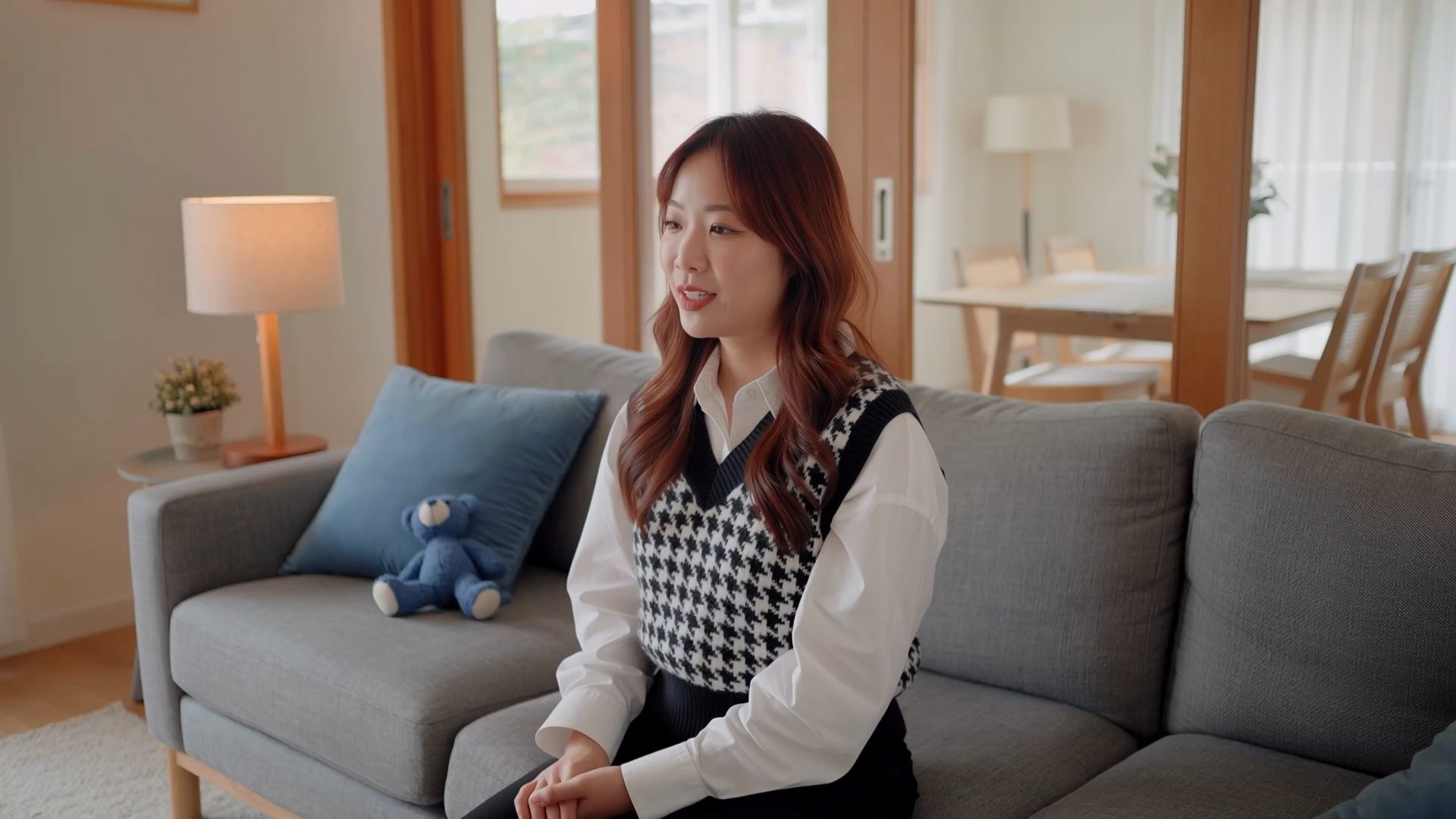
A quick blush tutorial can teach viewers where to place the product, while a get-ready-with-me clip shows where it fits in a routine. In ads about makeup techniques, keep the hand and cheek in view through the application. Hold on the result so viewers can connect the technique to the finish.
Why Use AI Tools to Create Makeup Ads?
Traditional makeup shoots remain valuable because they capture real shades, textures, skin finishes, and application results. They also give brands direct control over talent, lighting, and styling. However, creating multiple concepts, elaborate CGI scenes, or variations for different audiences can require extra sets, props, crew, and reshoots.
AI tools can complement this process by helping teams explore creative directions, visualize unusual scenes, and develop additional image and video assets before or alongside a live shoot. For beauty campaigns, a hybrid approach works well: use AI-generated visuals for imaginative storytelling and creative variations, then add real swatches or application footage when viewers need to judge a product's actual shade and finish.
At Kling AI, we bring these workflows together with Kling 4.0, our video generation and editing model, and Kling IMAGE 3.0 Omni, our image generation and editing model. Together, they help you create dynamic makeup ad videos and coordinated campaign visuals.
Create Dynamic Makeup Videos with Kling 4.0
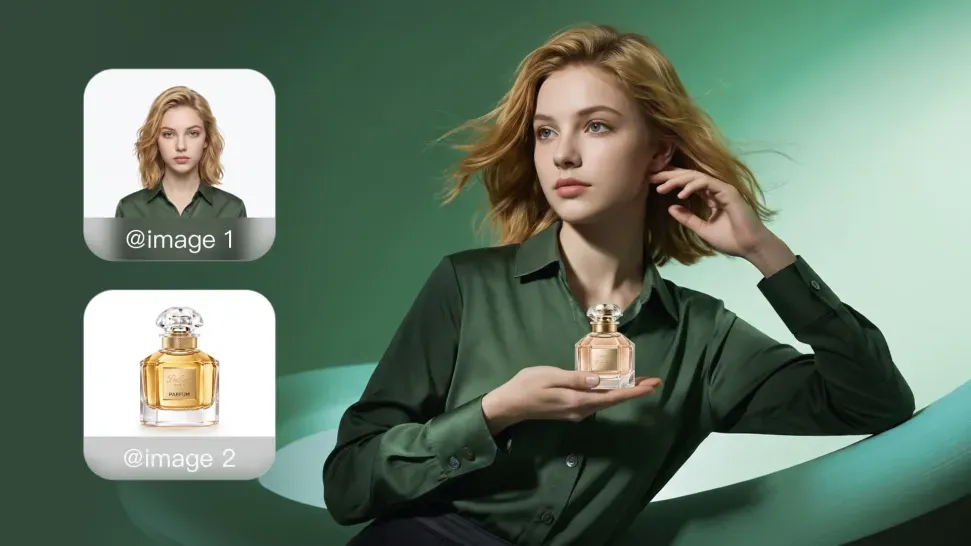
With Kling 4.0, we help you turn makeup concepts into dynamic ads of up to 30 seconds. Our Omni Reference supports up to 15 reference assets to guide product appearance, talent, and visual style. You can use reference videos to guide performances, product actions, camera movements, and pacing. You can also draw inspiration from successful ads, adapting their shot composition and visual storytelling while replacing the original products, characters, and other assets with your own. Our improved motion stability helps keep large movements and complex camera work smooth and coherent, making it easier to create dynamic product reveals, continuous actions, and changing scenes.

Build Consistent Makeup Campaign Images with Kling IMAGE 3.0 Omni
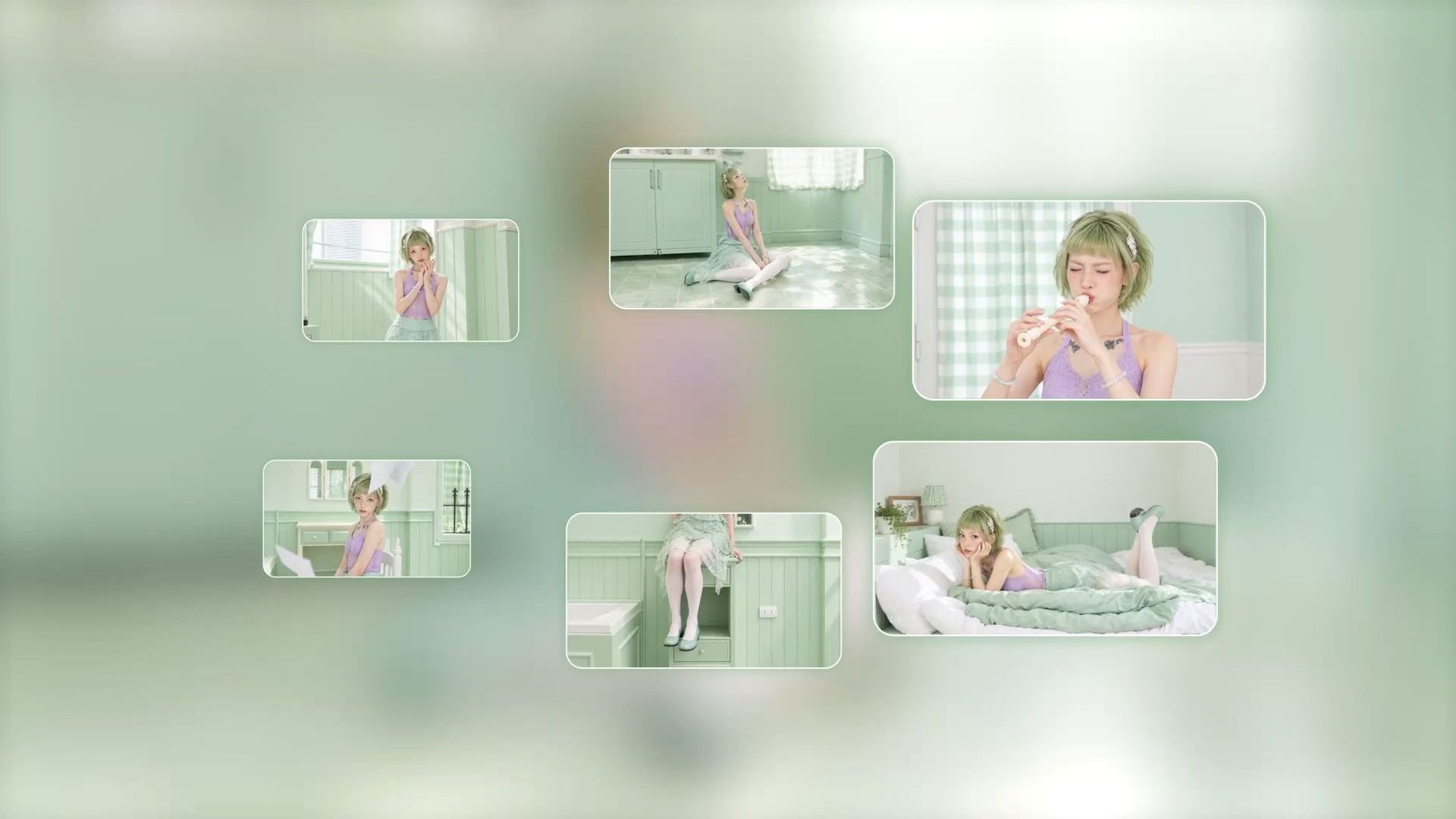
With Kling IMAGE 3.0 Omni, we help you create supporting campaign stills. Use multiple references to guide makeup looks, product appearance, lighting, and visual style. Image Series Mode creates connected visuals with a consistent subject and creative direction across product close-ups, shade cards, social posts, and makeup banner ads. Native 2K and 4K output supports detailed campaign images.
How to Create Makeup Ads with Kling AI
Step 1. Plan Your Makeup Ad and Prepare References
Start by choosing the product you want to feature and the main message your ad should communicate, such as a lipstick's finish, foundation coverage, or mascara's volume. Decide where the ad will appear and gather clear product photos, makeup look references, swatches, and any video clips that show the actions or camera movements you want to recreate.
Step 2. Create Images and Videos for Your Makeup Campaign
With your creative direction and references ready, you can create campaign images and videos separately or combine both for a coordinated makeup campaign. Choose the workflow that best fits your needs.
Create Makeup Campaign Images with Kling IMAGE 3.0 Omni
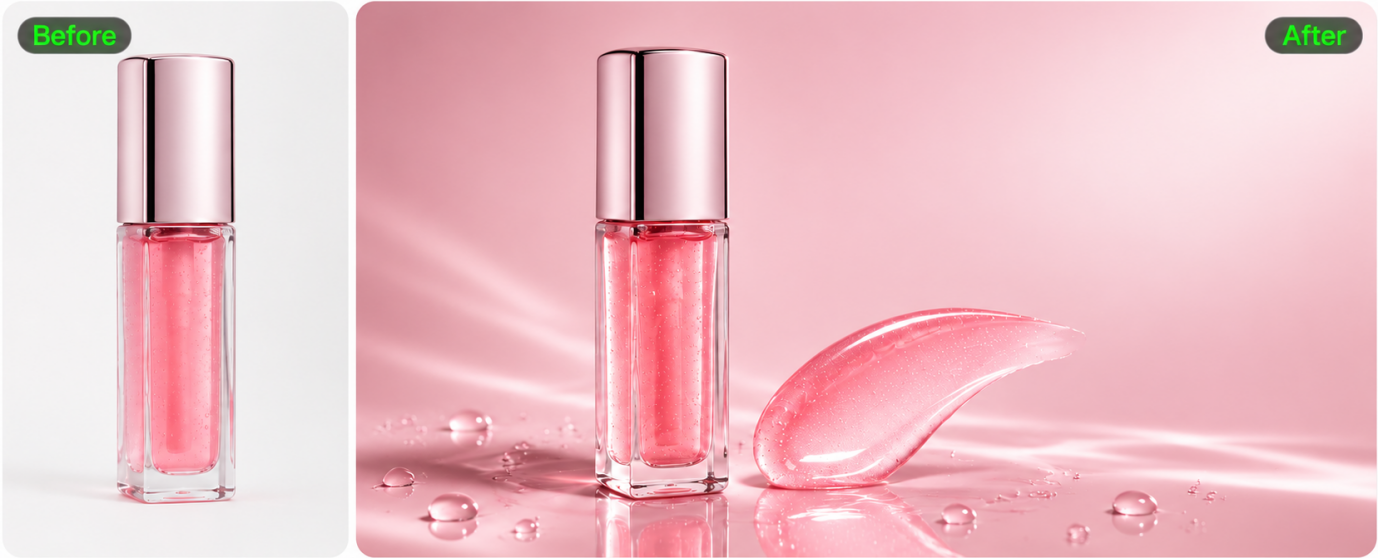
Upload a product photo or model reference to Kling IMAGE 3.0 Omni. Describe the makeup look, product placement, background, lighting, and composition you want. You can also create a series of coordinated visuals for different shades, product close-ups, and social media placements. Before generating, select your preferred aspect ratio and choose 2K or 4K output resolution based on your campaign needs.
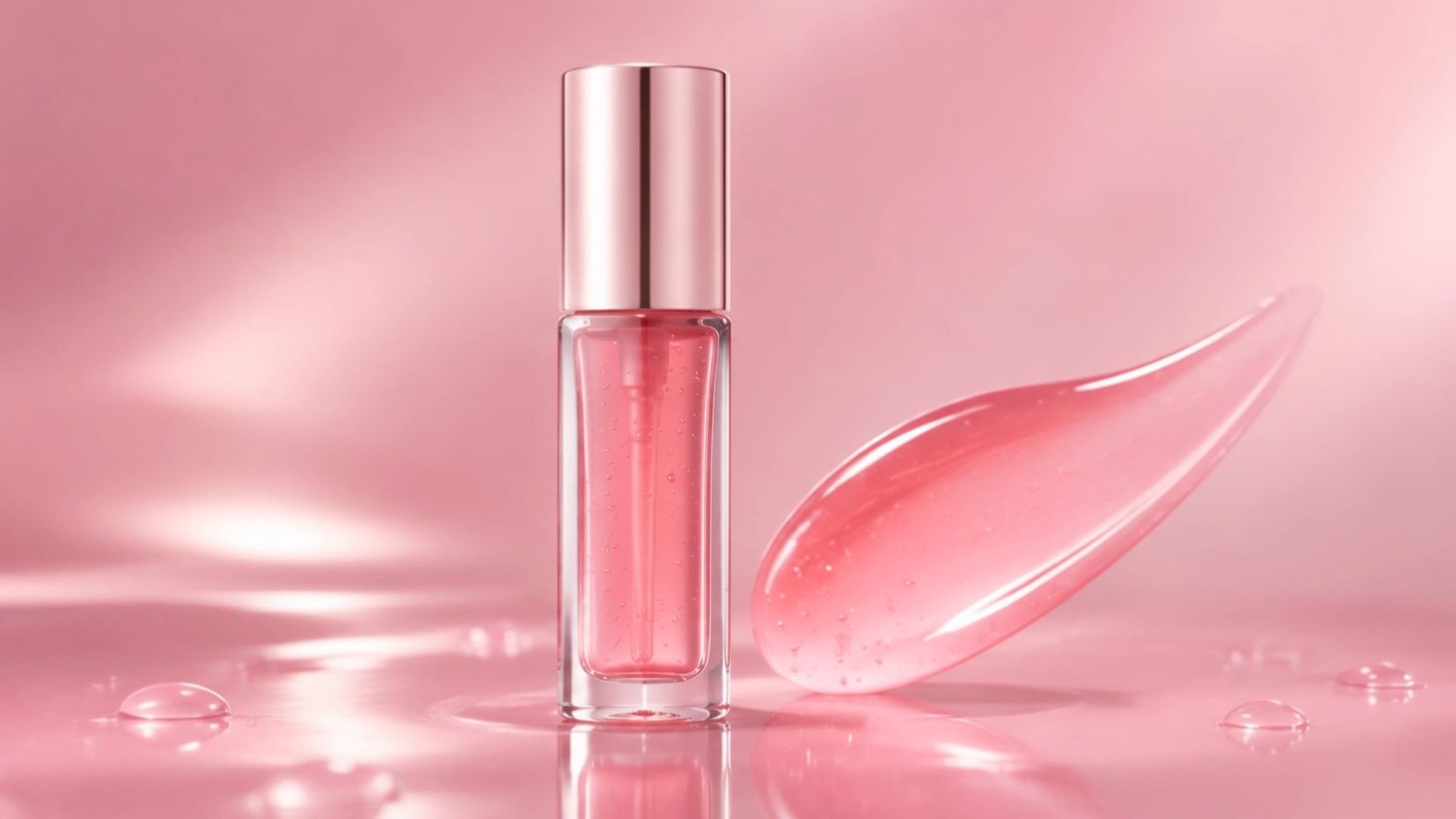
Prompt: Create a premium beauty campaign image featuring the uploaded pink lip oil. Keep the product's overall packaging shape, cap, and color consistent with the reference. Place it on a glossy rose-pink surface with delicate water droplets and a soft gradient background. Add a close-up swipe of sheer pink gloss beside the product to highlight its texture. Use elegant studio lighting, refined editorial styling, and a clean composition with space for a headline. Horizontal 16:9 composition, no extra products or added text. |
Generate Makeup Ad Videos with Kling 4.0
Open Kling 4.0 and upload your product images and any relevant visual references. Describe the opening shot, product presentation, model actions, scene progression, and camera movements you want. If you have a reference video, you can also use it to guide the performance, shot composition, and pacing of your ad. Before generating, choose your preferred video duration, aspect ratio, and output resolution based on your campaign needs and target platform.
Prompt: Create a 10-second beauty commercial. Use @Image1 as the product reference and @Image2 as the model reference. Keep the lip oil's packaging shape, cap, and pink color consistent with @Image1, and preserve the model's facial features and overall appearance from @Image2. Open with a close-up of the lip oil rotating slowly as light glides across its packaging. Cut to the model from @Image2 uncapping the product and applying one smooth swipe to her lips. Show a macro close-up of the glossy finish, then end with a clean product hero shot against a soft pink background. Use a smooth push-in for the opening shot and a gentle orbit for the final product shot. Keep the transitions fluid, the lighting polished, and the lip oil as the visual focus throughout. |
Step 3. Review and Refine Your Campaign Assets
Review your generated images and videos to ensure the product presentation, packaging, shade, and makeup details align with your campaign. If further adjustments are needed, use our AI photo editor and AI video editor to modify backgrounds, refine video framing, and adjust visual perspectives.
Makeup Advertisement Ideas to Test This Season
Choose the idea that fits what you are promoting this season, whether it is a limited-edition shade or a formula meant for long days. Use seasonal styling in the opening and keep the demonstration focused on the product. For a shimmer launch, compare two equal-length openings, one on the compact and one on a cheek catching the light.
1. Film a Commute Wear Check
Capture a matte lipstick or long-wear foundation in natural morning light before the commute, then film a quick check-in at the end of the day with a timestamp overlay to show how the finish holds up.
2. Build a Shade Finder Carousel
Dedicate one card per shade across models with different skin tones, placing each shade name cleanly beside its arm or lip swatch. An AI photo editor can help you test clean background layouts around your swatch photos before linking each card directly to that shade on the product page.
3. Stage an Oversized Product Reveal
For a hero lipstick or liquid highlighter launch, imagine an oversized metallic tube opening on a city plaza or sweeping past a storefront window. Open wide to establish scale, then cut to a close-up of the real product. Use image-to-video generation in Kling 4.0 to animate the wide reveal and fine-tune the transition timing.
4. Shoot a One-Minute Look
Partner with a creator known for quick morning routines to build a 60-second look around one hero step, such as blending a cream blush stick with their fingertips. Share the key formula highlights and let the creator show how effortlessly it melts into the skin.
5. Show a Formula Detail
Highlight a signature formula benefit—such as a weightless serum foundation or a hydrating lip glaze—with a macro texture shot that shows how smoothly the product spreads. Generate a text-to-image concept first to explore prop styling, water droplets, or botanical accents around the swatch.
6. Style a Seasonal Kit
Unbox a holiday or seasonal gift set on camera, pausing on the eyeshadow palette and mini shades so viewers can see the full value of the bundle before the closing holiday shipping reminder.
Choose the Right Format: Banner, Social Video, and Commercials
Choose your primary placement before framing the first shot so you can plan aspect ratios and cut lengths from the start.
Format | Where It Runs | Example Production Specs | Best For |
Display banner | Websites and retail sites through display networks | Google Display examples: 300 × 250, 728 × 90, 160 × 600, and 320 × 50 px | Reminding shoppers about a shade they viewed |
Short social video | Reels, Stories, TikTok, and YouTube Shorts | 9:16 vertical, with a 6- to 30-second test cut | Launches, tutorials, and creator content |
Carousel or catalog ad | Social feeds and shopping placements | 1:1 or 4:5 images | Showing a full shade range or kit |
TV or streaming spot | Connected TV, YouTube, and cable | 16:9, 15 or 30 seconds | Brand awareness and hero launches |
For a display banner, pair a clean foundation bottle or blush compact with a bold texture smear that stays legible even at small dimensions. In vertical social video, keep key action and captions inside the center safe zone away from platform UI icons. For a widescreen cosmetic commercial, use the horizontal frame to showcase environmental storytelling alongside the final product lineup.
The End
Start with the visual detail your audience cares about most, whether it's a sharp eyeliner wing or the dewy finish of a cheek tint. With Kling 4.0, you can turn these ideas into engaging video ads of up to 30 seconds. Pair your videos with high-resolution campaign images created with Kling IMAGE 3.0 Omni, then add clear application shots so shoppers can see the product's actual shade and finish.
FAQ
What reference photos should I prepare for an AI makeup ad?
Prepare a well-lit pack shot, a straight-on photo of the label, and an unfiltered texture swatch photographed under neutral light. If the cap or wand shape is a signature detail, include a separate close-up and assign each image a clear role in your prompt.
How long should a makeup commercial be?
Let the placement guide your runtime. A 6-second social cut is ideal for a single visual hook, one swipe, and a pack shot, while a 15- or 30-second commercial gives you room to pair an imaginative opening with a creator demonstration. Test two cut lengths against the same campaign goal to see which holds attention.
Should I add the shade name during generation or editing?
For crisp, exact typography on shade names and pricing, leave clean negative space in your generated scene and overlay the final brand copy in your editing software. Preview the export on a mobile screen to make sure platform buttons and captions do not cover the text.
How do I keep makeup packaging consistent across AI-generated shots?
Upload a sharp, straight-on product photo on a plain background and use Image Series Mode in Kling IMAGE 3.0 Omni or Omni Reference in Kling 4.0. Specify in your prompt that the bottle shape, cap finish, and proportions must remain locked while the background lighting and props change.
How can a small brand advertise makeup on a budget?
Combine one clean smartphone application clip with AI-generated product stills and video intros created in Kling IMAGE 3.0 Omni and Kling 4.0. Frame your footage with enough margin to crop into 9:16, 4:5, and 1:1 placements, and test two different opening hooks to find the highest-converting angle without booking a studio reshoot.