AI disintegration effect: dissolve a photo into particles
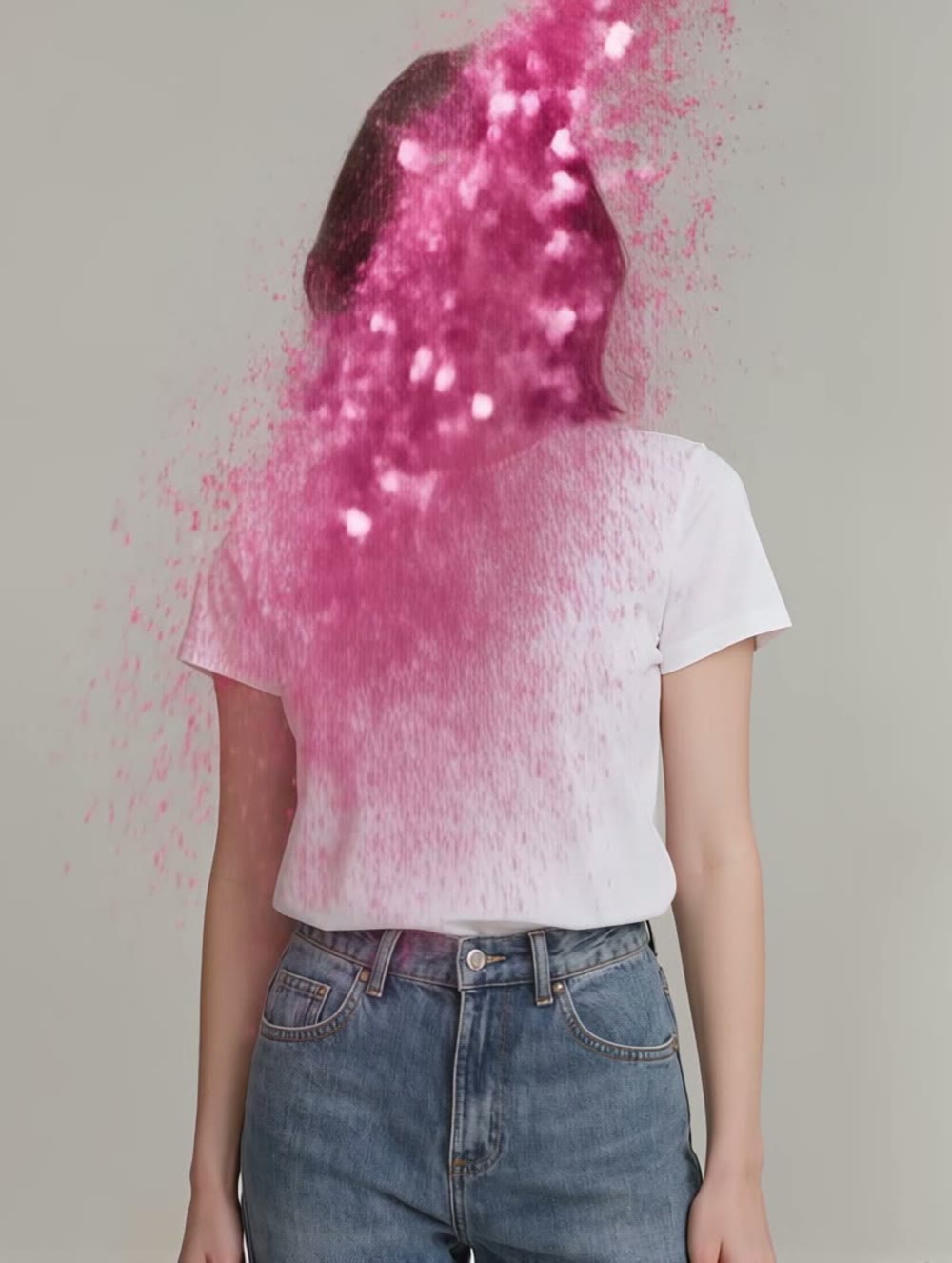
One photo, one tap, gone in a burst of petals. A one-tap dissolve-into-particles preset from the Kling app's effects library did this automatically — here's a real one, start to vanish.
On this page
Open the effects section in the Kling app and pick the dissolve-into-particles preset, then add a clear, single-person photo — a simple background works best. There's no prompt to write; it's a fixed one-tap preset, and Kling handles the entire dissolve automatically. The result is a short video of the subject scattering into particles from a real, unedited generation.
A person, dissolving
One portrait went in. No prompt, no settings beyond the photo itself — Kling's Disintegration preset did the rest, scattering the subject into a burst of particles over five real, unedited seconds:
No prompt, one photo. The dissolve's direction, color and particle style are all built into the effect — the only input was which photo to apply it to.
How to use the dissolve preset
Open the effects library
The Kling app's one-tap effects section includes preset transformations, including a disintegration-style dissolve — a single subject scattering into particles. Find it under Effects rather than the general video generator; the preset lineup rotates over time.
Use a clear, single-person photo
This effect reads one person per frame. A clean, well-lit shot with the subject clearly separated from the background gives the most convincing dissolve — busy backgrounds or multiple people confuse the effect.
Generate — it's a fixed preset
Unlike a prompt-driven tool, there's nothing to describe. Kling applies its own animation: where and how the subject dissolves is built into the effect, not something you direct.
Keep a few takes if it doesn't land
One-tap effects can occasionally fail to generate (credits are refunded automatically when that happens) or produce a less convincing result on a tricky photo. Retry, or try a cleaner source image if the dissolve doesn't read well.
This is a one-tap preset from the Kling app's effects library — you're choosing a fixed transformation, not directing a custom morph. Preset names and availability rotate over time, so check the current effects list in the app. That trade-off is the whole point: no prompt-writing, just a photo in and a finished effect out. The cost is control — you can't choose the particle style, direction or intensity. If a generation fails outright, Kling refunds the credits automatically; simply retry.