Bullet-time effects with AI
One action photo becomes a Matrix-style bullet-time clip — no rig, no camera array, no VFX team. Below: a real unedited example using Kling's dedicated Bullet Time effect, what makes a source photo work, and what it costs.
On this page
Upload a clear, single-subject action photo to Kling's dedicated Bullet Time effect (in the Effects tool) and generate — no motion prompt needed. Everything below is the real workflow and what makes a source photo work.
Step by step
Generate or upload a clear, single-subject action photo in Image Generation
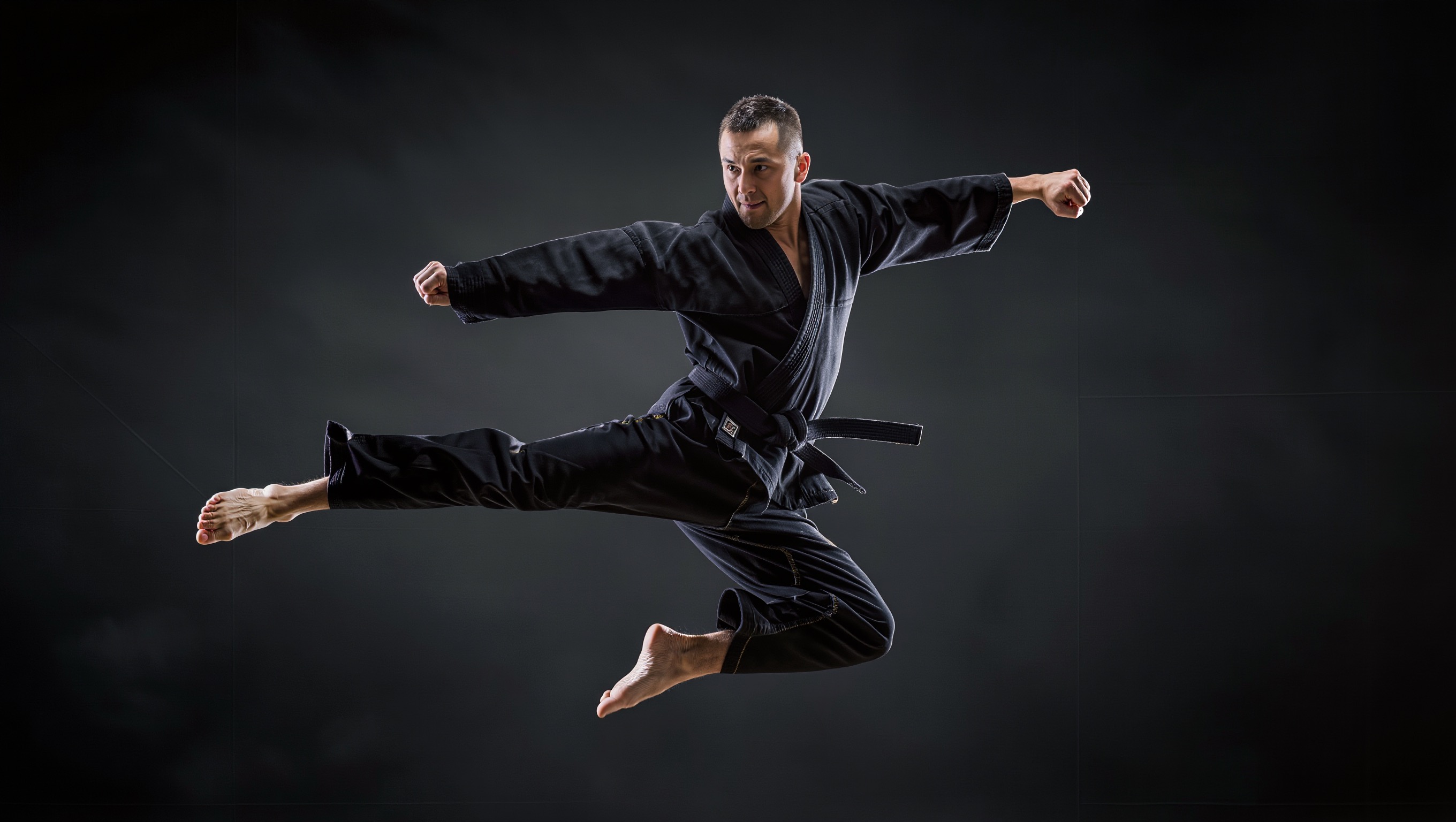
A person mid-action against a fairly simple background — a jump, a kick, a dramatic pose — gives the effect a clean subject to orbit around.
Open Effects and select Bullet Time from the effect list
This is a dedicated one-click preset, not a written motion prompt — Kling has already built the camera-orbit behavior into the effect.
Upload the photo and generate
The effect requires a clear, unobstructed shot of the subject — Kling will reject or produce a weaker result from a busy, multi-person, or partially obscured photo.
Review before using it as a hero clip
Bullet-time effects can look spectacular or noticeably artificial depending on the source photo — always preview the result rather than assuming a single generation is publish-ready.
The dedicated Bullet Time effect is picky about its source photo — a busy background, multiple subjects, or heavy occlusion produces a noticeably weaker or artificial-looking result. It's also a popular, compute-heavy effect: queue times for it can run well over an hour during high-demand periods, something worth checking before you plan around it for a time-sensitive project.
What makes a good source photo
A clear single subject
The effect works by generating a synthetic camera orbit around the subject in the photo — a cluttered background or multiple people confuses which part of the frame should stay the focal point.
A pose that already implies frozen motion
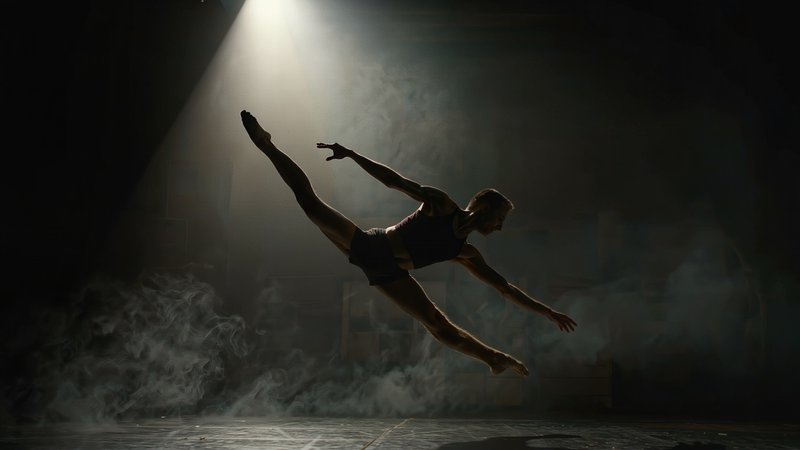
A mid-jump, mid-kick, or mid-spin pose sells the "time is frozen" illusion far more convincingly than a person standing still — the pose does half the work.
Enough contrast between subject and background
A dark or plain backdrop behind a well-lit subject gives the synthetic camera move something clean to rotate around, without background detail warping unpredictably.
The pose does half the work — a subject already frozen mid-action sells the illusion far more than a still, static portrait ever could.