Seasonal lookbook videos with AI: holiday & spring drops
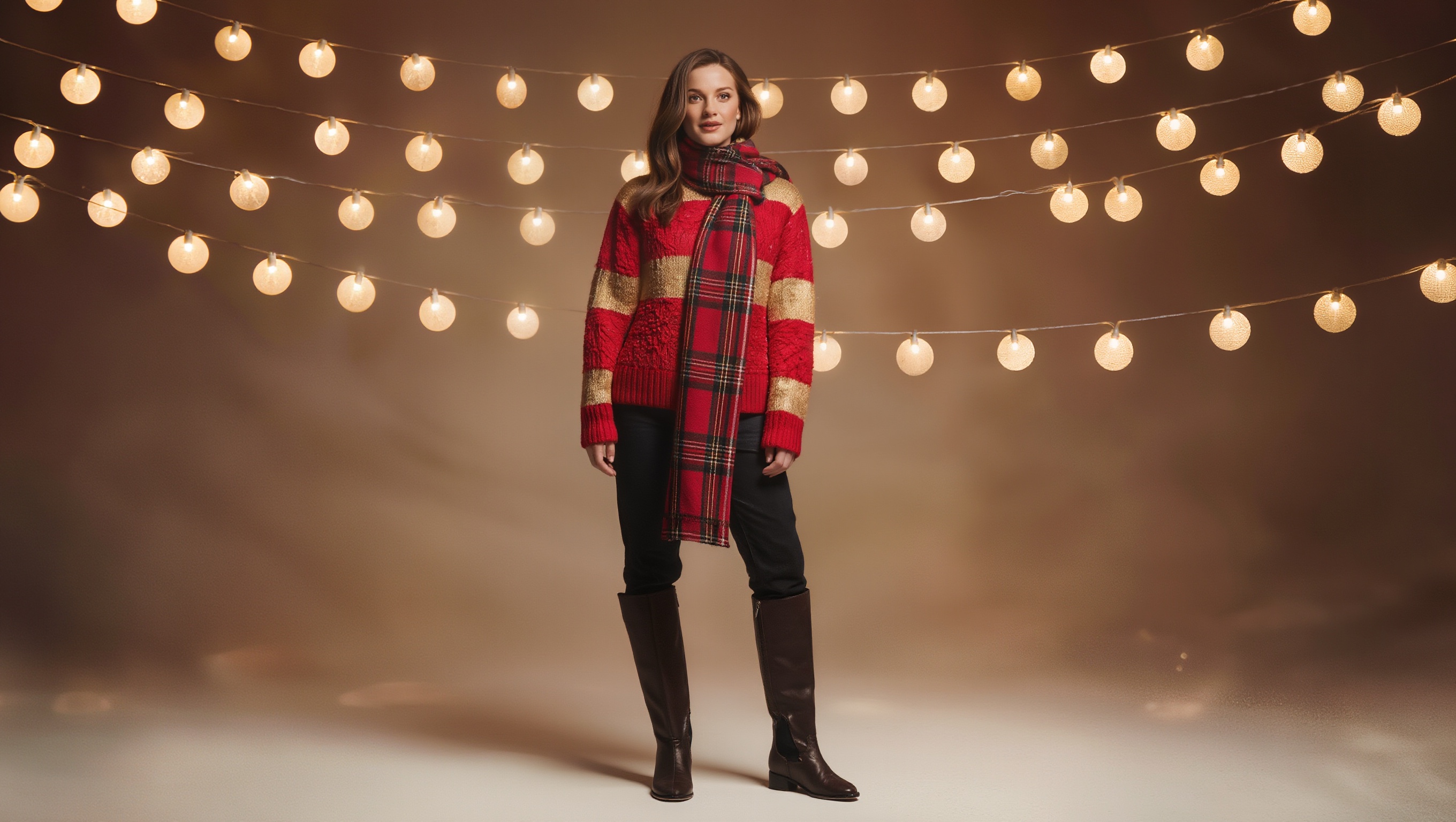
One prompt per look, one season pair below, unedited. A real holiday outfit and a real spring outfit, generated separately and styled to match their season, with one of the two animated into a lookbook clip — plus what it actually costs to do this at the scale a real drop needs.
On this page
Describe the complete outfit, palette, and setting for one season in a single prompt, reuse the same model wording across every look in the drop, then animate the hero looks with a slow turn or fabric-motion prompt. Everything below is the real result and what it costs per look.
Two references in, a series out
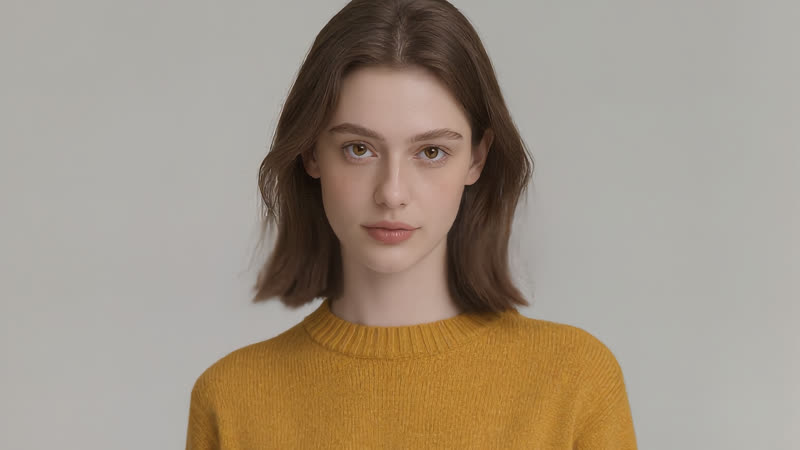
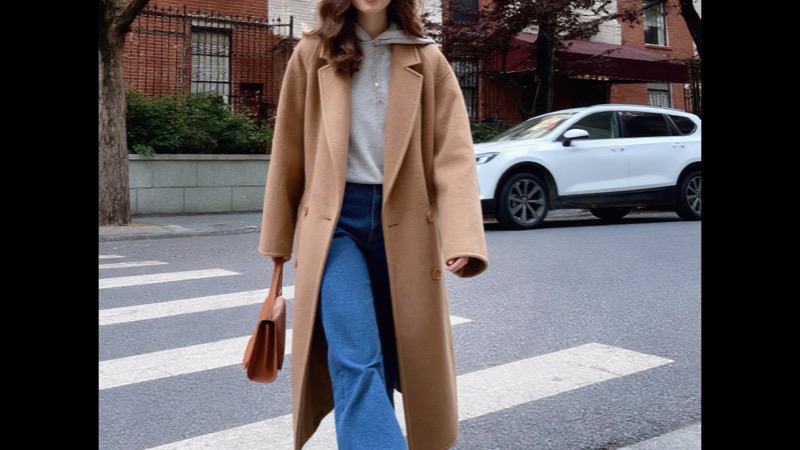
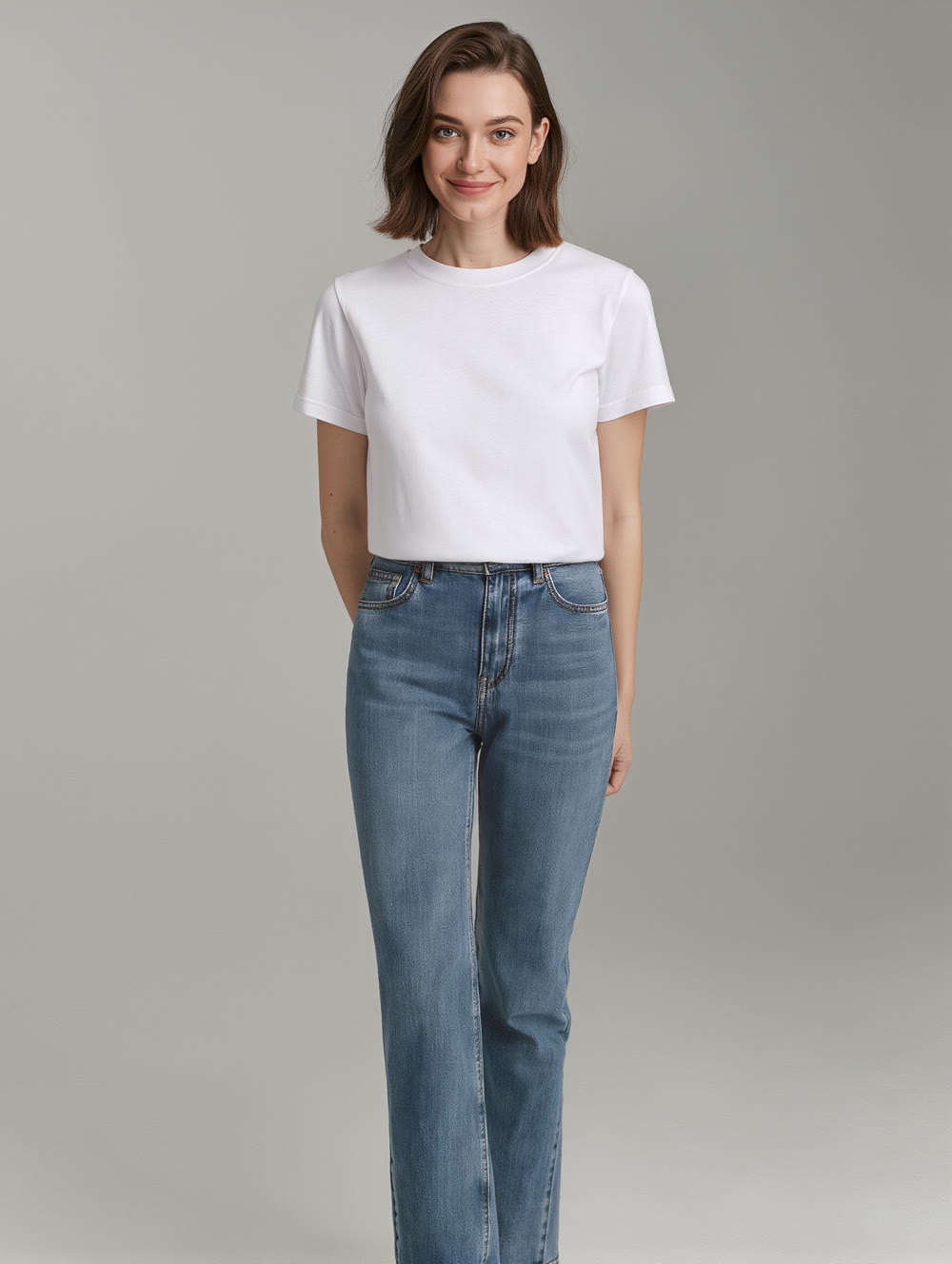
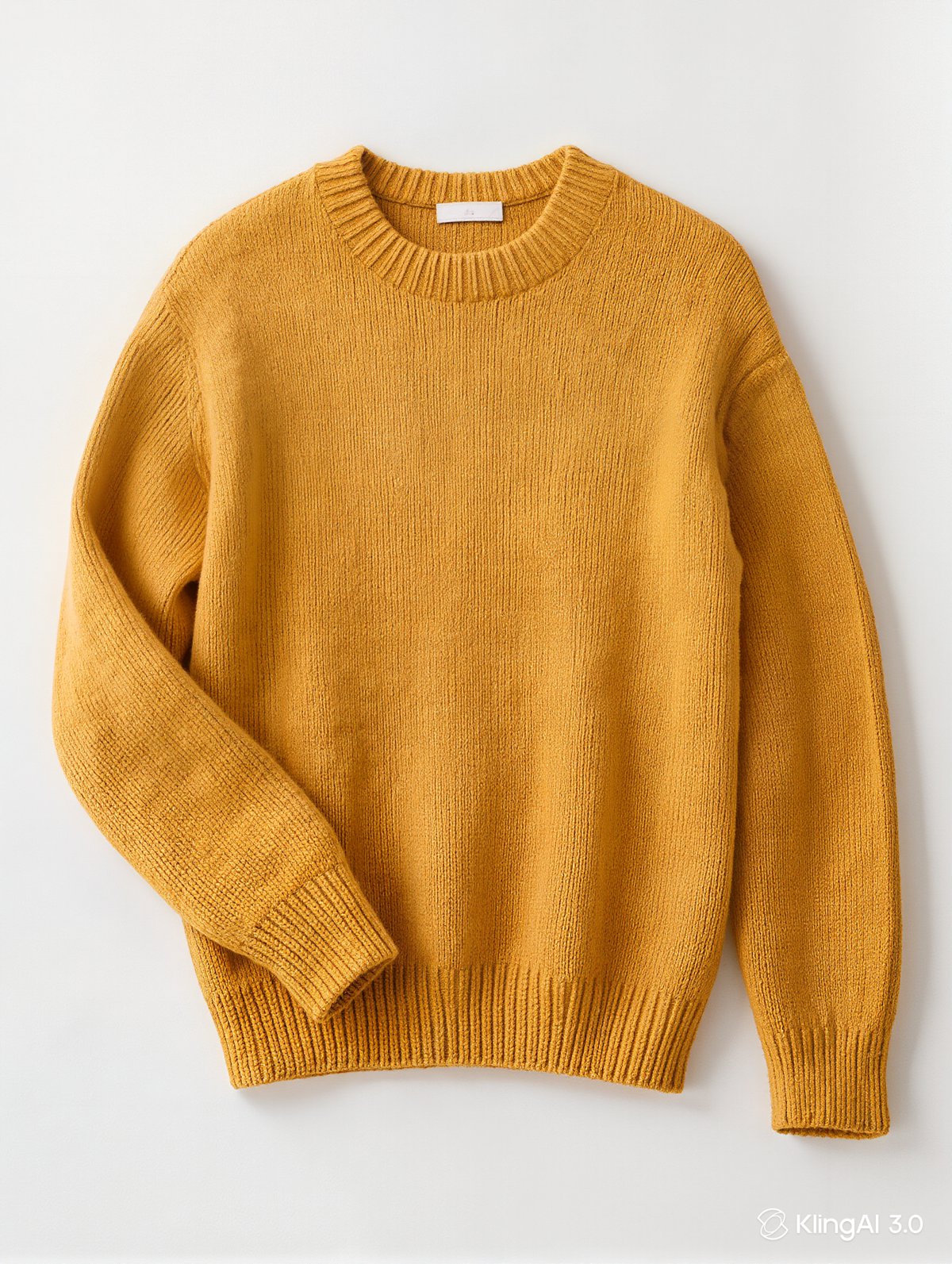
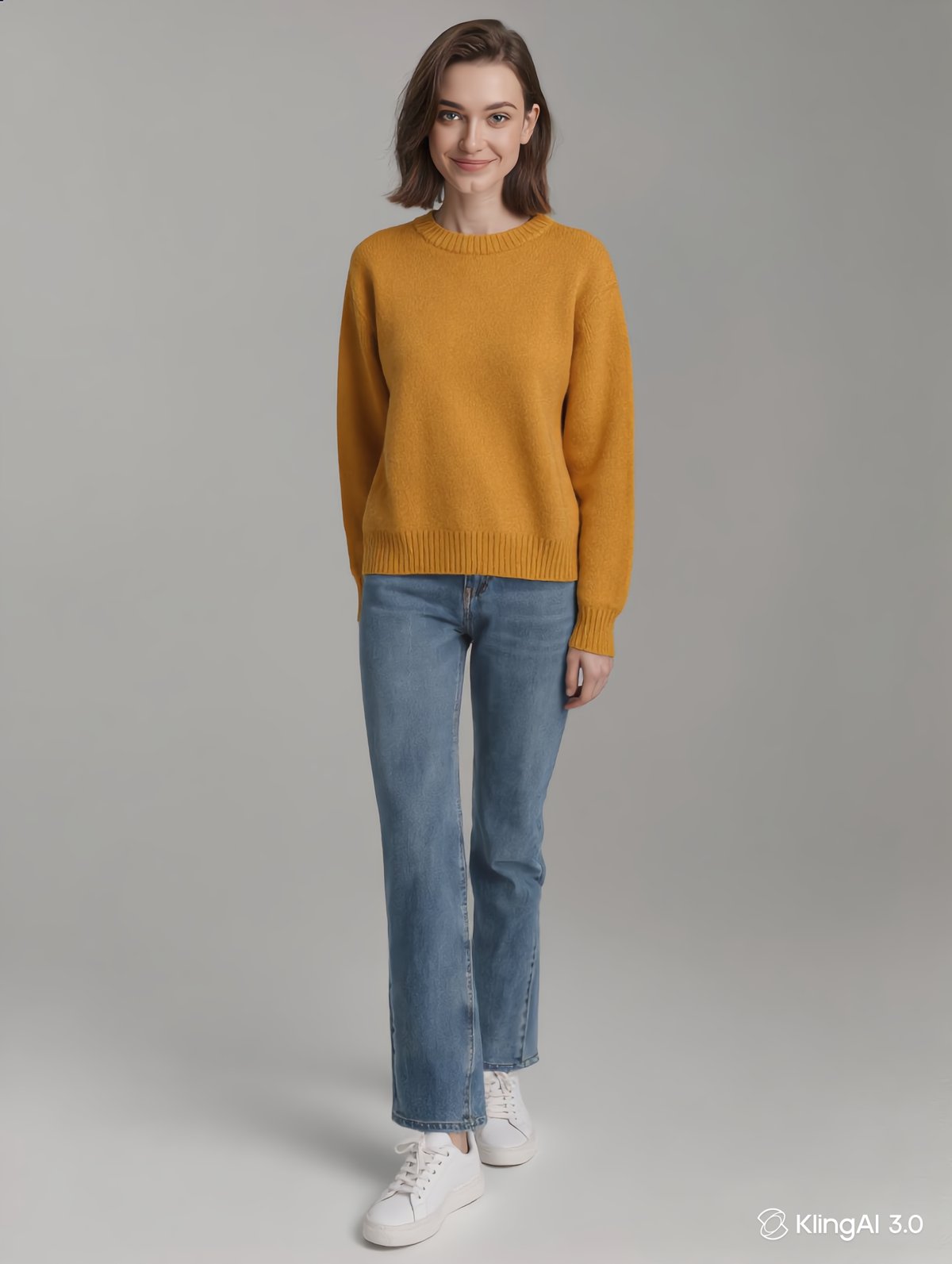
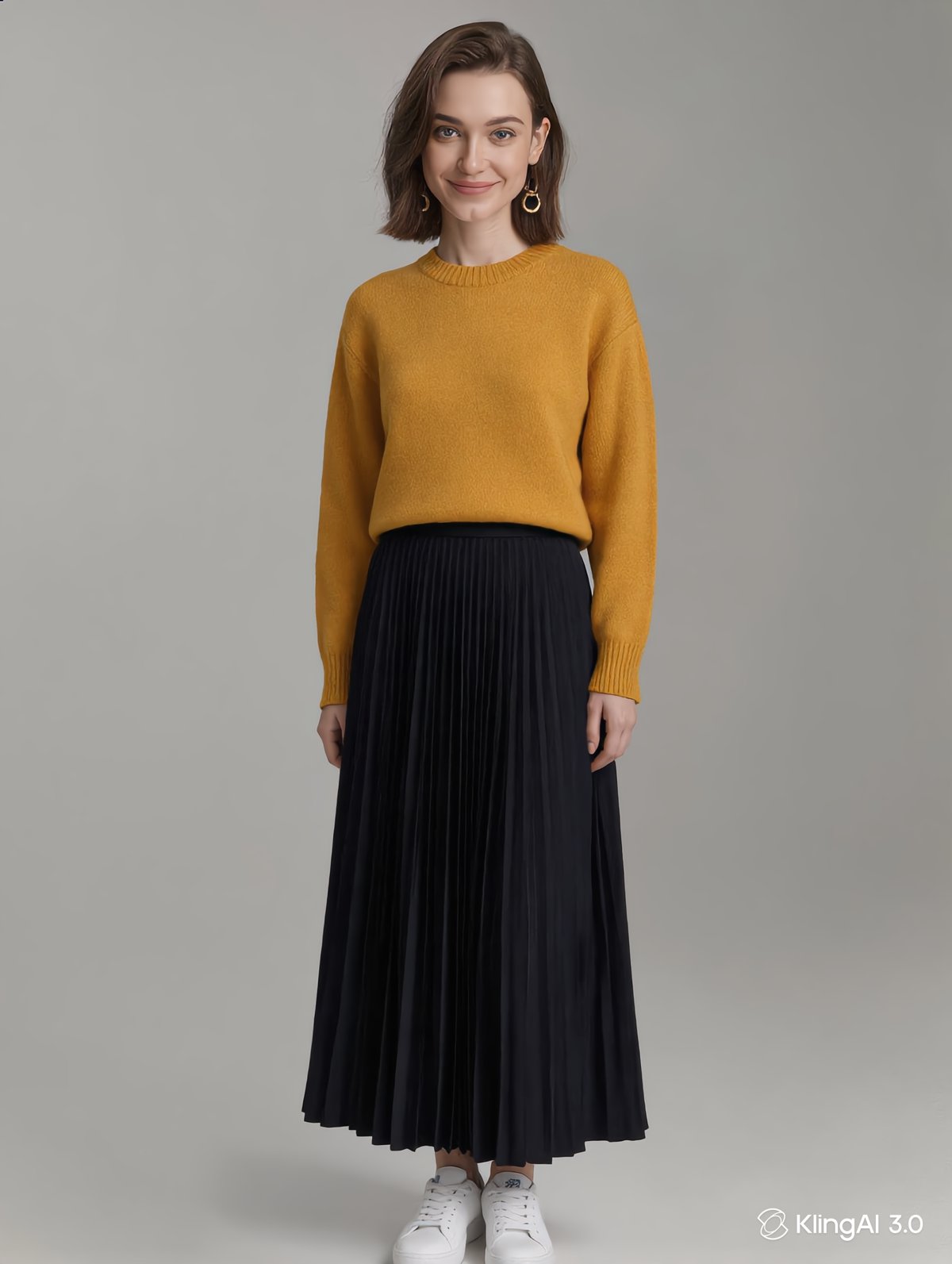
The whole method: a model photo and a garment photo go in as image references, and each generation styles them into a different complete look. All four images below are real — the two references, then two unedited looks from the same pair:
Step by step
Gather the references: one model photo, the garment photos
A lookbook is built from what you already have — one clear full-body model photo and a clean shot of each garment (flat-lay or on a plain background). These go in as image references, so the exact face and the exact pieces carry through every look.
Load them as Image References in Image Generation
The Image Reference slot takes up to ten images. Add the model photo and the garment photo(s) to the same generation — the model reads the person from one reference and the clothing from the others, exactly as in the demo above.
One styling direction per generation
Keep the references fixed and change only the styling line: “casual weekend with her jeans and sneakers”, “elevated evening with a long dark skirt”. Each direction is one generation — repeat until the series covers the drop.
Line the set up and check it reads as one person
Even with references, small drift can creep between generations — line the looks up side by side, confirm the face, build and garment read consistent, and regenerate any look that drifts before calling the drop done. A slow-turn clip per look in Image-to-Video is an optional final touch.
Even with the same model reference photo anchoring every look, each outfit is still an independent generation — small drifts in hair, lighting or facial detail can creep in between renders. Generate the full set, line the looks up side by side, and re-run any outfit where the model has drifted before publishing. Consistency is something you verify at the end, not something to assume.
A lookbook isn't one photo — it's a set. The real cost and the real risk both live in what happens when you multiply one look by ten.
What a real batch costs
This article shows one look per season. Here's what scaling that to an actual drop looks like:
| Step | Estimate | Notes |
|---|---|---|
| One seasonal look, still image | Low — a single image generation | 2K HD, one complete outfit + setting prompt |
| Animate one look into a lookbook clip | Check the cost shown on the Generate button | Multi-Shot and Native Audio off, motion-only |
| Total per season (one image + one animated look) | One image + one video generation | What this article's holiday and spring pair each took |
| A real drop of 8 looks (all stills, 2 animated) | 8 image + 2 video generations | Exact credits display before each run; current plan rates are on the membership page |
| Time, one look start to finished clip | 10–15 minutes | Generation queue time varies with demand |