AI photo colorizer
See the past in colour. AI adds natural, believable colour to a black-and-white photo — here's a real before/after, and how to keep it faithful and warm.
On this page
Start from a clear scan of the black-and-white photo, ask the AI to colorize it with natural, believable tones while keeping the picture unchanged, and guide any colours you actually remember. Keep it subtle and period-appropriate, and save both versions. The before/after here brings a grey vintage family scene to warm life — the colours are a plausible interpretation, not the true originals.
Grey past, warm colour
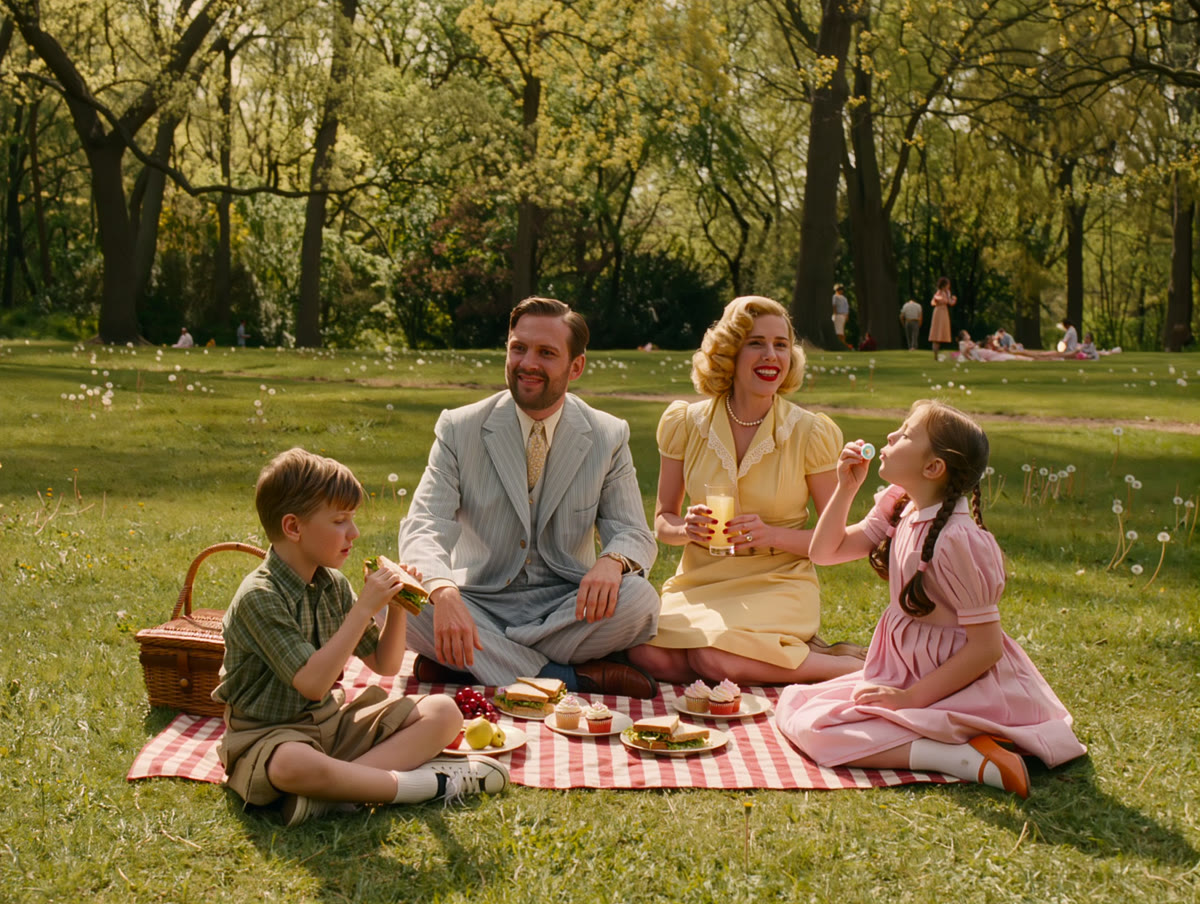
On the left, a black-and-white vintage family scene. On the right, the same photo colorized — both real, unedited, showing the before and after of an AI colorization:
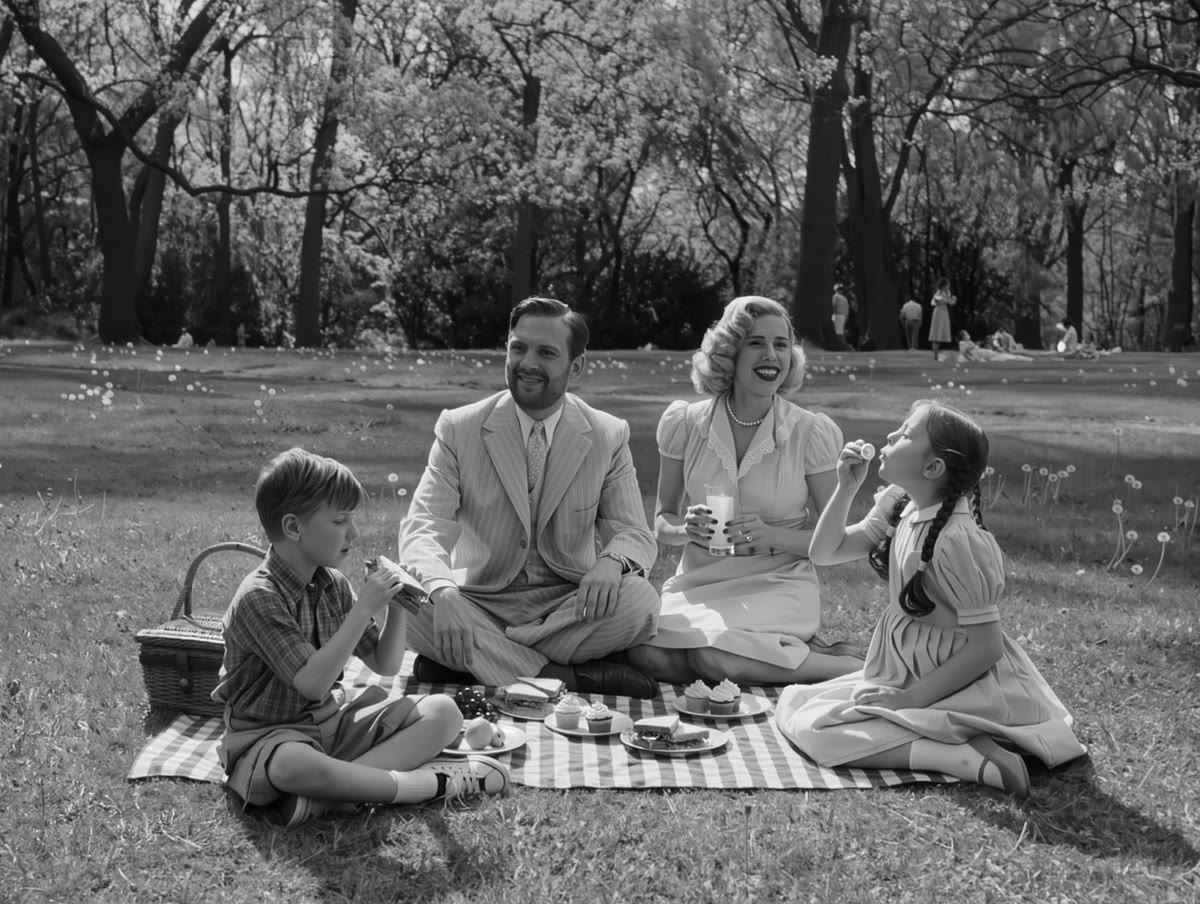
The same moment, brought to life. Natural skin tones, green grass and warm light make the scene feel present and real — while the original black-and-white stays the true record of the photo.
How to colorize a photo
Start from the black-and-white photo
Upload the old photo you want to bring to life. A clear scan — even a phone photo of a print — gives the AI the detail it needs to add believable colour. The better the source, the better the result.
Ask to colorize it naturally
Tell it to add natural, realistic colour while keeping the photo itself unchanged — ‘colorize this black-and-white photo with natural, believable tones’. The goal is colour that looks like it always belonged, not a filter.
Guide the colours you actually know
If you remember real details — a red dress, a green door, blue eyes — say so. The AI guesses plausible colours, so telling it the ones you know makes the result more faithful to how things really were.
Keep it believable and subtle
Ask for soft, period-appropriate tones rather than oversaturated colour. Gentle, natural hues make an old photo feel real and warm; garish colour makes it look obviously fake. Restraint is what sells it.
Save and share the memory
Keep both versions — the original black-and-white and the colorized one — and share the pair. Seeing a grandparent's photo in colour for the first time is the whole point; keeping the original honours what it actually is.
Colorizing here is ordinary AI image generation guided by your photo as a reference — no special colorizer feature — and it adds believable colour to a black-and-white photo without changing the picture itself. One honesty line: the colours are the AI's educated guess at plausible tones, not a record of the true original colours — so guide the ones you actually remember, keep it subtle and period-appropriate, and always keep the original black-and-white as the real document. It pairs beautifully with restoring scratches and even gently animating an old photo — together they turn a faded print into a living memory.