AI real estate video maker for listings
Turn a still listing photo into a slow, cinematic walkthrough. A real push-in demo on a room photo — plus the honest limits of what AI motion can and can't do for a listing.
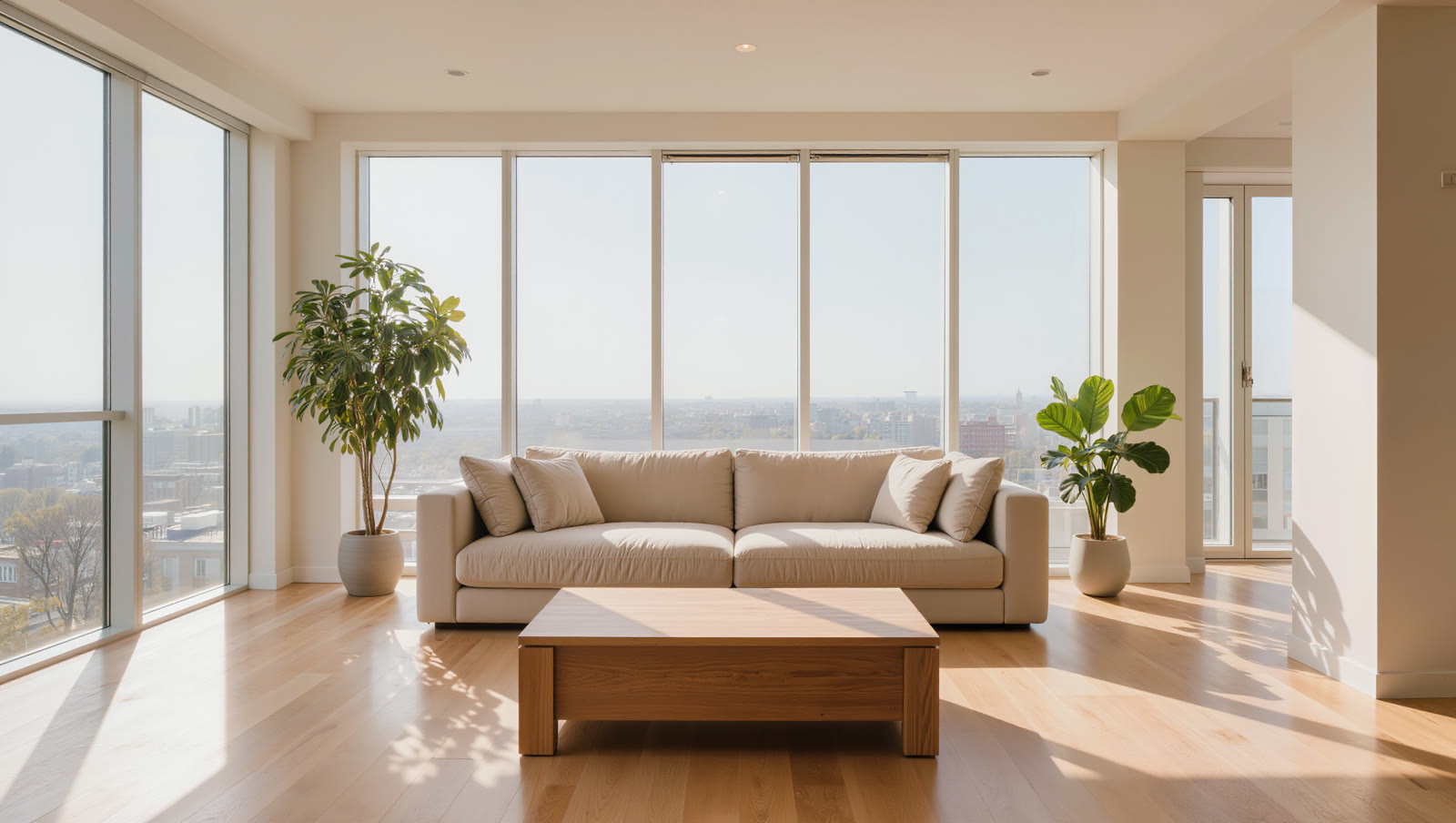
Upload a sharp, well-lit room photo, name one slow camera move — a gentle push-in — and Kling turns the still into a short walkthrough clip. Keep the motion subtle and the clip short so walls and furniture stay straight, then stitch a few rooms together for a full listing tour.
A real listing photo, animated
This is a single room photo with one slow push-in applied — no cuts, no cleanup. Watch how a static shot starts to feel like walking into the space:
The camera slowly pushes in through the living room, soft daylight shifting gently, smooth cinematic motion.
One still photo in, one short clip out. The room, furniture, and windows stay put — the only thing added is the sense of moving through the space.
How to turn a photo into a walkthrough
Start from a clean, well-lit room photo
Use a real listing photo — or an AI-staged shot — that's sharp and level. The clearer the still, the more believable the motion; a blurry or crooked photo animates into a blurry, crooked clip.
Name one slow camera move
A gentle push-in or a slow lateral pan reads as "walking through the space." Pick one and say it plainly ("camera slowly pushes in") — a single, calm move is what makes it feel like a tour, not a gimmick.
Keep the motion subtle and the clip short
Real estate needs the room to look calm and real. Short, slow clips keep straight edges straight and furniture intact; big, fast moves are exactly where AI video starts to warp walls and countertops.
Generate a few rooms and stitch them
One 3–5 second push-in per room, edited back to back in any free editor, becomes a full listing walkthrough — without a camera crew or a gimbal.
AI animates the frame you give it — it can't add a room, reveal what's off-camera, or fix a bad photo. For a real listing, the underlying photo has to be truthful, and the motion is polish, not a substitute for an accurate representation or a genuine walkthrough. Watch every finished clip before publishing: subtle, short moves keep straight lines straight, but push the motion too far and AI video will start to bend walls and warp furniture — which is exactly what a property listing can't have.