A talking-head video, without you on camera
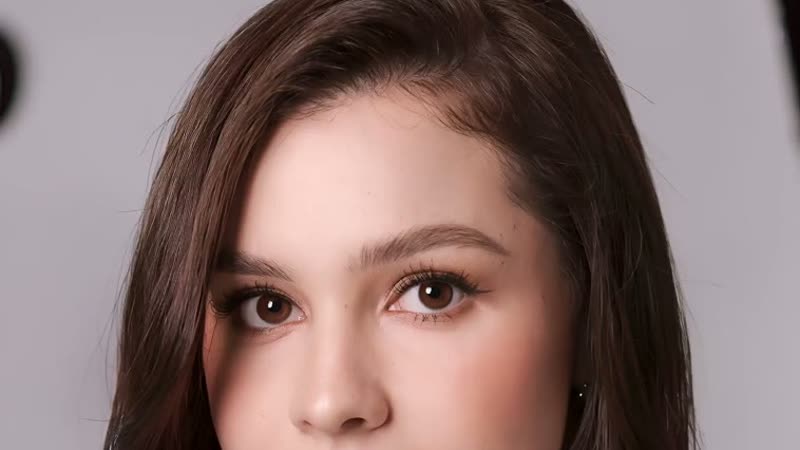
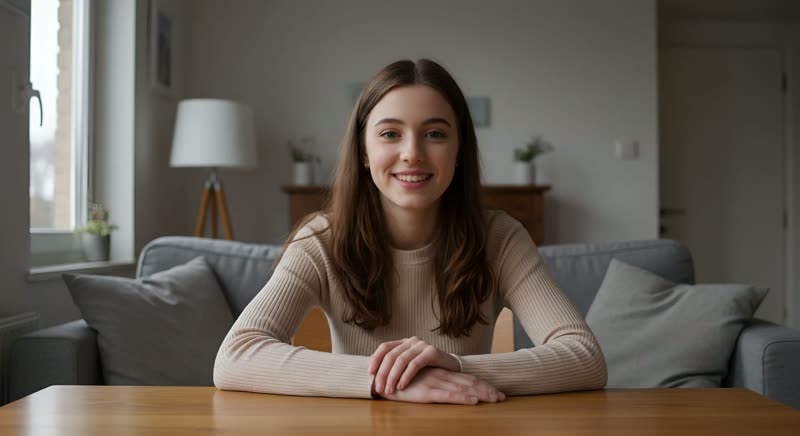
Generate a fully original presenter face — not your own photo — so you never appear on camera at all. For anonymous creators, privacy-conscious educators, or anyone who wants a human presenter without revealing their identity.
On this page
Open Kling's video generation, describe the presenter (or add a reference portrait as the start frame), put the words in quotation marks — she says, "your line" — and keep Native Audio on. The clip renders already talking, picture and voice in sync; nobody gets filmed.
How to build one
Describe the presenter — or upload a reference image
In Kling's video generation (VIDEO 3.0), either describe the presenter in words — as the real demo below does — or add a portrait as the start frame so a specific face fronts the clip. Use a generated face rather than a real person; nobody has to be filmed.
Put the words in quotation marks
The composer's own instruction: use quotation marks for speaking content — she says, "your line here." The quoted words become the actual speech, and the field supports multiple languages, dialects and accents, so you can specify the delivery.
Keep Native Audio on and generate
With Native Audio on, the voice renders with the picture — lips, delivery and sound arrive in sync in one output. No separate voice step, no dubbing pass: the clip below came out of the generator already talking.
Review the take before publishing
Listen back with sound on — confirm the line is spoken as written, the pacing feels natural and the expression holds for the whole clip, not just the first second. Regenerate with adjusted wording if the delivery is off.
The presenter's face is the one thing this workflow changes completely — everything else about making a talking-head video stays the same.
Filming vs. generating: three honest routes
Three honest options, not a sales pitch for any one of them:
| Approach | Anonymity | Estimate | Trade-off |
|---|---|---|---|
| Filming yourself | None — you're on camera | Free (just your time and equipment) | The real thing — full authenticity, but requires being visible and re-recording every take. |
| VIDEO 3.0 speaking generation (this page) | High — the presenter is described or referenced, not filmed | Cost shown on the Generate button | Voice and picture render together in one pass — fastest route for short spoken clips. |
| Avatar (Digital Human) tool | High — works from a portrait plus a script | Cost shown before you generate (same mechanism) | Built for longer scripts, with a preset voice library and your own audio upload — a separate tool for a different job. |
A real example
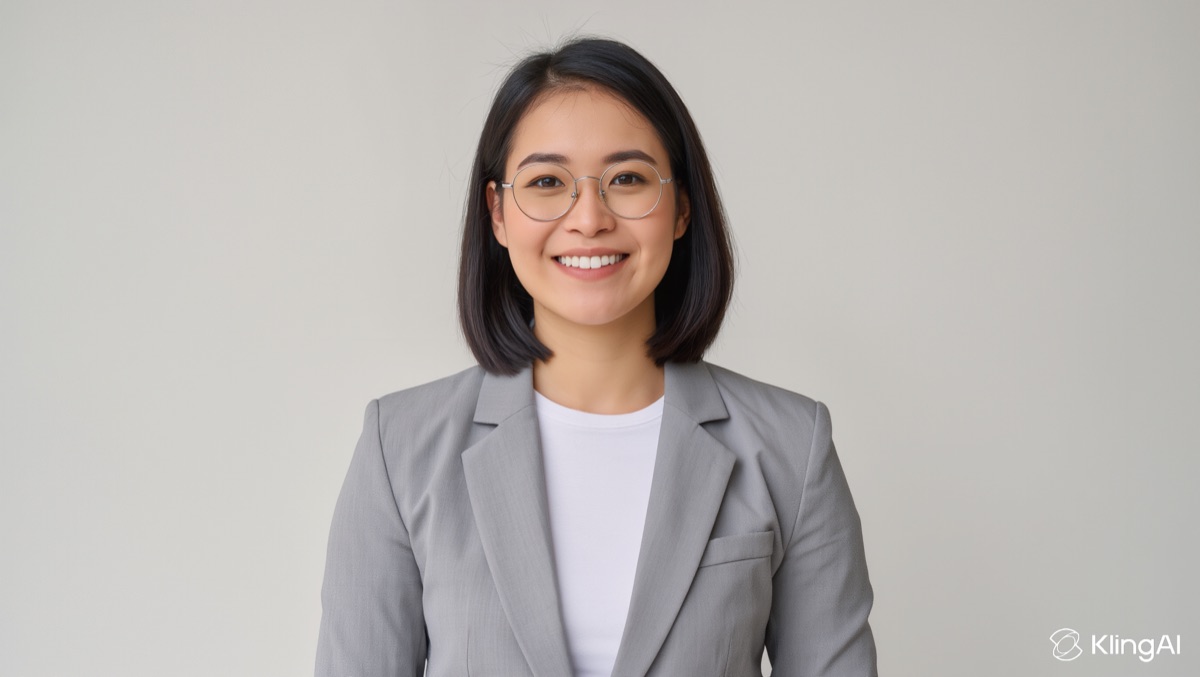
This presenter was never a real person and was never filmed — the whole clip, including the voice, is one VIDEO 3.0 generation from the prompt below. Play it with sound on:
A confident woman in a smart blazer sits facing the camera in a bright home office and says, "You can publish a talking video without ever filming yourself." She keeps steady eye contact with natural small hand gestures, camera locked off.
The quoted sentence became the spoken line, and the voice rendered with the picture in the same generation — no real person appears anywhere in this clip, and no separate voice step was involved.
Honest limits
A synthetic presenter is not a perfect substitute for real human presence — attentive viewers can often sense subtle unnaturalness in longer clips, and content that depends on deep personal trust or authenticity may not land the same way. Disclosing that a presenter is AI-generated is good practice, not a legal requirement in most contexts, but it costs little and keeps the relationship with your audience honest.